

Page 1

C-170/D-425
D. REPAIR PROCEDURE
[1] TROUBLESHOOTING GUIDE .................................................................................... D-2
POWER LOSS INOPERATIVE ................................................................................D-2
TAKING INOPERATIVE ...........................................................................................D-2
[2] CONFIRMATION AND UPDATING OF FIRMWARE.................................................... D-3
D-1 Ve r.1
Page 2
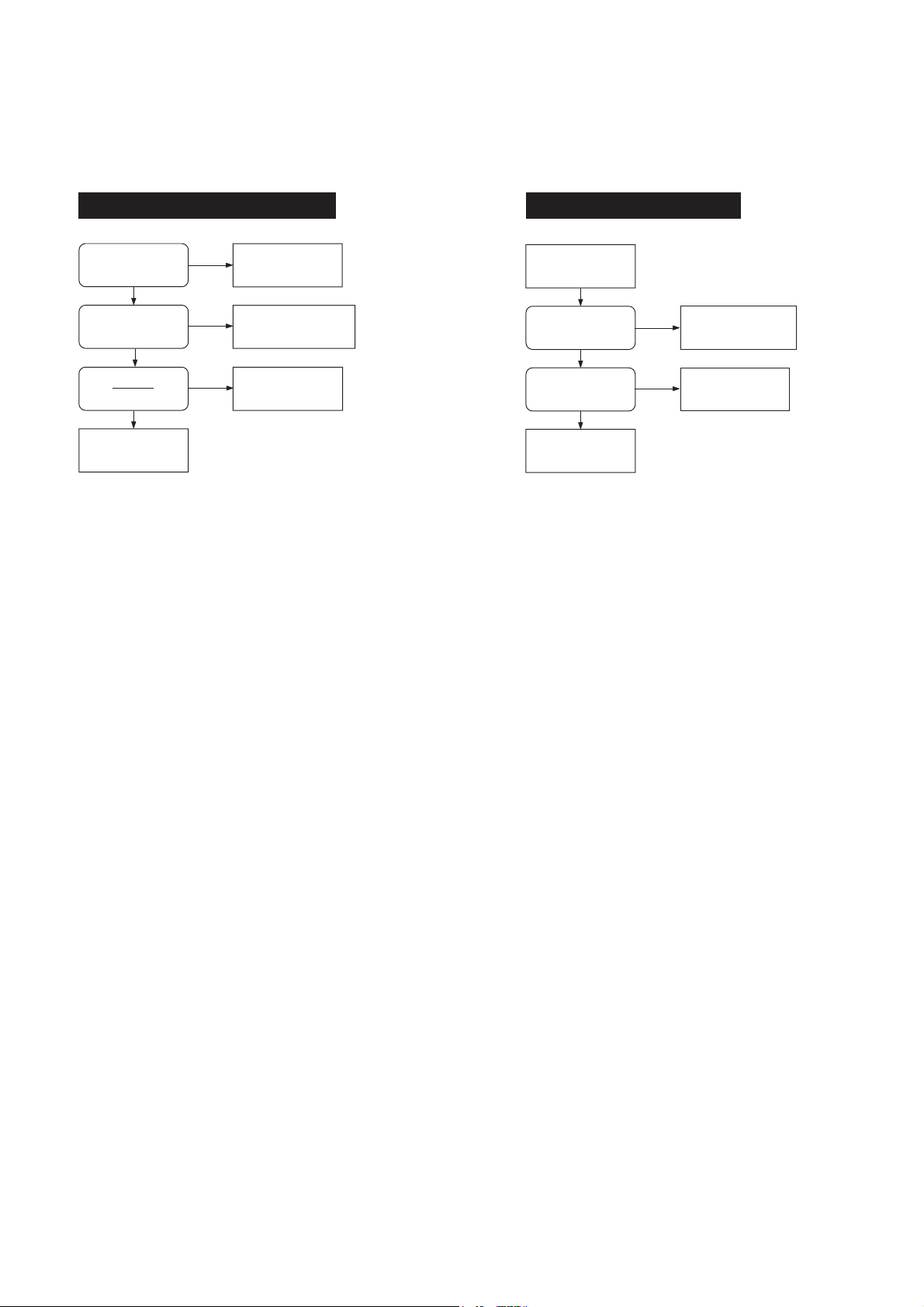
[1] TROUBLESHOOTING GUIDE
D. REPAIR PROCEDURE D-425(U)/C-170(E)
POWER LOSS INOPERATIVE
CN301-10 (CP1)
(AL 3.2 V)
HIGH
CL308 (CP1)
(SCAN IN 0)
PULSE INPUT
YES
CN302-5 (CP1)
(RESET)
HIGH
CHECK IC301 (CP1)
LOW
CHECK IC302 (CP1)
CHECK FPC (CP1-TB1),
NO
LOW
TB1 (POWER ON
SWITCH ONBOARD)
CHECK IC302, RB305
(CP1)
TAKING INOPERATIVE
PUSH SHUTTER
BUTTON
CN101-2, 3 (CP1)
(SCAN IN 3, 4)
YES
RB191-1 (CP1)
(ZTEST)
HIGH
CHECK IC101, IC301
(CP1)
NO
LOW
CHECK ST1 (include
SHUTTER SW),
RB309, RB310 (CP1)
CHECK IC301 (CP1)
D-2 Ver. 1
Page 3

D-425(U)/C-170(E)
D. REPAIR PROCEDURE
[2] CONFIRMA TION AND UPDATING OF FIRMWARE
How To Confirm firmware
1. Rename the binary data of the latest firmware with "firmware.bin".
Create a folder "Firmware" in the xD-Picture Card which was formatted on C-170 / D-425,
and save the binary data "firmware.bin" into the folder "Firmware".
2. Camera is operated byAC adapter. (Do not operate with battery .)
Insert the F/W card for C-170 / D-425 and turn the camera on at play mode.
3. Monitor shows F/W version and inquiry of F/W rewriting.
Please confirm at this time.
How To Update Firmware
1. Rename the binary data of the latest firmware with "firmware.bin".
Create a folder "Firmware" in the xD-Picture Card which was formatted on C-170 / D-425,
and save the binary data "firmware.bin" into the folder "Firmware".
2. Camera is operated by AC adapter.(Do not operate with battery.)
Insert the F/W card for C-170 / D-425 and turn the camera on at play mode.
3. Monitor shows F/W version and inquiry of F/W rewriting.
Then select "YES" (Character is changed green) and press "OK", rewriting of F/W is started
automatically.
4. During the rewriting it is showed "EXCHANGING" on monitor.
It will take about 2 minutes but please do not operate any key and turn off power.
It might have damaged camera body and F/W.
5. When the rewriting is done, monitor is showed as same as procedure 3.
Then confirm new version of F/W and turn off power after selecting "NO".
(The discrimination of countermeasure is not showed due to confirm easily .)
D-3
Ver. 1
 Loading...