

Page 1
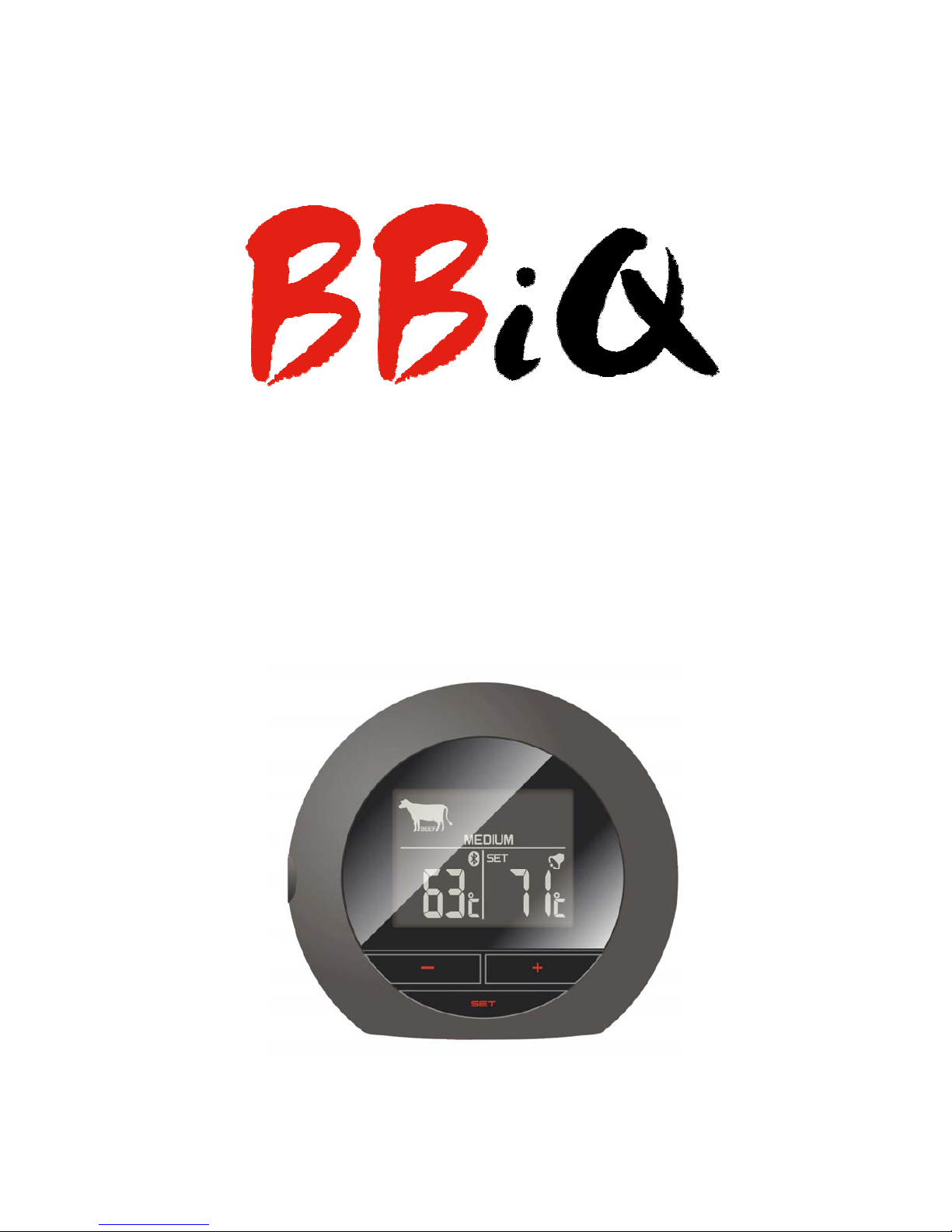
BT BBiQ device User manual 1.2
BBiQ 13.08.2013
USER MANUAL
Page 2

BT BBiQ device User manual 1.2
BBiQ 13.08.2013
Getting started
In the Box:
- BBiQ Bluetooth device
- Temperature probe
- 2/pcs of AAA batteries
- USER Manual
BBiQ is a new wireless cooking thermometer for your Smartphone. With a
build in Bluetooth low energy chipset, which transform your phone into a real
time wireless cooking device.
Simply download the free BBiQ app from APP STORE or GOOGLE PLAY to
start your cooking experience. BBiQ also works as stand alone cooking
thermometer.
BBiQ instruction
Page 3
BT BBiQ device User manual 1.2
BBiQ 13.08.2013
1. Batteries:
Remove the small plastic strip from the batteries.
NOTE: A long beep from the BBiQ device will indicate that the batteries
are correctly inserted.
2. Temperature Probe
Plug the temperature probe into the jack on the left side of the BBiQ device.
The LCD display will turn on and the Bluetooth search will be displayed.
3. Connecting
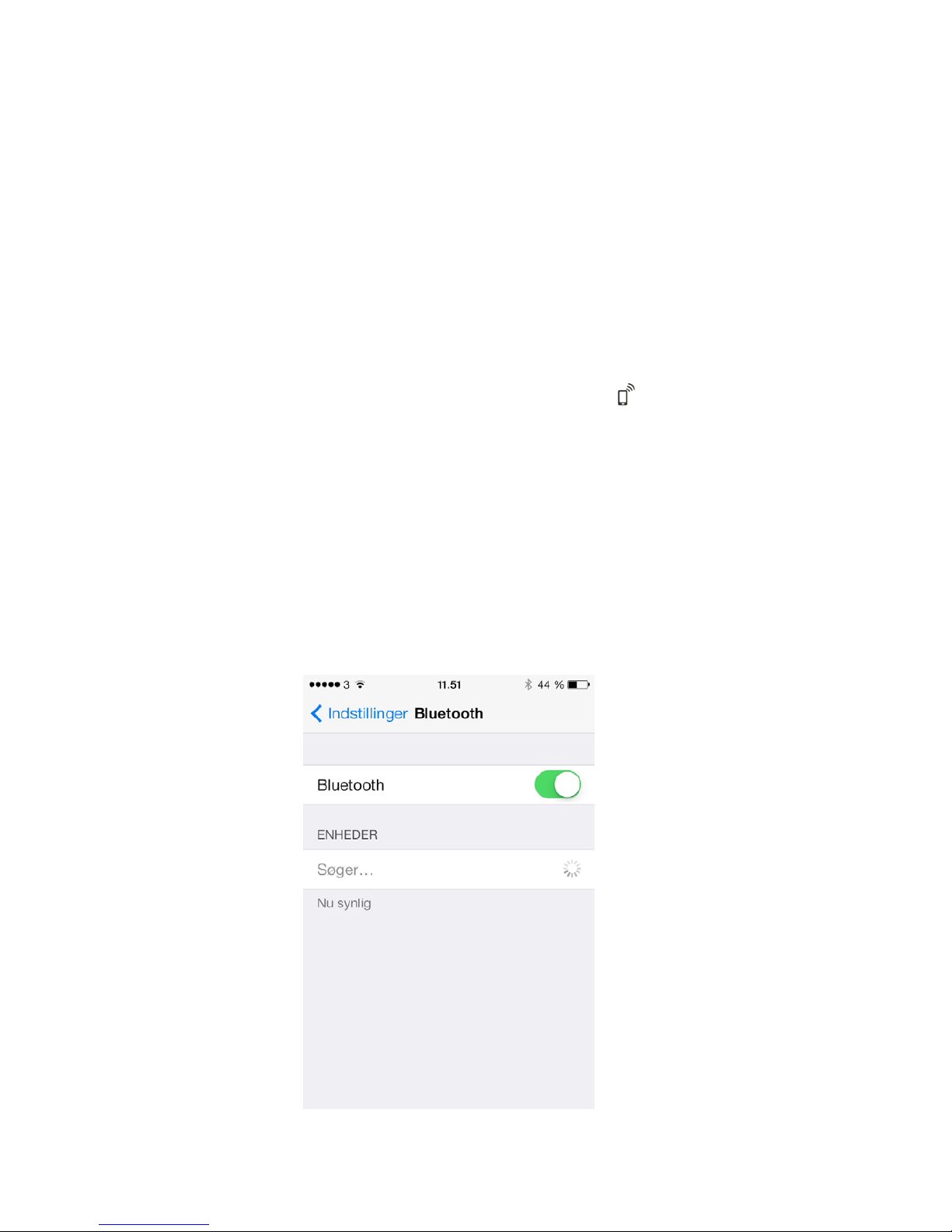
Turn on the Bluetooth on your Smartphone in the settings.
4. Connect BBiQ to App
1.
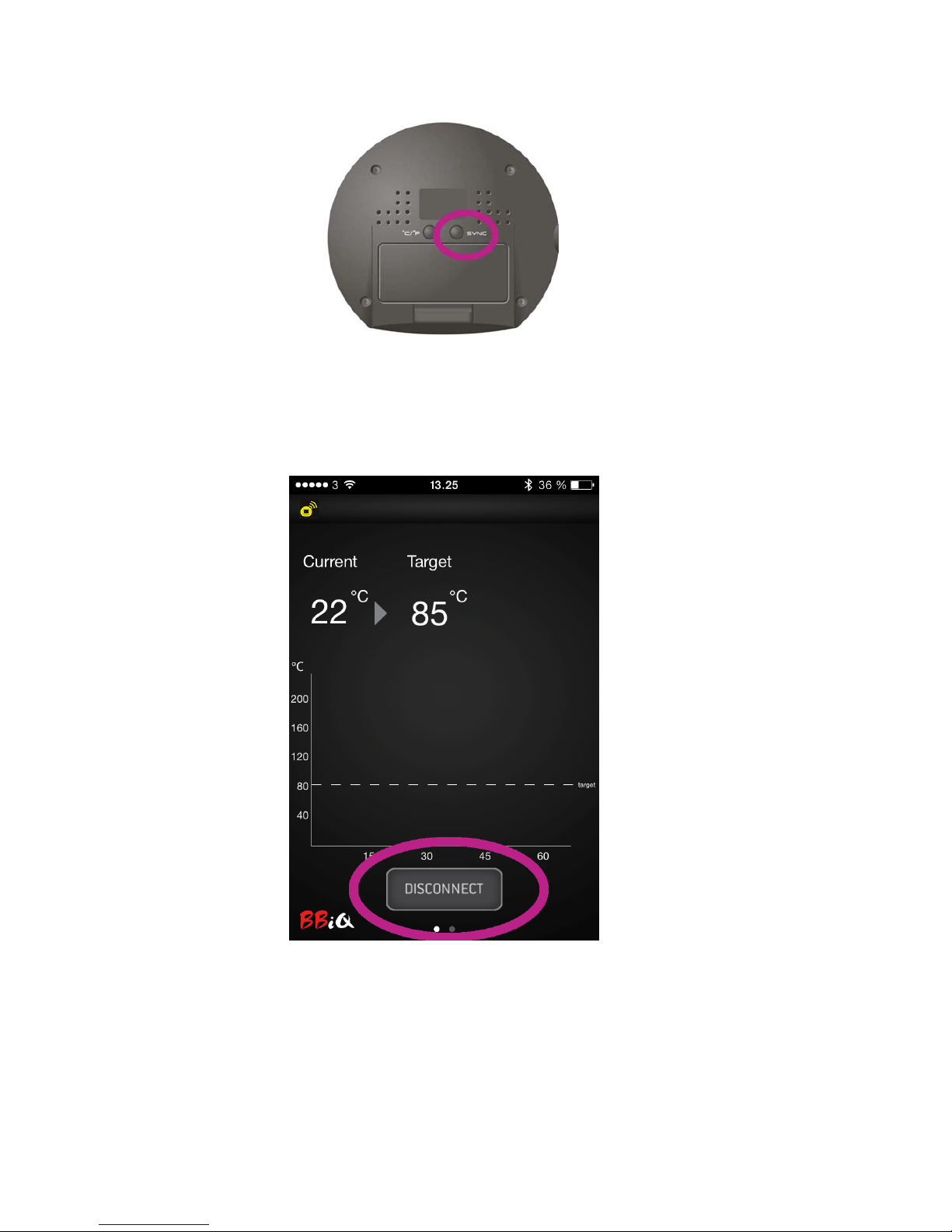
Hold the “SYNC” button down for 2 sec.
Page 4
BT BBiQ device User manual 1.2
BBiQ 13.08.2013
(backside of the device) to start searching for phone.
2.
Press “Connect” on the BBiQ App to pair the units. If the units are paired
correctly the yellow Bluetooth Icon will show in the left top corner.
5. Start using BBiQ device
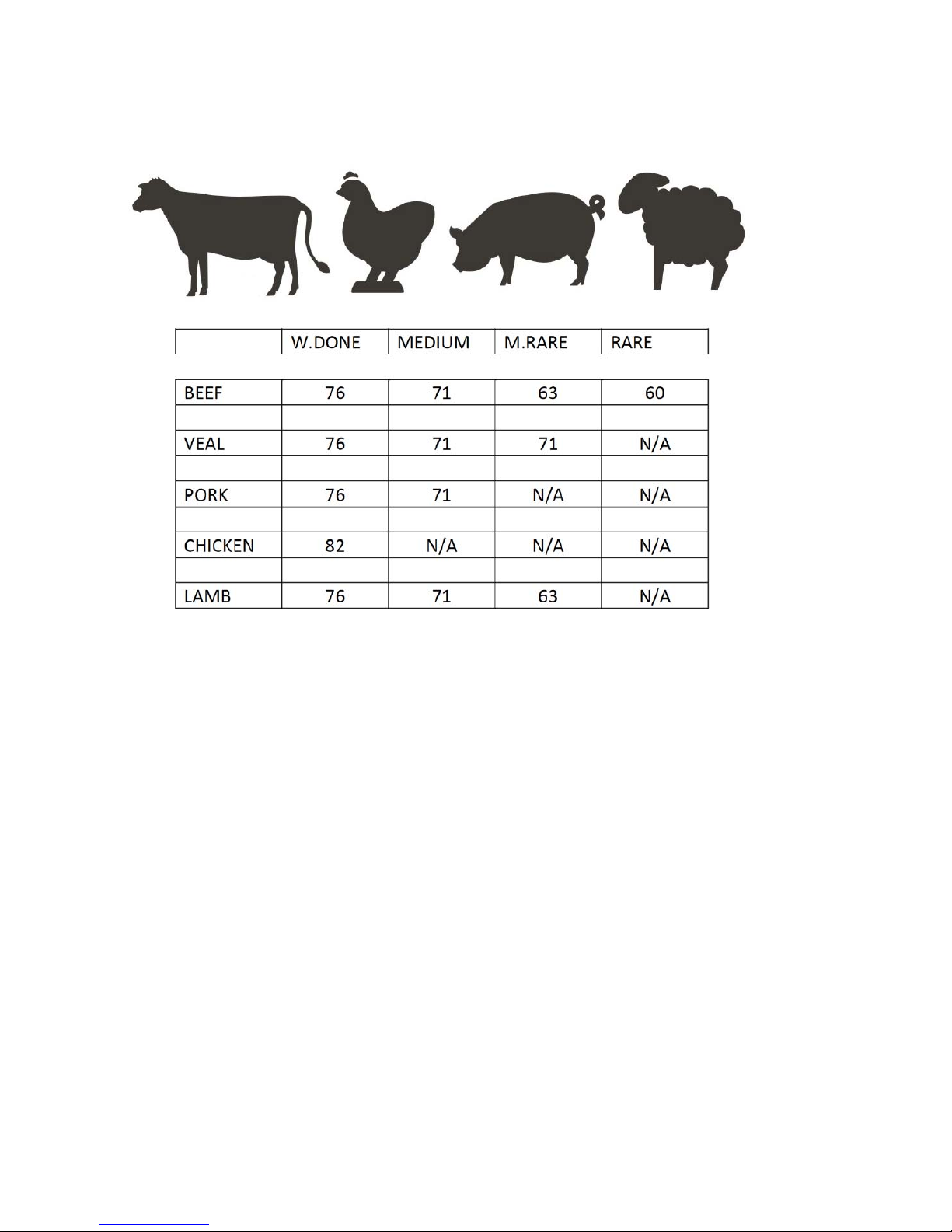
We have programmed a cooking table so it is easy to setup
and start your cooking. You can choose following meat types or set it
manually:
Page 5
BT BBiQ device User manual 1.2
BBiQ 13.08.2013
Veal / Beef Chicken PORK LAMB
1. Hold the “SET” Button down for 3 sec, until you see the Meat Icon flashing.
2. Choose one of the 5 meat types by using the +/- buttons and press the
“SET” button to confirm.
3. Choose how you want the meat cooked - Well done, Medium, Medium rare
or Rare by using the +/- buttons. Press the “SET” Button to confirm.
4. Now the target temperature is flashing and you are able to set the
temperature manually if you want to change the temperature or just
confirm by pressing “SET” button.
You are now ready to put the temperature probe into your meat and
start cooking.
Page 6

BT BBiQ device User manual 1.2
BBiQ 13.08.2013
5. When the desired temperature is reached the alarm will start.
To stop the alarm press the”DISCONNECT” button or remove the
probe from the BBiQ device.
NOTE: Remember to insert the probe into the thickest part of the meat.
Be sure to route the probe wire where it will not be directly exposed to flames
or temperatures exceeding more than 380
˚C / 716˚F
6. Graph tool
The Graph illustrates the temperature progression over time.
Page 7
BT BBiQ device User manual 1.2
BBiQ 13.08.2013
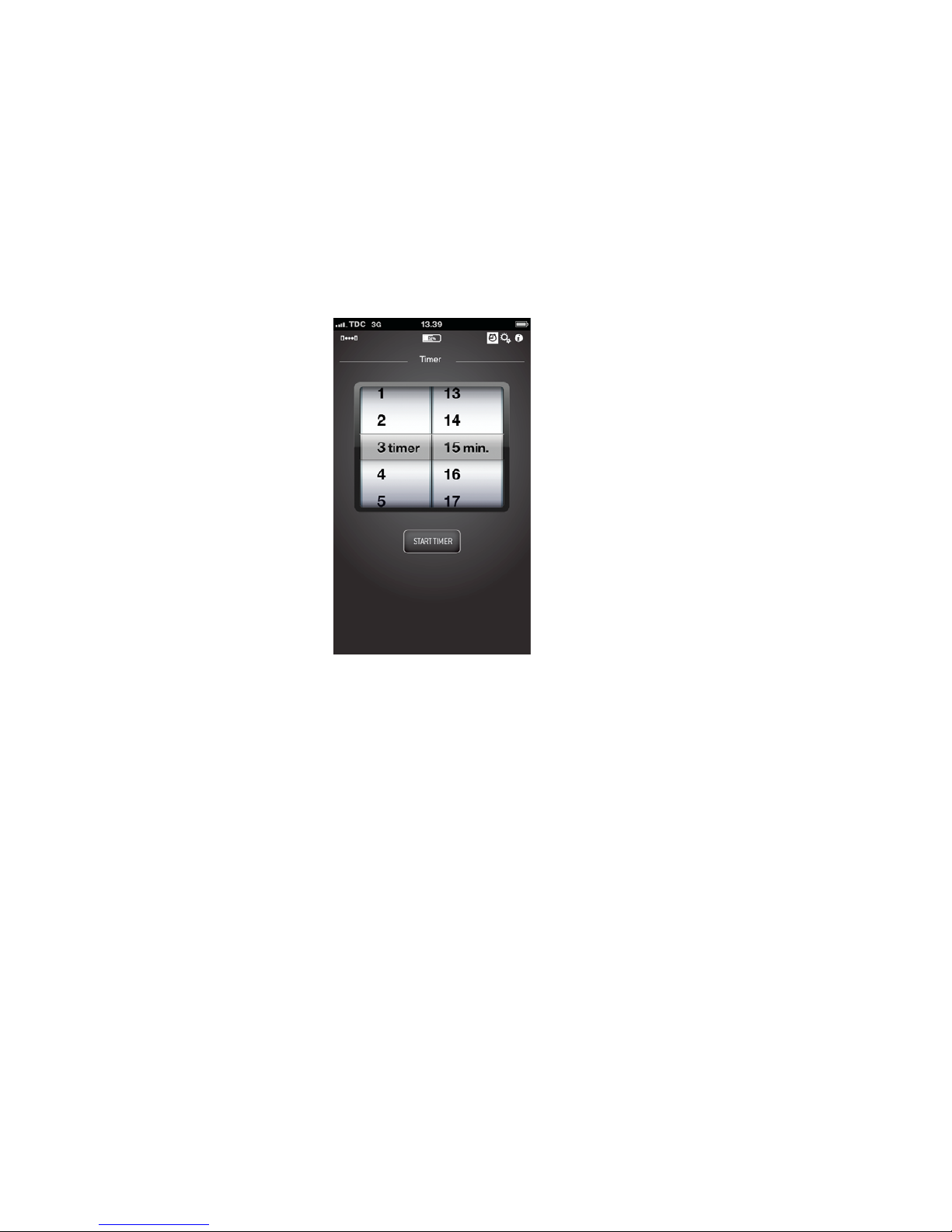
7. APP timer function.
We have added a simple timer function
1. Set the alarm
2. Press The “START TIMER”
The timer will start to count down and give you an alarm / notification
when the time is up.
1
To save batteries for the BBiQ device Please remove the temperature
probe after use, this will turn off the device.
Page 8

BT BBiQ device User manual 1.2
BBiQ 13.08.2013
8. Specifications:
- 30 meter wireless transmission range in open area.
- Temperature from 0 to 240 degree Celsius.
- Alarm for desired temperature.
- Temperature bar graph for temperature progress.
- App Timer
- Max heat resistant for the wire 380 degree Celsius.
- Batteries 2 x AAA.
If at any time in the future you need to dispose of this product please note
that: Waste electrical products should not be disposed together with
household waste. Please recycle where facilities exist. Check with your local
Authority or retailer for recycling advice (Waste Electrical and Electronic
Equipment directive)
CE tested to comply with CE standards
NSH Nordic A/S
Virkefeltet 4
8740 Braedstrup
Denmark
www.ventusdesign.com
 Loading...