

Page 1
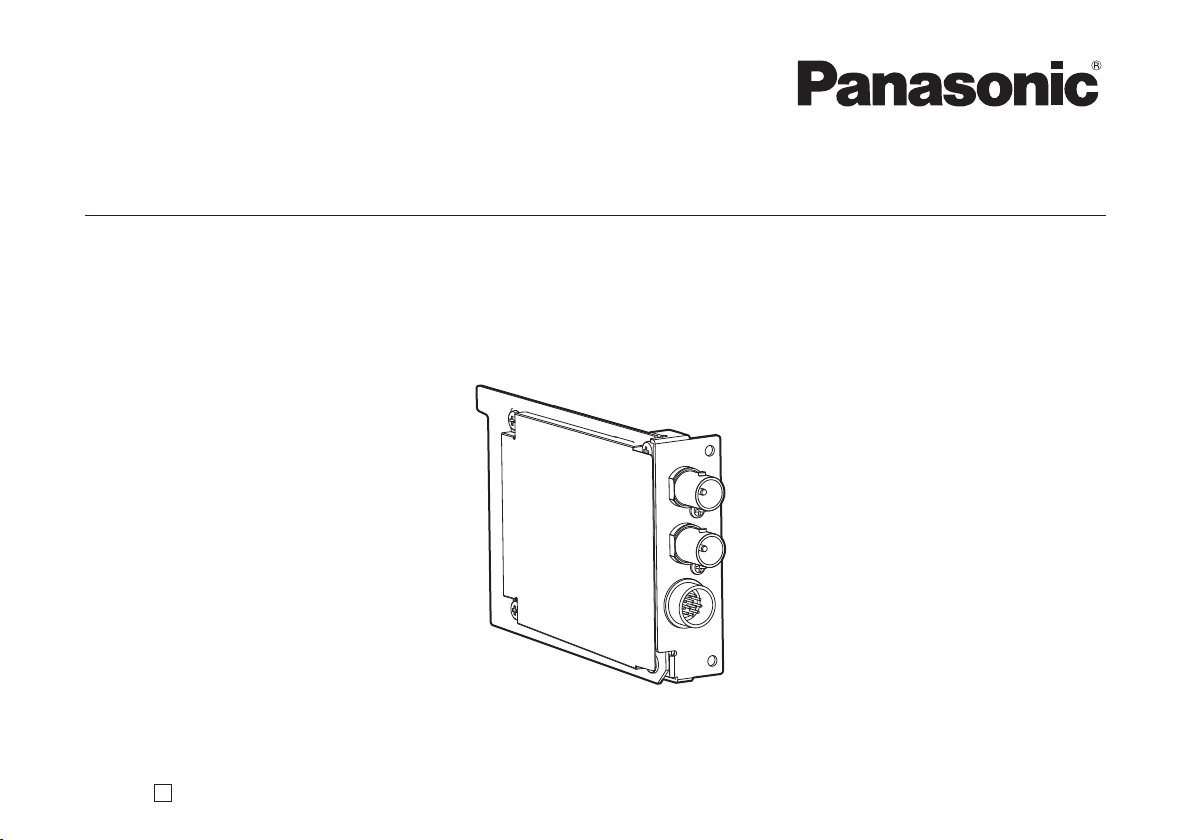
Operating Instructions
Model No. AW-HHD870N
Before operating this product, please read the instructions carefully and save this manual for future use.
SDI Card
F0109S0
D
VQTB0353
Page 2
- 2 -
Safety precautions
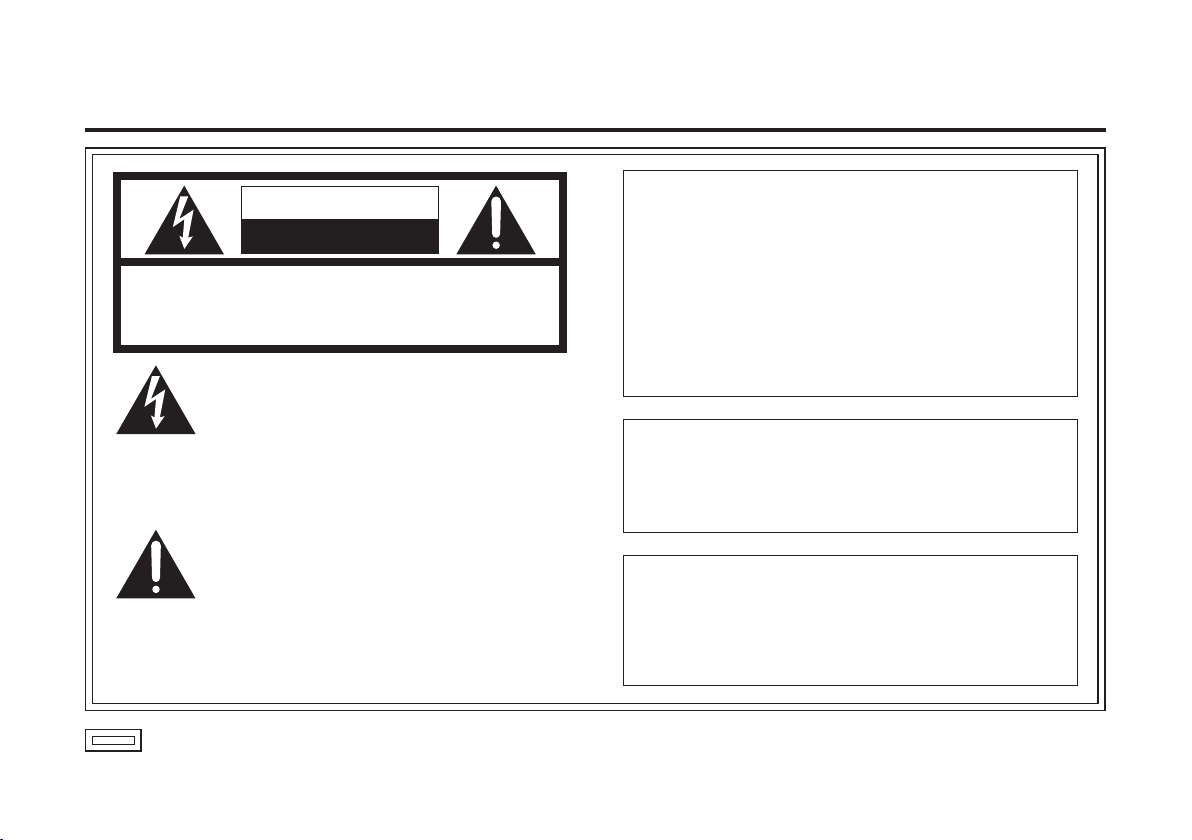
CAUTION
RISK OF ELECTRIC SHOCK
DO NOT OPEN
CAUTION: TO REDUCE THE RISK OF ELECTRIC SHOCK,
REFER TO SERVICING TO QUALIFIED SERVICE PERSONNEL.
DO NOT REMOVE COVER (OR BACK).
NO USER SERVICEABLE PARTS INSIDE.
The lightning flash with arrowhead symbol,
within an equilateral triangle, is intended to
alert the user to the presence of uninsulated
“dangerous voltage” within the product’s
enclosure that may be of sufficient magnitude
to constitute a risk of electric shock to
persons.
The exclamation point within an equilateral
triangle is intended to alert the user to the
presence of important operating and
maintenance (service) instructions in the
literature accompanying the appliance.
indicates safety information.
WARNING:
• TO REDUCE THE RISK OF FIRE OR ELECTRIC
SHOCK, DO NOT EXPOSE THIS APPARATUS TO
RAIN OR MOISTURE.
•
THE APPARATUS SHALL NOT BE EXPOSED TO
DRIPPING OR SPLASHING AND THAT NO
OBJECTS FILLED WITH LIQUIDS, SUCH AS
VA SES, SHAL L BE PL ACE D ON THE
APPARATUS.
CAUTION:
TO REDUCE THE RISK OF FIRE OR SHOCK
HAZARD AND ANNOYING INTERFERENCE, USE
THE RECOMMENDED ACCESSORIES ONLY.
CAUTION:
TO REDUCE THE RISK OF FIRE OR SHOCK
HAZARD, REFER CHANGES OF SWITCH
SETTINGS INSIDE THE UNIT TO QUALIFIED
SERVICE PERSONNEL.
Page 3
FCC Note:
This equipment has been tested and found to comply
with the limits for a class A digital device, pursuant to
Part 15 of the FCC Rules. These limits are designed
to provide reasonable protection against harmful
interference when the equipment is operated in a
commercial environment. This equipment generates,
uses, and can radiate radio frequency energy, and if
not installed and used in accordance with the
instruction manual, may cause harmful interference
to radio communications. Operation of this equipment
in a residential area is likely to cause harmful
interference in which case the user will be required to
correct the interference at his own expense.
Warning:
To assure continued FCC emission limit compliance,
the user must use only shielded interface cables when
connecting to external units. Also, any unauthorized
changes or modifications to this equipment could void
the user’s authority to operate it.
indicates safety information.
For CANADA
This Class A digital apparatus complies with Canadian
ICES-003.
Cet appareil numérique de la class A est conforme à
la norme NMB-003 du Canada.
- 3 -
Page 4
- 4 -
IMPORTANT SAFETY INSTRUCTIONS
Read these operating instructions carefully before using the unit. Follow the safety instructions on the unit and the
applicable safety instructions listed below. Keep these operating instructions handy for future reference.
1) Read these instructions.
2) Keep these instructions.
3) Heed all warnings.
4) Follow all instructions.
5) Do not use this apparatus near water.
6) Clean only with dry cloth.
7) Do not block any ventilation openings. Install in
accordance with the manufacturer’s instructions.
8)
Do not install near any heat sources such
as radiators, heat registers, stoves, or other
apparatus (including amplifiers) that produce heat.
9)
Do not defeat the safety purpose of the polarized
or grounding-type plug. A polarized plug has two
blades with one wider than the other. A groundingtype plug has two blades and a third grounding
prong. The wide blade or the third prong are
provided for your safety. If the provided plug does
not fit into your outlet, consult an electrician for
replacement of the obsolete outlet.
indicates safety information.
10)
Protect the power cord form being walked on or
pinched particularly at plugs, convenience
receptacles, and the point where they exit from
the apparatus.
11)
Only use attachments/accessories specified by
the manufacturer.
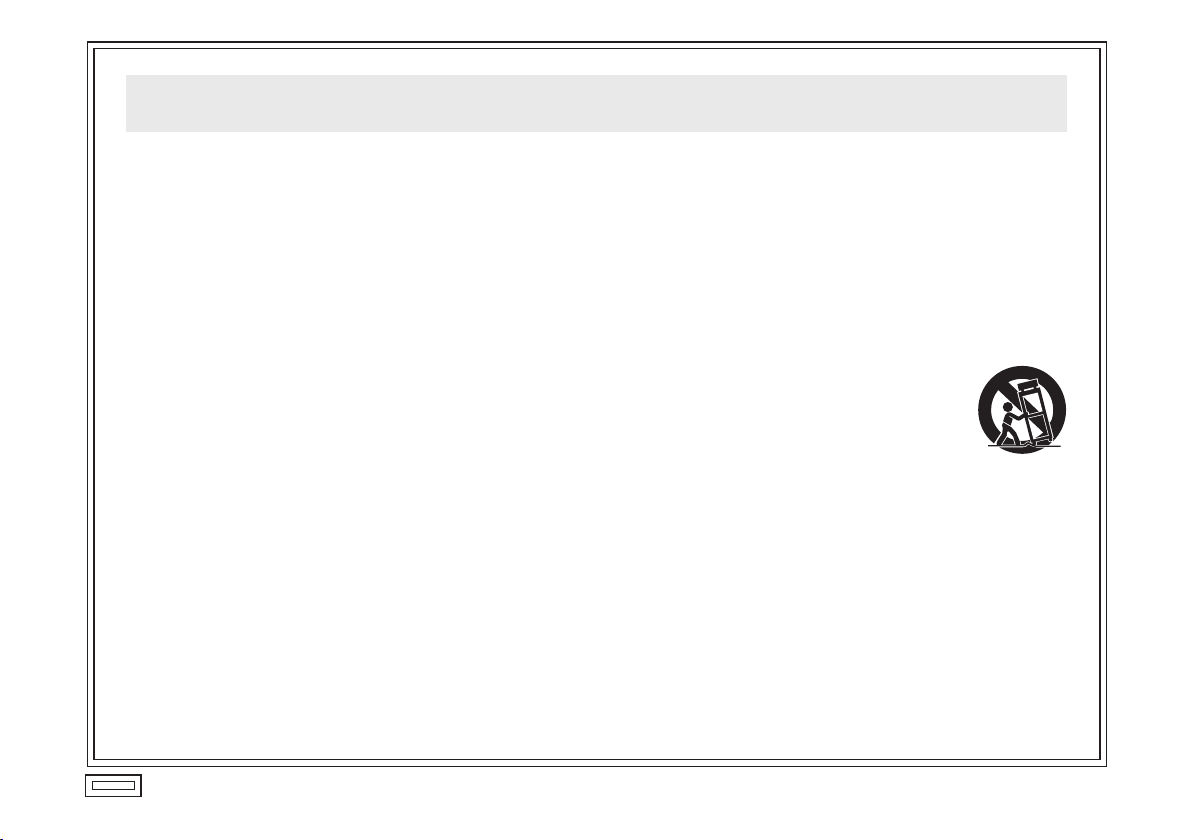
12
) Use only with the cart, stand, tripod,
bracket, or table specified by the
manufacturer, or sold with the
apparatus. When a cart is used, use
caution when moving the
cart/apparatus combination to avoid
injury from tip-over.
13)
Unplug this apparatus during lightning storms or
when unused for long periods of time.
14
) Refer all servicing to qualified service personnel.
Servicing is required when the apparatus has
been damaged in any way, such as power-supply
cord or plug is damaged, liquid has been spilled or
objects have fallen into the apparatus, the
apparatus has been exposed to rain or moisture,
does not operate normally, or has been dropped.
Page 5
Contents
Preface ............................................................................... 5
Standard accessories ......................................................... 5
Warning/caution for safety .................................................. 6
Precautions ......................................................................... 7
Major operating controls and their functions ....................... 8
Preface
This product is an option card which can be installed in
the option slot of the AW-HE870 HD convertible camera.
It is made f
equipped with two BNC output jacks (dual channel).
W-HE870 settings can be used to switch between
A
HD-SDI and SD-SDI output.
or HD-SDI/SD-SDI signal output and is
Standard accessories
Screw (6 mm long) ............... 2 pcs
Screw (Black, 8 mm long) ..... 4
pcs
Mounting ............................................................................. 9
Connection ....................................................................... 11
Appearance ...................................................................... 1
Specifications
Zoom f
control function possible from a AW-CB400 (or similar)
remote operation panel.
................................................................... 13
ocus control of lenses equipped with a remote
Caution
- 5 -
W-HHD870 can be installed only to the
The A
AW-HE870.
2
Page 6

- 6 -
Warning/Caution for safety
WARNING
Refer all servicing to qualified personnel
To reduce the risk of electric shock, don’t remove cover
or back, unless you are a qualified personnel. Refer all
mountings, connections, servicing to qualified service
personnel.
No water or moisture inside
Do not let w
to moisture, to prevent a fire and electric shock.
ou see smoke or smell an odor from the product, if
If y
water or other foreign matter gets inside, if it is damaged
by dropping, or if you find anything wrong with it,
immediately stop using it.
Do not disassemb
a fire and electric shock.
ater or moisture into the product, or expose it
le or modify the product to prevent
CAUTION
Do not drop the product, do not expose it to strong shock,
or do not step on it, to prevent a fire and injuries.
Do not install the product at a place full of moisture and
dust, which ma
y cause a fire and electric shock.
Page 7

Precautions
Power off before connecting or disconnecting cables
Before plugging or unplugging the cables, be sure to
switch power off.
Handle carefull
Do not drop the product, or subject it to strong shock or
vibration. This is important to prevent trouble.
A
void humidity and dust.
Avoid using the product at a humid, dusty place because
much humidity and dust will cause damage to the parts
inside.
.
y
Operating temperature range
Avoid using the product at a cold place below 14 °F
(–10 °C) or at a hot place above 113 °F (+45 °C) because
extremely low or high temperature will adversely affect
the parts inside.
Caution
When the SDI card is to be discarded at the end of its
vice life, ask a specialized contractor to dispose of
ser
it properly in order to protect the environment.
- 7 -
Page 8

- 8 -
Major operating controls and their functions
ZOOM/FOCUS connector
This is the standard input connector for the lenses
equipped with a remote control function for zoom focus.
When using a Panasonic pan-tilt head (such as the
AW-
PH360, AW-PH400, AW-PH405 or AW-PH650), use
the LENS I/F connector on the pan-tilt head instead of
this connector.
SDI output connector [SDI OUT1, 2]
Serial digital component signal can be output.
Page 9

Mounting
Caution
Be sure to ask your store, where you purchased the
product, for mounting.
Disconnect the camer
mounting.
Bef
ore handling the card, touch a metal part of the
camera to discharge the static from the human body.
An anti-static wrist strap is recommended for added
safety.
If you touch the card while you are still charged with
static, it may cause trouble.
K
eep the metal parts of the card free of contact with
other metal parts.
a power connector before
1 Switch the camera off, and disconnect the power
connector and other cables from the camera.
2
Loosen the f
remove the rear panel.
3
Loosen the tw
remove the cover.
4
Inser
the camera and the tab above. Insert it securely all the
way.
5
Tighten the tw
If you have lost the screws, use the screws (6 mm long)
supplied as accessories.
6
asten the rear panel with the four screws.
F
If you have lost the screws, use the screws (Black, 8 mm
long) supplied as accessories.
7
Plug the cab
connector, then switch power on.
our screws on the rear of the camera and
o screws for the option card slot and
t the SDI card along the guide rail at the bottom of
o card setscrews securely.
les back as necessary, connect the power
- 9 -
Page 10

- 10 -
Option card slot
cover
Rear panel
Card setscrews
(6 mm)
Rear panel
setscrews
(8 mm)
SDI card
Page 11

Connection
Before cable connection, switch power off.
Use the AC adapter A
For details on connecting individual devices, refer to the respective operating instructions.
For details on operating individual devices, refer to the respective operating instructions.
In case of using a remote operation panel AW-CB400
W-PS510A for power supply. Use the power cable supplied with AW-HE870.
Video monitor,
VTR etc.
Sync generator
AW-CA50T8 or AW-CA50T9 +
RS-232C/RS-422 converter
Remote operation panel
AW-CB400
AC adapter
AW-PS510A
CONTROL
IN/OUT
VIDEO IN
G/L OUT
DC Power Cable
AC adapter
AW-PS510A
Rear view of camera
- 11 -
Remote cable
(for zoom/focus control)
Camera cable
Coaxial cable
(BELDEN 8281
or equivalent)
HD-SDI:
SD-SDI: Max.
328 ft. (100 m)
Max.
(BELDEN 1694)
656 ft. (200 m)
(BELDEN 8281)
Zoom lens Camera
VTR etc.
Unit with SDI input
Page 12

- 12 -
Appearance
27/32
(21.5)
2-3/4 (70)
Unit: inch (mm)
4-5/16 (109)
3-3/4 (95)
Page 13

Specifications
Power requirements: 12 V DC (supplied from camera)
Power consumption: Approx.
2.2 W
indicates safety information.
Allowable temperature ranges: For storage: –
For guar
Operating humidity: 30 % to 90 % (without condensation)
Dimensions: 27/3
Weight: Approx.
I/O connectors: SDI OUT1, SDI OUT2
HD: Compliant with the SMPTE292M
SD: Compliant with the SMPTE
ZOOM/FOCUS connector 12
Weight and dimensions indicated are approximate.
Specifications are subject to change without notice.
anteeing operation: 14 °F to +113 °F (–10 °C to +45 °C)
2˝ 2-3/4˝ 4-5/16˝ [21.5 (W) 70 (H) 109 (D) mm]
0.22 lbs. (0.1 kg)
connector (BNC)
4 °F to 140 °F (–20 °C to +60 °C)
259M
-pin; round
- 13 -
Page 14

Printed in Japan
PANASONIC BROADCAST &TELEVISION SYSTEMS COMPANY
UNIT COMPANY OF PANASONIC CORPORATION OF NORTH AMERICA
Headquarters:
3 Panasonic Way 4E-7, Secaucus, NJ 07094 (201) 348-5300
EASTERN ZONE:
3 Panasonic Way 4E-7, Secaucus, NJ 07094 (201) 348-7196
WESTERN ZONE:
3330 Cahuenga Blvd.West, Los Angeles, CA 90068 (323) 438-3608
Government office:
(201) 348-7587
Broadcast PARTS INFORMATION & ORDERING:
9:00 a.m. – 5:00 p.m. (PST) (800) 334-4881/24 Hr. Fax (800) 334-4880
Emergency after hour parts orders (800) 334-4881
TECHNICAL SUPPORT:
Emergency 24 Hour Service (800) 222-0741
Panasonic Canada Inc.
Panasonic Puerto Rico, Inc.
5770 Ambler Drive, Mississauga, Ontario L4W 2T3 (905) 624-5010
Corporativo Panasonic de México
Moras No. 313, Col.Tlacoquemecatl del Valle, Del. Benito Juárez, México, Distrito Federal, C.P. 03200. 01 (55) 54 88 10 00
AVE 65de Inf, Km 9.5 Carolina, PR 00985 (787) 750-4300
© Panasonic Corporation 2009
 Loading...