

Page 1
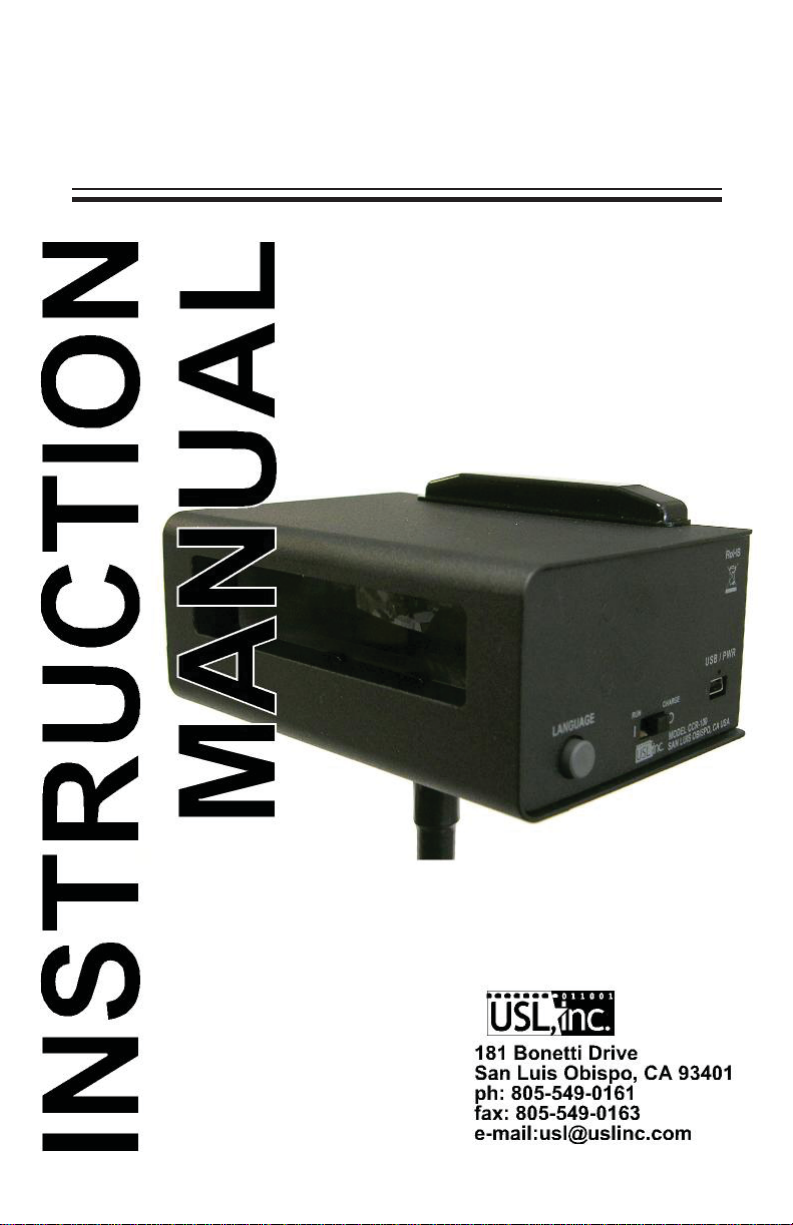
CCR-100
Closed Caption Receiver
181 Bonetti Drive
San Luis Obispo, CA 93401
ph: 805-549-0161
fax: 805-549-0163
e-mail:[email protected]
Website: www.uslinc.com
Page 2
CCR-100 INSTRUCTION MANUAL Ultra Stereo Labs, Inc.
Introduction
The CCR-100 is a personal closed caption display for use in movie
theater auditoriums. It receives captions for up to three languages from
the USL IRC-28C IR panel.
Operation
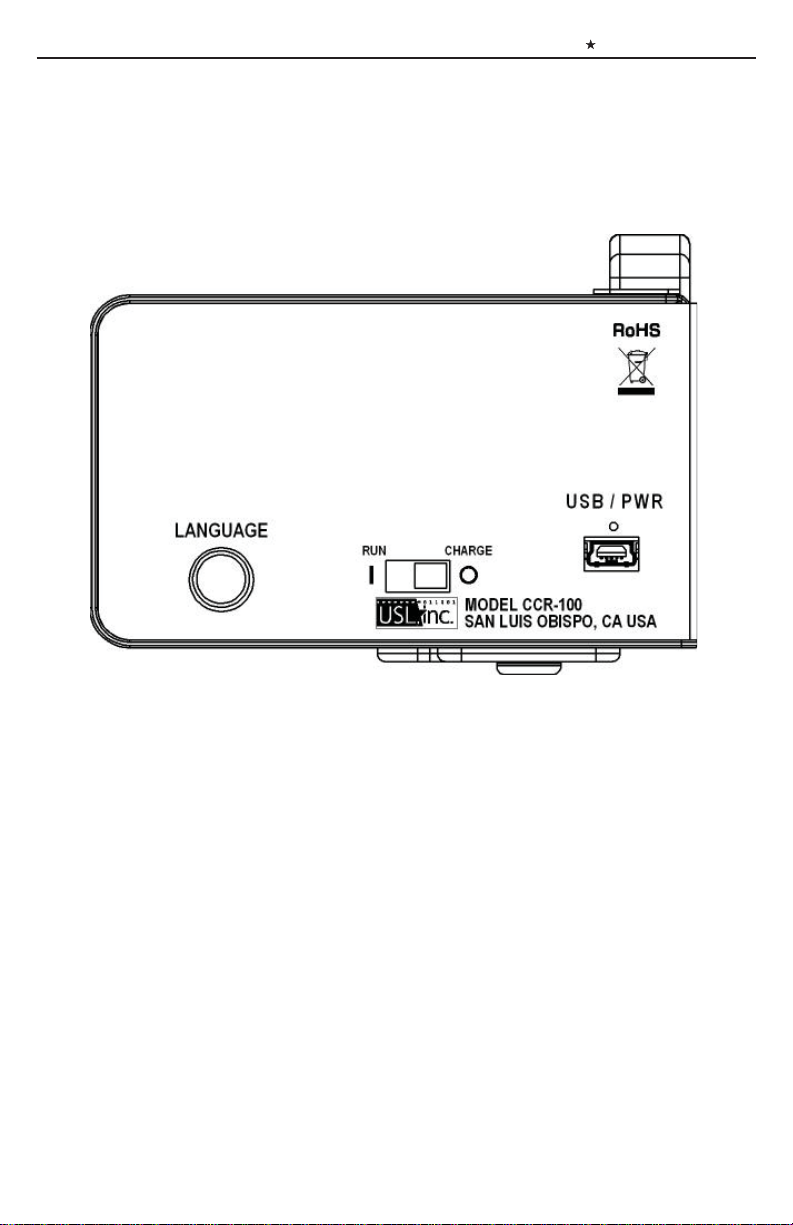
1. Move the slide swith on the right side of the unit towards the front
to turn the CCR-100 on. A sign on screen should appear.
2. If the CCR-100 is not receiving captioning data, a red LED to the
left and below the display will light. This will be the case if you are
not in the auditorium where the IRC-28C is located, or if the IRC-28C
is not transmitting caption data. The IRC-28C is usually configured to
not transmit caption data unless it has made a connection to the digital
cinema server. Make sure the DCS is running.
3. When content with captions is run, the captions should appear on
the display.
- 2 -
Page 3

CCR-100 INSTRUCTION MANUAL Ultra Stereo Labs, Inc.
4. If the content has captions in multiple languages and the IRC-28C
has been configured to transmit these languages, the CCR-100 can
display up to three languages. Press the round button on the side of
the CCR-100 to select the next language. While the button is pressed,
the display will say “Selected language 2” or “Selected language 3”,
etc. Press and release this button until the desired language is visible.
Batteries
The CCR-100 uses two AA cells. These batteries give about 30 hours
of continuous operation. Batteries can be checked by turning off the
CCR-100, then holding down the language button while the unit is
turned on. The battery voltage is shown on the display (along with
other data). Batteries should be replaced when the voltage is 2.000V
or below.
USB Jack
The USB jack is used to charge rechargeable NiMH batteries. Alkaline batteries are not rechargeable. If NiMH batteries are installed,
they can be recharged by turning off the CCR-100 and using a USB
cable to connect the CCR-100 to a USB port on a computer or power
supply. A green LED immediately above the USB jack will light
while the batteries are charging. It will go out when the batteries are
fully charged. NiMH batteries provide about 24 hours of continuous
operation. They should be recharged when the voltage (as indicated
on the display when the unit is powered up with the language button
held down) is 2.000V or below.
Details of the software update process are supplied with software
updates.
- 3 -
Page 4

181 Bonetti Drive
San Luis Obispo, CA 93401
ph: 805-549-0161
fax: 805-549-0163
e-mail:[email protected]
Website: www.uslinc.com
Edition 1 October, 2010
 Loading...