

Page 1
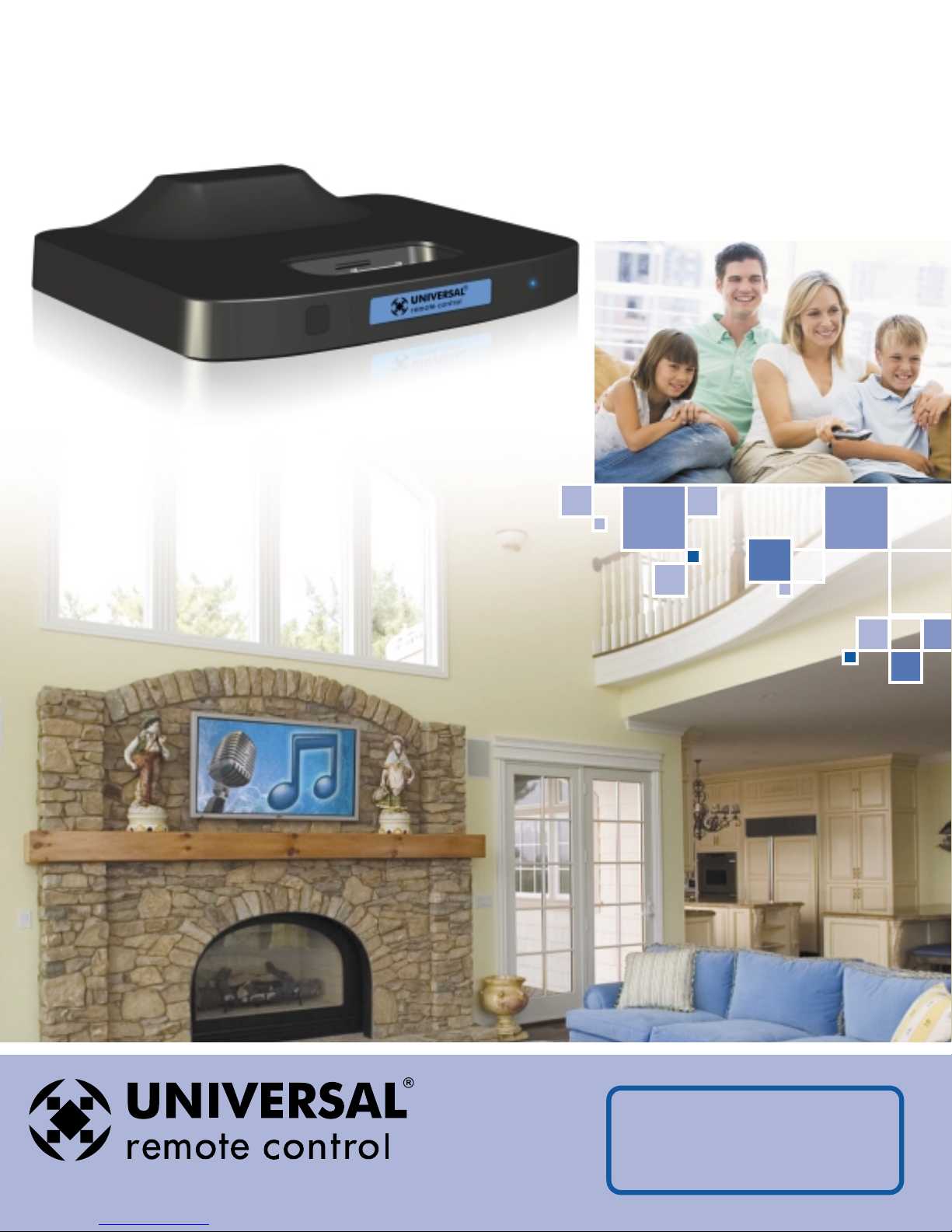
PSX-2
Personal Server with TV On-Screen Control
The Pioneer in Control Technology
CO MPLETE
CO MPLETE
CO NTR O L
™
Page 2
PSX-2
Personal Server with TV On-Screen Control
PSX-2 Personal Server from URC – loaded with features that allow you the installer to totally customize your client’s iPod
experience.Never before has there been an iPod dock with this level of incredible two-way functionality and hundreds of
discrete IR commands.
The popularity of the Apple iPod is such that almost every home entertainment system now has an A/V iPod dock.The
most popular docks provide a TV on-screen GUI (Graphical User Interface) that mimics precisely the iPod screens. But
because the iPod is based on a limited number of buttons and a small screen,one must constantly navigate up and down
through a series of nested menus,and must remember a “mental map” of where special features are accessed.This is
tedious and frustrating and the only way around it was an expensive media server instead of an iPod dock.Until today...
The PSX-2 is an AV iPod dock with built in automation for the iPod that provides high-end music server functionality via
any programmable control system and a TV. Enables functions like play more from this artist, shuffle my jazz, alphabetically
search and the intuitive ability to create a play list for a party from any keypad or remote control on their TV set.
• Browse on screen (MX-6000 or TV) • Automate via proprietary features
• Customize – hundreds of discrete codes • Compatible with all URC remotes
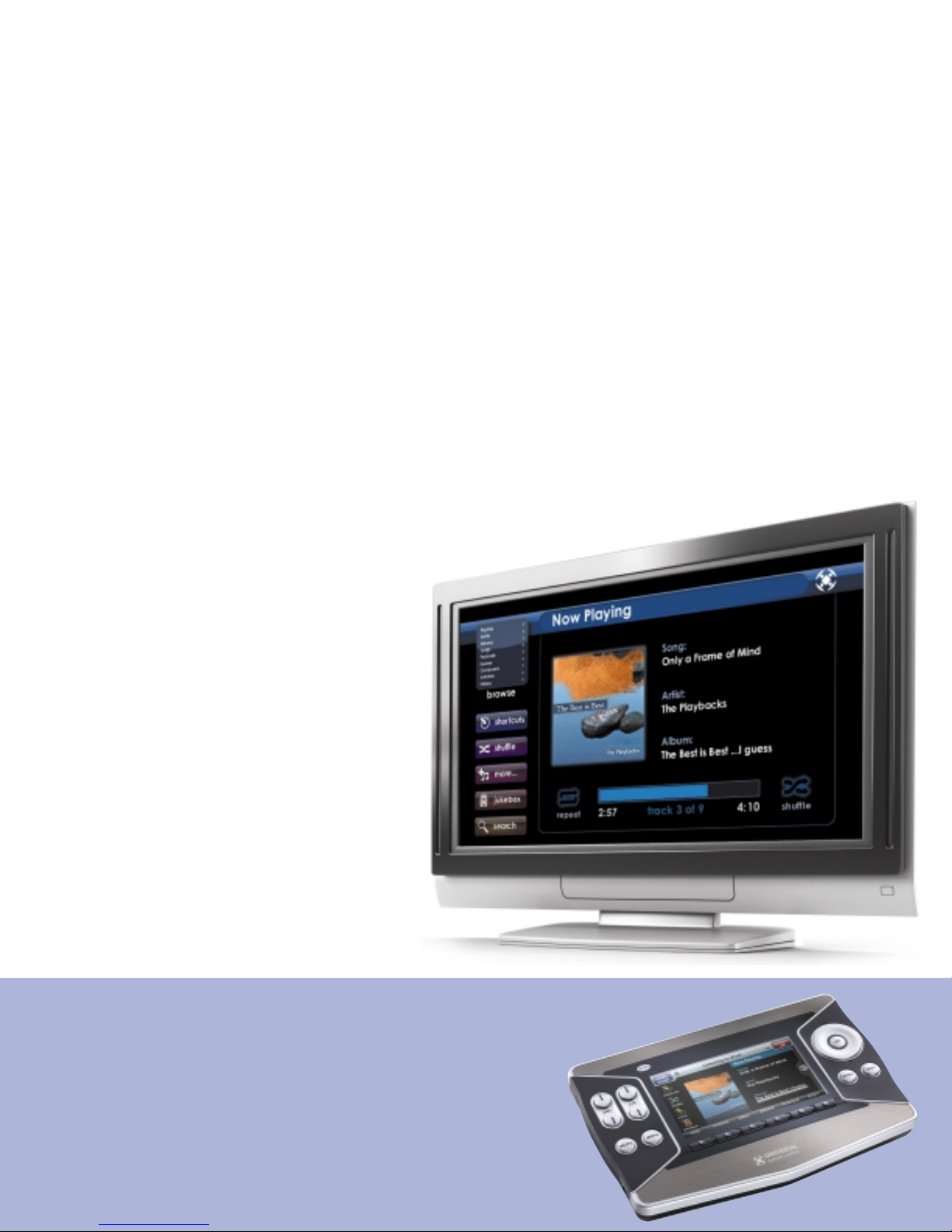
On TV Content Selection and Browsing with Cover Ar t
Having cover art,artist and title information on the TV is convenient,fun and natural. It
provides the interface for any control system to display content selection choices.
Synchronize iPod Content with PC or Mac
The PSX-2 includes PSXLink software for both Macs
and PCs.Any new content you add to your iTunes
library can be synchronized to the iPod in the PSX-2
without ever removing it.
TV Screensaver Always Displays
Cover Art and Artist & Track Info
With other music servers, screen savers force you to
press a button to view the Cover art,Artist and Track
info.PSX-2 utilizes your album cover art and now
playing info in the screensaver mode.Now you can
see what’s playing on TV without pressing a button,
and without risking burn in on your Plasma TV!
Customize & Automate iPod
Operation in any System
Now, all systems with programmable remote controls
or keypads (regardless of brand) can enjoy the unique
automation and customizable experience.
Personal Browsing with Cover Art on MX-6000
You won’t disturb anyone else in the room when you browse with MX-6000.Your
family can be watching anything on TV,while you can build playlists,navigate
and explore content personally on the screen of your MX-6000. In fact,
there is no need to even turn the TV on when listening to music, a real
plus for those with high performance audiophile systems where
TV is an anathema!
Installation shown on front cover by Stone Glidden of King of Prussia, PA.
Page 3

Play More From any Artist, Genre…
Imagine exploring all the hard rock albums of your youth with Shuffle Genres.
When you hear a song you love,instead of having to browse through the hundreds
of artists in your collection, you simply touch the “Play More From”button.The
remote control or keypad displays the choices instantly, without any tedious up,
down,left right navigation through endless menus…
Shuffle Genre,Ar tist,Album, Composer
With other music servers, shuffle is a frustrating mix of too many kinds of music.With
the PSX-2, shuffle becomes a powerful tool for
listening and exploring your music collection.
Imagine shuffling just your jazz, or just the songs of a
particular artist.You can shuffle play any genre, any
artist or any album at any time by simply accessing
the remote control or keypad’s shuffle screen.
Build Playlist for Parties
Arranging the perfect music to playback for
any event is a delightful activity with the PSX-2.
You can freely play music,browsing and shuffling
as you like.When you hear something you’d like
to add to your Jukebox playlist, simply touch “Add
Song to Jukebox” or “Add Album to Jukebox”on
the Jukebox screen.To play the jukebox you’ve
created, simply touch “Play Jukebox.”
Alphabetically Search
By entering a single letter, your clients can
quickly navigate long lists of songs, artists,
albums,genres, playlists,movies,TV shows
or videos.Of course if they are looking for
someone or something specific they can enter
as many letters as they like to narrow down
the search results.
Page 4

PSX-2
Whole House AV Equipment
Specifications
Microcontroller:
Flash Memory: 16Megabit
RAM:
64Megabit SDRAM
Jukebox Entries: Supports up to 1024 songs
Jukebox Memory:Volatile,but retained when the same iPod is removed and re-inserted.
Front Panel IR Sensor: Receives URC PSX-2 commands via IR
IR Range (Line of Sight via Infrared): 20-30 feet,depending on the environment
Rear Panel IR Input:Compatible with all Complete Control MRF and MSC base stations
Ethernet: 10Base-T/100Base-TX network connector
Audio: 2 RCA audio output connectors (L + R)
Component Video (Y/Pr/Pb):3 RCA video output connectors
Power: 5V DC (wall adapter included)
Size:6.75” W x 5” D x 1.6” H
Weight: 15oz.
166MHz ARM922T
Jukebox is deleted when a different iPod is inserted or on reboot (or power failure).
COMP L E TE
CO MPLETE
CO NTR O L
™
The Pioneer in Control Technolog y
500 Mamaroneck Avenue
Harrison, NY 10528
Phone:(914) 835-4484
Fax:(914) 835-4532
www.universalremote.com
 Loading...