

Page 1
Page 2
MOUSE LAYOUT
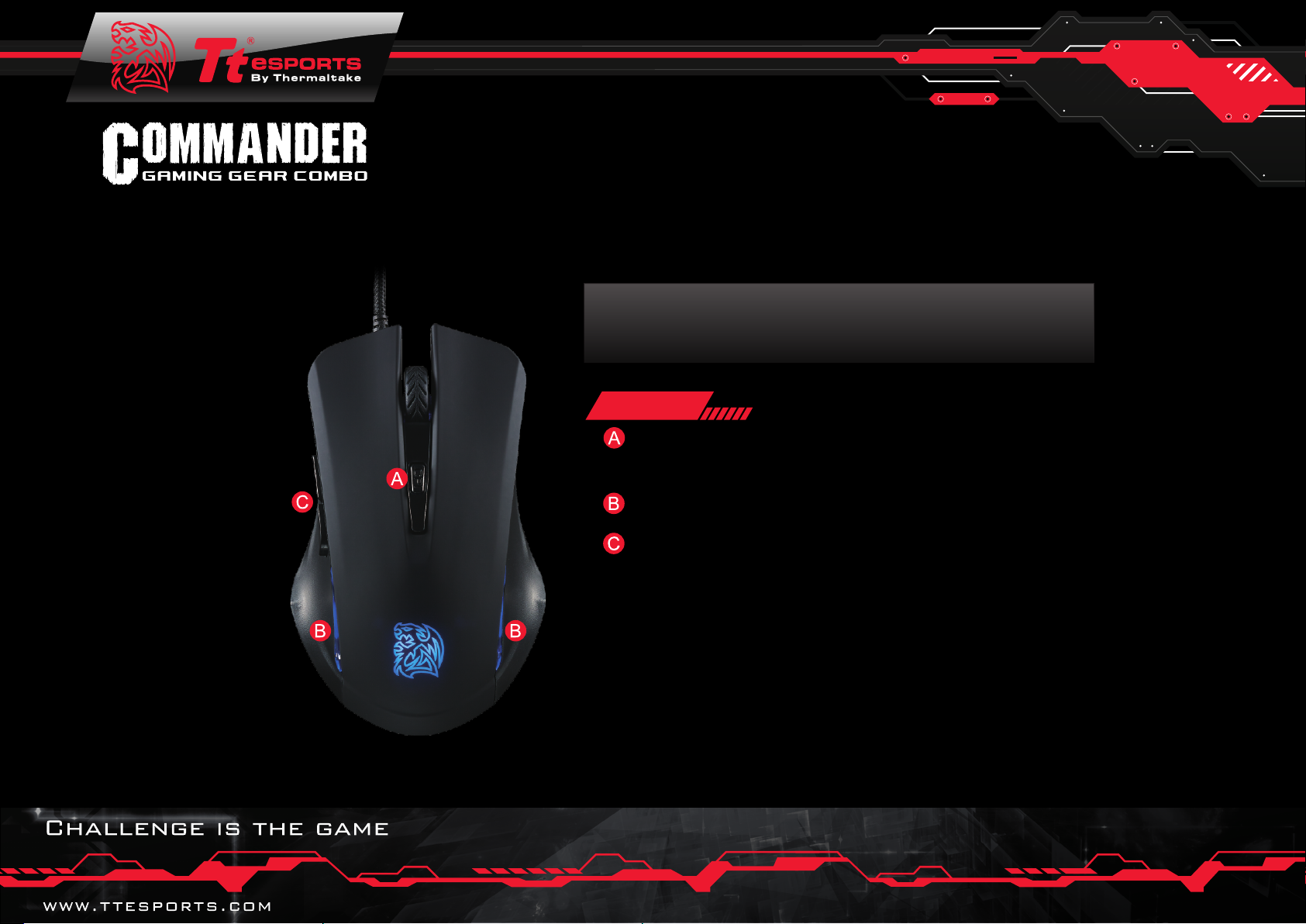
Mouse
◎ On-the-fly DPI adjustment button.
( Cycles through 800, 1200, 1600, and 2400 DPI )
◎ Side Panel Lighting to enhance gaming feel
◎ Two side buttons for convenient navigation
Page 3
FEATURES
SPECIFICATIONS
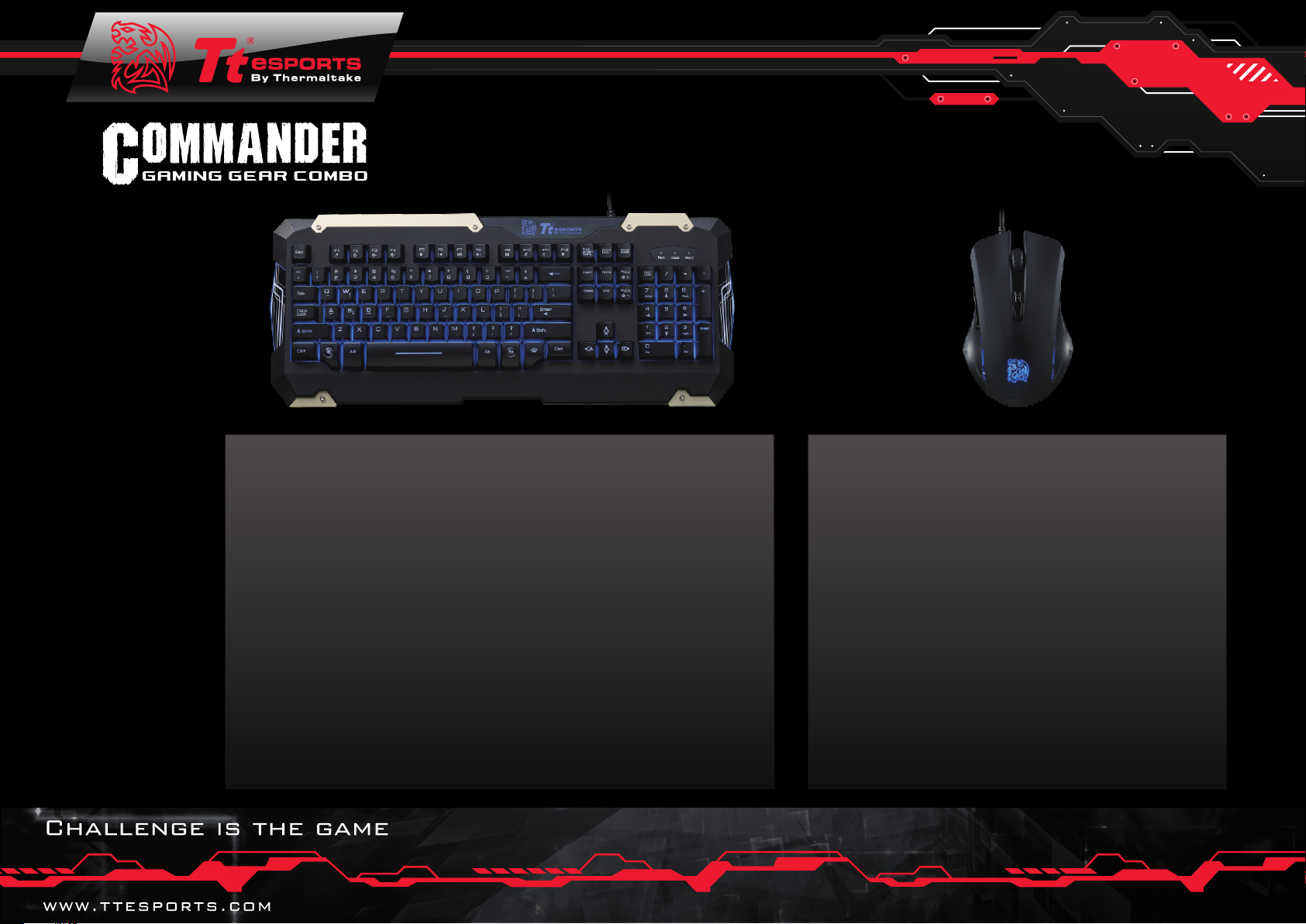
◎ Membrane PLUNGER
◎ Full 104 key layout keyboard
◎ Multimedia keys
◎ Shortcut keys
◎ Adjustment 2 speed repeat rate
◎ Adjustable 4 levels brightness
◎ Polling Rate : 1000Hz
◎ BLUE LED Backlight
◎ Fully backlit with adjustable brightness and pulse lighting
◎ Rubber coating provides a soft to touch finish for comfor t
◎ PLUNGER switch gives a mechanical-like tactile feel
◎ Multimedia keys to control media player while in-game
◎ Regional Anti-Ghosting to allow for a smooth gaming experience
◎ Spill resistant drainage holes help prevent accidents
◎ Rei
nforced frame design enhances durability of the keyboard
◎ Optical Sensor (Up to 2400 DPI)
◎ AVAGO ADNS-3050
◎ DPI:800/1200/1600/2400
◎ Switch : Omron
◎ Number Of Buttons : 6
◎ Side Panel Lighting to enhance gaming feel
◎ Two side buttons for convenient navigation
◎ DPI switch button for on-the-fl y DPI adjustment
Page 4
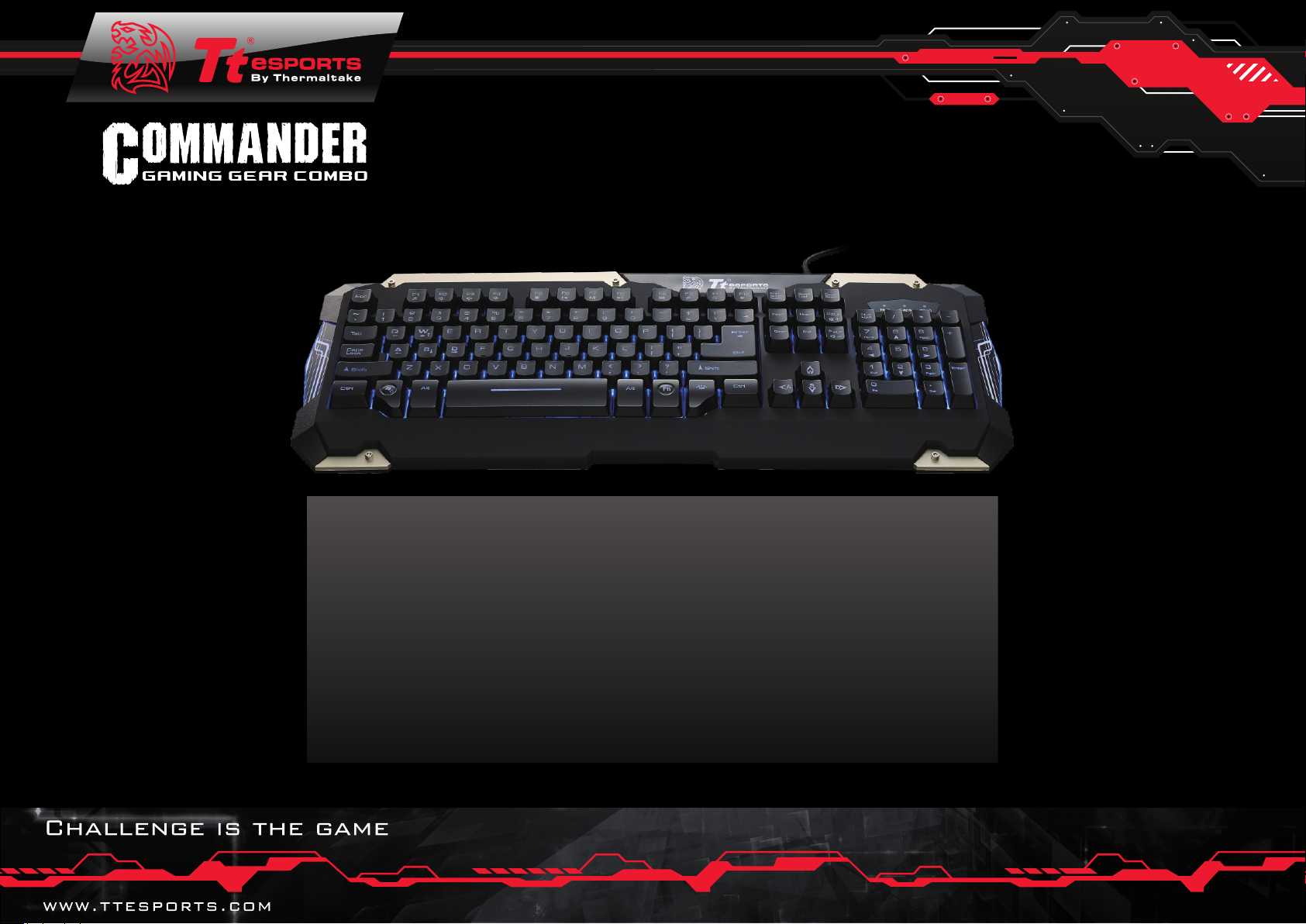
KEYBOARD HOTKEYS
◎ Fn+F1 – Music
◎ Fn+F2 – Volume Down
◎ Fn+F3 – Volume Up
◎ Fn+F4 – Mute
◎ Fn+F5 – Stop
◎ Fn+F6 – Previous Track
◎ Fn+F7 – Play / Pause
◎ Fn+F8 – Next Track
◎ Fn+F9 – Email
◎ Fn+F10 – Browser Key
◎ Fn+F11 – Fully Keyboard Lock Key
◎ Fn+F12 – Calculator
◎ Fn+Q – Repeat Rate
◎ Fn+W – WASD / ↑ ↓←→ Switcher
◎ Fn+Pg UP – Brightness UP
◎ Fn+Pg DOWN – Brightness Down
◎ Fn+Win – Windows Lock
Page 5
AUTHORITATIVE FUNCTION BORN
FOR GAMER
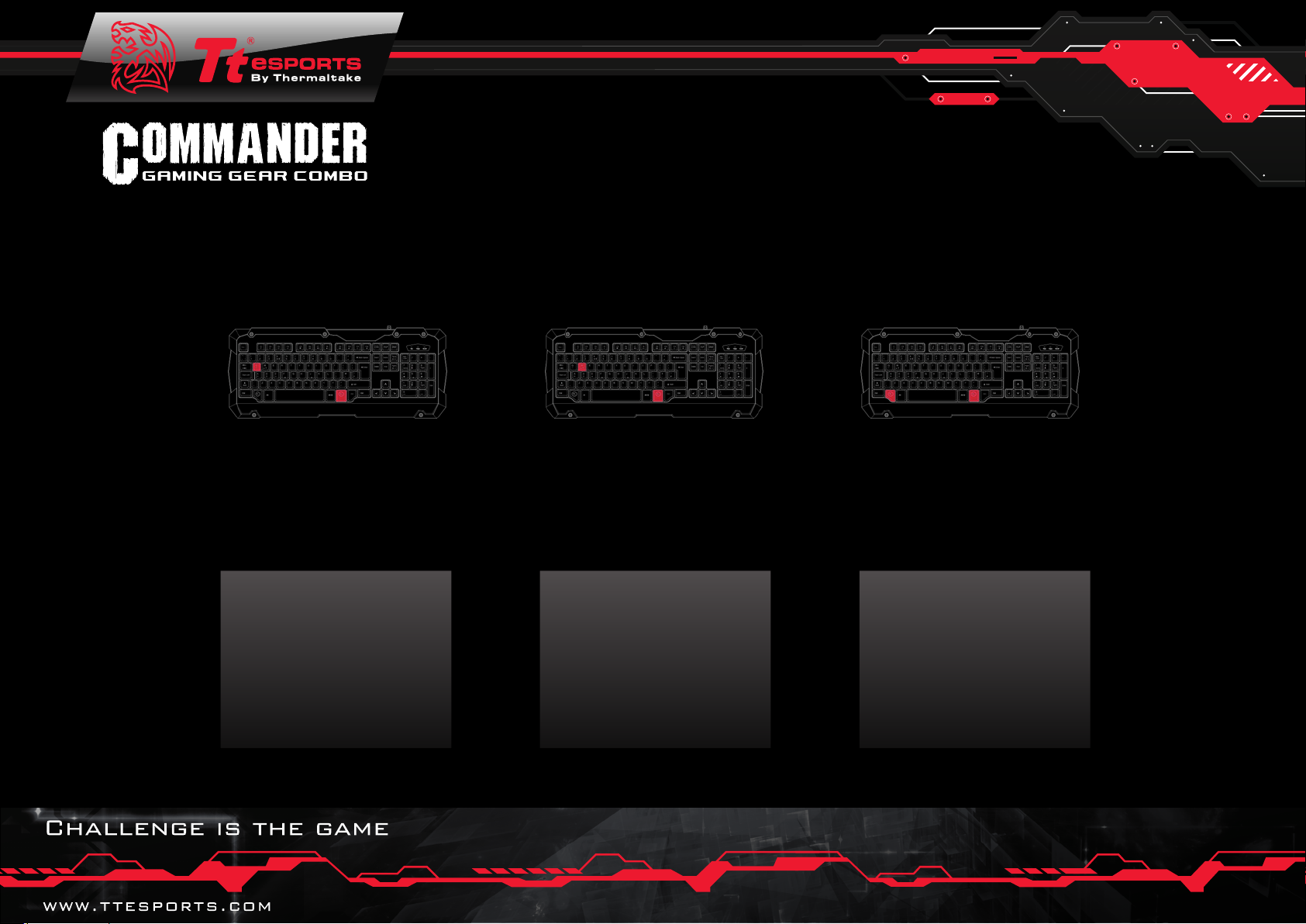
Fn+Q ->
REPEAT
RATE
The speed at which it
repeats, which can be fast
or slow. Choose a repeat
rate that matches your
comfor t level.
Fn+W ->
SWITCH
The Switch where you can
turn WASD keys to ↑ ↓←→,
vice versa! You’re totally
in control!
Fn+Win ->
WINDOWS
LOCK
A switch to lock the
windows key, prevents
accidental presses of the
windows key while ingame.
Page 6
KEYBOARD LAYOUT
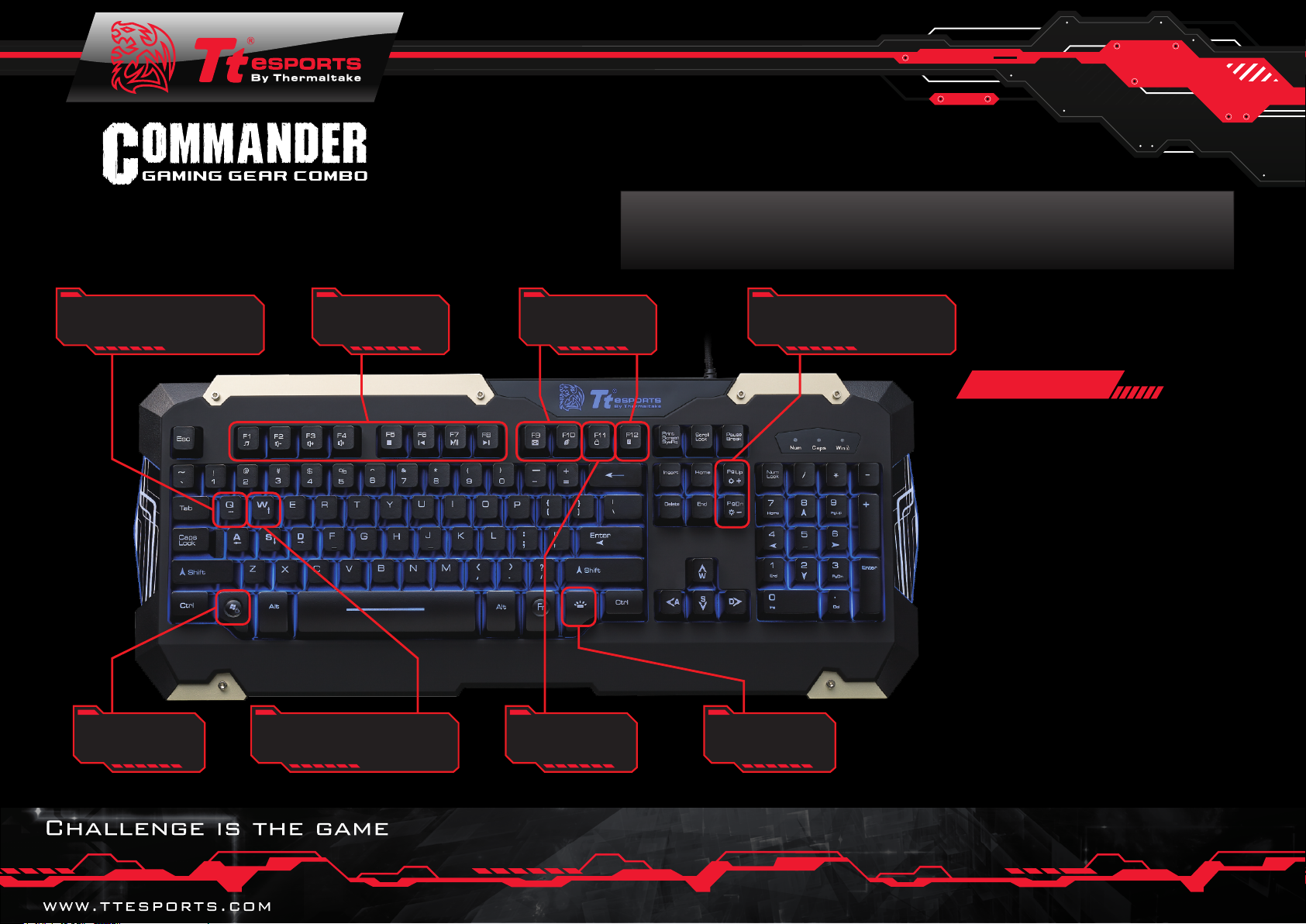
Repeat rate adjustment
( Fn + Q )
Windows key
lock function
( Fn + Win key )
Multimedia keys
(Fn + F1 – F8 )
Switch WASD and Arrow
keys function ( Fn + W )
Shortcut keys
Keyboard
lock function
( Fn + F11)
LED brightness
adjustment
(Fn + Pg Up / Pg Dn )
Backlight
mode
adjustment
Keyboard
◎ Fully backlit with adjustable
brightness and pulse lighting
◎ Rubber coating provides a
soft to touch finish for comfort
◎ PLUNGER switch gives a
mechanical-like tactile feel
◎ Multimedia keys to control
media player while in-game
◎ Spill resistant drainage holes
help prevent accidents
◎ Reinforced frame design
enhances durability of the
keyboard
 Loading...