

Page 1
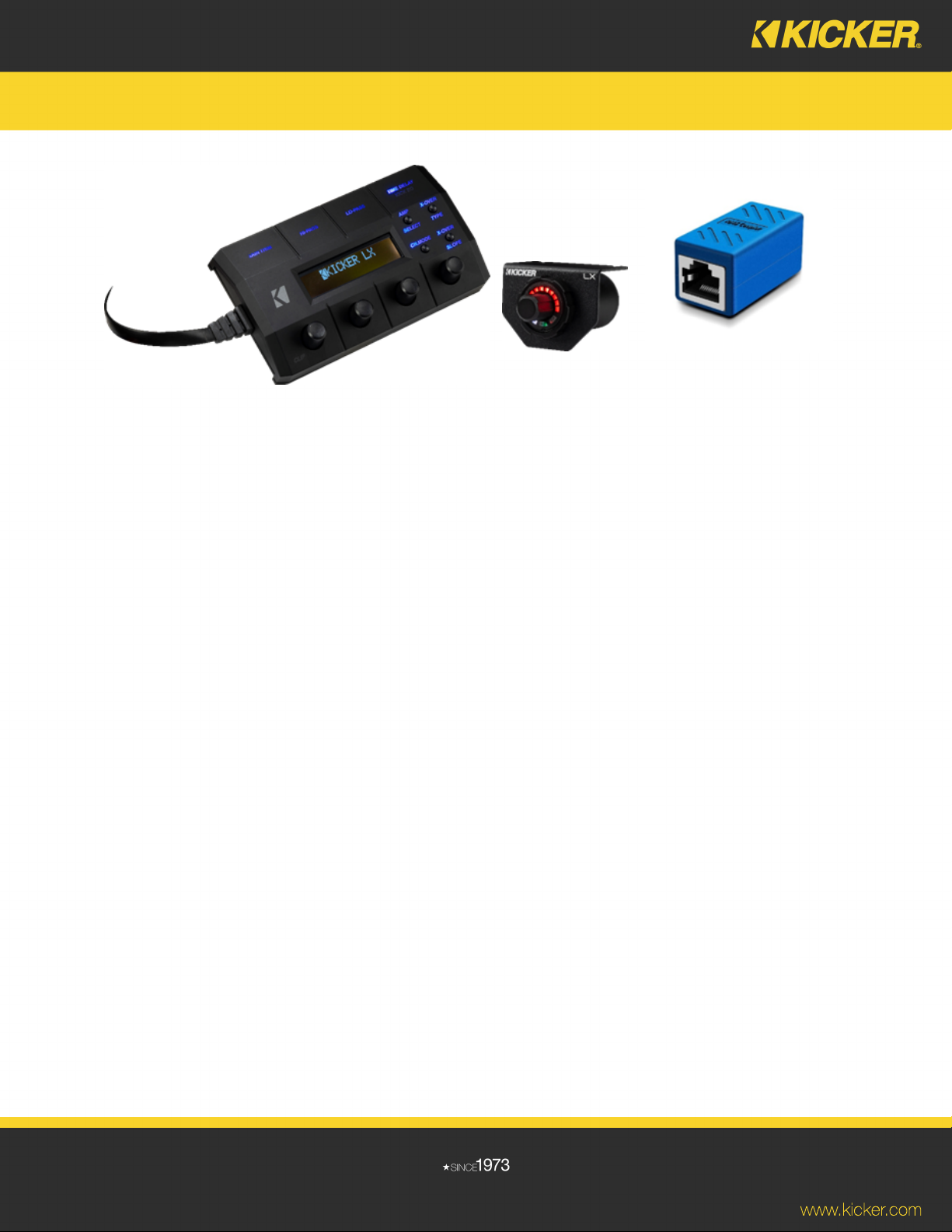
Optional RJ45 Coupler
Using the LX Multi-Channel Amplifier Control Center
The LXCC amplifier control center is attached to a one-meter cable that plugs into the LX amplifier with an RJ45 connector.
Once the setup is complete, unplug the control center and put it in storage for future use.
The LXCC is designed to give precise control of the LX multi-channel amplifiers’ pre-amp controls. Once the amplifier is
properly installed and the control center is connected, each amplifier’s pre-amp settings can be adjusted. See the amplifier
owner’s manual for more information.
Once setup is complete, disconnect the LXCC and connect the included bass level control cable into the same RJ45
connector (except LX500.4). Safely route the cable to wherever the bass level controller will be mounted and install the bass
level controller. Refer to the owner’s manual for more information on the bass level control and its features.
If there’s need to extend the length of the LXCC cable during setup, source an RJ45 dual female connector and use it to
connect to the included bass level controller’s cable. If installing an LX500.4, an additional RJ45 cable will be needed as well.
Once the setup is complete, remove the RJ45 coupler, unplug the control center and plug in the bass level control.
*Recommended RJ45 coupler
*Recommended CAT 6 ethernet cable
*KICKER-verified
 Loading...