

Page 1
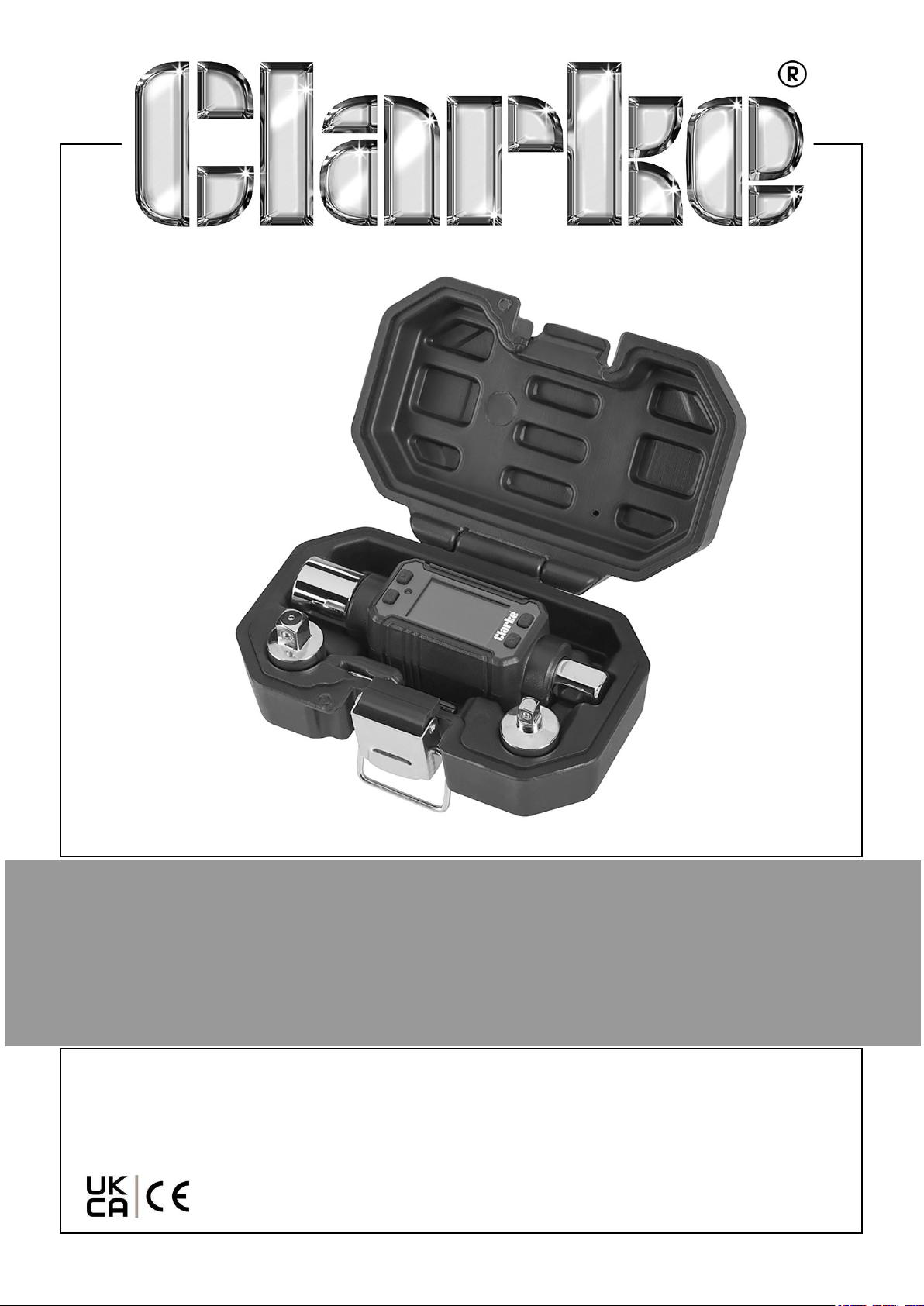
DIGITAL TORQUE ADAPTOR
MODEL NO: CDTA200
PART NO: 1700831
USER INSTRUCTIONS
ORIGINAL INSTRUCTIONS GC-03/25
Page 2

INTRODUCTION
Thank you for purchasing this CLARKE Torque Adaptor.
This CLARKE product has been designed to give long and trouble free service. If
however, having followed the instructions in this booklet carefully, you encounter
problems, take the unit to your local CLARKE dealer.
GUARANTEE
This product is guaranteed against faulty manufacture for a period of 12 months from
the date of purchase. Please keep your receipt which will be required as proof of
purchase.
This guarantee is invalid if the product is found to have been abused or tampered
with in any way, or not used for the purpose for which it was intended.
Faulty goods should be returned to their place of purchase, no product can be
returned to us without prior permission.
This guarantee does not effect your statutory rights.
ENVIRONMENTAL PROTECTION
DO NOT dispose of this product with general household waste in the event of failure.
All tools, accessories and packaging should be sorted, taken to a recycling centre and
disposed of appropriately according to the laws governing Waste Electrical and
Electronic Equipment at a recognized disposal facility.
GENERAL SAFETY PRECAUTIONS
1. NEVER exceed the permitted maximum torque value for this device. Overloading
could cause damage.
2. ALWAYS ensure that associated adaptors, extensions and sockets are rated to
equal or exceed the torque being applied.
3. ALWAYS use the correct size and type of socket for the nut/bolt.
4. NEVER use sockets showing wear or cracks.
5. ALWAYS pull the wrench towards you. Never push it away and adjust your
stance to prevent a fall should something give way unexpectedly.
6. NEVER operate the torque wrench or remove the batteries with wet hands.
2
Parts & Service: 020 8988 7400 / E-mail: [email protected] or [email protected]
Page 3
OVERVIEW
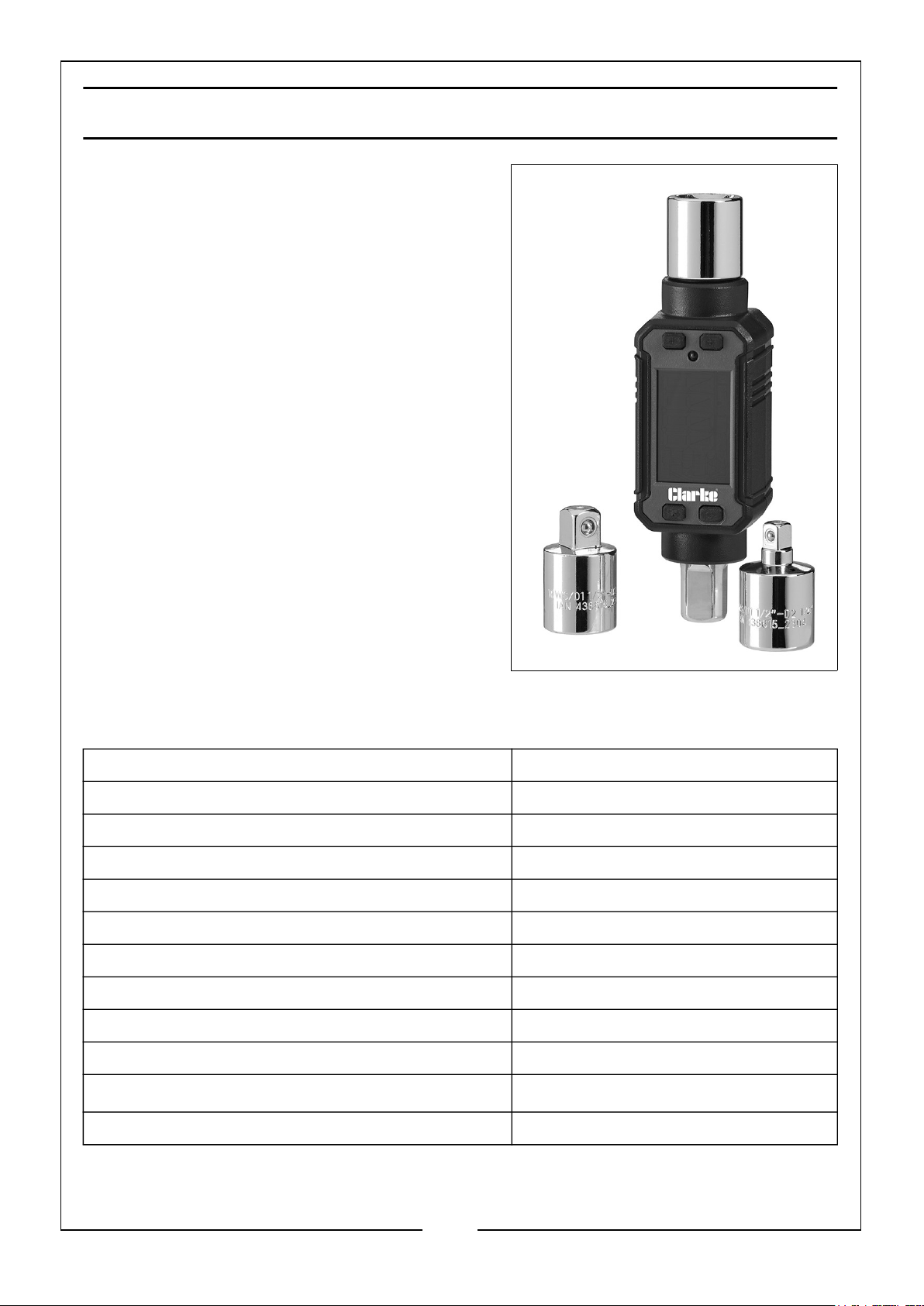
This torque adaptor is designed for tightening
nuts with precision and with careful and
considerate use it will give years of reliable
service. Features of the torque adaptor
include:
• LED Screen with Back Light
• Audible Alarm /LED Indicator
• Auto Power-Off
• Peak Value Hold/Track selection
• Target Torque Value Pre-set
• Low Battery Indication
The device is supplied with
• Moulded storage case
• Phillips screwdriver (battery removal)
• Adaptor 3/8”
• Adaptor 1/4”
SPECIFICATIONS
Model CDTA200
Drive Shank Size 1/2”
Torque Range 40-200 Nm
Selectable Unit of Measurement Nm, Lb-in, Lb-ft & kg-cm
Torque Function in Both Directions Yes
Accuracy +/- 2%
Dimensions (D x W x H) 125 x 39 x 35 mm
Weight (inc case) 0.49 kg
Batteries required 2 x 1.5V AAA
Battery life 60 Hr
Operating temperature
Memory capacity 50 records
3
Parts & Service: 020 8988 7400 / E-mail: [email protected] or [email protected]
-10 - 60oC
Page 4
THE CONTROL PANEL
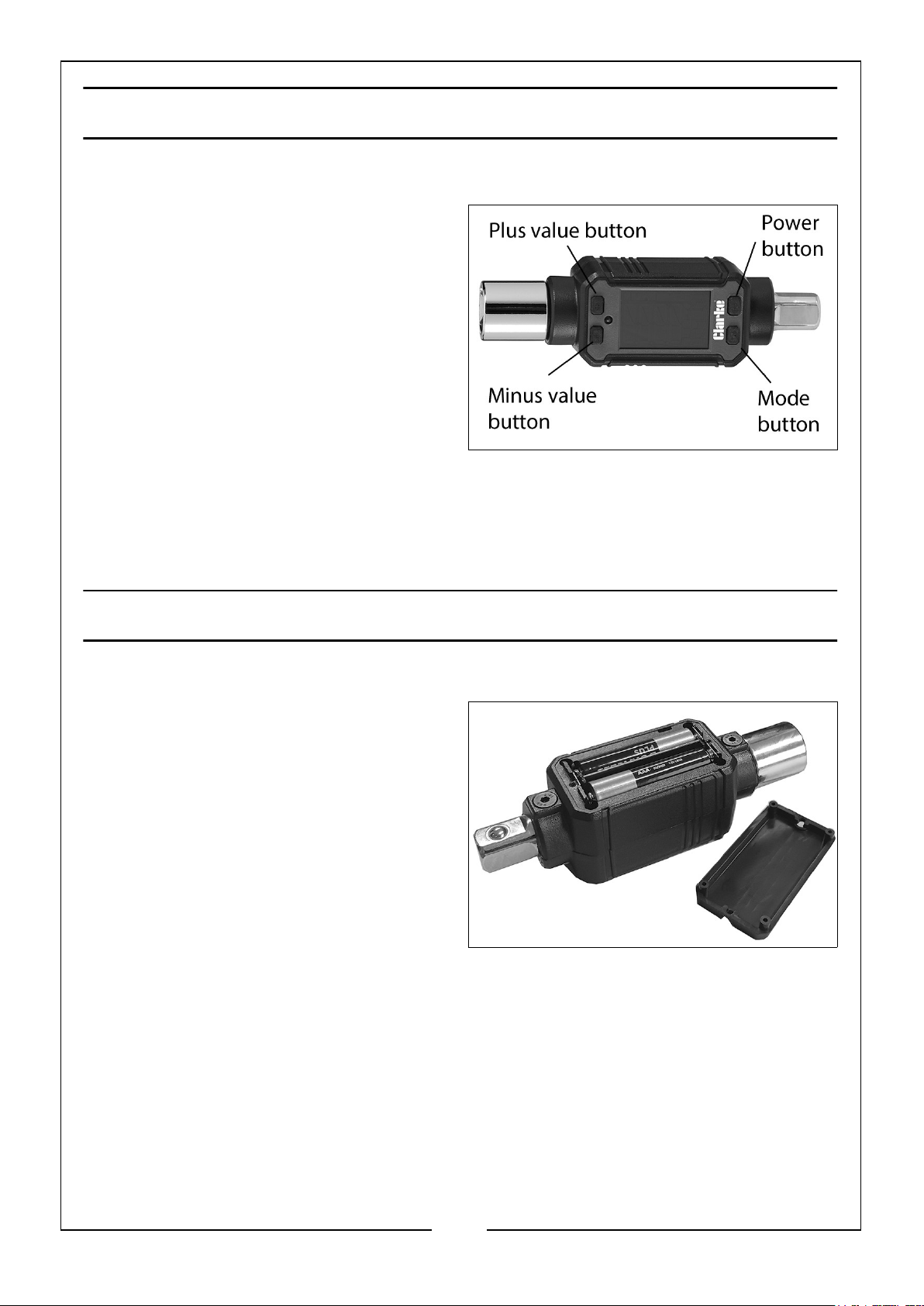
THE PUSHBUTTONS
1. Power ON/OFF button
2. Program (M) button
3. “+” button
4. “-” button
THE DISPLAY
• Peak/Track mode indicator
• The value of torque measured/
pre-set value displayed /Warning
LED illuminates when pre-set torque is reached.
• Selectable units of measurement
• Battery Condition indicator
PREPARATION FOR USE
FITTING THE BATTERIES
1. Use the phillips screwdriver supplied,
to remove the screws securing the
battery cover to the back of the unit
and lift off the cover.
2. Install batteries (2 x AAA) in the
correct polarity and refit the cover.
• If the batteries capacity is low the
BATTERY icon will flash during
operation and new ones should be
fitted.
4
Parts & Service: 020 8988 7400 / E-mail: [email protected] or [email protected]
Page 5
USING THE DEVICE
When using, please note the maximum torque of the respective tool and adjust the
torque adapter accordingly up to the maximum torque value of the selected tool
insert. Always follow the torque specified by the manufacturer of the object being
tightened. A screwed fastening that is tightened too much or too little may lead to
dangerous situations.
SWITCHING ON
Press and hold the On / Off switch for at least 3 seconds.
• The previously configured working mode appears on the LC display,
followed by the previously configured unit of measurement "0.0".
SWITCHING OFF
Press and hold the On / Off button for at least 3 seconds.
• The device turns off automatically if it is not used for about 80 seconds.
SELECT WORKING MODE
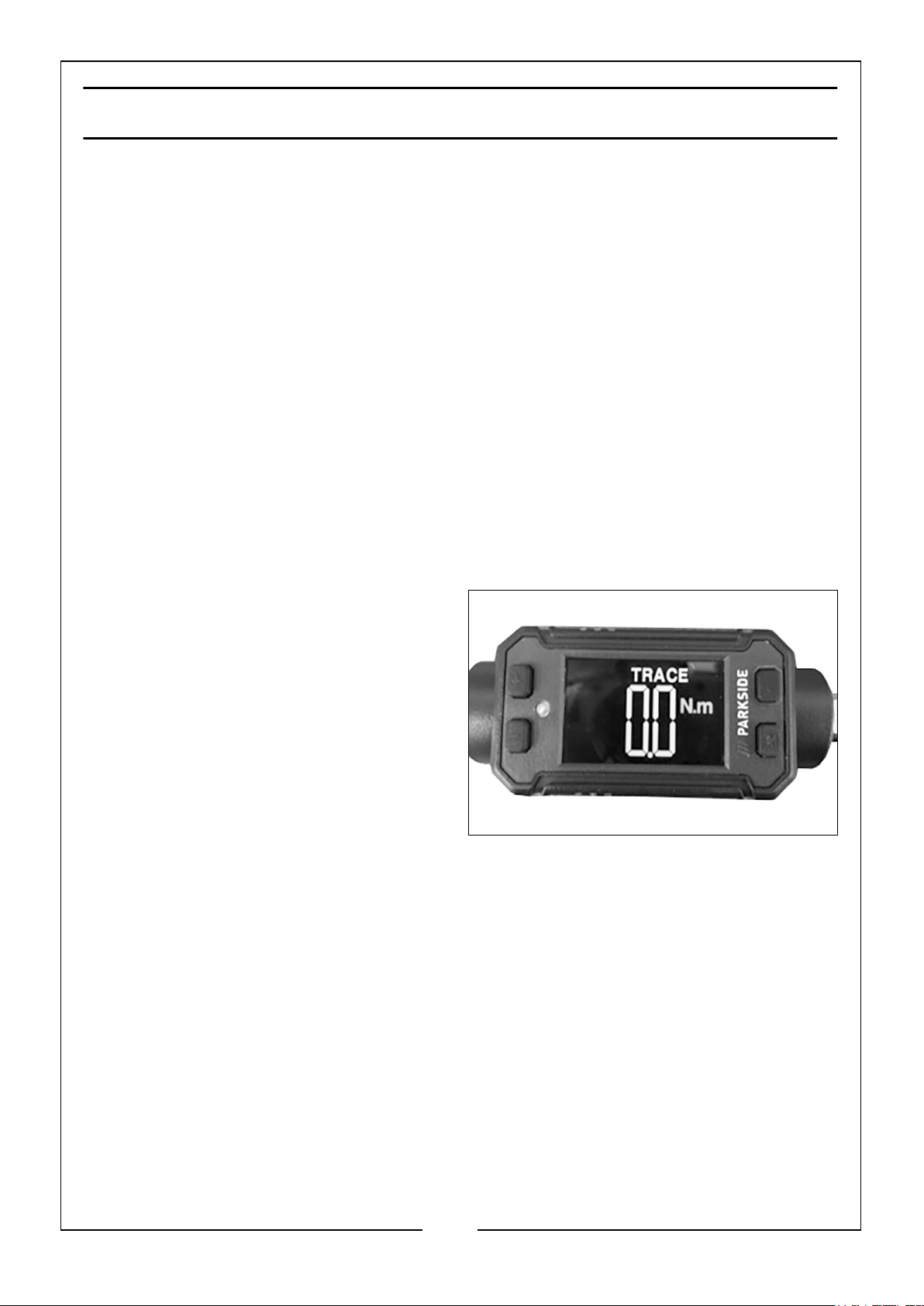
This product has two modes
• PEAK HOLD: In this mode, the
currently applied torque is
displayed and the highest value
reached ("peak value") is frozen.
• TRACE: In this mode, the
currently applied, increasing and
decreasing torque is displayed.
To choose between “PEAK HOLD” and
“TRACE” modes press the On/Off button
and program button simultaneously.
• The respective mode is shown at the top of the LC display.
SELECT UNIT OF MEASUREMENT
You can choose between the following units when displaying the torque values: kg/
cm, lb-in, lb-ft, N-m
Press the “+” button and “-” button simultaneously.
– The respective mode is shown on the right side of the LC display.
PRE-DEFINING THE TORQUE VALUE
The torque adapter has the option of emitting an audible and visual signal in both
working modes when a predefined torque value is reached.
5
Parts & Service: 020 8988 7400 / E-mail: [email protected] or [email protected]
Page 6

• Press either the “+” button to increase the threshold or the “-” button to
decrease it.
• Wait for a few seconds.
– The defined value flashes on the LC display until it returns back to the preset mode.
– The LC display then shows "0.0" again.
RECORDING / RETRIEVING THE TORQUE VALUE
You have the option to record the “Peak” value in “PEAK HOLD” mode for later
reference/retrieval.
1. Select the "PEAK HOLD" working mode (see section "Selecting the Working
Mode").
2. Tighten your screw connection.
• The highest value reached ("peak value") is frozen on the LC display.
3. Briefly press the M button.
– The peak value is stored in memory location P01 and all previously existing memory
locations shift up by one place.
– The value previously stored in memory location P01 is now stored under P02 and
the value that was previously stored in memory location P50 is deleted.
4. Proceed as follows to view/ retrieve the recorded peak value:
5. Briefly press the M button.
• The value previously stored in memory location P01 is displayed.
By pressing the M button several times, you can always shift one storage space up.
• After reaching the maximum memory (P50) the system automatically
changes to the beginning of the memory.
6. Press and hold the M button for at least 3 seconds.
The torque value is now predefined in both working modes and the torque adapter
will emit an audible and visual signal when the value is reached.
6
Parts & Service: 020 8988 7400 / E-mail: [email protected] or [email protected]
Page 7
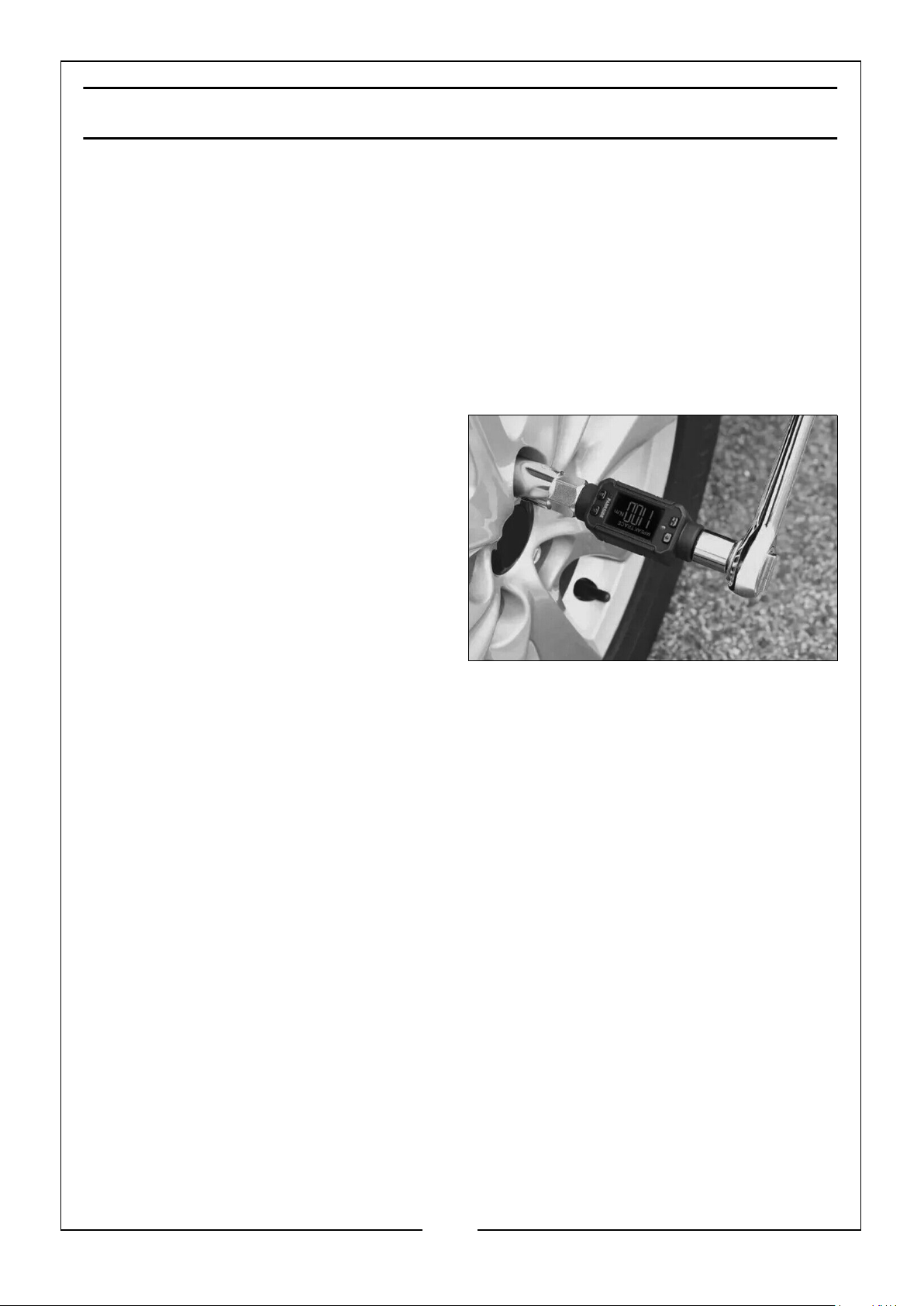
OPERATION
MOUNTING/REMOVING THE TORQUE ADAPTER
WARNING!
The maximum torque of the drive tool must be more than the maximum torque of the
torque adapter.
Insert the torque adapter with the input drive profile: Square profile (inner) 1/2‘‘ on
the connecting square of the drive tool.
If necessary, first mount a 3/8" 14 or 1/4" adapter 15 depending on the socket of
your drive tool onto the square profile (inner).
Briefly press any eject button on the
drive tool and slide the input drive
profile: square profile (inner) 1/2‘‘
completely onto the connecting lug until
it locks in place.
Check that it is seated properly by
slightly pulling the torque adapter.
Press the eject button on the drive tool
and remove the torque adapter from the
connecting lug.
MOUNTING/REMOVING THE TOOL SOCKETS
NEVER use inappropriate or damaged sockets.
Use only proper and appropriate sockets according to DIN 3124.
The maximum torque of the socket must be more than the maximum torque of
the desired tightening torque.
Mount a socket (not included) with the square drive (inner) onto the input drive
profile: Square drive (outer) 1/2”.
Check that it is seated properly by slightly pulling the socket.
To remove, pull the socket by applying more force from the input drive profile.
Check this each time before use.
CARE OF THE WRENCH DURING USE
1. Take care not to drop the adaptor on a hard surface or damage the LCD display.
2. NEVER apply force with the adaptor when the power is off. ALWAYS turn the
unit on before using it.
3. Check that the adaptor operating range is adequate for the anticipated load
before proceeding. DO NOT exceed the maximum rating of the adaptor.
7
Parts & Service: 020 8988 7400 / E-mail: [email protected] or [email protected]
Page 8

4. NEVER use the adaptor to undo bolts & nuts which may be excessively tight. Very
tight nuts and bolts should be loosened with a standard wrench and the torque
adaptor used only for re-tightening.
5. Do not expose the adaptor to extreme temperature, humidity or direct sunlight for
extended periods.
6. Avoid using knuckle or universal joints, as these could possibly result in inaccurate
torque settings.
STORAGE & CLEANING
1. Store in a clean, dry environment away from excess heat or humidity.
2. If the adaptor is not to be used for long periods of time it is advisable to remove
the batteries to avoid the risk of leaking.
3. Clean by wiping the adaptor and the display with a soft cloth. NEVER immerse it
in water or any type of solvent or cleaning fluid.
MAINTENANCE & CALIBRATION
The device has been calibrated at the factory to ensure accurate readings and should
not require any re-calibration. If inaccuracy is suspected contact your local CLARKE
dealer. DO NOT attempt to dismantle the unit.
BATTERY USE AND CARE
1. The batteries must be replaced if, when switching on, there is no reading on the
display or the ‘Battery Condition’ indicator on the panel is empty.
2. NEVER combine used batteries with old ones or mix battery types. NEVER use a
battery if it is cracked or damaged and always dispose of old batteries
appropriately. NEVER either dump or incinerate old batteries.
8
Parts & Service: 020 8988 7400 / E-mail: [email protected] or [email protected]
Page 9
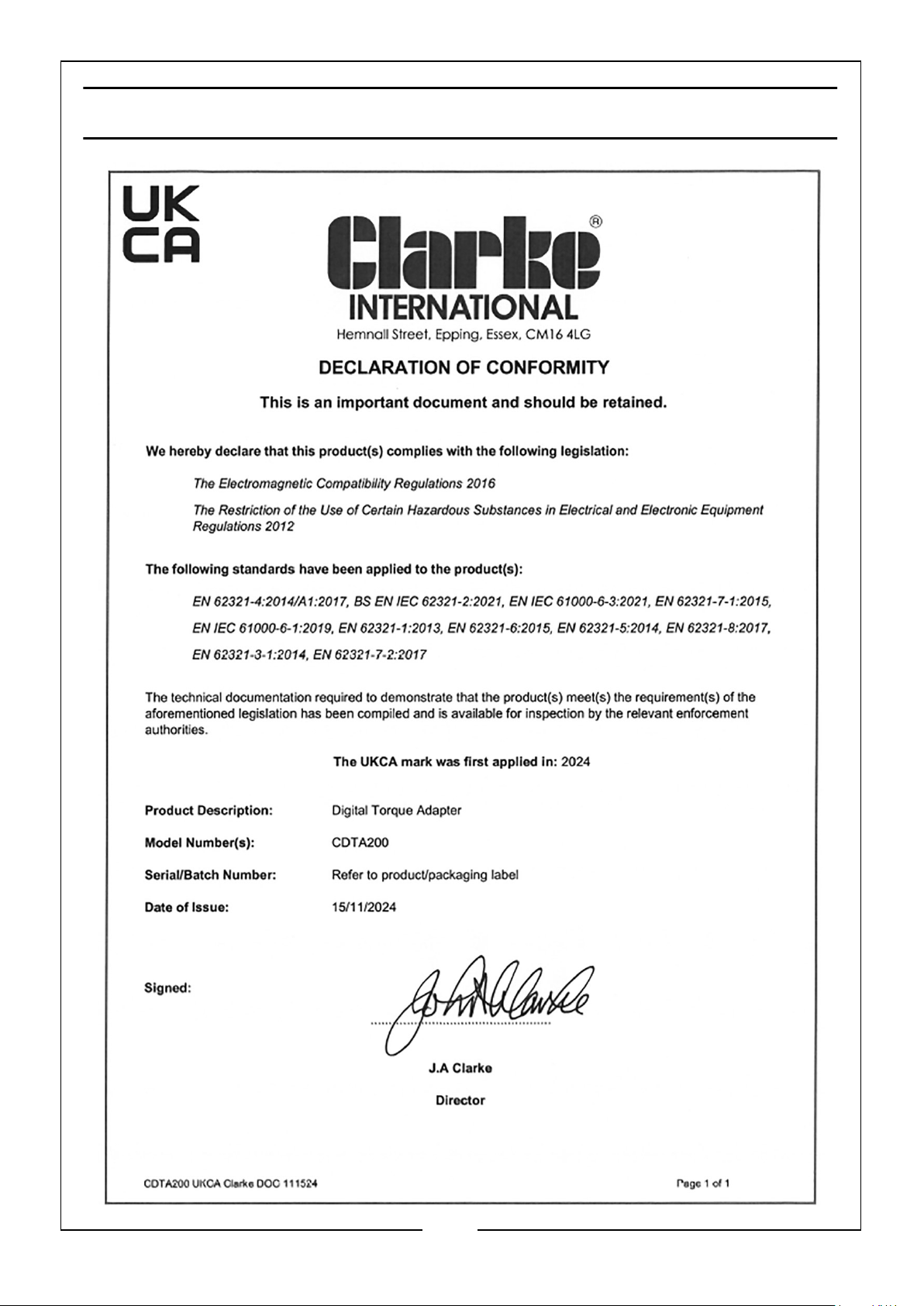
DECLARATION OF CONFORMITY-UK
9
Parts & Service: 020 8988 7400 / E-mail: [email protected] or [email protected]
Page 10
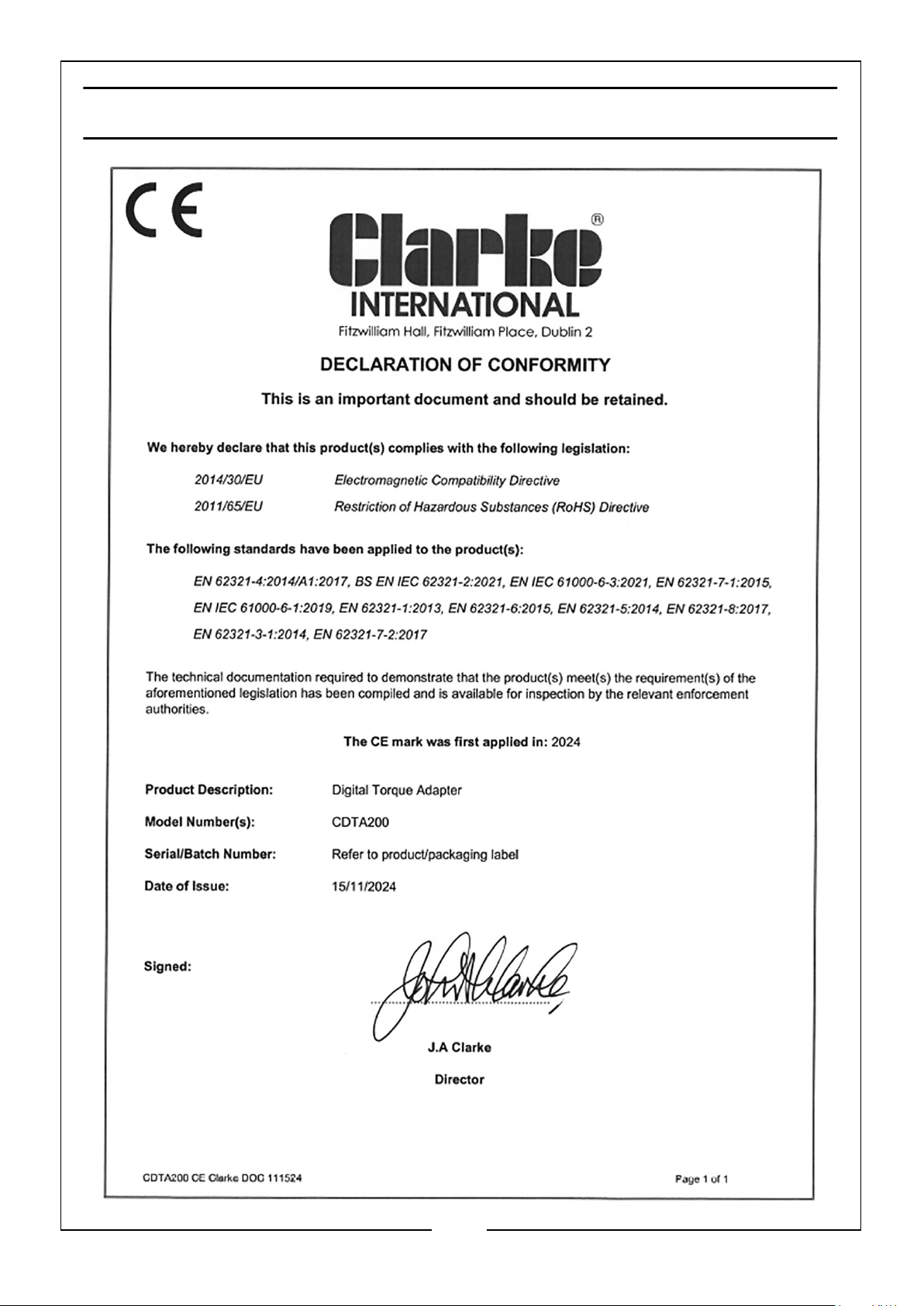
DECLARATION OF CONFORMITY-CE
10
Parts & Service: 020 8988 7400 / E-mail: [email protected] or [email protected]
Page 11
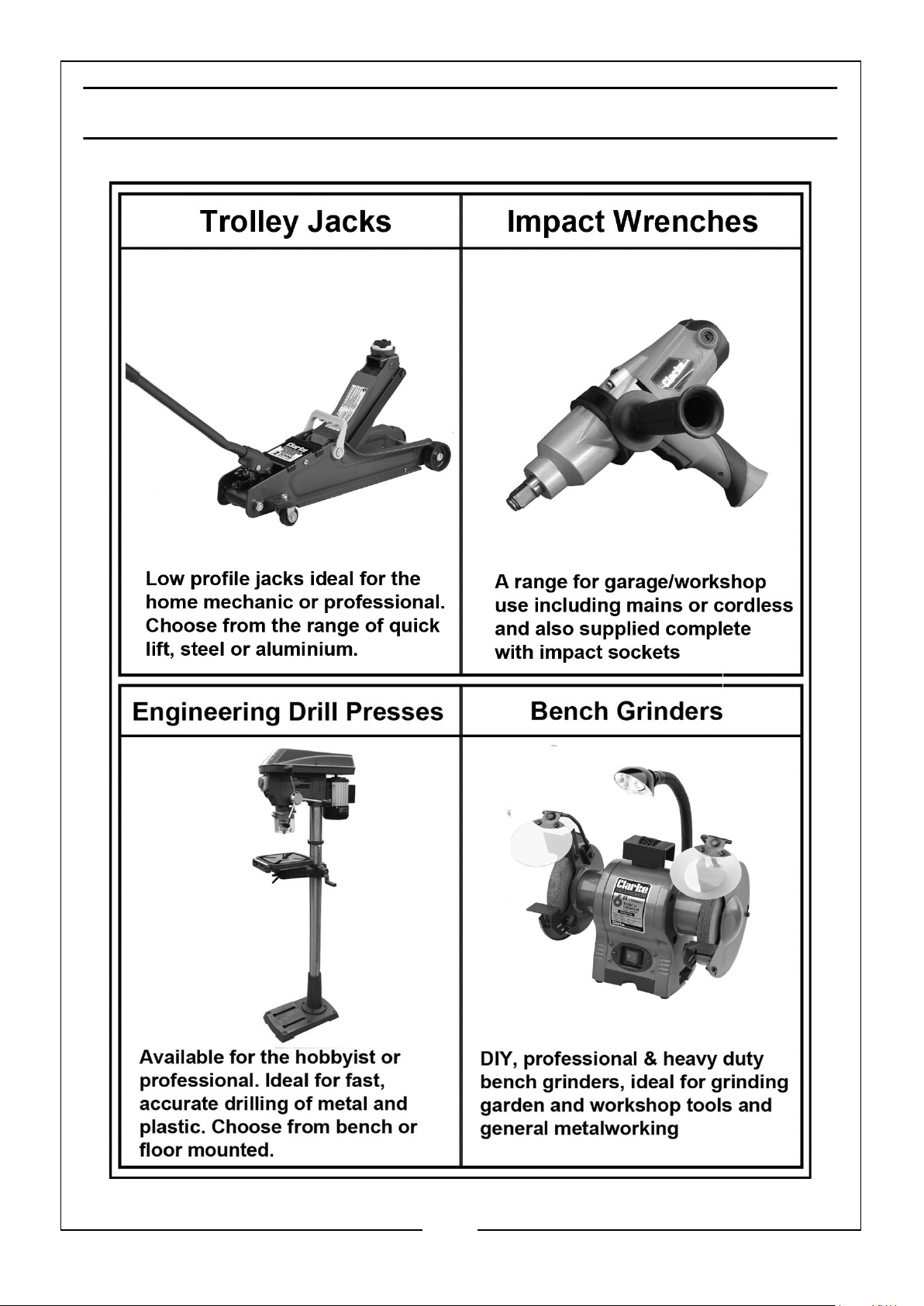
USEFUL ITEMS FROM THE CLARKE CATALOGUE
11
Parts & Service: 020 8988 7400 / E-mail: [email protected] or [email protected]
Page 12

 Loading...