

Page 1
Production
Systems
SmartBoard™Workflow Suite
Manufactured by NexPress, A Kodak Company
Page 2
SmartBoard™Workflow Suite
Scalable Open Architecture Provides Greater
Document Control and Flexibility
The SmartBoard software is built upon the industry-standard
Adobe
®
Acrobat®software platform and employs Portable
Document Format (PDF)-based workflow. The growing
dominance of PDF in office and graphics environments
makes thisformat an excellent choice for both color and
black-and-white job assembly. The benefits of PDF documents
include greater file integrity, more compact size, and
increased portability.
Compatible with a wide range of input sources, SmartBoard
accepts scanned originals and electronic documents on disk
and CD or via network. It also supports a variety of popular
applications, such as Microsoft
®
Office and QuarkXPress,
®
as well as PostScript®Level 3, TIFF, and JPEG, and quickly
converts files to PDF format, faithful to the originals in every
detail. With SmartBoard, it’s easy to create fully annotated
PDF files—ready for editing, imposing, and printing—with a
minimum of time and labor.
Maximize Throughput, Preflight to Production
The ideal complement to your Canon imageRUNNER 110/Pro
Networked Production Systems, SmartBoard streamlines your
workflow, reduces turnaround time, and raises productivity to
new highs. Enjoy a new level of preflighting efficiency for
document assembly, viewing, editing, and proofing.
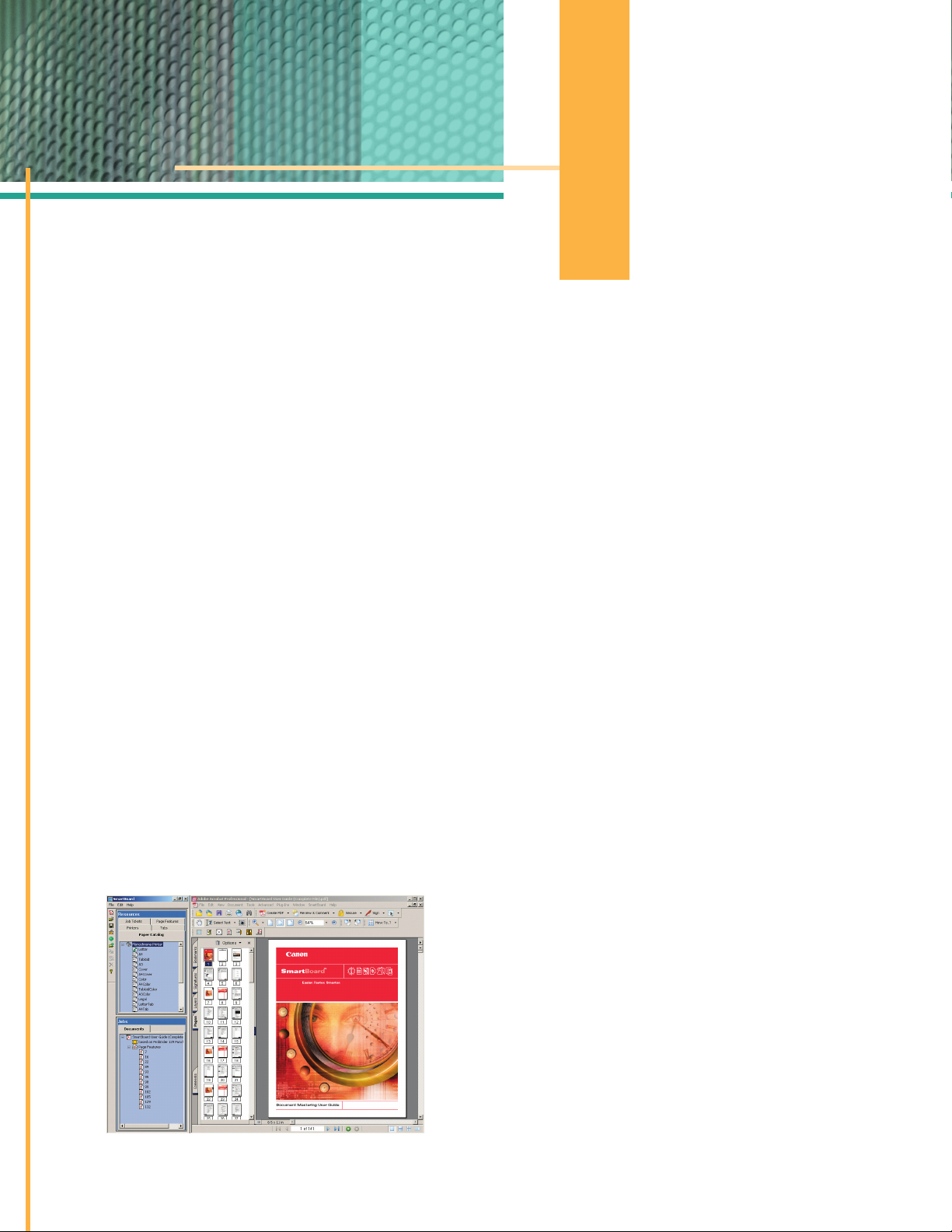
The easy-to-use, intuitive interface uses familiar icons
with simple drag-and-drop features, adding point-andclick convenience to everyfunction. The workflow is fast,
simple, and intuitive.
THE FRONT-END SOLUTION TO
MAKING WORK FLOW
Maximize the capabilities of your
Canon imageRUNNER
®
110/Pro Series
Networked Production Systems with
SmartBoard.™ It’s the total workflow
solution that allows you to edit,
manage, manipulate, store, and
move documents more efficiently
than ever before. With SmartBoard,
you can increase output of highquality, mission-critical jobs now,
while positioning your business for
sustained growth in the future.
Page 3
Functionality for the Way You Want to Work
SmartBoard software is designed to make your most
challenging document scanning, storage, and assembly
jobs easy and headache-free. It comes standard with an
impressive array of features, including:
• Icon-based Operation – All SmartBoard screens have
easy-to-understand icons, and operate using familiar pointand-click and drag-and-drop mouse-based techniques.
• Variety of Input Sources – Documents can be input from
a broad range of sources, including hard-copy originals,
native application formats, such as Microsoft Office, as
well as TIFF and PostScript files.
• Easy Job Assembly – Easily cut, copy, and paste pages
between documents and rearrange pages. Multiple file
types can be combined into a single document.
• Page-level Editing – Object area editing, masking, and
erasing allow unwanted information and stray page
marks to be removed quickly and easily from scanned
documents. All editing features can be done with the
click of a mouse and can be viewed on screen before
printing, thus reducing the occurrence of errors.
• Annotations – Add page numbers, stamps, watermarks,
headers and footers, and more to individual pages or
several pages at a time.
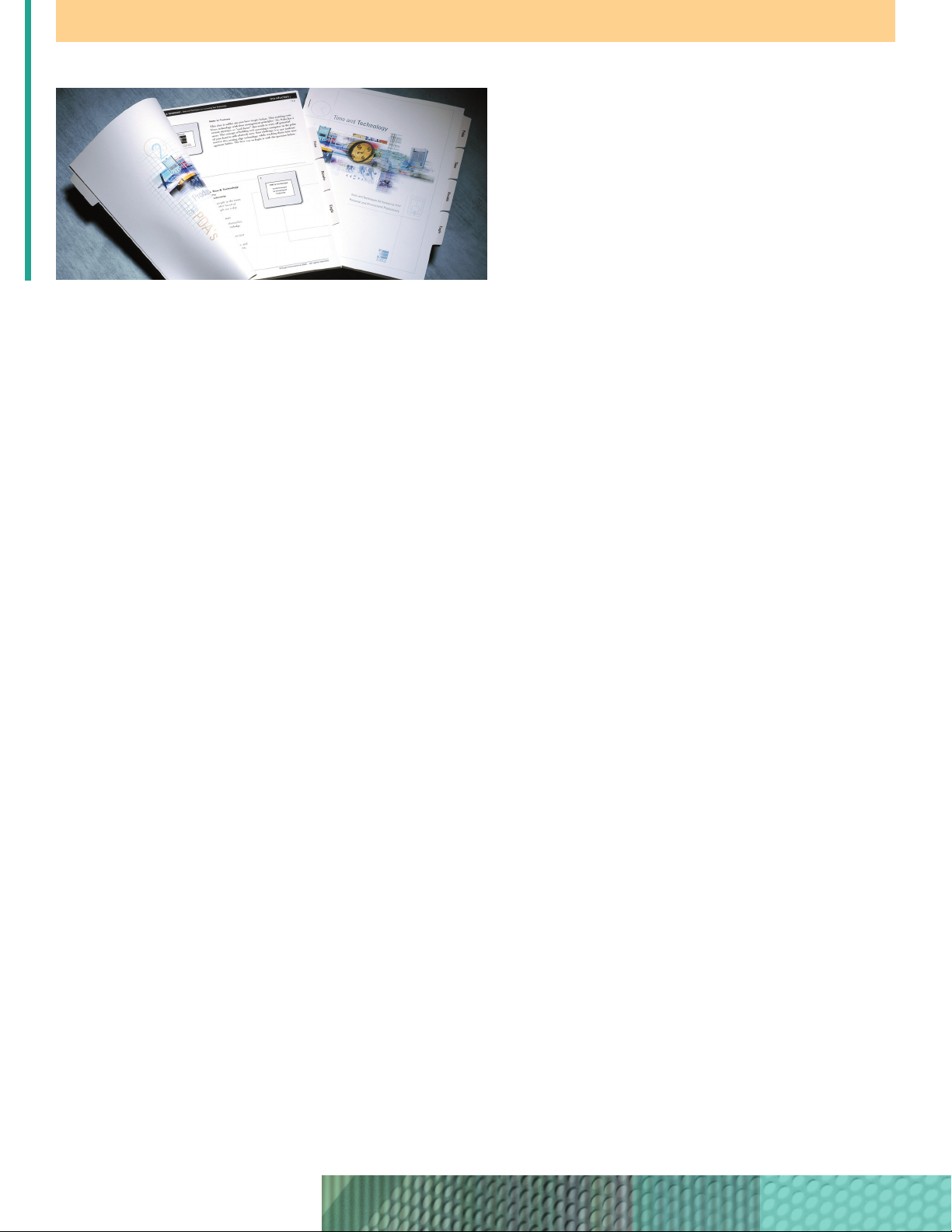
• Tab Creation – Ability to create both cut and bleed tabs.
Labels can be multiline and automatically created from PDF
bookmarks. The operator can send unused tabs to the top
exit of the printer.
• Job Ticketing – Using SmartBoard, normal prepress time
can be reduced by as much as 50% through the use of
predefined job ticket templates. Users can create custom
job tickets for reuse; create, store, and retrieve documentlevel job tickets for easy reprints; and, view and customize
job ticket settings as needed.
• File Portability and Convenience – Files can be shared
among customers and print providers for greater collaboration on job setup and proofing.
• B/W and Color Synergy – Edit and store both black-and-
white and color pages within the same document.
• Scanning Versatility – Supports TWAIN-compliant interface,
with full support for the Canon imageSCANNER 65, as
well as other scanners.
For additional functionality, including impositioning and
stamping, choose the SmartBoard Suite for your document
production needs. The SmartBoard Suite comes with all the
features mentioned above, plus two additional plug-ins—
Quite Imposing Plus and StampPDF.
™
Full Document Control, From File Creation to Output
SmartBoard is an easy way to deliver your most complex
documents with speed and accuracy, all the way through to
production. You’ll find it’s everything your business needs,
and then some, to prevail in today’s competitive environment.
Page 4
© 2004 Canon U.S.A., Inc. All rights reserved.
Kodak and SmartBoard are trademarks of Eastman Kodak Company. Microsoft and Windows are registered
trademarks of Microsoft Corporation in the United States and/or other countries. Adobe, Acrobat, and
PostScript are either registered trademarks or trademarks of Adobe Systems Incorporated in the United
States and/or other countries. QuarkXPress is a trademark of Quark, Inc. and all applicable affiliated
companies, Reg. U.S. Pat. & Tm. Off. and in many other countries. Pentium is a registered trademark of Intel
Corporation. Adaptec is a trademark of Adaptec, Inc., which may be registered in some jurisdictions.
StampPDF is a trademark of Appligent, Inc. Canon and Canon Know How are registered trademarks of
Canon, Inc. IMAGERUNNE R is a registered trademark of Canon Inc. in the U.S. and Canada. IMAGEANYWARE
is a service mark of Canon U.S.A., Inc. All other terms and products may be trademarks or registered
trademarks of their respective owners and are hereby acknowledged.
Specifications subject to change without notice.
1-800-OK-CANON
www.usa.canon.com
Canon U.S.A., Inc.
One Canon Plaza
Lake Success, NY 11042
0045W551
0604-SBB-20M
printed on recycled
paper in the u.s.a.
E
Product Configurations
SmartBoard 3.0 Suite includes:
• Adobe Acrobat 6.0 Professional
• Quite Imposing Plus 1.6
• StampPDF 2.7
• USB License Dongle
SmartBoard 3.0 includes:
• Adobe Acrobat 6.0 Professional
• USB License Dongle
Minimum System Requirements (PC not included)
• Microsoft Windows
®
2000 Professional
SP3 or Windows XP Professional SP1
• Single Pentium
®
III, 733MHz Processor
with 133MHz FSB or higher
• 256MB RAM or higher
• 10/100-Base TX Ethernet Adapter
• CD-ROM or DVD drive
• 9.1GB or higher Hard Drive
• Keyboard and mouse or compatible
pointing device
• Display and Graphics Adapter—
1024 x 768 monitor resolution with
16-bit color or greater (24-bit screen
display recommended)
• USB port—an available USB port
is needed for license dongle
• Adaptec SCSI Card 29160 is required
for scanner connection
• Print Production Software v5.x or later
SmartBoard™Workflow Suite
 Loading...