

Page 1
PECIFICATIONS
S
For more detailed documentation, visit us online at www.adtran.com
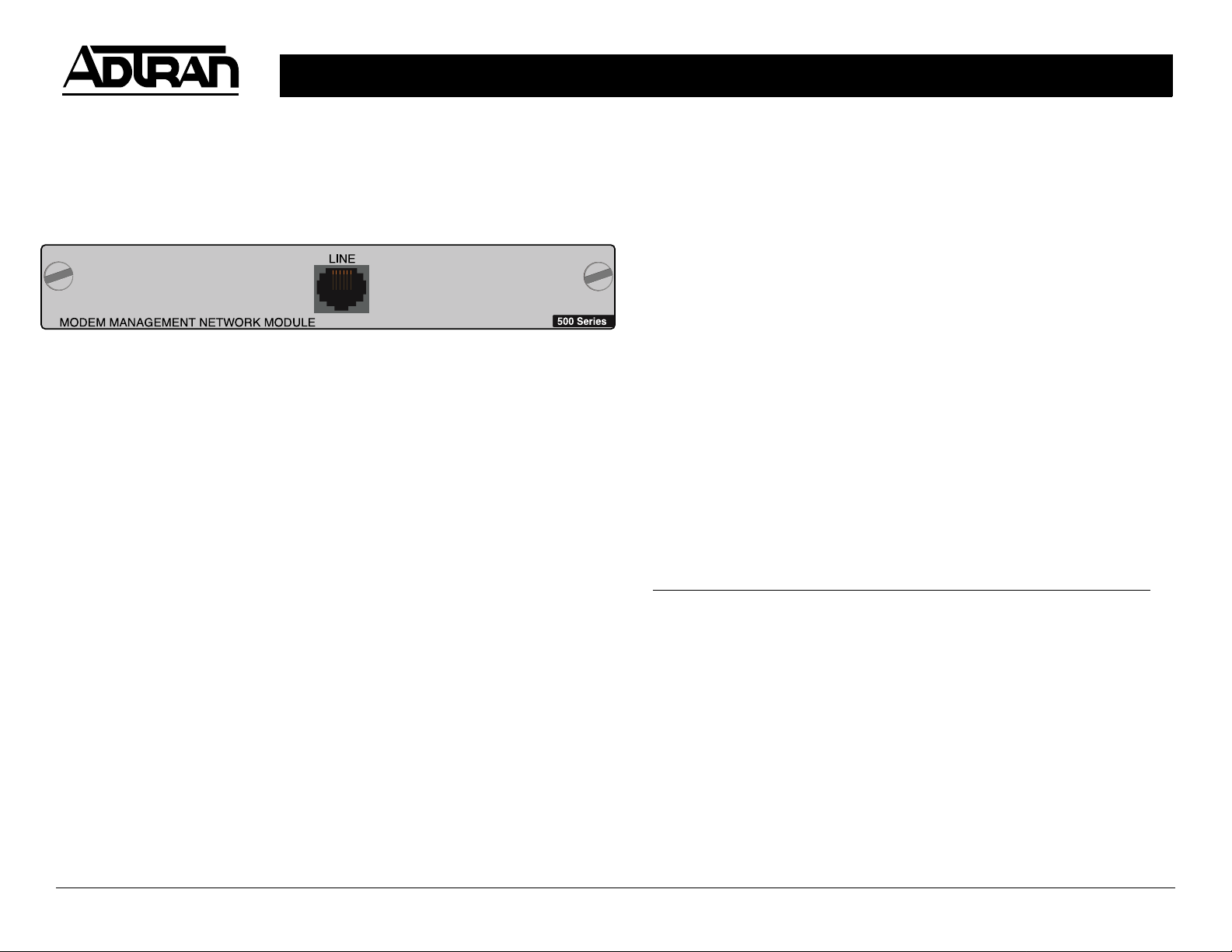
MODEM MANAGEMENT MODULE P/N 1200341L1
NSTALLATION INSTRUCTIONS
I
1. Remove the cover plate from the appropriate network slot in the
ATLAS 550 rear panel.
2. Slide the Modem Management Module into the network slot until the
module is firmly positioned against the front of the chassis.
3. Secure the thumbscrews at both edges of the module. Tighten with a
screwdriver.
4. Connect one end of the provided satin cable to the line port on the
module and the other to the phone outlet.
5. Complete installation of remaining modules and Base Unit as specified
in the Installation section of the ATLAS 550 System Manual.
Functional Description Provides an internal dial-up port for remote
managment of the ATLAS 550 system
Connectors RJ11
Tests Self-test
Menu Access VT-100 through the Control port or Telnet access
Modem Specifications
Data Modulation V.34, V.32bis, V.32, V.22, V.23, V.21
Connection Rates 2400 to 33.6K
Error Correction V.42 LAPM, MNP 2-4, MNP10
Data Compression V.42bis and MNP 5
Quick Start Guide, 61200341L1-13A, April 2001 Technical Support 1-888-4ADTRAN (1-888-423-8726) Copyright 2001 ADTRAN, All Rights Reserved
ETWORK CONNECTION PINOUT
N
Pin Name Description
1, 2, 5, 6 Unused n/a
3 Tip Tip to and from the analog
interface
4 Ring Ring to and from the analog
interface
Page 2

MODEM MANAGEMENT MODULE P/N 1200341L1
ENU TREE
M
Part Number
Info Serial Number
Assembly Revision
Slt Signal Leads
Tx Bytes
Type ModmMgmt Menus Rx Bytes
Overrun Errs
Menu Status Framing Errs
Clear Counters
Modules Hangup Modem
Test Test Activity Connect Rate
State
Configuration Port Name
Status Rings to Answer
Rev Test Detect Dial Tone
shortcut
Quick Start Guide, 61200341L1-13A, April 2001 Technical Support 1-888-4ADTRAN (1-888-423-8726) Copyright 2001 ADTRAN, All Rights Reserved
Dial Tone Detected
 Loading...