

Page 1
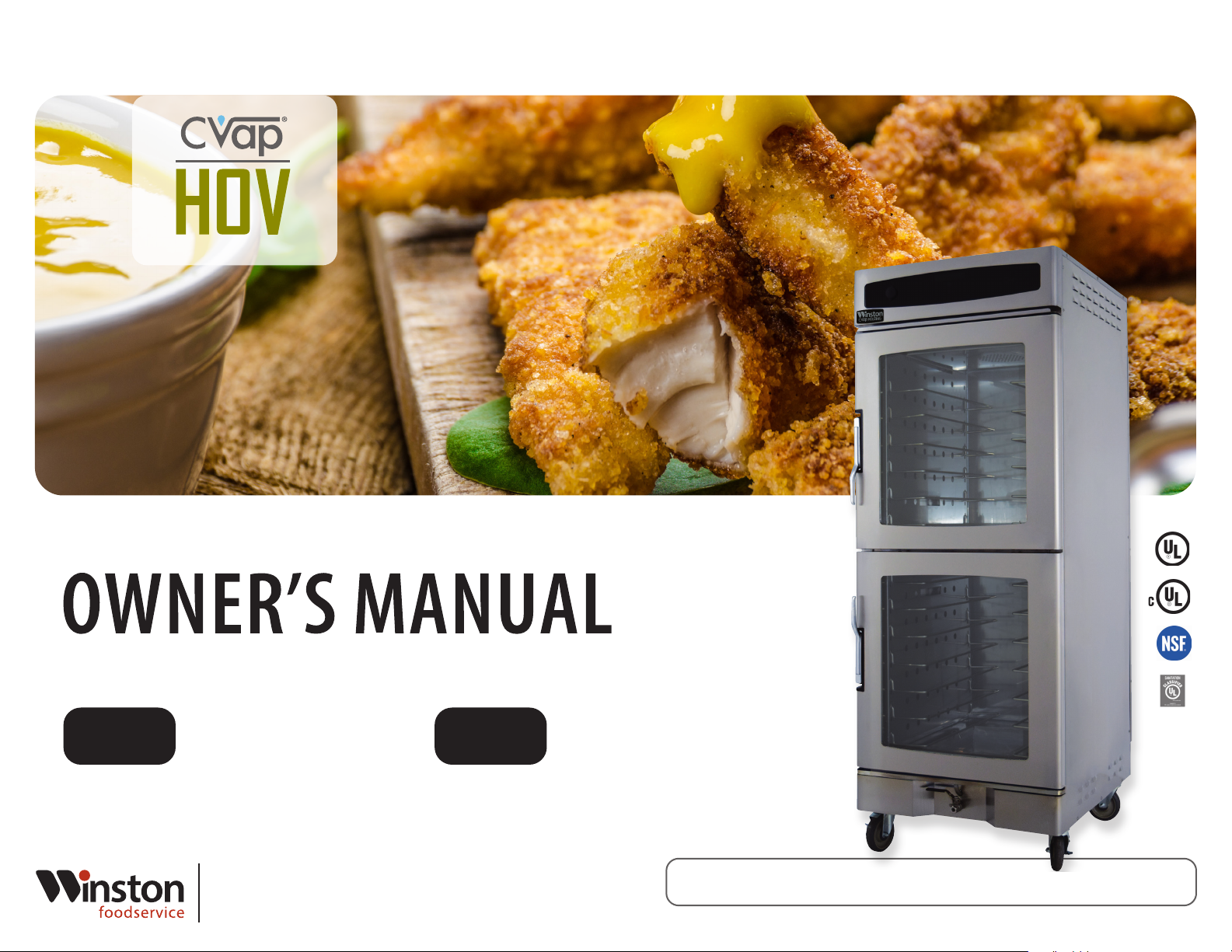
class series 5 & 7
series 5 & 7 holding cabinets with CVap® technology
HOV5-04HP
HOV5 HOV7
HOV5-04UV
HOV5-05SP
HOV5-05UV
2345 Carton Drive | Louisville, Kentucky 40299 USA
winstonfoodservice.com | 800.234.5286 | +1.502.495.5400
HOV5-14SP
HOV5-14UV
HOV7-04HP
HOV7-04UV
HOV7-05SP
HOV7-05UV
HOV7-14SP
HOV7-14UV
SERIAL #:
Page 2

holding cabinet - class series 5 & 7
Air Heaters
Evaporator
Heaters
Water Fill
Valve
Menu/Settings
Programming
LED Readout
Customer Care | 800.234.5286
Audio
| +1.502.495.5400 |
winstonfoodservice.com
NFC Data
Transfer
(series 7)
Power Failure
High Yield Fan On/O Delay Timer Error Alert
USB Port
8 Programmable Channels
New Winston CVap: Control Programming
STARTUP BASICS
H2O
Does your unit have WATER lled
to the ll line?
Push the ashing Winston
"W" to turn unit On.
Push the Winston "W" logo at
any time to turn the unit O.
It will ash while in O mode.
Power On/O
Home
Previous Screen Enter/Accept
Temperature
QUICK USE
Cook & Holds (CHV), Holding Cabinets (HOV) or Retherm Ovens (RTV)
1. After the unit is lled with water, turn it On.
2. Select the preset channel you want. Unit will read PREHEAT.
3. When unit reads HEATED, put food into oven and press ENTER.
4. When you are done, tap the channel again to exit.
Security Lock USB
Android/NFC Card Tap (series 7 )
Touch Wheel
THE TOUCH WHEEL DIAL
Place your nger on the dial area and move it around the
circle clockwise or counterclockwise to choose between
all of your options.
When you select the option to use, always press ENTER
to continue.
Helpful Tips - Selecting Channel
1. If the incorrect channel was selected prior to starting a cycle, the channel may
be changed by tapping the illuminated channel number and selecting an
alternate channel.
2. If you desire to stop the cycle during a hold, you may either press the
illuminated channel or the back key to exit channel, then press ENTER.
Page 3

Main Menu
STARTUP BASICS
• View Channel - Select this to see what my settings
are on any channel.
• Delay Start - Prepare ahead by allowing a desired
channel to turn on automatically. It can be set for
up to a 99-hour delay.
• Settings - Allows you to make special adjustments
to the unit.
o Security - Using the code 2345 locks or unlocks a
unit, allowing general daily operation only.
o Volume - Adjust the volume of the speakers.
o Display - Adjust the display temperature readout
to show air temperature or evaporator.
• USB - Pull HACCP temperature data, upload
settings, or perform software updates.
• About - Informs the user of software versions
during troubleshooting needs.
Preprogrammed Channels
HOLDING CABINET
Channel 1: Soft Hold
• Pastas, Vegetables, Etc.
Channel 2: Medium Hold
• Meats, Soft Breads, etc.
Channel 3: All Purpose Hold
• Mix of Products
Channel 4: Crisp Hold
• Breaded/Fried Products
Channel 5: Gentle Hold
• Rare-MR Steaks, Seafood, etc.
o Temperature Scale - Adjust between Fahrenheit
or Celsius.
o Time and Date - Set up a calendar in the unit to
allow for accuracy with HACCP downloads.
o Fill System - Adjust setting for Water Level Sensor
(disabled, probe, or oat) and Water Valve
(disabled or enabled).
o Tuning - Calibrates vapor temperature for the size
and model of the unit, for maximum precision.
o Reboot - Allows unit to be rebooted
holding cabinet - class series 5 & 7
Channel 6: Soft/Medium Hold 2
• Meats, Soft Breads, Etc.
Channel 7: Crisper Hold 2
• Breaded/Fried Products
Channel 8: Super Crisp Hold
• Fried/Dried Products
Customer Care | 800.234.5286
| +1.502.495.5400 |
winstonfoodservice.com
Page 4
holding cabinet - class series 5 & 7
Customer Care | 800.234.5286
| +1.502.495.5400 |
winstonfoodservice.com
Program Channels
USING CONTROL
1. Move your nger on the dial and select Program Channel…then press ENTER.
2. When unit reads Select Channel, pick which number you want to save to (1-8).
4. Use dial to adjust alarm for Holding Time. Your options are Innite (no alarm)
or :01-99:00, then press ENTER. If you do not wish to use an alarm, set to Innite.
5. Use dial to adjust Holding Vapor Temperature. Your options are O or 90-200 °F
(o or 32-93 °C), then press ENTER.
6. Use dial to adjust Holding Air Temperature. Your options are O, or up to
205°F (96 °C), then press ENTER.
7. Use dial to adjust Convection Holding. Your options are On or O, then
press ENTER. (series 7 only)
8. Unit saves your settings and then goes back to Home Screen.
USING USB STICK
1. Go to www.winstonfoodservice.com to create the preset le.
2. Insert USB stick containing 1 preset le.
3. Use dial to navigate to USB heading, then press ENTER.
4. Use the dial to navigate to Upload Presets, then press ENTER.
5. The unit will display, Conrm Upload , press ENTER to conrm and start the
upload or BACK to cancel.
6. Upon upload completion, the unit will display, Upload Complete.
7. Remove USB stick and verify the presets are correct.
Downloading HACCP Records
1. Insert USB stick
2. Use dial to navigate to "USB" heading and press ENTER key.
3. Under the "USB" heading, use the dial to choose, "DOWNLOAD HACCP RECORD"
and press ENTER.
4. The display will read, "DOWNLOADING" and the USB indicator will ash.
5. Upon completion the control will return to the menu and the display will read,
"DOWNLOAD HACCP RECORDS".
6. Remove USB stick.
Helpful Tips - Programming Channel Using Control
1. At any time after selecting enter, you can press the HOME button to end
the programming. Anything selected by pressing ENTER will already be
saved.
2. At any time during the programing, you may press BACK to go to the
previous options.
Page 5
Requirements
GENERAL INSTALLATION
Install equipment on a solid, flat, level
surface in a location where ambient
temperatures will not exceed 100 F and
away from grease laden vapors from other
equipment. For proper ventilation of the
equipment, allow 2-inch clearance on all
sides, particularly around any ventilation
holes. Plug the equipment into a properly
grounded outlet of the correct voltage and
phasing as indicated by the equipment ID
labels. Please read the installation instructions
that follow.
water
If manually filling equipment with water, fill
evaporator pan with approximately 2.5
gallons of water, unless it is a 04-HP unit.
04-HP units require 1.25 gallons of water. As
water evaporates, minerals in the water will
deposit on the surface of the evaporator.
These mineral deposits will inhibit the
transfer of heat. Deposits can also degrade
and damage stainless steel. To avoid mineral
deposits clean the equipment daily. It is
advisable to contact your water utility for
advice on minimizing deposit buildup.
!
CAUTION:
High Temperature Hazard
Can cause damage to equipment >>
If utilizing vapor heat, ll evaporator with
water prior to turning power on and do not
allow evaporator to run dry.
For locations with hard water, add one
tablespoon (15 ml) of white vinegar or
lemon juice to water to help minimize scale
buildup. Please consider contacting your
local water authority to obtain advice on
possible water treatments to protect the
equipment. Some water supplies are high
enough in chemical content to be capable
of damaging stainless steel (if used
untreated). The evaporation process can
concentrate the chemicals in the water to a
level which could cause a damaging
reaction with the stainless steel.
ventilation
Ventilation Clearances: To operate properly,
the equipment will need sufficient space for
air circulation. Allow at least 2" (51 mm)
clearance on all sides, particularly around
ventilation holes. Care should be taken to
prevent placing the equipment close to
anything combustible. It must be installed
with its supplied casters or legs. Equipment
may be stacked upon each other using only
a Winston supplied stacking kit and
following the instructions enclosed with the
kit. Your warranty may be void if you do not
adhere to these ventilation requirements.
!
CAUTION:
High Temperature & Grease Hazard
Can cause damage to equipment >>
Avoid placing equipment near high heat or in
grease-laden atmosphere.
Do not place equipment in an area where
ambient temperature (air temperature
around the equipment) exceeds 100° F
(38° C). A heat shield may be required to
prevent excessive heat exposure and greaseladen vapors from affecting the equipment
if adjacent to heat, vapor, or grease
generating devices (such as grills, steamers,
ovens, etc.). Excess heat and grease inside
the equipment cavities may cause electrical
components to fail.
Vent Hood: Generally this equipment does
not need to be installed under a mechanical
ventilation system (vent hood). Check local
health and fire codes for requirements
specific to your location.
auto water fill
Automatic water fill is available as an
optional feature. Auto water fill systems
must be hooked up to a potable water
supply line. The maximum incoming water
temperature may not exceed 140 ˚F (60 ˚C)
and the incoming water pressure must be
between 20 and 150 psi (137.9 kPa to 1034
kPa). Equipment with auto water fill systems
MUST NOT BE ALLOWED TO RUN DRY. Heat
damage to the water valve may result.
It is the responsibility of the owner and
installer to ensure that installation complies
with all local and state plumbing codes.
shelving
The load limit per rack is 65 lbs (29.25kg).
holding cabinet - class series 5 & 7
Contact Information
Internet: winstonfoodservice.com
E-mail: [email protected]
Phone: 800.234.5286 | +1.502.495.5400
Fax: +1.502.495.5458
Mail: 2345 Carton Drive | Louisville, KY 40299 USA
Customer Care | 800.234.5286
| +1.502.495.5400 |
winstonfoodservice.com
Page 6

holding cabinet - class series 5 & 7
Customer Care | 800.234.5286
| +1.502.495.5400 |
winstonfoodservice.com
Procedures
DAILY CLEANING
Required Cleaning Accessories & Supplies
• Pan for draining evaporator
• Food grade germicidal detergent
• Descaling agent
!
CAUTION: Corrosion Hazard
Can cause damage to equipment >>
Clean unit daily to avoid potential corrosion
damage.
Clean evaporator daily to prevent chlorides
(salts) from accumulating. Chlorides can
cause the evaporator tank to corrode to the
extent that leaks can occur. Leaks caused
by corrosion, which is caused by a failure
to clean daily, are not covered under the
manufacturer's warranty.
!
CAUTION: Burn Hazard
Can cause serious injury >>
Allow equipment to cool for at least
30 minutes.
cleaning procedure
Ensure that any chemical used to
clean equipment is free of sodium
and other ingredients that could be
corrosive to metal.
1. Disconnect power supply.
Allow equipment to cool.
2. Place empty pan under drain valve,
open drain valve and allow evaporator
to drain.
3. Remove and clean rack supports using
a food-grade germicidal agent. Rinse
and allow to dry.
4. Remove evaporator cover and clean,
then allow cover to dry.
5. Spray food chamber and evaporator
with a food grade germicidal detergent.
6. Wipe inside surfaces to remove all
food deposits.
7. Inspect for scale build-up on the tank
surface and probe. If present, apply
descaling agent like Citranox. Read ALL
warnings and follow directions listed on
descaling agent package.
!
DANGER: Electrical Hazard
Can cause serious personal injury or damage
to the equipment >> Avoid spraying
equipment exterior or controls with water.
8. Rinse all inside surfaces, including
evaporator, and dry with clean towel.
Do not spray outside of equipment or
controls with water.
9. Replace rack supports.
10. Replace evaporator cover.
11. Close the drain valve.
12. Reconnect equipment to electrical
power and make ready for use.
Component Identification
1
2
3
4
5
Full-size cabinet
shown. Elements
are common to all
holding cabinets.
7
6
8
1. Control Panel - contains power button and control escutcheon. Allows operator to
program food temperature and food texture. Escutcheon is removable for servicing or
replacing microprocessor.
2. Door Gasket seals food chamber against heat or vapor loss.
3. Door & Latch can be reversed on site.
4. Adjustable Rails - located on both sides inside equipment, holds trays, pans, shelves,
and racks.
5. Food Chamber - holding cavity where the dual heat system combines to create the
perfect holding environment.
6. Evaporator and Heaters (not visible) - supply vapor atmosphere to the food chamber by
heating water within the evaporator.
7. Trough collects moisture that condenses on door.
8. Drain Valve allows for draining water from evaporator.
9. Cord Wrap (behind unit if applicable) provides storage for power cord.
10. Name Plate identifies model number, serial number (important for servicing and
ordering parts), voltage, power, and electrical information. Electrical Requirements Label
identifies that equipment is for use with an individual branch circuit only.
11. Air Heaters (not visible) - supply heat for precise food texture control.
12. Casters provide easy movement when front casters are in unlocked position.
9
10
11
12
Page 7
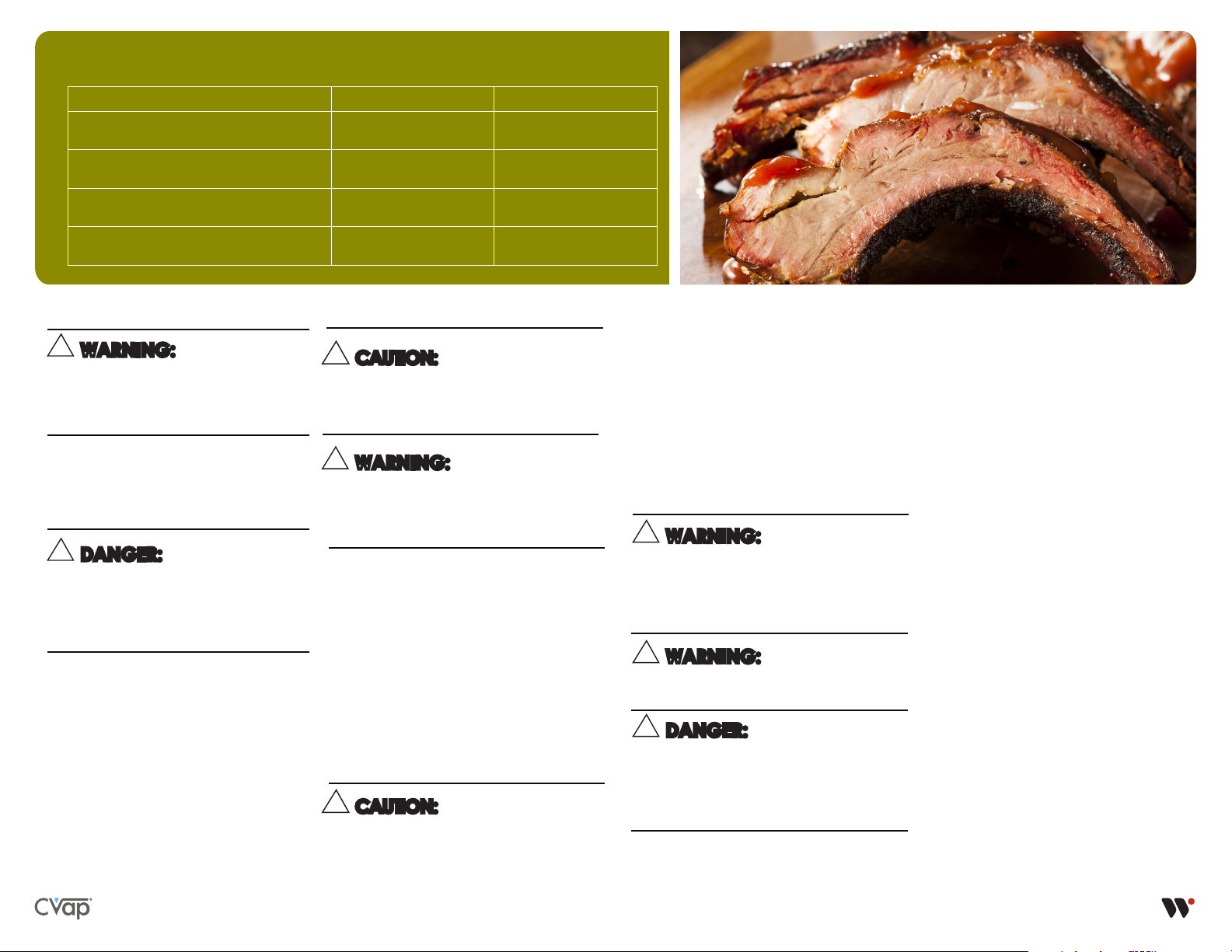
Food Holding Reference Chart
Product Vapor Temperature Air Temperature
Soft Moist Foods
Sauces, gravies, vegetables, sh, etc.
Firm Moist Foods
Bakery, meats, chicken, etc.
Crisp Foods
Fried or breaded products
Very Crisp Foods
Tortilla chips, fries, etc.
Warnings
MISUSE AND OTHER
!
WARNING:
Contamination Hazard
Can cause serious illness or damage to
equipment >> Clean equipment daily to
avoid potential contamination hazard.
Ensure safe operation by cleaning
equipment daily. Failure to do so can allow
harmful deposits to develop, increasing
the potential for food contamination and
endangering your customers.
!
DANGER: Electrical Hazard
and Burn Hazard
Can cause serious injury or death >>
Do not attempt to service this equipment
unless you are a licensed electrician or
trained servicer.
This equipment uses high voltage electrical
systems, high temperature heating systems,
and hot water vapor. If used improperly, any
of these hazards are capable of causing
serious injury or death. To avoid the
potential for an accident, please have
equipment serviced only by a trained
servicer. Please make this page available to
the servicer.
holding cabinet - class series 5 & 7
140 to 155° F
(60 to 68° C)
140 to 155° F
(60 to 68° C)
130 to 150° F
(50 to 66° C)
O to 130° F
(O to 50° C)
!
CAUTION: High Temperature and
140 to 155° F
(60 to 68° C)
145 to 185° F
(63 to 85° C)
170 to 200° F
(77 to 93° C)
180 to 200° F
(82 to 93° C)
Grease Hazard
Can cause damage to equipment >>
Avoid placing equipment near high heat or in
grease-laden atmosphere.
!
WARNING: Safety Hazard,
Intended Use
Can cause serious illness or damage to equipment
>> Supervise untrained, young, or handicapped
persons.
1. This equipment is not intended for use by
persons (including children) with reduced physical,
sensory, or mental capabilities, or lack of
experience and knowledge, unless they have been
given supervision or instruction concerning use of
the equipment by a person responsible for their
safety.
2. Children should be supervised to ensure that
they do not play with the equipment.
3. This equipment is intended to be used for commercial applications, for example in kitchens of
restaurants, canteens, hospitals and in commercial
enterprises such as bakeries, butcheries, etc., but
not for continuous mass production of food.
!
CAUTION: High Temperature
Hazard
Can cause damage to equipment >>
Fill evaporator with water prior to turning power
on, and do not allow evaporator to
run dry.
MAKE CERTAIN EVAPORATOR HAS AN
ADEQUATE SUPPLY OF WATER PRIOR TO
TURNING ON POWER SWITCH. WATER LEVEL
SHOULD BE APPROXIMATELY AT FILL LINE.
KEEP DOOR(S) CLOSED WHEN NOT IN USE. If
food temperature becomes too low during
serving period, increase VAPOR TEMP setting
by 10-20° F (11-17° C) to maintain desired food
temperature.
!
WARNING: Burn Hazard
To avoid scalding, do not use loaded
containers with liquids or cooking goods
which becomes uid by heating in higher
levels than those which can be easily
observed.
!
WARNING: Burn Hazard
When opening the door of the cooking
compartment hot steam can come out.
!
DANGER: Electrical Hazard
If supply cord is damaged, it must be
replaced by the manufacturer, its service
agent, or similarly qualified persons in order
to avoid a hazard.
Customer Care | 800.234.5286
Warranty & Terms and
Conditions of Sale
Limited one-year warranty (excluding
gaskets, lamps, hoses, power cords, glass
panels, fryer baskets, batteries, and
evaporators). Warranty disclaimer for failure
to clean.
WINSTON EXPRESSLY DISCLAIMS ALL OTHER
WARRANTIES, EITHER EXPRESS OR IMPLIED,
INCLUDING ANY IMPLIED WARRANTY OF
FITNESS FOR A PARTICULAR PURPOSE AND
ANY IMPLIED WARRANTY OF
MERCHANTABILITY.
For complete details on warranty and terms
& conditions of sale, go to:
https://www.winstonfoodservice.com/
wp-content/uploads/2019/07/winstonwarranty_t-and-c-4247j08.pdf
Both the Warranty and Terms and Conditions
of Sale are integral to this document.
| +1.502.495.5400 |
winstonfoodservice.com
Page 8

class series 5 & 7
2345 Carton Drive | Louisville, KY 40299 USA
winstonfoodservice.com | 800.234.5286 | +1.502.495.5400
Specifications subject to change without notice.
doc20171129wlp1rev03 | wp 07.11.19
Copyright © 2019
 Loading...