

Page 1

User Manual
GeoTrack - Panic
(Wireless Panic Button)
Document Version: 0.1A
Hardware Version: 0.61
Page 2

GeoTrack Panic User Manual
Registered Trademark
GeoTrack® is a registered mark of UTOFOS WIRELESS. CO., LTD.
Notice
The information contained in this document ation is subject to change without notice.
UTOFOS WIRELESS reserves the right to make changes in content without obligation on the
part of UTOFOS WIRELESS to provide notification of such change. UTOFOS WIRELESS may
make improvements or changes in the product(s) and/or the program(s) described in this
documentation at any time. UTOFOS WIRELESS expressly disclaims all responsibility and
liability for any damage or loss arousing out of other use than as specified in this documentation.
The product(s) is owned by UTOFOS WIRELESS and is protected by patent and copyright laws.
No part of the product (including but not limited to idea(s) for the product, the manual, etc.) may
be reproduced in any form or by any means or used to make any derivative work (such as
translation, transformation, or adaptation) without written permission from UTOFOS WIRELESS.
Print Information
Release 0.1A (March, 2007)
Copyright
© 2007 UTOFOS WIRELESS CO., LTD. All rights reserved.
Printed in the Republic of Korea
UTOFOS WIRELESS CO., LTD.
152-848, #6FI, Kolon Science Valley 187-10, Guro 3 Dong, Guro Gu, Seoul, Korea
Tel : +82-2-2025-0501
Fax : +82-2-2025-0505
E-mail:
Website:
http://www.utofoswireless.com
CONFIDENTIAL 2 Page Version 0.1A
Page 3

GeoTrack Panic User Manual
REVISION HISTORY
Version Date Name Reason
0.1A Mar, 2007 Geonchul, Lee Initial Draft
CONFIDENTIAL 3 Page Version 0.1A
Page 4

GeoTrack Panic User Manual
Table of Contents
1. Introduction..............................................................................................................................5
2. External Appearance and Interface....................................................................................... 6
2.1 Front View. ....................................................................................................................... 6
2.2 LED……………………………………………………………………………………………….6
3. Specification............................................................................................................................7
3.1 General Specification (T est Temperature: 25℃).............................................................. 7
CONFIDENTIAL 4 Page Version 0.1A
Page 5
GeoTrack Panic User Manual
1. Introduction
This manual contains important technical information and instructions for the safe and reliable
use of GeoTrack Panic. Please be sure to read this manual before installing and starting up
the device.
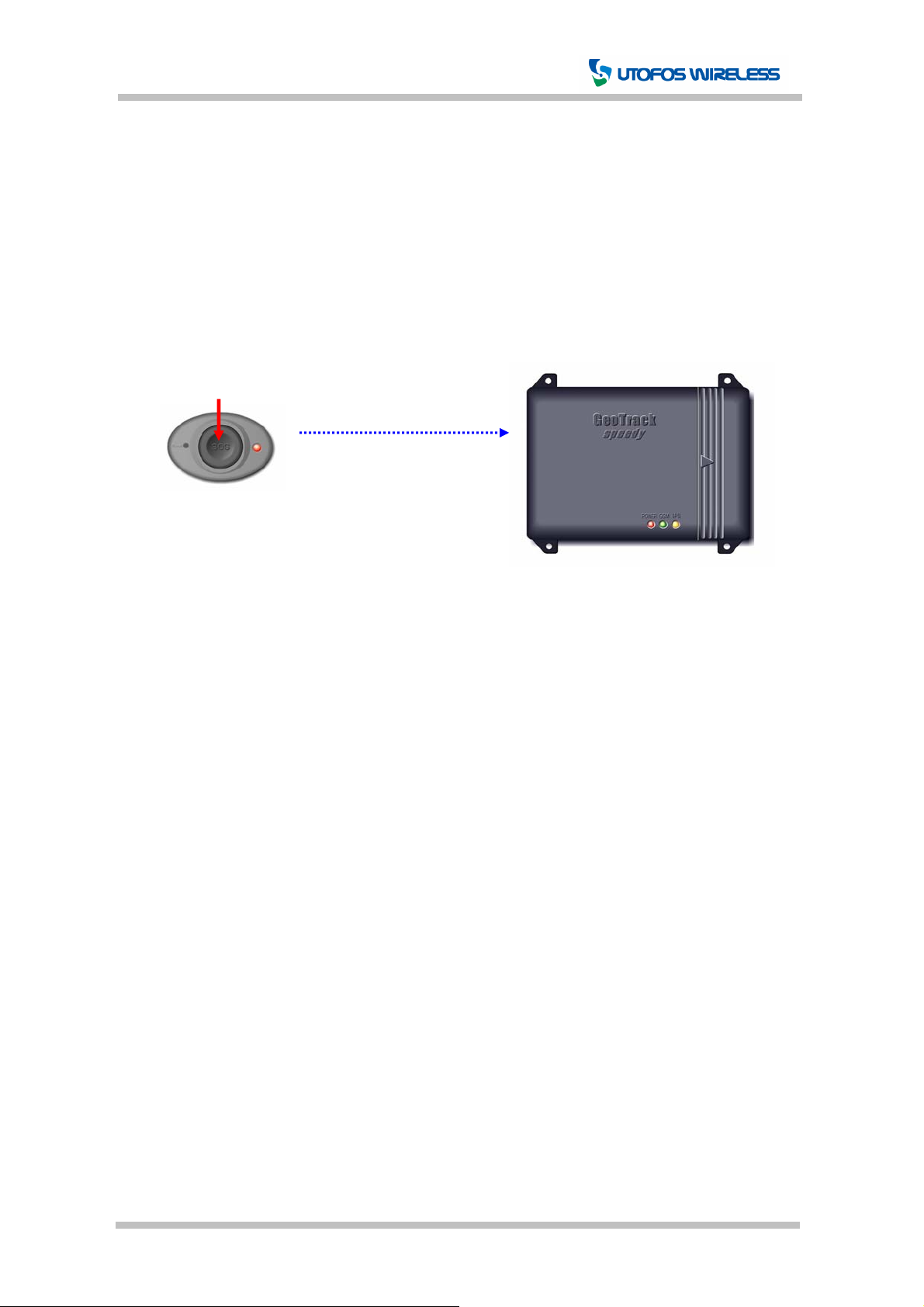
GeoTrack Panic is a compact wireless panic button. The details on its features are described
further in this manual.
315MHz RF
[Figure 1-1] Configuration
CONFIDENTIAL 5 Page Version 0.1A
Page 6
GeoTrack Panic User Manual
2. External Appearance and Interface
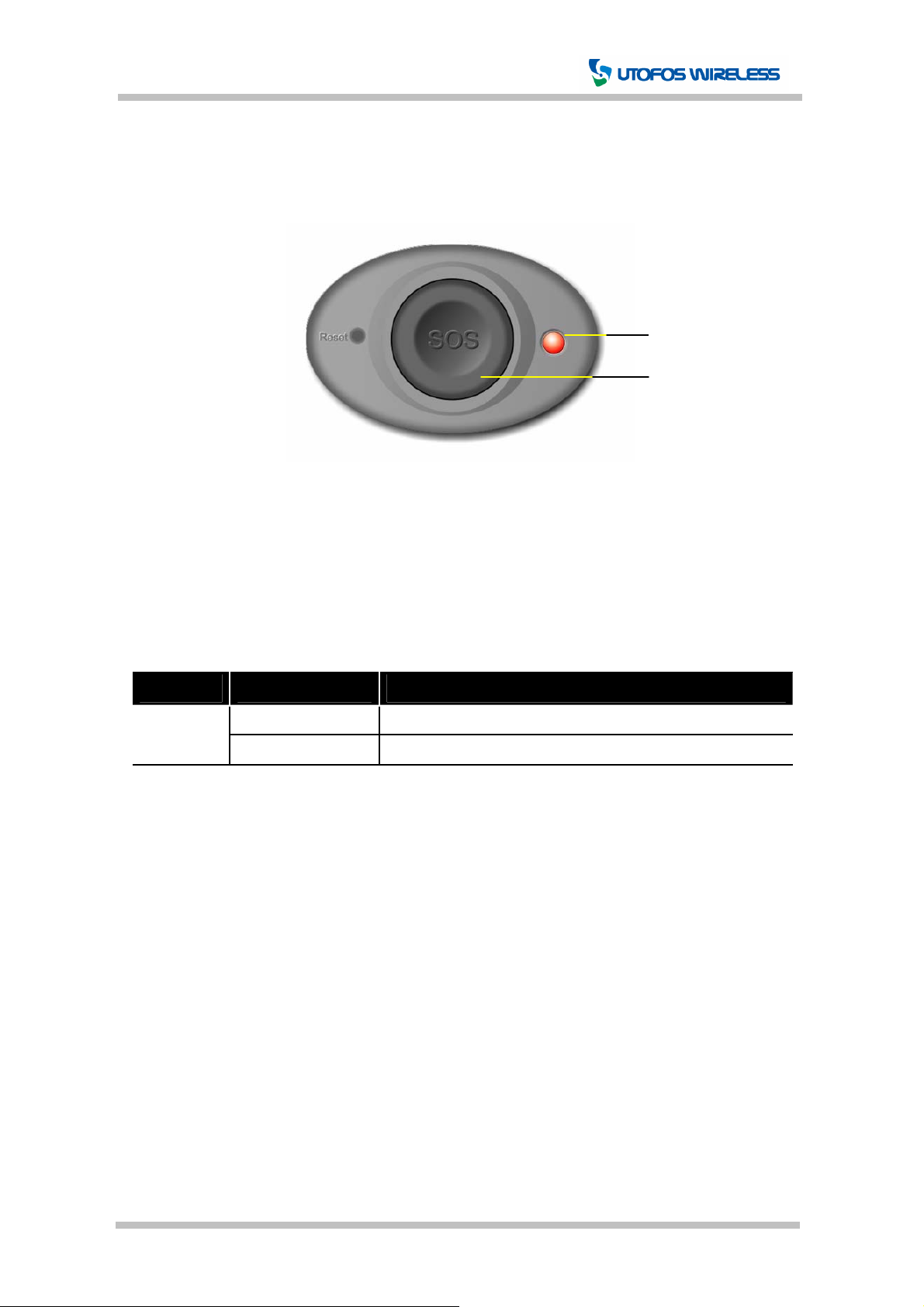
2.1 Front View
LED
[Figure 2-1] Panic Front View
Button
2.2 LED
Panic provides LED to allow the user/administrator to see how the panic operates.
For more details on the LED, please see the following [Table 2-1].
Color Status Explanation
Red
On Press SOS button
Permanently Off Normal status
[Table 2-1] LED
CONFIDENTIAL 6 Page Version 0.1A
Page 7
GeoTrack Panic User Manual
3. Specification
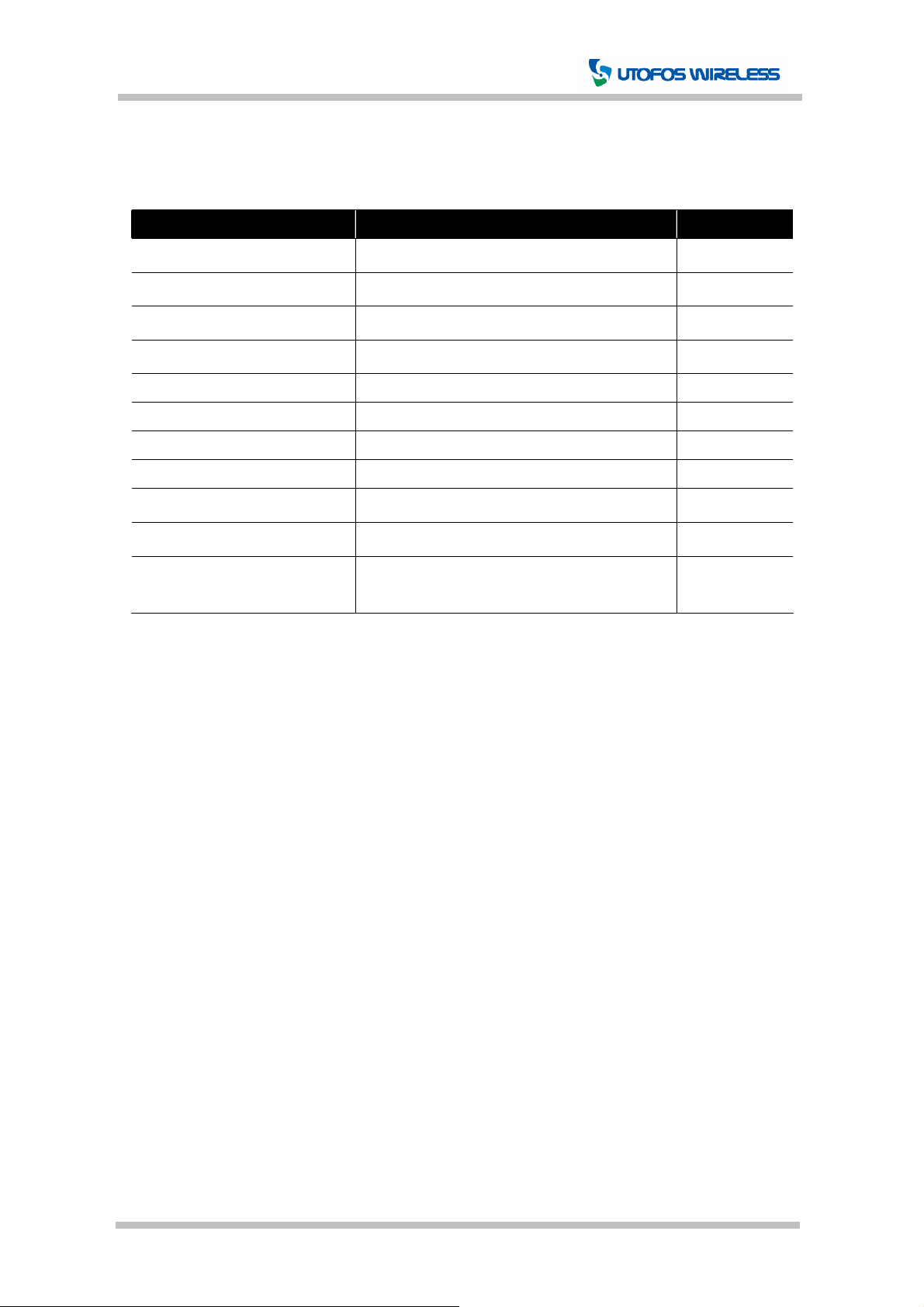
3.1 General Specification (Test Temperature: 25℃)
Item Description Comments
Transmit Frequency Range
Modulation Ty pes FSK
RF Power < 1mW
Operation Voltage +3VDC (CR1620)
Operating Temperature -40 ℃ ~ +85℃
Storage Temperature -40℃ ~ +85℃
Size 40.0mm X 26.0mm X 9.9mm
Weight g
Antenna PCB Pattern Type(Within)
Approvals
RoHS All hardware components are fully compliant
315MHz ±100kHz
with the EU RoHS Directive
[Table 3-1] General Specification
CONFIDENTIAL 7 Page Version 0.1A
Page 8

CAUTION: Changes or modifications not expressly approved by the manufacturer
responsible for compliance could void the user’s authority to operate the equipment
WARNING
This device complies with part 15 of the FCC Rules. Operation is subject to the
following two conditions: (1) This device may not cause harmful interference, and (2)
this device must accept any interference received, including interference that may cause
undesired operation.
INFORMATION TO USER:
This equipment has been tested and found to comply with the limit of a Class B digital
device, pursuant to Part 15 of the FCC Rules. These limits are designed to provide
reasonable protection against harmful interference in a residential installation. This
equipment generates, uses and can radiate radio frequency energy and, if not installed
and used in accordance with the instructions, may cause harmful interference to radio
communications. However, there is no guarantee that interference will not occur in a
particular installation; if this equipment does cause harmful interference to radio or
television reception, which can be determined by turning the equipment off and on, the
user is encouraged to try to correct the interference by one or more of the following
measures:
1. Reorient / Relocate the receiving antenna.
2. Increase the separation between the equipment and receiver.
3. Connect the equipment into an outlet on a circuit difference from that to which
the receiver is connected.
4. Consult the dealer or an experienced radio/TV technician for help
 Loading...