

Page 1
1
ENGLISH - GERMAN - SPANISH - ITALIAN - FRENCH - JAPANESE
For complete manuals in German, Spanish, Italian, French and Japanese please download from our website at:
www.tcelectronic.com
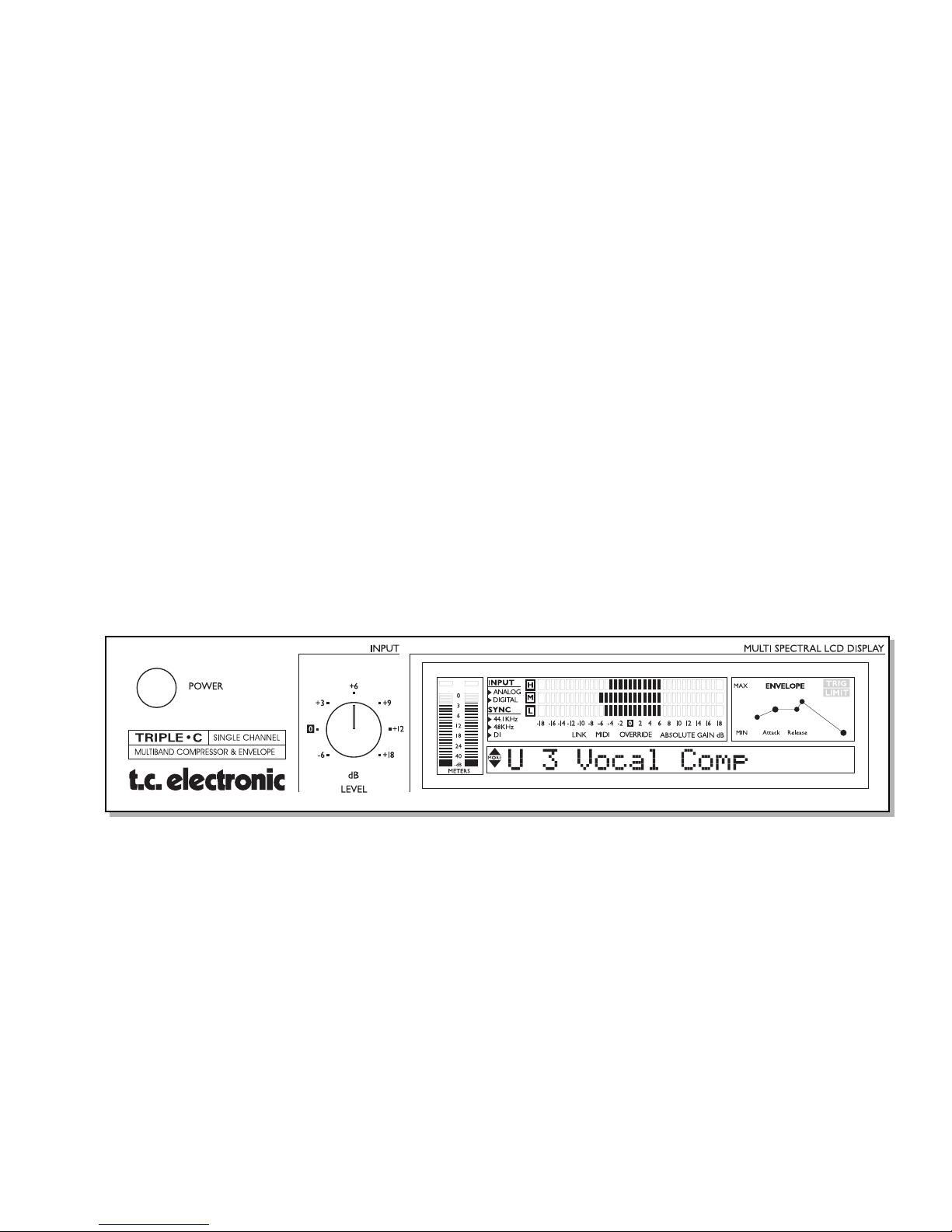
TRIPLE•C
MULTI-BAND COMPRESSOR & ENVELOPE
SINGLE CHANNEL/STEREO CHANNEL VERSION
by
TC ELECTRONIC
QUICK GUIDE TO THE
Page 2
2
FRONT PANEL
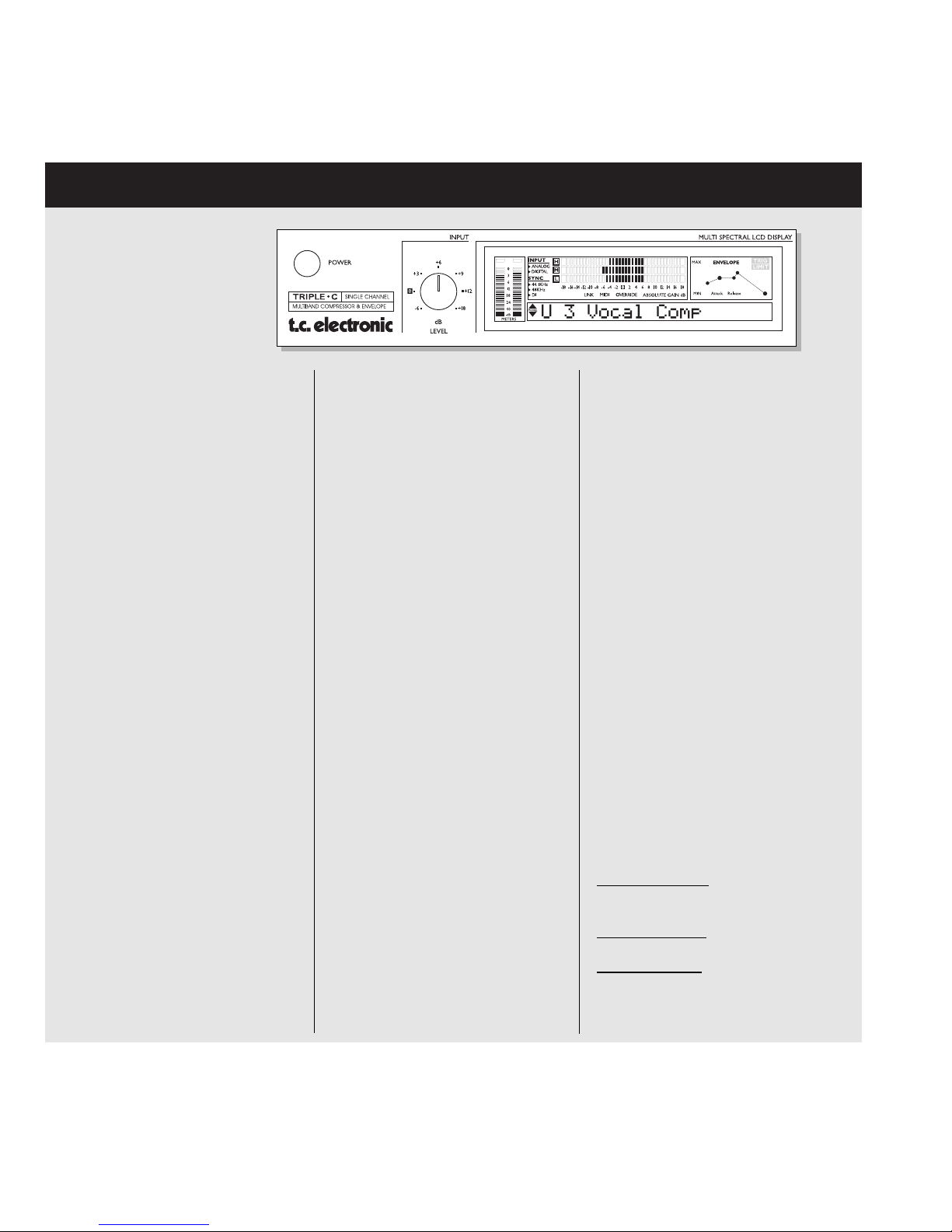
SYNC
Indicates the current clock of the
TRIPLE•C. When locked to an external clock, the "DI" icon is lit and the
incoming Sample Rate is displayed by
either the 44.1 or 48 icon.
If no or unacceptable clock is available, the "Digital" and "DI" icons will
be blinking.
LINK indicator
Indicates that the unit is linked to a
second TRIPLE•C.
MIDI
When MIDI information is received the
MIDI icon will blink.
Gain Metering
The Gain meter indicates the total
gain through the TRIPLE•C and simultaneously shows the gain reduction.
Envelope Section
Indicates the setting of the Envelope
Mode. Please see Envelope chapter
in the manual for further information.
TRIG
Indicates when the Envelope function
is processing the incoming signal.
LIMIT
When the LIMIT LED is lit the
Envelope Softclipper is active.
MULTI-BAND OFF key
Turns the Multi-band mode on/off i.e.
activates the full band mode. When
the LED is lit the Multi-band algo is
inactive.
PEAK SENSITIVE key
The TRIPLE•C is basically an RMS
based Compressor, meaning that it
responds to average level of the
incoming source material. This key
turns the TRIPLE•C into a Peak
based Compressor. When the LED is
lit the TRIPLE•C is in Peak mode.
This feature is only available in Multiband mode.
SOFTLIM key
Activates/deactivates the Soft-Limiter
in the Output section When the LED is
lit, the Soft-Limiter is active.
LOOK AHEAD key
When in Multi-band mode the Look
Ahead delay (3ms) can be activated
allowing even more precise processing.
THRESHOLD knob
Multi-band mode:
Sets the Mid band
Threshold value. The Lo/Hi bands are
slaved accordingly.
Full-range mode:
Sets the Threshold
value.
Envelope mode: Sets the Threshold
of the Envelope.
TC Electronic, Sindalsvej 34, DK-8240 Risskov - [email protected] English version Rev 1.00 - SW - V 1.01
POWER key
On/Off switch for the unit.
INPUT LEVEL knob
Adjusts the Input level.
Range is -6dB to +18dB.
INPUT/OUTPUT meters
Peak meter showing Input and Output
level. The meter range is: 0, -3, -6 ,12, -18, -24, -40dB.
For the Stereo version this meter is
common for both channels.
INPUT OVERLOAD LED
The OVERLOAD LED indicates one
of two situations: The Input level is
too hot and therefore overloading or
there is an internal DSP overflow. The
OVERLOAD LED is lit when 1 sample
is @ 0dBFS.
OUTPUT OVERLOAD LED
Indicates that the Output is too hot.
This will occur if e.g. too much gain
has been added through the
TRIPLE•C.
The OVERLOAD LED is lit when
1 sample is @ 0dBFS.
INPUT - Analog/Digital Indicates
whether the TRIPLE•C is set to analog or digital Input. When set to digital
Input, the Sample Rate automatically
switches to DI. In case of no or unacceptable clock the "Digital" and "DI"
icon will be blinking.
Page 3

3
FRONT PANEL
RATIO knob
Multi-band mode: Sets the Mid band
Ratio value. The Lo/Hi bands are
slaved accordingly.
Full-range mode:
Sets the
compression Ratio.
Envelope mode:
No function.
ATTACK knob
Multi-band mode: Sets the Mid band
Attack value. The Lo/Hi bands are
slaved accordingly.
Full-range mode:
Sets the Attack time.
Envelope mode:
Sets the Attack time
of the gain added to the start-up of
the source.
RELEASE knob
Multi-band mode:
Sets the Mid band
Release time. The Lo/Hi bands are
slaved accordingly.
Full-range mode:
Sets the Release
time.
Envelope mode: Sets the Release
time of the gain added to the ring-out
of the source.
ENVELOPE MODE key
Activates/deactivates Envelope mode.
Please see the next column for
descriptions of the controls in the
Envelope mode.
LO-BAND knob
Multi-band mode:
Adjusts the Output level of the
processed Lo-Frequency band.
Full-range mode:
No function
Envelope mode:
Attack Gain.
HI-BAND knob
Multi-band mode:
Adjusts the Output level of the
processed Hi-Frequency band.
Full-range mode:
No function
Envelope mode:
Release Gain.
BYPASS key
Bypasses all processing parameters
but not the System settings found in
the I/O menu. When the key LED is lit
the TRIPLE•C is bypassed.
LEVEL knob
Sets the overall Make Up gain
through the TRIPLE•C. This is used to
compensate for gain loss in the
Compressor. The absolute gain
through the TRIPLE•C is displayed in
the LCD by the fixed LED in the gain
meter. Range: +/- 18dB.
MENU key
Push MENU and use the VALUE SET
wheel to select menu.
PARAMETER wheel
Scrolls between parameters.
VALUE SET/ENTER wheel
Is used to change values.
When pushed, actions such as Recall,
Store etc. are approved.
Envelope Mode Controls:
Threshold
When the signal is above the set
Threshold point the Compressor is
activated and the gain of any signal
above the Threshold point is processed
according to the Attack and Release
settings.
Envelope Attack Gain
This is the level the signal will be
boosted/attenuated to in 0.1ms (fixed
response time) when the signal
exceeds the Threshold.
Attack
The Attack time is the time it takes for
the Compressor to reach Threshold
level again.
Release
The Release time defines the time the
Compressor continues to process the
signal after the Input signal has
dropped below Threshold.
Envelope Release Gain
This is the gain applied to the signal
after the signal has dropped below
the Threshold point. This can be used
e.g. to manipulate the sustain of the
signal.
Page 4

4
EQ Insert in the TRIPLE•C
Sidechain
• Connect the TRIPLE•C Direct
Out to the Input of the EQ and
the EQ Output to the TRIPLE•C
Input.
• Set Sidechain to “On”.
• The source signal passing the
TRIPLE•C will not be directly
influenced by the connected
EQ unit, however the EQ will
allow you to pinpoint the key
frequencies that you want the
Compressor to respond to.
Side Chain “On”
• Use the send/return connections
on a single channel on your
mixer.
• Connect the Output of the
channel you wish to contribute
to(Add) or control(On) the
compression.
• Press MENU, select Ext Side
using the PARAMETER wheel
and select “Add” or “On” using
the VALUE SET wheel.
In the illustrated example the Bass
drum channel will either contribute
to, or control the compression
applied on the Bass channel.
Stereo Setup Using two
TRIPLE•C Single Channels
• Connect two TRIPLE•C Single
Channel units as illustrated.
• On both units: Press MENU,
select “I/O Menu” using the
PARAMETER wheel. Press
ENTER and select “Link” using
the VALUE SET wheel.
• Connect MIDI Out on the unit
you wish to be “master” to
MIDI In on unit you want to
operate as “slave”.
• The units now operate as one
stereo unit.
All parameter adjustments
performed on the “master” are
now instantaneously copied to
the “slave” unit.
TRIPLE•C - SETUPS
TRIPLE•C in a Single Channel
Insert
• Use the send/return connections
on a single channel on your
analog mixer.
• Use the analog Input/Outputs
on the TRIPLE•C.
• Set the TRIPLE•C Inputs to
analog.
TRIPLE•C Stereo version in a
Group Insert
• Connect the TRIPLE•C
Stereo in a group-insert on
your mixer.
• With this setup you are
able to use compression on
e.g. an entire drum-set or on
backing vocals.
TRIPLE•C in a Digital Insert
• Connect the TRIPLE•C’s digital
In/Out to a digital Send/Return
on your mixer.
• Use the TRIPLE•C as master
clock by setting the Clock
parameter in the I/O menu to
44.1kHz or 48kHz and the
connected device/mixer to
External.
Please note that all connections must be made using balanced cables.
Sleeve - Pin 1 (Ground), Tip - Pin 2 (Hot), Ring - Pin 3 (Cold)
 Loading...