

Page 1
www.sven.fi
USER’S MANUAL
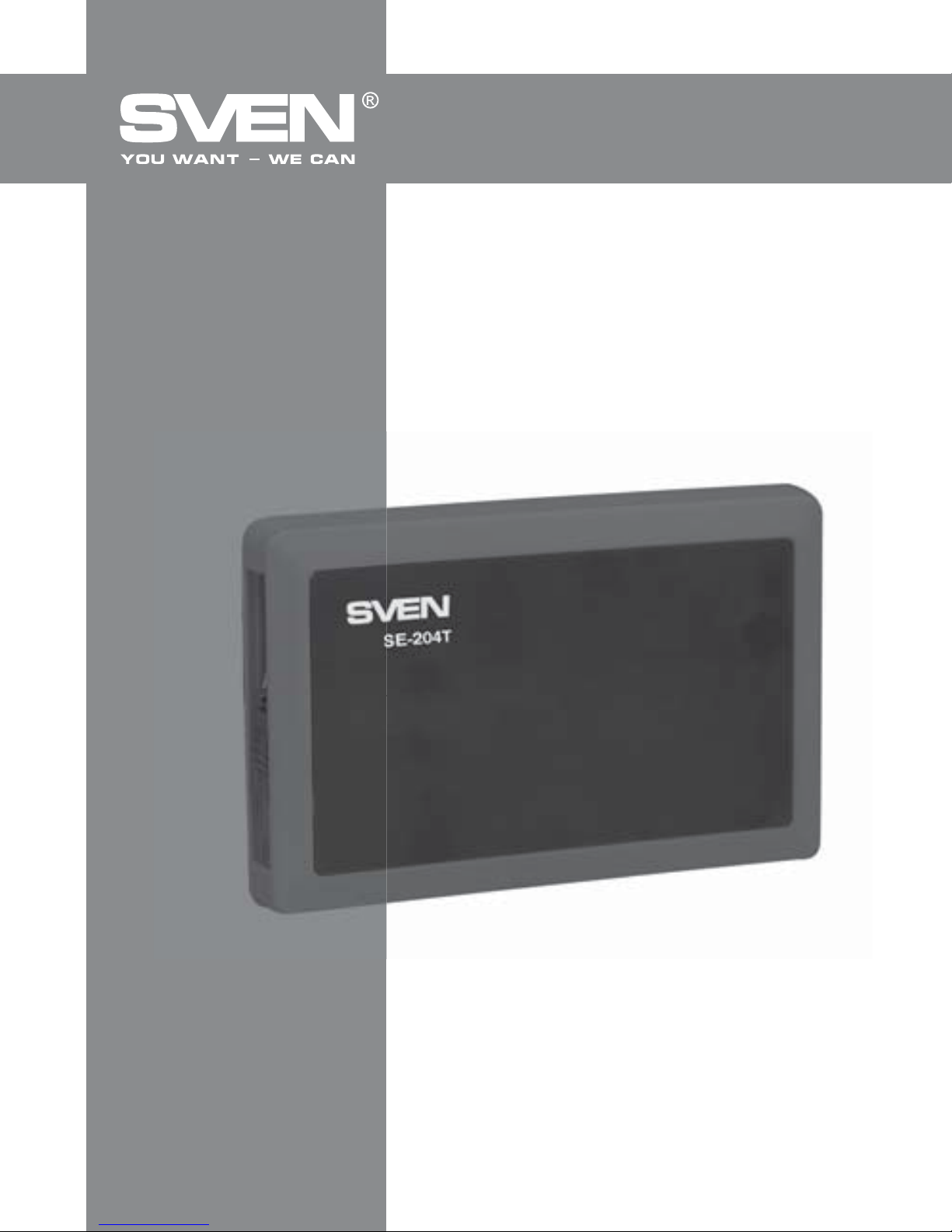
External HDD Enclosure
SE-204T
Page 2

Congratulations on your purchase of the Sven external HDD enclosure!
Please read this User’s Manual before using the unit and retain this User’s
Manual in a safe place for future reference.
COPYRIGHT
© 2014. SVEN PTE. LTD. Version 1.0 (V 1.0).
This Manual and information contained in it are copyrighted. All rights
reserved.
TRADEMARKS
All trademarks are the property of their legal holders.
NOTICE OF RESPONSIBILITY RESTRICTION
Despite the exerted efforts to make this Manual more exact, some
discrepancies may occur. The information of this Manual is given on “as is”
terms. The author and the publisher do not bear any liability to a person or
an organization for loss or damage which has arisen from the information
contained in this Manual.
UNPACKING
Unpack the device carefully. Make sure there are no accessories left in the
box. Check up the device for damage; if the product was damaged during
transportation, address the firm which carried out the delivery; if the product
functions incorrectly, address the dealer at once.
SAFETY PRECAUTIONS
• Do not put foreign objects inside the holes of the device.
• Protect the device from humidity, dust and heating.
• Do not use gasoline, alcohol or other solvents when cleaning, since they
may damage the surface. Clean the device with dry soft cloth only.
1
User’s Manual
ENG
SE-204t
Page 3

2
ENG
External HDD Enclosure
• Do not perform repairs by yourself.
• For extra protection during a thunderstorm, disconnect the device from
a USB port and switch off your computer.
PACKAGE CONTENTS
• Plastic case with aluminium insert – 1 pc
• Screws & screwdriver – 1 set
• Bag – 1 рс
• User’s Мanual – 1 pc
• Warranty card – 1 pc
SPECIAL FEATURES
• Installation tools included
• Protected built-in USB cable
• Power and HDD activity LED
• High-strength case
• Additional disk fixation
• Bag for carrying and storage
SYSTEM REQUIREMENTS
• PC/laptop with a USB port
• ОS: Windows XP/Vista/7/8
INSTALLATION AND OPERATION GUIDE
Hardware Installation
• Open the case cover. Insert the disk tightly and close the cover using the
screwdriver and screws (included) (Fig.1).
• Plug the USB cable into a USB port of your PC. The installation is complete
(Fig. 2).
Software Installation
• Software installation is not required for OS: Windows XP/Vista/7/8.
During the first connection to a USB port, the system will detect the device
Page 4

3
ENG
User’s Manual
SE-204t
Fig. 1. Hardware installation diagram
and install the necessary drivers
automatically. After the HDD is
detected, a Safely Remove
Device icon will appear on the
taskbar in the bottom right
corner of your screen.
Windows XP/Vista/7/8
Partitioning and Formatting
• To partition and format your
HDD, please refer to relative
documents. We strongly recommend that this should be done by
qualified experts.
• If you still decide to do it
yourself, connect your external
HDD to your PC. Right click on
the My Computer icon, select
Manage, then Disc Management, and select your external
HDD for partitioning and formatting.
Attention! Please be careful
in selecting the disk to be
partitioned and formatted!
Fig. 2. Connection
Page 5
4
ENG
External HDD Enclosure
Technical support is on www.sven.fi
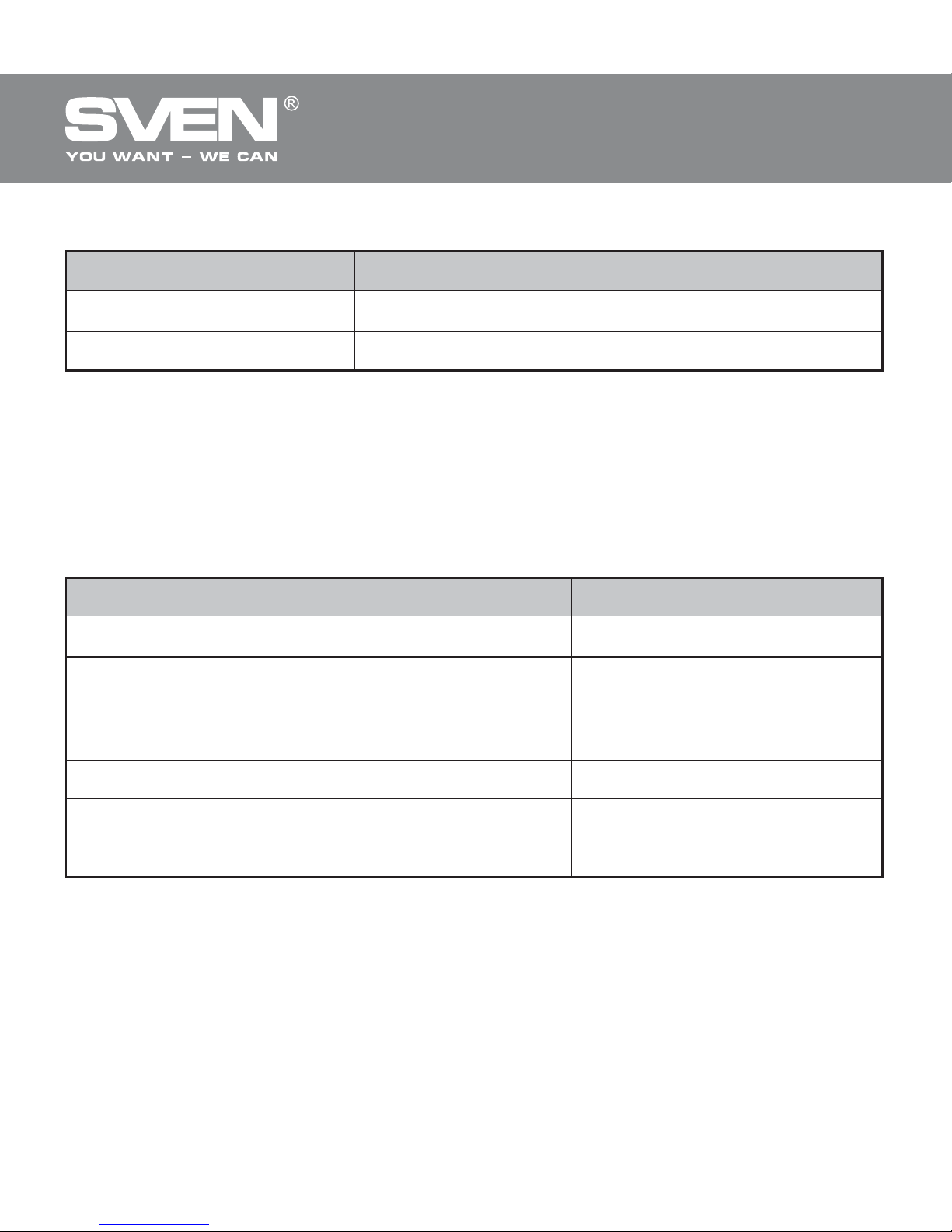
Parameter, measurement unit
Form factor, inch
Interface
OS required
USB cable length, m
Dimensions, mm
Weight (without HDD), g
Value
2.5
external – USB 2.0,
internal – SATA
Windows XP/Vista/7/8
0.6
132 × 80 × 15
100
TECHNICAL SPECIFICATIONS
Notes:
• Technical specifications given in this table are supplemental infor-
mation and cannot give occasion to claims.
• Technical specifications are subject to change without notice due to
improvement of SVEN production.
LED light
TROUBLESHOOTING
In case of malfunction, make sure that your HDD is properly inserted into
the external HDD enclosure, that the USB cable is connected to a PC or
laptop USB port and the PC or laptop is on.
LED Light Color Status
Red Light Powered, but inactive
Вlinking Reading or writing data
Page 6

Модель: 3E-204T
Импортер в России: ООО «СКАНДИТРЕЛ»,
111024, РФ, г. Москва, ул. Авиамоторная, д. 65,
стр. 1. Уполномоченная организация в России:
ООО «РТ-Ф», 105082, г. Москва, ул. Фридриха
Энгельса, д. 75, стр. 5. Условия гарантийного
обслуживания смотрите в гарантийном талоне
или на сайте www.sven.fi
Гарантийный срок: 12 мес. Срок службы: 2 года.
Производитель: «СВЕН ПТЕ. Лимитед»,
176 Джу Чиат Роуд, № 02-02, Сингапур, 427447.
Произведено под контролем «Свен Скандинавия
Лимитед», 48310, Финляндия, Котка,
Котолахдентие, 15. Сделано в Китае.
Manufacturer: SVEN PTE. LTD, 176 Joo Chiat Road,
№ 02-02, Singapore, 427447. Produced under the
control of Oy Sven Scandinavia Ltd. 15, Kotolahdentie,
Kotka, Finland, 48310. Made in China.
® Registered Trademark of Oy SVEN
Scandinavia Ltd. Finland.
External HDD Enclosure
SE-204t
 Loading...