

Page 1
www.sven.fi
USER’S MANUAL
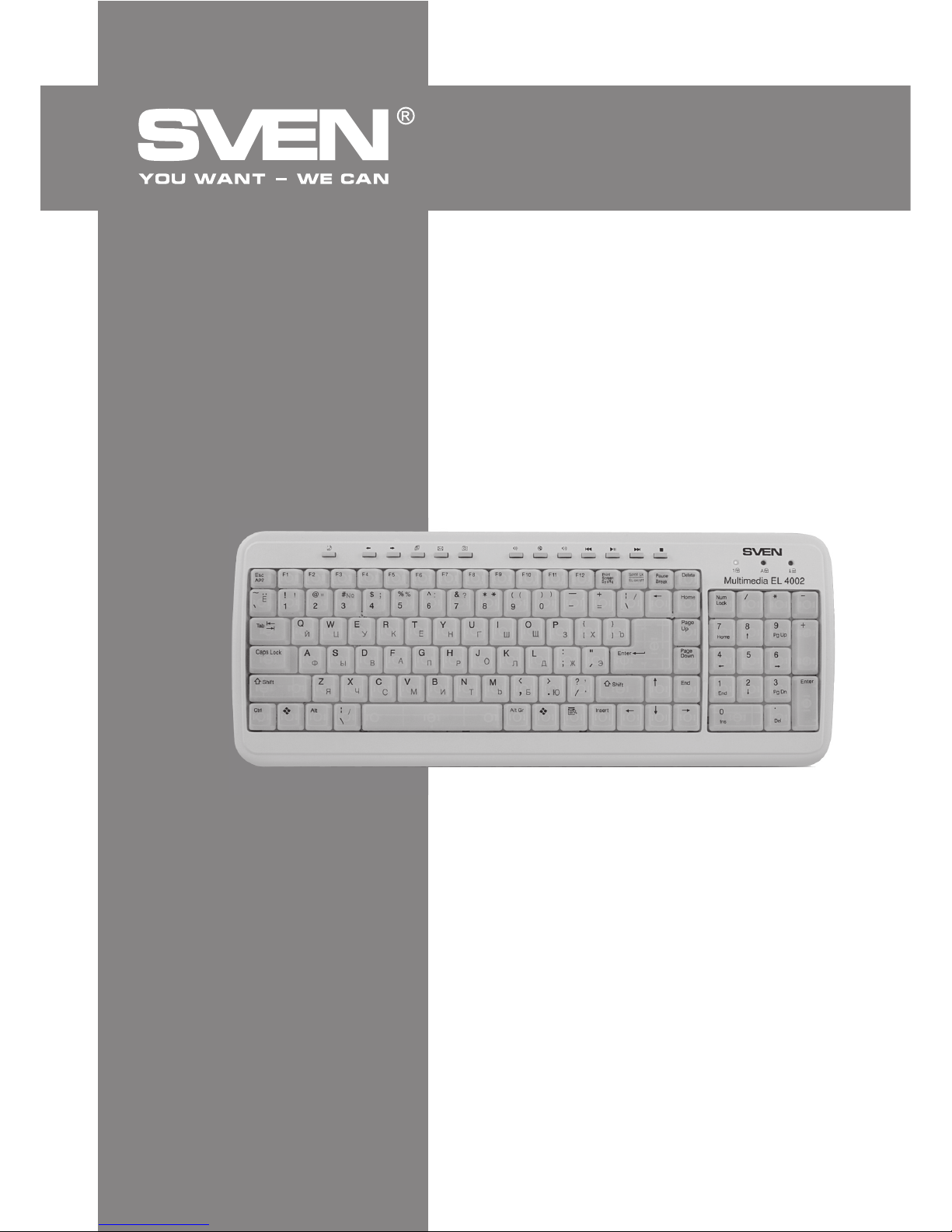
Multimedia Super Slim Keyboard
Multimedia
EL 4002
Page 2

ENG
1
User’s Manual
Multimedia
EL 4002
Technical support is on www.sven.fi
CONTENTS
1. DESCRIPTION ........................................................................................
2. PACKAGE CONTENTS ..............................................................................
3. FEATURES OF THE KEYBOARD ..............................................................
4. SYSTEM REQUIREMENTS .........................................................................
5. INSTALLATION .......................................................................................
6.
ADDITIONAL KEYS FUNCTIONS
..................................................................
7. TROUBLE SHOOTING .............................................................................
8. TECHNICAL SPECIFICATION .....................................................................
Congratulations on your purchase of the Sven keyboard!
Please read this operation manual before using the unit and retain this operation manual in a safe
place for future reference.
COPYRIGHT
© 2011. SVEN Company Ltd. Version 1.0 (V 1.0).
This manual and information contained in it are copyrighted. All rights reserved.
TRADEMARKS
All trademarks are the property of their legal holders.
NOTICE OF RESPONSIBILITY RESTRICTION
This manual is designed to assist you in installing and using the keyboard. Information in this
document has been carefully checked for accuracy; however, no guarantee is given to the
correctness of the contents. The information in this document is subject to change without notice.
UNPACKING
Unpack the device carefully. Make sure there are no accessories left in the box. Check up the device
for damages; if the product was damaged during transportation, address the firm which carried out
the delivery; if the product functions incorrectly, address the dealer at once.
2
2
2
2
2
3
4
4
Page 3

ENG
2
Multimedia Super Slim Keyboard
1. DESCRIPTION
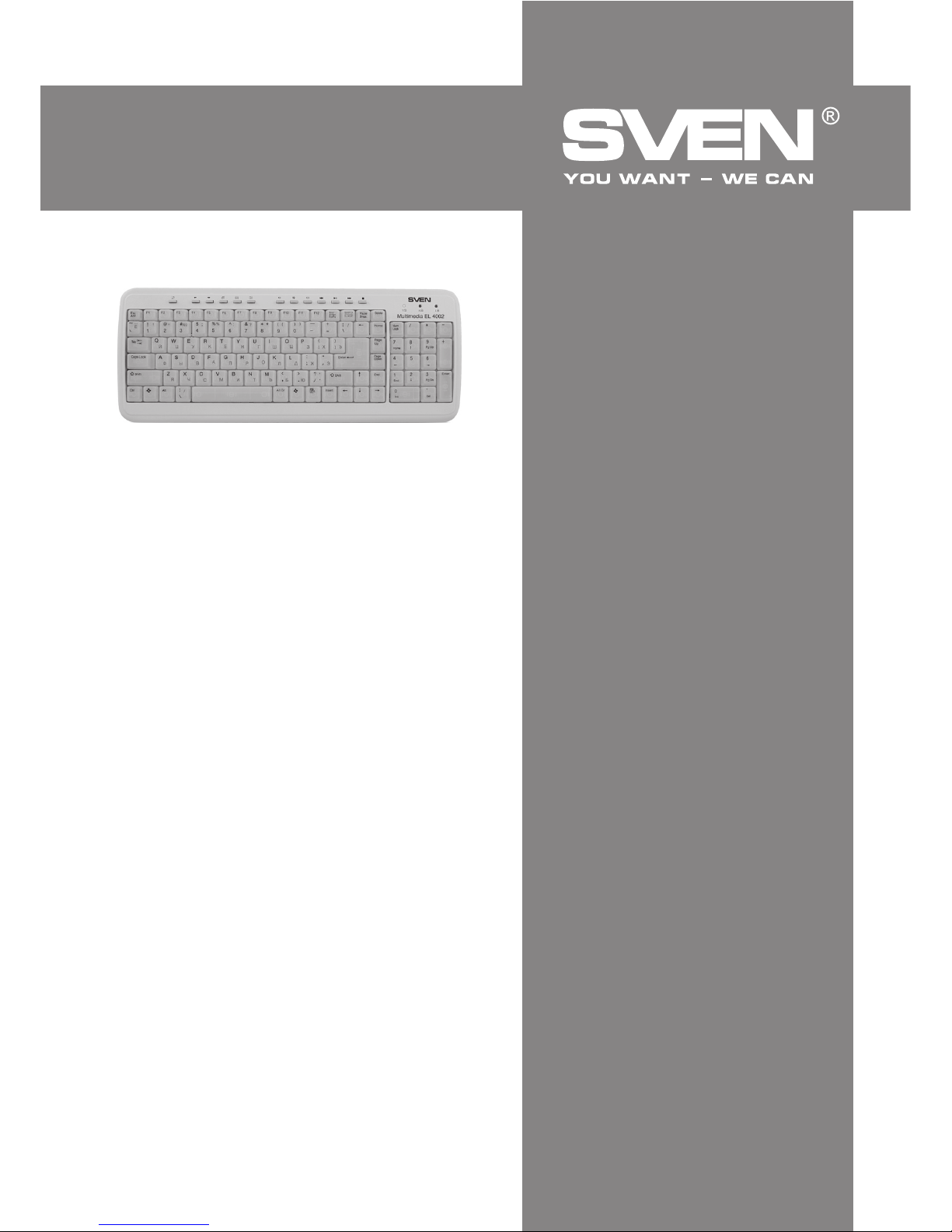
Super slim SVEN Multimedia EL 4002 keyboard has a rugged stable construction that doesn’t slide
on a table surface and contributes to pleasant and fast work. In addition, the keyboard design
provides precise positioning at keystroke and reduced operation noise. Miniature size of the
keyboard is achieved due to half-size of function keys and Laptop layout of keys. Modernity is
achieved by turquoise electroluminescent illumination of the keys harmonizing with the blue color of
Cyrillic letters, which makes perception more pleasant.
2. PACKAGE CONTENTS
• Keyboard — 1 pc
• Software (CD, optional) — 1 pc
• User’s manual — 1 pc
• Warranty card — 1 pc
3. FEATURES OF THE KEYBOARD
• Super slim keyboard design
• Laptop layout of keys with a separted numeric keypad
• Turquoise electroluminescent illumination of the keys
• 13 shortcut keys, power control button
• Rugged stable construction, low operation noise
• USB connector
4. SYSTEM REQUIREMENTS
Before installing the Multimedia Keyboard software, please make sure that the following hardware and
software components are installed and correctly set up. The following system specifications are
required:
• Pentium 133 or higher processor
• 64 MB of RAM is recommended
• Microsoft Windows 98/Me/2000/XP/Vista/7
• Microsoft Internet Explorer 5.0 or later
• CD-ROM drives
• Sound card
• USB compatible
5. INSTALLATION
• Connect the keyboard to the desktop.
Install the software (only for Windows 98SE).
• Before installing the Keyboard driver, check to see if there are any other keyboard drivers already
installed in your system. All other keyboard drivers must be uninstalled BEFORE installing the SVEN
Multimedia EL 4002 Keyboard driver.
• Insert the Driver CD into your CD-ROM drive and the CD will Auto Run. If it does not, please select
Run from the Start Menu. The file name on the CD is «***.exe». The software will automatically begin
to install to your hard disk in a sub-directory titled C:\PROGRAM FILES\INTERNET KEYBOARD. After
installation, you will be prompted to restart your computer in order to enable the Internet Keyboard
software.
Page 4
3
ENG
User’s Manual
Multimedia
EL 4002
• Click Finish and restart your computer. The Internet Keyboard icon will be activated automatically after Windows restarts.
6.
ADDITIONAL KEYS FUNCTIONS
There are three groups of additional keys:
•
1 Windows shortcut key: Sleep
(see table);
• 5
Internet shortcut keys
(see table);
• 7
Multimedia shortcut keys
(see table).
Please make sure that the system and software requirements have been fulfilled.
Electroluminescent lighting turns on/off with Scroll Lock button.
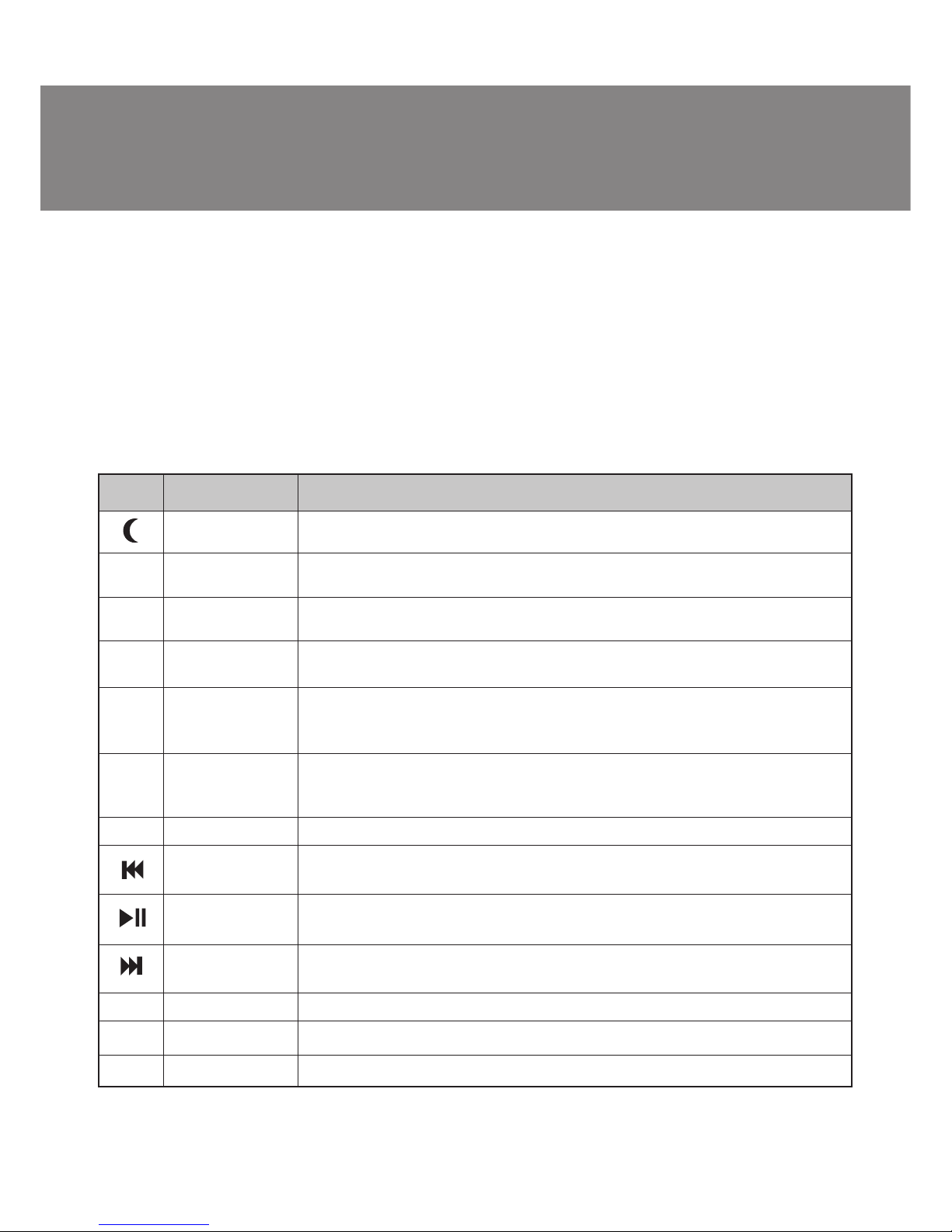
Description of functions of keys for Internet and keys for Multimedia
Icon
Function Name
Sleep («Sleep»
mode)
Back
Forward
Favorites
E-mail
WWW
Stop
Pre-track
Play/Pause
Next track
Volume Up
Volume Down
Mute
Function Description
Goes to Sleep energy saving mode («Sleep» mode).
Goes back to a previous item that was already viewed in programs that
support the Back command, such as a Web browser.
Goes to the next item if it was previously viewed in the same session, in
programs that support the Forward command, such as a Web browser.
Opens the Internet Explorer Favorites pane. This is where you can store
shortcuts to frequently used files, Web Sites, or other items, for easy access.
Starts the default e-mail program. Pressing the Mail Hot Key will tell you
what the default e-mail program is. You can reassign the mail Hot Key to
start another email Program or use a different Application.
Starts the default Web browser and goes to the home page. If the Web
browser is active, it opens the home page. You can reassign the WWW key
to start another Web/Home or use a different Application.
Pauses download and / or update of a web page or the active window.
Pre-track switches to the previous media track. Press once for each
preceding media track.
Switches between Play and Pause of DVD/VCD/MP3/Audio media. Once
Pause is pressed, pressing this button again resumes play.
Switches to the next media track. Press once for each subsequent media
track.
Increases the sound volume.
Decreases the sound volume.
Mutes the sound volume.
А
А
Й
Е
Д
`
Р
С
Т
Page 5
ENG
4
Parameter, unit
OS Compatibility
Key Layout
Key switches
Connector
Agency Approvals
Dimension, mm
Weight, g
Value
Windows 98/Me/2000/XP/Vista/7
104 + 13 hot key
Membrane switch with tactile feedback
USB
FCC, CE
410 × 163 × 30
680
Notes:
• Given specifications may not serve the basis for claims.
• Sven production is constantly developed. That’s why the specifications may be changed
without preliminary notice.
7. TROUBLE SHOOTING
In case of occurrence of any problems with the keyboard, please, check the following:
• Disconnect USB cable of keyboard from the PC and check up contacts of a wire for their possible
damage. If no external damages are revealed and contacts seem serviceable, try to connect USB
cable of keyboard to the РС once again.
• If BIOS of the РС has options for the USB keyboard, be convinced, that they are adjusted by default.
In case of occurrence of any problems with Sleep button («Sleep» mode), make sure that power control
is made active both in BIOS, and in Windows.
• At occurrence of problems with use of additional keys of the keyboard, check up that the driver of
the keyboard is installed correctly. Also check up, whether the hardware and software of the personal
computer correspond to the requirements specified in the given user’s guide.
• Preserve all components of the given complete set against direct solar beams, moisture, dirt,
excessive heating, abrasive and chemical substances.
• In case any liquid casually gets on the keyboard, immediately switch off the PC, disconnect USB
cable of keyboard from the РС, and address a dealer or a service center. Refrain from use of the given
complete set until you receive consultation of experts.
8. TECHNICAL SPECIFICATION
Multimedia Super Slim Keyboard
Page 6
Модель:
Multimedia EL 4002
Импортер в России: ООО «СКАНДИТРЕЛ»,
111024, РФ, г. Москва, ул. Авиамоторная, д. 65, стр. 1.
Уполномоченная организация в России: ООО «РТ-Ф»,
105082, г. Москва, ул. Фридриха Энгельса, д. 75, стр. 5.
Условия гарантийного обслуживания смотрите в
гарантийном талоне или на сайте www.sven.fi
Гарантийный срок: 12 мес.
Срок службы: 2 года
Произведено под контролем «Свен Скандинавия
Лимитед», 48310, Финляндия, Котка,
Котолахдентие, 15. Сделано в Китае.
Модель:
Multimedia EL 4002
Постачальник/імпортер в Україні: ТОВ «СВЕН Центр».
Київська область, м. Переяслав-Хмельницький,
вул. Героїв Дніпра, 31.
Призначення, споживчі властивості та відомості
про безпеку товару див. у керівництві з експлуатації.
Умови гарантійного обслуговування дивіться в
гарантійному талоні або на сайті www.sven.fi
Гарантійний термін: 12 міс.
Строк служби: 2 роки
Товар сертифіковано/має гігієнічний висновок.
Шкідливих речовин не містить.
Зберігати в сухому місці.
Виготовлено під контролем «Свен Скандинавія
Лімітед», 48310, Фінляндія, Котка, Котолахдентіє, 15.
Зроблено в Китаї.
Produced under the control of Oy Sven Scandinavia Ltd.
15, Kotolahdentie, KOTKA, Finland, 48310.
Made in China.
® Registered Trademark of Oy SVEN
Scandinavia Ltd. Finland.
Multimedia
EL 4002
Multimedia Super Slim Keyboard
 Loading...