

Page 1
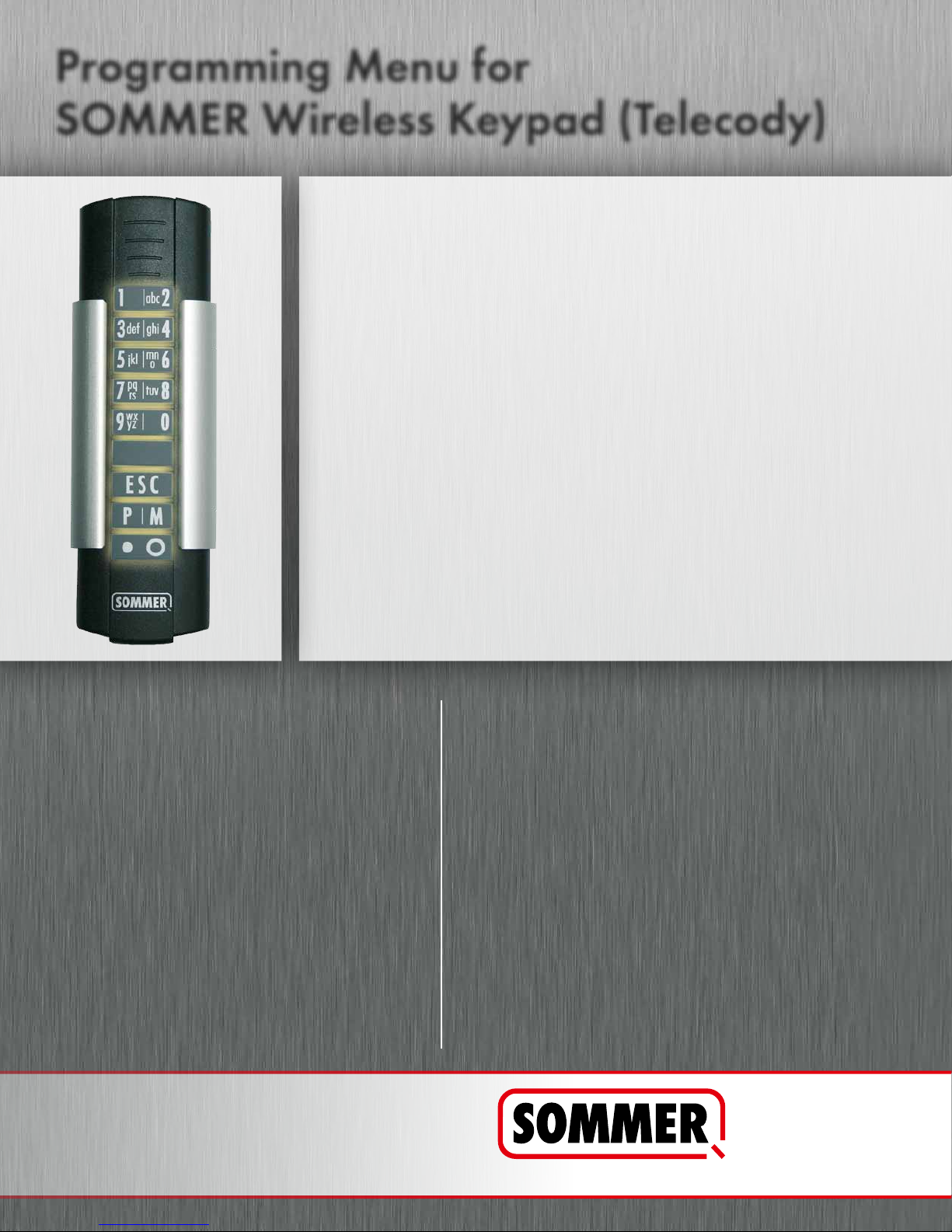
Programming Menu for
SOMMER Wireless Keypad (Telecody)
STEP 1: KEYPAD ACTIVATION (FIRST USE ONLY)
1. Press the M button until the red LED lights up (8 sec.)
STEP 2: PROGRAMMING ACCESS CODE
1. Press the P button on the Keypad
2. Press the first button of your access code
3. Press the P button on the Keypad
4. Press entire access code
5. Press the P button again to complete the programming
STEP 3: PROGRAMMING KEYPAD TO
1. Press Learn button on control housing once (solid LED)
2. Enter access code immediately on the Keypad
(item no. 4077V000)
CHANGING THE ACCESS CODE
1. Press the P button on the Keypad
2. Enter existing access code
3. Press the P button
4. Enter new access code
5. Press the P button again to complete
the programming
WE STRONGLY SUGGEST ATTACHING
THE RESET STICKER TO THE CONTROL
HOUSING!
CONTROL HOUSING
ERASE ACCESS FROM KEYPAD
1. Press the M button on the Keypad
2. Press the P button
3. Enter 9 digit reset code, see adhesive label
4. Press the M button
5. Press the P button
6. LEDs 1+2 are lit for 2 seconds and all previous
access codes are now deleted from the Keypad
Note: The keypad will still transmit the first digit from the original
entry code to the opener.
In order to delete the radio code: Press and hold learn button on
the power head until LED is flashing (approx. 7 sec.). Press desired
Keypad button. It will delete the first digit from the entry code.
Last updated : 05/2012. Literal errors, errors and technical changes excepted.
sommer-usa.com
1-877-766-6607
SOMMER USA, Inc. | 3308-C Oak Lake Blvd. | Charlotte, NC 28208
 Loading...