

Page 1
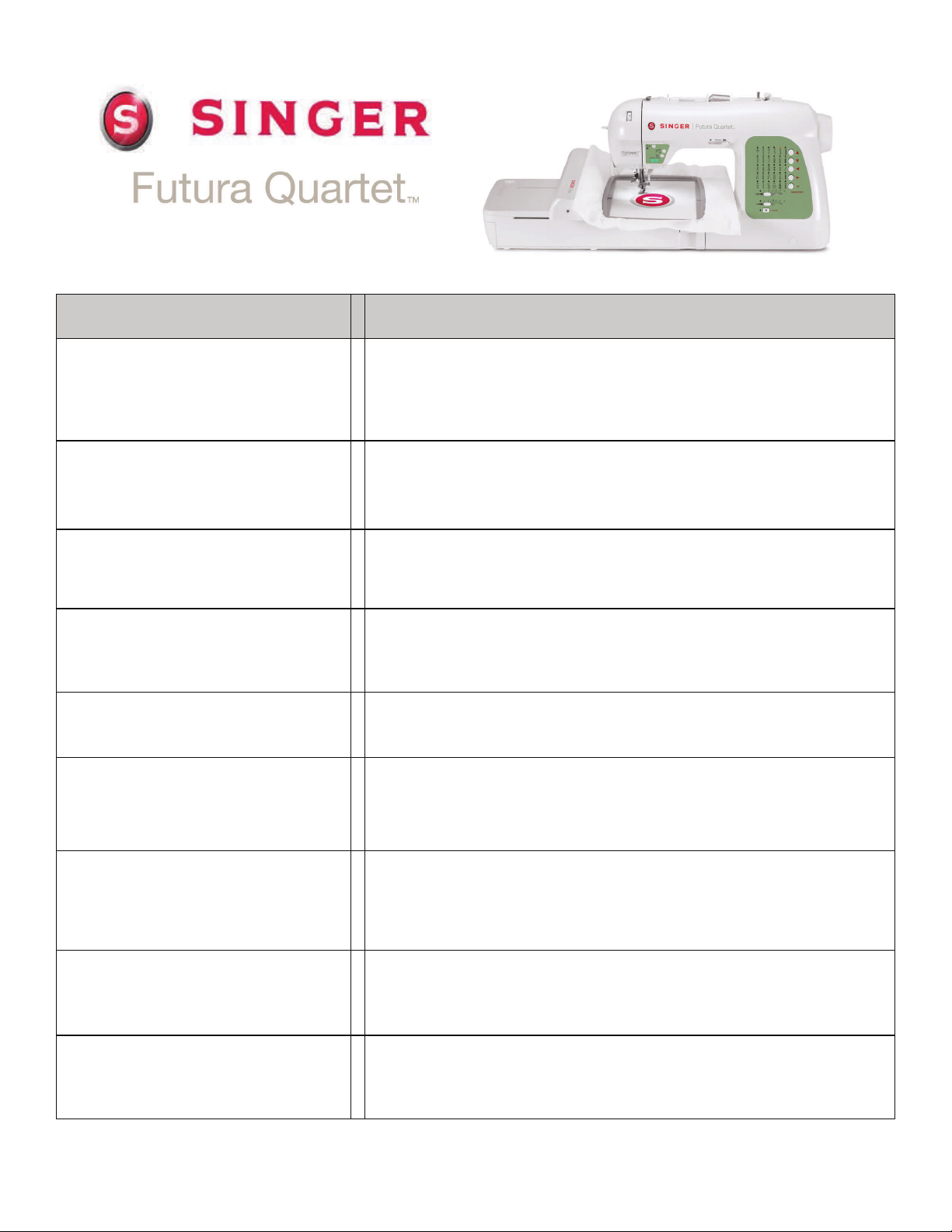
SEQS-6000
Feature Benefit
4-in-1 Sewing, Embroidery,
Quilting and Serging
SwiftSmart™
Threading System
Independent Bobbin Winder
Drop & Sew™ Bobbin System
Long Arm Design
Extra-Large Embroidery Field
No need for multiple machines in your sewing room.
One machine, four functions—sewing, embroidery, quilting
and serging.
Simply guide the thread directly from the spool to the needle
area through a single groove and thread the needle by
pressing the threading lever for easy needle threading.
Continue to sew while you fill another bobbin. No need to stop
sewing to refill a bobbin.
No need to pull up the bobbin thread manually. Simply insert
the bobbin, place the thread in the channel and start sewing.
Plenty of room for your biggest projects with 8.25 inches from
the needle to the tower.
Hoop size of over 6” x 10”, multi-hooping capabilities and an
easy snap-on style hoop makes embroidering large projects
simple and straight forward.
Multi-Hooping Capabilities with
Fabric Positioning System
Electronic Auto Pilot
Automatic Twin
Needle Function
Large multiple hoop embroidery designs can be easily created
on screen providing the sewer with the capability to precisely
match stitches and designs.
Unplug the foot control, press the Start button and the
machine sews. You are still in complete control over the speed
- just slide the Speed Limiting Lever to the desired speed.
Stitch length and width is set for twin needle stitching simply
by pushing a button. Create impressive and dramatic
decorative top stitching.
1
Page 2
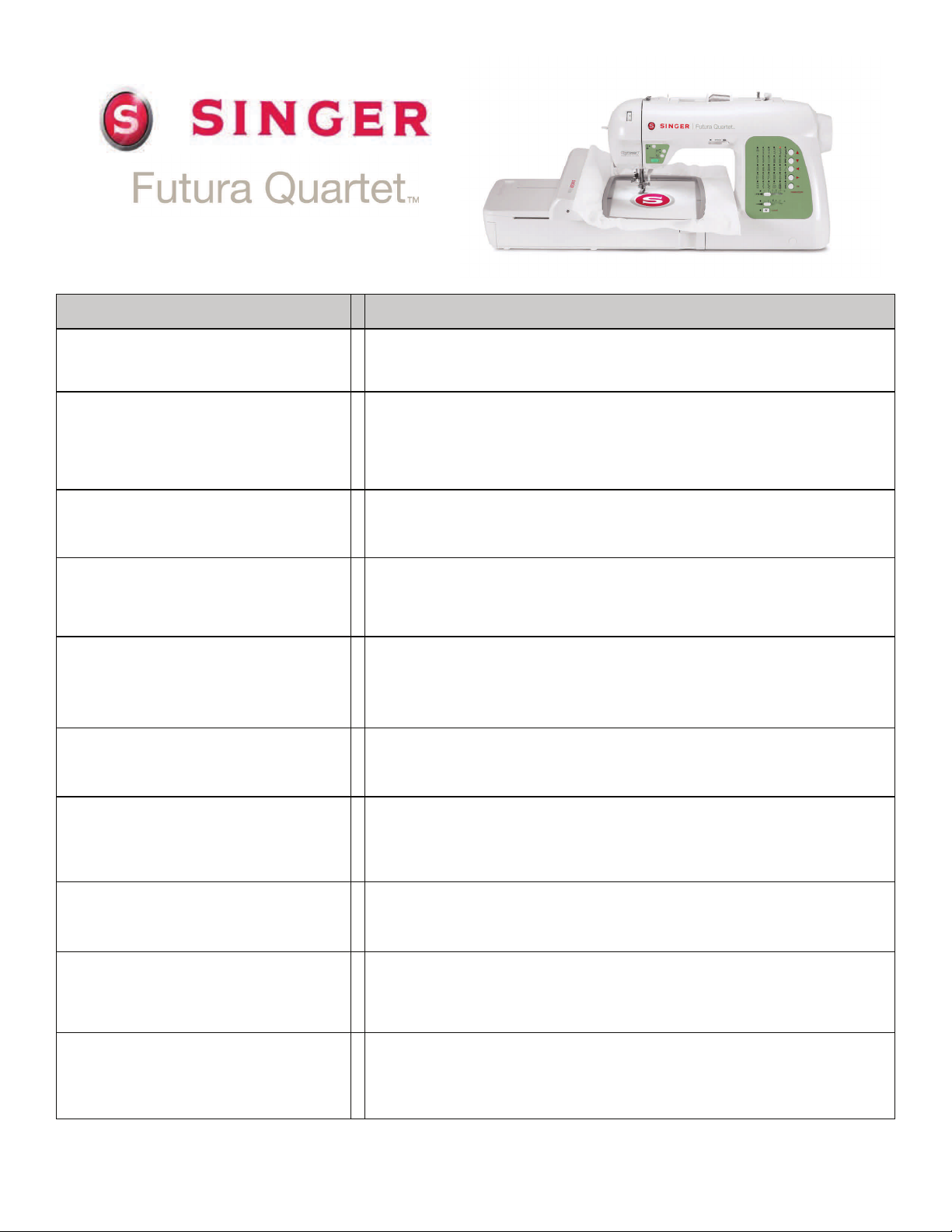
SEQS-6000
Feature Benefit
Automatic Tension Stable stitch quality no matter the type of fabric used.
Top Loading
Bobbin System with
Clear Cover
Optimum Power Control
Drop Feed
Extra-High Presser Foot Lifter
Heavy Duty Metal Frame
30 Built-In Sewing Stitches
The bobbin loads from the top so it is easy to insert the
bobbin. The clear cover makes it effortless to monitor the
bobbin thread supply.
Provides precise power when sewing multiple layers or dense
fabric.
Perfect for free-motion embroidery, machine embroidery,
monograms and attaching buttons without the need to attach
a darning plate.
There are two heights to the presser foot lifter. The
second height offers a ¼” more clearance which is needed
when placing multiple layers or bulky fabrics under the presser
foot.
This rigid support holds all the mechanisms in perfect
alignment for perfect, skip-free sewing.
A large variety of stitches for clothing construction, decorative
sewing, heirloom sewing and quilting always ensures the
perfect stitch for every project.
2 Fully Automatic
1-Step Buttonholes
Programmable Needle
Up/Down
6 StayBright™ LED Lights
A simple 1-step process that provides reliable, precisely
balanced buttonholes every time.
Select whether the needle is in up or down position when the
machine stops based on your current sewing needs. Ideal for
quilting and appliquéing.
With lights on each side of the needle area as well as one light
over the large surface to the right of the needle, it is easier to
see your work.
2
Page 3

SEQS-6000
Feature Benefit
Dual Accessory Tray
LED Indicator Light
Exclusive Buttonhole
Underplate
Speed Control Lever
13 Needle Positions
Embroidery Specific Features
Connects Directly to the
Computer via USB Cable
More room in the removable extension table for storing accessories.
Green light indicates the machine is ready to start. Red light indicates
the machine is operating. Flashing red light indicates a problem or
error.
Sandwiches fabric between a lower plate and the foot to ensure perfect buttonholes on multiple layers of fabric. Effectively, this is like a
mini-embroidery hoop in which the machine feeds the attachment
rather than the fabric
. It makes creating buttonholes possible in places
that conventional buttonhole devices cannot easily reach.
Slide the lever on the front of the machine to set the sewing speed
from slow to fast. When the foot pedal is used the lever functions as a
top speed limiter.
Needle position can be changed for individual projects, such as
inserting zippers or cording and topstitching.
By allowing you to use your own computer, this unique innovation
gives you the same capabilities of other embroidery machines at a
fraction of the cost.
,
®
Windows
Compatible
Operational Tutorial Included
Operates with any computer with an operating system of Windows
XP or higher, including Vista
®
and Windows 7.
Step-by-step tutorial to help even a beginner with using the embroidery
features of the machine.
125 Built-In Embroidery Designs Select from built-in designs including animals, flowers and more.
Built-In Lettering Program
With 5 Fonts
Select from 5 built-in fonts: Arial Large, Block Large, Courier, Script 2
and Times Large. Letters can sized, rotated and shaped with 30
lettering frames such as arc, banner, wave and more.
Outline Lettering Create big, bold letters using a running or satin stitch.
3
®
Page 4

SEQS-6000
Feature Benefit
Reads All Popular Home
Embroidery Design Formats
Design Browser
3-D Realistic View
3-D Realistic Print
Change Colors
Four Design
Transmission Methods
Download designs from the Internet or work from a collection on CD
or disk.
Lets you view several designs at one time in order to scroll through
and view entire design collections
Provides a preview of the selected design with the stitches appearing
on screen as they will when sewn out on the fabric.
This function of the software provides for printing the 3-D realistic
view. This is useful when creating placement templates.
This function of the software provides for selecting colors for an
embroidery design. Software includes thread charts with color
numbers for several of the most popular brands of embroidery thread.
The design can be sent one color block at a time, the whole design
can be sent at one time, the design can be sent in one color or the
color sequence can be chosen during data transmission.
Trace Design
Operates with
Start/Stop Button
Reduce or Enlarge Design
Move forward or backwards
through a design
Trace the outline of the design in the embroidery hoop for more
accurate design positioning.
Use the Start/Stop button to start and stop the machine. No need to
keep the foot pedal pressed down.
When changing design size the software automatically recalculates
the stitch density.
For quick corrections during embroidery, move forward or backwards
through the design using the needle start/stop or reverse stitch button.
4
Page 5

SEQS-6000
Feature Benefit
Embroidery Block
Indication and Selection
1 Degree Increment Rotation
Automatic Software and
Firmware Updates
Sew all of one color for a design at the same time. Reduces the
number of thread changes for each design.
Rotate embroidery designs in increments as small as 1 degree for
precise positioning.
The latest software and firmware enhancements can be downloaded
automatically.
Auto Feed Dog Drop Feed dogs automatically lower when the embroidery unit is attached.
2 Embroidery Hoops Included A large 6.29” x 10.23” hoop and a smaller 4” x 4” hoop are included.
General / All-Purpose Foot (on machine), Zipper Foot, Satin Foot, Button
Sewing Foot, Blind Hem Foot, Buttonhole Foot with Underplate, Embroidery
Presser Foot, Needles, Bobbins – Class 15J (6 + 1 in machine), Auxiliary
Included Standard Accessories
Spool Pin, Spool Pin Felt, Spool Pin Caps (3), Seam Ripper / Lint Brush,
Screwdrivers (3), Thread Spool Nets (2), Vinyl Bag, Scissors, Embroidery
Software CD, Embroidery Hoops (2), Power Cord, Foot Control, USB Cable,
Instruction Manual, Quick Start Guide
Cut & Sew Foot, Roller Foot, Straight Stitch Foot, Open Toe Foot, Invisible
Zipper Foot, Overcasting Foot, Narrow (Rolled) Hem Foot, Cording Foot,
HSN Value Added Accessories
25 Year Limited Warranty
SINGER, Futura, Drop&Sew, SwiftSmart, StayBright, AutoPunch, HyperFont, PhotoStitch are exclusive trademarks of The Singer Company Ltd. or its
affiliates. ©2011 The Singer Company Limited or its affiliates.
Darning/Embroidery Foot, Walking Foot, Gathering Foot, Pintuck Foot, Package of Twin Needles, Package of Wing (Hem) Needles, Edge Guide/Quilting
Bar, Case of Bobbins – Class 15J, Software Options CD including Advanced
Editing, AutoPunch™, HyperFont™ and PhotoStitch™
25 year limited warranty, including 5 years on electronic components
and 1 year on adjustments.
5
 Loading...