

Page 1
QUICK START GUIDE
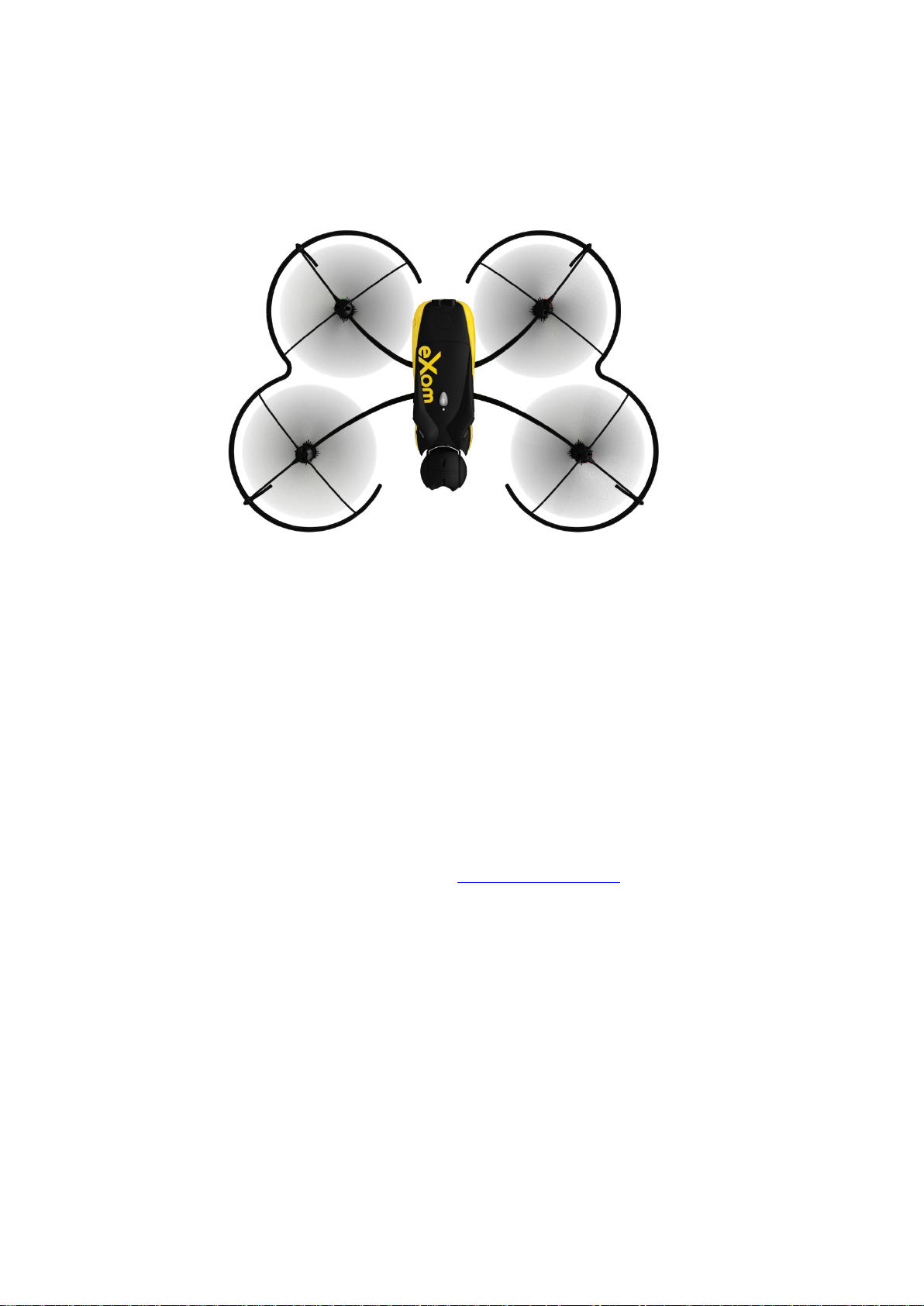
SenseFly EXOM
This guide will help you understand the basics of using the SenseFly eXom drone. For more
information, refer to the user guide.
Charging the battery
1. Select the adapter corresponding to your country and connect it to the power supply
2. Connect the charger to the power supply
3. Plug the battery to the charger
4. When all the LED are black, the battery is fully charged
Installing the battery
1. Insert the battery into the appropriate compartment
Connecting to eMotion
1. Download the latest SenseFly software from : http://my.sensefly.com
2. Install eMotionX and the device drivers
3. Plug your Ground modem on a USB port
4. Press the power button
5. Launch eMotionX
6. When your drone has been successfully detected by the Ground modem, its serial number will
appear in the FTDI port pulldown menu
7. In the Connect dialog, click the DRONE button to select it, then click OK
8. Plan a mission and start it
Page 2

GENERAL INFORMATION
Antenna type
Max Gain (2.4GHz et 5GHz)
Dual band dipole
3dBi
SenseFly Ltd products are subject to Civil Aviation regulations. Regulations may vary depending on
the country where you intend to operate your product.
ANY USE OF SENSEFLY LTD PRODUCTS IN BREACH OF THE LAW OF THE COUNTRY WHERE YOU
OPERATE THE PRODUCT IS UNDER YOUR SOLE RESPONSIBILITY.
INFORM YOURSELF BEFORE USING THE PRODUCT. SOME COUNTRIES MAY HAVE LAWS THAT LIMIT
THE USE OF UNMANNED AIRCRAFT TO ‘LINE-OF-SIGHT’ OPERATIONS AND/OR PROHIBIT THE USE OF
UNMANNED AIRCRAFT AT ALL OR IN SPECIFIC AREAS.
FCC and IC Compliance statement
This device complies with part 15 of the FCC Rules and Industry Canada License exempt RSS
standard(s).
Operation is subject to the following two conditions:
1. This device may not cause harmful interference, and
2. This device must accept any interference received, including interference that may cause
undesired operation. Changes or modifications not expressly approved by the party responsible for
compliance could void the user’s authority to operate the equipment.
This equipment has been tested and found to comply with the limits for a class B digital device,
pursuant to part 15 of the FCC Rules. These limits are designed to provide a reasonable protection
against harmful interference in a residential installation. This equipment generates, uses and can
radiate radio frequency energy and, if not installed and uses in accordance with the instructions, may
cause harmful interference to radio communications. However, there is no guarantee that
interference will not occur in a particular installation. If this equipment does cause harmful
interference to radio or television reception, which can be determined by turning the equipment off
and on, the user is encouraged to try to correct the interference by one or more of the following
measures.
1. Reorient or relocate the receiving antenna
2. Increase the separation between the equipment and the receiver
3. Connect the equipment into a an outlet on a circuit different from that to which the receiver is
connected
4. Consult the dealer or an experienced radio/TV technician for help
This Class B digital apparatus complies with Canadian ICES-003.
This equipment complies with FCC’s radiation exposure limits set forth for an uncontrolled
environment under the following conditions:
1. This equipment should be installed and operated such that a minimum separation distance of
20cm is maintained between the radiator (antenna) and user’s/nearby person’s body at all times.
2. This transmitter must not be co-located or operating in conjunction with any other antenna or
transmitter.
This radio transmitter (Ground modem transmitter: CONTAINS IC ID: 9301A-103678DT60M) has been
approved by Industry Canada to operate with the antenna types listed below with the maximum
permissible gain indicated. Antenna types not included in this list, having a gain greater than the
maximum gain indicated for that type, are strictly prohibited for use with this device.
Disposal of this product at the end of its life
Page 3

At the end of this product’s life, please do not dispose of this product in your general
household waste. Instead, in order to prevent possible harm to the environment or
human health from uncontrolled waste disposal, please dispose of this product
separately in accordance with your local laws and regulation. For more information on
the separate collection systems for waste electrical and electronic equipment that are
available for consumers, near your home, free of charge, please contact your local municipal
authority.
You can also contact senseFly Ltd or the reseller from which you purchased your drone who may
provide recycling services or be part of a recycling scheme.
Page 4
GUIDE DE DEMARRAGE RAPIDE
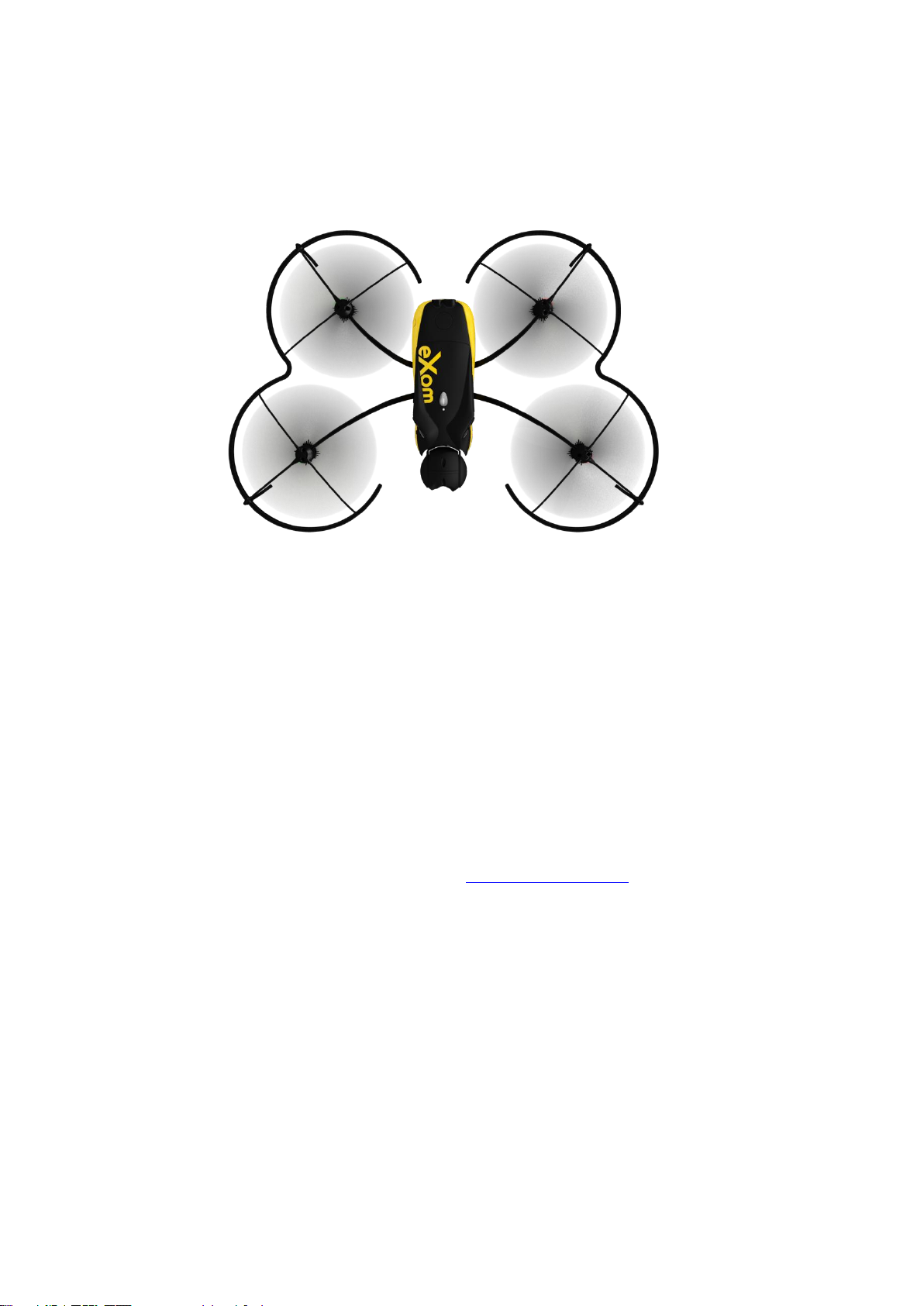
SenseFly EXOM
Ce guide vous aidera à comprendre les bases du drone eXom de SenseFly. Pour plus d’informations,
consultez le guide utilisateur.
Charger la batterie
1. Sélectionnez l’adaptateur correspondant à votre pays et connectez-le à votre alimentation
2. Connectez le chargeur à l’alimentation
3. Branchez la batterie au chargeur
4. Quand toutes les LED de la batterie sont éteintes, celle-ci est complètement chargée
Installer la batterie
Insérez la batterie dans le compartiment approprié
Connecter le drone à eMotionX
1. Téléchargez la dernière version du logiciel sur : http://my.sensefly.com
2. Installez eMotionX et les pilotes des périphériques
3. Branchez votre ground modem à un port USB
4. Pressez le bouton d’allumage du drone
5. Lancez eMotionX
6. Quand votre drone a été détecté par le ground modem, son numéro de série apparaitra dans le
menu déroulant
7. Dans la fenêtre Connect, cliquez sur le bouton DRONE puis sur OK
8. Planifiez une mission et démarrez là
Page 5
INFORMATIONS GENERALES
Type d’antenne
Gain Maximal (2.4GHz et 5GHz)
Dipole bi-bande
3dBi
Les produits de senseFly Ltd sont sujets aux règlements de l’aviation civile. Ces règlements
peuvent varier selon le pays où vous avez l’intention d’utiliser votre produit.
TOUTE UTILISATION DES PRODUITS SENSEFLY LTD EN VIOLATION AVEC LES LOIS DU
PAYS DANS LEQUEL VOUS OPÉREZ VOTRE PRODUIT EST VOTRE SEULE ET UNIQUE
RESPONSABILITÉ.
INFORMEZ-VOUS BIEN AVANT D’UTILISER LE PRODUIT. CERTAINS PAYS PEUVENT AVOIR DES
LOIS QUI LIMITENT L’UTILISATION DES AÉRONEFS SANS PILOTE À UNE
OPÉRATION « À PORTÉE DE VUE » ET/OU INTERDISENT L’UTILISATION DES AERONEFS
SANS PILOTE, QUE CE SOIT DE MANIERE GENERALE OU DANS CERTAINES ZONES.
Déclaration de conformité Canada
Le présent appareil est conforme aux CNR d’Industrie Canada applicables aux appareils radio
exempts de licence. L’exploitation est autorisée aux deux conditions suivantes :
(1) l’appareil ne doit pas produire de brouillage, et
(2) l’utilisateur de l’appareil doit accepter tout brouillage radioélectrique subi, même si le brouillage
est susceptible d’en compromettre le fonctionnement.
Le présent émetteur radio (modem à terre : CONTAINS IC ID : 9301A-103678DT60M) a été approuvé
par Industrie Canada pour fonctionner avec les types d'antenne énumérés ci-dessous et ayant un
gain admissible maximal. Les types d'antenne non inclus dans cette liste, et dont le gain est supérieur
au gain maximal indiqué, sont strictement interdits pour l'exploitation de l'émetteur.
Comment recycler ce produit
Le symbole sur le produit ou sa documentation indique qu’il ne doit pas être éliminé en
fin de vie avec les autres déchets ménagers. L’élimination incontrôlée des déchets
pouvant porter préjudice à l’environnement ou à la santé humaine, veuillez le sé parer
des autres types de déchets et le recycler de façon responsable. Vous favoriserez ainsi la
réutilisation durable des ressources matérielles. Les particuliers sont invités à contacter le
distributeur leur ayant vendu le produit ou à se renseigner auprès de leur mairie pour savoir où et
comment ils peuvent se débarrasser de ce produit afin qu’il soit recyclé en respectant
l’environnement. Les entreprises sont invitées à contacter leurs fournisseurs et à consulter les
conditions de leur contrat de vente. Ce produit ne doit pas être éliminé avec les autres déchets
commerciaux.
 Loading...