

Page 1
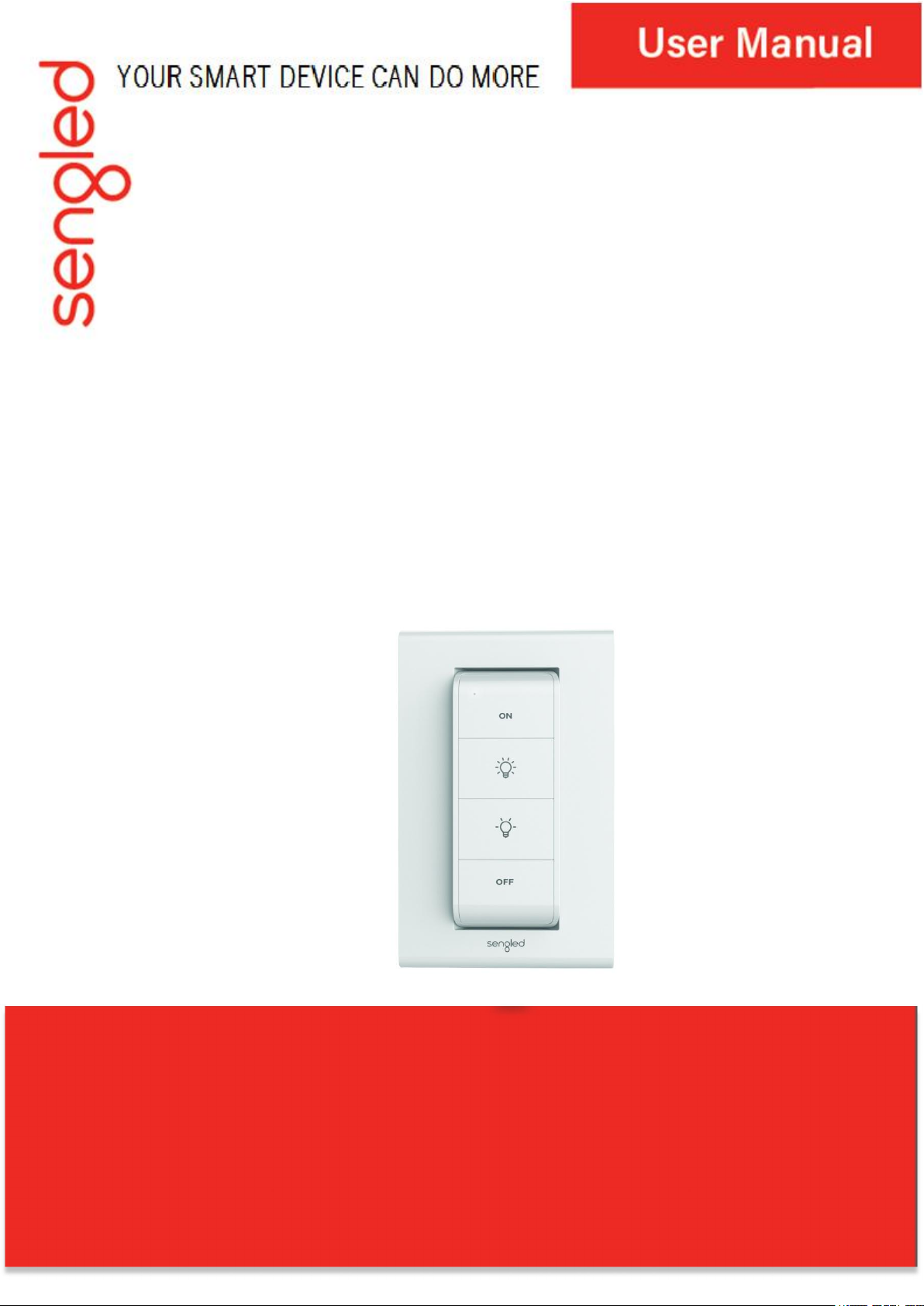
Sengled Smart Light Switch
Model: E1E-G7F
Page 2

Introduction
Sengled Smart Light Switch enables customers to control either bulbs or whole
rooms with the click of a button. The Switch means no more digging or
searching for your phone when needing to control your lights, as well as having
your favorite scenes pre-set to your Switch, so you can always switch to your
favorite scenes when you want to.
Note: A hub is required to control the Smart Switch.
Features
• Wireless control
• No wiring required
• Easy group control
• Pre-set your favorite scenes
• Supports Zigbee 3.0
Package Includes
• One switch remote
• One wall mount
• 3M tape x2
• Screw x2
• CR2032 Li battery
• User guide
Product Specifications
• Power supply: 3V DC(battery type Li+ CR2032)
• Operating temperature: 0℃~+40℃/32°F~104°F
• Operating humidity: 0% ~ 95%
• Battery life: 3 years
• Dimensions:
Switch 36 mm (1.4”) x 90 mm (3.5”) x 10 mm (0.39”)
Wall mount 74 mm (2.9”) x 118 mm (4.6”) x 9 mm (0.35”)
• Wireless Zigbee 2.4GHz (2405~2480MHz,802.11b/g/n).
Important Safety Information
Before installing the Sengled Smart Light Switch, please read and follow
precautions, including:
• Do not attempt to disassemble the Switch.
• Suitable for use in operating environment between 0℃and 40℃(32°F
Page 3
and 104°F).
• Indoor use only. Do not use where directly exposed to water.
Installation Instructions
Note: If you plan to mount your Switch to a wall, Sengled recommends
ensuring you can add your Switch to your Sengled Hub before attaching it to
your wall.
1. Download the latest version of the Sengled Home App from the Apple App
Store or Google Play Store.
2. Register and sign in to your Sengled account using Sengled Home App.
3. Open the Sengled Home App, go to Devices, select the + sign, and choose
Smart Light Switch. Follow the instructions to finish installation.
Note: Please do not remove the “Remove to Pair” tab before you are
ready to pair your Switch to the hub as you will only have one minute to
successfully pair after removing the tab. If you are unable to pair, please follow
the reset instructions on the next page before attempting to pair again.
4. Ensure your Sengled Home app can discover the sensor.
Congratulations on successfully installing your Smart Lightstrip!
Reset Instructions:
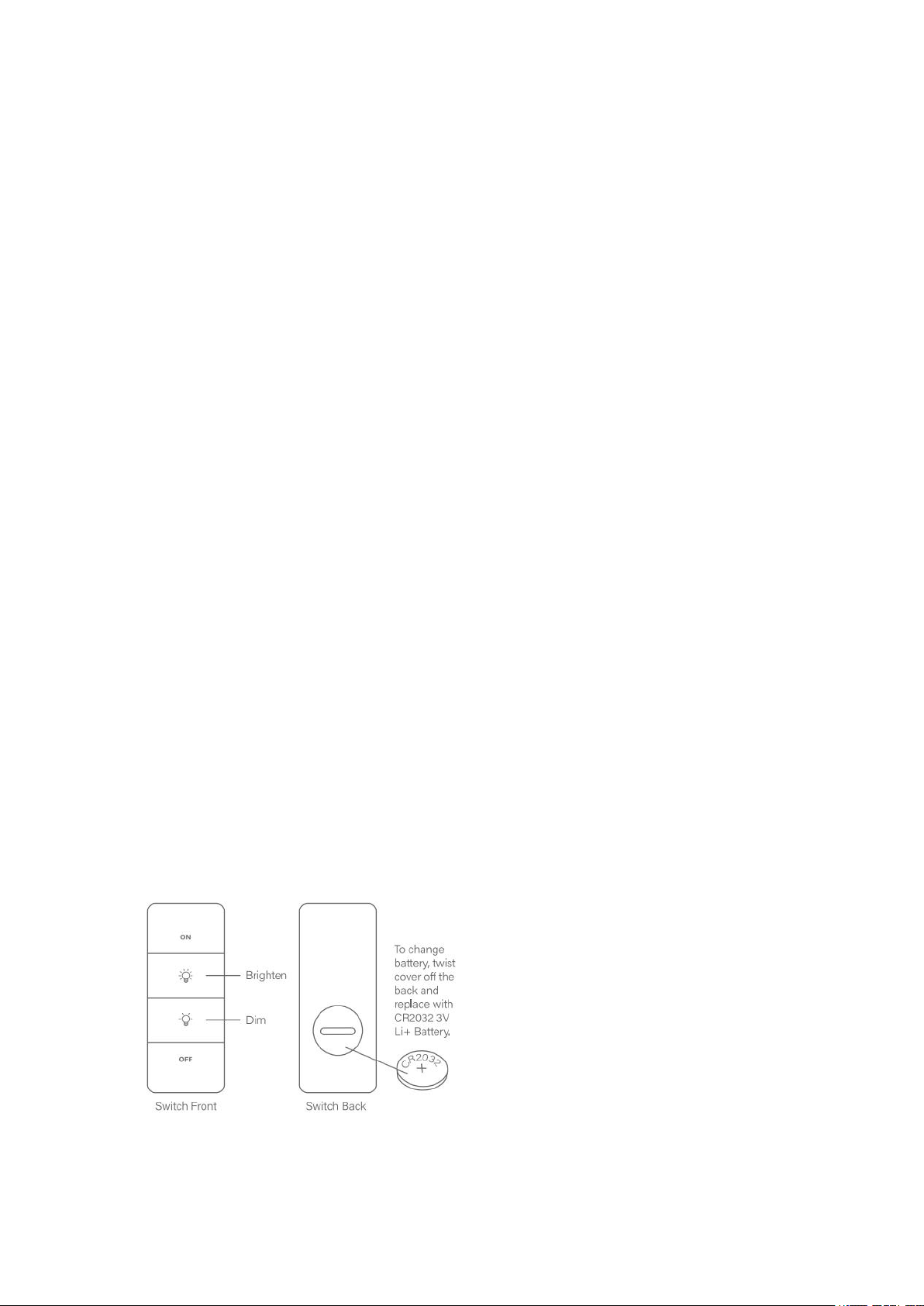
To reset your Switch, please hold down the ON and OFF buttons at the
same time for at least 3 seconds. The indicator light will start flashing,
indicating a successful reset. Please try to connect it to your hub at this point;
you will have one minute from when it starts flashing to connect.
Operation
The following section outlines the operational modes of the Sengled Smart
Light Switch. These can be set via your Sengled Home app.
On single click, double click, long press turn on lights (user-defined)
Page 4
Off single click, double click, long press turn off lights (user-defined)
Brighten/Dim single click, long press dim up/down lights
CAUTION
• INDOOR USE ONLY
• DO NOT USE WHERE DIRECTLY EXPOSED TO WATER.
FCC ID: 2AGN8-E1EG7F
IC: 20888-E1EG7F
Page 5
Page 6
Page 7

© 2019 Sengled, Incorporated. All rights reserved. Sengled is a trademark
of Sengled, Incorporated, registered in the United States and other
countries. Specifications are subject to change without notice. Other
trademarks and trade names are the property of their respective owners.
 Loading...