

Page 1
Wireless Rear Speaker Kit
Model : SWA-8000S
Thank you for purchasing this product (SWA-8000S).
For more detailed information on how to connect and use the
Wireless Rear Speaker Kit (SWA-8000S), refer to the Owner’s
Manual of your Soundbar.
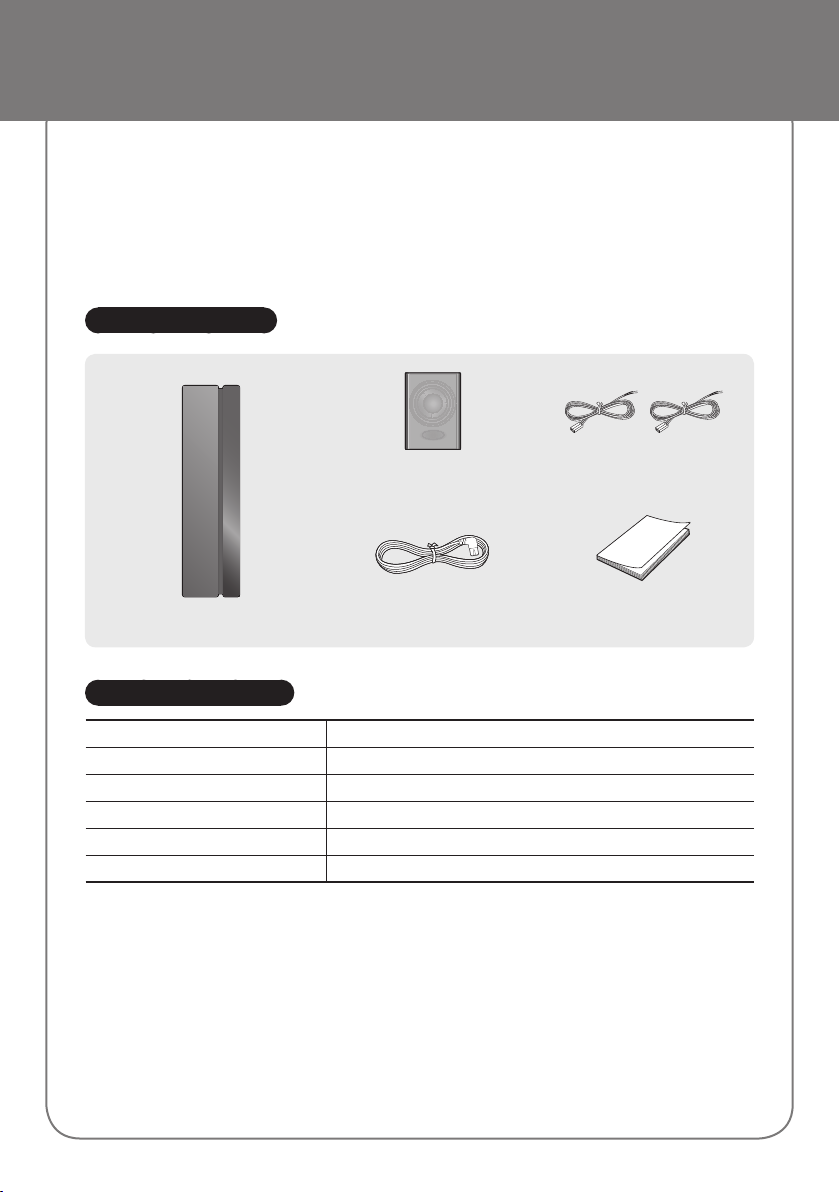
Accessories
STANDBY
LINK
Surround Speaker (2EA)
Speaker Cable (2EA)
(AH81-02137A)
Wireless Receiver Module
Power Cord
(3903-000853)
User Manual
(AH68-02906L)
Specifications
Weight 1.8 lbs
Dimensions (W x H x D) 2.0 x 7.9 x 5.2 inches
Operating Temperature Range +41°F to +95°F
Operating Humidity Range 10% ~ 75%
Output Refer to the Owner’s Manual of the Samsung product.
Frequency range 20Hz~20KHz
• Nominal specification
Samsung Electronics Co., Ltd reserves the right to change the specifications without notice.
-
- Weight and dimensions are approximate.
- For more information about the power supply and power consumption, refer to the label attached to the product.
- Dispose unwanted electronics through an approved recycler.
To find the nearest recycling location, go to our website: www.samsung.com/recyclingdirect or
call (877) 278 - 0799
a Open Source License Notice
- To send inquiries and requests regarding open sources, contact Samsung via Email
([email protected]).
Page 2
Wireless Rear Speaker Kit
Connecting the SWA-8000S with Soundbar
c Before connecting to the Wireless Receiver Module, connect your subwoofer first.
c Use the speaker cable to connect the wireless receiver module to the speakers.
c Plug the Power cord into a power outlet. The LED turns on.
c If the Wireless Receiver Module is not linked to your Soundbar (displaying the LED indicator in Red), connect
them as follows.
1. Check the Soundbar is in Power Off (Standby) status.
2. Press the “Mute” button on your remote control for 5~6 seconds until the “ID SET” message appears on your
Soundbar display.
3. Check the Wireless Receiver Module is in Standby status (displaying the LED indicator in Red).
4. Press the ID SET button on the back with a sharp pin for 5~6 seconds until the LINK LED indicator on the
Wireless Receiver Module blinks (in Blue).
5. Turn on your Soundbar with the “power” button on your remote control and wait for a while. They are completely
connected to each other if you can see the LINK LED indicator is continuously lit (in Blue).
c Once connected, your Soundbar and the Wireless Receiver Module are automatically reconnected even after
you turned them off and then on.
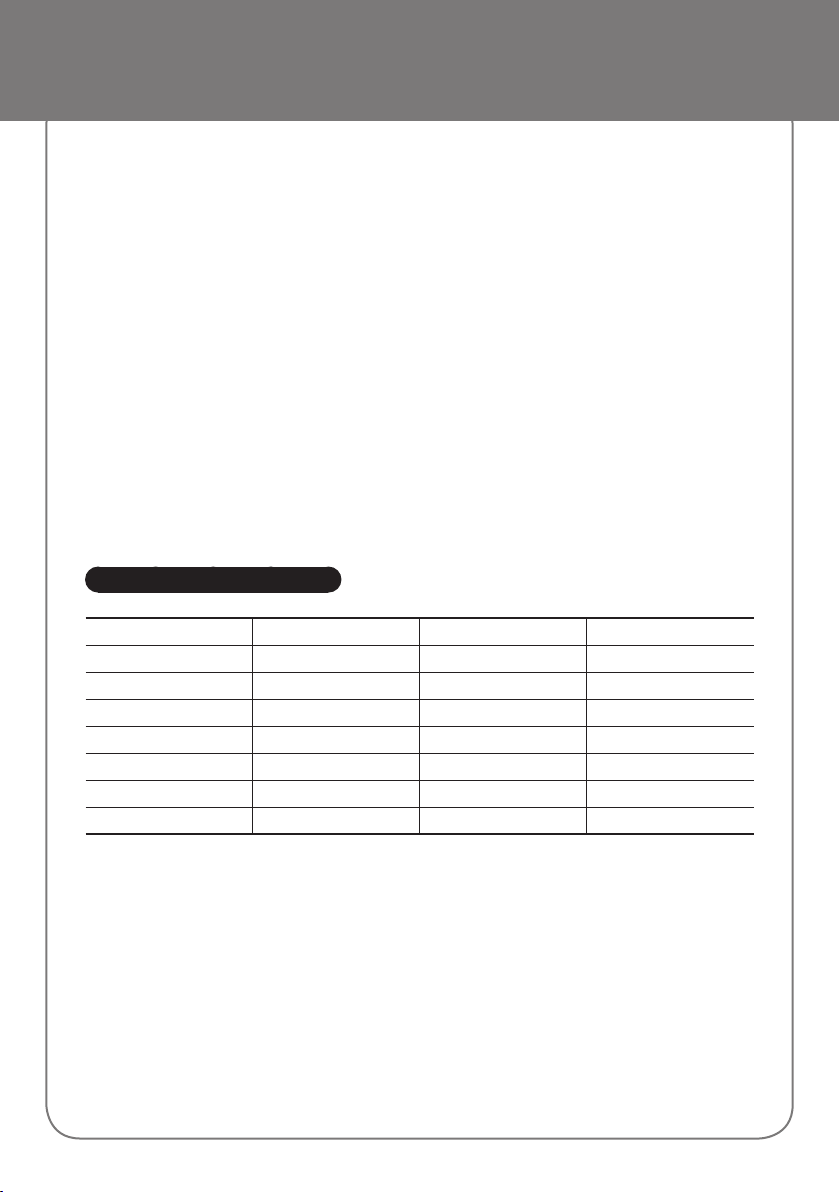
Compatible Models
HW-K360 HW-K450 HW-K550 HW-J6000R
HW-K369 HW-K460 HW-K551 HW-J6001R
HW-K390 HW-K490 HW-K560 HW-J6010R
HW-KM36 HW-KM45 HW-K561 HW-J6011R
HW-KM36C HW-KM45C HW-K590 HW-J4000
HW-JM4000
HW-JM4000C
HW-J6090R
Page 3
Safety Information
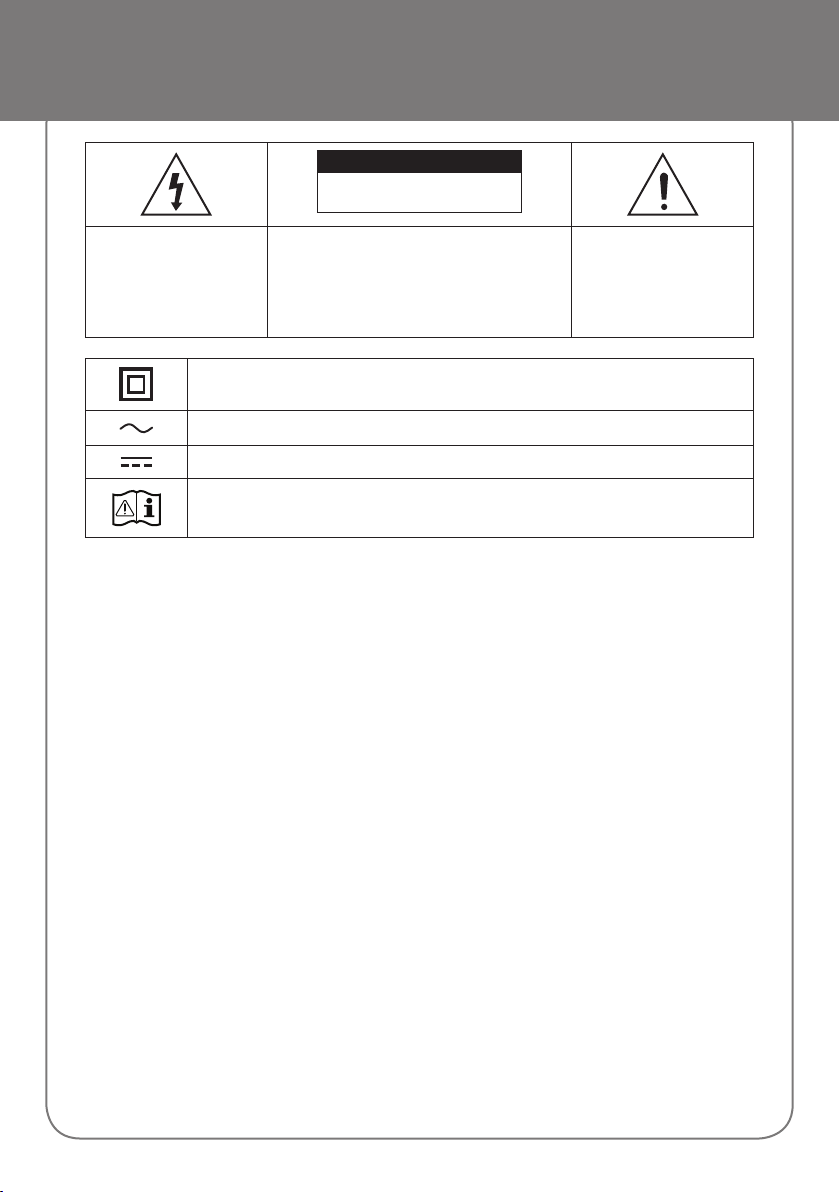
CAUTION
RISK OF ELECTRIC SHOCK.
DO NOT OPEN
This symbol indicates that
high voltage is present
inside. It is dangerous to
make any kind of contact
with any internal part of this
product.
Class II product : This symbol indicates that a safety connection to electrical earth (ground) is not
required.
AC voltage : Rated voltage marked with this symbol is AC voltage.
DC voltage : Rated voltage marked with this symbol is DC voltage.
Caution. Consult Instructions for use : This symbol instructs the user to consult the user manual for
further safety related information.
• The slots and openings in the cabinet and in
the back or bottom are provided for necessary
ventilation. To ensure reliable operation of this
apparatus, and to protect it from overheating,
these slots and openings must never be blocked or
covered.
- Do not place this apparatus in a confined space,
such as a bookcase, or built-in cabinet, unless
proper ventilation is provided.
- Do not place this apparatus near or over a
radiator or heat register, or where it is exposed to
direct sunlight.
- Do not place vessels (vases etc.) containing water
on this apparatus. A water spill can cause a fire or
electric shock.
• Do not expose this apparatus to rain or place it
near water (near a bathtub, washbowl, kitchen
sink, or laundry tub, in a wet basement, or near a
swimming pool, etc.). If this apparatus accidentally
gets wet, unplug it and contact an authorized dealer
immediately.
• Do not overload wall outlets, extension cords or
adaptors beyond their capacity, since this can result
in fire or electric shock.
• Route power-supply cords so that they are not likely
to be walked on or pinched by items placed on or
against them. Pay particular attention to cords at the
plug end, at wall outlets, and the point where they
exit from the apparatus.
CAUTION: TO REDUCE THE RISK OF ELECTRIC
SHOCK, DO NOT REMOVE THE COVER (OR
BACK). THERE ARE NO USER SERVICEABLE
PARTS INSIDE. REFER ALL SERVICING TO
QUALIFIED PERSONNEL.
This symbol indicates
that important literature
concerning operation and
maintenance has been
included with this product.
• To protect this apparatus from a lightning storm,
or when it is left unattended and unused for long
periods of time, unplug it from the wall outlet and
disconnect the antenna or cable system. This will
prevent damage to the set due to lightning and
power line surges.
• Before connecting the AC power cord to the DC
adaptor outlet, make sure the voltage designation of
the DC adaptor corresponds to the local electrical
supply.
• Never insert anything metallic into the open parts
of this apparatus. Doing so may create a danger of
electric shock.
• To avoid electric shock, never touch the inside of this
apparatus. Only a qualified technician should open
this apparatus.
• Make sure to plug the power cord in until it is firmly
seated. When unplugging the power cord from a wall
outlet, always pull on the power cord’s plug. Never
unplug by pulling on the power cord. Do not touch
the power cord with wet hands.
• If this apparatus does not operate normally - in
particular, if there are any unusual sounds or smells
coming from it - unplug it immediately and contact
an authorized dealer or service center.
• Maintenance of Cabinet.
- Before connecting other components to this
product, be sure to turn them off.
Page 4
Safety Information
• Be sure to pull the power plug out of the outlet if
the product is to remain unused or if you are leaving
the house for an extended period of time (especially
when children, elderly, or disabled people will be left
alone in the house).
- Accumulated dust can cause an electric shock,
an electric leakage, or a fire by causing the power
cord to generate sparks and heat or the insulation
to deteriorate.
• Contact an authorized service center for information
if you intend to install your product in a location with
heavy dust, high or low temperatures, high humidity,
chemical substances, or where it will operate 24
hours a day such as in an airport, a train station, etc.
Failing to do so may lead to serious damage of your
product.
• Use only a properly grounded plug and wall outlet.
- An improper ground may cause electric shock or
equipment damage. (Class l Equipment only.)
• To turn this apparatus off completely, you must
disconnect it from the wall outlet. Consequently,
the wall outlet and power plug must be readily
accessible at all times.
• Do not allow children to hang on the product.
• Store the accessories (battery, etc.) in a location
safely out of the reach of children.
• Do not install the product in an unstable location
such as a shaky self, a slanted floor, or a location
exposed to vibration.
• Do not drop or strike the product. If the product is
damaged, disconnect the power cord and contact a
service center.
• To clean this apparatus, unplug the power cord
from the wall outlet and wipe the product using a
soft, dry cloth. Do not use any chemicals such as
wax, benzene, alcohol, thinners, insecticide, air
fresheners, lubricants, or detergent. These chemicals
can damage the appearance of the product or erase
the printing on the product.
• Do not expose this apparatus to dripping or
splashing. Do not put objects filled with liquids, such
as vases on the apparatus.
• Do not plug multiple electric devices into the same
wall socket. Overloading a socket can cause it to
overheat, resulting in a fire.
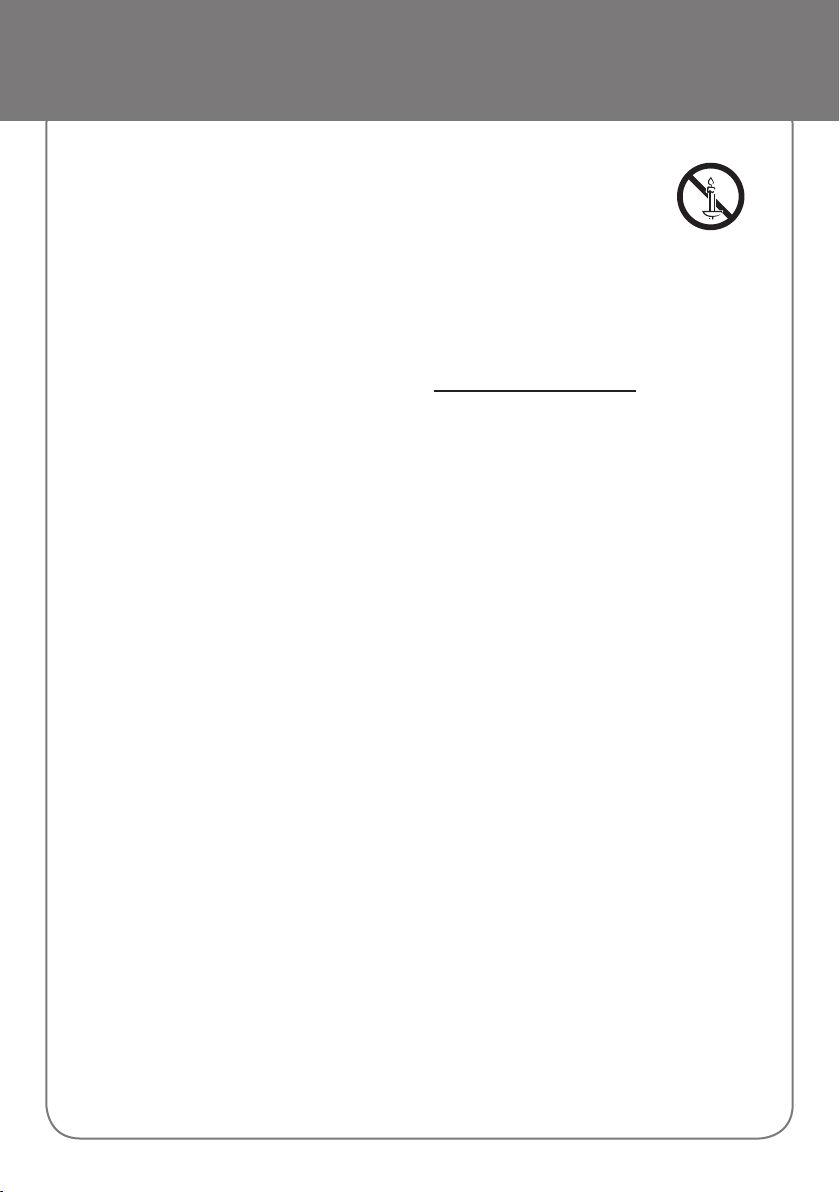
WARNING :
• TO PREVENT THE SPREAD OF
FIRE, KEEP CANDLES AND OTHER
ITEMS WITH OPEN FLAMES AWAY
FROM THIS PRODUCT AT ALL
TIMES.
• This product contains chemicals known to the State
of California to cause cancer and birth defects or
other reproductive harm.
• To reduce the risk of fire or electric shock, do not
expose this appliance to rain or moisture.
FCC NOTES (for U.S.A)
This product satisfies FCC regulations when shielded
cables and connectors are used to connect the unit
to other equipment. To prevent electromagnetic
interference with electric appliances, such as radios
and televisions, use shielded cables and connectors for
connections.
This equipment has been tested and found to comply
with the limits for a Class B digital device, pursuant to
Part 15 of the FCC rules. These limits are designed
to provide reasonable protection against harmful
interference in a residential installation. This equipment
generates, uses and can radiate radio frequency energy
and, if not installed and used in accordance with the
instructions, may cause harmful interference to radio
or television reception, which can be determined by
turning the equipment off and on.
If interference is present, the user is encouraged to
try to correct the interference by one or more of the
following measures:
• Reorienting or relocating the receiving antenna.
• Increasing the separation between the equipment
and receiver.
• Connecting this equipment to an outlet that is
on a different circuit than the one the receiver is
connected to.
• Consulting the dealer or an experienced radio/TV
technician for help.
Caution : FCC regulations state that any unauthorized
changes or modifications to this equipment may void
the user’s authority to operate it.
This class B digital product meets all requirements
of the Canadian Interference - Causing Equipment
Regulations.
Page 5
Safety Information
FCC Compliance Information
This device complies with Part 15 of FCC Rules.
Operation is subject to the following two conditions:
(1) This device may not cause harmful interference, and
(2) This device must accept any interference received
including interference that may cause undesired
operation.
RF Radiation Exposure Statement
This equipment complies with FCC RF Radiation
Exposure limits set forth for an uncontrolled
environment.
This equipment should be installed and operated with a
minimum distance of 7.87 inches (20cm) between the
radiator and your body.
This transmitter must not be co-located or operating in
conjunction with any other antenna or transmitter.
Precautions
1. Ensure that the AC or DC power supply in your
house complies with the power requirements listed
on the identification sticker located on the back
of your product. Install your product horizontally,
on a suitable base (furniture), with enough space
around it for ventilation (3~4 inches). Make sure the
ventilation slots are not covered. Do not place the
unit on amplifiers or other equipment which may
become hot. This unit is designed for continuous
use. To fully turn off the unit, disconnect the AC
plug from the wall outlet.
2. Do not expose the unit to direct sunlight or other
heat sources. This could lead to overheating and
cause the unit to malfunction.
3. Unplug the Power cord from the AC wall socket
if the unit malfunctions. Your product is not
intended for industrial use. It is for personal use
only. Condensation may occur if your product has
been stored in cold temperatures. If transporting
the unit during the winter, wait approximately 2
hours until the unit has reached room temperature
before using.
4. If this power supply is used at 240V ac, a suitable
plug adapter should be used.
Important Safety Instructions
Read these operating instructions carefully before using
the unit. Follow all the safety instructions listed below.
Keep these operating instructions handy for future
reference.
1. Read these instructions.
2. Keep these instructions.
3. Heed all warnings.
4. Follow all instructions.
5. Do not use this apparatus near water.
6. Clean only with a dry cloth.
7. Do not block any ventilation openings. Install in
accordance with the manufacturer’s instructions.
8. Do not install near any heat sources such as
radiators, heat registers, stoves, or other apparatus
(including AV receivers) that produce heat.
9. Do not defeat the safety purpose of the polarized
or grounding-type plug. A polarized plug has two
blades with one wider than the other. A grounding
type plug has two blades and a third grounding
prong. The wide blade or the third prong are
provided for your safety. If the provided plug does
not fit into your outlet, consult an electrician for
replacement of the obsolete outlet.
10. Protect the power cord from being walked on
or pinched particularly at plugs, convenience
receptacles, and the point where it exits the
apparatus.
11. Only use attachments/accessories specified by the
manufacturer.
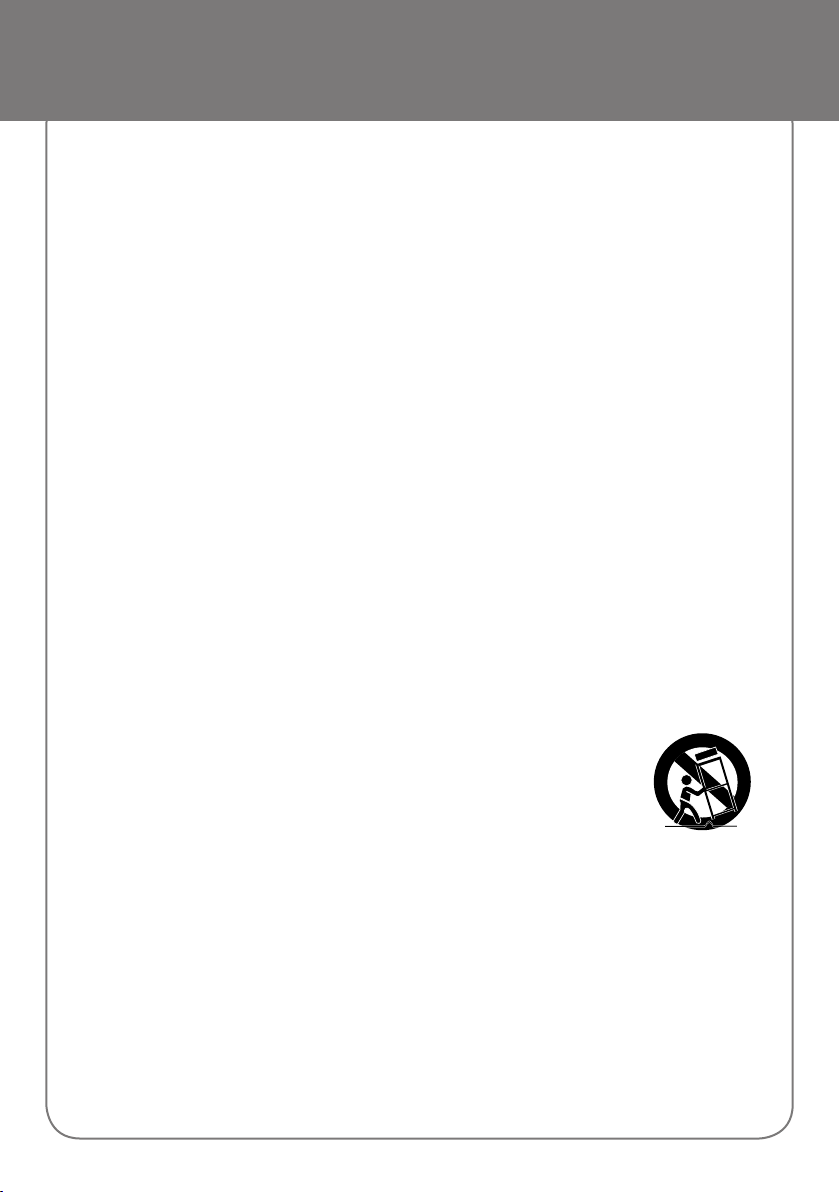
12. Use only with the cart, stand,
tripod, bracket, or table
specified by the manufacturer,
or sold with the apparatus.
When a cart is used, use
caution when moving the cart/
apparatus combination to
avoid injury from tip-over.
13. Unplug this apparatus during lightning storms or
when unused for long periods of time.
14. Refer all servicing to qualified service personnel.
Servicing is required when the apparatus has
been damaged in any way, such as when the
power-supply cord or plug is damaged, liquid
has been spilled or objects have fallen into the
apparatus, the apparatus has been exposed to
rain or moisture, does not operate normally, or has
been dropped.
Page 6

LIMITED WARRANTY TO ORIGINAL PURCHASER
This SAMSUNG brand product, as supplied and distributed by SAMSUNG and delivered new, in the original carton
to the original consumer purchaser, is warranted by SAMSUNG against manufacturing defects in materials and
workmanship for a limited warranty period of:
One (1) Year Parts and Labor*
(*90 Days Parts and Labor for Commercial Use)
This limited warranty begins on the original date of purchase, and is valid only on products purchased and used in
the United States. To receive warranty service, the purchaser must contact SAMSUNG for problem determination
and service procedures. Warranty service can only be performed by a SAMSUNG authorized service center. The
original dated bill of sale must be presented upon request as proof of purchase to SAMSUNG or SAMSUNG’s
authorized service center. Transportation of the product to and from the service center is the responsibility of the
purchaser.
SAMSUNG will repair or replace this product, at our option and at no charge as stipulated herein, with new or
reconditioned parts or products if found to be defective during the limited warranty period specified above. All
replaced parts and products become the property of SAMSUNG and must be returned to SAMSUNG. Replacement
parts and products assume the remaining original warranty, or ninety (90) days, whichever is longer.
SAMSUNG’s obligations with respect to software products distributed by SAMSUNG under the SAMSUNG brand
name are set forth in the applicable end user license agreement. Non-SAMSUNG hardware and software products,
if provided, are on an “AS IS” basis.
Non-SAMSUNG manufacturers, suppliers, publishers, and service providers may provide their own warranties.
This limited warranty covers manufacturing defects in materials and workmanship encountered in normal, and except
to the extent otherwise expressly provided for in this statement, noncommercial use of this product, and shall not
apply to the following, including, but not limited to: damage which occurs in shipment; delivery and installation;
applications and uses for which this product was not intended; altered product or serial numbers; cosmetic damage
or exterior finish; accidents, abuse, neglect, fire, water, lightning or other acts of nature; use of products, equipment,
systems, utilities, services, parts, supplies, accessories, applications, installations, repairs, external wiring or
connectors not supplied and authorized by SAMSUNG, or which damage this product or result in service problems;
incorrect electrical line voltage, fluctuations and surges; customer adjustments and failure to follow operating
instructions, cleaning, maintenance and environmental instructions that are covered and prescribed in the instruction
book; product removal or reinstallation; reception problems and distortion related to noise, echo, interference or other
signal transmission and delivery problems. SAMSUNG does not warrant uninterrupted or error-free operation of the
product.
THERE ARE NO EXPRESS WARRANTIES OTHER THAN THOSE LISTED AND DESCRIBED ABOVE, AND
NO WARRANTIES WHETHER EXPRESS OR IMPLIED, INCLUDING, BUT NOT LIMITED TO, ANY IMPLIED
WARRANTIES OF MERCHANTABILITY OR FITNESS FOR A PARTICULAR PURPOSE, SHALL APPLY AFTER THE
EXPRESS WARRANTY PERIODS STATED ABOVE, AND NO OTHER EXPRESS WARRANTY OR GUARANTY
GIVEN BY ANY PERSON, FIRM OR CORPORATION WITH RESPECT TO THIS PRODUCT SHALL BE BINDING ON
SAMSUNG. SAMSUNG SHALL NOT BE LIABLE FOR LOSS OF REVENUE OR PROFITS, FAILURE TO REALIZE
SAVINGS OR OTHER BENEFITS, OR ANY OTHER SPECIAL, INCIDENTAL OR CONSEQUENTIAL DAMAGES
CAUSED BY THE USE, MISUSE OR INABILITY TO USE THIS PRODUCT, REGARDLESS OF THE LEGAL THEORY
ON WHICH THE CLAIM IS BASED, AND EVEN IF SAMSUNG HAS BEEN ADVISED OF THE POSSIBILITY OF SUCH
DAMAGES. NOR SHALL RECOVERY OF ANY KIND AGAINST SAMSUNG BE GREATER IN AMOUNT THAN THE
PURCHASE PRICE OF THE PRODUCT SOLD BY SAMSUNG AND CAUSING THE ALLEGED DAMAGE. WITHOUT
LIMITING THE FOREGOING, PURCHASER ASSUMES ALL RISK AND LIABILITY FOR LOSS, DAMAGE OR INJURY
TO PURCHASER AND PURCHASER’S PROPERTY AND TO OTHERS AND THEIR PROPERTY ARISING OUT OF
THE USE, MISUSE OR INABILITY TO USE THIS PRODUCT SOLD BY SAMSUNG NOT CAUSED DIRECTLY BY THE
NEGLIGENCE OF SAMSUNG. THIS LIMITED WARRANTY SHALL NOT EXTEND TO ANYONE OTHER THAN THE
ORIGINAL PURCHASER OF THIS PRODUCT, IS NONTRANSFERABLE AND STATES YOUR EXCLUSIVE REMEDY.
Some states do not allow limitations on how long an implied warranty lasts, or the exclusion or limitation of incidental
or consequential damages, so the above limitations or exclusions may not apply to you. This warranty gives you
specific legal rights, and you may also have other rights which vary from state to state.
To obtain warranty service, please contact SAMSUNG customer care center.
The benefits of this Limited Warranty extend only to the original purchaser of Samsung products from an authorized
Samsung reseller. THIS LIMITED WARRANTY SHALL NOT APPLY TO ANY SAMSUNG PRODUCTS PURCHASED
FROM UNAUTHORIZED RESELLERS OR RETAILERS, EXCEPT IN STATES WHERE SUCH RESTRICTION MAY BE
PROHIBITED. For a list of Samsung authorized retailers, please go to: http://www.samsung.com/us/peaceofmind/
authorized_resellers.html.
Page 7
The party responsible for product compliance:
Samsung Electronics Co., LTD.
America QA lab of Samsung
19 Chapin Rd. Building D,
Pine Brook New Jersey 07058
Questions or Comments?
Area CALL OR VISIT US ONLINE AT WRITE
IN THE US 1-800-SAMSUNG
(726-7864)
© 2016 Samsung Electronics Co., Ltd. All rights reserved.
AH68-02906L-00 AH68-02906L-00
www.samsung.com/us/support Samsung Electronics America, Inc.
85 Challenger Road
Ridgefield Park, NJ 07660
 Loading...