

Page 1
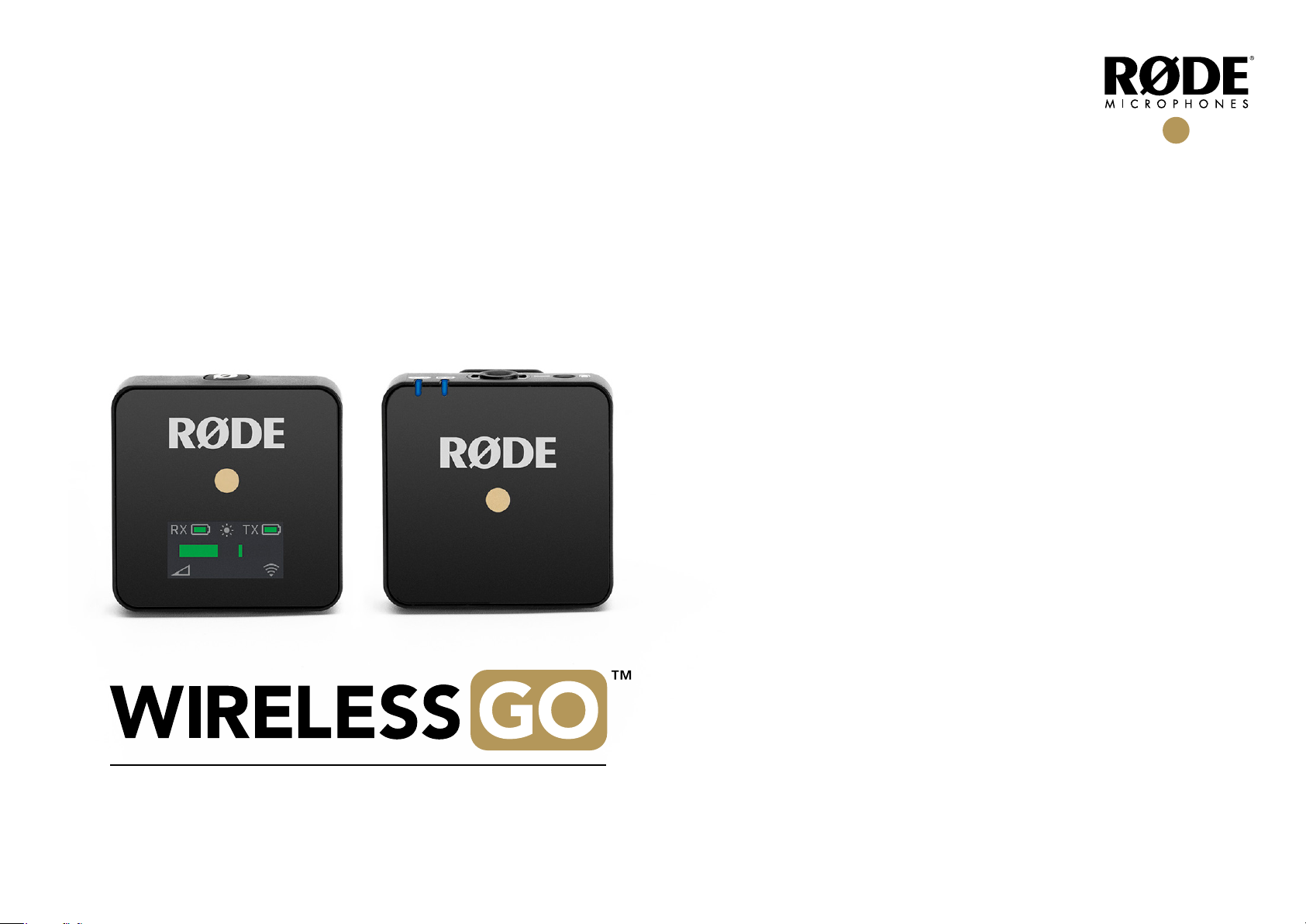
USER GUIDE
Page 2
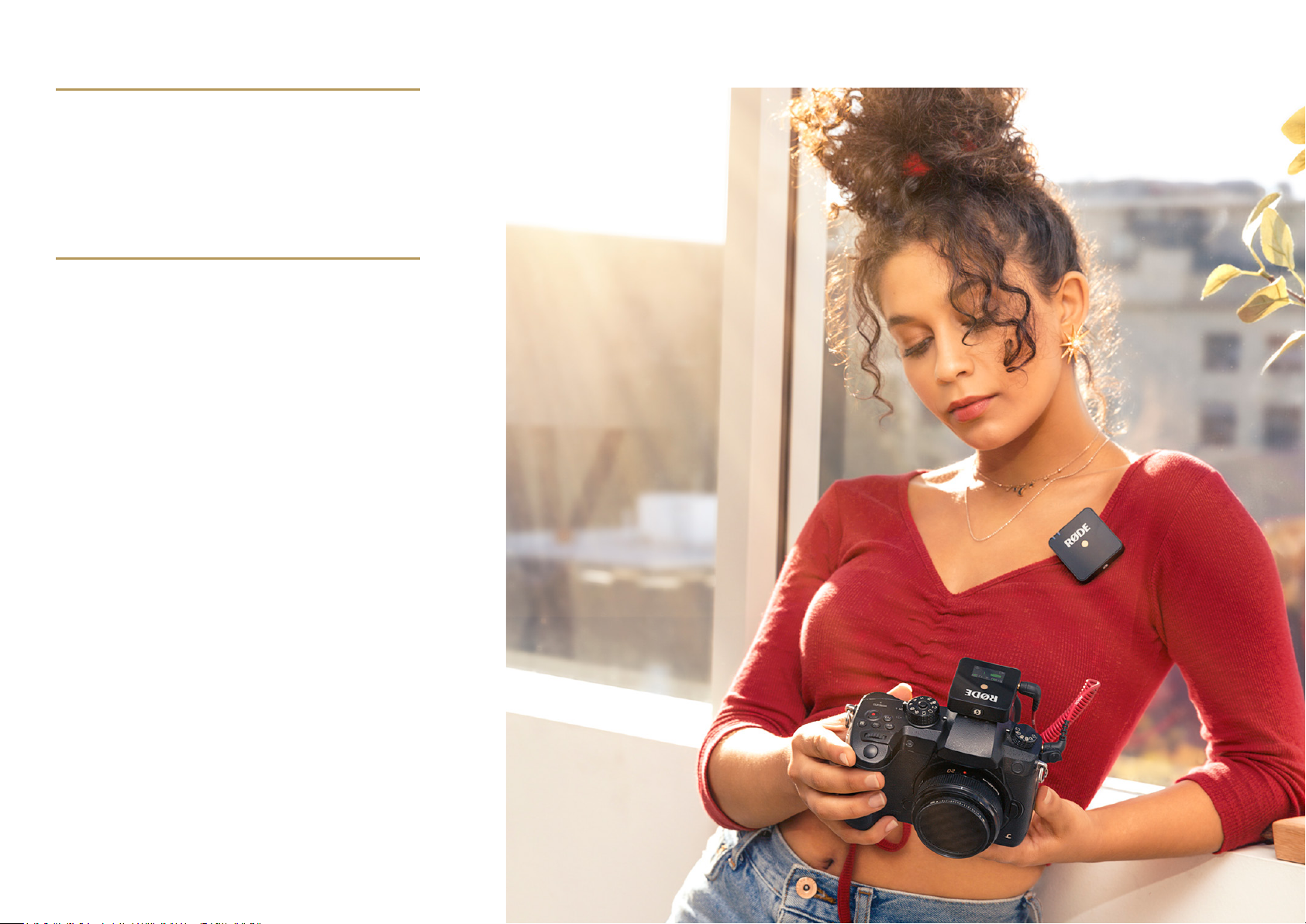
OVERVIEW
The Wireless Go is a compact wireless microphone
system that operates in the 2.4GHz spectrum. The
kit includes a transmitter with an internal microphone
and a receiver with 3.5mm TRS output.
SET UP
Press and hold the power button for 3
seconds to turn on the RX (receiver).
Press and hold the power button for 3
seconds to turn on the TX (transmitter).
The units will already be paired and start
transmitting audio, the transmitter will
be using the internal microphone.
Clip on the supplied windshield if required
If desired, plug in a compatible external microphone
and the TX will automatically switch the audio input.
Connect the 3.5mm TRS output of the RX to a
camera’s microphone input or similar audio device.
Wireless Go User Guide V01 RØDE MICROPHONES – MAY 2019
Page 3

TRANSMITTER – TX
Power Button
Press and hold the power button for 3
seconds to turn on the unit
Press and hold the power button for 3
seconds to turn off the unit
Single press to turn on when the device is in charging mode
Internal Microphone
The transmitter will use the internal microphone if
there is not an external microphone plugged in
On board processing optimised for the human voice
Microphone Input
Standard 3.5mm TRS microphone input
Supplies 2.8V plug-in power for compatible microphones
“Power” and “Link” LED’s
Power LED
Solid = internal battery is above 20%
Slow ash = internal battery is below 20%
Rapid ash = internal battery is below 10%
Double ash = Charging through USB (solid
when 100% charge is reached)
Link LED
Solid = Paired and transmitting to an RX
Slow ash = Not connected to the RX or out of range
Rapid ash = in pairing mode (will time out after 3 seconds)
Off = TX is in charging mode and not
transmitting to a receiver
USB-C
Standardised USB-C port
Used for charging with USB power supplies and is able
to connect to a computer for future rmware updates
The power LED will display charging mode if the
unit is plugged into power while off, a quick single
press the power button will turn on the TX
LavMic input
Inbuilt Microphone
Charge status
Connection status
USB-C
Power button
Wireless Go User Guide V01 RØDE MICROPHONES – MAY 2019
Page 4

RECEIVER – RX
Power Button
Press and hold the power button for 3
seconds to turn on the unit
Press and hold the power button for 3
seconds to turn off the unit
Single press to turn on when the device is in charging mode
“dB” Button
Press the “dB” button to cycle through the three
audio output levels (0dB, -12dB, -24dB)
Set the level according to the requirements of
the device receiving the audio. I.e. portable
recorder, smartphone, camera, etc.
The RX will remember the selection chosen for future use
Link Button
The RX and TX will come pre-paired out of the box
If pairing is required
Press and hold the button for 3 seconds
The signal strength icon on the screen will start ashing
Single press the power button on the TX
The TX and RX should pair immediately
Audio output
Standard 3.5mm TRS output
Multi-mono signal
Power Button
USB-C
TRS Output
Pair Button
dB Button
Screen Brightness Indicator
USB-C
Standardised USB-C port
Used for charging with USB power supplies and is able
to connect to a computer for future rmware updates
The screen will display charging mode if the unit
is plugged into power while off, a quick single
press the power button will turn on the RX
RX TX
Transmitter battery status
Receiver battery status
Microphone input level
meter (red = clipping)
Pairing status & signal
strength indicator
Audio output level
3x options
Wireless Go User Guide V01 RØDE MICROPHONES – MAY 2019
Page 5

SPECIFICATIONS
Transmission type: 2.4GHz Frequency
Internal Capsule
Acoustic Principle:
Polar Pattern:
Equivalent Input Noise
@ Maximum Gain:
Frequency Range:
External Mic Input
Mic Input:
Maximum Output
Level: +3dBu
Maximum SPL (mic): 100dB SPL (1kHz @ 1m)
Dynamic Range: 100dBA (Mic Preampliers)
Power Requirements:
Battery Life:
Analog Inputs:
Analog Outputs:
Computer Connectivity: USB (Firmware update)
OS Requirements: (For rmware update only) MacOS
Agile Digital System
Pre-polarised pressure transducer
Omnidirectional
21.8dB (A-Weighted)
50Hz - 20kHz
20Hz - 20kHz
Inbuilt Li-po battery rechargeable
via USB
Up to 7 hours
3.5mm TRS lavalier microphone input
(Transmitter)
3.5mm TRS (Receiver)
10.11 and above Windows 10 and
above
Form Factor:
Weight (g):
Dimensions
(W×L×H, mm):
Included Accessories: 2 x fur windshield, 1 x pouch, 2 x
Clip-on pack
TX: 31 RX: 31
TX: 44 × 45.3 × 18.5
RX: 44 x 46.4 x 18.5
USB-A to USB-C cable,
1 x SC2 cable
Wireless Go User Guide V01 RØDE MICROPHONES – MAY 2019
 Loading...