

Page 1
QUGDMKR
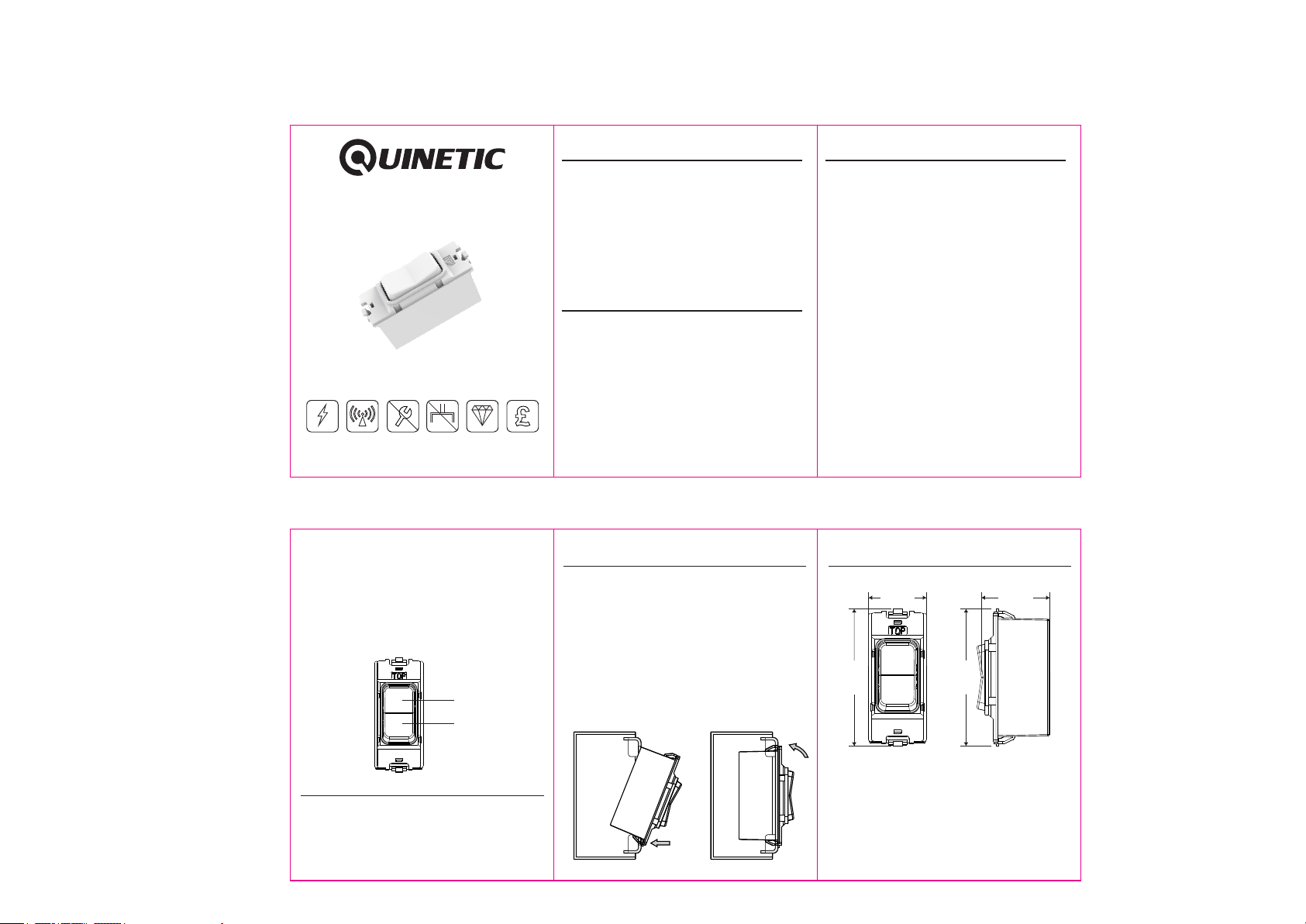
Quinetic 2-Way Centre-Off Retractive Instructions 80*60mm
Product Description Product Pairing
Wireless 2-Way Centre-Off
Retractive Switch
MK Gri d Plus Compatib le
QUGDMKR
Insta lla tio n Ins tructions
Self Powered
No Radiation No Maintenance No Wiring
Read the inst ruc tio ns ca ref ull y bef ore i nst allation
Durable
Cost Saving
The Quinetic 2 Way Retractive Switch is compatible with
MK Grid Plus system and can be installed into MK Grid
Plus plates. By utilizing the micro-energy technology,
the Quinetic switch does not require batteries or any
other power sources. The QUGDMKR can be used with
any standard ON/OFF or dimming receiver and it is also
compatible with QURWCS Roller Shutter and Curtains
Receiver.
Specifications
Wireless Grid Switch Technical Parameters:
Work Type: 2 Way Center-off Retractive (Push) Button
Power Source: Self-Powered (no battery required)
Number of Keys: 2 (2 gang)
Control Distance*: 25m (indoor)
Communication Frequency: RF 433MHz
Control Method: Pairing with Quinetic Wireless Controller
Compatible with MK Grid Switch Plates
Life Time: >100,000 times on/off
Work Environment Temperature: -20 C ~ +55 C
3 Year Warranty
0 0
1. Standard Pairing:
1.1 Press the function button on the Quinetic receiving
controller for 3 seconds and the indicator light begins
to flash slowly. Release the button to enter the
pairing state.
1.2. Press any gang of the QUGDMKR once and the
indicator light of the controller will go out, which means
that the pairing is successful.
2. Directional Pairing:
2.1. Press the function button on the Quinetic receiving
controller for 3 seconds and the indicator light begins
to flash slowly. Release the button to enter the
pairing state.
2.2. Press any gang of the QUGDMKR four times
quickly (within 1 second) and the indicator light of the
controller will go out, which means that the directional
pairing is successful.
2.3. After paring is successful, top and down gangs will
act as a group. Quickly press the top gang to turn ON
the light and down gang to turn OFF the light. Long
press the top gang for brighten and the down gang to
dim the light.
2.4. When paired with the QURWCS WiFi Roller Shutter
and Curtains Receiver, the top button controls L1 output
(Motor Forward) and the down button controls L2 output
(Motor Reverse) by default.
Press a button to switch between the two states of
rotation and stop. If the button in the opposite direction
is pressed during the rotation, it will stop for 1 second
and then reverse the rotation.
Up Button
Down Button
Quinetic Switch and Controller Wireless System:
The wireless Quinetic grid switch and wireless
receiving controller can be paired in any combination:
a controller can be operated by a maximum of
10 separate switches, a switch can pair with an
unlimited number of controllers.
Installation Instructions:
1. Ensure the mounting box is securely fixed to the wall.
2. Carefully push the Quinetic grid switch module back
through the grid frame until the clip on the top of the
module has clicked into place (Fig. 1).
3. Ensure that no conductors into the mounting box are
pinched or trapped.
4. If necessary, the modules can be removed by placing
the blade of a screwdriver just above the top clip and
carefully levering it out (Fig. 2).
5. Place the front plate over the assembly and secure it
with the screws provided. Do not over tighten the
screws, by doing so it may damage the front plate,
fixing screws or grid frame.
Fig. 1 Fig. 2
Product dimensions:
25m m
59. 3mm
*Di stanc e comes f rom Qui netic l abora tory te st resu lt. The a ctual
dis tance i n pract ical us e might v ary due t o envir onmen tal
dif feren ce.
NOT E: The gr id meta l plate o r cover m ight re duce th e contr ol
dis tance , as the me tal wil l cause e lectr omagn etic sh ieldi ng that
blo cks the R F signa l.
For m ore inf ormat ion abo ut pair ing, in struc tions a nd trou blesh oot
ple ase vis it www.t lc-di rect. co.uk w ebsit e.
29. 5mm
59. 3mm
 Loading...