

Page 1
MANUAL DE INSTRUCCIONES
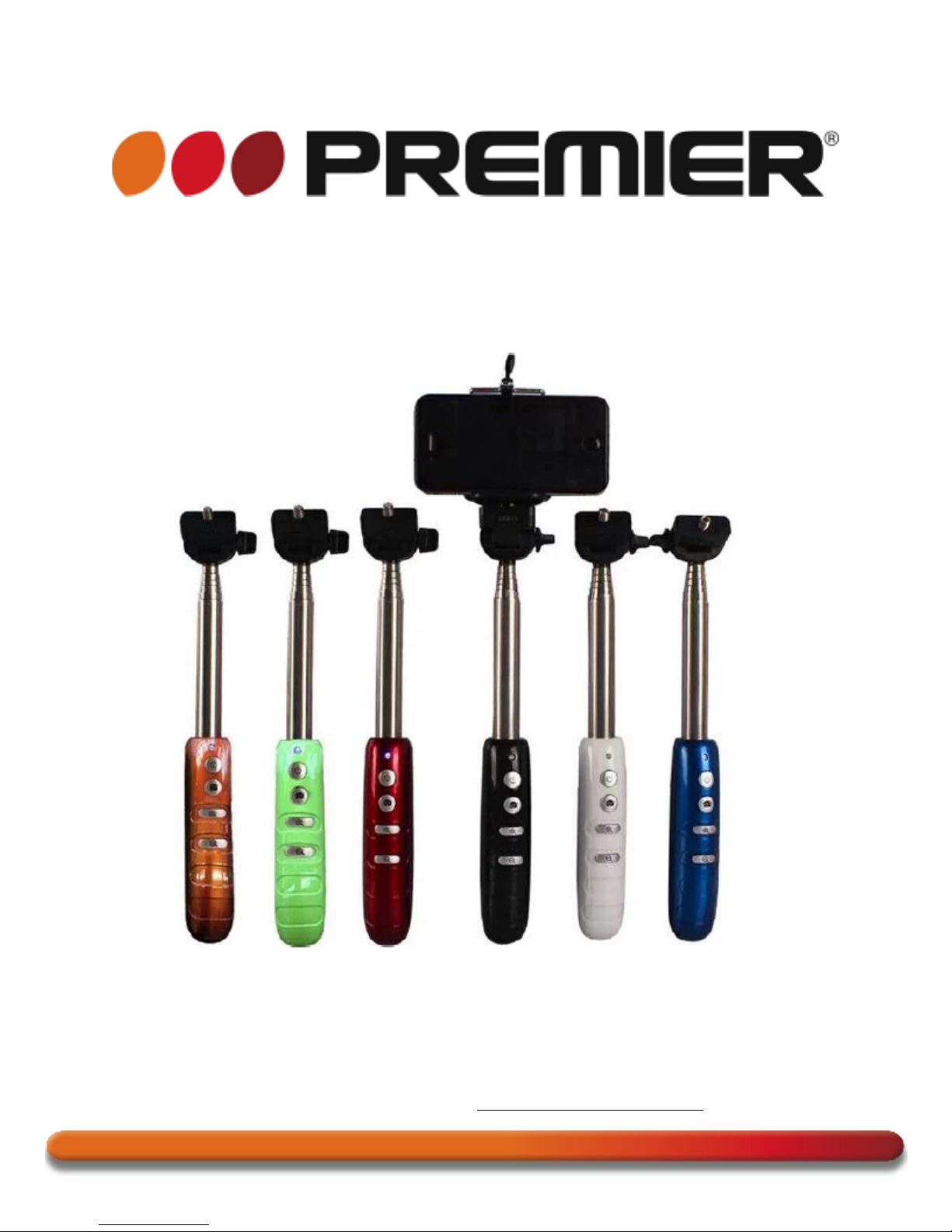
BRAZO EXTENSIBLE PARA SELFIES
ACC-5579SEL
ESTIMADO CLIENTE
Con el fin de que obtenga el mayor desempeño de su producto, por favor lea este manual de
instrucciones cuidadosamente antes de comenzar a utilizarlo, y guárdelo para su futura referencia.
Si necesita soporte adicional, no dude en escribir a: [email protected]
Page 2
P-1
ÍNDICE
FUNCIÓN ................................................................................................................................................... 2!
CONTENIDO .............................................................................................................................................. 2!
ESPECIFICACIONES ................................................................................................................................ 2!
INSTRUCCIONES DE EMPAREJADO ..................................................................................................... 2!
LISTA DE COMPATIBILIDAD ................................................................................................................... 2!
PRECAUCIÓN
RIESGO DE CHOQUE
ELÉCTRICO , NO ABRA
Precaución: Para reducir el riesgo de choque eléctrico, no
retire la cubierta, no hay partes manipulables por el usuario al
interior de la unidad. Refiera todo mantenimiento o
intervención técnica a personal técnico calificado.
Este símbolo indica la existencia de voltaje peligroso al
interior de esta unidad, que constituye un riesgo de choque
eléctrico.
Este símbolo indica que hay importantes instrucciones de
operación y mantenimiento en la literatura que acompaña a
esta unidad.
LÍNEAS DE SERVICIO AL CLIENTE PREMIER
Venezuela:
0800 – ELECTRIC (353-2874)
Panamá:
507 300-5185
Sitio Web:
www.premiermundo.com
E-mail:
NOTA
Nos reservamos el derecho de modificar las especificaciones, características y/u operación de este
producto sin previo aviso, con el fin de continuar las mejoras y desarrollo del mismo.
Page 3

P-2
FUNCIÓN
Monopod con Zoom In y Zoom Out de imagen para tomar fotografías con su teléfono móvil o cámara
por medio de Blue-Connect.
CONTENIDO
• 1 Selfie Stick
• 1 Soporte
• 1 Cable USB de Carga
• 1 Manual de Instrucciones
ESPECIFICACIONES
• Comunicación: Blue-Connect Versión 3.0
• Frecuencia de Transmisión: 2.4GHz – 2.4835GHz
• Distancia de Comunicación: 10m
• Voltaje de carga: DC 5V
• Tiempo de Carga: 1 hora
• Tiempo de Standby: 100 horas
• Frecuencia Autodyne: ≥500 veces
• Sistema de Soporte: Android 4.3 o superior, IOS 5.0 o superior, soporte de enfoque Android 4.3 o
superior
INSTRUCCIONES DE EMPAREJADO
• Presione el botón de encendido por 3 segundos, la luz azul parpadea y entra al modo de
emparejamiento.
• En su teléfono móvil active la opción Blue-Connect y seleccione la unidad “TY-104”. Si no ve ningún
dispositivo Blue-Connect, presione el botón de escaneo en el teléfono móvil, hasta que vea este
código en la lista. Selecciónelo. Una vez el emparejamiento sea exitoso, la luz azul en el dispositivo
parpadea.
• Coloque el teléfono celular en el soporte y abra el software de la cámara. La varilla telescópica se
extiende a una distancia y un ángulo adecuados. Presione el botón “cámara” para tomar las
fotografías.
• Si desea apagar la unidad, presione el botón por 3 segundos; la luz azul parpadea tres veces y el
dispositivo se apaga.
• Cuando no esté en uso por 5 minutos, el dispositivo entra automáticamente en modo de standby.
Cuando no esté utilizando la unidad, apáguela para que la batería dure por más tiempo.
LISTA DE COMPATIBILIDAD
• Iphone 5s/5c/5, 4s/4,ipad 3/2, ipad mini, ipad con Pantalla Retina, ipod touch 4 generación o
superior.
• Samsung (Galaxy S2/S3/S4+, Note1, Note2, Note3+, Tab 2, Note8,10.1+)
• Moto X/ Nexus 4,5,7+/Xiaomi 1S,2S,3
• Sony Xperia S
• HTC Nuevo y X
• Otros teléfonos Android
Page 4

P-3
Nota
• El dispositivo soporta Android 2.2.6 OS o superior. As Android 2.2.6 OS o superior no tienen
soporte.
• Confirme si el teléfono móvil tiene soporte para Blue-Connect. Si el teléfono móvil no tiene soporte
para esta función no se podrá utilizar.
• La función de Zoom actualmente soporta los modelos Samsung S3/S4.
• Si no se logra el emparejamiento Blue-Connect, verifique la configuración de la cámara.
• Algunos audífonos Blue-Connect pueden no soportar la función de cámara después del
emparejamiento; en estos casos descargue el programa Camera 360 e intente de nuevo.
• Las personas y/o Marcas registradas en este manual de instrucciones no están afiliadas a Premier Electric Japan Corp. y aparecen en
este Manual con propósitos ilustrativos únicamente.
Page 5
INSTRUCTION MANUAL
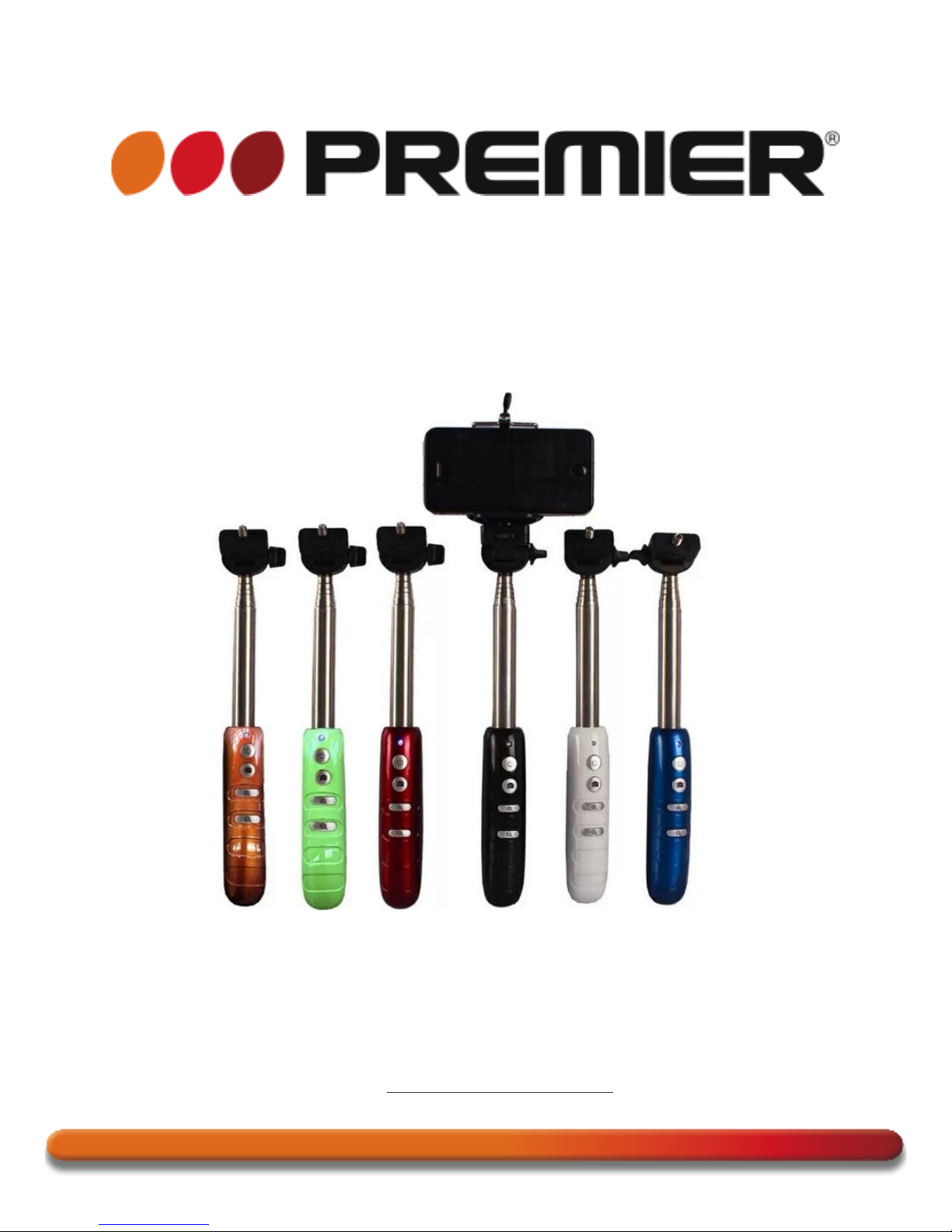
EXTENDABLE SELFIE STICK
ACC-5579SEL
DEAR CUSTOMER
In order to achieve the best performance of your product, please read this instruction manual carefully
before using, and keep it for future reference.
If you need extra support, please write to [email protected]
Page 6

PREMIER CUSTOMER SERVICE
Venezuela:
0800 – ELECTRIC (353-2874)
Panama:
507 300-5185
Website
www.premiermundo.com
E-mail:
NOTE
This unit may be submitted to changes in specifications, characteristics and/or operation without prior
notice to the user, in order to continue improving and developing its technology.
1. Function
New Portable Wireless Self Camera Monopod With Focus Enlarger And Narrow
Allows your mobile or camera to take photos and videos via bluetooth
2. Includes
1 x Wireless Mobile Phone Selfie Stick
1x Holder
1x USB Charging Cable
1x Product Manual
3. Specifications
3.1 Communication:
Bluetooth Version 3.0
3.2 Transit frequency::
2.4GHz-2.4835GHz
3.3 Communication distance:10 m
3.4 Charging Voltage: DC 5.0V
3.5 Charging Time: 1 hour
3.7 Standby Time: 100 hours
3.8 Autodyne Frequency: ≥500times3.9 Support Systems: ≥Andriod4.3 or above, IOS5.0 or above,
focusing Support: Andriod 4.3 or more
4. Pairing Instructions
4.1 Pressing to the “power” button for 3seconds,the blue lights flash and enters pairing state
Page 7

4.2 Enter the mobile phone “ set “→Turn on bluetooth→Click the Bluetooth pairing picture “TY-104” ,If
you do not see any new bluethooth device ,please press the scan button of the bluethooth on the mobile
phone ,Until you see the “TY-104 “ device .After the success of the Bluetooth pairing , the blue lights on
the device slow flash .
4.3 The mobile phone is fixed on the mobile phone holder, open mobile phone camera software. the
telescopic rods extending to the distance between the right to adjust the angle, press the “camera button
“ equipment above can easily enjoy the fun of customers
4.4 After the device is working ,press power button for 3 seconds ,blue lights flashing three times and
the device power down
4.5 when not in use for 5 minutes the device automatically enter a state of dormancy ,(After the success
of Bluetooth paring, when not in use for 10 minutes ,the device automatically enter a state of
dormancy),when not in use ,please press the power button to turn off the device ,to ensure that the
battery can be used for a long time.
5.Compatibility List
Iphone 5s/5c/5,iphone 4s/4,ipad 3/2, ipad mini, ipad with RetinaDisplay,ipod touch
4th generation or newer
Samsung(Galaxy S2/S3/S4+,Note1,Note2,Note3+,Tab 2,Note8,10.1+) ,Moto X/
Nexus 4,5,7+/Xiaomi 1S,2S,3
Sony Xperia S, HTC New one and X+ Other android phones
6.Note
1.The device support Android 2.2.6 OS or newer, As Android 2.2.6 OS or newer
can not connect, Please confirm whether the mobile phone Bluetoothsupport
Bluetooth Keyboard, If the mobile phone does not support thisfunction will be
unable to connect
2.Zoom function currently only supports the Samsung S3/S4models.
3.After the success of Bluetooth paring cannot be taken, Please check the mobile
phone camera settings.
4.Some phones’ Bluetooth software may not support the camera function after pairing, download
camera 360 and try again.
CCL: For the word “ Bluetooth “, please advise that this word needs to change as Blue-connect or not.
Please confirm with client
 Loading...