

Page 1
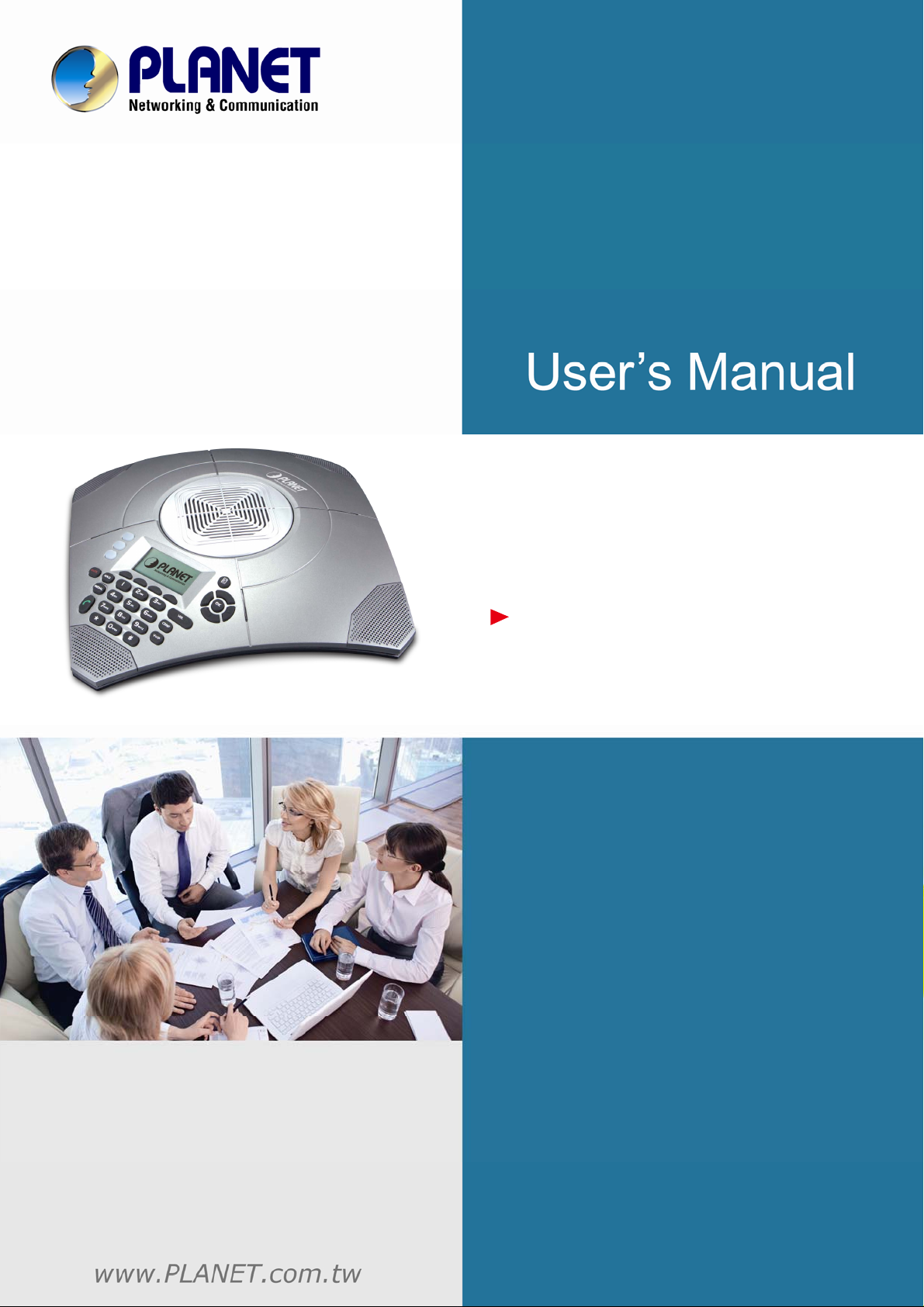
HD Voice Conference IP
Phone with PSTN (3-Line)
VIP-8030NT
Page 2

HD Voice Conference IP Phone with PSTN (3-Line)
VIP-8030NT
Copyright
Copyright (C) 2014 PLANET Technology Corp. All rights reserved.
The products and programs described in this User’s Manual are licensed products of PLANET Technology,
This User’s Manual contains proprietary information protected by copyright, and this User’s Manual and all
accompanying hardware, software, and documentation are copyrighted.
No part of this User’s Manual may be copied, photocopied, reproduced, translated, or reduced to any
electronic medium or machine-readable form by any means by electronic or mechanical including
photocopying, recording, or information storage and retrieval systems, for any purpose other than the
purchaser's personal use, and without the prior written permission of PLANET Technology.
Disclaimer
PLANET Technology does not warrant that the hardware will work properly in all environments and
applications, and makes no warranty and representation, either implied or expressed, with respect to the
quality, performance, merchantability, or fitness for a particular purpose.
PLANET has made every effort to ensure that this User’s Manual is accurate; PLANET disclaims liability for
any inaccuracies or omissions that may have occurred.
Information in this User’s Manual is subject to change without notice and does not represent a commitment on
the part of PLANET. PLANET assumes no responsibility for any inaccuracies that may be contained in this
User’s Manual. PLANET makes no commitment to update or keep current the information in this User’s
Manual, and reserves the right to make improvements to this User’s Manual and/or to the products described
in this User’s Manual, at any time without notice.
If user finds information in this manual that is incorrect, misleading, or incomplete, we would appreciate user
comments and suggestions.
CE mark Warning
As this is a class B device, in a domestic environment, this product may cause radio interference, in which
case the user may be required to take adequate measures.
Energy Saving Note of the Device
This power required device does not support standby mode operation. For energy saving, please remove the
DC-plug or push the hardware Power Switch to OFF position to disconnect the device from the power circuit.
Without removing the DC-plug or switching off the device, the device will still consume power from the power
circuit. In view of Saving the Energy and reducing the unnecessary power consumption, it is strongly
suggested to switch off or remove the DC-plug from the device if this device is not intended to be active.
- 2 -
Page 3

HD Voice Conference IP Phone with PSTN (3-Line)
VIP-8030NT
WEEE Warning
To avoid the potential effects on the environment and human health as a result of the presence of
hazardous substances in electrical and electronic equipment, end u sers of ele ctri cal an d electronic
equipment should understand the meaning of the crossed-out wheeled bin symbol. Do not dispose
of WEEE as unsorted municipal waste and have to collect such WEEE separately.
Trademarks
The PLANET logo is a trademark of PLANET Technology. This documentation may refer to numerous
hardware and software products by their trade names. In most, if not all cases, their respective companies
claim these designations as trademarks or registered trademarks.
Revision
User’s Manual of PLANET SIP IP Phone
Model: VIP-8030NT
Rev: 1.0 (2014, December)
Part No. EM-VIP-8030NT_v1.0
- 3 -
Page 4

HD Voice Conference IP Phone with PSTN (3-Line)
VIP-8030NT
Table of Contents
CHAPTER 1. INTRODUCTION.......................................................................................................................9
1.1 Features .............................................................................................................................................11
1.2 Application..........................................................................................................................................12
1.3 Product Specifications........................................................................................................................13
1.4 Physical Specifications and Packaging..............................................................................................14
1.5 Keypad ...............................................................................................................................................15
1.6 Default Setting....................................................................................................................................16
CHAPTER 2. INITIAL CONNECTION AND LOGIN.....................................................................................17
CHAPTER 3. WEB CONFIGURA TION.........................................................................................................20
3.1 Instructions of the Web Environment .................................................................................................20
3.1.1 Pre-settings ...............................................................................................................................20
3.1.2 Login VoIP Web Page...............................................................................................................20
3.2 VoIP Setting........................................................................................................................................21
3.2.1 Functions...................................................................................................................................21
3.2.2 Instructions................................................................................................................................21
3.2.3 Functions...................................................................................................................................22
3.2.4 Instructions................................................................................................................................22
3.3 Save Change.................................................................................................................... ..................22
3.3.1 Functions...................................................................................................................................22
3.3.2 Operating Instructions...............................................................................................................23
CHAPTER 4. SIP SETTING..........................................................................................................................25
4.1 Service Domain..................................................................................................................................25
4.1.1 Functions...................................................................................................................................25
4.1.2 Instructions................................................................................................................................25
4.1.3 Instructions................................................................................................................................26
4.2 Port Setting (SIP and RTP Settings)..................................................................................................28
4.2.1 Functions...................................................................................................................................28
4.2.2 Instructions................................................................................................................................29
4.2.3 Operating Instructions...............................................................................................................29
4.3 Codec Setting.....................................................................................................................................30
4.3.1 Functions...................................................................................................................................30
4.3.2 Instructions................................................................................................................................30
4.3.3 Operating Instructions...............................................................................................................31
4.4 Codec ID Settings...............................................................................................................................32
4.4.1 Functions...................................................................................................................................32
4.4.2 Instructions................................................................................................................................32
4.4.3 Operating Instructions...............................................................................................................33
4.5 DTMF Settings....................................................................................................................................34
- 4 -
Page 5

HD Voice Conference IP Phone with PSTN (3-Line)
VIP-8030NT
4.5.1 Functions...................................................................................................................................34
4.5.2 Instructions................................................................................................................................34
4.5.3 Operating Instructions...............................................................................................................34
4.6 RPort Setting......................................................................................................................................37
4.6.1 Function.....................................................................................................................................37
4.6.2 Instructions................................................................................................................................37
4.6.3 Operating Instructions...............................................................................................................38
4.7 STUN Setting......................................................................................................................................38
4.7.1 Functions...................................................................................................................................38
4.7.2 Instructions................................................................................................................................39
4.7.3 Operating Instructions...............................................................................................................39
4.8 Other Settings.....................................................................................................................................40
4.8.1 Functions...................................................................................................................................40
4.8.2 Instructions................................................................................................................................41
4.8.3 Operating Instructions...............................................................................................................42
CHAPTER 5. NETWORK SETTING.............................................................................................................46
5.1 Status..................................................................................................................................................46
5.1.1 Functions...................................................................................................................................46
5.1.2 Instructions................................................................................................................................46
5.1.3 Operating Instructions...............................................................................................................48
5.2 WAN Setting.......................................................................................................................................48
5.2.1 Function.....................................................................................................................................48
5.2.2 Instructions................................................................................................................................49
5.2.3 Operating Instruction.................................................................................................................50
5.3 LAN Setting ........................................................................................................................................51
5.3.1 Function.....................................................................................................................................51
5.3.2 Instructions................................................................................................................................52
5.3.3 Operating Instructions...............................................................................................................53
5.4 DDNS Setting.....................................................................................................................................53
5.4.1 Functions...................................................................................................................................53
5.4.2 Instructions................................................................................................................................54
5.4.3 Operating Instructions...............................................................................................................55
5.5 VLAN Setting......................................................................................................................................56
5.5.1 Functions...................................................................................................................................56
5.5.2 Instructions................................................................................................................................56
5.5.3 Operating Instructions...............................................................................................................56
5.6 DMZ Setting........................................................................................................................................57
5.6.1 Function.....................................................................................................................................57
5.6.2 Instructions................................................................................................................................57
5.6.3 Instruction..................................................................................................................................58
5.7 Virtual Server......................................................................................................................................58
5.7.1 Function.....................................................................................................................................58
- 5 -
Page 6

HD Voice Conference IP Phone with PSTN (3-Line)
VIP-8030NT
5.7.2 Instructions................................................................................................................................59
5.7.3 Operating Instructions...............................................................................................................60
5.8 SNTP Setting......................................................................................................................................61
5.8.1 Function.....................................................................................................................................61
5.8.2 Instructions................................................................................................................................62
5.8.3 Operating Instructions...............................................................................................................63
CHAPTER 6. SYSTEM .................................................................................................................................64
6.1 System Auth. ......................................................................................................................................64
6.1.1 Function.....................................................................................................................................64
6.1.2 Instructions................................................................................................................................64
6.1.3 Operating Instructions...............................................................................................................65
6.2 Auto Config.........................................................................................................................................65
6.2.1 Function.....................................................................................................................................65
6.2.2 Instructions................................................................................................................................66
6.2.3 Operating Instructions...............................................................................................................67
6.3 FXO Port Setting ................................................................................................................................68
6.3.1 Function.....................................................................................................................................68
6.3.2 Instructions................................................................................................................................69
6.3.3 Operating Instructions...............................................................................................................69
6.4 MAC Clone.........................................................................................................................................70
6.4.1 Function.....................................................................................................................................70
6.4.2 Instruction..................................................................................................................................70
6.4.3 Operating Instructions...............................................................................................................70
6.5 Tones Setting......................................................................................................................................72
6.5.1 Function.....................................................................................................................................72
6.5.2 Instructions................................................................................................................................72
6.5.3 Operating Instruction.................................................................................................................76
6.6 Advanced Setting ...............................................................................................................................76
6.6.1 Functions...................................................................................................................................76
6.6.2 Instructions................................................................................................................................77
6.6.3 Operating Instructions...............................................................................................................77
6.7 Log......................................................................................................................................................93
6.7.1 Function.....................................................................................................................................93
6.8 Auto Answer (for FXO) .......................................................................................................................94
6.8.1 Function.....................................................................................................................................94
6.8.2 Instructions................................................................................................................................94
6.8.3 Operate Instruction....................................................................................................................94
6.9 Dial Plan Settings...............................................................................................................................95
6.9.1 Function.....................................................................................................................................95
6.9.2 Instructions................................................................................................................................96
6.9.3 Operating Instructions...............................................................................................................98
CHAPTER 7. PHONE BOOK......................................................................................................................100
- 6 -
Page 7

HD Voice Conference IP Phone with PSTN (3-Line)
VIP-8030NT
7.1 Phone Book......................................................................................................................................100
7.1.1 Functions.................................................................................................................................100
7.1.2 Instructions..............................................................................................................................100
7.1.3 Operating Instructions.............................................................................................................101
7.1.4 Speed Dial (for Phone)............................................................................................................103
CHAPTER 8. FEA TURES SETTING ..........................................................................................................108
8.1 Forward Setting................................................................................................................................108
8.1.1 Function...................................................................................................................................108
8.1.2 Instruction................................................................................................................................108
8.1.3 Instructions..............................................................................................................................109
8.1.4 Operating Instructions.............................................................................................................110
8.2 Volume Setting................................................................................................................................. 114
8.2.1 Function...................................................................................................................................114
8.2.2 Instructions.............................................................................................................................. 115
8.2.3 Operating Instructions.............................................................................................................116
8.3 Ringer Setting...................................................................................................................................116
8.3.1 Function...................................................................................................................................116
8.3.2 Instructions.............................................................................................................................. 116
8.3.3 Operating Instructions.............................................................................................................117
8.4 DND Setting......................................................................................................................................117
8.4.1 Function...................................................................................................................................117
8.4.2 Instructions.............................................................................................................................. 117
8.4.3 Operating Instructions.............................................................................................................118
8.5 Flash Time Setting............................................................................................................................119
8.5.1 Function...................................................................................................................................119
8.5.2 Instructions.............................................................................................................................. 119
8.5.3 Operating Instructions.............................................................................................................119
8.6 Call Waiting Setting..........................................................................................................................120
8.6.1 Function...................................................................................................................................120
8.6.2 Instructions..............................................................................................................................120
8.6.3 Operating Instructions.............................................................................................................120
8.7 SoftKey Setting (for Phone)..............................................................................................................121
8.7.1 Function...................................................................................................................................121
8.7.2 Instructions..............................................................................................................................121
8.7.3 Operating Instructions.............................................................................................................122
8.8 Hotline Setting..................................................................................................................................122
8.8.1 Function...................................................................................................................................122
8.8.2 Instructions..............................................................................................................................123
8.8.3 Operating Instructions.............................................................................................................123
8.9 Alarm Setting....................................................................................................................................124
8.9.1 Function...................................................................................................................................124
8.9.2 Instructions..............................................................................................................................124
- 7 -
Page 8

HD Voice Conference IP Phone with PSTN (3-Line)
VIP-8030NT
8.9.3 Operating Instruction...............................................................................................................125
CHAPTER 9. UPDA TE................................................................................................................................126
9.1 Firmware...........................................................................................................................................126
9.1.1 Function...................................................................................................................................126
9.1.2 Instructions..............................................................................................................................126
9.1.3 Operating Instructions.............................................................................................................127
9.2 Auto Update......................................................................................................................................128
9.2.1 Function...................................................................................................................................128
9.2.2 Instructions..............................................................................................................................129
9.2.3 Operating Instructions.............................................................................................................130
9.2.4 Remarks..................................................................................................................................133
9.3 Default Setting..................................................................................................................................133
9.3.1 Function...................................................................................................................................133
9.3.2 Instructions..............................................................................................................................133
9.3.3 Operating Instructions.............................................................................................................133
CHAPTER 10. SA VE CHANGE....................................................................................................................135
10.1 Function............................................................................................................................................135
10.2 Instructions.......................................................................................................................................135
10.3 Operating Instructions ......................................................................................................................135
CHAPTER 11. REBOOT SYSTEM...............................................................................................................136
11.1 Function............................................................................................................................................136
11.2 Instructions .......................................................................................................................................136
11.3 Operating Instructions ......................................................................................................................136
CHAPTER 12. PHONE TRANSFER RULE..................................................................................................137
12.1 IP mode T ransfer Rule......................................................................................................................137
12.1.1 Blind Transfer........................................................................................................................137
12.1.2 Attendant Transfer.................................................................................................................137
CHAPTER 13. GATEWAY/TA TRANSFER RULE........................................................................................138
13.1 IP mode T ransfer Rule......................................................................................................................138
13.1.1 Blind Transfer........................................................................................................................138
13.1.2 Attendant Transfer.................................................................................................................138
13.1.3 3-way calling..........................................................................................................................138
13.1.4 Call Waiting ...........................................................................................................................138
CHAPTER 14. APPENDIX............................................................................................................................139
- 8 -
Page 9

HD Voice Conference IP Phone with PSTN (3-Line)
VIP-8030NT
Chapter 1. Introduction
High-definition Voice Conferencing for Rooms of Any Size
In a world where conference calls with partners, vendors, remote workers and global teams are on the rise,
PLANET VIP-8030NT HD voice conference IP phone is perfectly designed for use in middle to large
conference rooms. The VIP-8030NT delivers superb voice quality, expansive microphone pickup and
advanced audio processing. Its integrated, special microphones en sure that your interlocutors feel as if you are
sitting in the neighboring office, not on the other side of the world!
- 9 -
Page 10

HD Voice Conference IP Phone with PSTN (3-Line)
VIP-8030NT
Extended Microphone Makes Communication Clearer
Although there are four microphones built in the VIP-8030NT, the communication between the two speakers
could be unclear over a long-distance call. However, with the extended microphone, this problem could be
solved. The extended microphone also provides a quick button to isolate sp eaker’s voice, thereby the con tent s
of the speakers will not be exposed to the third party.
Recorded Conference Contents Saved on SD Card
The VIP-8030NT transmits power and voice over the RJ45 cable and ha s a special specification that helps to
avoid an incorrect cable plug-in. The VIP-8030NT can start a conference with the RJ45 cable, meaning no
extra cable is necessary. The contents of the conference can be recorded and saved on the SD card, where
the recorded contents can be played.
- 10 -
Page 11

HD Voice Conference IP Phone with PSTN (3-Line)
VIP-8030NT
Secure, High-quality VoIP Communication
The VIP-8030NT can effortlessly deliver secured toll voice quality by voice or SIP QoS (Quality of Service) and
802.1PQ VLAN tagging. Using voice and data VLAN can easily separate the data and voice, thus maintaining
the best quality.
1.1 Features
¾ Highlights
Supports 3 SIP voice lines
Supports HD voice
128 x 64 pixel LCD display with ivory backlight
3-way conferencing
Echo cancellation, hi-fi technology of wideband voice communication
Connection type for add-on microphones for a larger recording range
¾ Network Protocol
SIP V1 (RFC2543), V2 (RFC3261)
Voice codec support: G.71 1, G.726, G.729, iLBC, GSM
Supports STUN, outbound proxy
Static IP/DHCP for IP configuration
3 DTMF modes: In-band, RFC2833, SIP info
HTTP/HTTPS Web server for management
- 11 -
 Loading...