

Page 1
Quick start guide
快速入门指南
Philips GoGear MP4 player
PI5000308
PI5000316
Quick start guide
Register your product and get support at
www.philips.com/welcome
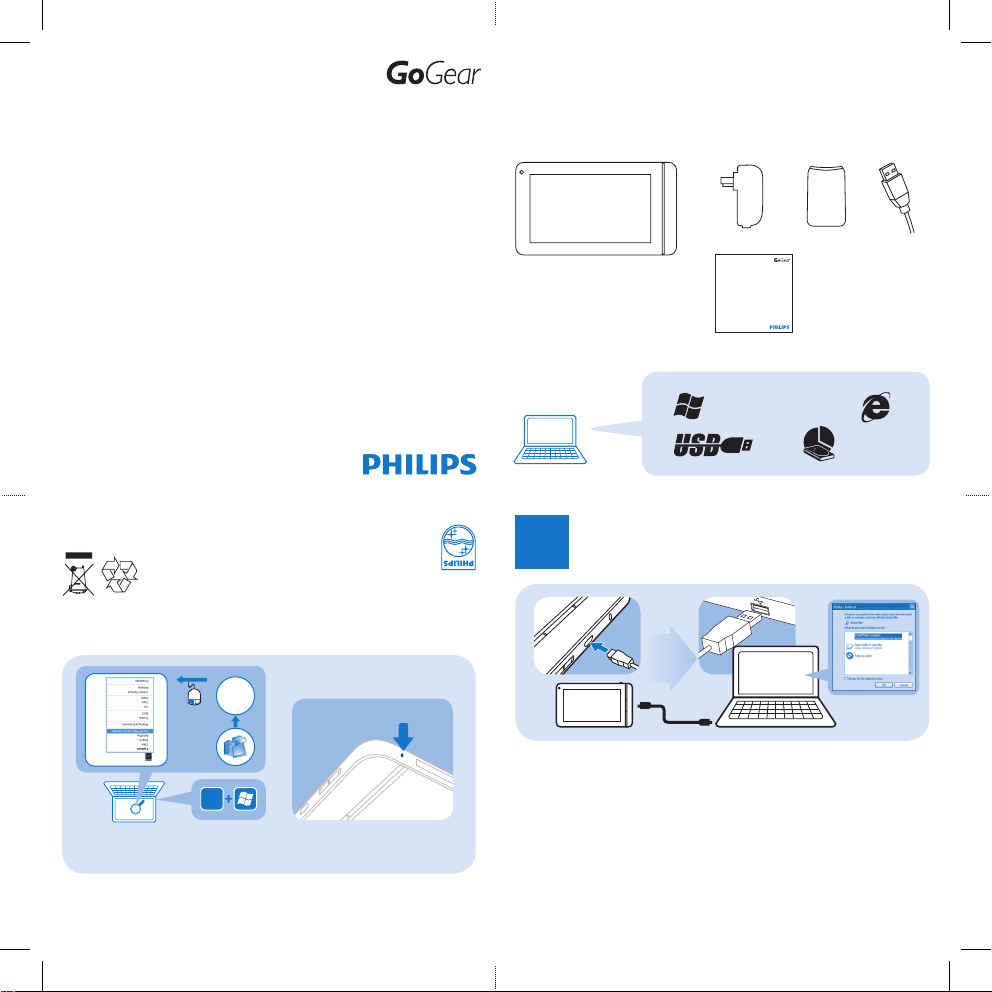
Unpack
打開包裝
Philips GoGear MP3 player
SA02802
Quick start guide
Register your product and get support at
www.philips.com/welcome
打开包装
XP (SP3) / Vista / 7
500Mb
安裝
1
Install Philips
Device Manager
Help
Device does not power on |
设备未启动
Software installation does not
happen |
软件安装未启动
See support information in the user manual for more |
详情请参阅用户手
册中的支持信息
RESET
說明
Printed in China
PI5000_93_QSG_V1.0
wk11223
Specifications are subject to change without notice .
Trademarks are the property of
Koninklijke Philips Electronics N.V. or their respective owners.
© 2011 Koninklijke Philips Electronics N.V.
All rights reser ved. www.philips.com
Philips GoGear
Connect 7
E
Philips GoGear
SA3MXX
pi5000_qsg_print.indd 1 01/06/2011 12:06:28
Page 2
2
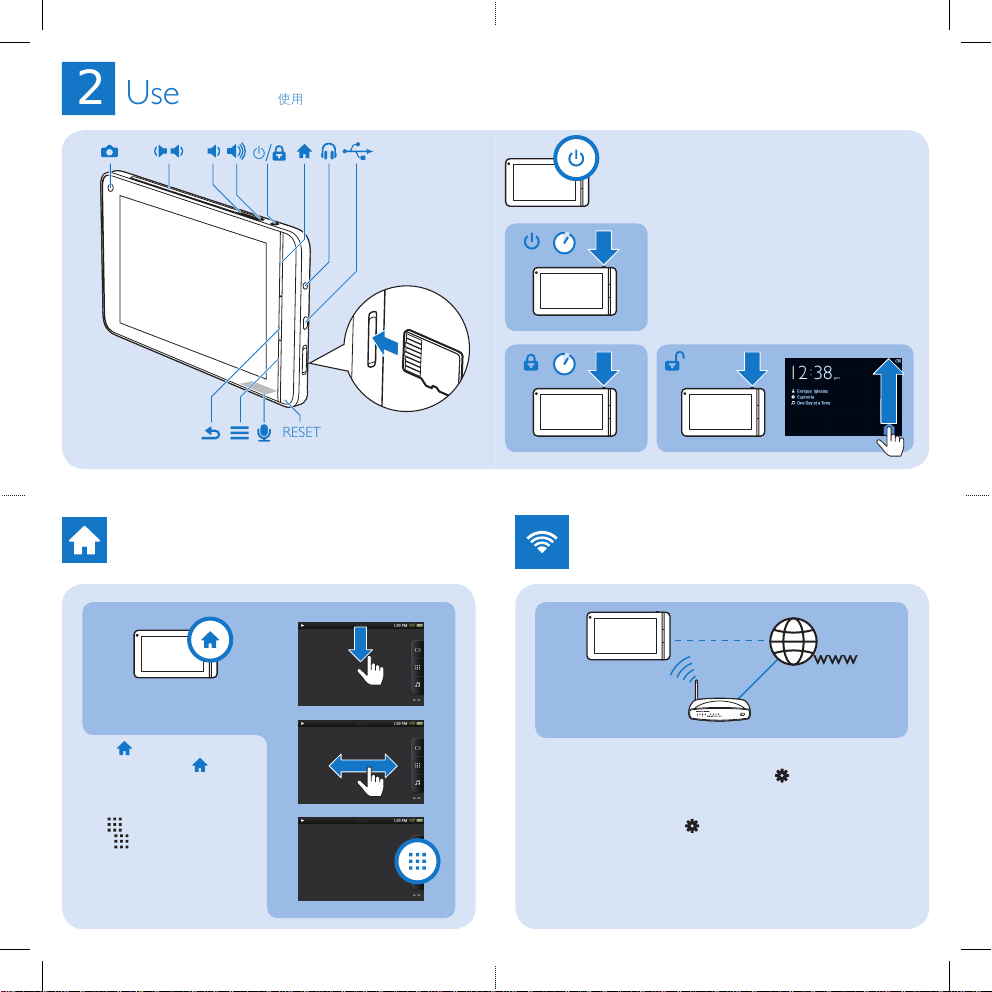
Use
使用
y
/
RESET
1S
3S
Home
screen
主屏幕
Press to return to the
Home screen. | 按
回到主
屏幕。
Tap to nd all the functions. |
点击
查看所有功能。
Wi-Fi
To enjoy entertainment online, connect the player to the Internet
through Wi-Fi. From the Home screen, tap > [Network] >
[Wi‑Fi settings]. Switch on [Wi‑Fi]. Tap to connect to an available
Wi-Fi network. |
将播放器经
W i-Fi
接入互联网以享受您的在
线娱乐。在主屏幕,点击
> [网络] > [Wi‑Fi 设置]
。开启
[Wi‑Fi]
。点击接入可用的
W i-Fi
网络。
pi5000_qsg_print.indd 2 01/06/2011 12:06:28
 Loading...