

Page 1
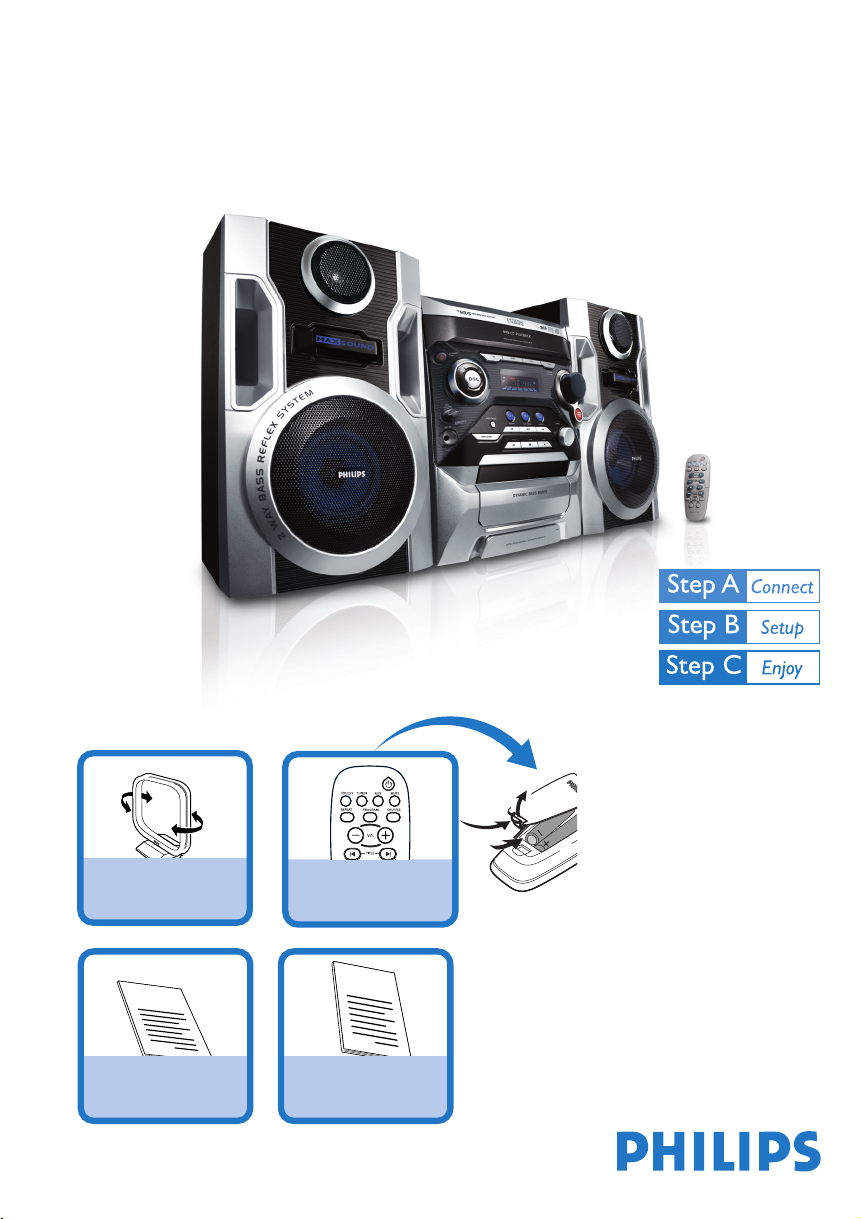
Quick start guide
FWM375
What’s in the Box?
You should find these items upon opening the box.
MW antenna
1
Q
uick Start G
uide
Quick Start Guide
Remote Control
User Manual
User manual
2
Page 2
1
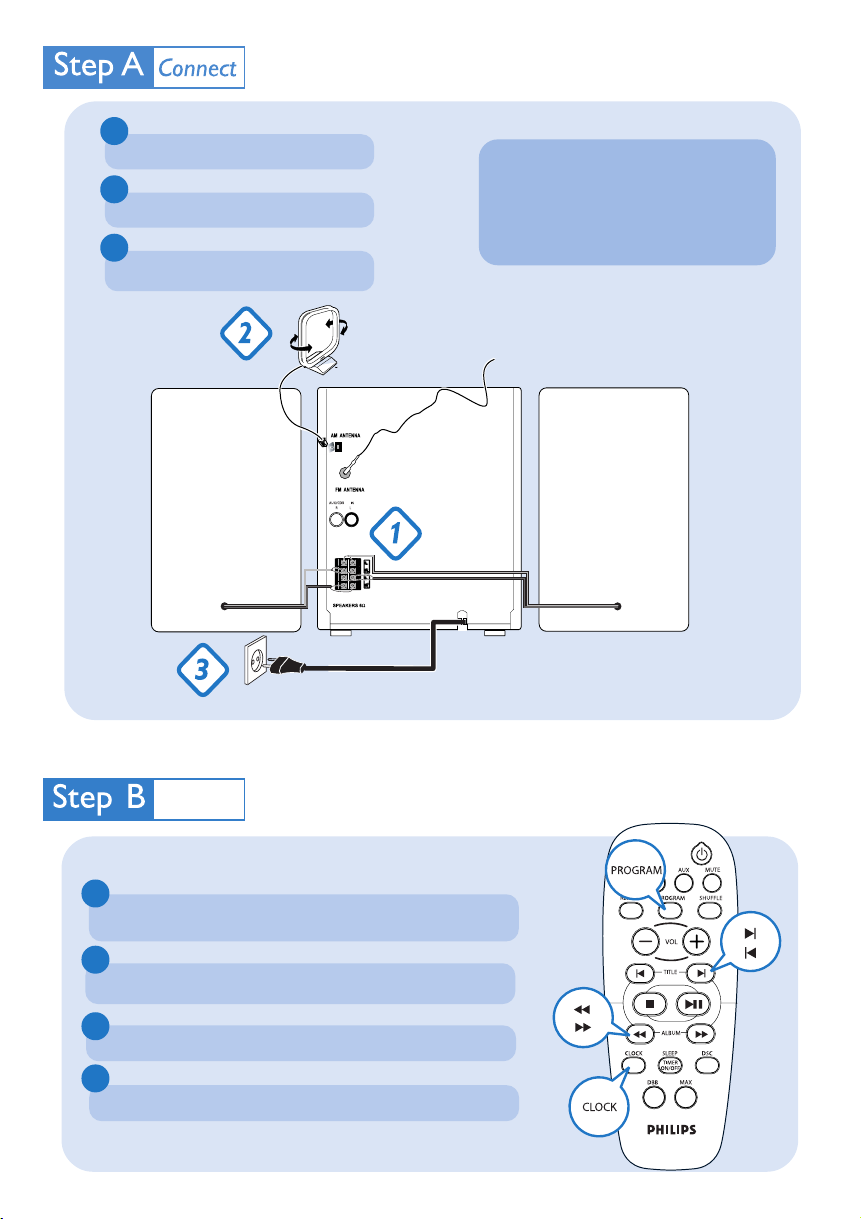
Connect the speaker cables.
2
Connect the MW antenna.
3
Connect the power cable of the system.
Tip
See the User Manual for how to
connect other equipment to this
system.
MW antenna
FM antenna
Speaker
(right)
AC power cord
SetupSetup
Setting the clock
1
In standby or view clock mode, press CLOCK on the remote control
once. In other source mode, press CLOCK twice.
2
Press à or á repeatedly to set the hour.
3
Press í or ë repeatedly to set the minute.
Speaker
(left)
4
Press CLOCK again to store the setting.
Page 3
C
Enjoy
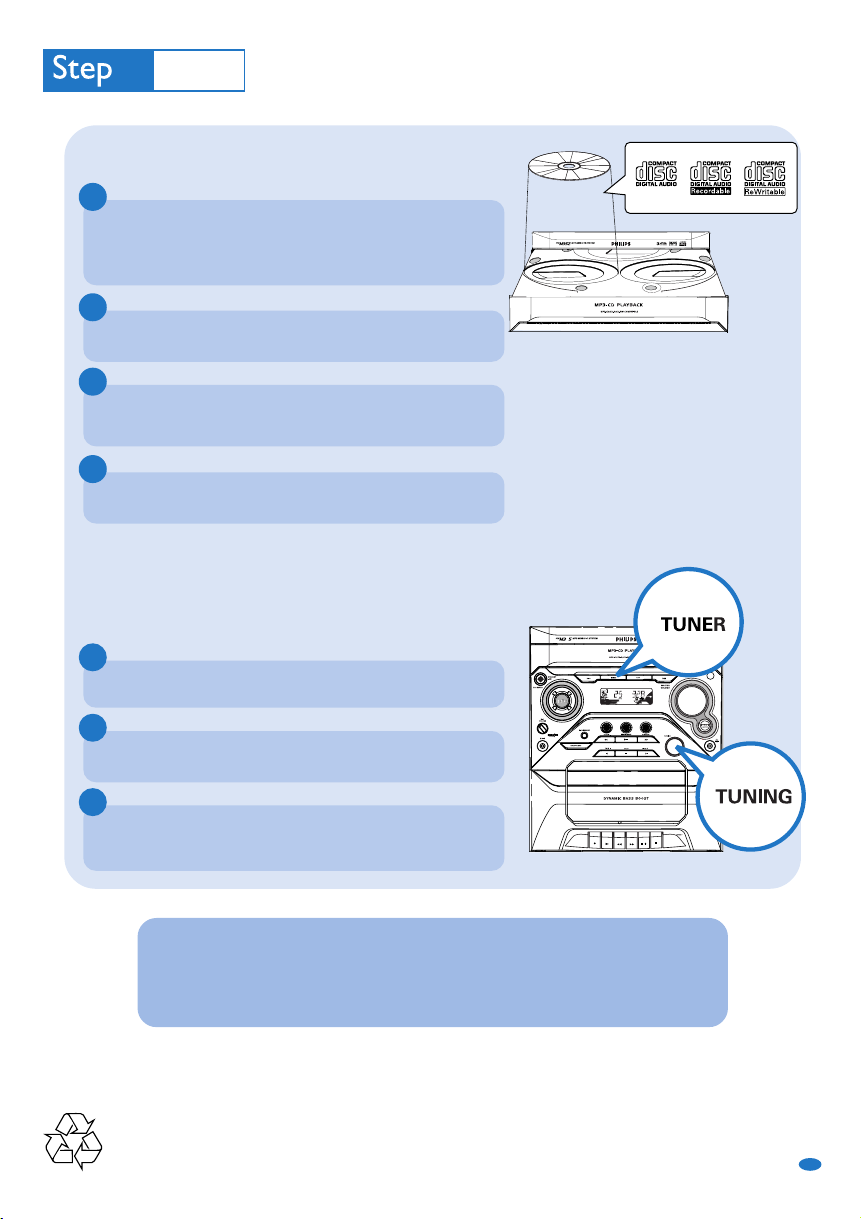
Playing a disc
1
Press OPEN•CLOSE to open the disc tray and load up to two
discs on the individual disc trays. To load the third disc, press DISC
CHANGE.
➜ Make sure the label side of each loaded disc is facing up.
2
Press OPEN•CLOSE again to close the disc tray.
3
Use CD 1/2/3 to select a disc for playback and then press
PLAY•PAUSEÉÅ to start playback.
4
To stop playback, press STOP9 .
Tuning to radio stations
1
Press TUNER to select the tuner source.
2
2
7
1
1
2
Press TUNER again to select the desired waveband: FM or MW.
3
Turn the TUNING knob on the system until the frequency
indication starts to change.
Tip
Detailed playback features and additional functions are described in the
accompany owner's manual.
CD1 CD2 CD3
PDCC-JH-0742
GB
 Loading...