

Page 1
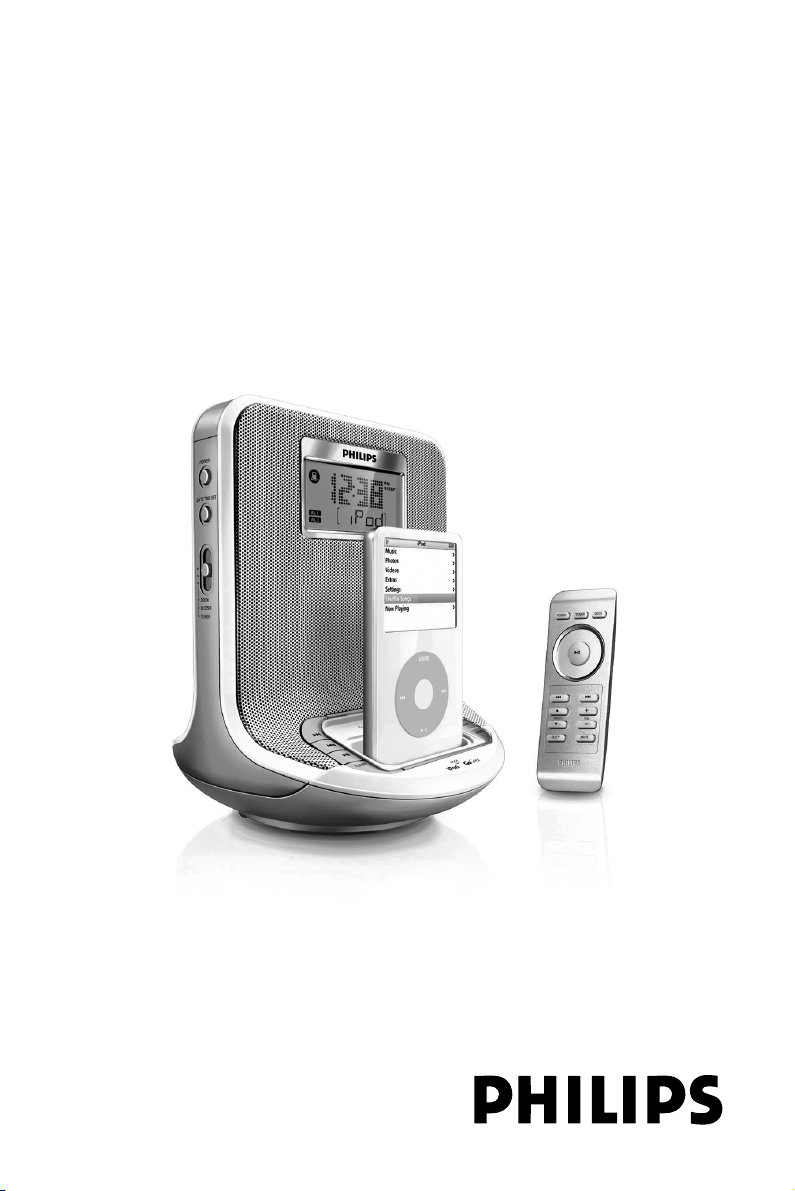
Docking Entertainment System
QUICK START
MISE EN SERVICE RAPIDE
INICIO RÁPIDO
SCHNELLSTART
SNELSTART
AVVIVO RAPIDO
AJ300DB
Thanks for buying Philips AJ300D Docking Entertainment System.
Our Quick Start guides you through just some of the features on the set.
Please read our instruction booklet to really rise & shine!
Page 2
C
B/C
C
DC 18V
A
ENGLISH
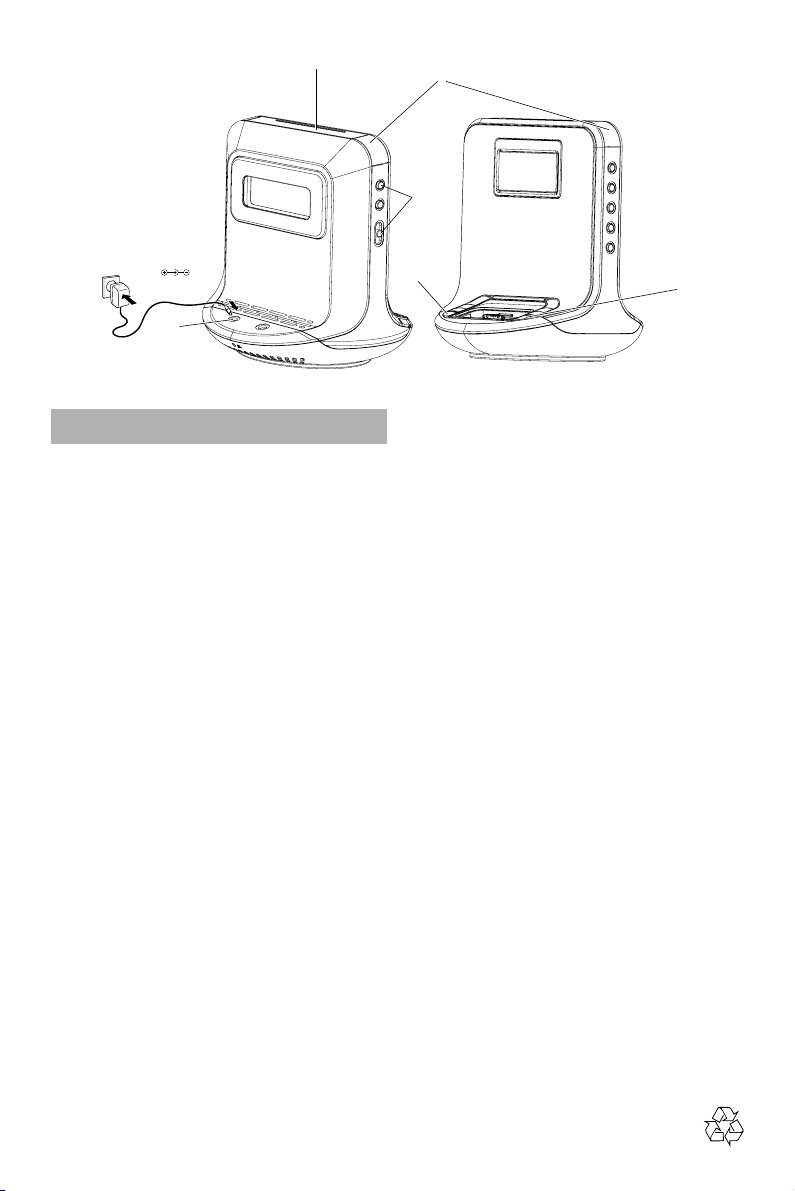
Step A
• Connect the supplied mains adapter to the set’s
18V DC jack and the plug into a wall outlet.
Step B
How to set the Clock & Alarm time
1. Press and hold TIME SET or ALM1 / ALM2
until the hour digits flash.
2. Press and hold ¡1 2™ to adjust time.
3. Press TIME SET or ALM1 / ALM2 to confirm.
4. Repeat the steps 2~3 to complete all the other
time items setting.
Step C
Selecting the Alarm mode
In standby mode, slide the DOCK/BUZZER/
TUNER to select desired mode.
Helpful hints:
– If you have selected TUNER alarm mode, make sure
you have properly tuned to a station before turning.
– If you have selected DOCK alarm mode (only for
Apple iPod and Philips SA9100, SA9200), make sure
you have docked the compatible player, or buzzer
mode will be selected automatically.
3 ways to switch off the alarm
• Either press briefly: POWER or REPEAT
ALARM/
• Press ALM1 or ALM2.
BRIGHTNESS CONTROL
Step D
Tuning to radio station
1.
Press
TUNER/AUX
2. Press ¡1 2™ one second or more to tune to
your station.
.
once to switch on the radio.
D
E
•
To store a preset, hold down briefly on a
button 1-5 until you hear a double beep.
PRESET
Step E
Playing Apple iPod/Philips GoGear
using AJ300D
1. Make sure that the inserted dock is compatible
with the player to be played.
• The iPod connector is pre-installed with the AJ300D
main unit. For Philips GoGear users, change to the
supplied GoGear connector before use.
2. Select the correct dock adaptor from the
supplied, then snap the adaptor into the dock to
provide a snug fit for the player.
• For the iPod adaptors, the indication on the
adaptor’s back fits specific iPod player.
• For the Philips adaptors, a number marked on the
adaptor’s back fits specific Philips GoGear player.
3. Snap the compatible iPod/GoGear player into the
dock connector.
4. Press DOCK to select the dock mode.
• Make sure that you have powered on Philips
GoGear before selecting DOCK source.
5. For iPod, the connected player will play
automatically
• For Philips GoGear, pressÉÅ to start playback if
the playback doesn’t start.
Helpful hints:
– Refer to the user manual supplied for detailed
descriptions of “Compatible portable player”,
“Changing the dock” , “Selecting the correct dock
adaptor” and the important notes for dock
operation.
Printed in China
 Loading...