

Page 1
Interface NFC-USB Português
INTRODUÇÃO
A interface NFC-USB tem a função de comunicação entre a família de
data loggers TagTemp-NFC e um computador. Esta interface serve para
conguração e coleta de dados. É utilizado junto com o Nx Software.
ESPECIFICAÇÃO
• NFC: Near Field Communication (Comunicação de Campo Próximo
em tradução livre);
• Tecnologia de Comunicação sem o;
• Alimentação 5 Vdc (via USB do PC);
• Distância de leitura: até 2 cm;
• Compatível com USB 1.1 e 2.0;
• LED bicolor;
• Dimensões: 76,10 x 103 x 15,80 mm;
• Sistema Operacional: Windows® XP, Vista, 7, Server 2012, 8 / 8.1 e
10 (32 e 64 bits);
• Certicações: CE, FCC, USB IF;
• Suporta ISO 14443 e ISO 15693 (NFC-V);
• Temperatura de Operação: -20 à 80 °C.
INSTALAÇÃO
Os drivers são instalados automaticamente durante a instalação do Nx
Software. Se necessário, podem ser baixados da página do produto.
Interfaz NFC-USB Español Interface NFC-USB English
OPERAÇÃO
Após o Nx Software e os drivers de comunicação instalados:
• Conecte a interface a uma porta USB do PC.
• Inicie o congurador Nx Software.
• Descanse o datalloger sobre a Interface NFC.
• Clique no botão “Congurar”.
• Clique no botão “Leitura do Equipamento”.
• Caso tenha mais de um dispositivo compatível nas portas USB do
PC, o Nx Software solicitará que o usuário escolha de qual ele deseja
realizar a leitura.
• Leds de sinalização da Interface USB:
• Led Vermelho aceso: Interface instalada e pronta para uso.
• Led Verde piscando: Equipamento no Campo NFC da interface.
• Led Vermelho piscando: Interface transmitindo dados.
Atenção: Após término das etapas de leitura
e coleta de dados, afaste o equipamento NFC
imediatamente da interface.
INTRODUCCIÓN
La interfaz NFC-USB tiene la función de establecer la comunicación
entre los registradores de datos TagTemp-NFC y los ordenadores. Esta
interfaz sirve para la conguración y la recopilación de datos. Se utiliza
con el Nx Software.
ESPECIFICACIONES
• NFC: Near Field Communication (Comunicación de Campo
Cercano, en español)
• Tecnología de Comunicación inalámbrica;
• Fuente de alimentación de 5 VDC (a través de la USB del PC);
• Distancia de comunicación: hasta 2 cm;
• Compatible con USB 1.1 y 2.0;
• LED bicolor;
• Medidas: 76,10 x 103 x 15,80 mm;
• Sistema Operativo: Windows® XP, Vista, 7, Server 2012, 8 / 8.1 y 10
(32 y 64 bits);
• Certicaciones: CE, FCC, USB IF;
• Soporta ISO 14443 e ISO 15693 (NFC-V);
• Temperatura de Operación: -20 à +80 °C.
INSTALACIÓN
Los drivers se instalan automáticamente durante la instalación del Nx
Software. Si necesario, pueden ser descargados desde la página del
producto.
OPERACIÓN
Después de instalar el Nx Software y los controladores de comunicación:
• Conecte la interfaz a un puerto USB del PC.
• Inicie el congurador Nx Software.
• Descanse el Data logger sobre la interfaz NFC.
• Haga clic en el botón “Congurar”.
• Haga clic en el botón “Lectura del equipo”.
• Caso haya más de un dispositivo compatible en los puertos USB del
PC, el Nx Software solicitará que el usuario elija de cual dispositivo
desea realizar la lectura.
• Leds de señalización de la interfaz USB:
• Led Rojo encendido: Interfaz instalada y lista para el uso.
• LED verde parpadeante: Equipo en el Campo NFC de la interfaz.
• Led rojo parpadeante: Interfaz transmitiendo datos.
Atención: Después de completar la transferencia
de datos aleje la interfaz del dispositivo NFC.
INTRODUCTION
The NFC-USB interface serves to establish communication between
TagTemp-NFC dataloggers and personal computers. This interface
is useful for device conguration and data acquisition. Used with Nx
Software.
SPECIFICATIONS
• NFC: Near Field Communication;
• Wireless Communication;
• Power supply: 5 VDC (by the USB port from PC);
• Communication range: up to 2 cm;
• USB Compatibility: 1.1 and 2.0;
• Bicolor LED;
• Dimensions: 76.10 x 103 x 15.80 mm;
• Operating System: Windows® XP, Vista, 7, Server 2012, 8 / 8.1 and
10 (32 and 64 bits);
• Certications: CE, FCC, USB IF;
• Supports ISO 14443 and ISO 15693 (NFC-V);
• Operating Ambient Temperature: -20 to 80 °C.
SETUP
All drivers are automatically installed during the Nx Software installation,
but they are also available for download at the product webpage.
OPERATION
After Nx Software and communication drivers have been installed:
• Connect the interface to a USB port.
• Run Nx Software tool.
• Place the data logger on the NFC Interface.
• Click on the “Congure” button.
• Click on the “Read Device” button.
• In case you have more than one NFC interface plugged in the
computer USB ports, Nx Software will ask you to choose which one
you want to use.
• USB Interface indication leds:
• Solid red led: Interface installed and ready to be used.
• Blinking green led: equipment within NFC range.
• Blinking red led: data communication going on.
Warning: After all data is read from the
TagTemp, move it away from the NFC interface.
Page 2
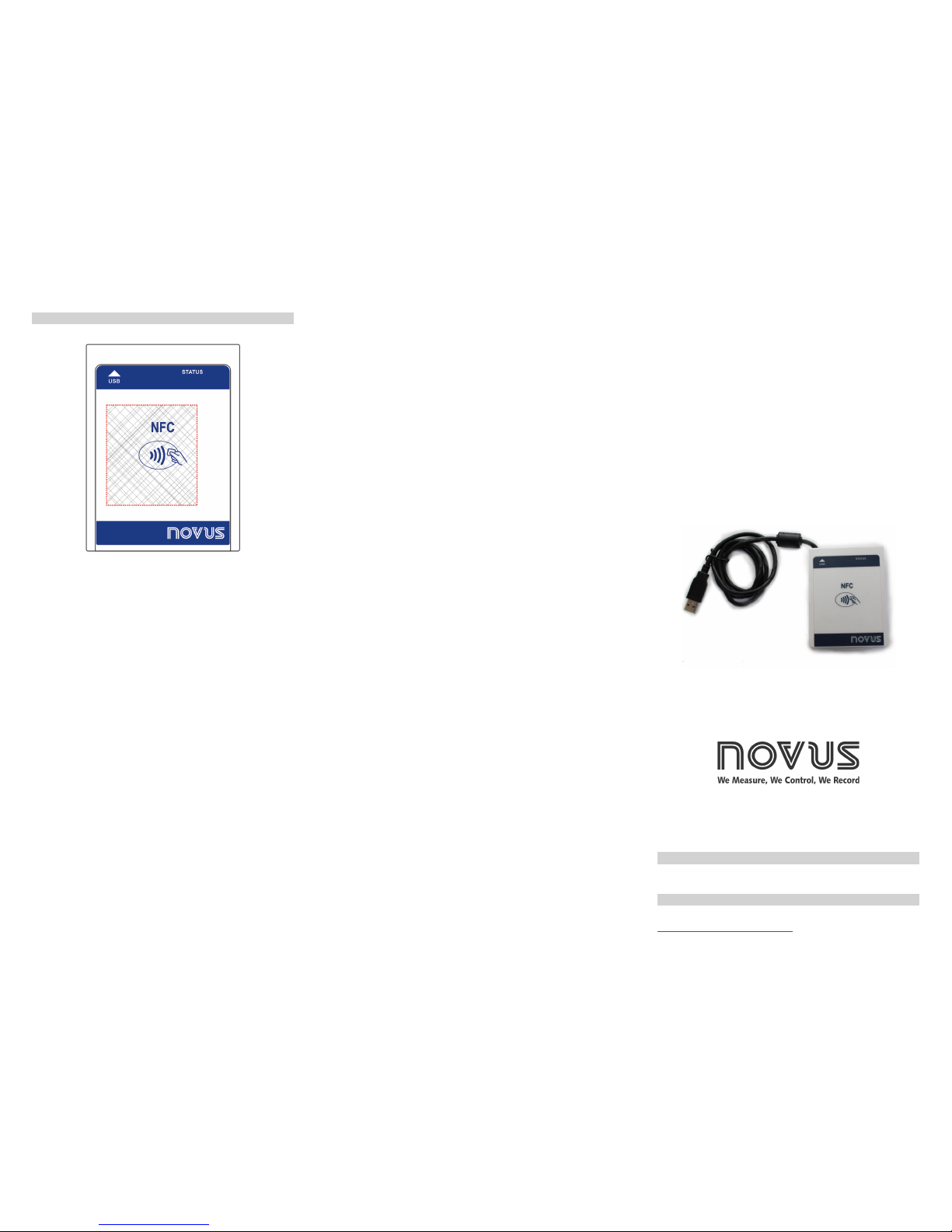
Interface NFC-USB
QUICK GUIDE
QG 5010092 V2.0x
WARRANTY
Warranty conditions are available on our website
www.novusautomation.com/warranty.
- PN: 8813099080 Interface NFC-USB.
ORDER CODES
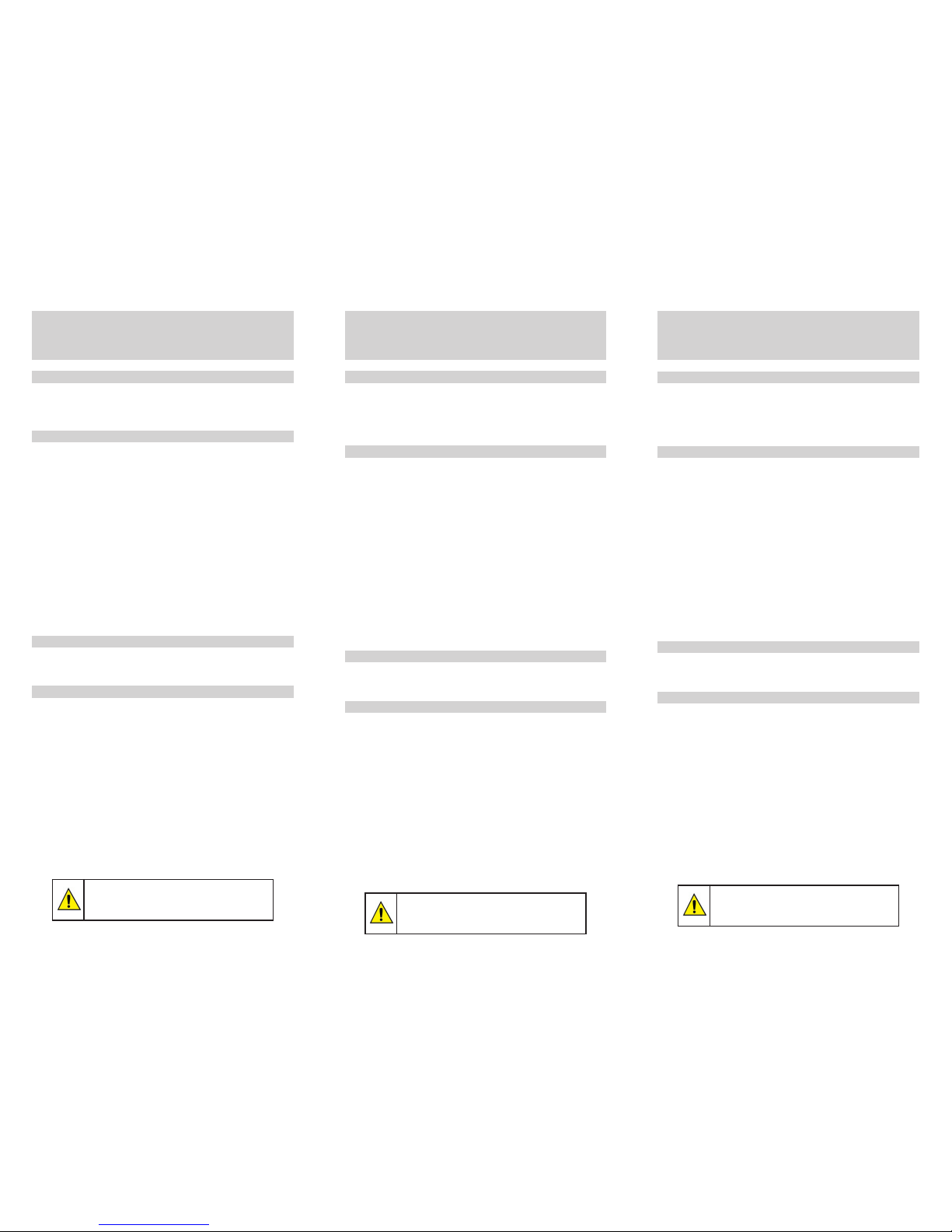
Fig. 1 - NFC antenna area.
Place the TagTemp on the marked area, as shown in Fig. 1.
NFC AREA
 Loading...