

Page 1
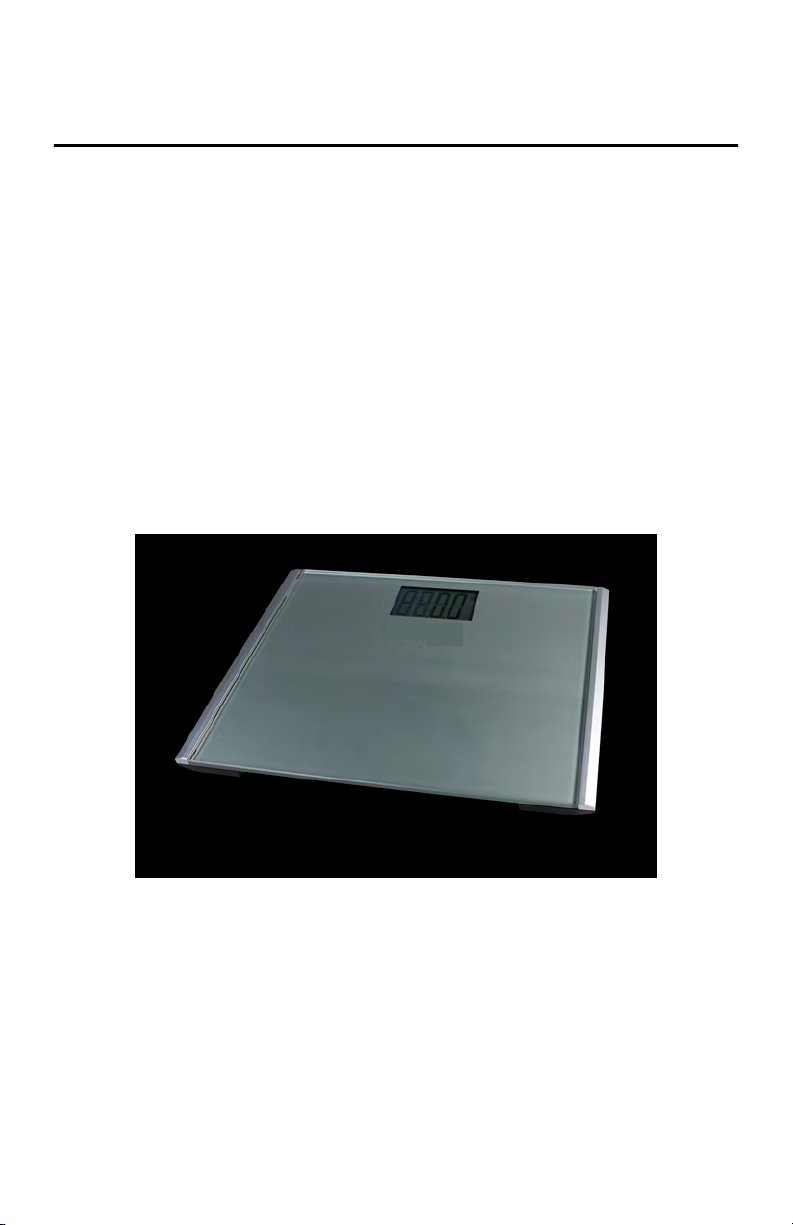
Digital Home Health Scale
Model DHH-10BT
Operator Manual
PN 196008July 15, 2019
Page 2

Contents
Contents
1.0 Introduction ................................................................................. 1
1.1 Safety. . . . . . . . . . . . . . . . . . . . . . . . . . . . . . . . . . . . . . . . . . . . . . . . . . . . . 2
2.0 Assembly ..................................................................................... 3
2.1 Scale Setup . . . . . . . . . . . . . . . . . . . . . . . . . . . . . . . . . . . . . . . . . . . . . . . . 3
Battery Installation . . . . . . . . . . . . . . . . . . . . . . . . . . . . . . . . . . . . . . . . . . . . . . . . . 3
Battery Troubleshooting . . . . . . . . . . . . . . . . . . . . . . . . . . . . . . . . . . . . . . . . . . . . . 4
Unit Conversion . . . . . . . . . . . . . . . . . . . . . . . . . . . . . . . . . . . . . . . . . . . . . . . . . . . 5
3.0 Operation ..................................................................................... 6
3.1 DHH-10BT Wireless Scale Operation . . . . . . . . . . . . . . . . . . . . . . . . . . . .6
Wireless Scale Connection . . . . . . . . . . . . . . . . . . . . . . . . . . . . . . . . . . . . . . . . . . 6
Wireless Scale Operation . . . . . . . . . . . . . . . . . . . . . . . . . . . . . . . . . . . . . . . . . . . 8
Wireless Scale Troubleshooting . . . . . . . . . . . . . . . . . . . . . . . . . . . . . . . . . . . . . . 9
4.0 FCC Statement ..........................................................................10
Page 3
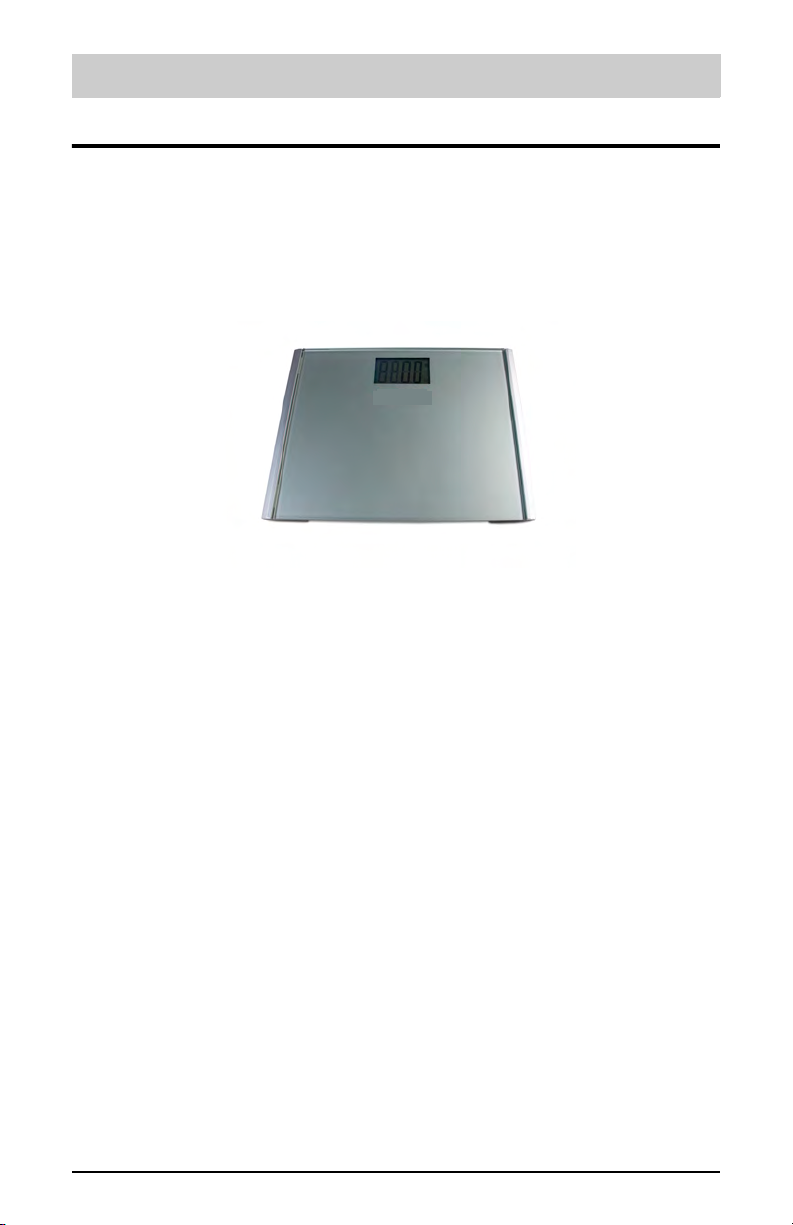
1.0 Introduction
The DHH-10BT is efficiently designed to provide accurate, reliable and
repeatable weight measurements.
Figure 1-1. DHH-10BT Top View
Introduction
1
Page 4
DHH10-BT
DANGER
WARNING
CAUTION
IMPORTANT
WARNING
1.1 Safety
Safety Signal Definitions:
Indicates an imminently hazardous situation that, if not avoided, will
result in death or serious injury. Includes hazards that are exposed when
guards are removed.
Indicates a potentially hazardous situation that, if not avoided could
result in serious injury or death. Includes hazards that are exposed when
guards are removed.
Indicates a potentially hazardous situation that, if not avoided, could
result in minor or moderate injury.
Indicates information about procedures that, if not observed, could
result in damage to equipment or corruption to and loss of data.
General Safety
Do not operate or work on this equipment unless this manual has been
read and all instructions are understood. Contact any Rice Lake Weighing
Systems dealer for replacement manuals.
Failure to heed may result in serious injury or death.
Do not transport the scale while someone is standing on it.
To avoid cross contamination, the scale should be cleaned regularly. Do not use
chemical or abrasive cleaning agents.
Avoid contact with excessive moisture.
Do not jump on the scale.
Do not place fingers into slots or possible pinch points.
Do not use in the presence of flammable materials.
Use the scale only to determine weight of people while standing.
Do not make alterations or modifications to the scale.
People with disabilities, or who are physically frail, should always be assisted by
another person when using this scale.
Do not use the scale on slippery surfaces, such as a wet floor.
Do not use this scale when the body/feet are wet, such as after taking a bath.
Weight exceeding the maximum capacity may damage the scale.
Do not drop the scale or subject it to violent shocks.
For accurate weighing, the scale must be placed on a flat, stable surface.
2
Page 5

Assembly
IMPORTANT
Note
2.0 Assembly
Place the shipping container in an open area with room for unpacking. Ensure the
shipping container is free of any outside damage. If there is damage, do not open the
shipping container, take pictures of the damage and notify Rice Lake Weighing Systems
and the shipper immediately.
Retain the original shipping materials and container should the
product need to be returned. The product must be properly
packed with sufficient packing materials prior to being moved or
shipped.
Damage caused by improper packaging is not covered by the
warranty.
2.1 Scale Setup
Use the following sections to set up the scale.
2.1.1 Battery Installation
Requires 2 AAA batteries (included).
1. Open the battery compartment cover on the back of the scale.
2. Remove the red tab before use.
3. Install batteries with negative end of batteries against the spring in +/- orientation.
Figure 2-1. Battery Compartment
Wait for scale to display 0.0 before stepping on scale.
3
Page 6
DHH10-BT
2.1.2 Battery Troubleshooting
If you are having difficulty turning off or on the scale, there may be an issue with battery
placement or battery power.
Power On Failure
If the scale fails to turn on, check whether batteries are properly installed.
Insert or replace batteries.
If you cannot resolve the problem, please contact your dealer for help.
Power Off Failure
If the scale will not turn off or if auto shut-off takes more than 12 seconds, remove the
batteries for three or more seconds, then reinstall the batteries.
If you cannot resolve the problem, please contact your dealer for help.
Low Battery Indication
If Lo is shown on the display, battery power is low.
Install new batteries.
Battery Life
Scale Battery Life (Twice Per Day)
DHH-10BT 5 Months
Table 2-1. Battery Life
4
Page 7

Assembly
2.1.3 Unit Conversion
To convert between kilogram (kg) and pound (lb) units:
1. Locate the KG/LB button on the back of the scale next to the battery compartment.
KG/LB
Button
Figure 2-2. DHH-10BT KG/LB Button
2. Push the KG/LB button to switch scale between kg-lb unit of measure.
5
Page 8
Note
3.0 Operation
3.1 DHH-10BT Wireless Scale Operation
The following sections are for DHH-10BT
and operate your wireless scale with the AccuroFit application.
3.1.1 Wireless Scale Connection
1. Turn on Bluetooth in your smart device’s settings.
2. Download the AccuroFit app.
The AccuroFit application is available for Apple
operation. The sections explain how to connect
Figure 3-1. AccuroFit App
®
and Android™.
Operation
3. Create an account and set up a profile.
4. A “Choose your device” message will pop up. Choose a device if you have one or
select “skip for now”.
Figure 3-2. Select Device Screen
6
Page 9

DHH10-BT
Note
5. Click on “My Body” at the bottom of the screen.
Figure 3-3. My Body Screen
6. Click “Connect To Scale”.
7. Make sure you are near the scale. The message, “please select your scale type” will
appear. Select “Bluetooth Scale” and press “Continue”.
Figure 3-4. Bluetooth Scale Selection Screen
You must connect to the scale before every weigh-in.
7
Page 10
Operation
Note
Note
3.1.2 Wireless Scale Operation
1. To ensure accuracy, place the scale on a hard, flat surface. Make sure there are no
objects beneath the scale before weighing.
2. Make sure other smart devices in the area that also have the AccuroFit app installed
have Bluetooth turned off (the smart device closest to the scale will receive the new
weight measurement).
3. Open the AccuroFit app and navigate to the “Weight” screen by clicking “My Body”.
4. Make sure Bluetooth on your smart device is turned on. Click “Connect To Scale”.
5. Wait for “Please step on the scale” message to appear in the top center of the app
screen before stepping on the scale.
Figure 3-5. Step on Scale Message
6. Gently step on the scale, the scale will automatically turn on.
A “Read Timeout” Message will appear in the top center of the screen if you
take more than 30 seconds to step on the scale. If this message appears, reconnect the scale.
7. Stand evenly on the scale without moving and wait until your weight on the display
is stable and locked. The display will flash three times when it is locked.Your current
weight will simultaneously be saved to your AccuroFit account and will appear on
the app screen.
8. A “Please step off the scale” and “Successful” message should appear in the top
center of the app screen.
9. When you step off the scale, it will automatically shut off in approximately 12
seconds.
You must connect to the scale before every weigh-in.
Overload Indication
Scale overload (maximum weight capacity is indicated on the back of
the scale). Step off to avoid damage.
Re-Weigh Indication
Weight reading error. Wait for the scale to turn off and repeat the
weighing process.
8
Page 11

DHH10-BT
3.1.3 Wireless Scale Troubleshooting
If you are having difficulty operating with wireless, there may be an issue with Bluetooth
connection or app and wireless scale connection.
Bluetooth Connection Failure
Turn Bluetooth OFF and then ON on your smart device to re-establish the connection. If
the problem persists, restart your smart device.
App and Wireless Scale Connection Failure
Make sure your smart device is within range of the scale and your Bluetooth is turned ON.
To reconnect the scale, use the following steps:
1. Open the AccuroFit app.
2. Click the “connect to scale” button on the “Weight” screen.
3. Gently step on scale.
4. If the scale does not respond, check the batteries in the scale as they may need
replacing.
5. If the weight is not updating on the app, check the top center of the “weight” screen.
If there is a “Read Timeout” message displayed, re-connect the scale.
9
Page 12

FCC Statement
4.0 FCC Statement
This device complies with part 15 of the FCC Rules. Operation is subject to the following two
conditions: (1) This device may not cause harmful interference, and (2) this device must accept any
interference received, including interference that may cause undesired operation.
This equipment has been tested and found to comply with the limits for a Class B digital device,
pursuant to part 15 of the FCC Rules.
These limits are designed to provide reasonable protection against harmful interference in a
residential installation. This equipment generates, uses and can radiate radio frequency energy and,
if not installed and used in accordance with the instructions, may cause harmful interference to radio
communications. However, there is no guarantee that interference will not occur in a particular
installation.
If this equipment does cause harmful interference to radio or television reception, which can be
determined by turning the equipment off and on, the user is encouraged to try to correct the
interference by one or more of the following measures:
• Reorient or relocate the receiving antenna.
• Increase the separation between the equipment and receiver.
• Connect the equipment into an outlet on a circuit different from that to which the receiver is
connected.
• Consult the dealer or an experienced radio/TV technician for help.
Changes or modifications not expressly approved by the party responsible for compliance could
void the user's authority to operate the equipment.
10
 Loading...