

Page 1
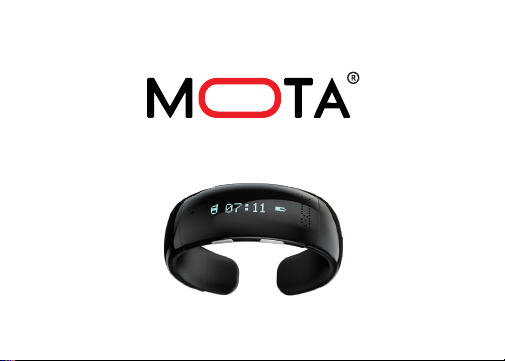
SmartWatch G2 LITE
Page 2
WELCOME
Congratulations on your purchase of the MOTA
SmartWatch G2 LITE. This quick start guide will help
you learn the basics of using your device. Welcome
to the world of wearable technology!
Join the MOTA community
facebook.com/mota twitter.com/mota
instagram.com/mota pinterest.com/mota
Page 3

TABLE OF CONTENTS
Function overview ........................................................................... 1
Charging ......................................................................................... 2
Power ............................................................................................. 6
Set time .......................................................................................... 7
Pairing ............................................................................................ 8
Call options ..................................................................................... 9
Reset .............................................................................................. 11
Safety guidelines ............................................................................. 12
Play music ...................................................................................... 13
Anti-lost .......................................................................................... 14
Voice command-Siri ........................................................................ 15
Voice command-Android ................................................................. 16
Specifications .................................................................................. 17
Legal .............................................................................................. 18
Page 4
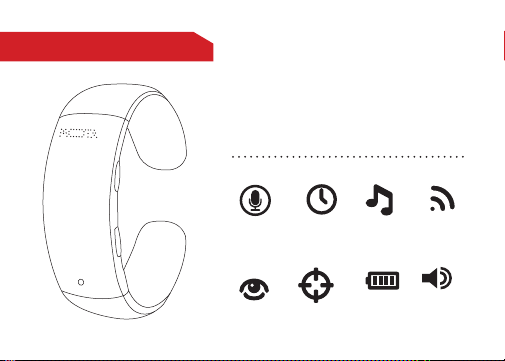
FUNCTION OVERVIEW
The MOTA SmartWatch comes with a
built-in rechargeable lithium polymer
battery. Before the first use, please
fully charge your SmartWatch
(approximately two hours).
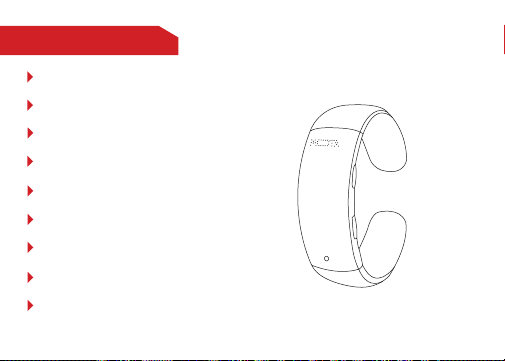
SIRI / VOICE
ACTIVATION
CALLER ID
12 HR
TIME AM/PM
ANTI-LOST
MUSIC
STREAM
BATTERY
INDICATOR
BLUETOOTH
ENABLED
BUILT-IN
SPEAKER
1
Page 5
CHARGING
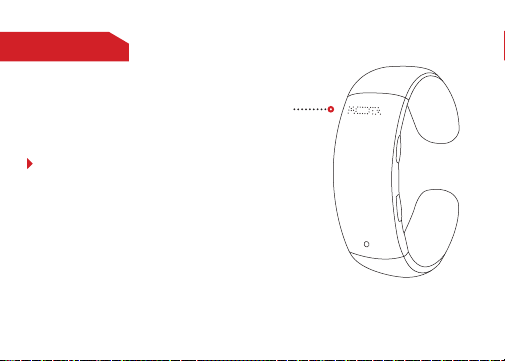
Charging port
How to Charge
Insert the charging cable into the
SmartWatch and connect the other
end to a USB power source such as
an adapter, computer, or powerbank.
The charging port is a standard 2
mm.
2
Page 6
CHARGING
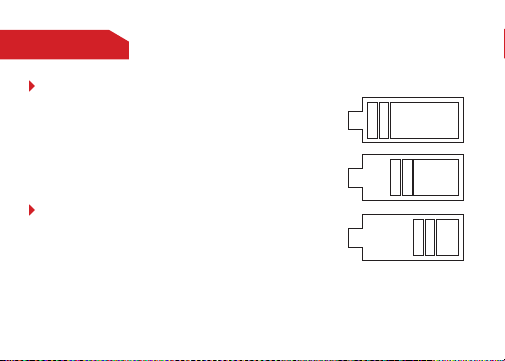
Charging Time
Charging time is approximately two
hours. When your SmartWatch is
finished charging, the battery symbol
on the screen will indicate full.
Charge Indication
When charging, the number of power grids
displayed will increase until fully charged.
3
Page 7

CHARGING
Standby Time
The standby time is approximately 72 hours.
Note: Vibrations and screen display usage
will affect the standby time. After being
powered off, the watch will the keep time for
approximately four weeks.
4
Page 8
CHARGING
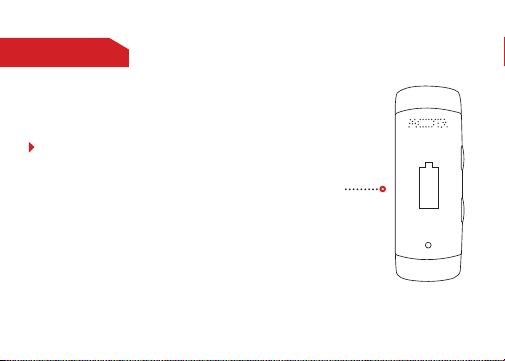
Low Battery Notification
When the battery charge is low,
“Low Battery” will be displayed on
the screen. If the battery charge
is very low, your SmartWatch will
power off automatically.
5
Low Battery
Page 9
POWER
POWER
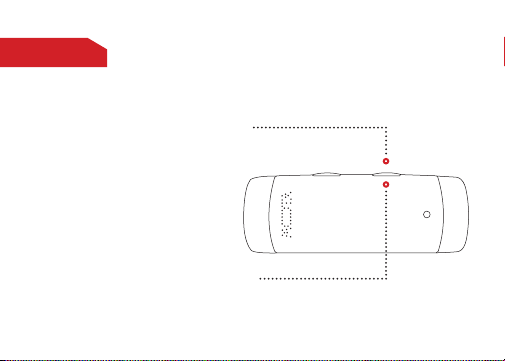
Power ON: Press and hold button (B)
for 2 seconds, until the “MOTA” logo is
displayed.
Power OFF: Press and hold button (B)
for five seconds, until “Power Off” is displayed.
A
6
Page 10
SET TIME
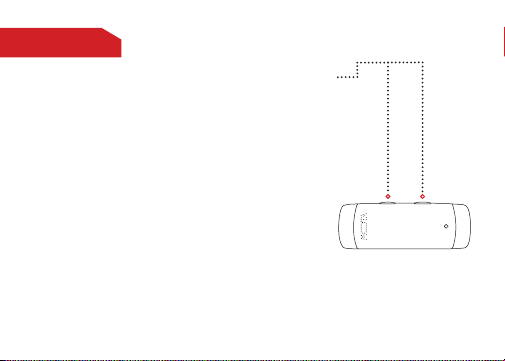
With the screen displaying the time, press and hold
button (B) for two seconds in order to set the time
(minute-hour). The minute digits will begin flashing
first.
Press button (A) to advance the minutes until the
minute is correct.
To set the hour press button (B), then press button
(A) to advance the hours until the hour is correct.
Press button (B) again to save and exit Set Time.
7
A B
Page 11
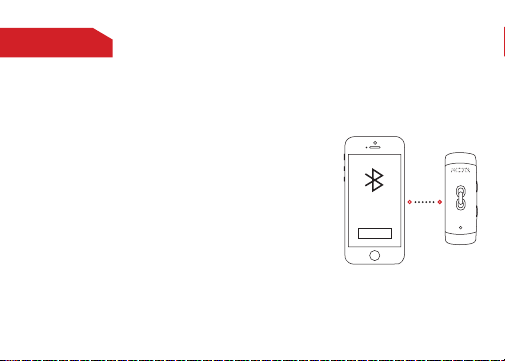
PAIRING
1. Keep the SmartWatch within 5 ft of your cell
phone and ensure that it is powered off.
Press and hold down the (B) button until the unit
powers on and a small cell phone symbol appears
on the upper left corner of the SmartWatch screen.
Continue by adding the device via the Bluetooth
settings from your phone. Your SmartWatch should
be visible as MOTA-G2.
If prompted for a password, please use “0000”.
After pairing, a connected icon will be displayed to
indicate a successful connection.
2. To terminate the Bluetooth pairing, go to the
Bluetooth setting on your phone and disconnect
the device.
Bracelet
8
Page 12

CALL OPTIONSCALL OPTIONS
When you receive a call the SmartWatch will vibrate, displaying the
caller’s ID.
To receive the call, press button (A) to answer.
To reject the incoming call, press button (B).
To increase or decrease the sound’s volume during the call, press button
(A) or (B) respectively.
To end the call, press and hold button (A) for two seconds.
9
Page 13
CALL OPTIONS
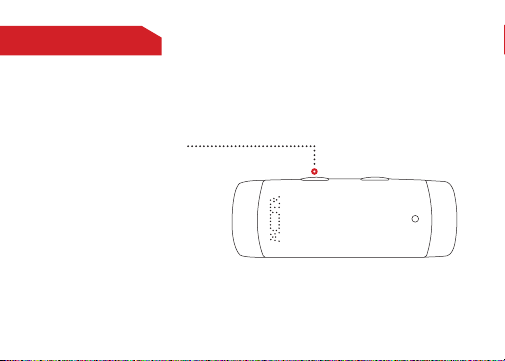
Press button (A) to re-dial
the last person you called. Press
(A) to confirm and (B) to cancel
the redial.
A
B
10
Page 14
RESETRESET
Reset:
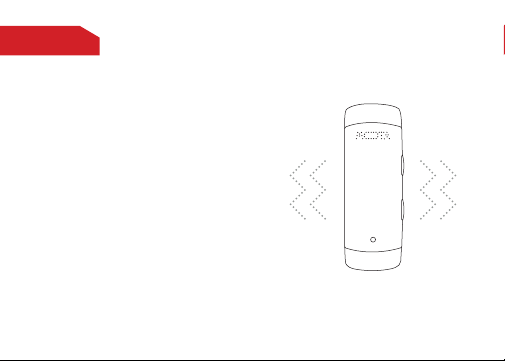
If you restart your SmartWatch, you will
need to re-connect via your phone’s
Bluetooth.
Un-Pairing Phone:
To unlink your SmartWatch simply
go to the Bluetooth function on your
smartphone and disconnect the device.
11
Page 15
SAFETY GUIDELINESSAFETY GUIDELINES
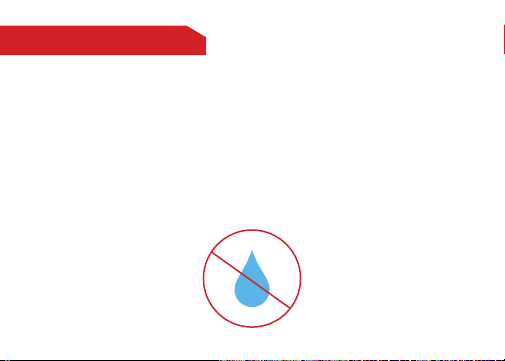
Do not immerse your SmartWatch in liquids or expose it to excessively
high humidity.
Do not use detergent to wash the SmartWatch.
Do not expose the SmartWatch to extreme temperatures (high or low).
Do not attempt to open the SmartWatch, as this may void your warranty.
12
Page 16

SAFETY GUIDELINESPLAY MUSIC
When paired with your phone, you can use the music player on
your phone to listen to music on your SmartWatch G2 LITE.
To increase or decrease the sound’s volume, press button (A) or
(B) respectively.
Press and hold button (A) for two seconds to skip to the next
song.
Press and hold button (B) for two seconds to go to the last song.
13
Page 17
SAFETY GUIDELINESANTI - LOST
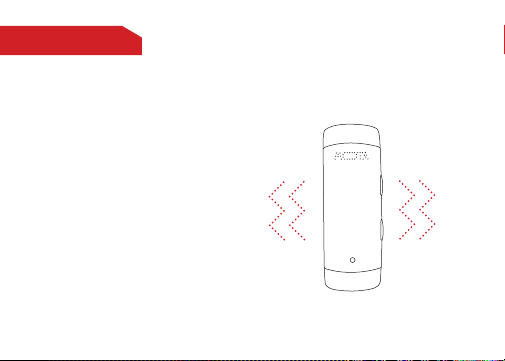
The SmartWatch has an anti-lost feature
that will alert you by vibrating and beeping
when you are more than 20 feet away from
your phone.
14
Page 18
SPECIFICATIONSVOICE COMMAND
iOS Devices
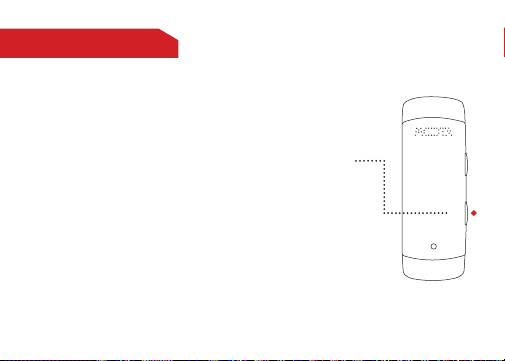
When your SmartWatch is paired with your iOS device,
press (B) to activate the voice function.
Press (B) to confirm and the screen will display Speak.
Speak your command to receive virtual personal assistance from SIRI.
Press (A) to cancel the voice button.
SIRI® is a Trademark of Apple Corporation.
15
B
Page 19
SPECIFICATIONSVOICE COMMAND
Android version 4.1+
Please note that not all Android® devices support Google
Now®. Please contact the manufacturer of your device to
ensure compatibility.
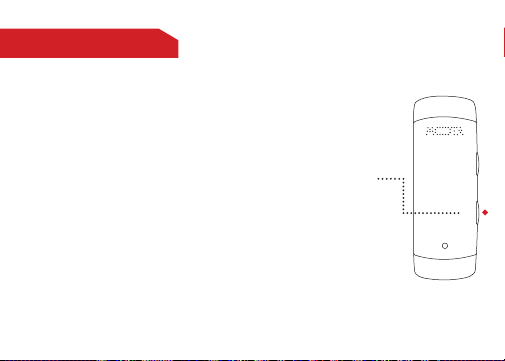
When your SmartWatch is paired with your Android device,
press (B) to activate the voice function.
Press (B) to confirm and the screen will display “Speak”.
Speak your command to receive virtual personal assistance
from Google Now.
Press (A) to cancel the voice button.
SIRI® is a Trademark of Apple Corporation.
B
16
Page 20
SPECIFICATIONSSPECIFICATIONS
Bluetooth Version: 3.0
Frequency: 2.4 Ghz
Voltage: 3.6V - 4.2V
Current: 45 mA
Talk Time: Approximately 2 - 3 hours
Standby Time: Approximately 72 hours
Screen size: 0.88
Resolution(dot): 128*32
Screen type: PMOLED
17
Page 21

LEGALLEGAL
This SmartWatch is meant for use only in conjunction with the
appropriate mobile devices. Please consult your device packaging to
determine whether this SmartWatch is compatible with your particular
mobile device. Manufacturer is not responsible for any damages to
any device incurred through the use of this product.
Manufacturer shall not, in any way, be liable to you or to any third
party for any damages you or any third party may suffer as a result
of use, intended or unintended, or misuse of this SmartWatch in
conjunction with any device or accessory other than the appropriate
mobile device for which this SmartWatch is designed for.
18
Page 22

LEGALLEGAL
Warning: Changes or modifications to this unit not expressly approved
by the party responsible for compliance could void the user’s authority
to operate the equipment.
19
Page 23

LEGALLEGAL
NOTE: This equipment has been tested and found to comply with
the limits for a Class B digital device, pursuant to Part 15 of the FCC
Rules. These limits are designed to provide reasonable protection against harmful interference in a residential installation. This
equipment generates and can radiate radio frequency energy, if not
installed and used in accordance with the instructions, it may cause
harmful interference to radio communications.
However, there is no guarantee that interference will not occur in a
particular installation. If this equipment does cause harmful interference to radio or television reception, which can be determined by
turning the equipment off and on, the user is encouraged to try to
correct the interference by one or more of the following measures:
20
Page 24

LEGALLEGAL
Reorient or relocate the receiving antenna.
Increase the separation between the equipment and receiver.
Connect the equipment into an outlet on a circuit different from that
to which the receiver is connected.
Consult the dealer or an experienced radio/TV technician for help.
This device complies with Part 15 of the FCC Rules. Operation is
subject to the following two conditions : (1) this device may not cause
harmful interference, and (2) this device must accept any interference
received, including interference that may cause undesired operation.
21
Page 25

Thank you for your purchase of the MOTA SmartWatch.
For support and warranty information, please visit
© Copyright 2014 MOTA®. All rights reserved. MOTA® is a
registered trademark of UNorth® LLC. The Bluetooth word
mark, figure mark, combination mark, and Bluetooth Smart
and Bluetooth Smart Ready marks are all trademarks that
are owned by the Bluetooth SIG.
support.mota.com
 Loading...