

Page 1
INSTALLATION
MANUAL
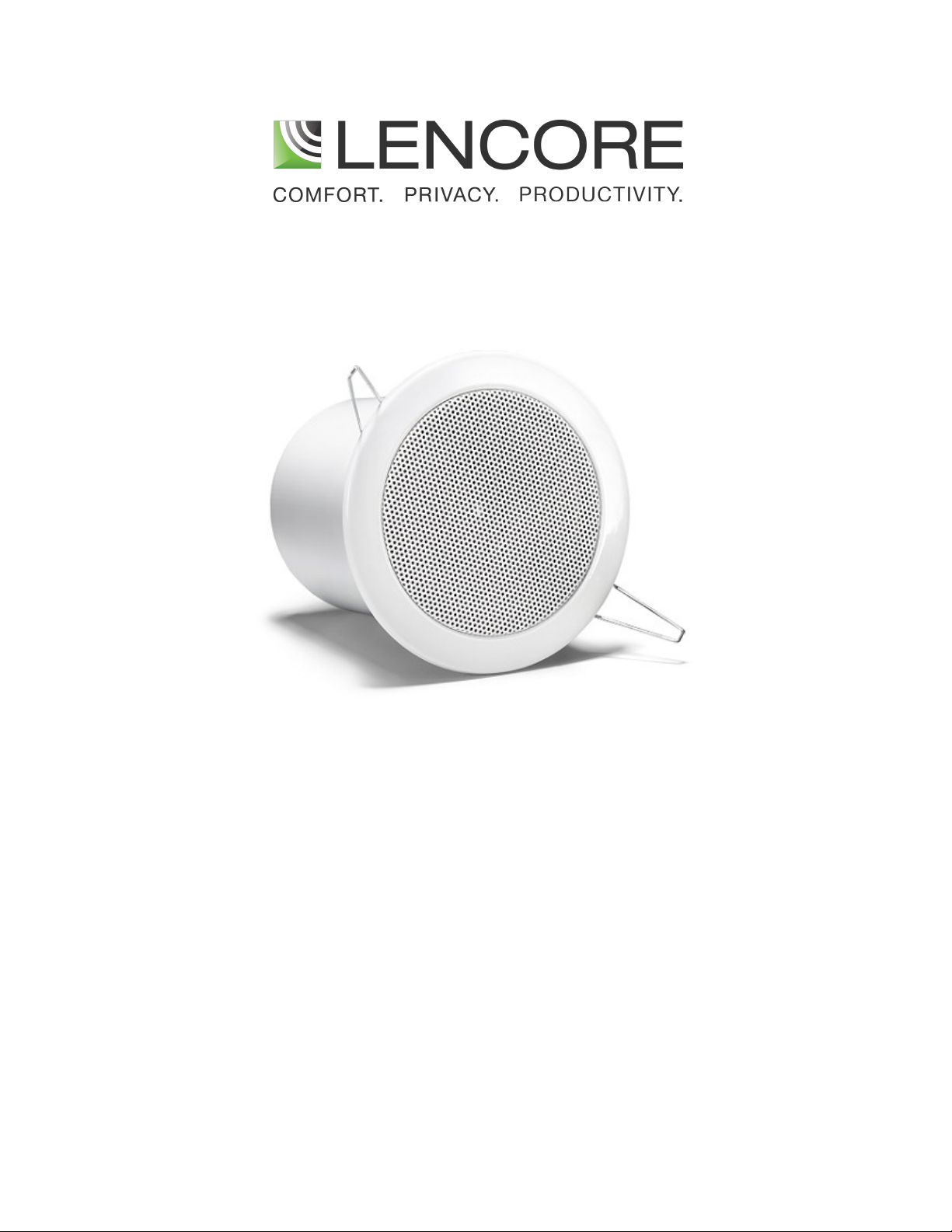
Tangent Speaker
(Model G950)
Page 2

INSTALLATION INSTRUCTIONS
1. Refer to the sound masking layout (drawing) provided to locate the appropriate speaker installation position.
2. Cut a 4.5” hole in the drywall or acoustical ceiling tile
3. Install the Cat 5e cable with standard RJ45 connector into the speaker
4. While lifting both torsion springs into a vertical position, slide the speaker into the hole until the grill is flush
the drywall or acoustical ceiling tile; the torsion springs should hold the speaker firmly in place
with
Note: If a tile bridge is being installed. After hole is cut in the tile, lay tile bridge across the tile grid. Push the
torsion springs back on speaker and put speaker through both ceiling tile and tile bridge before releasing springs
to hold speaker in place in tile bridge.
WIRING INSTRUCTIONS
1.
For first speaker connection to OP: Connect the audio cable– 8 conductor CAT5 from OP channel
(either A, B, C, or D) to INPUT of speaker.
2. For speaker to speaker connection: Connect audio cable– 8 conductor from OUTPUT of previous speaker to
INPUT of next. Follow the same series connections to add up to 8 speakers per channel. The last
speaker in any channel will have only one cable going to its INPUT only. There will be no cable
connected to the output.
2
Page 3
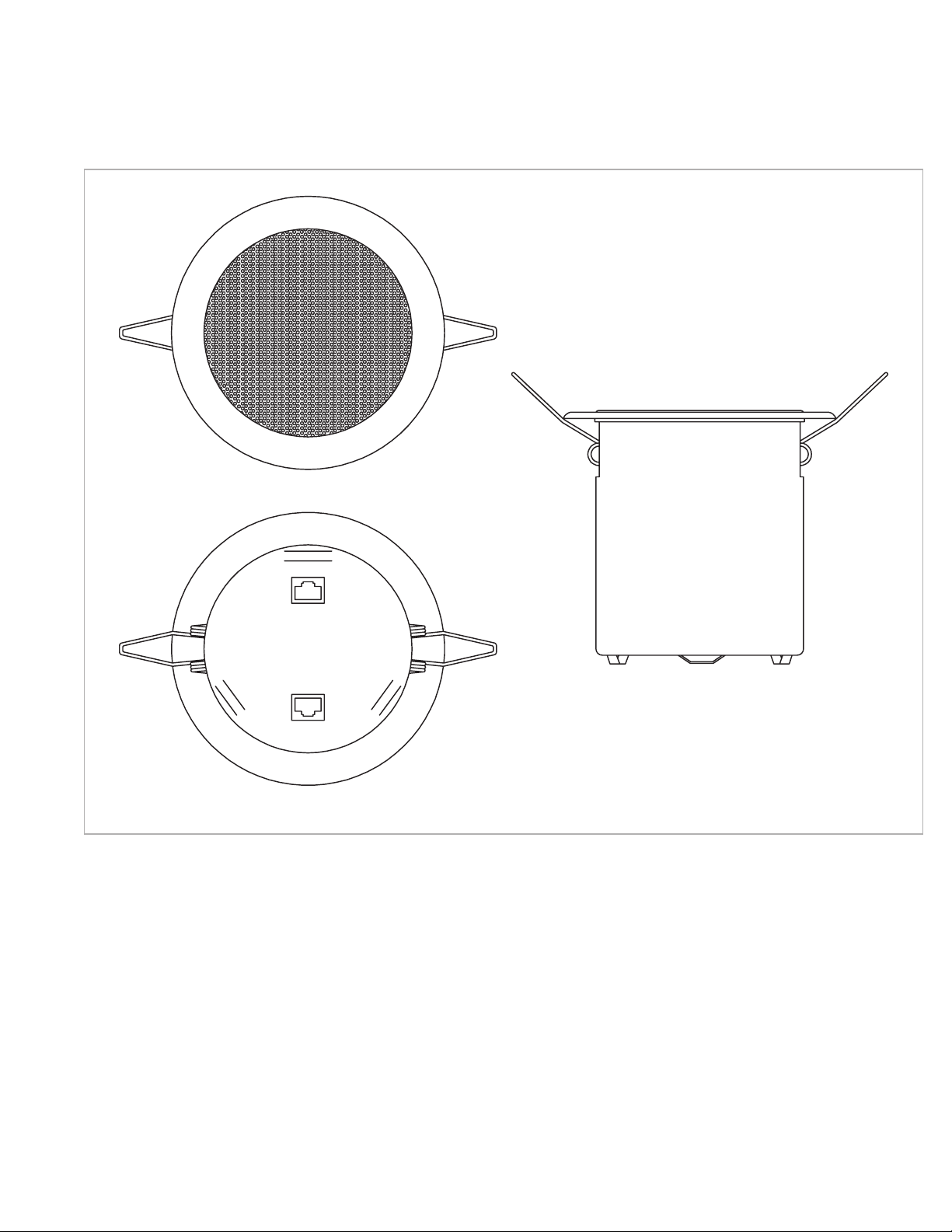
INSTALLATION DIAGRAMS
Top
Bottom
Side
3
Page 4
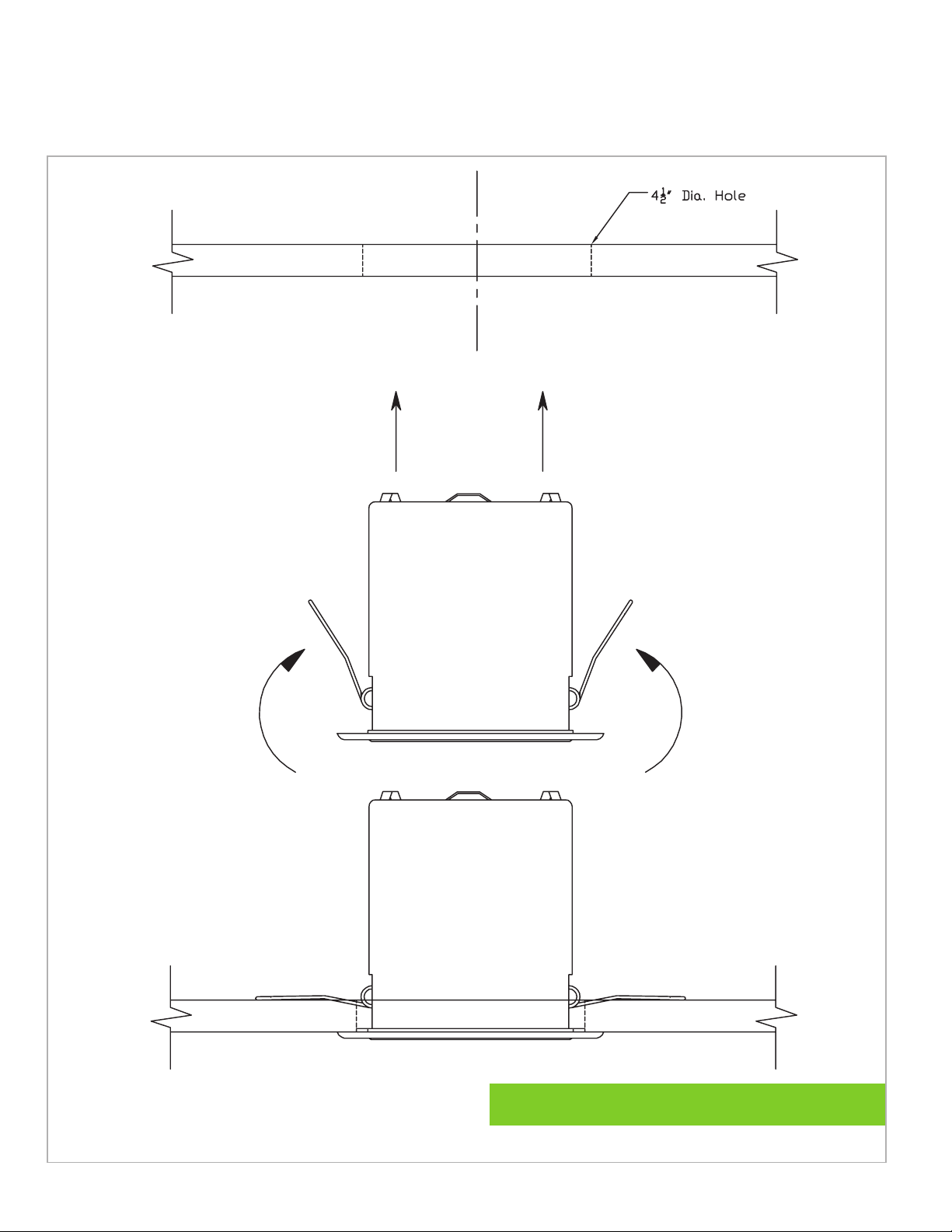
INSTALLATION DIAGRAMS
C
L
For additional Technical Support call: 516-682-9292
4
Page 5

Lencore Acoustics LLC.
516-682-9292
www.lencore.com
The information contained herein is proprietary to Lencore Acoustics LLC. and copyright protected. No part of this manual
can be copied, used or distributed without prior authorization from Lencore Acoustics LLC. ©Copyright 2021
 Loading...