

Page 1
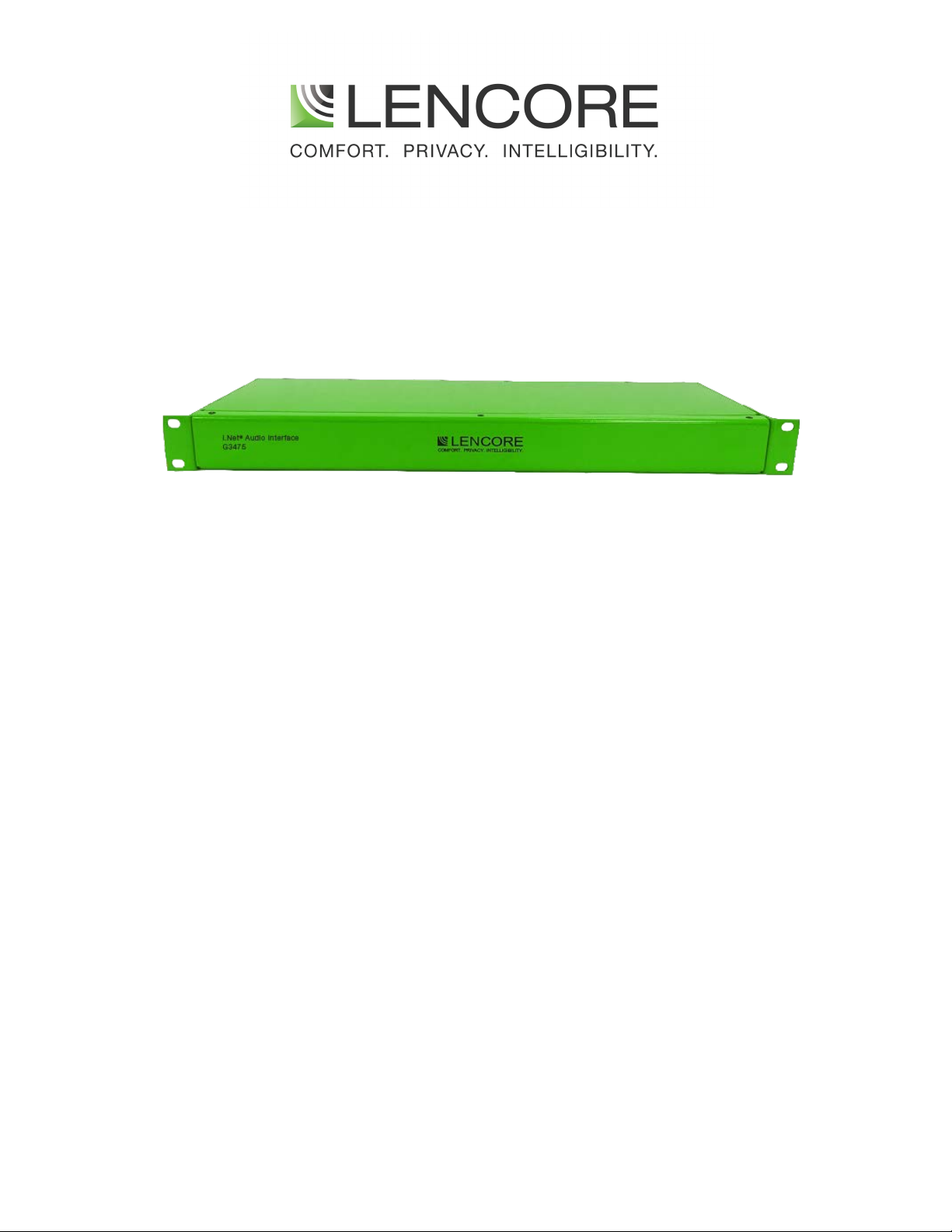
i.Net Audio
Interface G3475
USER GUIDE
Page 2

table of contents
INTRODUCTION
IMPORTANT SAFETY INSTRUCTIONS
Inputs/Outputs
Maintenance Procedure
Testing Procedure
1
2
3
4
5
In the event of trouble, please contact:
Name:
Address:
Phone Number:
Page 3

INTRODUCTION
1
Lencore’s i.Net Audio Interface is used as an audio interface between the i.Net OP and an external
device such as an amplifier. It will send an audio message, page, or tone from the i.Net OP to any
external device that has a line level audio input.
The Audio Interface is a rack mountable unit and is only 1 rack unit in height. The Audio Interface
does not require an external power source.
Setup
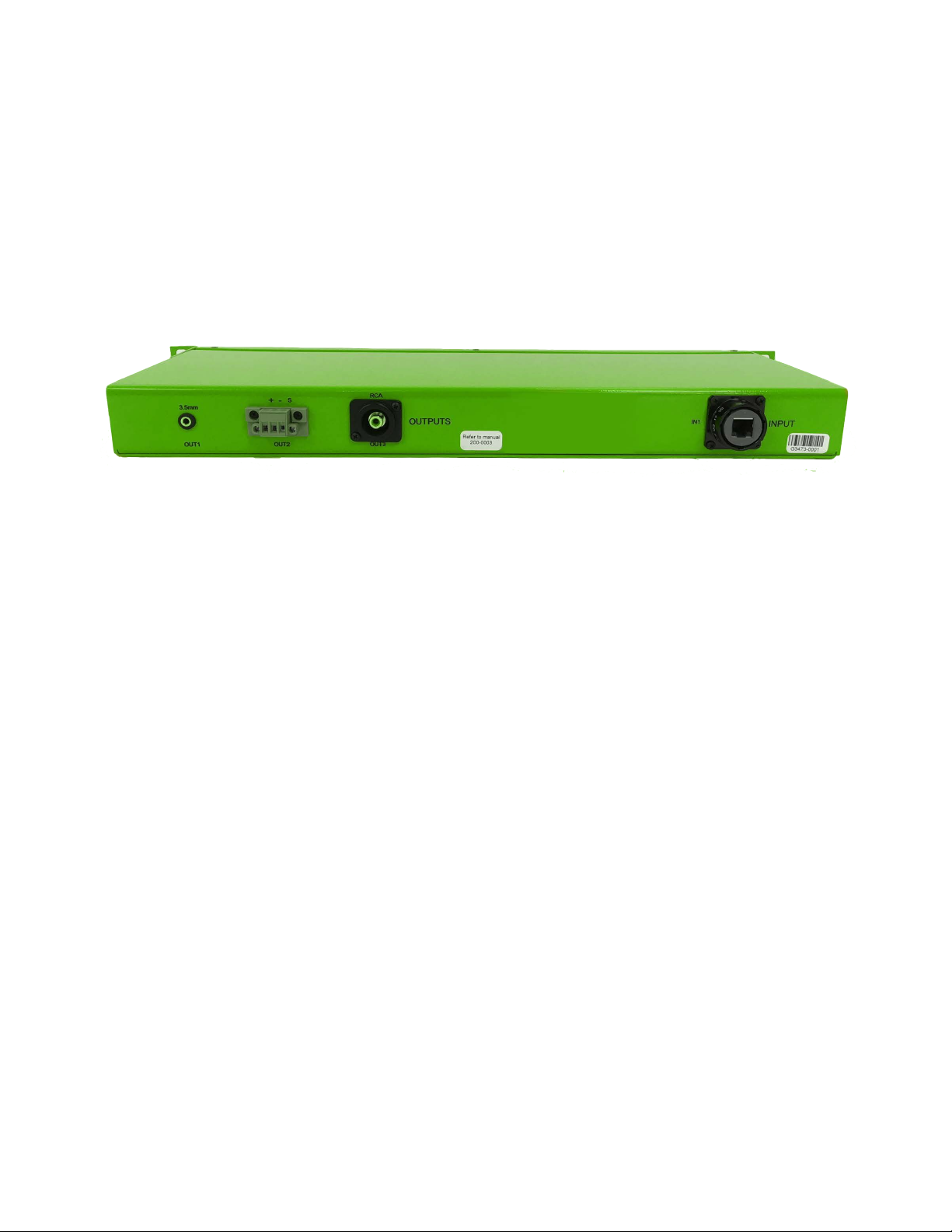
Connections to the Audio Interface are simple. One RJ45 cable from any i.Net OP speaker channel
to the input of the Audio Interface and one connection (two-wire, 1/8” jack, or RCA) from the
Audio Interface audio output to the external device's line level input.
Using Sound Manager, adjust the speaker channel’s masking volume 34dB (off). If the source will be
from a page, adjust the audio volume to 34dB (off) and the paging volume to 76dB. If the source will
be from an audio source, adjust the page volume to 34dB (off) and the audio volume to 76dB. A
volume of 76dB will give the Audio Interface a line-level (1Vrms) output.
Page 4

IMPORTANT SAFETY INSTRUCTIONS
2
RISK OF ELECTRIC SHOCK- DO NOT OPEN THE UNIT.
THERE ARE NO SERVICABLE COMPONENTS INSIDE.
1) Read these instructions.
2) Keep these instructions.
3) Heed all warnings.
4) Follow all instructions.
5) Do not use this apparatus near water.
6) Clean only with dry cloth.
7) Do not install near any heat sources such as radiators, heat registers, stoves, or other
apparatus (including amplifiers) that produce heat.
8) Only use attachments/accessories specified by the manufacturer.
9) Refer all servicing to qualified service personnel. Servicing is required when the apparatus
has been damaged in any way, such as power-supply cord or plug is damaged, liquid has
been spilled or objects have fallen into the apparatus, the apparatus has been exposed to
rain or moisture, does not operate normally, or has been dropped.
The unit must be installed with an enclosed rack.
Page 5
INPUTS/OUTPUTS
3
Audio Outputs
Input from any i.Net OP
Speaker Channel
Page 6

Maintenance Procedure
4
Equipment should only be inspected and maintained by qualified trained personnel. These instructions
are meant as a guide to what actions should take place; it is not an instruction on how to complete the
activities.
Maintenance should be performed monthly or more frequently if necessary.
1. Inspect and replace if necessary the cable from the i.Net OP speaker channel to the Audio
Interface audio input for exposed wires, torn or worn insulation, or a broken RJ45 head.
2. Inspect and replace if necessary the cable from the Audio Interface audio output to the
external device for exposed wires or torn or worn insulation.
3. Ensure that all cables and wires are properly seated in their respective connectors.
Page 7

Testing Procedure
5
Equipment should only be tested by qualified trained personnel. These instructions are meant as a
guide to what testing should take place; it is not an instruction on how to complete the testing.
Refer to the Operations, Sound Manager, and Configurator manuals for detailed information.
Testing should be performed monthly or more frequently if necessary.
1. Assure that audio sent to the Audio Interface audio input from the i.Net OP speaker
channel is clear and at the proper volume.
2. Assure that audio sent to the external device from the Audio Interface audio output is
clear and at the proper volume.
Page 8

Lencore Acoustics LLC.
516-682-9292
www.lencore.com
The information contained herein is proprietary to Lencore Acoustics LLC. and copyright protected. No part of this manual
can be copied, used or distributed without prior authorization from Lencore Acoustics LLC. ©Copyright 2021
 Loading...