

Page 1
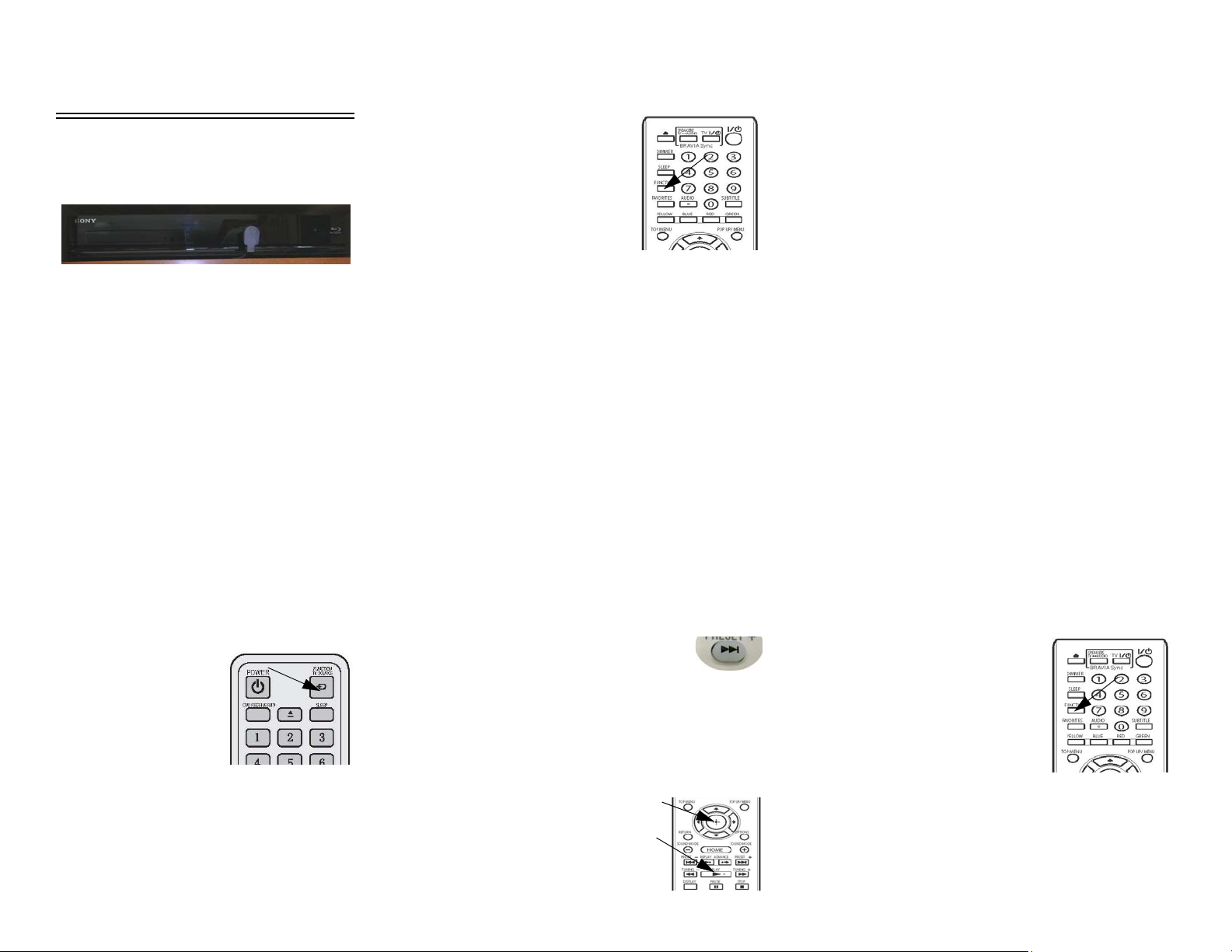
DVD HOME THEATER
SYSTEM
The Blu Ray/DVD Home Theater
System operates from 120-volt AC
household current, so you must have
either the shoreline connected, the
generator running, or the inverter turned
on (if equipped).
Set TV Video Input
• Power “ON” TV, HDMI Video
Selection System, and Blu Ray DVD
Player.
• Determine which TV you want to use
(e.g. BEDROOM for bedroom TV)
and select “Home Theater” from the
HDMI Video Selection System (or
the HDMI V ideo Selector Control or
Secondary Source Selector).
• On the TV remote,
press the
SOURCE or
FUNCTION/TV
SOURCE button
and select “HDMI
1”.
• Press the
FUNCTION
button on the Blu
Ray DVD Player
remote and select
“BD/DVD” from
the DVD player
display screen.
• Scroll to the V ideo tab on the TV and
select the movie that you want to
watch.
The TV will display the satellite logo
when the correct input is selected.
NOTE: Audio for the Home Theater
System is installed around the
lounge TV only.
Play Blu Ray/DVD Through Home Theater
• Insert Blu Ray DVD into player. The
disk will begin to load automatically .
TV screen will typically show
“READING” or “LOADING”.
• The DVD may load
directly to the main title/
menu screen or it may begin to play
previews. You may be able to skip
previews if desired by pressing the
Advance button until you see the
main menu screen.
• When the main
menu screen
appears, use the
arrow buttons
on the remote
ENTER
PLAY
to select the desired entry and press
the ENTER or PLAY buttons on the
Blu Ray DVD Player remote (or
“Play” button on DVD Player) to
begin playing the feature.
• Volume is adjusted with the DVD
remote or volume control on DVD
Player.
TV Sound through Home Theater Speakers (Lounge TV Only)
When watching TV programs
(broadcast, cable, or satellite), the TV
normally plays sound through its own
built-in stereo speakers. To connect TV
sound output to home theater speakers
for a richer sound quality, follow these
steps:
• Turn the TV and Blu Ray/DVD
Home Theater ON.
• Select the TV channel you wish to
watch.
•Press the
FUNCTION
button on the Blu
Ray DVD Player
remote to set
Home Theater to
“Audio” mode.
Select Sound Mode + or - from the
DVD player remote to select
listening mode.
• Turn TV and/or Home Theater
volume up.
Continued—
Page 2
To Listen to FM Radio Through Home Theater
• Power “ON” TV, HDMI Video
Selection System, and Blu Ray/
DVD Home Theater.
• Determine which TV you want to
view radio source from (e.g.
EXTERIOR for Exterior
Entertainment Center TV) and
select “HOME THEATER” from
the HDMI Video Selection System.
• On the TV remote, press the
SOURCE or FUNCTION/TV
SOURCE button and select “HDMI
INPUT 1”.
Audio-Video System
Basic Operation
Guide
NOTE: See your InfoCase for specific
operating guides for audio and
video components.
• On the Blu Ray DVD Player remote,
press the FUNCTION button and
select “FM TUNER”.
Further Information
Refer to the manufacturer’s user
guide provided in your InfoCase for
complete operating instructions.
Part No. 161501-13-016
Rev. 1301120430
Copyright 2012 Winnebago Industries, Inc.
All rights reserved.
 Loading...