

Page 1

Website: www.iLiveElectronics.com
Email Support: [email protected]
Email Parts: [email protected]
Phone Support: 1-888-999-4215
Contact Information
For Warranty Information and the most
up-to-date version of this User’s Guide, go to:
www.iLiveElectronics.com.
Warranty
Protect for Today
Sustain for Tomorrow
Made
Green
Specications are subject to change without notice.
Copyright © 2015 Digital Products International (DPI, Inc.)
All other trademarks appearing herein are the property
of their respective owners.
Page 2

To download this User’s Guide in English,
Spanish, or French, or to get answers to
frequently asked questions, visit the support
section at: www.iLiveElectronics.com.
Para descargar este Manual del Usuario en
Inglés, Español y Francés, o para obtener
respuestas a preguntas frecuentes, visite la
sección de apoyo en:
www.iLiveElectronics.com.
Pour télécharger ce guide de l’utilisateur en
Anglais, Espagnol ou Français, ou pour obtenir
des réponses à des questions fréquemment
posées, consultez la rubrique d’assistance sur:
www.iLiveElectronics.com.
International Support
Page 3

Warnings
• WARNING: Changes or modications to this unit not ex-
pressly approved by the party responsible for compliance could
void the user’s authority to operate the equipment.
AVIS: Des changements ou des modications sur ce produit
non expressément approuvés par la partie responsable de la
conformité peut annuler le droit de l’utilisateur d’utiliser cet
équipement.
• WARNING: Lithium batteries, like all rechargeable batteries,
are recyclable and should be recycled or disposed of in normal
household waste. Contact your local government for disposal
or recycling practices in your area. They should never be
incinerated since they might explode.
AVIS: Les piles Lithium ion, comme toutes les autres piles
rechargeables, sont recyclables et doivent être etées avec vos
déchets ménagers. Contactez votre municipalité pour obtenir
des conseils sur les moyens de disposition et de recyclage dans
votre région. N’incinérez pas vos piles, car celles-ci peuvent
exploser.
• Battery shall not be exposed to excessive heat such as sunshine,
re or the like.
Les piles ne doivent pas être exposées à de forte chaleur, tel
qu’à la lumière du soleil, au feu ou autres choses de semblable.
• If you think batteries might have been swallowed or placed
inside any part of the body, seek immediate medical attention.
Si vous pensez que les batteries peuvent avoir été avalé ou
placé à l’intérieur d’une partie du corps, consulter immédiatement un médecin.
• Batteries should be recycled or disposed of as per state and
local guidelines.
Piles doivent être recyclées ou éliminées selon les directives
étatiques et locales.
Page 4
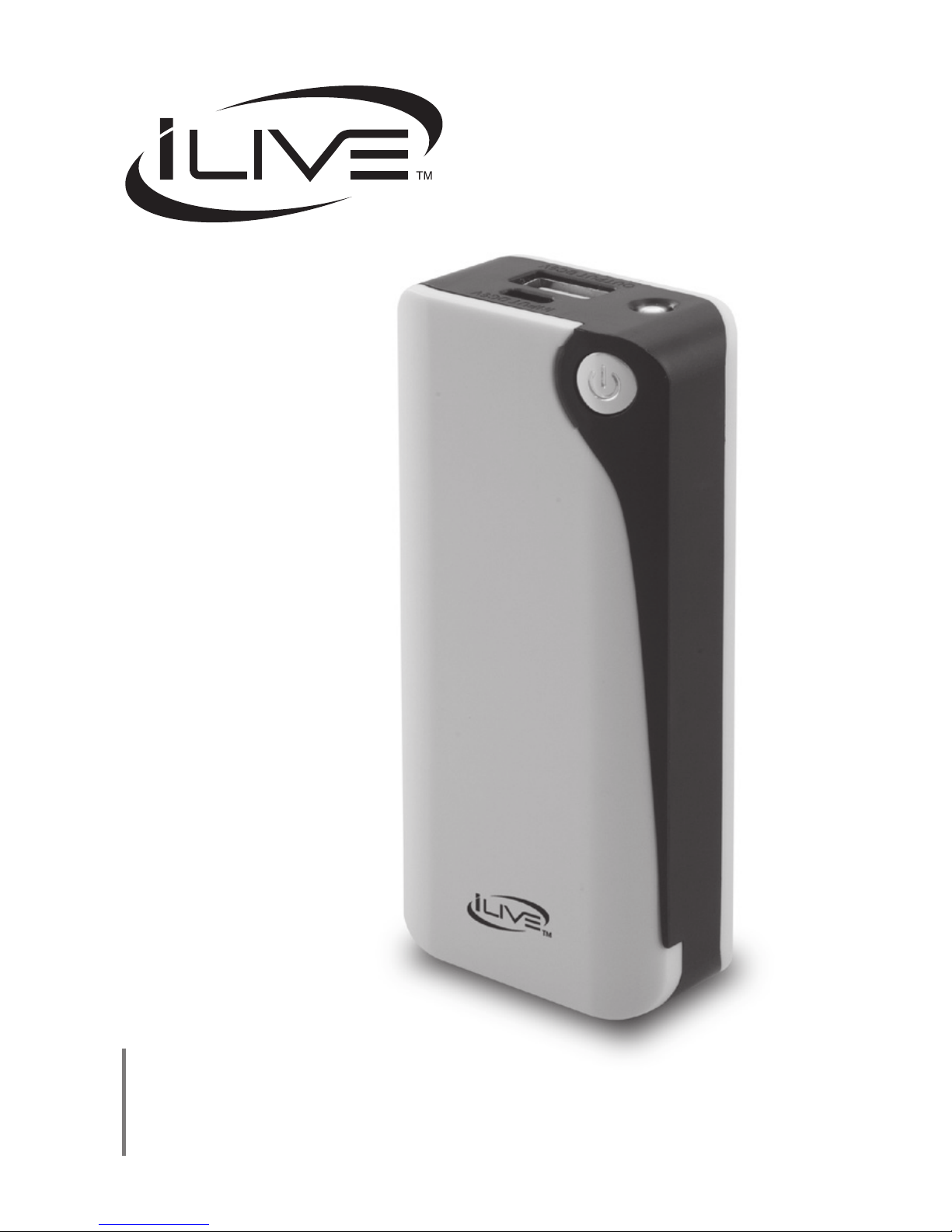
Portable Charger
User’s Guide for Model No. IPC4005 v1218-01
Page 5
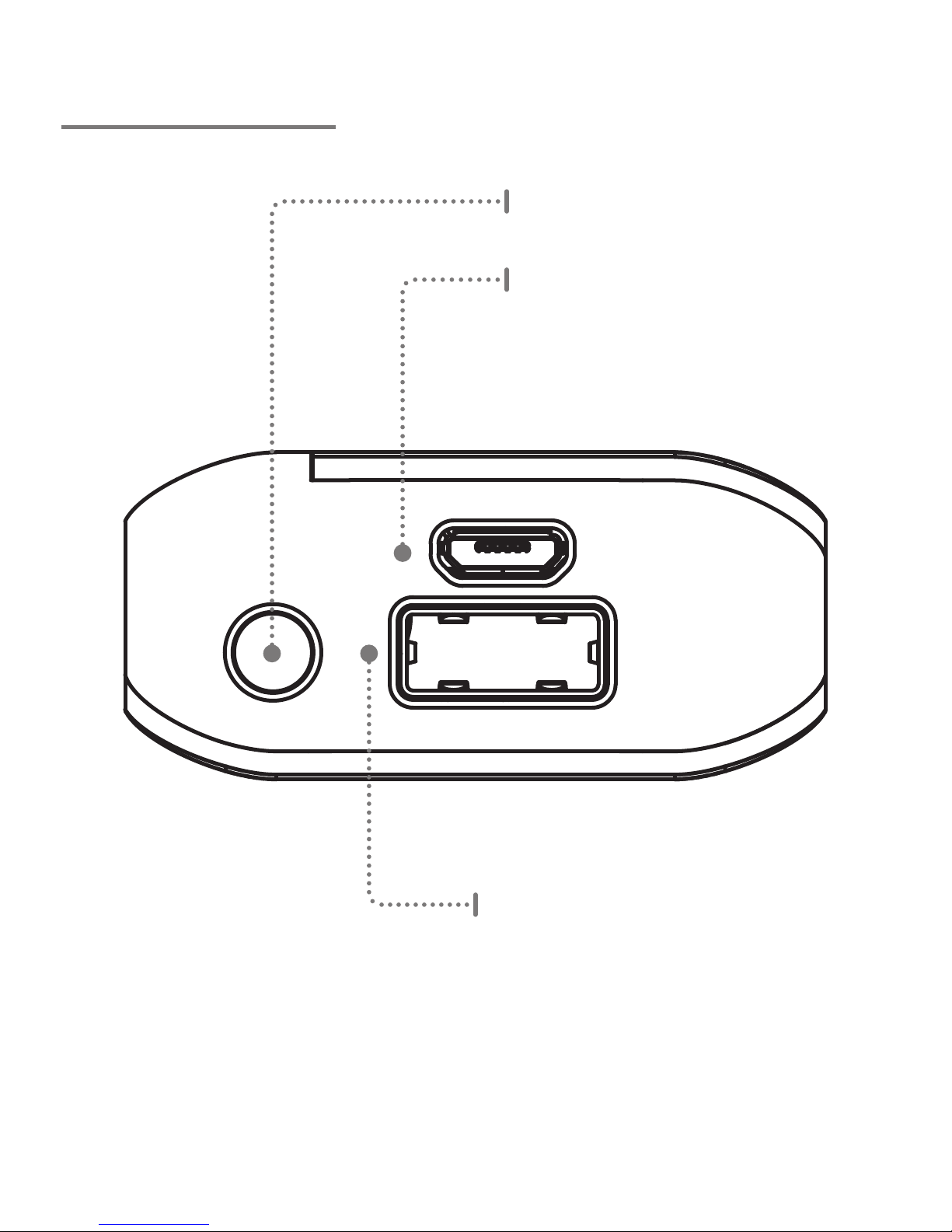
Features
INPUT DC5V
OUTPUT DC5V
Micro USB Input
Use to charge the unit.
LED Flashlight
USB Charging Port
Use to charge a mobile device.
Page 6
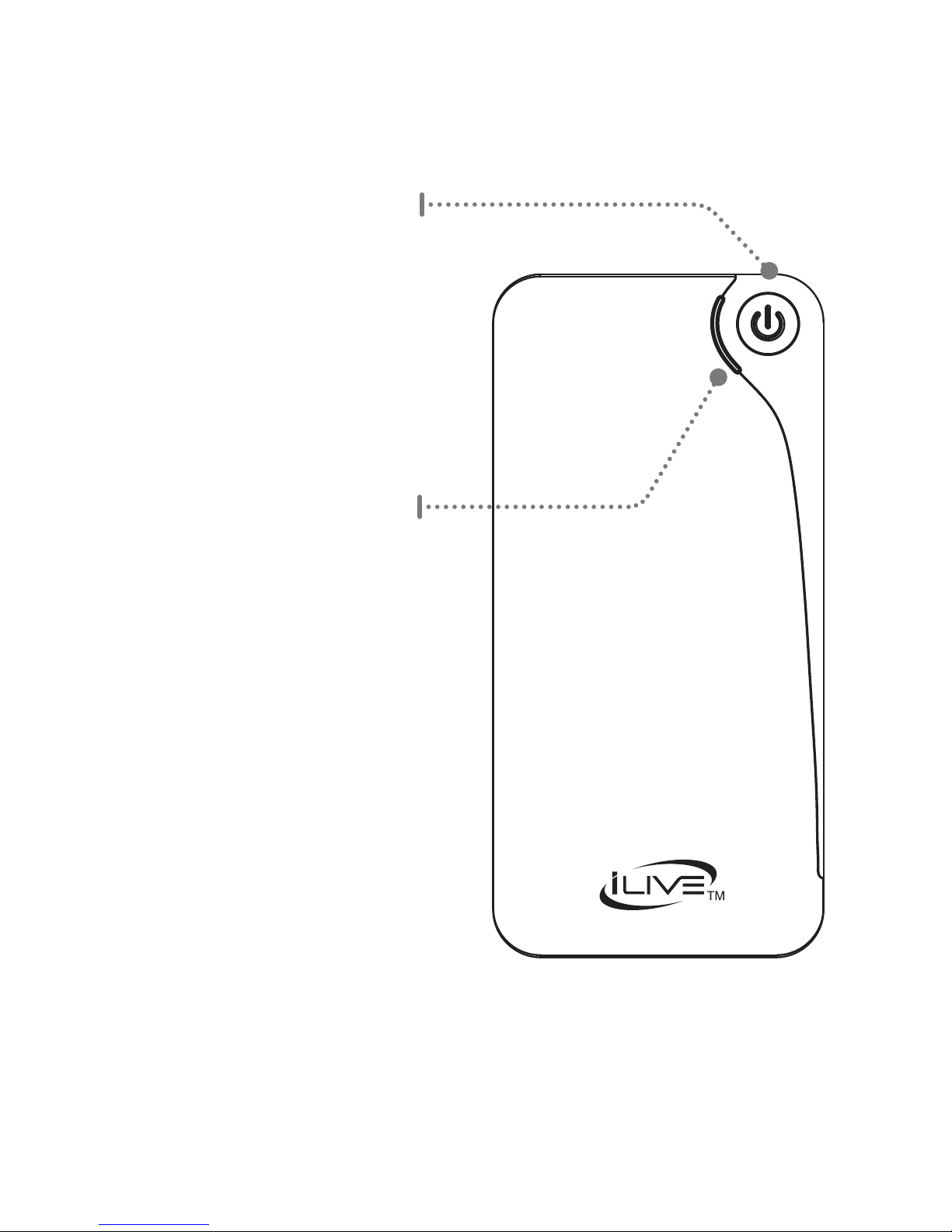
Battery Indicator
A ashing blue light
indicates that the unit
is charging.
A solid blue light indicates
that the unit is fully charged.
No light indicates that the
unit needs to be charged.
Power/Flashlight
Press to power the unit on.
Press twice to power on the
LED ashlight.
Press twice again to power
o the ashlight.
Page 7
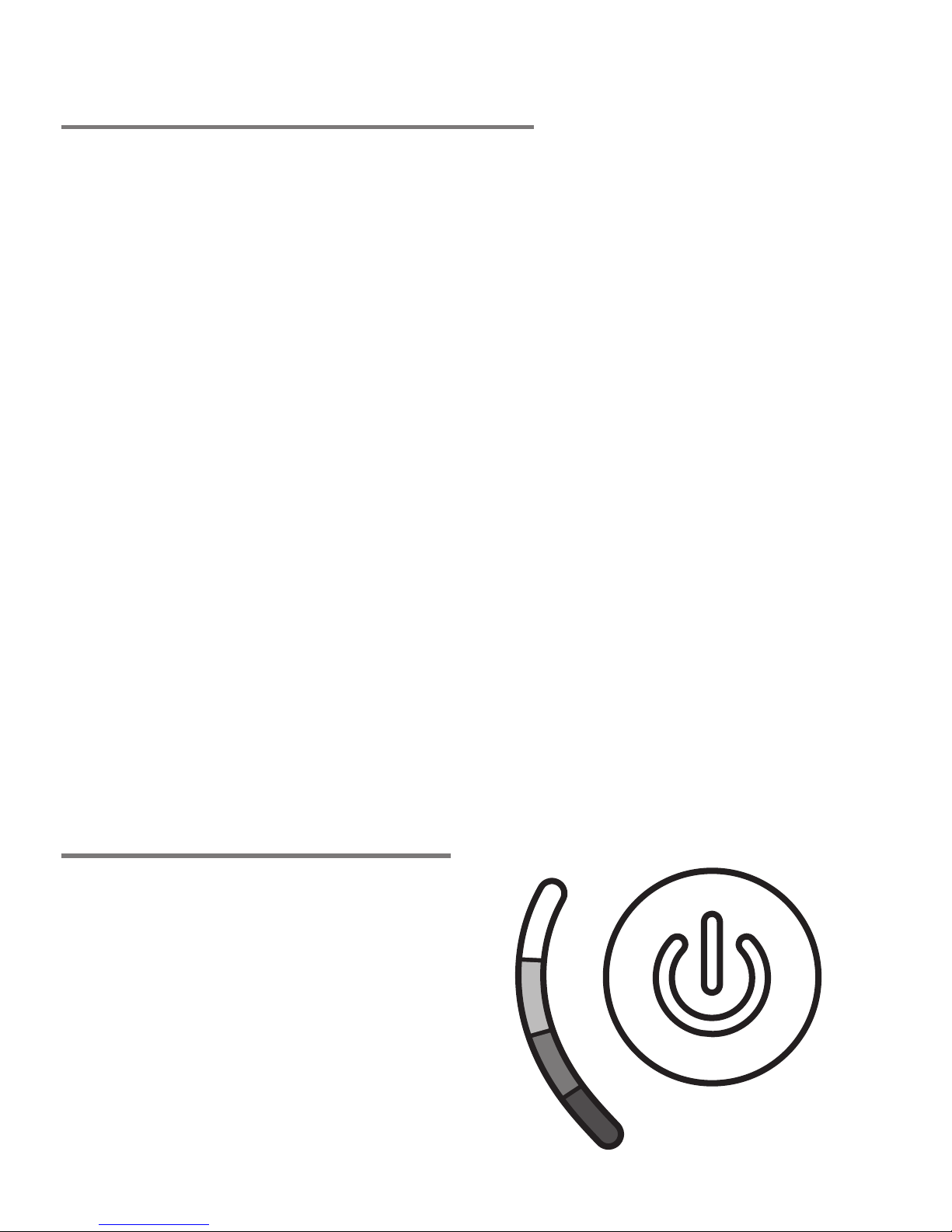
Charging the Unit
Charge Status
1. Using a Micro-USB to USB cable (included),
connect the larger USB plug to the USB
port of a powered on computer or USB
power adaptor.
2. Connect the smaller Micro-USB plug
into the Micro-USB port of the charger.
The unit will now charge, and will turn o
automatically when disconnected.
Note: Charge fully before use. Initial charge time is
approximately 6 hrs. Charge the unit at least once
a month to maintain battery integrity, even when
not in use.
4 Bars : 100%
3 Bars : 75%
2 Bars : 50%
1 Bar : 25%
0 Bars : No Charge
Page 8

Charging Devices
1. Power on the unit and be sure it has
sucient battery power.
2. Using a Micro-USB to USB cable
(included), connect the larger USB plug to
the USB Output on the unit.
3. Connect the smaller Micro-USB plug into
the Micro-USB port of the device you wish
to charge.
4. Press the Power button. The charger will
begin charging your mobile device.
The unit will automatically power o after
a period of inactivity.
Note: The output on this charge is 5V 1A. Refer
to the user’s manual for your specic device for
manufacturers required charging amperage as
well as determining the appropriate cable for
your device before charging.
 Loading...