

Page 1
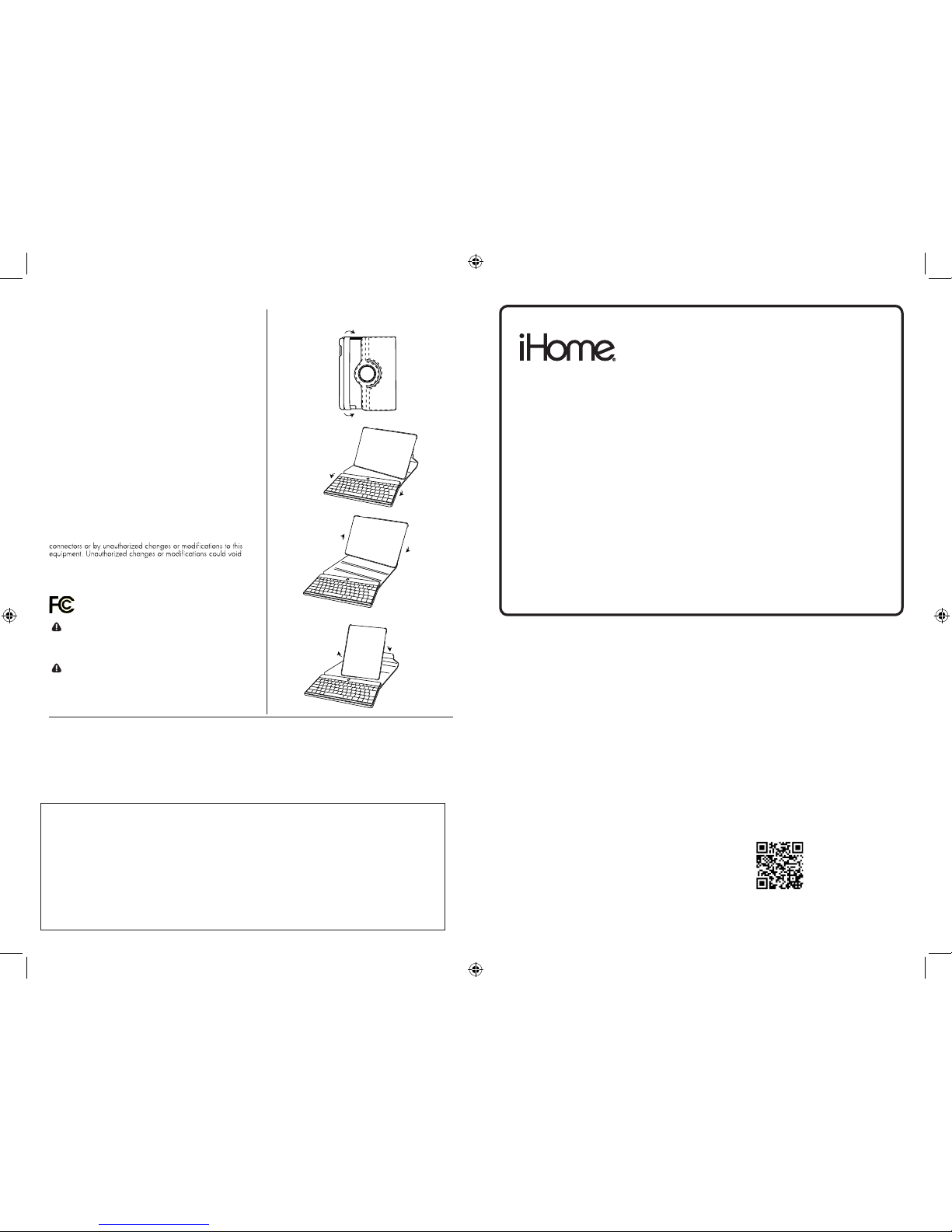
FCC Statement
This device complies with part 15 of FCC Rules. Operation is
subject to the following two conditions: (1) this device may not
cause harmful interference, and (2) this device must accept any
interference received, including interference that may cause
undesired operation. This equipment has been tested and
found to comply with the limits for a Class B digital device,
pursuant to part 15 of FCC Rules. These limits are designed
to provide reasonable protection against harmful interference
when the equipment is operated in a residential installation.
This equipment generates, uses, and can radiate radio
frequency energy, and if not installed and used in accordance
with the instruction guide, may cause harmful interference
to radio communications. However, there is no guarantee
that interference will not occur in a particular installation. If
this equipment does cause harmful interference to radio or
television reception, which can be determined by turning the
equipment o and on, the user is encouraged to try to correct
the interference by one or more of the following measures:
Reorient or relocate the receiving antenna.•
Increase the separation between the equipment and the •
receiver.
Connect the equipment into an outlet on a circuit dierent •
from that to which the receiver is connected.
Consult a service representative for help.•
Properly shielded and grounded cables and connectors must
be used in order to comply with FCC emission limits. LifeWorks
is not responsible for any radio or television interference
caused by using other than recommended cables and
the user’s authority to operate the equipment.
Responsible party:
LifeWorks Technology Group LLC
1412 Broadway, New York, NY 10018
quick star t g uide
Tested To Comply With FCC Standards
FOR HOME OR OFFICE USE
technical support
for technical support, please visit
www.iHomecomputer.com
or call (877) LIFE-540 (877-543-3540)
limited lifetime warranty
for warranty information, please visit
www.iHomecomputer.com/warranty
for model number(s)
IH-IP2103
IH-IP2103
Congratulations on the purchase of your new
type swivel keyboard case for iPad.
This product is part of our awesome type swivel series.
For more information about this product or our other fantastic
bluetooth keyboard cases, please visit- www.iHomecomputer.com
This product comes with a limited lifetime warranty.
Before using your product, please thoroughly read and follow the
instructions inside this guide.
www.iHomecomputer.com
document version number 100413-0
Warning Improper setup, use and care of this product can
increase the risk of serious injury, death or device damage.
Read and keep this guide and all other printed guides for future
reference. For updated guides or replacements, go to
www.life-works.com
Do Not Attempt Repairs Do not attempt to take apart,
open, repair, service or modify the device(s). Doing so may
risk electric shock or other hazard. Evidence of any attempt to
open or modify the device, including any peeling, puncture or
removal of labels, will void the Limited Lifetime Warranty.
Printed in China
© 2012 LifeWorks Technology Group LLC.
iHome is a registered trademark of SDI Technologies Inc. used under license.
Mac
®
is a trademark of Apple Inc., registered in the U.S. and other countries.
All other brands and logos are trademarks of their respective companies.
protection
binder style case, adjustable to landscape or portrait
convenience
detachable bluetooth keyboard for quick and easy typing
precision
designed for maximum portability
To stay up to date with everything iHomecomputer
visit us at:
For helpful tips on this product and our feature product line
visit us at http://www.life-works.com/support.asp
This product is built and optimized for the iPad.
The keyboard included in this product requires bluetooth and
a charged battery to operate.
type swivel
bluetooth keyboard case for iPad
visual usage guide
Page 2
welcome
this quick start guide will help you throughout the life of
your new type swivel for iPad.
thank you for your purchase. we hope you enjoy your fantastic keyboard case,
for more information about this and our other great products, please visit us at
www.ihomecases.com
type swivel
is an amazing bluetooth keyboard case with robust features. While using your
type swivel please take note of these helpful tips.
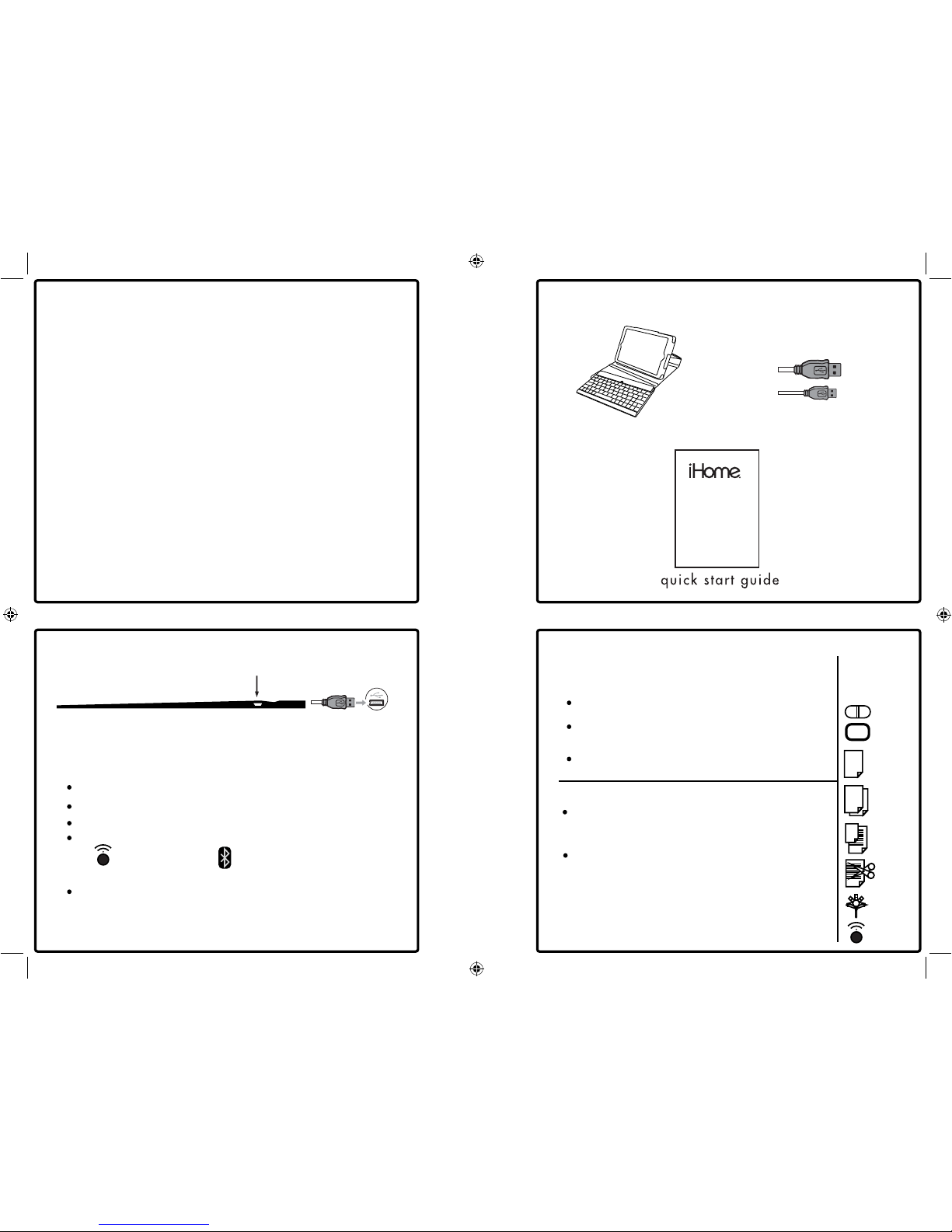
1. verify your package contents
2. learn to setup your device
3. understand daily use
verify package contents
setting up your device daily use
use the included charging cable to plug the keyboard into any USB port.
the micro USB port is located in the right side of the keyboard.
charging cable
keyboard case
Step 1.
charge your keyboard
Step 2.
battery fully charged, sync your keyboard
tips
fully charge your keyboard before use
when placing the iPad in the case, make
sure to align the camera with the camera hole
fast keys
on / off
power button
ALL
copy
select all text
paste
slide show
cut
home
troubleshooting
ensure the on/off switch is in the on
position and the device is fully charged
when trying to connect your keyboard, make
sure the bluetooth LED light is on and blinking
when you are ready to connect your keyboard,
make sure bluetooth is turned on on your iPad
usage
syncing
we recommend using this product on a
stable flat surface
bluetooth
sync
in your iPad’s settings turn on bluetooth
turn your type swivel keyboard power on with the on/off switch
with the type swivel’s power on, activate the bluetooth
to activate the bluetooth, press and hold
the icon until the blue LED begins to blink
once you iPad discovers the type swivel keyboard,
follow the iPad’s on screen instructions, your
type swivel should now be attached, open the app
“Notes” on your iPad and try it out
 Loading...