

Page 1
User’s Manual
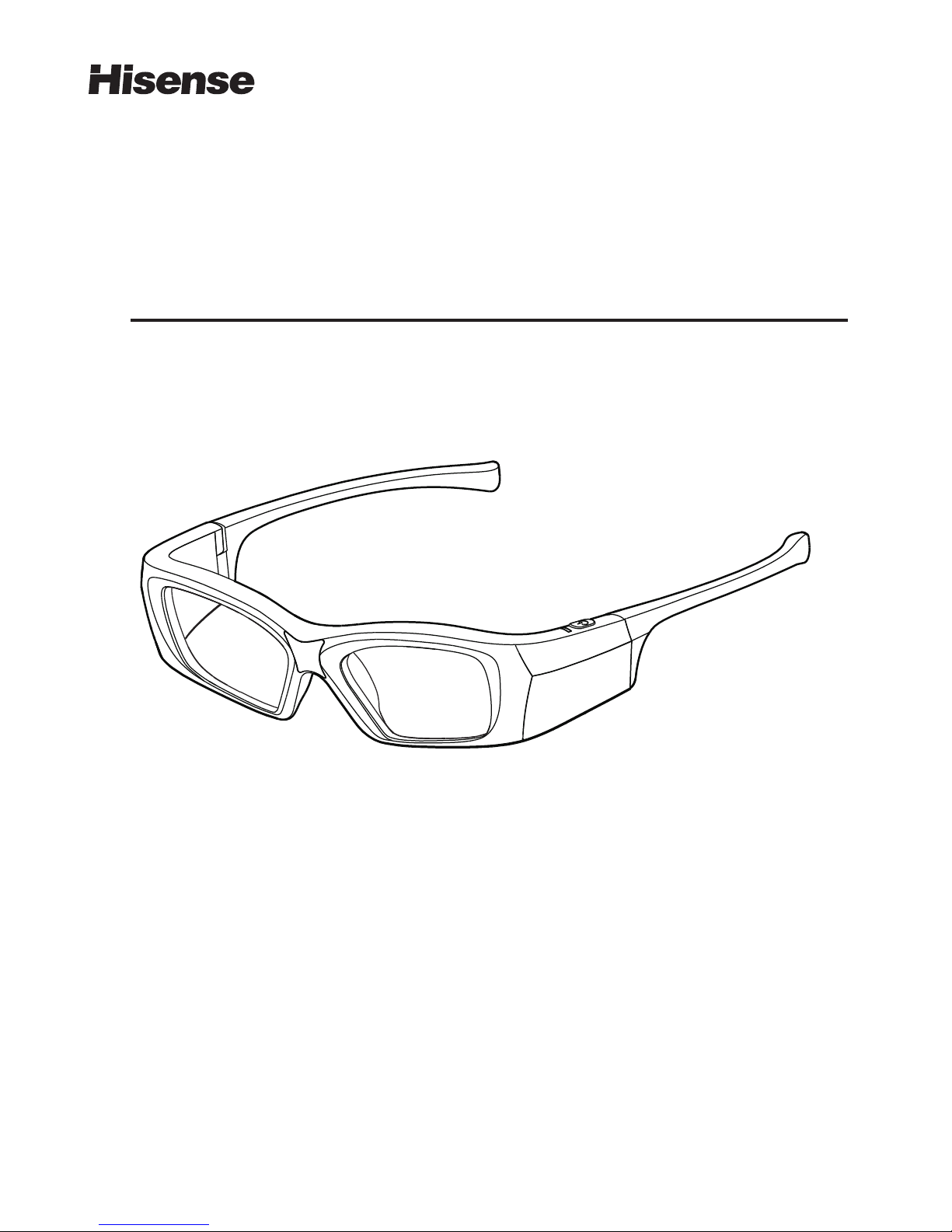
Hisense 3D Glasses Active
Model: FPS3D02
Please read this manual carefully before using
the glasses and keep the manual in a safe place.
http://www.hisense.com
®
Page 2

Dear customers:
Thanks for choosing Hisense . We believe this product when used correctly
will provide you with a joyful experience. Please read this user's manual before
using and keep in a safe place, Hisense® shall not be liable for any or held
responsible for any misuse for failing to follow the guideline in the manual.
®
Page 3

The active 3D glasses included in this package are used for Hisense® 3D television only.
Hisense® active 3D glasses, integrating the advanced LCD shutter technology with antiinterference IR communication, will bring you a vivid and wonderful 3D experience.
Product Overview
1. Active 3D Glasses x1
2. USB Charge Cable x1
3. Interchangeable
comfort of wearing)
Nosepiece x2 (Two nosepieces for replacing , greatly enhance the
4. Storage Pouch x1
5. Cleaning Cloth x1
6. User’s Guide(Warranty Card) x1
7. Certification of Approval x1
Package Contents
1
Page 4

1. Liquid Crystal Lenses
The fast response, high transmittance and contrast LCD lenses
please avoid any external force when using or when storing.
are subject to scratching
2. IR Signal Receiver
When watching TV in 3D, It is recommend to face toward the direction of the emitter
which is built into the TV for a better viewing experience.
3. LED Indicator
Power ON: green LED is on for 1.5 seconds;
Power OFF: green LED blinks three times;
Low Battery: green LED blinks once every second;
In Charging: red LED is on;
Full Charged: red LED goes out;
4. Power Button
Turn ON: Press the button once;
Turn OFF: Hold the button for about 1.5 seconds.
5. Earpieces
Compact design, Folding earpieces.
6. Mini-USB Charge Port Cover
Keep the cover closed to prevent dust go inside.
7. Mini-USB Charge Port
Charge the glasses by connecting your glasses to USB port of your TV or computer.
2
1
3
4
6
7
5
2
Product Features
Page 5

Active 3D glasses
Shutters
Battery Operating
Life
Working C ondition
Liquid Crystal
up to 30 hours of usage with one full charge
Working Temperature
Storage Temperature
39g
SYNC Operation
0~40℃
3
Charging Period
A full charge needs about 4 hours
-5~50℃
Glasses Weight
IR
Charging Your Glasses
We recommend you charge your 3D glasses as soon as the low battery indicator is lit
ensuring your watching times in 3D effect is optimised. You can charge your glasses
by connecting them via USB cable supplied directly to the USB port on your TV or
computer.
Specifications
Power supply of
3D glasses
Rechargeable
Li-polymer Battery
Page 6

4
The glasses will automatically turn off in the following condition: to save power
1. When the glasses are turned on, the glasses will enter standby mode for 1.5 minutes
if no 3D sync signal received. the glasses will turn in to working mode once the glasses
receive the 3D sync signal during standby mode, otherwise, the glasses will automatically
turn off with the green LED indicator blinking three times.
2. If the glasses become disconnected with the emitter because of incorrect distance and
or angle, they will automatically work for a period of 5 seconds. The glasses will resume
working once a 3D sync signal is received, otherwise, the glasses will enter into standby
mode(for 1.5 minutes).
3. If you change the channel or input while watching 3D content, the glasses will automatically
work for a period of 5 seconds. the glasses will resume working once 3D sync signal
is received, otherwise, the glasses will enter into standby mode(for 1.5 minutes).
Q1: What can I do if there is no 3D effect after I have put on and turned on the glasses?
Try this:
1. Make sure you are watching in 3D sync signal covered area .
2. Check the battery volume of your glasses, please charge if low in power
3. Please check if the TV setup is in 3D mode or not.
Q2: Why do the lenses blink when watching 3D films?
1. Please charge the glasses immediately if the battery is seriously low.
2. Interference such as magnetic fluorescent lamps (50 or 60Hz) may cause flickers,
please turn off interference source i . f this occurs
Tips
Troubleshooting
Try this:
Page 7

2.The glasses are powered by a rechargeable lithium-polymer battery, please
charge the glasses with a standard 5V USB connection
5
1. The 3D glasses are used for 3D content viewing only. Do not use them for general eye
wear purpose, such as sunglasses and general eye wear, Doing so may result in injury.
3. Do not place the glasses in a location exposed to direct sunlight, heat, fire or water.
this may result in product malfunction or fire.
4. Clean the 3D glasses with a clean, lint free, dry, soft cloth. Any chemical cleaning
agent spray on the 3D glasses may damage the product surface or cause product
malfunction.
5. Do not apply force to the 3D glasses. Dropping or bending may damage the product.
6. When watching a 3D video, do not place anything fragile nearby. Involuntary
movement or surprised reaction may occur as a result of certain 3D content which result
in surrounding objects being broken or hurt yourself.
7. Please watch 3D content in IR signal covered area, and make sure no objection is placed
close to the front of IR emitter.
8. 50Hz or 60Hz magnetic fluorescent lamp may cause flicker to your 3D glasses.Turn
off the lamp if this happens.
9. Do not use the 3D glasses if there are any wire exposed or cracks to the lens.
, replaceable 10. For comfort nosepieces are applied to the
glasses. Please place the nosepieces out of children's reach to prevent children
swallowing the nosepieces. Children must use the glasses under their parents' supervision.
1. We recommend pregnant women, people with heart disease or epilepsy and people who
are easily nauseous should not watch 3D content.
2. Due to the stereoscopic effects and the uncompleted visual development of younger
children under 3 years of age we recommend you not allow them to watch 3D content.
Long time watching may affect there visual development.
3. Watching 3D content for a long time may cause headache or eyestrain to you, please
stop watching if you have any uncomfortable feeling and take a rest immediately.
Please consult a doctor if the feeling do not release.
4. Some individuals may experience seizure or other complications when exposed to
certain visual images, including flashing lights or patterns that may appear in a video or
games. If you or any of your relatives have a history of seizures or epilepsy, consult a
doctor before watching.
Warning
Caution
Page 8

Warranty Card
Product
model No.
Date of
purchase
Purchase
store
Purchasing
invoice No.
Customer
signature
Customer
address
Customer
phone
Feedback Couplet
Warranty Card
Terms of Warranty
1. Please attach your purchase invoice on the upper-left
corner of the card and reserve it carefully.
2. Service policies:
(1). Our company strictly enforces the regulations of
the laws of the "Product Quality Standard "and
“Consumer Protection Law " .
(2). The period of free warranty for the product is one
year(date from the day of purchase.)
3. Warranty will be voided under the following circumstances.
(1). Without providing copy of a valid purchase invoice
showing a purchase date.
(2). The invoice or warranty card has been changed or
the bar code is different from that on the active 3D
glasses.
(3). Damage caused by customer inappropriate usage,
maintainpnce or preservation.
(4). The breakdown and damage is caused by the force
majeure.
(5). Damage caused by misuse and or altered by a non
preferred authorised service agent.
4. You may be required to have your glasses sent to an
authorised service centre to validate your warranty
on inspection. Please call 1800 447 367 for further
instructions.
 Loading...