

Page 1
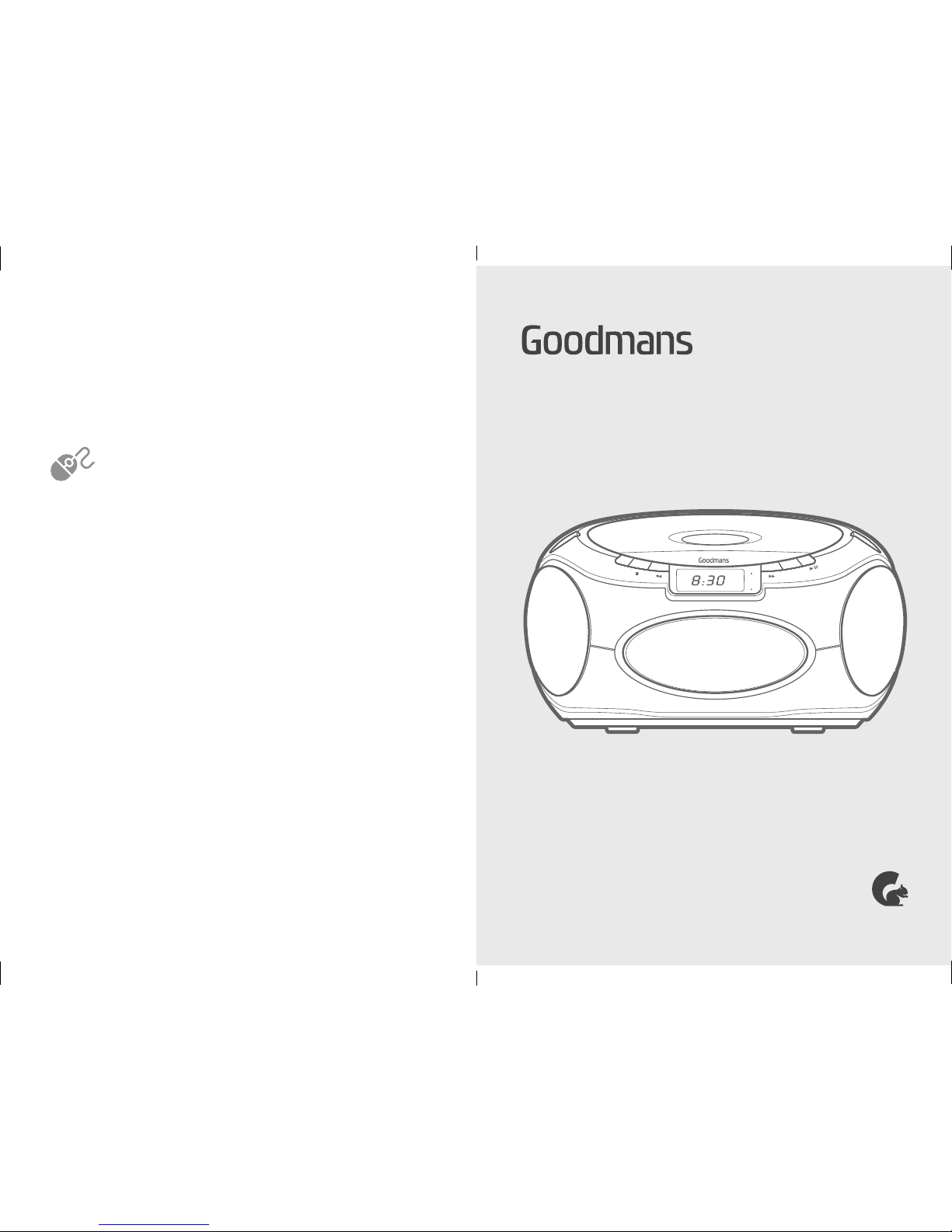
CD BOOMBOX
The full User Manual is available online at:
www.goodmans.co.uk/support
CD Player with FM Radio
Model: GPS05BLK/PNK QSG-DEC16-GPS05BLK/PNK
WANT TO KNOW MORE?
POWER
ST.
MODE
PROG.
ECO PWR
Page 2
DID YOU KNOW?
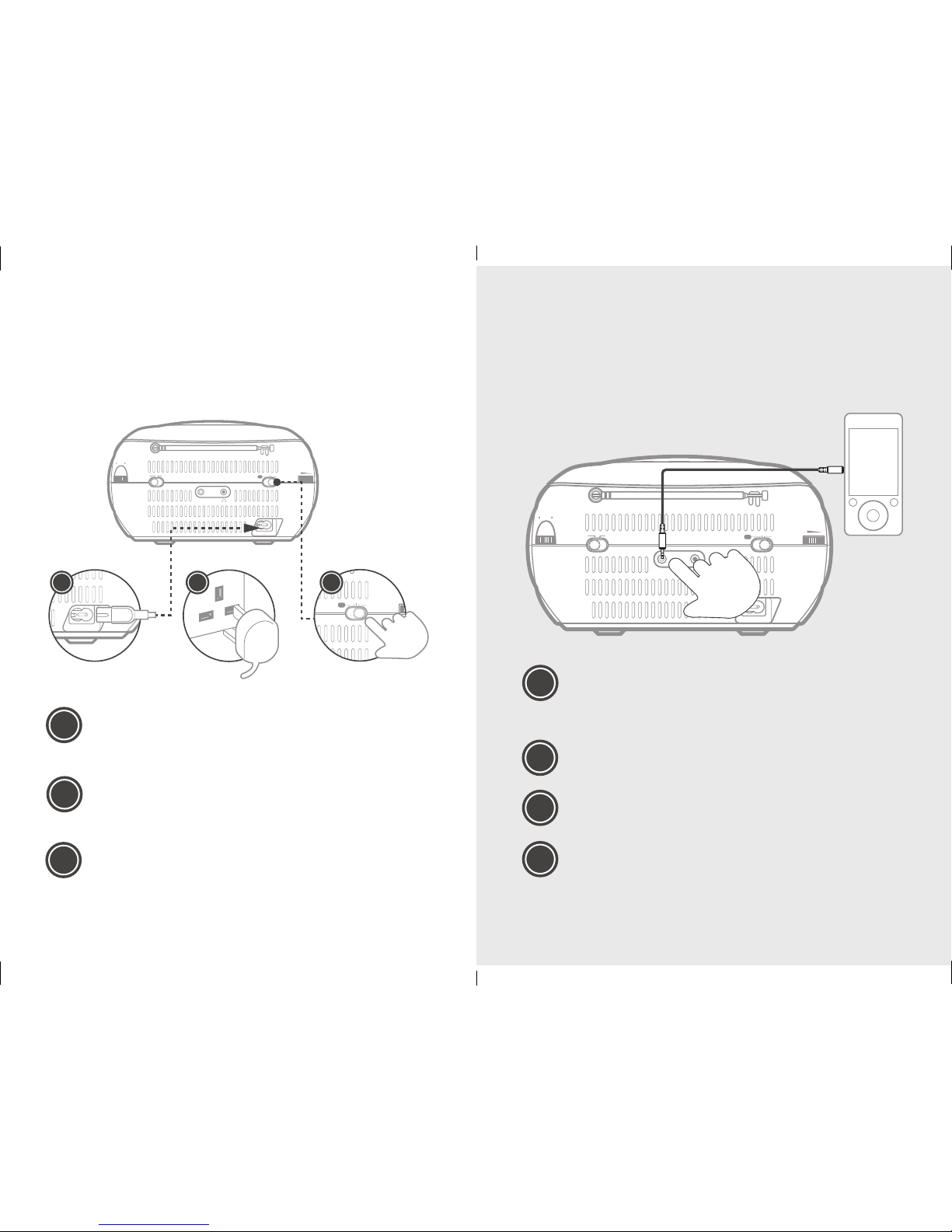
You can connect an external audio source and listen
to it via the CD Boombox speakers.
GETTING STARTED
Follow the instructions below to connect and power
on the CD Boombox.
a
b
c
d
Connect one end of the aux cable (not
supplied) to the back of the unit and the
other end to your device.
Set the function switch to the CD/AUX
position.
Press PLAY on the external audio source.
Adjust the volume on the unit to the
required listening level.
a
b
c
This CD Boombox is supplied with a mains cable. To
connect the power, insert the figure 8 shaped end into
the rear of the unit.
Insert the plug into a household power socket, and
switch the power on.
Set the function switch to either CD/AUX or R ADIO
for operation. Set to the OFF position to turn the
CD boombox o.
AUX
AC~I
N
FM ST.MW
RADIO
OFF
CD/AUX
VOLUME
TUNE
FM
MW
MHZ
KHZ
AUX
AUX
AC~I
N
FM ST.MW
RADIO
OFF
CD/AUX
VOLUME
TUNE
FM
MW
MHZ
KHZ
RADIO
OFF
CD/AUX
VOLUME
AC~I
N
RADIO
OFF
CD/AUX
VOLUME
a
b
c
 Loading...