

Page 1
A
B
C
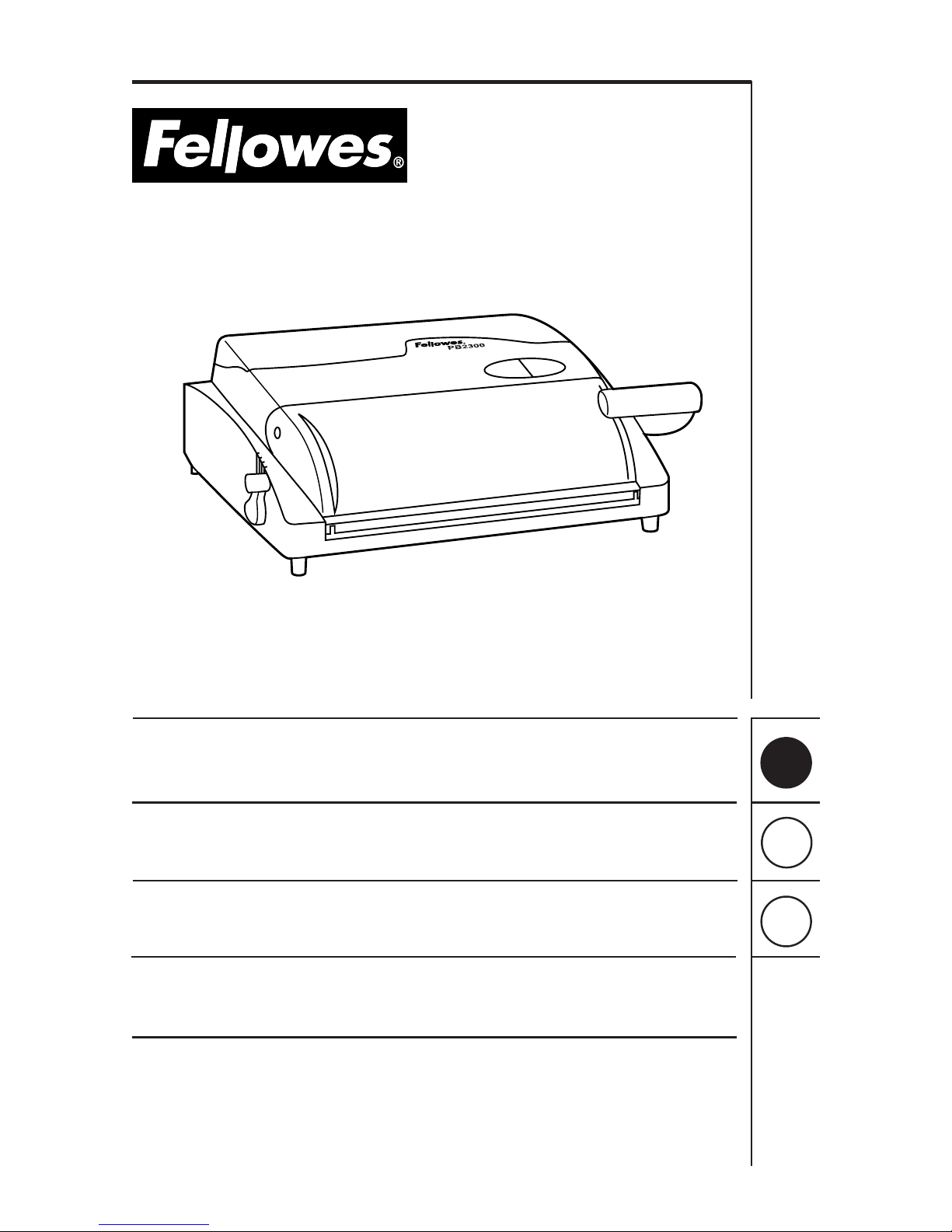
Operating Instructions
Mode d’emploi
Modo de empleo
Model/Modèle/Modelo: PB 2300
PB 2500
®
Page 2
A
B
C
2
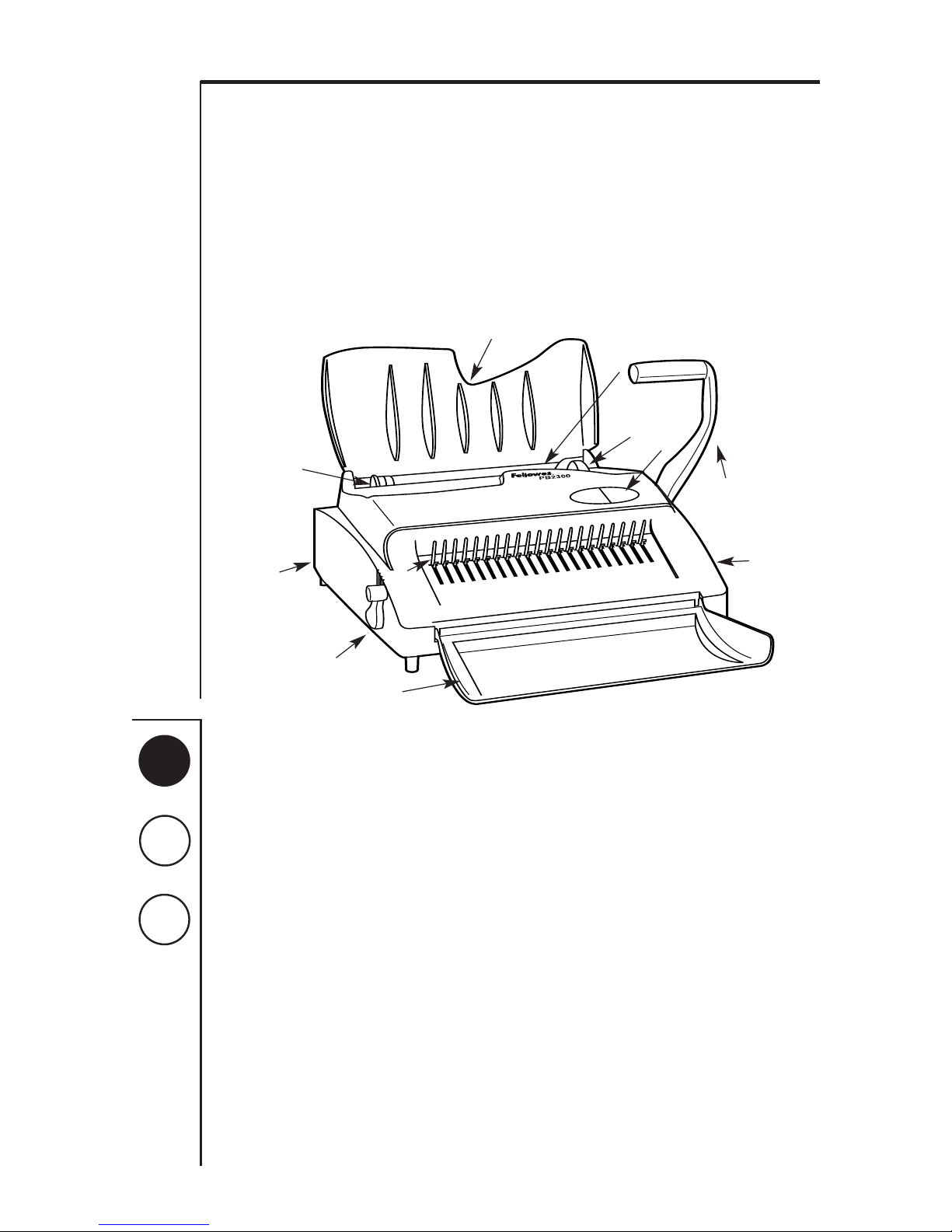
Equipment Parts
1. Punching Handle (PB 2300)
2. Punching Switch (PB 2500)
3. Punching Area
4. Adjustable Margin Guide
5. On/Off Switch (PB 2500)
6. Sheet Supporter \ Machine Cover
7. Comb Guide Selector
8. Machine Cover
9. Binding Lever
10. Binding Rakes
11. Paper Clippings Tray
Assembly
Assembly (PB 2300, only)
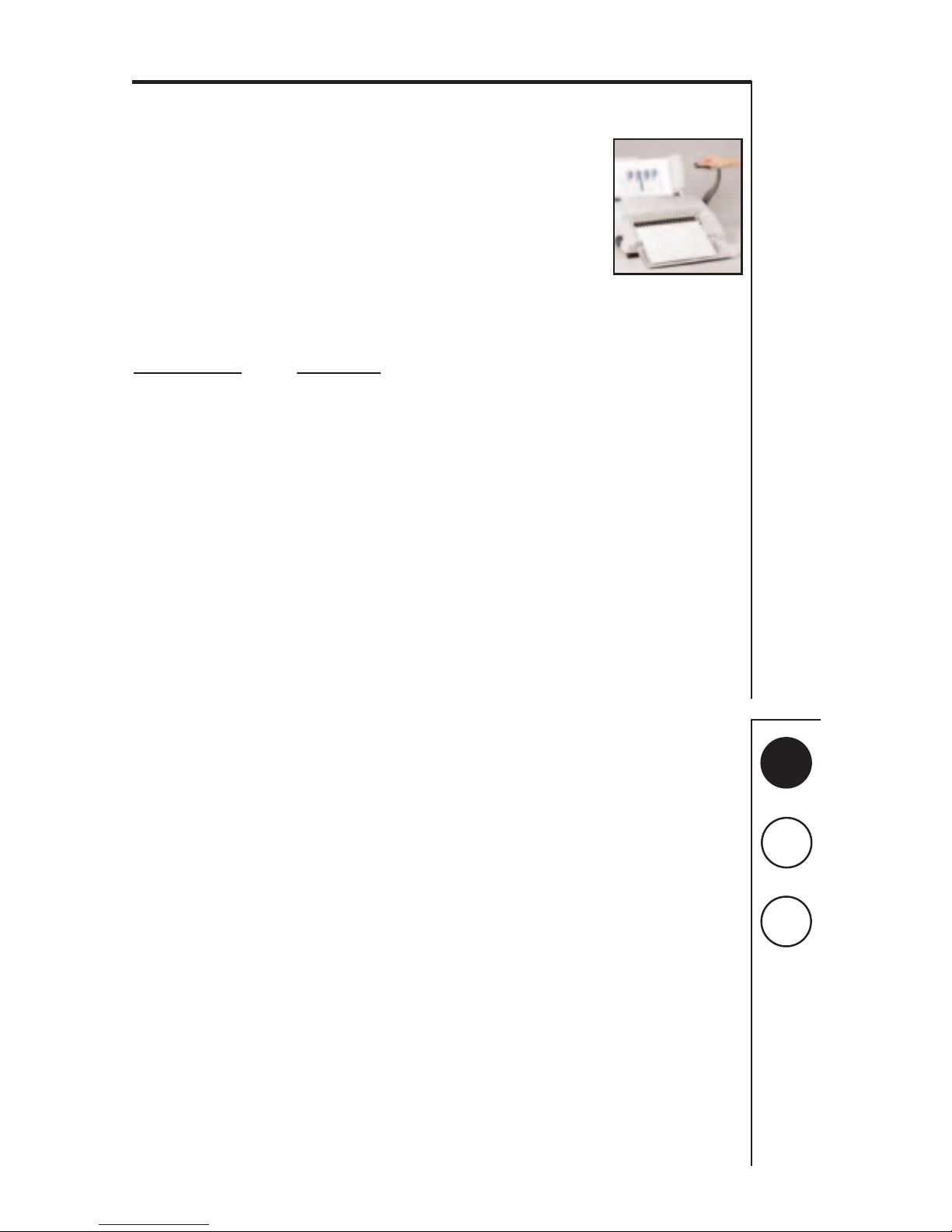
1. Attach the punching handle to the right side of the
machine by first aligning handle with square shaft on
machine. Press firmly.
NOTE: To operate correctly, the punching handle
should be positioned as illustrated below.
Once handle is fully attached, secure by inserting the
screw supplied.
Using the Binding
Machine
A unique feature of Fellowes PB 2300 \ 2500 models allows
simultaneous punching and binding for larger projects.
Simply punch sheets and add to binding comb instantly.
Prevents handling document contents twice and saves time.
Adjusting the Punch
Holes should always be centered between the top and
bottom of paper edge. To center hole, set the adjustable
margin guide. For best results, always first use several
“practice sheets” to set up margin guide.
Punching Holes
PB 2300
1. When inserting paper into punching area, be sure all
sheets are flush with margin guide.
NOTE: a maximum 25 sheets can be punched at a time
2. Lower the handle to punch holes in paper.
3. Return punching handle to its original starting position
and remove sheets.
4. Repeat until all sheets and covers have been punched.
PB 2500
1. Turn machine on by depressing on/off switch.
2. Insert paper into punching area, making sure all sheets
are flush with margin guide.
NOTE: a maximum 12 sheets can be punched at a time
3. Depress punching switch and release.
4. Remove sheets from punching area.
5. Repeat until all sheets and covers have been punched.
®
3
6
1
10
7
8
4
2
9
11
5
Page 3
A
B
C
3
Determining Comb Size
Determining the appropriate comb size just got easier with
Fellowes’ handy, built-in comb selector guide. Or, if you
happen to know the number of sheets being bound, simply
use the chart below.
1. To select the optimum comb for binding, insert complete
document behind the adjustable comb guide selector
located near the punching area.
NOTE: Entire document, including covers, should fit snug
against comb guide selector to determine true comb size.
2. Read the corresponding comb size located left of the
comb guide selector.
3. Remove document from comb guide selector.
No. of Sheets Comb Size
Up to 20 1\4” (6mm)
21-40 5\16” (8mm)
41-55 3\8” (9.5mm)
56-90 1\2” (12.5mm)
91-120 5\8” (15.5mm)
121-150 3\4” (20mm)
151-200 1” (25mm)
201-290 1-1\2” (38mm)
Up to 425 2” (51mm)
Binding the Document
1. Before binding, be sure the
binding lever is in a closed
position.
2. Insert the plastic comb
behind the binding rakes.
Be sure the open side of the
plastic comb’s teeth are
facing upward.
3. To open comb, pull binding
lever back toward self.
NOTE: the maximum a comb can be opened will vary by
the diameter of the comb.
4. Insert the punched sheets onto the open comb.
NOTE: for a correctly bound document, the first page of
your document should be the first page placed onto the
comb.
5. Close comb by returning the binding lever to its original
starting position.
6. Remove bound document by lifting upward.
Adding \ Removing Pages
from Bound Document
Adding and removing pages from your bound document is
easy with Plastic Comb Binding. To do so:
1. Follow steps 1 - 3 as outlined in Binding the Document,
above.
2. Add \ Remove selected pages.
3. Close comb by returning the binding lever to its original
starting position.
4. Remove bound document by lifting upward.
Emptying Paper Clippings
To empty, remove paper clippings tray located on backside of
machine. The convenient handle makes grasping and
removal easy. To prevent potential clogging and jamming of
unit, be sure to empty clippings frequently.
Page 4
A
B
C
4
Specifications
PB 2300 PB 2500
Maximum binding length 11-3/4" 11-3/4"
(298mm) (298mm)
Maximum binding capacity 425 sheets 425 sheets
Maximum binding diameter 2" 2"
(51mm) (51mm)
Maximum punching capacity 25 sheets 12 sheets
(at a time)
Dimensions 7
1
/8" x 193/4" x 193/4"7
1
/8" x 181/2" x 173/8"
(H x W x D) (181 x 502 x 502mm) (181 x 470 x 441mm)
Weight 28.4 lbs. 33.2 lbs.
(12.9 kg) (15.1 kg)
Warranty 1 year 1 year
Limited Warranty
Fellowes Manufacturing Company warrants all Binding Machines to be free from defects in material and
workmanship for a period of one year from the date of purchase by the original consumer. The exception to this
are the punching dies which are subject to wear. If any part is found to be defective during the warrant period,
your sole and exclusive remedy will be repair or replacement, at Fellowes’ option and expense, of the defective
part.
This warranty does not apply in cases of abuse, mishandling or unauthorized repair. ANY IMPLIED WARRANTY,
INCLUDING THAT OF MERCHANTABILITY OR FITNESS FOR A PARTICULAR PURPOSE, IS HEREBY LIMITED IN
DURATION TO THE APPROPRIATE WARRANTY PERIOD SET FORTH ABOVE. In no event shall Fellowes be liable for
any consequential or incidental damages attributable to this product. This warranty gives you specific legal
rights. You may have other legal rights which vary from state to state. To obtain service under this warranty on
machines purchased in the USA, return the machine prepaid to the address below. Please allow two weeks for
processing.
Return with machine:
• Copy of original sales receipt.
• A card stating your name, address, daytime telephone number, machine model and serial number, plus a brief
description of the problem.
For specific instructions on obtaining service under this warranty on machines purchased outside the USA, contact
the appropriate location listed below.
Warrantor: Fellowes Manufacturing Company
Page 5
Australia Benelux Canada France Germany Italy Japan Poland United Kingdom
Tullamarine, Vic Vianen, NL Markham, Ont. Rennes, I-V Garbsen, Han. Camerano, AN Tokyo Warsaw Doncaster, S. Yorks.
®
1789 Norwood Avenue, Itasca, Illinois 60143-1095 630-893-1600 Customer Service 1-800-945-4545 http://www.fellowes.com
Part No. 70986 © 2000 Fellowes Printed in U.S.A.
Contact For Service
Vos Contacts Fellowes
Sus Contactos Fellowes
United States 1-800-955-0959
Australia (In Melbourne) (03) 9330-3211
(Outside Melbourne) 1-800-331-177
Canada 1-800-665-4339
United Kingdom 01302-885 331
Japan +81-3-5496-2401
Benelux +31-(0)347-377988
Italia +39-071730041
Deutschland +49-5131-49770
France +33-(0)4-72-08-25-45
 Loading...