

Page 1
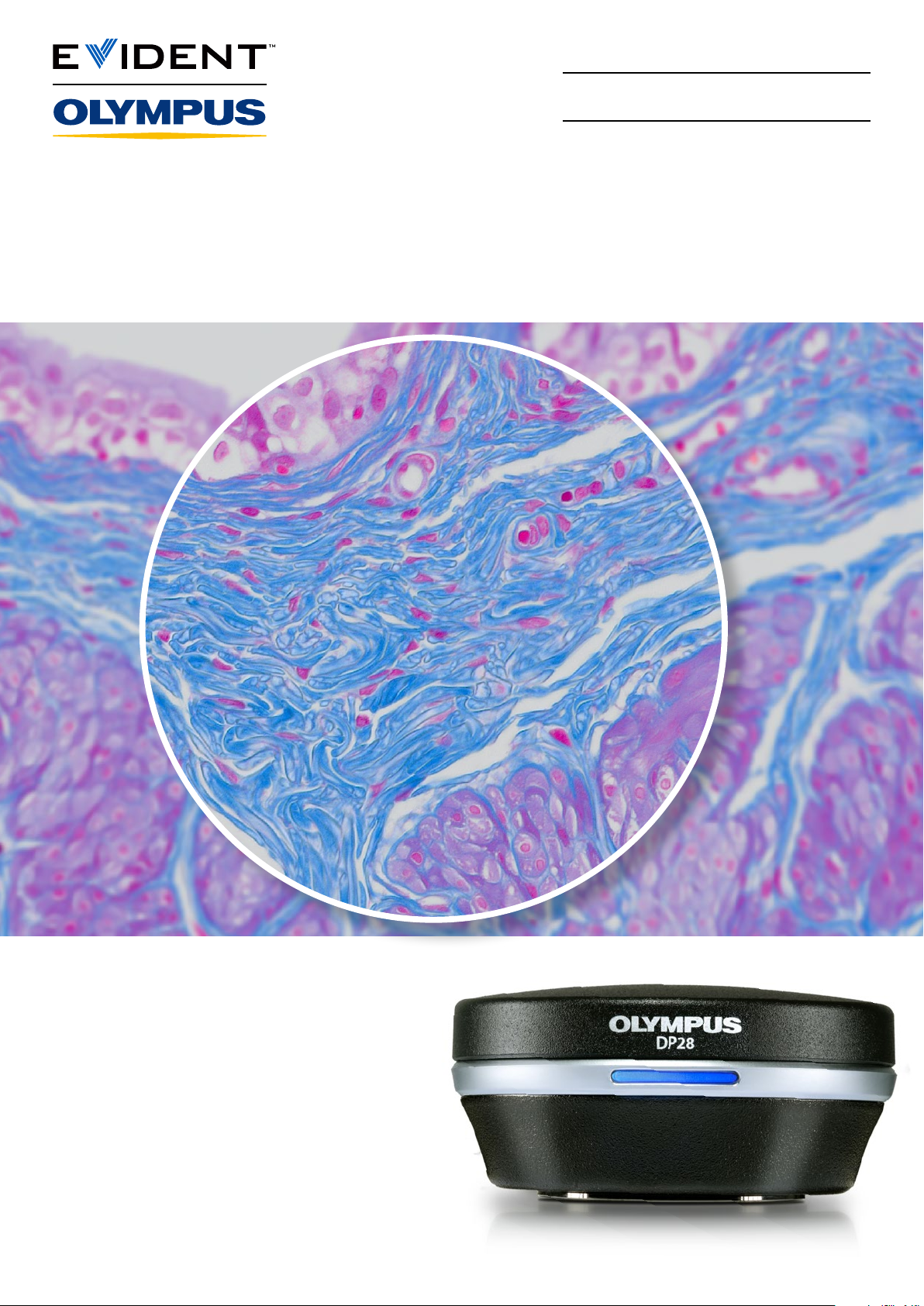
See More and Share More in 4K
Microscope Digital Camera
DP28
Not for clinical diagnostic use.
Page 2
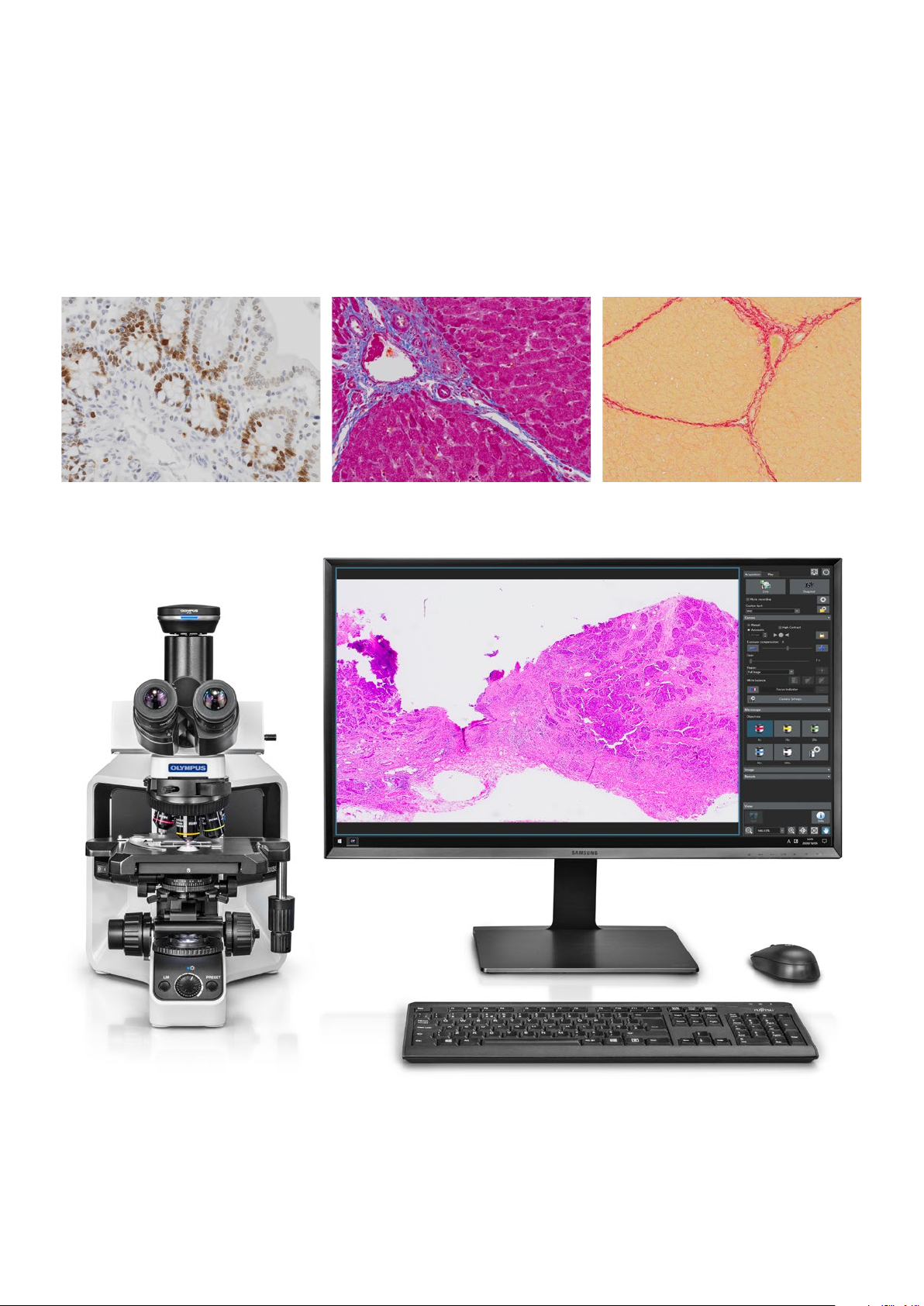
4K Resolution for Discussion
The DP28 digital microscope camera combines powerful features, precise color accuracy, and 4K resolution
across a wide field of view to provide stunning images for conferencing, teaching, and clinical research. With
smart features, the camera eases and accelerates your microscopy tasks while delivering high-quality images.
Rat colon/ Ki-67/ 20x Pig liver/ Picrosirius red/ 40xPig liver/ MT/ 40x
*Sample/ Stain/ Objective
Page 3
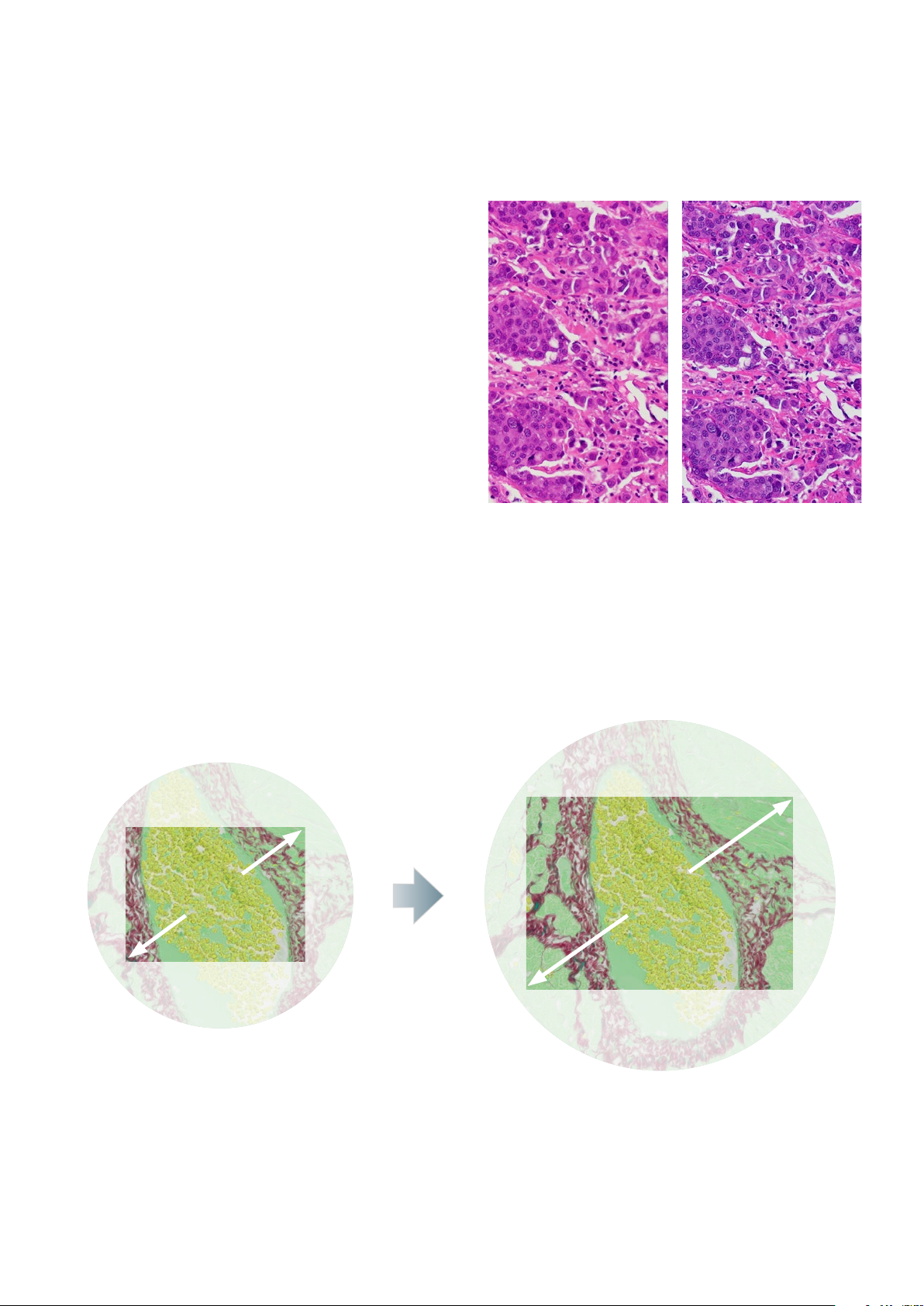
From the Oculars to Your Monitor: Discuss the Details of
Your Samples in 4K
Comfortably View Images on Screen
Whether you’re presenting at a conference, teaching,
or discussing among colleagues, 4K image resolution
creates images on the screen that look exactly as they
appear through the microscope’s eyepieces, so you
know you’re not missing details or data. Smooth live
images with no distortion make collaboration easy
thanks to the camera’s 8.9-megapixel CMOS sensor,
global shutter, and 4K resolution at 32 frames per
second (fps). The camera can provide up to 64 fps full
HD live images, which is the maximum framerate a
standard monitor can display.
Conventional camera DP28 camera
Get More from Your Sample
Within an incredibly large field of view (FOV) up to FN25, you can see and capture more of your sample with
images that are sharp, flat, and in focus from the center to the periphery for ecient analysis. With Olympus’
X Line high-performance objectives and an 0.63X camera adaptor designed for a wide FOV, you can leverage
the potential of the camera’s 1-inch image sensor.
FN25FN16
*Your microscope system must be compatible with an FN25 FOV.
Page 4
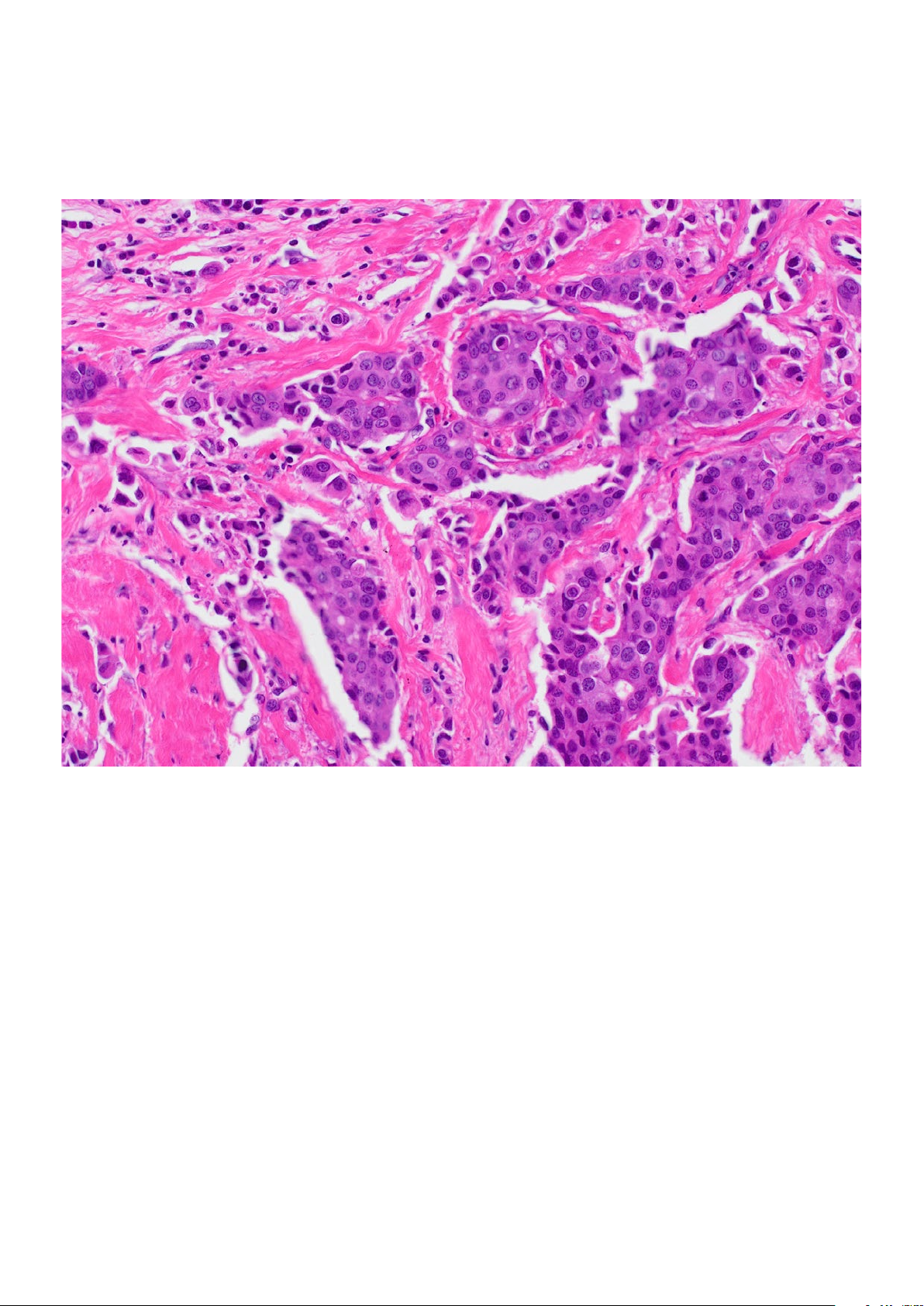
Color Reproduction that Rivals the Human Eye
Colors You Can Trust
Like all cameras in the DP series—which are famous for their color reproduction for clinical research and life
science samples—the DP28 camera realizes reliable color on your monitor. Dedicated ICC profiles show your
samples in their natural colors, so the dyes you use look the way you expect them to. With Olympus’ TruColor
LED light source for the BX53 microscope, the DP28 camera is part of a complete system that provides high
color reproduction from the light source to the camera.
Page 5
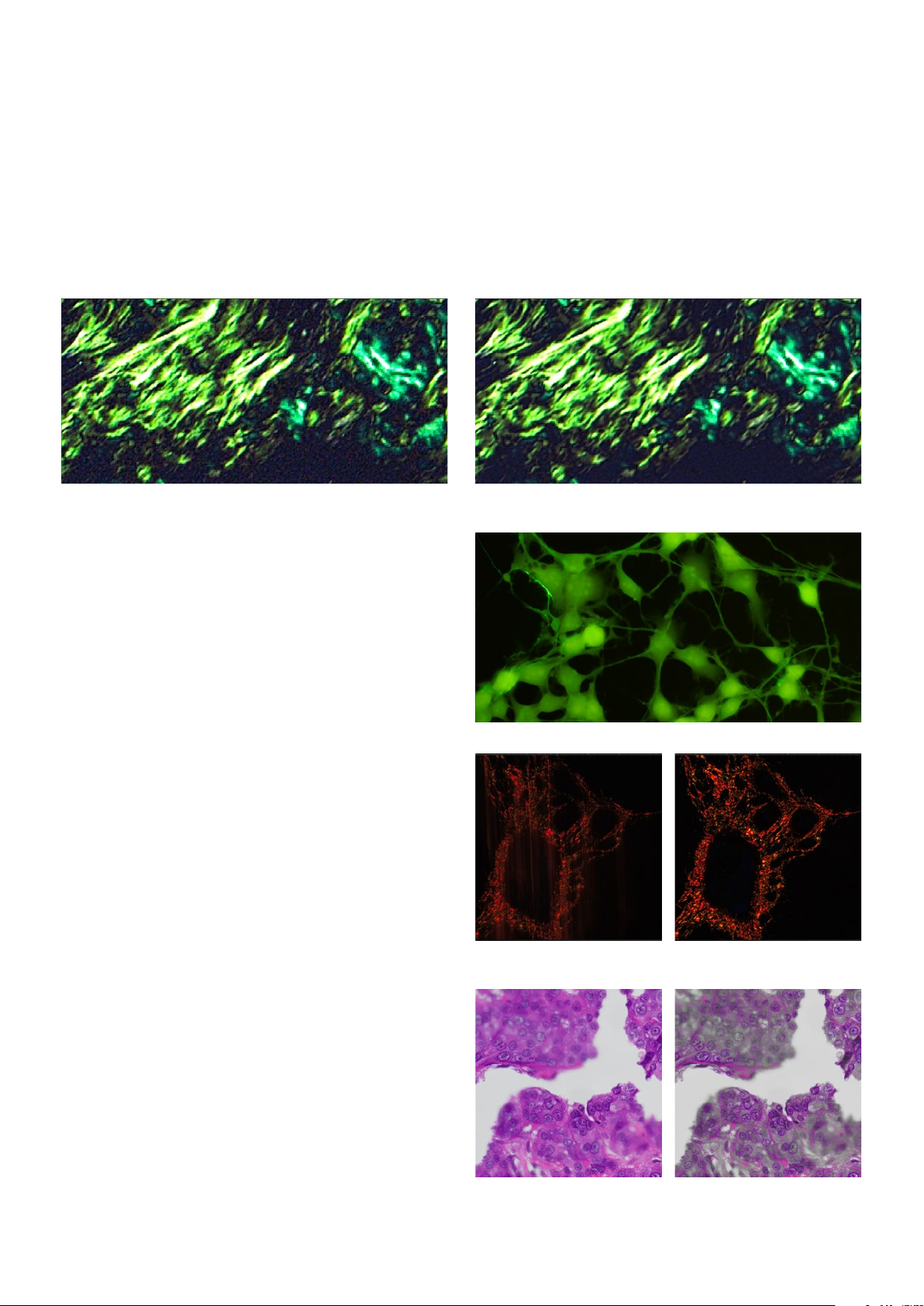
Image Capture Made Easy with Smart Features
Smart Image Technology
Olympus Smart Image Averaging (OSIA)* suppresses noise while maintaining a fast frame rate and eliminating
artifacts. OSIA automatically maximizes the camera’s image quality with no adjustments.
Without OSIA With OSIA
Capture Clear Images from Dim Samples
During polarization and fluorescence microscopy,
the High Contrast mode enables easier image
acquisition with a high signal-to-noise ratio so that
you can capture high-quality images from dim
samples. The feature automatically adjusts the
exposure time and applies the proper contrast
setting.
Smooth Live Images
The Fast Live function provides a consistently high
displayed frame rate during long-exposure imaging,
so your image remains smooth when scanning
samples, even under low light conditions. The result
is a smooth image when scanning samples.
Easy Precision Focusing
If you’re observing thick specimens, the Focus
Peaking function* helps you identify which sample
regions are currently in focus. The software indicates
the in-focus areas in color and the out-of-focus
areas in grayscale in an overlay of the live image.
Fast Live o Fast Live on
Without Focus Peaking With Focus Peaking
*Available in cellSens imaging software.
Page 6
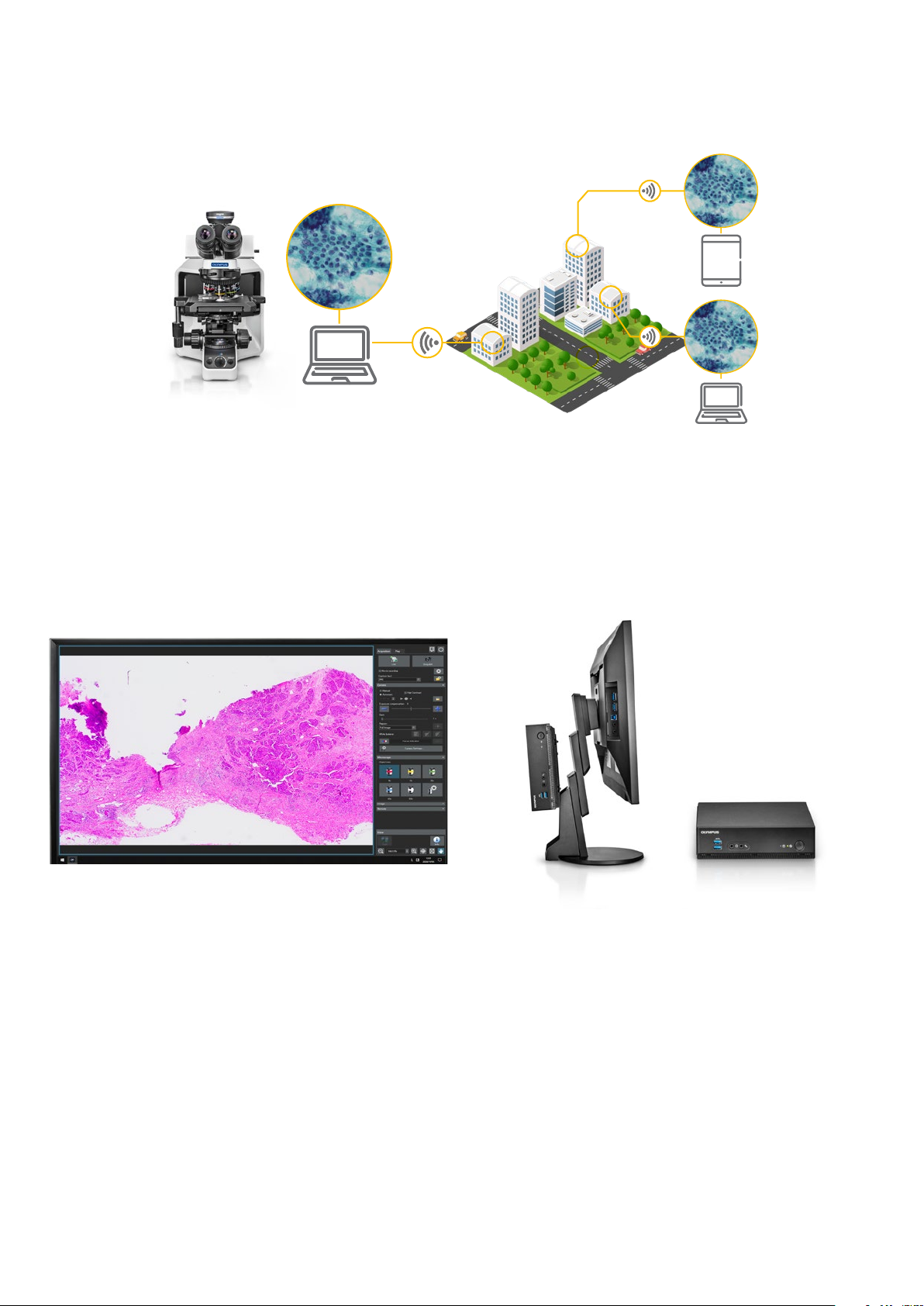
Simple to Set Up and Use
Fast, Ecient Remote Collaboration
All your critical data—images, annotations, and live measurements—can be displayed and shared together
locally or remotely using cellSens software with the NetCam solution or the standalone camera control
module’s remote image sharing feature.*1 This provides a simpler way to discuss and share smooth 30 fps, full
HD, live images with colleagues rather than relying on email attachments. And thanks to support for network
security protocols such as NIST and GDPR along with antivirus support, you can share your data safely.*1
One-Click Image Acquisition
The camera’s thoughtfully designed software
makes image acquisition simple. In most cases,
you can acquire images with just a single click
for an efficient workflow. Whether you choose
the advanced functionality of Olympus cellSens
software or the targeted functionality of the
standalone DP28-AOU (Advanced Operation Unit)
camera module, both have a simple user interface
that makes the software easy to use.
*1 Remote image sharing and antivirus software are optional.
Save Valuable Work Space with a PC-Less
Configuration
You can attach the camera’s standalone module to
the back of your monitor to free up valuable desk
space—a separate PC is not required.
Plug and Play Simplicity
Just plug the camera cord into your computer’s USB
3.1 port*2, and it’s ready to use. No separate AC
adaptor is required.
*2 USB3.1 Gen1 is compatible with USB3.0.
Page 7

DP28 Specifications
DP28-CU
Type 8.9-megapixel color camera
Sensor type 1-inch color color CMOS
Imaging sensor
Sensitivity Gain 1–24
Mount Camera adaptor C-mount
Exposure control
Exposure time
Camera I/F USB 3.1 Type-C®*1 (cable length: 2.9 m (9.5 ft))
Dimensions
Image size (W × H)
Live image display
(frame rate)*
2
Compatible image display Depends on the PC’s specifications.
Storage media Depends on the PC’s specifications.
Controller interface
Scale display
Measuring function According to cellSens*3 specifications
PC requirements
Shutter type Global Shutter
Pixel size 3.45 μm × 3.45 μm
Dynamic range 10 bit
Exposure mode Manual, Auto
Exposure spot size Full image, 30%, 1.0%, 0.1%
Exposure adjustment -2 to +2 (in 1/6 step)
Auto exposure AE lock, AE slow down
Manual exposure: 27 µs–15 s
Auto exposure: 27 µs–15 s
Camera head (W × D × H) 76.7 mm × 70.1 mm × 37.3 mm (3 in. × 2.8 in. × 1.5 in.)
Control unit (W × D × H) 180 mm × 180 mm × 53 mm (7 in. × 7 in. × 2 in.)
PC connection Standalone
4104 × 2174 (full resolution) 4104 × 2174 (full resolution)
3840 × 2160 (4K) 3840 × 2160 (4K)
2168 × 2168 (square) 2168 × 2168 (square)
2052 × 1086 (sub-sampling 2 × 2—high
speed)
2052 × 1086 (sub-sampling 2 × 2—high speed)
2052 × 1086 (binning 2 × 2—high sensitivity) 2052 × 1086 (binning 2 × 2—high sensitivity)
1920 × 1080 (full HD) 1920 × 1080 (full HD)
32 fps (full resolution) 30 fps (full resolution)
33 fps (4K) 30 fps (4K)
33 fps (square) 30 fps (square)
64 fps (sub-sampling 2 × 2—high sensitivity) 60 fps (sub-sampling 2 × 2—high speed)
32 fps (binning 2 × 2) 30 fps (binning 2 × 2—high sensitivity)
64 fps (full HD) 60 fps (full HD)
3840 × 2160 4K UHDTV, 2560 × 1440 WQHD, 1920 × 1200
WUXGA, 1920 × 1080 FHD, 1680 × 1050 WSXGA+, 1440 × 900
WXGA+, 1366 × 768 FWXGA, 1280 × 854 HDTV (720 p), 1600 ×
1200 UXGA, 1280 × 1024 SXGA
Integrated device for storing images (SSD: 60 GB)
External USB storage device
PC connected to network
USB3.1 Gen1 Display output: 2 x HDMI
Peripheral I/F: 4 x USB3.1 Gen1
Wired LAN: 2 x LAN (1000BASE-T/100BASE-TX/10BASE-T)
Serial port: RS-232C
Audio:Mic. input (monaural), phone jack
Scale bar Supported
Info stamp
Document name, total magnification, objective magnification, zoom
magnification
Zooming magnification 10% to 1600%
Measurement function count, distance between 2 points, polyline,
3-point circle, rectangle, 3-point angle, 4-point angle, perpendicular,
area and perimeter of polygon, distance between 2 centers, ruler
CPU® Intel® Xeon, Intel® Core i5, i7, i9
RAM: 8GB
Recommended:
• 6 or more physical CPU cores
• RAM: 16GB (8GB×2: dual channel)
Remote function PC connection Standalone
Optional license cellSens Netcam (remote function)*
Web browser
(client computer)
Customer PC OS requirements
*1 USB 3.1 Gen 1 is compatible with USB 3.0
*2 Frame rate may decrease depending on the condition of your PC
and/or software. It is recommended to use a dual-channel memory
configuration for your PC.
Microsoft Edge (chromium)
Google Chrome
Safari
Windows 10 Pro 64-bit, Android 9.0 or higher,
iOS 12.0 or higher.
3,4
Network solution (remote function)*
Antivirus software (white list type)
Microsoft Edge (chromium)
Google Chrome
Safari
Windows 10 Pro 64-bit, Android 9.0 or higher, iOS 12.0 or
higher
*3 cellSens software is not for clinical diagnostic use.
*4 cellSens v. 3.1.1 or later.
*5 Network must be within an Intranet. For a wireless connection, a USB wireless
LAN adaptor is also required.
5
Page 8
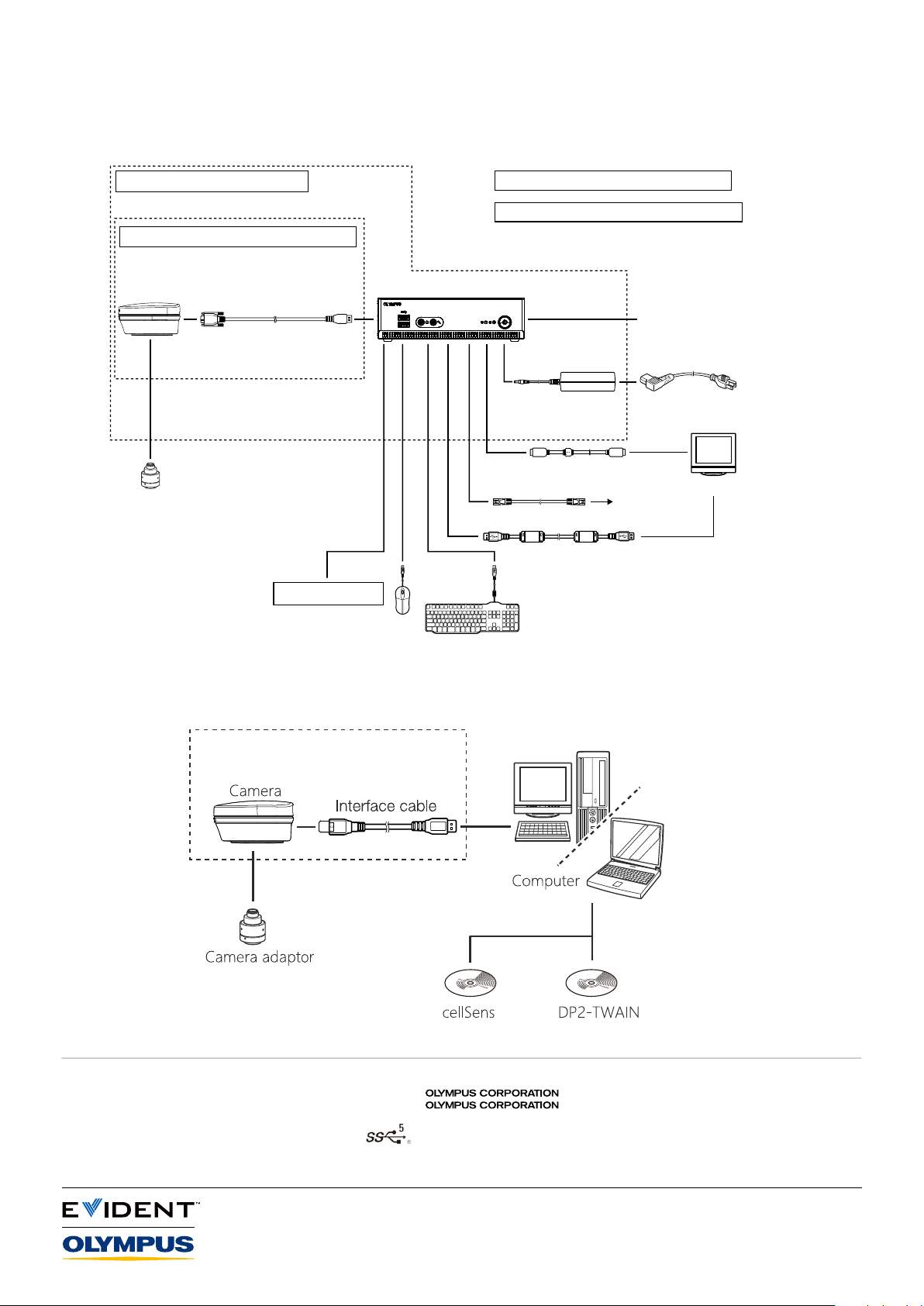
DP28 Standalone Configuration System Diagram
DP28-AOU (DP28 control unit set)
DP28-CU (Microscope digital camera)
Camera head
Interface cable
Camera adaptor
Other USB devices
DP2-NS (Network Solution License) (optional)
DP2-AVS (Antivirus Software License) (optional)
DP2-AOU (Control box)
AC adaptor
Display cable
To network
LAN cable
USB cable for touch panel
Control box for
microscope system
Power cord
*
Display
*By using the VESA adapter, you can attach
the control box to the back of the display.
DP28 PC Configuration System Diagram
DP28-CU
provided only by
downloading from website
is ISO14001 certified.
is ISO9001 certified.
EvidentScientific.com
•
•
• Microsoft and Windows are registered trademarks of Microsoft Corporation in U.S. The terms HDMI and HDMI High-Definition
Multimedia Interface, and the HDMI Logo are trademarks or registered trademarks of HDMI Licensing Administrator, Inc. in the United
States and other countries. The SuperSpeed USB 5Gbps Trident Logo is a registered trademark of USB Implements Forum, Inc. All
brand names or product names described in this instruction manual are trademarks or registered trademarks of relevant owners.
• All company and product names are registered trademarks and/or trademarks of their respective owners.
Olympus, the Olympus logo, cellSens, and OLYMPUS Stream are trademarks of Olympus Corporation or its subsidiaries.
• Specifications and appearances are subject to change without any notice or obligation on the part of the manufacturer.
EVIDENT CORPORATION
Shinjuku Monolith, 2-3-1 Nishi-Shinjuku, Shinjuku-ku, Tokyo 163-0914, Japan
Printed in Japan N8602101-042022
 Loading...