

Page 1
Get Started
Cover (Page 1)
Page 2

Safety Instructions
• Do not connect appliances to this remote controlled socket-outlet if the instruction
manual of the appliances prohibits being remote controlled (for example appliances
according to EN 60335-2-9 like grills, toasters and similar portable cooking appliances,
or portable kitchen appliances, or appliances with heating elements like ovens or
heaters, etc.).
• Do not connect any appliances to this remote controlled socket-outlet which are radiating
heat and may cause ignition or burning of surrounding materials (for example radiation
heaters, portable heaters, portable floodlights, desk lamps, etc.).
• Keep in mind that connected appliances might be moved by pets, cleaning staff or other
persons who are not aware of the remote control functions.
• Do not connect any appliances with potential hazards such as moving parts
(for example drills, table saws, blenders, etc.).
• The connection/installation of this product should be in a suitable area with the remote
controlled socket-outlet easily readable and accessible for disconnection actions.
• Only voltage free if the plug is pulled. Do not connect in series.
(2)
Page 3

Specifications
Frequency range: 2402 - 2480 MHz
Max RF e.i.r.p. power: < 6 dBm
Degree of protection: IP20
Class I product with earth contact in plug and socket-outlet
Pollution degree: 2
Ambient air temperature: 0 °C - 35 °C
Rated impulse withstand voltage: 2.5KV
Number of operating cycles: 10.000 cycles
Circuit disconnection: Relay
Proof Tracking Index (PTI): 175
Level of glow wire test: Level 1
Type of load: Resistive load or filament load
(3)
Page 4
1
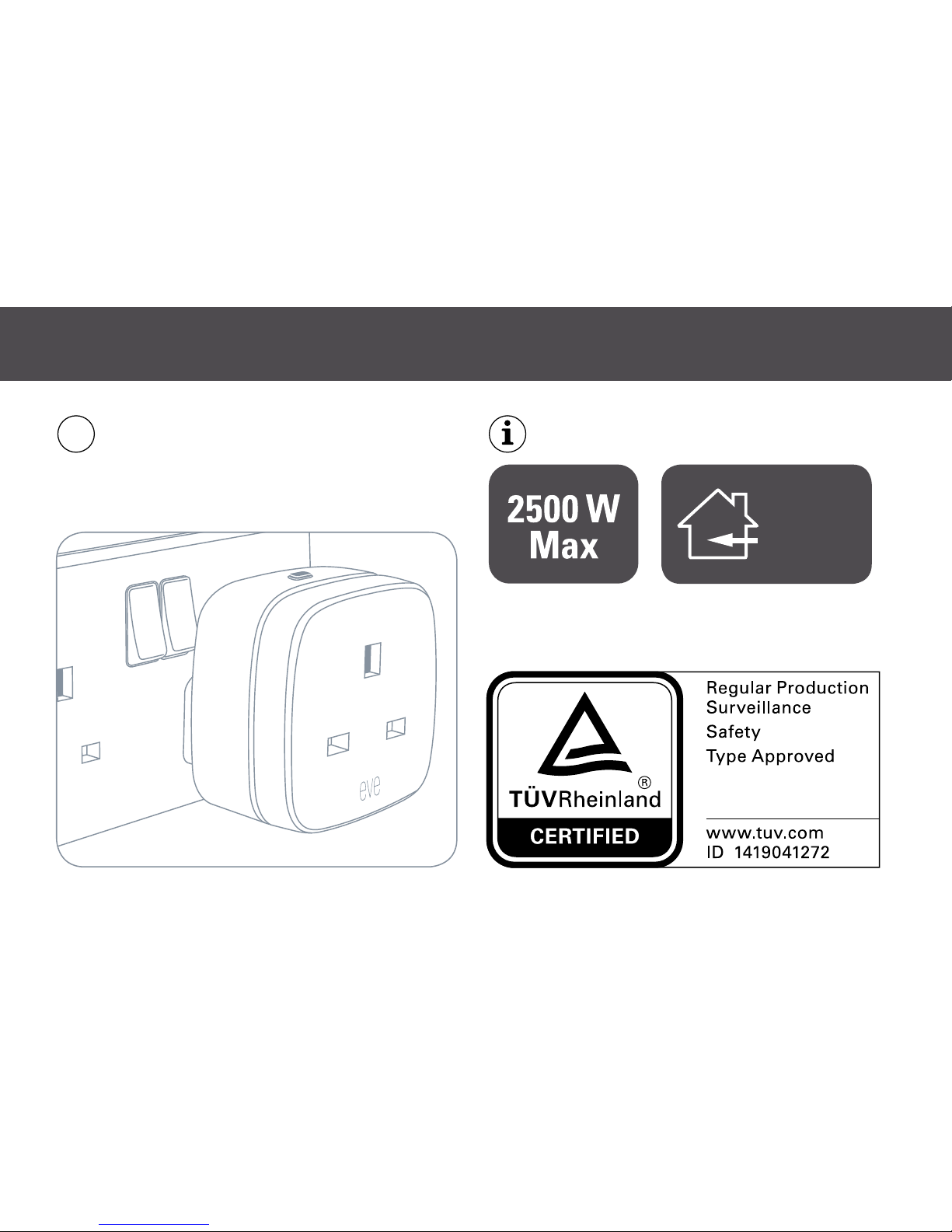
Plug Eve Energy into a powered socket.
Get started
For indoor
use only
(4)
Page 5
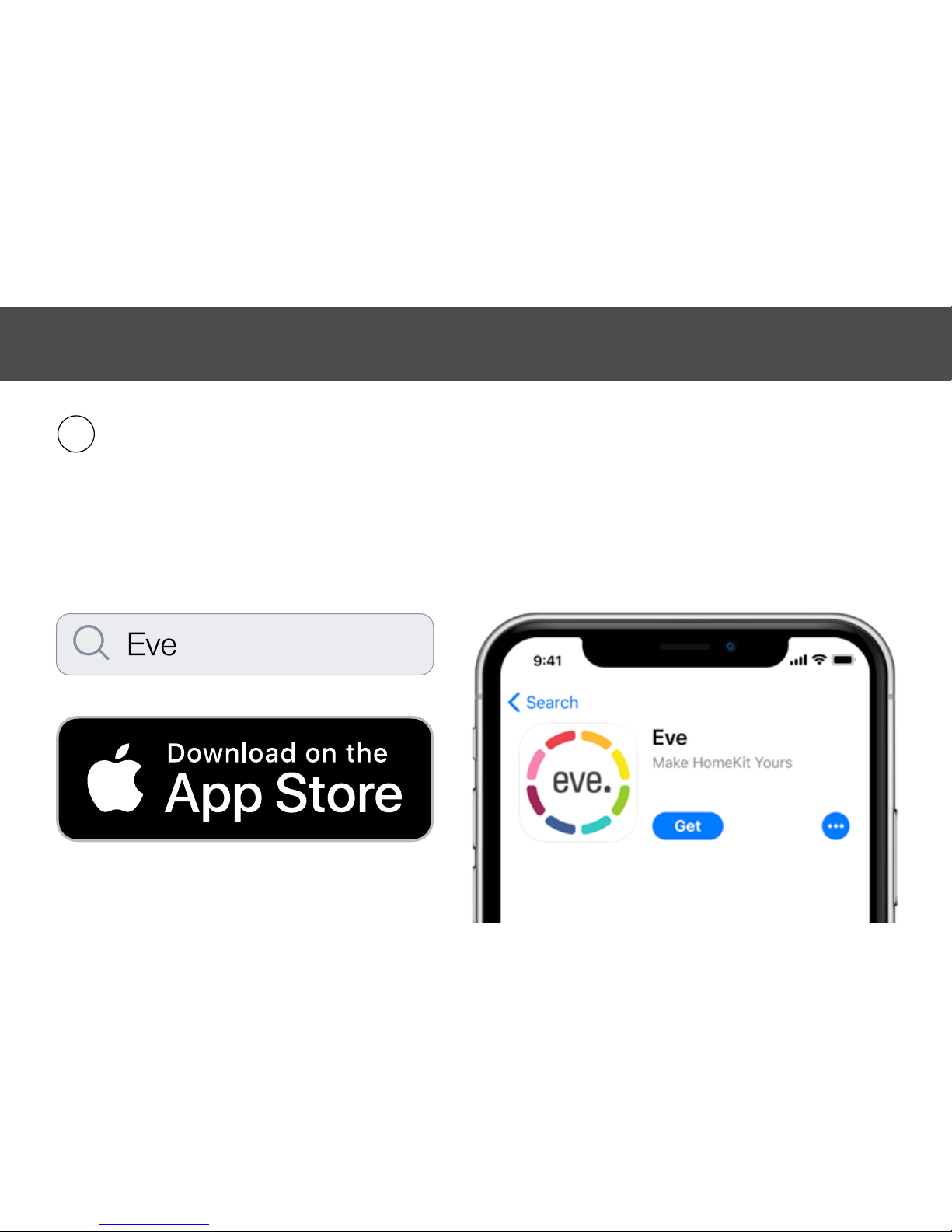
Download the Eve app from the
App Store.
2
Get started
(5)
Page 6
Get started
Open the Eve app and tap Add Accessory. Eve will now guide you through the
setup process to remotely control your devices.
3
(6)
Page 7
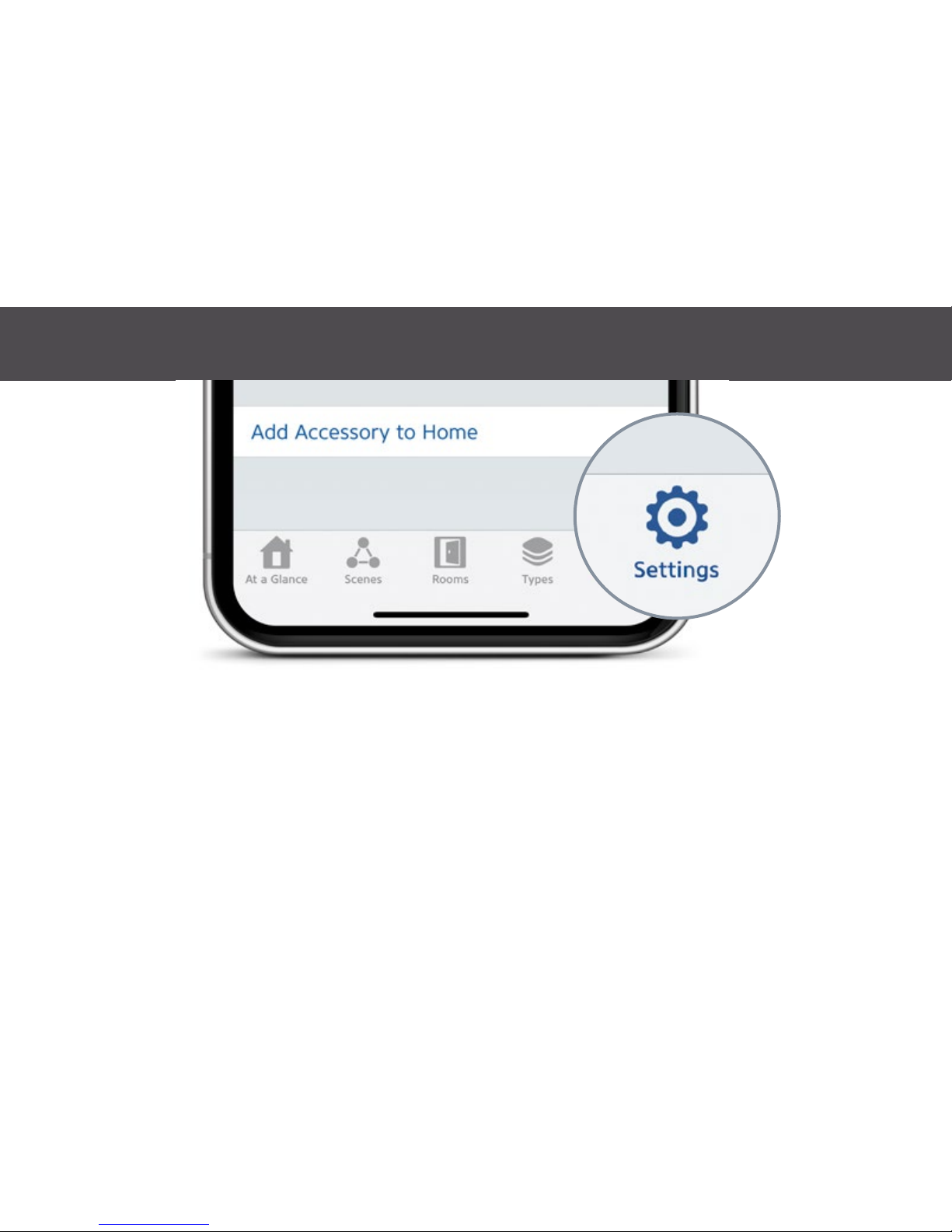
If you have already set up another accessory, go to the Eve settings to add
Eve Energy to your home.
Get started
(7)
Page 8
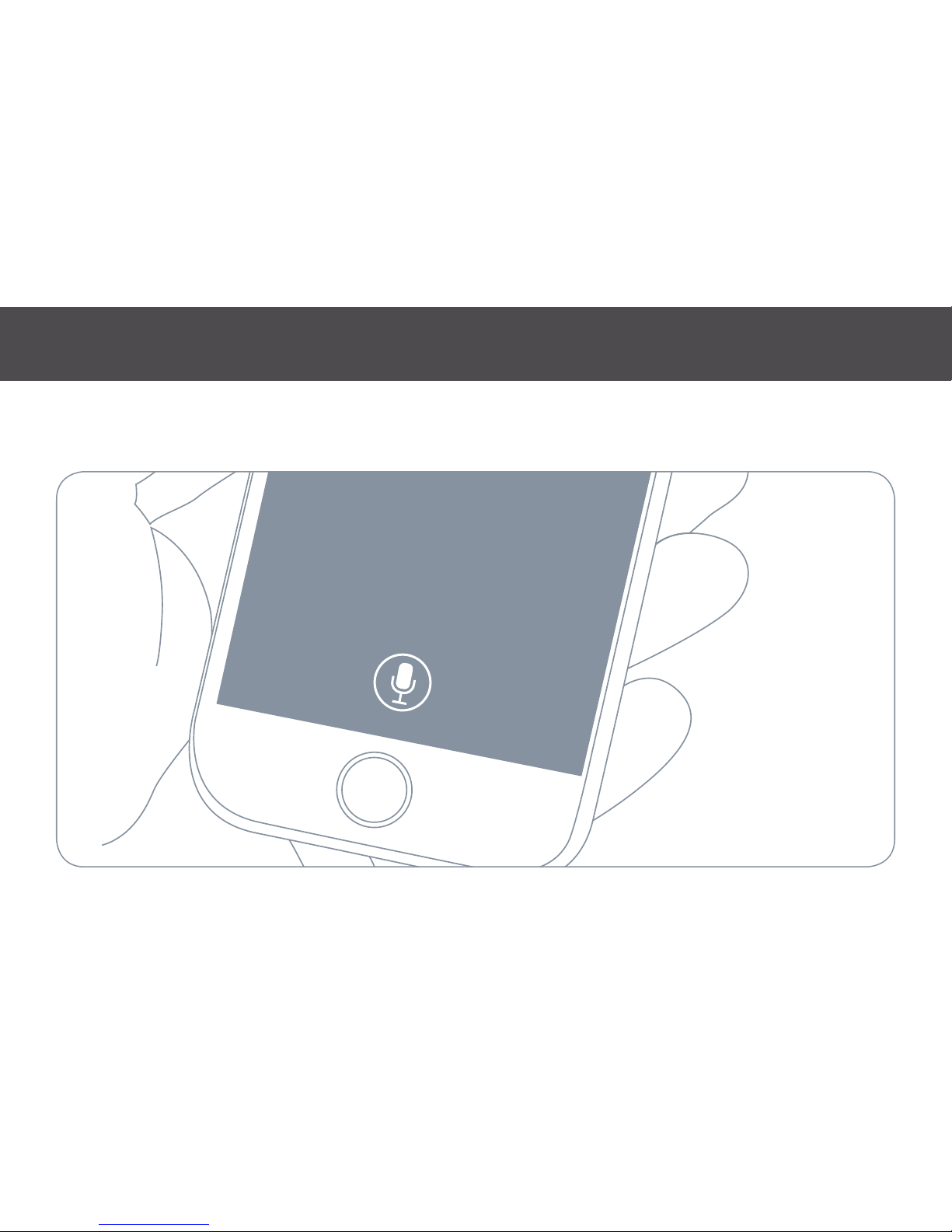
Enjoy
Control devices connected to Eve Energy from the app or using Siri.
(8)
Page 9
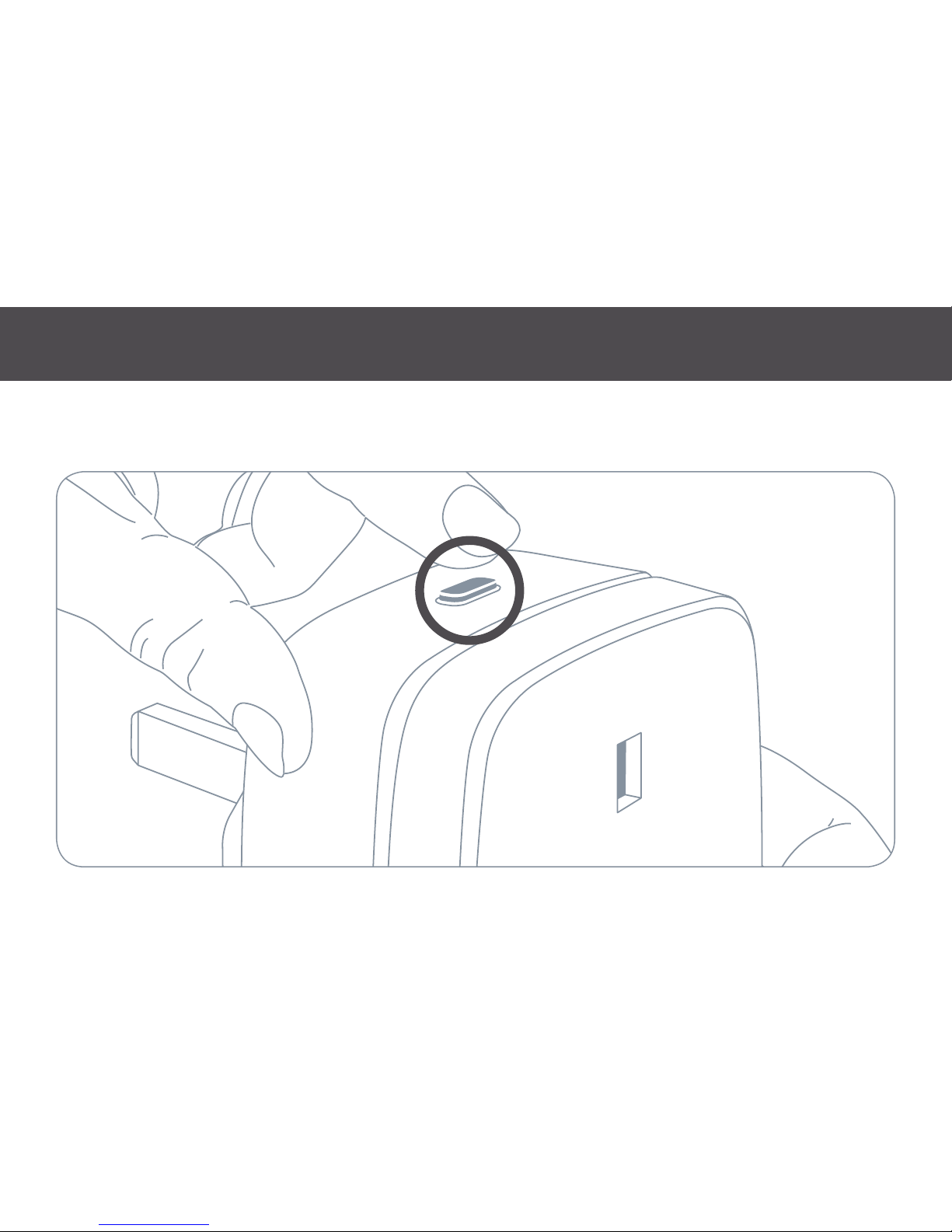
You can also use the button to control devices connected to Eve Energy.
Enjoy
(9)
Page 10
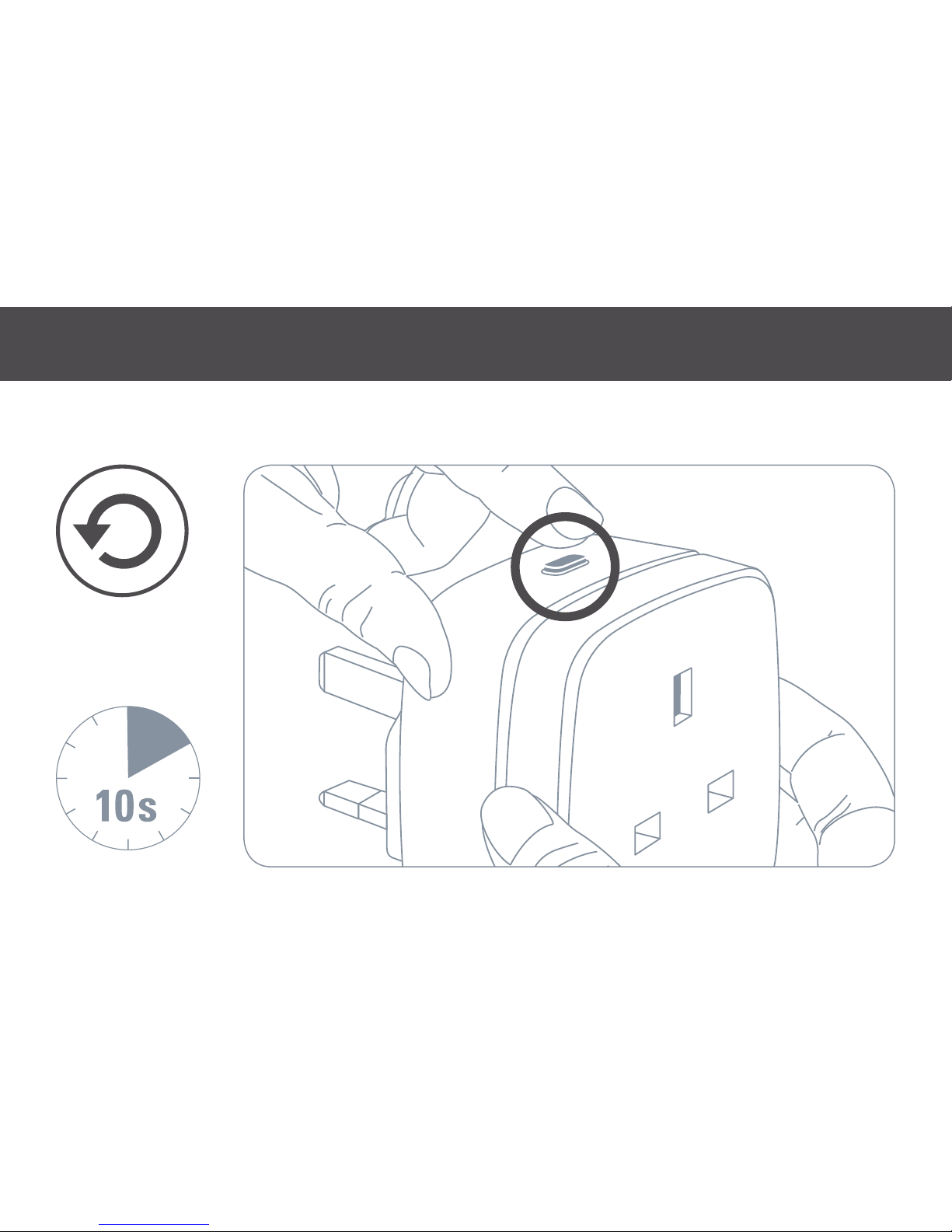
Reset • RéinitialisationReset
(10)
Page 11
Please keep your HomeKit Setup Code in a safe place. You need it to
securely add Eve to your home, and nobody but you has a copy.
Hereby, Eve Systems declares that this device is in compliance with the essential requirements and other
relevant provisions of Directive 2014/53/EC. The declaration of conformity is available at www.evehome.com/doc
Product: 1EE101101000 • Model: 20EAO8601 • Part: 51EAO8603
(11)
Page 12
Room:
Notes:
BackCover with
Sticker Placement
(Page 12)
 Loading...