

Page 1
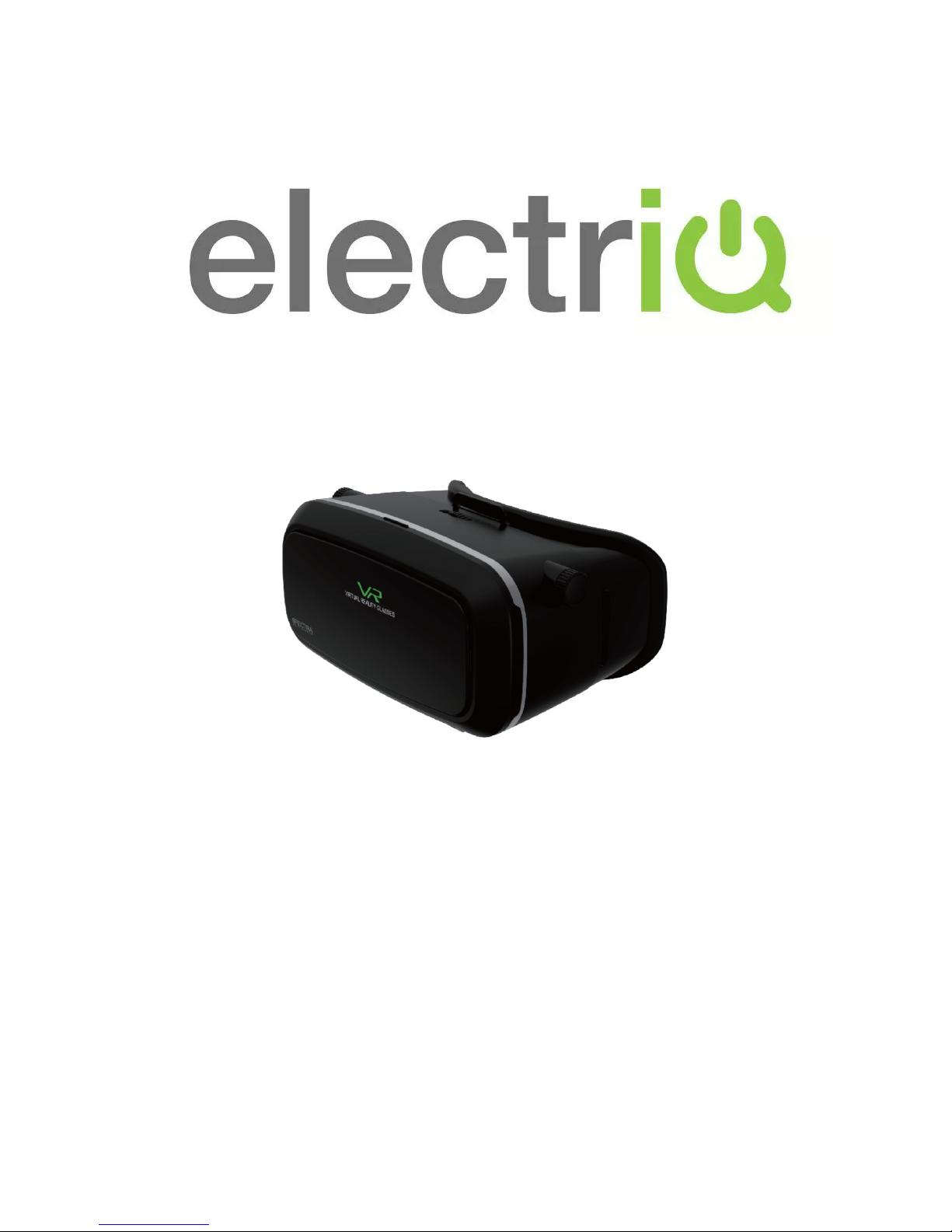
VIRTUAL REALITY GOGGLES
Model: VR02
Thank you for choosing ElectrIQ
Please read this user manual before using this Vacuum Sealer and keep it safe
for future reference.
Visit our page www.electrIQ.co.uk for our entire range of Intelligent Electricals
Page 2

WARNINGS
• Use only in a safe environment. The headset produces an
immersive virtual reality experience that distracts you from and
completely blocks your view of your actual surroundings.
Always be aware of your surroundings when using the headset.
Remain seated whenever possible and take special care to
ensure that you are not near other people, objects, stairs,
balconies, windows, furniture, or other items that you can trip
over, bump into or knock down when using, or immediately
after using, the headset. Do not handle sharp or otherwise
dangerous objects while using the headset. Never wear the
headset in situations that require attention such as walking,
cycling or driving.
• Ease into the use of the headset to allow your body to adjust.
Use for only a few minutes at first and only increase the
amount of time using the headset gradually as you grow
accustomed to virtual reality.
• Do not use the headset when you are tired or under the
influence of alcohol or drugs as this can increase your
susceptibility to adverse symptoms.
• Take a 10 to 15 minute break every hour, even if you don’t
think you need it. Each person is different so take more
frequent and longer breaks if you feel discomfort.
• If you experience discomfort immediately discontinue use.
• Do not use whilst the mobile phone is charging.
• Remove glasses before use.
• Not suitable for children under the age of 3.
• Children should be supervised whilst using the device and use
limited to 30 minutes at a time.
Page 3

GOGGLES
Inter pupillary distance adjustment wheel
Removable front cover Object distance adjustment
Ergonomic face pad Lens Focus adjustment ring
Page 4
COMPATIBLE DEVICES
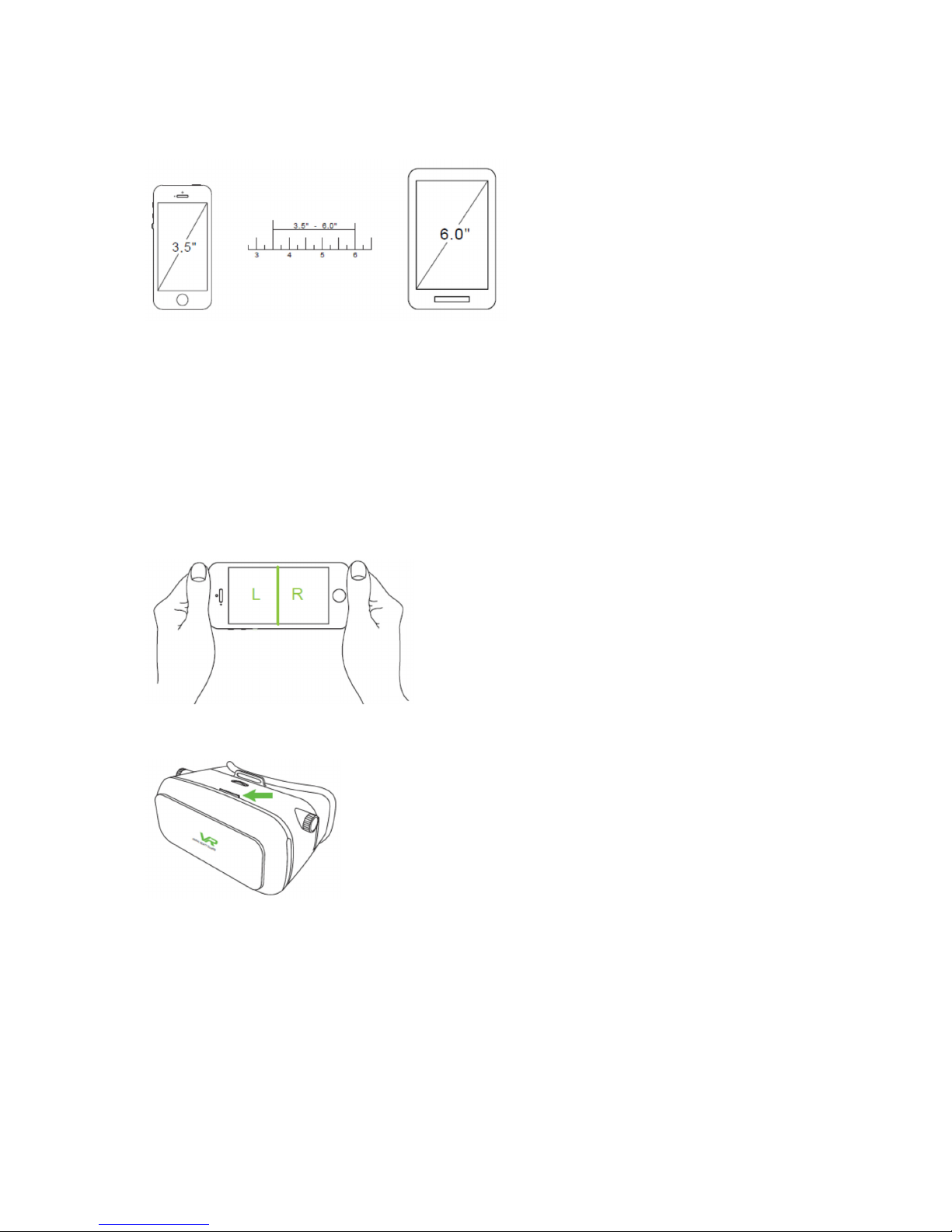
The goggles can accept most devices with screens from 3.5” to 6.0”.
HOW TO USE
Select a virtual reality app to play or video to watch on your mobile
phone. Orientate the phone horizontally.
Open the front of the goggles by flipping down the front section.
Insert your mobile phone into the holder on the front of the front
section. The spring loaded holders will open and close to hold your
phone securely.
Page 5
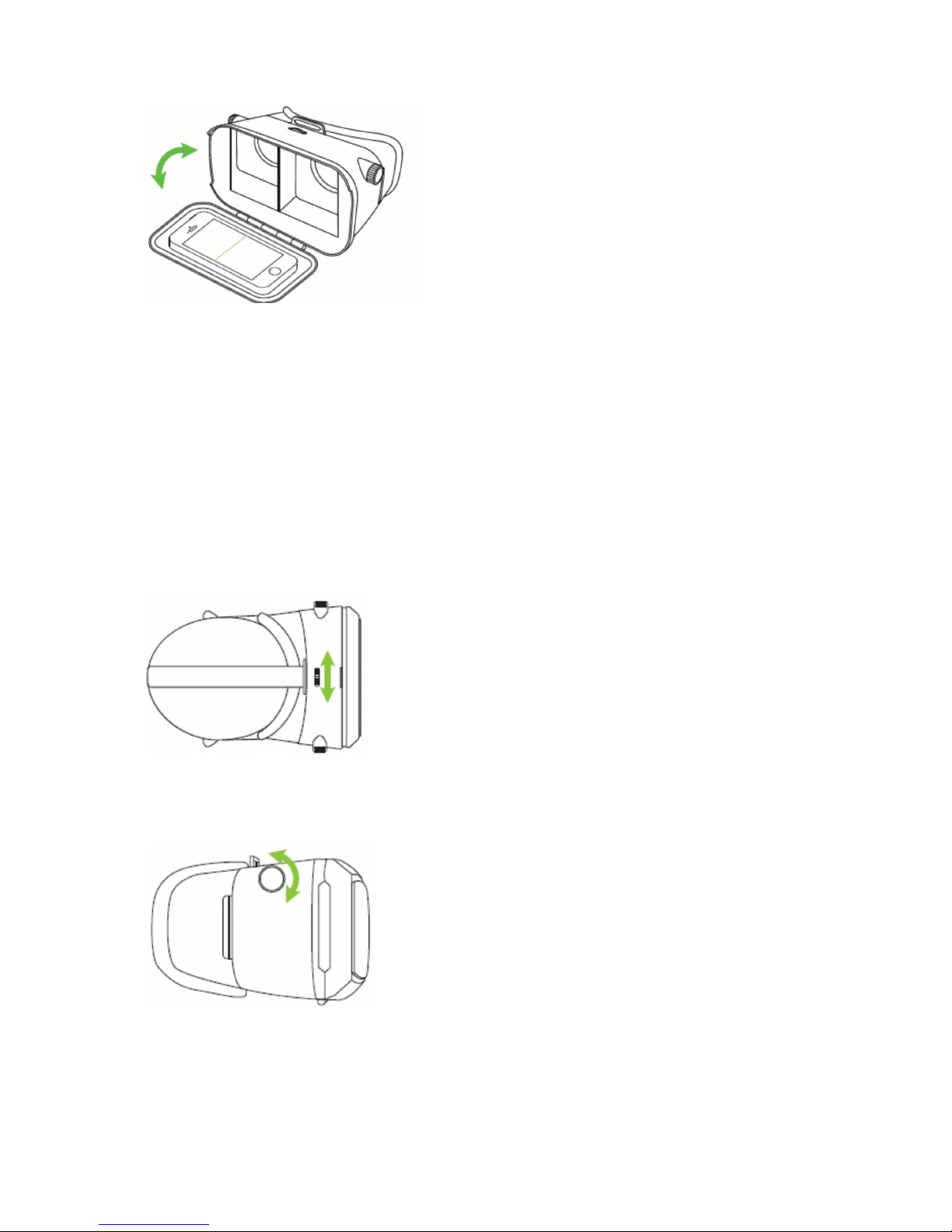
Close the front of the goggles again.
Place the head strap over your head and adjust the straps using the
Velcro adjustments.
The goggles can be adjusted for the individual user’s vision.
The pupillary distance can be adjusted by rolling the adjuster in the
centre of the top either right or left.
The object distance can be set by rotating the knobs on the left and
right side of the goggles clockwise or counter clockwise.
Page 6
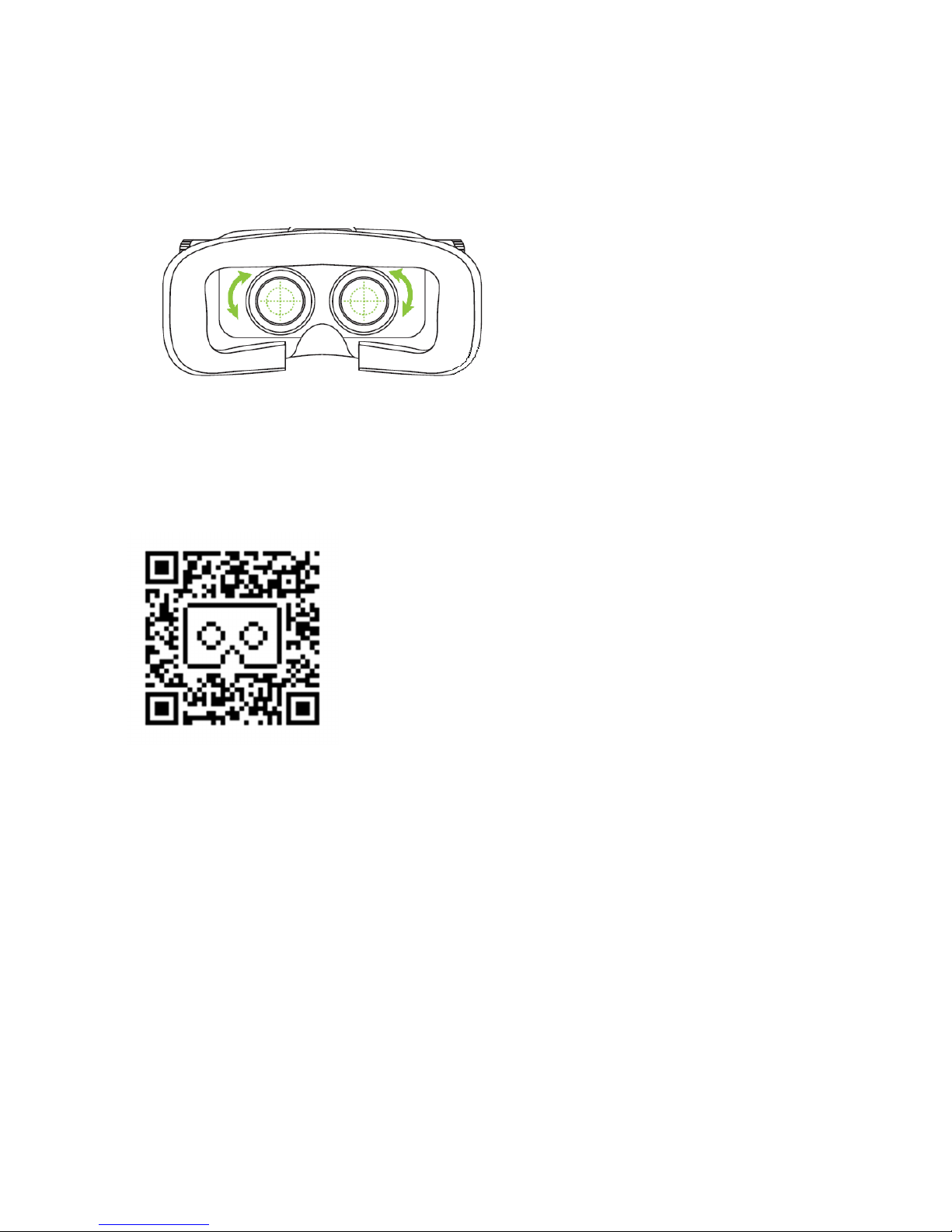
To adjust the focus of the goggles, twist the focus rings on the inside
of the goggles, around the lenses. This can be used to correct
prescriptions that normally require glasses.
You are now ready to enjoy virtual reality.
GETTING STARTED: GOOGLE CARDBOARD AND
OTHER VR PLATFORMS
If you are using the VR device with cardboard
games you need to download the Cardboard app.
Once you have installed the Cardboard app you are
walked through a simple set up process. The app
will ask you to scan the QR code provided with
your headset or VR accessory and doing so will
calibrate any apps using the Cardboard SDK to
match the lens type and fit in your headset. You
can always use the default Cardboard settings, but the sticker calibration
method ensures you are getting the best VR experience.
Outside of the official Cardboard app, there are tons of apps that support
this same split-screen visual format and work great within Cardboard.
Many of these experiences are highly visual, or include some simple and
addictive gameplay mechanic, but nearly all of them are made better with
the addition of a decent set of headphones or earbuds; quality audio
completes the VR immersion. Also search your favourite app market for
terms as VR, cardboard, VR Games, VR theatre, VR player or platforms as
Nibiru, Fibrum, Homido etc.
There is also a 360 degrees youtube channel that will benefit of VR
goggles use.
Page 7

electriQ UK SUPPORT
www.electriQ.co.uk/support
Complete online support form on: www.electriQ.co.uk/support
Customer Service Line: 0871 620 1057
Office hours: 9AM – 5PM Monday to Friday
www.electriQ.co.uk
Unit 2, The Nursery
Berristow Lane
South Normanton
Derbyshire
DE55 2FX
 Loading...