

Page 1
INSTRUCTION BOOKLET
Page 2
Nintendo, Wii and the Official Seal are trademarks of Nintendo. © 2006 Nintendo.
Licensed by Nintendo
Playing video games can make your muscles, joints, skin or eyes hurt. Follow these instructions to
avoid problems such as tendonitis, carpal tunnel syndrome, skin irritation or eyestrain:
• Avoid excessive play. Parents should monitor their children for appropriate play.
• Take a 10 to 15 minute break every hour, even if you don't think you need it.
• If your hands, wrists, arms or eyes become tired or sore while playing or if you feel symptoms such
as tingling, numbness, burning or stiffness, stop and rest for several hours before playing again.
• If you continue to have any of the above symptoms or other discomfort during or after
play, stop playing and see a doctor.
PLEASE CAREFULLY READ THE Wii™ OPERATIONS MANUAL COMPLETELY BEFORE USING YOUR
Wii HARDWARE SYSTEM, GAME DISC OR ACCESSORY. THIS MANUAL CONTAINS IMPORTANT
HEALTH AND SAFETY INFORMATION.
IMPORTANT SAFETY INFORMATION: READ THE FOLLOWING WARNINGS BEFORE YOU OR
YOUR CHILD PLAY VIDEO GAMES.
• Some people (about 1 in 4000) may have seizures or blackouts triggered by light flashes or
patterns, and this may occur while they are watching TV or playing video games, even if they have
never had a seizure before.
• Anyone who has had a seizure, loss of awareness, or other symptom linked to an epileptic
condition, should consult a doctor before playing a video game.
• Parents should watch their children play video games. Stop playing and consult a doctor if you or
your child has any of the following symptoms:
Convulsions Eye or muscle twitching Altered vision
Loss of awareness Involuntary movements Disorientation
• To reduce the likelihood of a seizure when playing video games:
1. Sit or stand as far from the screen as possible.
2. Play video games on the smallest available television screen.
3. Do not play if you are tired or need sleep.
4. Play in a well-lit room.
5. Take a 10 to 15 minute break every hour.
Playing video games can cause motion sickness in some players. If you or your child feels dizzy or
nauseous when playing video games, stop playing and rest. Do not drive or engage in other
demanding activity until you feel better.
This Nintendo game is not designed for use with
any unauthorized device. Use of any such device will invalidate your Nintendo product warranty.
Copying of any Nintendo game is illegal and is strictly prohibited by domestic and international
intellectual property laws. “Back-up” or “archival” copies are not authorized and are not necessary to
protect your software. Violators will be prosecuted.
REV–E
IMPORTANT LEGAL INFORMATION
WARNING – Seizures
CAUTION – Motion Sickness
WARNING –
Repetitive Motion Injuries and Eyestrain
The Official Seal is your assurance that this product is licensed or manufactured by
Nintendo. Always look for this seal when buying video game systems, accessories,
games and related products.
Contents
Once Upon a Time
Parental Tips
Controls
Restore the Magical Kingdoms
The Adventure Begins
Your Heroine
Basic Movement
The Castle of Gentlehaven
Create Your Own Character
Save the Disney Princess Kingdoms
Cinderella’s World
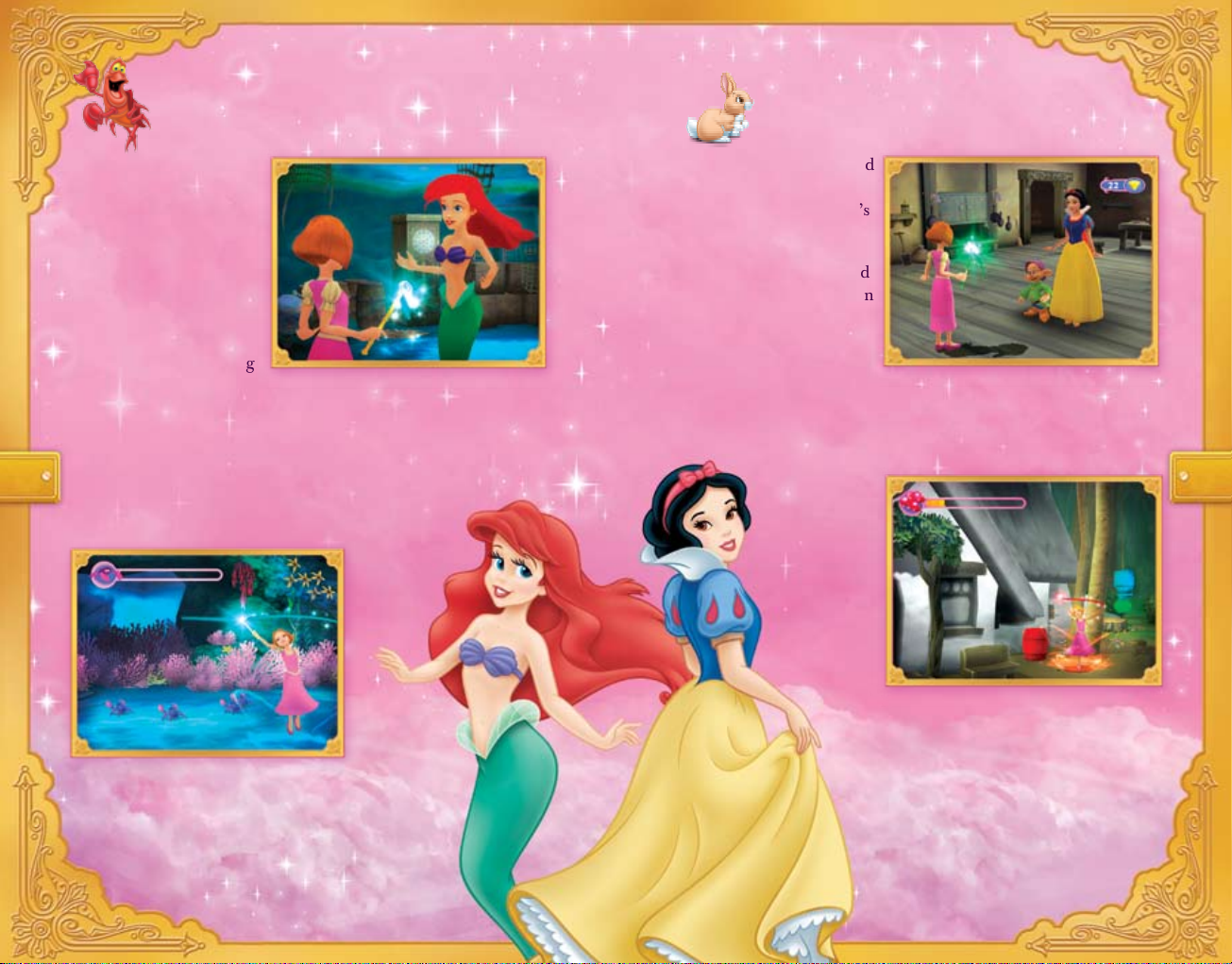
Ariel’s World
Snow White’s World
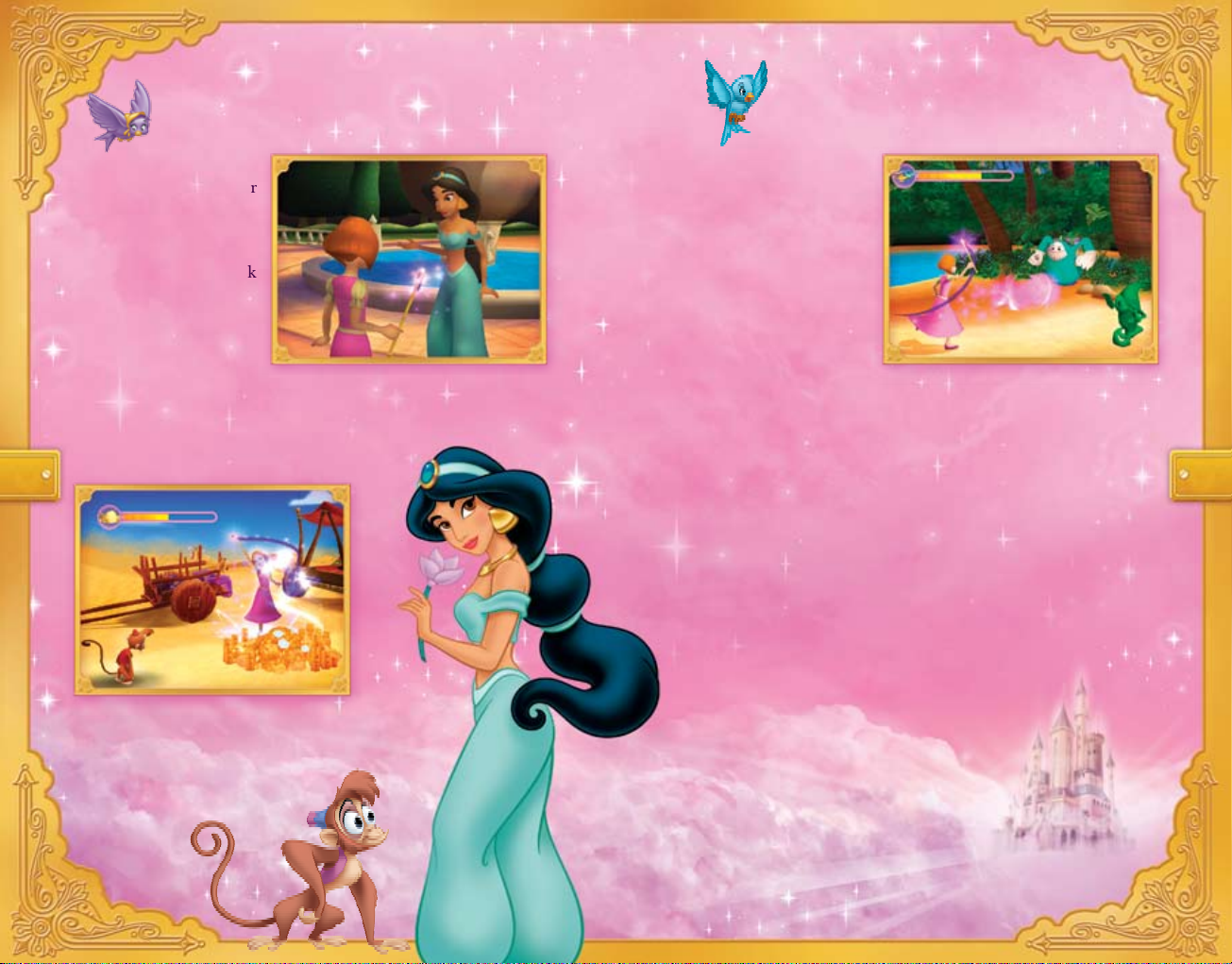
Jasmine’s World
The Pixie Magic Meter
Magic Wand
Play with a Friend
Autosave
Customer Support Information
Limited Warranty
2
3
4
6
7
8
9
10
11
12
13
14
15
16
17
18
19
20
20
21
1
Page 3
Parental Tips
Once Upon a Time…
1. To start the game, refer to page 6 of the manual.
2. In this game your child can play Single Player mode, or with a
friend in Two Player mode, as she journeys into the kingdoms of
four Disney Princesses.
3. The game automatically saves whenever your child sees the Wii
console icon on-screen. To load a previously saved game, select
Load Game from the Main Menu.
4. Press the
Z Button to interact with people. Swing the Wii
Remote up and down to cast magic.
Move the Wii Remote
left and right to perform a magic twirl. For a charge attack,
point the Wii Remote up and swing it down. Use the
A Button to jump. To move, use the Control Stick or the
+Control Pad.
5. To customize the Princess, find the Shirt icon in the castle of
Gentlehaven.
6. The Princess levels are organized by difficulty. Ariel’s kingdom
is the easiest, followed by Jasmine’s and Cinderella’s.
Snow White’s kingdom is the most difficult.
7. You can journey to any Princess level at any time, but you have
to play the chapters in order. To venture into another Princess’s
kingdom, press the
+ Button, then choose Return to Castle from
the Menu.
8. If you get stuck, the Pixie will assist you with reminder messages,
so pay close attention to what she may have to tell you.
9. In case you get lost, just look for the path of gems. Those will
lead you in the right direction.
…The evil witch Zara and her mischievous Bogs invaded the
kingdoms of Cinderella, Ariel, Snow White and Jasmine and
stole their Time, Sound, Color and Trust.
The Disney Princesses now need your help! Playing as your own
adventurous customizable heroine character, you must enter each
world and restore their kingdoms before they are changed forever.
Be careful! Each world is full of challenges and mischievous villains.
Only your magic wand and your good sense will see you through.
2 3
Page 4
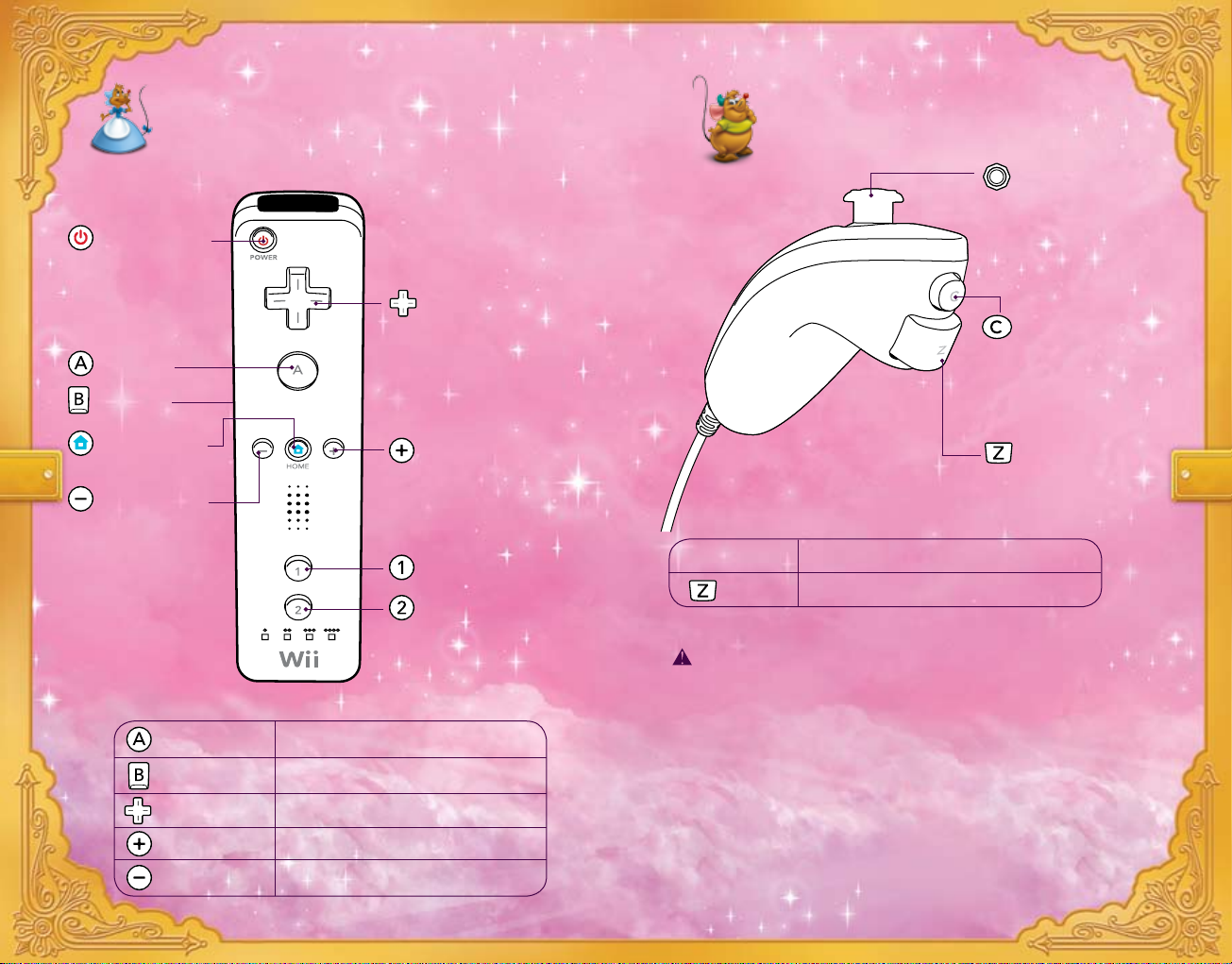
Controls – Nunchuk™Controls – Wii Remote™
Power Button
A Button
Home Button
Minus Button
Control Pad
Plus Button
Button
Button
Control Stick
Button
Button
B Button
Button Select / Jump
Button Return to previous screen
Control Pad Move
Button Pause
Button Pixie Meter
Nunchuk Highlight menu options
Button Interact
CAUTION: WRIST STRAP USE
Please use the wrist strap to help prevent injury to other
people or damage to surrounding objects or the Wii Remote
in case you accidentally let go of the Wii Remote during
game play.
Also remember the following:
• Make sure all players put on the wrist strap properly when
it is their turn.
• Do not let go of the Wii Remote during game play.
• Dry your hands if they become moist.
• Allow adequate room around you during game play
and make sure that all areas you might move into
are clear of other people and objects.
• Stay at least three feet from the television.
4 5
Page 5
Restore the Magical Kingdoms The Adventure Begins
Help restore the kingdoms of Cinderella, Ariel, Snow White
and Jasmine with three enchanting modes of play.
One Player – Journey through the many worlds of your
favorite Disney Princess and use your magic to restore Time,
Sound, Color and Trust.
Two Player – You and a friend can join forces and save the
Disney Princess kingdoms from the Bogs together.
Mini-games – Challenge your skills with lots of fun
mini-games found throughout the many Disney
Princess kingdoms.
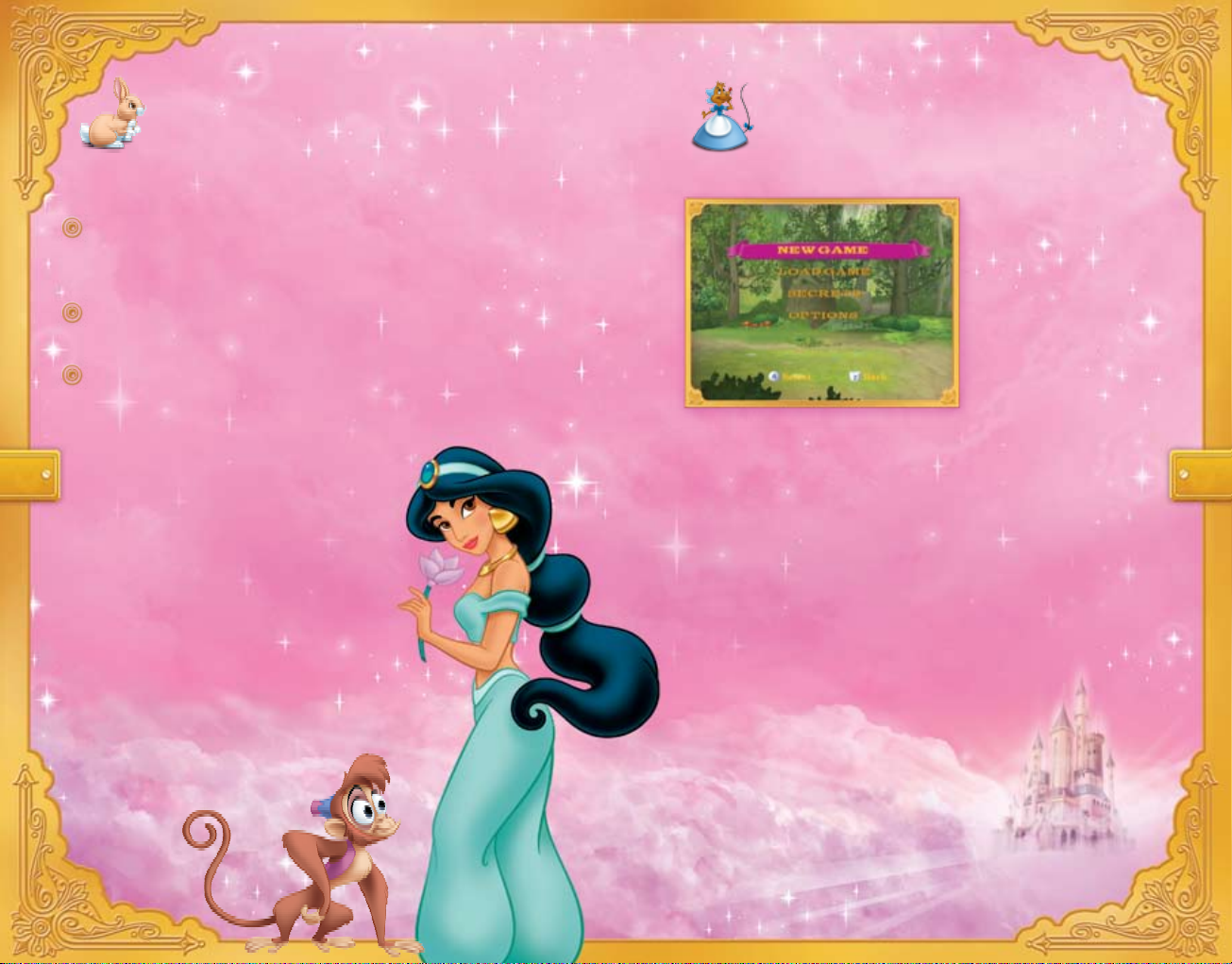
To begin your adventure, go to the Main Menu.
On the Main Menu, select
New Game to start a new
adventure. Once a new
adventure has been chosen,
choose to play One Player
or Two Player. Two Player
mode can only be selected
if a second
Wii Remote and
Nunchuk pairs is connected
to the Wii.
Choose Load Game to play a previously saved adventure.
The next screen is the profile screen. If starting a New Game,
select an empty slot to begin your quest. Once an empty slot has
been selected, the game will begin. After the opening cinematic,
you will be prompted to enter a name.
6 7
Page 6
Your Heroine Basic Movement
Guide your own heroine on her quest to save the
Disney Princess kingdoms.
The Call to Adventure
One day, a Pixie will come to the Kingdom of
Gentlehaven to alert you of the problems facing
your favorite Disney Princesses.
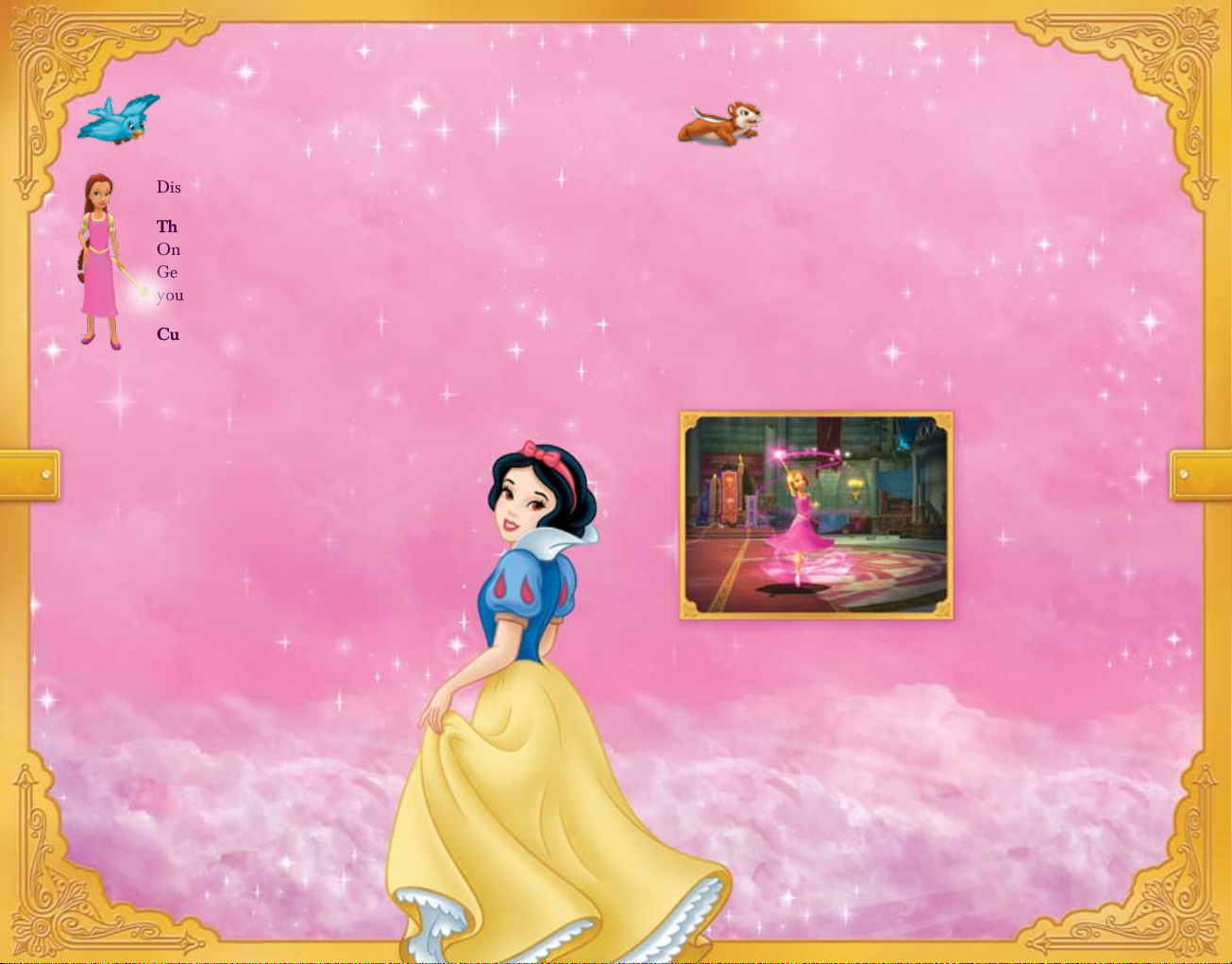
Customize Your Character
Before you go, you will be given the chance to
create your very own heroine character. Choose from
a range of dress colors, hair colors, skin tone, eye
colors, accessories and more!
The Magic Wand
The Pixie will also give you a magic wand
that will aid you in your adventures to
restore each Disney Princess kingdom.
Hint: Use your wand to fend off evil
Bogs with the charge attack or to
cast magic.
Walk – Use the Control Stick or the +Control Pad to walk.
Jump – To jump, press the A Button.
Interact – Press the Z Button to talk with people and interact
with various objects.
Cast Magic – Swing the Wii Remote up and down to fend off
villains with your magic wand.
Charge Attack – Hold the Wii Remote vertically, then swing
it down to create a blast of magic!
Push/Pull Objects – Need to move a cart? Press the Z Button
to grab the cart and use the
Control Stick to move it around.
Ledge Grab – When you walk off of a platform or misjudge a
jump, you will automatically grab the ledge and pull yourself up.
If you want to jump up a ledge, get close and press the
A Button
and you will automatically grab the ledge and pull yourself up.
8 9
Hint: When Bogs approach, cast your magic to protect yourself.
Magic Twirl –
Find hidden treasures
or use your magic by
swinging the Wii
Remote left and right.
Page 7
The Castle of Gentlehaven
The castle of Gentlehaven
is your hub to a magical
adventure. In it you will
find portals to all of the
Princesses’ kingdoms.
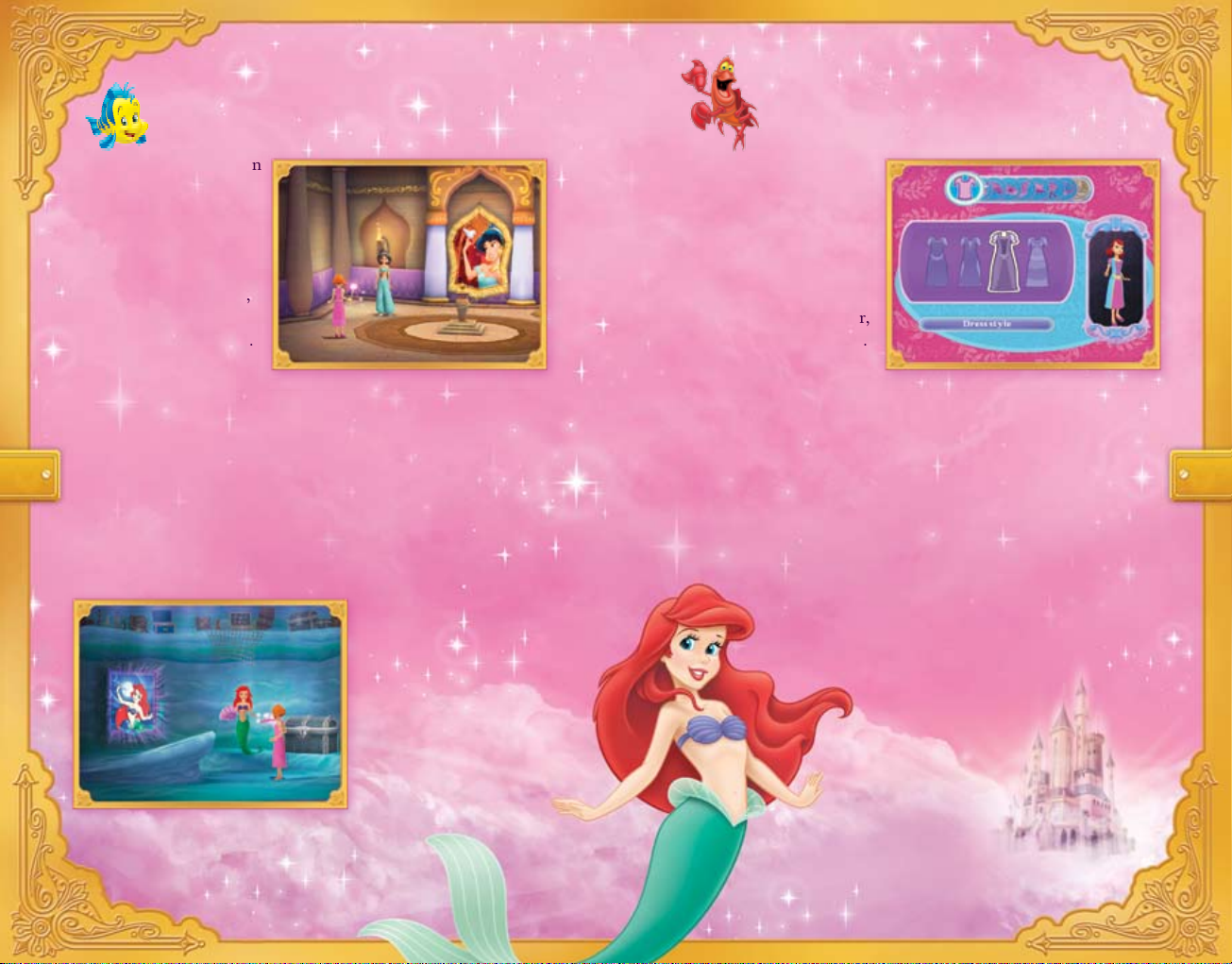
To access each kingdom,
enter the painting found
in each Princess’s alcove.
The Pixie will show you
where they are.
Each Princess has three chapters. You can finish one chapter or
complete all three before moving to the next Disney Princess
kingdom. Remember, you can visit any Disney Princess kingdom
in any order you choose.
After each chapter, you’ll re-enter the castle of Gentlehaven. To
continue your adventures in the same kingdom, press the
A Button.
To save the kingdom of a new Disney Princess, go to her alcove.
Before your journey
begins, the Pixie will
guide you through
the process of creating
your very own
adventurous character.
Customize her dress, hair,
eyes, skin tone and shoes.
Or, add a variety of
unique accessories, such as earrings, hats or bracelets.
Hint: You can find the character customization screen in the
bedroom of Gentlehaven castle, behind the Shirt icon.
Create Your Own Character
10
11
Hint: The best place for new players to
start is in Ariel’s kingdom.
Page 8
Save the Disney Princess Kingdoms Cinderella’s World
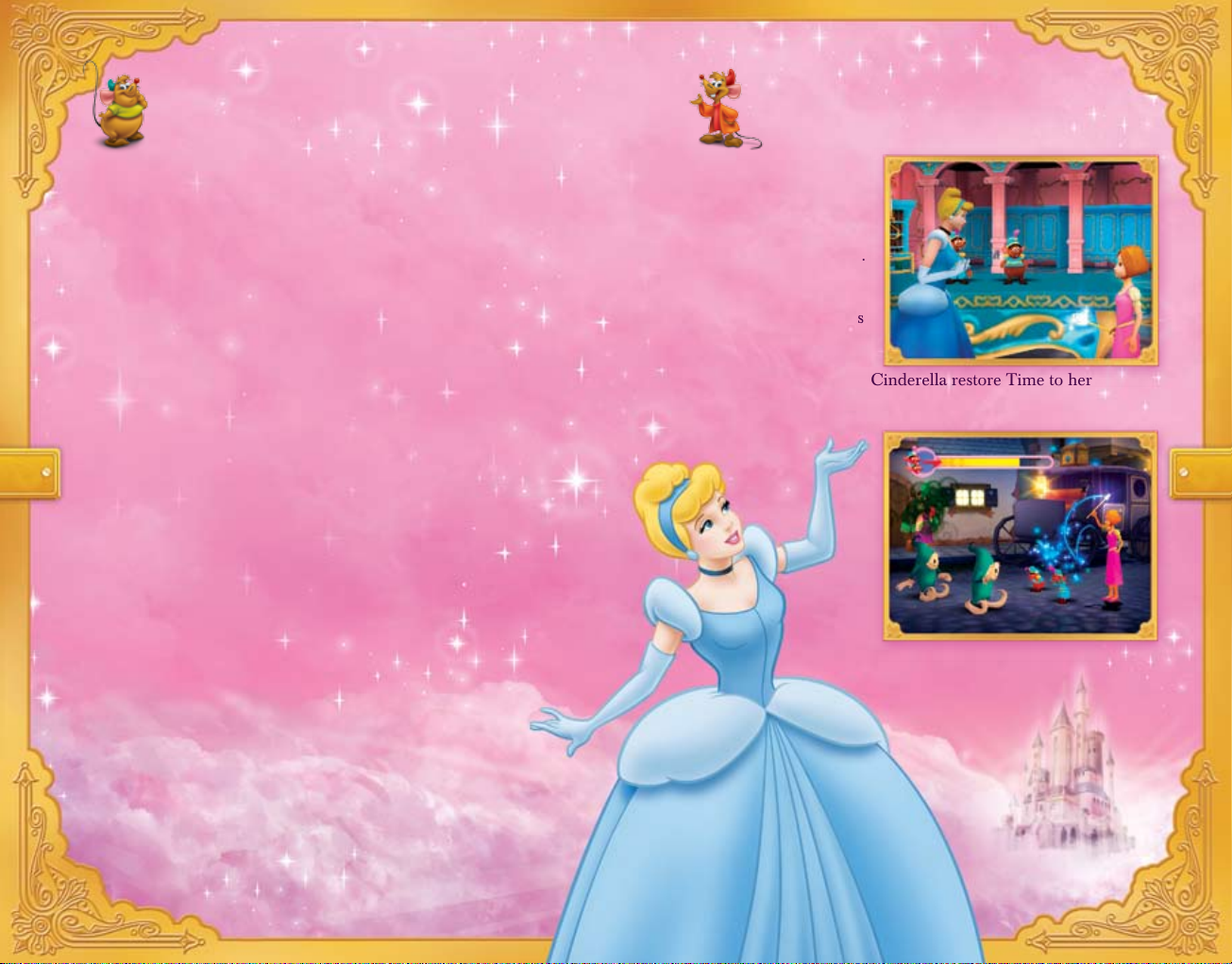
The mischievous Bogs
have stopped Time. You
must help Cinderella
restore Time and keep
her wedding on schedule.
Use your magic wand to
unfreeze people, animals
and objects.
Use your courage to help Cinderella restore Time to her
kingdom so she can have her fairy-tale wedding.
Hint: Pay attention to
Jaq and Gus. They’ll
teach you what you
need to know.
Cinderella’s Kingdom – It will take all of your courage to
repair Cinderella’s Clock Tower and restore Time to her kingdom.
Ariel’s Kingdom – Only love will conquer the Bogs’ magic and
return Sound to Ariel’s world.
Snow White’s Kingdom – Work closely with your new friends to
return Color to Snow White’s land.
Jasmine’s Kingdom – Restore Trust to Jasmine’s kingdom by
dispelling all the Bog mirages.
Hint: Listen to your Pixie if you need help. She will help
you save the kingdoms from the Bogs.
12 13
Page 9
Ariel’s World
The nasty Bogs have
stolen Sound from the
underwater kingdom of
Ariel. Only you can help
her return harmony to
the kingdom.
With your magical wand
in hand and love within
your heart, you can bring
music back to Ariel’s world…
…but only the removal of the Bogs’ magic will save the kingdom.
Hint: Use your magic twirl to make sea anemones
hide or chase schools of fish. Watch the schools of fish
swim away as you approach.
Help! The Bogs have used
their Bog magic to steal
Color from Snow White’s
kingdom.
Only your cleverness and
the Dwarfs’ teamwork can
overcome the Bogs and
bring the missing Colors
back to the land.
Hint: Use your magic twirl to change your wand’s Color. Use that
new Color to fill in the world.
Snow White’s World
14 15
Page 10
Jasmine’s World
In Jasmine’s world, the
people see gold wherever
they look. But is it real?
Work with Jasmine and
Abu to turn mirages back
to normal…
…and restore Trust to
the kingdom.
16 17
Hint: Don’t forget to use your wand to get rid
of all of the gold mirages and light lanterns, or
make the camels kneel down.
The Pixie is your
protector. Each time
you are hit by Bog
magic, the Pixie Magic
Meter will drop.
When the Pixie Magic
Meter nears the bottom,
it will automatically be
restored, allowing you to
continue on your adventures.
Hint: You will see the Pixie Magic Meter if you get hit. You can
also bring it up by pressing the
– Button.
The Pixie Magic Meter
Page 11
18 19
Your wand is extremely powerful. Use it to…
…turn Bogs into butterflies
…dispel Bog magic and restore the world back to its original state
…create powerful magic to fend off enemies
…find secret treasures throughout the worlds
Hint: To use your wand, swing the Wii Remote up
and down to cast magic and right and left for a magic
spin. For a charge attack,
point the Wii Remote
up and swing it down.
Magic Wand
Play with a Friend (Two Players)
You and a friend can play together at the same time! Just connect
a second
Wii Remote and Nunchuk.
Work together to defeat the Bogs, solve puzzles and restore the
Disney Princess kingdoms.
You can access Two Player mode at any time with a second
Wii
Remote and Nunchuk.
You can start with two players before the game begins. Just select
Two Player after starting a New Game. Or, during the game,
connect a second
Wii Remote and Nunchuk and press the
A Button on the second Wii Remote and your second player
will appear.
Either Player 1 or Player 2 can remove Player 2 by pressing
the
+ Button and selecting Remove Player 2.
Hint: When a second player connects, you will
share the same screen and abilities.
Page 12
Autosave
Each time you move past a key event, an icon of the Wii console will
appear on screen to let you know that your adventure is being saved.
Loading a Saved Game
To load a saved game, select Load from the Main menu. When the
Profile screen appears, choose the game you want to load.
Autosave
 Loading...