

Page 1
Page 2
User Manual
Package Contents
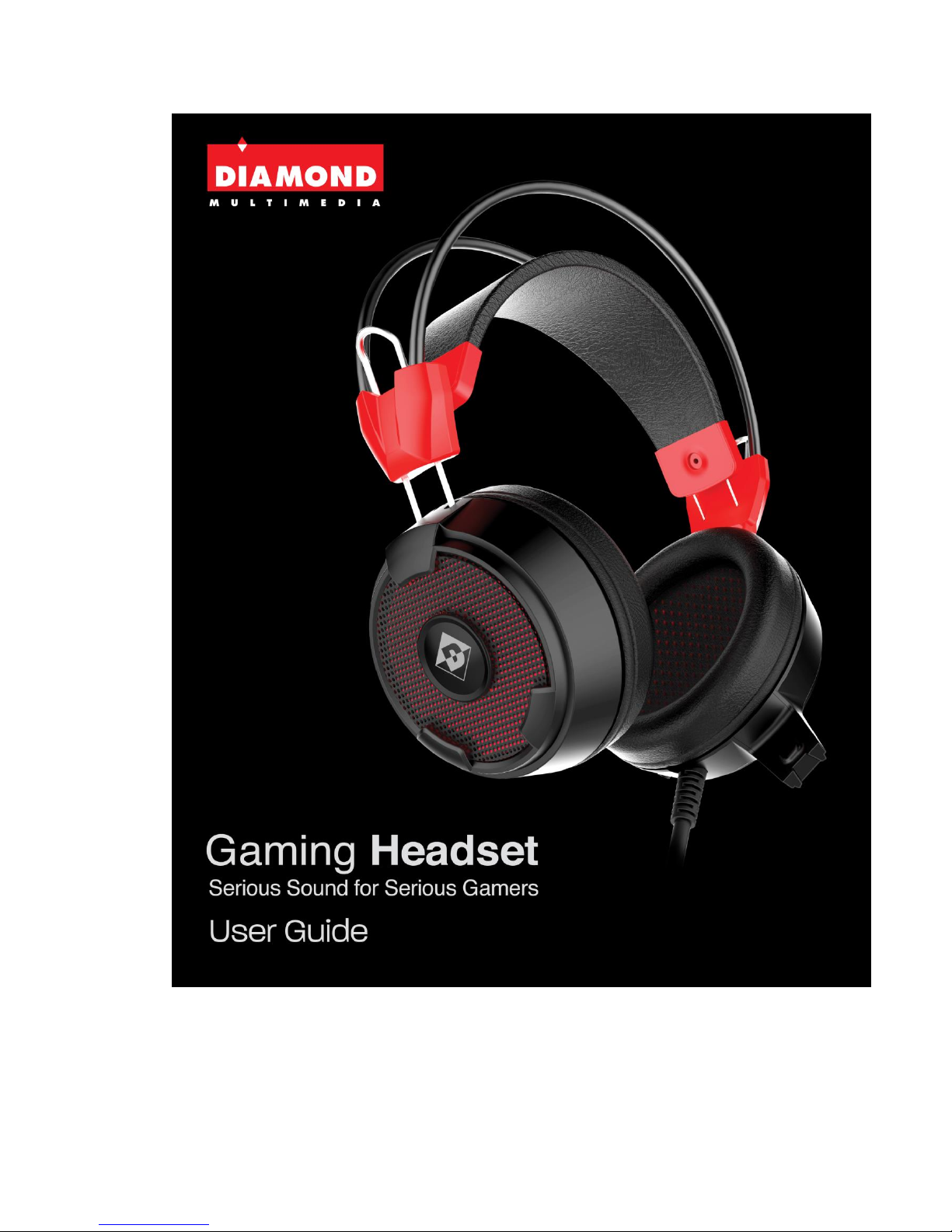
1. Diamond GHXS21 Gaming Headset
2. Extra Cloth Ear Cushion
3. Dual 3.5 mm 3 pole to Single 3.5mm 4 pole adapter
4. User Guide
Hardware Requirements
3.5mm audio port ×2 (Mic in and Line out)
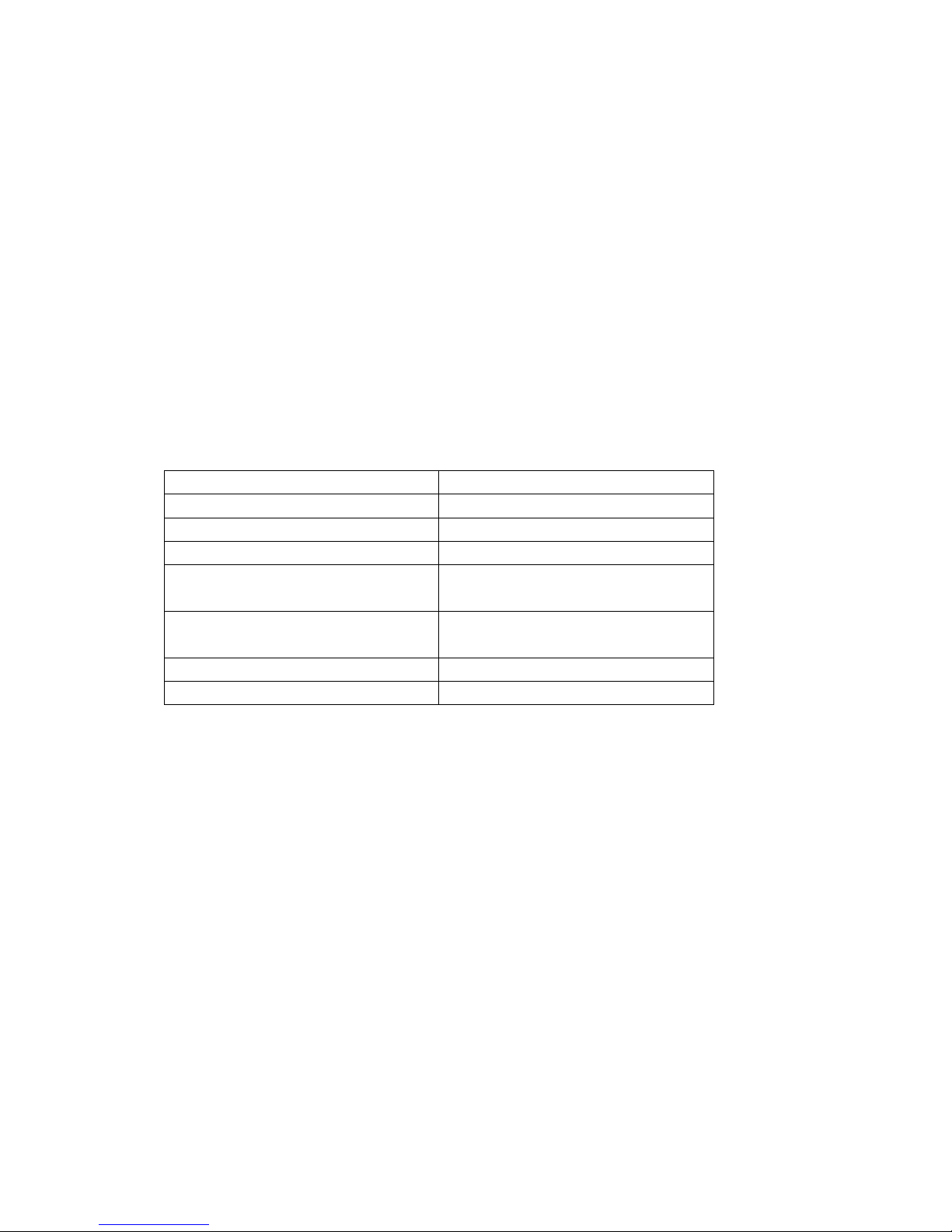
Technical Specification
Headphones
Microphone
Driver Diameter: Ø40mm
Mic Dimensions: Ф6.0*2.7mm
Impedance: 32Ω
Directivity: Omnidirectional
Frequency Response: 20Hz-20kHz
Sensitivity: -58±3db
Sensitivity(S.P.L):117dB±3dB
Impedance: 2.2KΩ
Plug Type: ¢3.5mm
Cord Length:≥2.2meters
Net Weight: ≥320g
Page 3
Page 4
Setup Your Gaming Headset
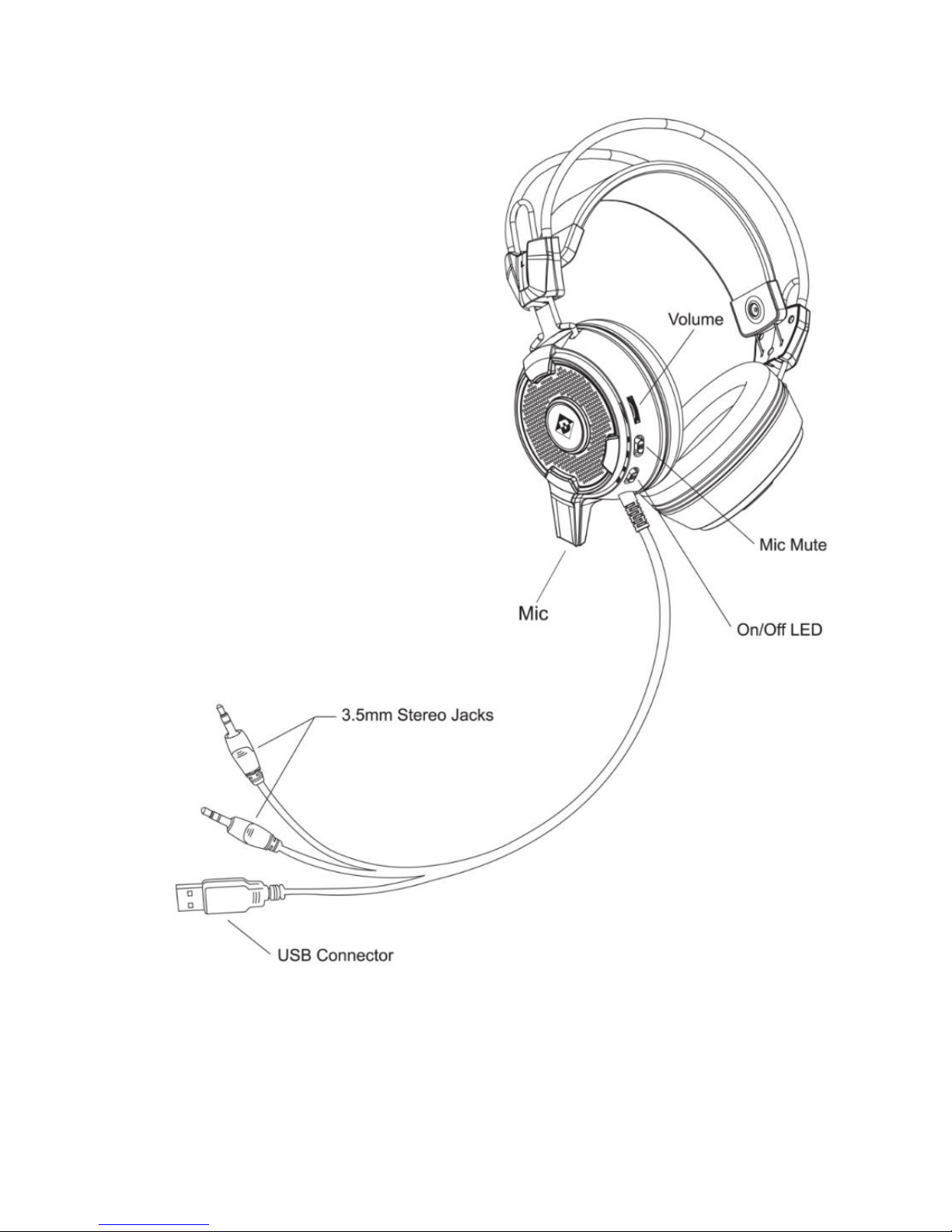
1. Plug the Pink connector into the microphone jack on your computer or sound card.
This connector is typically labeled with a picture of a microphone beside it.
2. Plug the green connector into the headset or line-out jack on your computer or
sound card. This connector is typically labeled with a picture of a headset beside
it.
3. For LED lighting effect plug the USB connector to your USB port on your PC.
(Optional)
Replacing the Ear Cushion
The GHXS21 Headset includes a second set of cloth ear cushions to suit your desired
comfort.
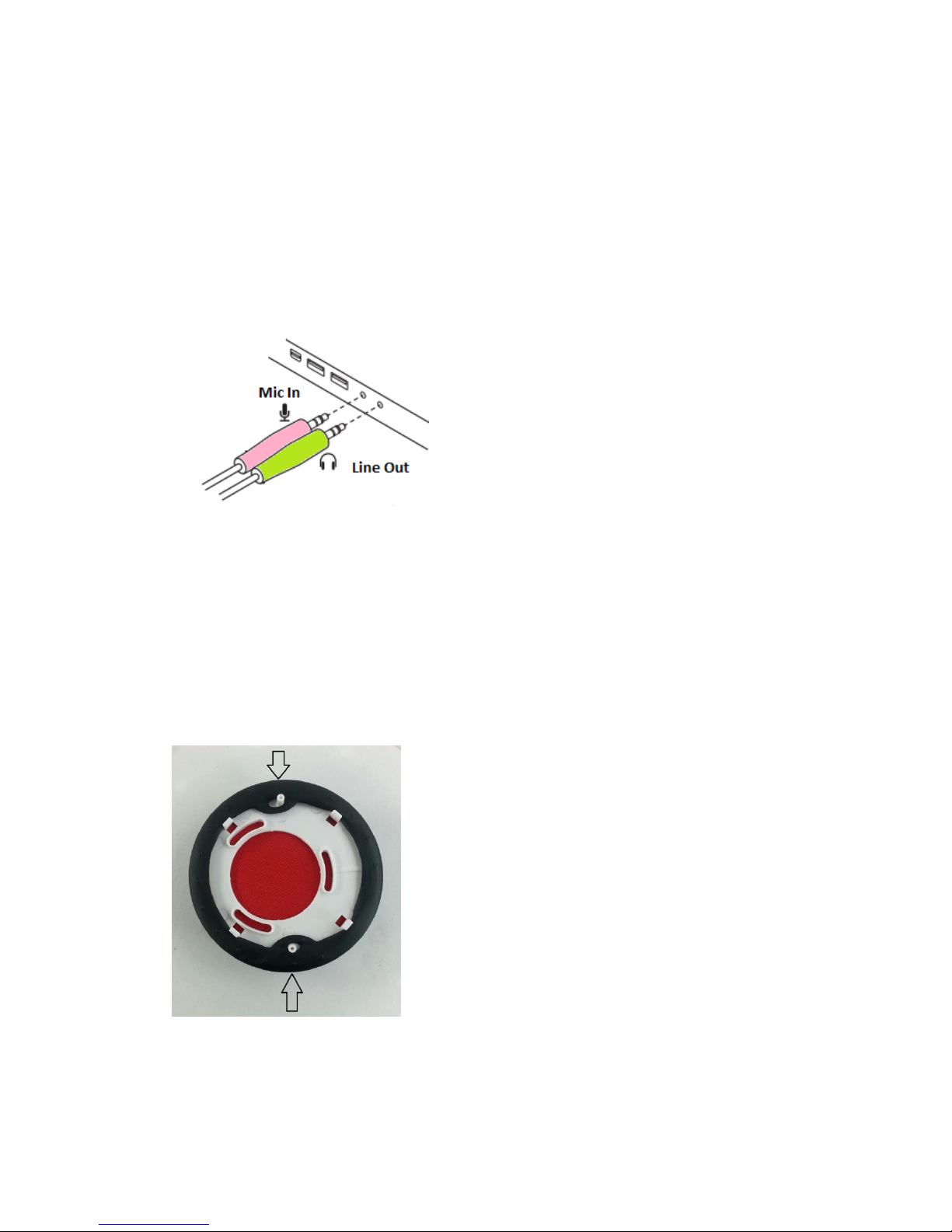
1. The ear cushions are attached to snap off and on plastic plate. You should be able
to pull it off by hand.
2. Once removed you will see the following:
3. Pull the tabs off and then carefully remove the ear cushion. Now you can place on
the new cushions and then line up the two holes on the plate and snap the
cushion back onto the headset
Page 5

One Year Warranty
For warranty terms please visit:
http://www.diamondmm.com/diamond-multimedia-product-warranty.html
Technical Support Options:
Phone: 1 800 503 2378
On-Line: https://www.diamondmm.com/support.html
 Loading...