

Page 1

September 2011
05-2666-004
www.dialogic.com
Dialogic® 1000 and 2000 Media Gateway Series
SIP Compliance (Version 6.0 SU8 Software)
Page 2

Copyright and Legal Notice
Copyright © 2008-2011 Dialogic Inc. All Rights Reserved. You may not reproduce this document in whole or in part
without permission in writing from Dialogic Inc. at the address provided below.
All contents of this document are furnished for informational use only and are subject to change without notice and
do not represent a commitment on the part of Dialogic Inc. and its affiliates or subsidiaries (“Dialogic”). Reasonable
effort is made to ensure the accuracy of the information contained in the document. However, Dialogic does not
warrant the accuracy of this information and cannot accept responsibility for errors, inaccuracies or omissions that
may be contained in this document.
INFORMATION IN THIS DOCUMENT IS PROVIDED IN CONNECTION WITH DIALOGIC® PRODUCTS. NO LICENSE,
EXPRESS OR IMPLIED, BY ES TOPPEL OR OTHERWISE, TO ANY INTELLECTUAL PROPERTY RIGHTS IS GRANTED BY
THIS DOCUMENT. EXCEPT AS PROVIDED IN A SIGNED AGREEMENT BETWEEN YOU AND DIALOGIC, DIALOGIC
ASSUMES NO LIABILITY WHATSOEVER, AND DIALOGIC DISCLAIMS ANY EXPRESS OR IMPLIED WARRANTY,
RELATING TO SALE AND/OR USE OF DIALOGIC PRODUCTS INCLUDING LIABILITY OR WARRANTIES RELATING TO
FITNESS FOR A PARTICULAR PURPOSE, MERCHANTABILITY, OR INFRINGEMENT OF ANY INTELLECTUAL PROPERTY
RIGHT OF A THIRD PARTY.
Dialogic products are not intended for use in certain safety-affecting situations. Please see
http://www.dialogic.com/company/terms-of-use.aspx for more details.
Due to differing national regulations and approval requirements, certain Dialogic products may be suitable for use
only in specific countries, and thus may not function properly in other countries. You are responsible for ensuring
that your use of such products occurs only in the countries where such use is suitable. For information on specific
products, contact Dialogic Inc. at the address indicated below or on the web at www.dialogic.com.
It is possible that the use or implementation of any one of the concepts, applications, or ideas described in this
document, in marketing collateral produced by or on web pages maintained by Dialogic may infringe one or more
patents or other intellectual property rights owned by third parties. Dialogic does not provide any intellectual
property licenses with the sale of Dialogic products other than a license to use such product in accordance with
intellectual property owned or validly licensed by Dialogic and no such licenses are provided except pursuant to a
signed agreement with Dialogic. More detailed information about such intellectual property is available from
Dialogic‟s legal department at 1504 McCarthy Boulevard, Milpitas, CA 95035-7405 USA. Dialogic encourages all
users of its products to procure all necessary intellectual property licenses required to implement any
concepts or applications and does not condone or encourage any intellectual property infringement and
disclaims any responsibility related thereto. These intellectual property licenses may differ from
country to country and it is the responsibility of those who develop the concepts or applications to be
aware of and comply with different national license requirements.
Dialogic, Dialogic Pro, Dialogic Blue, Veraz, Brooktrout, Diva, Diva ISDN, Making Innovation Thrive, Video is the
New Voice, VisionVideo, Diastar, Cantata, TruFax, SwitchKit, SnowShore, Eicon, Eiconcard, NMS Communications,
NMS (stylized), SIPcontrol, Exnet, EXS, Vision, PowerMedia, PacketMedia, BorderNet, inCloud9, I-Gate,
ControlSwitch, NaturalAccess, NaturalCallControl, NaturalConference, NaturalFax and Shiva, among others as well
as related logos, are either registered trademarks or trademarks of Dialogic Inc. and its affiliates or subsidiaries.
Dialogic's trademarks may be used publicly only with permission from Dialogic. Such permission may only be
granted by Dialogic‟s legal department at 1504 McCarthy Boulevard, Milpitas, CA 95035 -7405 USA. Any authorized
use of Dialogic's trademarks will be subject to full respect of the trademark guidelines published by Dialogic from
time to time and any use of Dialogic‟s trademarks requires proper acknowledgement.
The names of actual companies and products mentioned herein are the trademarks of their respective owners.
This document discusses one or more open source products, systems and/or releases. Dialogic is not responsible
for your decision to use open source in connection with Dialogic products (including without limitation those
referred to herein), nor is Dialogic responsible for any present or future effects such usage might have, including
without limitation effects on your products, your business, or your intellectual property rights.
Page 3

Dialogic® 1000 and 2000 Media Gateway Series SIP Compliance
Table of Contents
1. Scope ............................................................................................................. 7
2. References ..................................................................................................... 8
3. Configuration Parameters .............................................................................. 9
Configuration INI Parameters ........................................................................... 9
Configuration XML parameters ........................................................................ 14
4. General ........................................................................................................ 19
VOIP to TDM Connect Determination ............................................................... 19
SDP Usage ................................................................................................... 19
5. Functions ..................................................................................................... 20
6. Supported RFCs and Drafts .......................................................................... 21
7. Methods ....................................................................................................... 23
8. Responses .................................................................................................... 24
1xx Response – Information Responses ........................................................... 24
2xx Response – Successful Responses ............................................................. 24
3xx Response – Redirection Responses ............................................................ 24
4xx Response – Request Failure Responses ...................................................... 25
5xx Response – Server Failure Responses ........................................................ 26
6xx Response – Global Responses ................................................................... 27
9. HeaderS ....................................................................................................... 28
10. SIP METHODS .............................................................................................. 31
INVITE Requests (Generated) ......................................................................... 31
From Header ............................................................................................. 31
Contact Header .......................................................................................... 31
To Header ................................................................................................. 32
Diversion Header........................................................................................ 32
Route Header ............................................................................................ 33
INVITE Requests (Received) ........................................................................... 34
Vendor-Specific Port Specifier ...................................................................... 34
Determination of Number to Dial .................................................................. 34
Early-Media ............................................................................................... 35
Positive Answering Machine Detection (PAMD) ............................................... 37
INVITE Responses ......................................................................................... 38
INFO ........................................................................................................... 40
BYE ............................................................................................................. 42
CANCEL ....................................................................................................... 43
OPTIONS ..................................................................................................... 43
Proxy-Server Monitoring ............................................................................. 43
VoIP Endpoint Monitoring‟ ........................................................................... 44
NOTIFY (“message-summary”) ....................................................................... 45
REFER ......................................................................................................... 46
REGISTER .................................................................................................... 47
11. Call Flows .................................................................................................... 49
VOIP to TDM Success .................................................................................... 49
VOIP to TDM Success .................................................................................... 50
VOIP to TDM Success (ISDN CONNECT) ........................................................... 51
VOIP to TDM Success (ISDN Progress Indication:8 In-Band)............................... 52
3
Page 4

Dialogic® 1000 and 2000 Media Gateway Series SIP Compliance
VOIP to TDM Success with Early Media ............................................................ 53
VOIP to TDM Failure – Call Un-Routable ........................................................... 54
VOIP to TDM Failure – Call Canceled ................................................................ 55
VOIP to TDM Failure – TDM Channel Unavailable ............................................... 56
VOIP to TDM Failure – Glare ........................................................................... 57
VOIP to TDM Failure – Busy Response ............................................................. 58
VOIP to TDM Failure – Error Response ............................................................. 59
TDM to VOIP Success (Post-INVITE CPID) ........................................................ 60
TDM to VOIP Success (Calling Number Updated) ............................................... 61
TDM to VOIP Success with Early Media (Gateway Model) .................................... 62
TDM to VOIP Success with Early Media (Application Model) ................................ 63
TDM to VOIP Failure - Rejected ....................................................................... 64
TDM to VOIP Failure - TDM Cancel................................................................... 65
VOIP to VOIP Success – Redirect Routing ......................................................... 66
VOIP to VOIP Success – Bridged Routing with Pass Through ............................... 67
VOIP to VOIP Success – Bridged Routing with Transcoding ................................. 69
VOIP to VOIP Failure – Bridged Routing with Pass Through ................................. 70
Hold, Unhold ................................................................................................ 71
VOIP Call Drop .............................................................................................. 72
TDM Call Drop .............................................................................................. 73
Unsupervised Transfer Success - VOIP Target - REFER....................................... 74
Unsupervised Transfer Failure - VOIP Target - REFER ........................................ 75
Unsupervised Transfer – TDM Target ............................................................... 76
Unsupervised Transfer Success - TDM Target - REFER .................................... 76
Unsupervised Transfer Success - TDM Target - REFER .................................... 77
Unsupervised Transfer Failure - TDM Target – REFER Error Response ............... 78
Unsupervised Transfer Failure - TDM Target – REFER Busy Response ................ 79
Supervised Transfer Success - VOIP Target, Gateway is Transferee ..................... 80
Supervised Transfer Success - VOIP Target, Gateway is Transferor ..................... 81
Supervised Transfer Success - TDM Target, Gateway is Transferee and Transferor 82
Supervised Transfer Success - TDM Target, Gateway is Target ........................... 83
Supervised Transfer – TDM Target, Gateway is Transferee and Target ................. 84
Supervised Transfer Success - TDM Target, Gateway is Transferee and Target ..... 85
Supervised Transfer Failure - TDM Target – Canceled ..................................... 86
Supervised Transfer Failure - TDM Target – Canceled ..................................... 87
Supervised Transfer Failure - TDM Target – Busy Response ............................. 88
Supervised Transfer Failure - TDM Target – Error Response ............................. 89
Supervised Transfer Failure - TDM Target Drops............................................. 90
Supervised Transfer Failure - TDM Transferee Drops ....................................... 91
MWI - VOIP to TDM Success ........................................................................... 92
MWI - VOIP to TDM Failure ............................................................................. 93
MWI - VOIP to TDM Failure - Glare .................................................................. 94
MWI – TDM to VOIP Success .......................................................................... 95
T.38 Fax - TDM to VOIP ................................................................................. 96
T.38 Fax – VOIP to TDM ................................................................................. 98
12. PROXY MONITORING ................................................................................. 101
13. SIP Authentication ..................................................................................... 103
Overview ................................................................................................... 103
Example WWW-Authenticate Header ............................................................. 104
Example Authorization Header ...................................................................... 105
INVITE Authentication Success – Gateway is UAC ........................................... 106
INVITE Authentication Failure – Gateway is UAC ............................................. 107
4
Page 5

Dialogic® 1000 and 2000 Media Gateway Series SIP Compliance
INVITE Authentication Success – Gateway is UAS ........................................... 108
INVITE Authentication Failure – Gateway is UAS ............................................. 109
Register Authentication Success – Gateway is UAC .......................................... 110
14. Calling ID Privacy ...................................................................................... 111
Gateway Configuration ................................................................................ 112
Translation ................................................................................................. 113
SIP INVITE to ISDN SETUP ........................................................................ 113
ISDN SETUP to SIP INVITE ........................................................................ 115
15. User To User Information .......................................................................... 117
SIP to SIP calls ........................................................................................... 117
SIP to TDM and TDM to SIP calls ................................................................... 117
Transfers using SIP REFER ........................................................................... 119
Supported Encoding .................................................................................... 120
String Encoding........................................................................................ 120
Hex Encoding........................................................................................... 120
Comparison of String verse Hex Encoding ................................................... 120
16. Multipart MIME to encapsulate PSTN signaling .......................................... 121
ISDN Information Elements .......................................................................... 121
Information Element 77 (hex) .................................................................... 121
5
Page 6

Dialogic® 1000 and 2000 Media Gateway Series SIP Compliance
Revision
Release date
Notes
05-2666-004
September 2011
Version 6.0 SU8 Software
Last modified: September 2011
Revision History
Refer to www.dialogic.com for product updates and for information about support policies,
warranty information, and service offerings.
6
Page 7

Dialogic® 1000 and 2000 Media Gateway Series SIP ComplianceDocSubtitle
1. Scope
This document describes the implementation and usage of the Session Initiated Protocol (SIP) by
the Dialogic® 1000 Media Gateway Series (DMG1000) and Dialogic® 2000 Media Gateway Series
(DMG2000) product lines, which also are referred to collectively herein as Dialogic® Media
Gateway or Media Gateway or gateway. A gateway can provide a connection between VOIP
telephony networks and proprietary digital telephony networks.
This document assumes that the reader understands the function and operation of the gateway
(see the Dialogic® 1000 and 2000 Media Gateway Series User‟s Guide) and is familiar with SIP.
7
Page 8

Dialogic® 1000 and 2000 Media Gateway Series SIP ComplianceDocSubtitle
2. References
Dialogic® 1000 and 2000 Media Gateway Series User‟s Guide
8
Page 9

Dialogic® 1000 and 2000 Media Gateway Series SIP ComplianceDocSubtitle
Parameter (INI)
Valid Settings
Default
Description
dspDigitRelay
None, RFC2833,
Inband-Tone
RFC2833
RTP Digit Relay Mode.
dspFaxModemToneRelay
RFC2833, Inband-Tone
RFC2833
RTP Fax/Modem Tone Relay Mode.
dspLBRCodec
G.723.1, G.729AB
G.723.1
Selects the Low Bit Rate Codec.
dspVAD
On, Off
On
Voice Activity Detection.
gwFaxTransportMode
T.38,
G.711 Passthrough,
None
T.38
Defines fax-transport method.
gwIsdnIe77Enable
Yes, No
No
When enabled (set to „Yes‟), the
Gateway will propagate a received ISDN
information element 77h to a SIP
INVITE message. The data is sent as a
section of a multipart MIME message.
The information element is propagated
only when it is received in an ISDN
SETUP message.
gwMonitorCallConns
Yes, No
No
When enabled (set to 'Yes'), the Media
Gateway will monitor the connection
3. Configuration Parameters
The following table lists the configuration parameters that govern the operation of the SIP mode of the gateway. This is not a
complete list of all gateway configurable parameters.
See the Dialogic® 1000 and 2000 Media Gateway Series User‟s Guide for a list that was complete as of its date of publication.
Configuration INI Parameters
The following SIP configurations are stored in text format in the gateway file named config.ini.
9
Page 10

Dialogic® 1000 and 2000 Media Gateway Series SIP ComplianceDocSubtitle
Parameter (INI)
Valid Settings
Default
Description
state of active IP calls. If the active IP
call has lost connection, the Media
Gateway will tear down the call.
gwMonitorCallIntSec
10-3600
30
Call Monitor Interval (secs).
gwMonitorVoipHostsIntSec
10-3600
30
Host Monitor Interval (secs).
gwProactiveMonitorDnsARecordEnable
Yes, No
No
When the Proactive DNS Monitoring is
enabled (set to 'Yes'), the Gateway will
monitor the IP addresses obtained from
DNS resolution. If an IP address does
not respond to SIP OPTIONS pings, the
gateway does not attempt to send it
SIP INVITES. When the IP address
resumes responding to SIP OPTIONS
pings, the gateway resumes sending it
SIP INVITES.
gwQosCallControl
0-255
0
Call Control QoS Byte.
gwQosRtp
0-255
0
RTP QoS Byte.
gwRTPEndPort
6000-65000
50000
RTP Start Port.
gwRTPStartPort
6000-65000
49000
RTP Start Port.
gwRTPValidateSrcIp
On, Off
Off
RTP Source IP Address Validation
gwRTPValidateSrcPort
On, Off
Off
RTP Source UDP Port Validation.
gwSigDigitRelay
On, Off
Off
Signaling Digit Relay Mode.
10
Page 11

Dialogic® 1000 and 2000 Media Gateway Series SIP ComplianceDocSubtitle
Parameter (INI)
Valid Settings
Default
Description
gwU2UEnable
On, Off
Off
Enables/disables gateway support for
the user-user header. See chapter 15.
gwU2UTranslateMethod
String, Hex
String
If the user-user header does not specify
an encoding, this parameter is used as
the implied encoding.
secSipTlsProtocol
SSLv3_TLSv1,
SSLv3_Only,
TLSv1_Only
SSLv3_TLSv1
SSL TLS Protocol.
secSipTlsUseSelfSignedCert
Self-Signed,
CA-Signed
Self-Signed
TLS Certificate Type.
sipAcceptableMedia
RTP_Only,
SRTP_Only,
RTP_SRTP
RTP_SRTP
Acceptable Media on INVITE reception.
sipCallAsDomainName
No, Yes
No
Defines the host name used in the From
header of generated INVITEs. If 'Yes',
the gateway's SIP Server Domain is
used as the host name. If 'No', the
gateway's VOIP address is used as the
host name.
sipDnsServerAddr
IPv4 dotted decimal
address.
Blank
IP Address in dotted decimal notation.
sipDnsServerAddr2
IPv4 dotted decimal
address.
Blank
IP Address in dotted decimal notation
(secondary).
sipEarlyMediaSupport
Always,
On-Demand,
None
OnDemand
RFC 3960 Early Media Support.
sipEnumDnsEnabled
Yes, No
No
DNS Translation of Phone Numbers.
11
Page 12

Dialogic® 1000 and 2000 Media Gateway Series SIP ComplianceDocSubtitle
Parameter (INI)
Valid Settings
Default
Description
sipExpInvSec
0-60000
120
Invite Expiration Time (secs).
sipPrivacyHdrEnabled
Yes, No
No
Enable SIP Privacy headers (RFC3325 &
RFC3323, and draft-ietf-sip-privacy-04
sipPrivacyHdrMethod
P-Asserted-Identity
Remote-Party-ID
Both
P-AssertedIdentity
Supported headers
sipRelProvRsp
None,
Required,
Supported
Supported
Reliable Provisional Responses.
sipRetryAfter
1–60000
60
SIP Retry After hint (sec).
sipSendSupportedSDPMedia
Yes, No
No
Send Supported SDP Media Types.
sipServerDomain
String with length
between
1-254 characters.
pbxgw.default.com
Host and domain name.
sipServerPort
1024-65000
5060
TCP/UDP Server Port.
sipSipsUriEnabled
Yes, No
No
SIPS URI Scheme.
sipT1Multiplier
1-255
64
T1 Multiplier.
sipT1TimeMs
100-60000
500
T1 timer (msecs) – Request Retransmit
Start Time.
sipT2TimeMs
200-60000
(must be greater than
T1)
4000
T2 timer (msecs) – Request Retransmit
Max Time.
sipT4TimeMs
1000-60000
5000
T4 timer. (msecs) – Specifies amount of
time the network will take to clear
messages between client and server
transactions.
12
Page 13

Dialogic® 1000 and 2000 Media Gateway Series SIP ComplianceDocSubtitle
Parameter (INI)
Valid Settings
Default
Description
sipTcpInactivitySec
10-60000
90
Number of seconds after which an idle
TCP connection will be closed.
sipTlsCertVerifyDate
Yes, No
Yes
Verify TLS Peer Certificate Date.
sipTlsCertVerifyPurpose
Yes, No
Yes
Verify TLS Peer Certificate Purpose.
sipTlsCertVerifyTrust
Yes, No
Yes
Verify TLS Peer Certificate Trust.
sipTlsCipherListType
RSA,
RSA_NULL_ENCRYPTION
RSA
Type of cipher list used by SIP TLS.
sipTlsEnabled
Yes, No
No
TLS Transport Enabled.
sipTlsInactivitySec
10-60000
30
TLS Inactivity Timer (sec).
sipTlsMutualAuthentication
Yes, No
Yes
Mutual TLS Authentication Required.
sipTlsServerPort
1024-65000
5061
TLS Server Port.
sipUdpTcpEnabled
Yes, No
Yes
UDP/TCP Transports Enabled.
13
Page 14

Dialogic® 1000 and 2000 Media Gateway Series SIP ComplianceDocSubtitle
Parameter (XML)
Valid Settings
Default
Description
RouteTable/
VoipHostGroups/
Group/Host
Valid endpoint
address (VOIP, URL,
alias, or blank)
Blank
Specifies a VOIP endpoint that is to receive calls from the either the
TDM or VOIP network.
RouteTable/
VoipHostGroups/
Group/FaultTolerant
Yes, No
No
Enables/Disables fault-tolerant handling of outbound VOIP calls.
If 'Yes', then the Media Gateway will failover to the next configured
VOIP endpoint if an outbound VOIP call attempt fails.
If 'No', then a failed outbound VOIP call attempt will not be retried.
RouteTable/
VoipHostGroups/
Group/LoadBalance
Yes, No
No
Enables/Disables load-balancing of outbound VOIP calls.
If 'Yes', then the Media Gateway will route outbound VOIP calls to
each configured VOIP endpoint in a round-robin fashion.
If 'No', then the Media Gateway will not load-balance across multiple
VOIP endpoints.
SIP/
NetworkGroups/
Group/
Signaling/
Transport
TCP, UDP, TLS
UDP
Preferred Call Signal transport to be used on all initial requests sent
by the gateway.
SIP/
Yes, No
No
Applicable only if 'Transport Type' is configured for TLS.
Configuration XML parameters
The following SIP configuration items are stored in XML format in the gateway file named dmg.xml.
14
Page 15

Dialogic® 1000 and 2000 Media Gateway Series SIP ComplianceDocSubtitle
Parameter (XML)
Valid Settings
Default
Description
NetworkGroups/
Group/
Signaling/
SIPS
Yes = All Request, To, From, and Contact URIs generated by the
gateway will use the SIPS URI scheme.
No = All Request, To, From, and Contact URIs generated by the
gateway will use the SIP URI scheme.
SIP/NetworkGroups/Grou
p/Signaling/UserPhone
Yes, No
Yes
Specifies if the user=phone parameter is specified in the SIP URI for
TDM calls.
SIP/NetworkGroups/Grou
p/Signaling/
PhoneContextLocal
String with length
between
1–128 characters.
Blank
Specifies the phone-context of the SIP URI on the From: line. If
blank, then no phone-context is specified.
SIP/NetworkGroups/Grou
p/Signaling/
PhoneContextRemote
String with length
between
1–128 characters.
Blank
Specifies the phone-context of the SIP URI on the To: line. If blank,
then no phone-context is specified.
SIP/NetworkGroups/Grou
p/Proxy/Server/Addr
String with length
between
1–128 characters.
Blank
The SIP URI of the Primary Proxy Server through which the Gateway
may send/receive requests. If blank, the Gateway
will not use the Primary Proxy Server.
SIP/NetworkGroups/Grou
p/Proxy/Server/Port
1024-65000
5060
The IP Port of the SIP Proxy Server.
SIP/NetworkGroups/Grou
p/Proxy/Query
10-36000
30
Interval at which the Proxy Server(s) are queried.
The Proxy Server must respond to a SIP OPTIONS request in order
for the proxy query to succeed.
If the Primary Proxy Server does not respond to the query, the
gateway switches to the Backup Proxy Server.
Once the Primary Proxy Server responds to the query, the gateway
switches back to the Primary Proxy Server.
SIP/NetworkGroups/Grou
String with length
Blank
IP Address of the SIP Registration Server that the Gateway should
15
Page 16

Dialogic® 1000 and 2000 Media Gateway Series SIP ComplianceDocSubtitle
Parameter (XML)
Valid Settings
Default
Description
p/Register/Addr
between
1–128 characters.
register with. If blank, the Gateway will not
register with a Registration Server.
SIP/NetworkGroups/Grou
p/Register/Port
1024-65000
5060
IP Port of the SIP Registration Server.
SIP/NetworkGroups/Grou
p/Register/User
String with length
between
1-64 characters.
Blank
Specifies the User-Field of the address-of-record to be registered. If
blank, then no User-Field is specified.
SIP/NetworkGroups/Grou
p/Register/GwName
String with length
between
1-64 characters.
Blank
Specifies the Gateway Name in the SIP Register message. If blank
the gateway‟s IP address is used.
SIP/NetworkGroups/Grou
p/Register/Expire
10-60000
120
Specifies the value to be placed in the Expires header of transmitted
INVITE requests. If the value is zero, an Expires header is not added
to the INVITE request.
SIP/NetworkGroups/Grou
p/Audio/Codec
G.711u,
G.711a,
G.723.1,
G.729AB
G.711u,
G.711a
Audio codec preference selection.
SIP/NetworkGroups/Grou
p/Audio/G711PacketSiz
e
10,20, 30
30
Size of a G.711 codec audio packet. Packet size = (Frame Size *
Frames Per Packet).
SIP/NetworkGroups/Grou
p/Audio/
G723PacketSize
30, 60
30
Size of a G.723 codec audio packet. Packet size = (Frame Size *
Frames Per Packet)
SIP/NetworkGroups/Grou
p/Audio/
G729PacketSize
10,20,30,40,50,60
30
Size of a G.729 codec audio packet. Packet size = (Frame Size *
Frames Per Packet).
SIP/NetworkGroups/Grou
p/SRTP/Preference
None, RTP_Only,
SRTP_Only
RTP_Only
Determines how SRTP is negotiated for a media session.
16
Page 17

Dialogic® 1000 and 2000 Media Gateway Series SIP ComplianceDocSubtitle
Parameter (XML)
Valid Settings
Default
Description
SIP/NetworkGroups/Grou
p/SRTP/AuthTag
32, 80
80
Length of the SHA1 authentication tag in bits.
SIP/NetworkGroups/Grou
p/SRTP/TxMKI
Yes, No
Yes
If enabled then a one-byte MKI (Master Key Index) is used when
transmitting secure-RTP and secure-RTPC packets.
If disabled, MKI is not used.
SIP/NetworkGroups/Grou
p/SRTP/KDREnable
Yes, No
Yes
If enabled then a new encryption key is derived after 2^KDR
packets. If disabled, a key is derived only at the start of the
transmission.
SIP/NetworkGroups/Grou
p/SRTP/KDR
16-24
16
Key derivation rate for outbound INVITE‟S. This value is the
exponent of a power of 2.
SIP/NetworkGroups/Grou
p/SRTP/WSH
64-99
64
Anti-replay window size hint.
SIP/NetworkGroups/Grou
p/SRTP/UnEncryptSRTP
Yes, No
No
If enabled, then transmitted RTP VOICE packets will NOT be
encrypted despite the negotiation of cipher keys.
SIP/NetworkGroups/Grou
p/SRTP/UnEncryptSRTC
P
Yes, No
No
If enabled, then transmitted RTCP CONTROL packets will NOT be
encrypted despite the negotiation of cipher keys.
SIP/NetworkGroups/Grou
p/SRTP/UnAuthSRTP
Yes, No
No
If enabled, then RTP VOICE packets will NOT be authenticated.
SIPAuth/Authentication
/Enabled
Yes, No
No
Enables Authentication for Inbound SIP Calls.
SIPAuth/Authentication
/GwRealm
String with length
between
1-64 characters.
default.gw.
com
Sets the Gateway Realm for Inbound SIP calls.
SIPAuth/Authentication/
Users/User/UserName
String with length
between
1-64 characters.
Blank
Specifies an acceptable User Name associated with GwRealm for
inbound SIP methods.
17
Page 18

Dialogic® 1000 and 2000 Media Gateway Series SIP ComplianceDocSubtitle
Parameter (XML)
Valid Settings
Default
Description
SIPAuth/Authentication/
Users/User/Password
String with length
between
1-64 characters.
Blank
Specifies the Password associated with UserName for inbound SIP
methods.
SIPAuth/Authentication
/Algorithm
MD5,
MD5-sess
MD5
Sets the Authentication algorithm.
SIPAuth/Authentication/
Methods/Method/Name
Invite, Register,
Notify, Info, Bye,
Refer, Options
N/A
Identifies the SIP method which may be Authenticated. There is one
entry for each SIP method (valid setting).
SIPAuth/Authentication/
Methods/Method/
Challenge
Yes, No
No
Determines if the specified SIP method (Name) will be
Authenticated on receive. There is one entry for each SIP method
(valid setting).
SIPAuth/Authorization
/Enabled
Yes, No
No
Enables Authorization for outbound SIP methods.
SIPAuth/Authorization
/Realms/RealmName
String with length
between
1-64 characters.
Blank
Defines the Realm to be associated with outbound SIP methods.
SIPAuth/Authorization
/Realms/UserName
String with length
between
1-64 characters.
Blank
Defines the User Name to be associated with RealmName for
outbound SIP methods.
SIPAuth/Authorization
/Realms/Password
String with length
between
1-64 characters.
Blank
Defines the Password to be associated with UserName for outbound
SIP methods.
18
Page 19

Dialogic® 1000 and 2000 Media Gateway Series SIP ComplianceDocSubtitle
4. General
VOIP to TDM Connect Determination
The gateway does not send the 200 OK response to the INVITE until a positive detect event is
detected on the TDM network call. The positive detect event could be voice activity, ring-back
tone termination, etc. In this case, the gateway waits for the TDM network call to be answered
before the 200 OK response is sent and the bi-directional media channel is established. If the
gateway detects error or busy tone on the TDM network call during call origination, then the
gateway terminates the TDM network call and responds with a failure to the INVITE request. This
is generally preferred if the gateway is to be used by a voice-mail system or other 'automated‟
system that requires positive answer verification on the TDM network.
SDP Usage
The gateway supports G.711, G.723.1 and G.729AB codecs. The codec preference is set in the
gateway‟s configuration.
The SDP information placed in INVITE requests reflects the configured codec preference. The RTP
channels used by the gateway are also configurable. When SRTP is supported, SDP INVITE also
contains the media type, either RTP/SAVP for secured or RTP/AVP for non-secured. For RTP/SAVP
media type, crypto information is provided including encryption algorithm, authentication type and
tag, master Key Index (MKI), key derivation rate (KDR), and window size hint (WSH).
On INVITE requests generated by the gateway, the gateway sends the desired RTP transmit port
as well as the codec preferences. The gateway expects the 200 OK response from the far party to
contain the far party‟s transmit RTP port as well as its codec preference. The gateway will use the
first codec specified in the far party‟s preference list that matches a codec in the gateway‟s codec
preference list. If no match is found, then the gateway disconnects the call. This should not
happen since the far party should not send a 200 OK if there are no matching codec preferences.
On INVITE requests received by the gateway, the gateway expects the SDP information to include
the requesting party‟s codec preferences. If none of the preferences match the gateway‟s
capabilities, or the INVITE request does not specify an RTP port, then the gateway responds with
a 488 Not Acceptable error. The gateway will use the first codec specified in the far party‟s
preference list that matches a codec in the gateway‟s codec preference list. If no SDP is included
in the INVITE, the gateway may respond with a 200 OK which contains the gateway‟s SDP offer.
A VOIP hold request is performed by the gateway by using the a=sendonly attribute. The gateway
will accept a hold request from a peer through either the a=sendonly attribute or via setting
in the SDP of a re-INVITE request (to which the gateway will respond with an
a=sendonly attribute). The gateway stops all RTP transmit for the call. The un-hold request is
handled by setting in the SDP of a re-INVITE request or by removing the
a=sendonly attribute. The gateway continues RTP transmit for the call.
19
Page 20

Dialogic® 1000 and 2000 Media Gateway Series SIP ComplianceDocSubtitle
Function
Supported?
User Agent Client (UAC)
Yes
User Agent Server (UAS)
Yes
Proxy Server
3rd Party
Redirect Server
Yes
5. Functions
20
Page 21

Dialogic® 1000 and 2000 Media Gateway Series SIP ComplianceDocSubtitle
Specification
Notes
RFC 3261 SIP
None
RFC 3263 DNS Resolution
None
RFC 2976 SIP INFO Method
None
RFC 3824 Using ENUM for SIP Applications
None
RFC 4028: The SIP Session Timer
None
RFC 3265: SIP – Specific Event Notification
None
RFC 3515: The REFER Method
Used only for call transfer.
Draft-ietf-sipping-cc-transfer-07: Call Transfer
None
RFC 3892: The Referred-By Mechanism
None
RFC 3891: The SIP Replaces Header
None
RFC 3264: An Offer Answer Model with Session
Description
None
ITU-T Recommendation T.38: Procedures for real-time
Group 3 facsimile communication over IP networks
Only UDPTL transport is
supported.
RFC 3842: A Message Summary and Message Waiting
Indication Event Package for the Session Initiation
Protocol
None
RFC 3326: The Reason Header for the Session Initiation
Protocol
None
RFC 3959: The Early Session Disposition Type for the
Session Initiation Protocol
Application model
support. No support for
Gateway model.
RFC 3960: Early Media and Ringing Tone Generation in
the Session Initiation Protocol (SIP)
Application model
support. No support for
Gateway model.
RFC 3262: Reliability of Provisional Responses in
Session Initiation Protocol (SIP)
Supports reliable
provisional responses and
reception of PRACK, but
does require them.
RFC 4568: Security Descriptions for Media Streams
None
RFC 3398: ISDN ISUP to SIP Mapping
None
RFC 4566: Session Description Protocol
None
RFC 2617: HTTP Authentication
Used for SIP
Authentication. Basic
Authentication is not
supported for SIP. Digest
6. Supported RFCs and Drafts
21
Page 22

Dialogic® 1000 and 2000 Media Gateway Series SIP ComplianceDocSubtitle
Authentication is
supported
Draft-johnston-cuss-sip-uui-01.pdf
Using the transport
mechanism described in
section 3.6
22
Page 23

7. Methods
Method
Supported?
Comments
INVITE
Yes
Generated and received for call initiation and
hold/unhold.
ACK
Yes
Generated and received.
OPTIONS
Yes
Generated to monitor status of proxy server and VOIP
endpoints (when
RouteTable/VoipHostGroups/Group/FaultTolerant
is enabled).
BYE
Yes
Generated and received.
INFO
Yes
Generated and received. Generated on TDM to VOIP call
party update.
CANCEL
Yes
Generated and received.
REGISTER
Yes
Generated for gateway registration and ignored if
received.
REFER
Yes
Generated and received for call transfer.
NOTIFY
Yes
Generated and received for transfer and MWI.
SUBSCRIBE
Yes
Received, but ignored.
MESSAGE
Yes
Received, but ignored.
PRACK
Yes
Generated if a 183 response is received with 100rel.
Dialogic® 1000 and 2000 Media Gateway Series SIP ComplianceDocSubtitle
23
Page 24

Dialogic® 1000 and 2000 Media Gateway Series SIP ComplianceDocSubtitle
Response
Supported?
Comments
100 Trying
Yes
Generated for an incoming INVITE.
180 Ringing
Yes
Generated when ring-back tone is detected
on outbound TDM call.
181 Call is being forwarded
Yes
Not generated. Ignored on receive.
182 Queued
Yes
Not generated. Ignored on receive.
183 Session Progress
Yes
Generated and received. Generated in
response to early media request or call
progress from TDM side.
Response
Supported?
Comments
200 OK
Yes
Generated and received
202 Accepted
Yes
Generated and received (REFER, NOTIFY).
Response
Supported?
Comments
300 Multiple Choices
Yes
Not generated. If received, Contact list is
traversed.
301 Moved Permanently
Yes
Not generated. If received, Contact list is
traversed.
302 Moved Temporarily
Yes
Generated if inbound SIP call is to be
redirected to another IP address due to
dial plan rules. If received, Contact list is
traversed.
305 Use Proxy
Yes
Not generated. If received, Contact list is
traversed.
380 Alternate Service
Yes
Not generated. If received, call gracefully
fails/disconnects.
8. Responses
1xx Response – Information Responses
2xx Response – Successful Responses
3xx Response – Redirection Responses
24
Page 25

Dialogic® 1000 and 2000 Media Gateway Series SIP ComplianceDocSubtitle
Response
Supported?
Comments
400 Bad Request
Yes
Generated on receive of invalid requests.
When received, call gracefully
fails/disconnects.
401 Unauthorized
Yes
Generated when UAS Authentication is
enabled. When received, re-sends the
method with the Authorization header if
UAC Authentication is enabled.
402 Payment Required
Yes
Not generated. When received, call
gracefully fails/disconnects.
403 Forbidden
Yes
Generated on receive of INVITE that
cannot be routed to a telephony port.
When received, call gracefully
fails/disconnects.
404 Not Found
Yes
Generated when Special Information Tone
(SIT) is detected for reasons of "operator
intercept" or "vacant circuit" TDM.
Also generated if an MWI request to the
TDM network fails because of an unknown
extension number. When received, call
gracefully fails/disconnects.
405 Method Not Allowed
Yes
Generated on receive of a non-supported
method. When received, call gracefully
fails/disconnects.
406 Not Acceptable
Yes
Generated on receive of any method which
fails SIP authentication. When received,
call gracefully fails/disconnects.
407 Proxy Authentication
Required
Yes
Not generated. When received, re-sends
the method with the Authorization header
if UAC Authentication is enabled.
408 Request Timeout
Yes
Not generated. When received, call
gracefully fails/disconnects.
409 Conflict
Yes
Not generated. When received, call
gracefully fails/disconnects.
410 Gone
Yes
Not generated. When received, call
gracefully fails/disconnects.
411 Length Required
Yes
Not generated. When received, call
gracefully fails/disconnects.
413 Request Entity Too Large
Yes
Not generated. When received, call
gracefully fails/disconnects.
414 Request URL Too Long
Yes
Generated. When received, call gracefully
4xx Response – Request Failure Responses
25
Page 26

Dialogic® 1000 and 2000 Media Gateway Series SIP ComplianceDocSubtitle
Response
Supported?
Comments
fails/disconnects.
415 Unsupported Media
Yes
Not generated. When received, call
gracefully fails/disconnects.
420 Bad Extension
Yes
Not generated. When received, call
gracefully fails/disconnects.
480 Temporarily Unavailable
Yes
Generated when call can be routed to TDM
network, but the telephony port is already
active. Generated when outbound PSTN
call or PSTN MWI set/clear fails because of
glare condition. When received, call
gracefully fails/disconnects.
481 Call
Leg/Transaction/Subscription
Does Not Exist
Yes
Generated and received. When received,
call gracefully fails/disconnects.
482 Loop Detected
Yes
Not generated. When received, call
gracefully fails/disconnects.
483 Too Many Hops
Yes
Not generated. When received, call
gracefully fails/disconnects.
484 Address Incomplete
Yes
Not generated. When received, call
gracefully fails/disconnects.
485 Ambiguous
Yes
Not generated. When received, call
gracefully fails/disconnects.
486 Busy Here
Yes
Generated when busy tone detected on
TDM. When received, call gracefully
fails/disconnects.
487 Request Canceled
Yes
Generated upon receiving a CANCEL for a
pending INVITE. When received, call
gracefully disconnects.
488 Not Acceptable
Yes
Generated if a received INVITE contains
no supported media types. When received,
call gracefully fails/disconnects.
489 Bad Event
Yes
Generated if a NOTIFY is received for an
event that the gateway does not support.
When received, the corresponding NOTIFY
request fails.
Response
Supported?
Comments
500 Internal Server Error
Yes
Generated if internal Server error occurs.
When received, call gracefully
fails/disconnects.
5xx Response – Server Failure Responses
26
Page 27

Dialogic® 1000 and 2000 Media Gateway Series SIP ComplianceDocSubtitle
501 Not Implemented
Yes
Not generated. When received, call
gracefully fails/disconnects.
502 Bad Gateway
Yes
Not generated. When received, call
gracefully fails/disconnects.
503 Service Unavailable
Yes
Generated on detection of Special
Information Tone (SIT) for reasons of
"reorder" or "no circuit found" on TDM.
When received, call gracefully
fails/disconnects.
504 Gateway Timeout
Yes
Not generated. When received, call
gracefully fails/disconnects.
505 Version Not Supported
Yes
Not generated. When received, call
gracefully fails/disconnects.
513 Message Too Large
Yes
Not generated. When received, call
gracefully fails/disconnects.
Response
Supported?
Comments
600 Busy Everywhere
Yes
Not generated. When received, call
gracefully fails/disconnects.
603 Decline
Yes
Not generated. When received, call
gracefully fails/disconnects.
604 Does Not Exist Anywhere
Yes
Not generated. When received, call
gracefully fails/disconnects.
606 Not Acceptable
Yes
Not generated. When received, call
gracefully fails/disconnects.
6xx Response – Global Responses
27
Page 28

Dialogic® 1000 and 2000 Media Gateway Series SIP ComplianceDocSubtitle
Header
Supported?
Comments
Accept
Yes
Accept-Encoding
Yes
Accept-Language
Yes
Allow
Yes
Allow-Events
Yes
Authentication-Info
No
Also
No
Authorization
Yes
Generated
Call-ID
Yes
Generated
Contact
Yes
Generated
Content-Disposition
No
Content-Encoding
Yes
Generated
Content-Language
No
Content-Length
Yes
Generated
Content-Type
Yes
Generated
Cseq
Yes
Generated
Date
Yes
Diversion
Yes
Generated
Encryption
No
Error-Info
No
Event
Yes
Expires
Yes
Generated
From
Yes
Generated
In-Reply-To
No
Join
Yes
Generated
Max-Forwards
Yes
MIME-Version
No
Generated
Min-Expires
Yes
Organization
Yes
P-Asserted-Identity
Yes
Generated
9. Headers
All supported headers in the table are supported in the receive direction. Those generated as well
are noted.
28
Page 29

Dialogic® 1000 and 2000 Media Gateway Series SIP ComplianceDocSubtitle
Priority
Yes
Privacy
Yes
Generated
Proxy-Authenticate
Yes
Proxy-Authorization
Yes
Proxy-Require
Yes
Reason
Yes
Generated
Record-Route
Yes
Remote-Party-ID
Yes
Generated
Reply-To
No
29
Page 30

Dialogic® 1000 and 2000 Media Gateway Series SIP ComplianceDocSubtitle
Referred-By
Yes
Generated
Referred-To
Yes
Generated
Replaces
Yes
Generated
Requested-By
Yes
Generated
Require
Yes
Response-Key
No
Retry-After
Yes
Route
Yes
Generated
Server
Yes
Generated
Subject
Yes
Subscription-State
Yes
Supported
Yes
Timestamp
Yes
To
Yes
Generated
Unsupported
Yes
User-Agent
Yes
Generated
User-To-User
Yes
Generated
Via
Yes
Generated
Warning
Yes
WWW-Authenticate
Yes
Generated
30
Page 31

Dialogic® 1000 and 2000 Media Gateway Series SIP ComplianceDocSubtitle
10. SIP METHODS
INVITE Requests (Generated)
From Header
The From header of the INVITE request identifies the TDM network originator of the call. INVITE
requests originating from the gateway provide source party information, including the phone
number of the TDM network calling party (if available) and the telephony port (logical TDM
channel) on which the TDM network call was received. For instance, if TDM network extension 211
originated the call to the gateway on telephony port 2 (logical TDM channel 2), the From header
of the INVITE would appear as follows (assumes that the VOIP address of the gateway is set to
10.10.11.1):
From: “211” <sip:[email protected]>;vnd.pimg.port=2
If the TDM network originating party contains both number and name information, the number
will be placed in the user field and the name will be placed in the display field, as follows:
From: “Joe Smith” <sip:[email protected]>;vnd.pimg.port=2
If the TDM network originating party cannot be determined, then the originating party is set to
„Anonymous‟, as follows:
From: “Anonymous” <sip:[email protected]>;vnd.pimg.port=2
If Media Gateway OEM code is set to 1002, then the port information will be placed in the user
field, as follows:
From: “Anonymous” <sip:[email protected]>
Contact Header
The sip address of the Contact header of the INVITE request contains the VOIP address and VOIP
port of the gateway to which all future requests should be sent. If sipServerPort is configured as
5060, then the Contact header appears as (assuming the gateway VOIP address is 10.10.11.1):
Contact: sip:10.10.11.1:5060
If the SIP/NetworkGroups/Group/Signaling/Transport is set to TCP, then the transport is
added as a uri-parameter:
Contact: <sip:10.10.11.1:5060;Transport=TCP>
31
Page 32

Dialogic® 1000 and 2000 Media Gateway Series SIP ComplianceDocSubtitle
To Header
The To header is created using the configured RouteTable/VoipHostGroups/Group/Host.
If the RouteTable/VoipHostGroups/Group/Host is an IP address, then the user name
„Anonymous‟ is used. For instance, if RouteTable/VoipHostGroups/Group/Host is set to
„10.10.1.132‟, then the To header appears as:
To: “Anonymous” <sip:[email protected]>
If RouteTable/VoipHostGroups/Group/Host is a URI, such as „sipinet.com‟, then the user
name „Anonymous‟ is used:
To: <sip:[email protected]>
If the RouteTable/VoipHostGroups/Group/Host is a URI, such as „[email protected]‟, then
the entire RouteTable/VoipHostGroups/Group/Host is used:
To: <sip:[email protected]>
If the RouteTable/VoipHostGroups/Group/Host is not a URI and not an IP address, then a
proxy is required. In this case, RouteTable/VoipHostGroups/Group/Host is assumed to be a
user name, and its value is pre-pended to the proxy address to create a URI. For instance, if
RouteTable/VoipHostGroups/Group/Host is set to „200‟, and the proxy address is
10.10.1.100, then the To header appears as:
To: <sip:[email protected]>
If the called-party number received from the inbound TDM call is „211‟, and
RouteTable/VoipHostGroups/Group/Host is ‟voicemail.sipnet.com‟, then the To header will
look as follows:
To: <sip:[email protected]>
If the called-party number received from the inbound TDM call is „211‟, and
RouteTable/VoipHostGroups/Group/Host is a URL with a user-name, then the called-party is
not used. For instance, if RouteTable/VoipHostGroups/Group/Host is
„[email protected]‟, then the To header will look as follows:
To: <sip:[email protected]>
Diversion Header
The Diversion header is used to convey the original TDM network destination party of a TDM
network call that has been diverted to the gateway. This may occur if the original TDM network
destination is busy, doesn‟t answer, or is in a forwarded condition. This header is present if the
TDM call has been diverted (forwarded). If the TDM call is direct, then the Diversion header is not
present. If the Diversion header is present, it will contain the original TDM network destination
extension, in the form of a tel URL. The header also contains the reason for the diversion.
For instance, if the original TDM network destination party „211‟, diverted to the gateway because
of a busy condition, the Diversion header appears as follows:
Diversion: <tel:211> ;reason=”user-busy”
32
Page 33

Dialogic® 1000 and 2000 Media Gateway Series SIP ComplianceDocSubtitle
Supported Diversion reasons consist of the following:
“no-answer”, “unconditional”, “user-busy”
Route Header
The generated INVITE request will contain a Route header if
SIP/NetworkGroups/Group/Proxy/Server/Addr is set. The Route header will contain the IP
address of the currently-active proxy server specified by
SIP/NetworkGroups/Group/Proxy/Server/Addr. This will cause the INVITE request to be
sent to the proxy-server before being sent to the destination specified in the To header.
For instance, the following INVITE request is being sent to 102 at necdsi.swdev.lab, but it is first
sent to the proxy-server at IP address 172.16.6.14, as specified in the Route header.
INVITE sip:[email protected] SIP/2.0
From:"2008"<sip:[email protected]:5060>;vnd.pimg.port=1;tag=0FB63246313536410000196A
To:sip:[email protected]
Content-Type:application/sdp
Supported:replaces,timer
Allow:INVITE,ACK,OPTIONS,BYE,CANCEL,REGISTER,INFO,COMET,REFER,SUBSCRIBE,NOTIFY,
MESSAGE
Session-Expires:30
Min-SE:10
Call-ID:01B2270F1B81400000000006@ntm1_dni.swdev.lab
CSeq:1 INVITE
Route:<sip:172.16.6.14:5060;lr>
Max-Forwards:70
User-Agent:PBX-IP Media Gateway
Contact:sip:[email protected]:5060
Via:SIP/2.0/UDP 172.16.4.6:5060;branch=z9hG4bK1ED51D2E1D29C72955C0E4F753F199C5
Content-Length:296
v=0
o=phone 17383 0 IN IP4 172.16.4.6
s=c=IN IP4 172.16.4.6
t=0 0
m=audio 49012 RTP/AVP 0 8 101
a=rtpmap:0 PCMU/8000/1
a=rtpmap:8 PCMA/8000/1
a=rtpmap:101 telephone-event/8000
a=fmtp:101 0-15
m=image 0 udptl t38
a=T38FaxRateManagement:transferredTCF
a=T38FaxUdpEC:t38UDPRedundancy
33
Page 34

Dialogic® 1000 and 2000 Media Gateway Series SIP ComplianceDocSubtitle
INVITE Requests (Received)
Vendor-Specific Port Specifier
When a VOIP call is received by the gateway, the gateway routes the call based on the gateway‟s
configured Routing Table. If a TDM port is specified in the INVITE sent to the gateway, using the
vendor specific „vnd.pimg.port‟ header-parameter, then the Gateway will attempt to use the
specified TDM port to originate a TDM call. Use of the „vnd.pimg.port‟ header-parameter is not
recommended as its use requires the application to track the availability of Gateway TDM
channels.
An INVITE may explicitly specify the desired gateway telephony port (logical TDM channel) to
which the call is to be routed. This telephony port may be specified as a vendor specific attribute
in the To header.
Although not recommended, the application can specify the desired TDM channel by adding the
vnd.pimg.port header parameter to the To header.
To: <sip:[email protected]>;vnd.pimg.port=3
Determination of Number to Dial
The gateway requires a TDM network phone number to dial on the TDM network. The number to
dial is extracted from the received INVITE request message.
The gateway examines the INVITE request message for the dialable number in the following
order:
1) Request-URI user (tel or sip) – if it is a dialable number
2) To header user (tel or sip) – if it is a dialable number
3) To header display name – if it is a dialable number
4) Finally, the dialable number may be modified or even generated based on Routing Table
rules.
34
Page 35

Dialogic® 1000 and 2000 Media Gateway Series SIP ComplianceDocSubtitle
Early-Media
VOIP-to-TDM Calls
A SIP endpoint that wants to receive RTP on an outbound connection to the TDM network from the
gateway prior to the TDM subscriber answering the call may request early-media. If the gateway‟s
sipEarlyMediaSupport is configured for On-Demand, then the INVITE that is received by the
gateway must have a Supported header that contains early-session. The INVITE must also contain
SDP with an active and compatible audio stream. The gateway will then send a 183 response to
the INVITE and will send RTP to the connection address prior to the 200OK response to the
INVITE. The following is an example of an INVITE that is sent to the gateway requesting earlymedia.
INVITE sip:[email protected]:5060 SIP/2.0
Via: SIP/2.0/UDP 172.16.2.25:5061;branch=z9hG4bK-1-0
From: <sip:172.16.2.25:5061>;tag=1
To: <sip:[email protected]:5060>
Call-ID: [email protected]
CSeq: 1 INVITE
Contact: sip:172.16.2.25:5060
Max-Forwards: 70
Subject: Early Media Test
Content-Type: application/sdp
Supported: early-session
Content-Length: 134
v=0
o=user1 53655765 2353687637 IN IP4 172.16.2.25
s=c=IN IP4 172.16.2.25
t=0 0
m=audio 10000 RTP/AVP 0
a=rtpmap:0 PCMU/8000
If the gateway‟s sipEarlyMediaSupport is configured for Always then early media is enabled for
all VOIP to TDM calls (regardless of the presence or absence of „early-session‟ from the client)
provided that the INVITE contains SDP with an active and compatible audio stream. The gateway
will then send a 183 response to the INVITE and will send RTP to the connection address prior to
the 200OK response to the INVITE.
35
Page 36

Dialogic® 1000 and 2000 Media Gateway Series SIP ComplianceDocSubtitle
TDM-to-VOIP Calls
If the gateway‟s sipEarlyMediaSupport is configured for On-Demand, then the INVITE that is
sent by the gateway will include the Supported header that includes „early-session‟. The INVITE
will also contain SDP with an active and compatible audio stream. If the VOIP peer sends a 183 in
response to the INVITE which includes the SDP answer, the gateway will send RTP to the
connection address prior to the 200OK response. The following is an example of an INVITE that is
sent by the gateway requesting early-media.
INVITE sip:[email protected];transport=tcp SIP/2.0
From:<sip:[email protected]:5060;user=phone>;vnd.pimg.port=1;tag=3DC832463135364100000F6A
To:<sip:[email protected]>
Content-Type:application/sdp
Supported: early-session,100rel
Allow:INVITE,ACK,OPTIONS,BYE,CANCEL,REGISTER,INFO,COMET,PRACK,REFER,SUBSCRIBE,NOTIFY,MESSAGE
Expires:120
Call-ID:[email protected]
CSeq:1 INVITE
Max-Forwards:70
User-Agent:PBX-IP Media Gateway
Contact:sip:[email protected]:5060;transport=tcp
Via:SIP/2.0/TCP 172.16.3.108:5060;branch=z9hG4bK960F02532790A8DD24EB62D2C279135C
Content-Length:208
v=0
o=phone 7485 0 IN IP4 172.16.3.108
s=c=IN IP4 172.16.3.108
t=0 0
m=audio 49000 RTP/AVP 0 8 101 13
a=rtpmap:0 PCMU/8000/1
a=rtpmap:8 PCMA/8000/1
a=rtpmap:101 telephone-event/8000
a=fmtp:101 0-15
If the gateway‟s sipEarlyMediaSupport is configured for Always, then the INVITE that is sent by
the gateway will contain SDP with an active and compatible audio stream. If the VOIP peer sends
a 183 response which includes the SDP answer, the gateway will send RTP to the connection
address prior to the 200OK.
36
Page 37

Dialogic® 1000 and 2000 Media Gateway Series SIP ComplianceDocSubtitle
Positive Answering Machine Detection (PAMD)
A SIP endpoint that sends an INVITE to the gateway may request the gateway to perform a DSP
analysis of the voice of the answering party. This is known as a PAMD request. The purpose of the
PAMD request is to allow the peer to know if the source of the audio is human, answering machine
or unknown. A new SDP attribute is defined for reporting PAMD.
The attribute is X-audio-source and is a value attribute (as defined in RFC 4566). The possible
PAMD result values are the following:
answering-machine,
human
unknown
The attribute is X-pamd-on and is a binary attribute (as defined in RFC 4566). This is a media-
level attribute. As a result of the INVITE below, the gateway checks for PAMD on the call.
[Offer]
v=0
o=phone 22945 0 IN IP4 172.16.3.74
s=
c=IN IP4 172.16.3.74
t=0 0
m=audio 49012 RTP/AVP 0 8 101 13
a=rtpmap:8 PCMA/8000/1
a=fmtp:101 0-15
a=X-pamd-on
When the Gateway responds to the INVITE with a 200OK, it will echo the X-pamd-on request in
the SDP. An ACK is expected as normal from the peer. The answer to the PAMD request is not
known at this time. It will take the DSP of the Gateway several seconds to determine the source
of the voice. When the analysis is complete, the Gateway will send a re-INVITE to the peer. The
SDP content will be identical to that which was contained in the 200OK with the addition of the
PAMD result specified in the X-audio-source.
The following is an example of an SDP message reporting that an answering machine was
detected on the audio stream.
v=0
o=phone 22945 0 IN IP4 172.16.3.74
s=
c=IN IP4 172.16.3.74
t=0 0
m=audio 49012 RTP/AVP 0 8 101 13
a=rtpmap:8 PCMA/8000/1
a=fmtp:101 0-15
a=X-pamd-on
a=X-audio-source:answering-machine
37
Page 38

Dialogic® 1000 and 2000 Media Gateway Series SIP ComplianceDocSubtitle
Rejection Event
SIP Response Generated
Busy Tone
486 Busy Here
Congestion Tone
404 Not Found
Error Tone
404 Not Found
DISCONNECT, Cause Code = 1 unallocated number
404 Not Found
DISCONNECT, Cause Code = 2 no route to network
404 Not Found
DISCONNECT, Cause Code = 3 no route to
destination
404 Not Found
DISCONNECT, Cause Code = 17 user busy
486 Busy Here
DISCONNECT, Cause Code = 18 no user responding
408 Request Timeout
DISCONNECT, Cause Code = 19 no answer from the
user
480 Temporarily unavailable
DISCONNECT, Cause Code = 20 subscriber absent
480 Temporarily unavailable
DISCONNECT, Cause Code = 21 call rejected
403 Forbidden
DISCONNECT, Cause Code = 22 number changed
410 Gone
DISCONNECT, Cause Code = 23 redirection to new
destination
410 Gone
DISCONNECT, Cause Code = 26 non-selected user
clearing
404 Not Found
DISCONNECT, Cause Code = 27 destination out of
order
502 Bad Gateway
DISCONNECT, Cause Code = 28 address incomplete
502 Bad Gateway
DISCONNECT, Cause Code = 29 facility rejected
501 Not implemented
DISCONNECT, Cause Code = 31 normal unspecified
480 Temporarily unavailable
DISCONNECT, Cause Code = 34 no circuit available
503 Service unavailable
INVITE Responses
The gateway will send a 200OK response to a received INVITE request only upon receiving a
connect event from the switch (here we are considering only VOIP and TDM routing and not VOIP
to VOIP routing). A connect event signals that the destination party of the outbound TDM call has
answered the call from the gateway. A connect event can be signaled by the presence of voice on
the TDM channel, the breaking of ring-back tone, an ISDN CONNECT message, or a connecttimeout.
While the gateway is waiting for a connect event, the outbound call to the TDM switch may be
rejected by the switch. The call-rejection event from the switch is translated into a SIP error
response that is sent as a response to the INVITE. A call-rejection event may be a tone (such as
busy tone, error, congestion) or an ISDN DISCONNECT message. The following table contains the
mappings from a TDM-switch call-rejection event and the INVITE response generated by the
gateway. Note that the mapping from ISDN DISCONNECT message „cause‟ codes to SIP responses
follows RFC3398 recommendations.
38
Page 39

Dialogic® 1000 and 2000 Media Gateway Series SIP ComplianceDocSubtitle
DISCONNECT, Cause Code = 38 network out of
order
503 Service unavailable
DISCONNECT, Cause Code = 41 temporary failure
503 Service unavailable
DISCONNECT, Cause Code = 42 switching
equipment congestion
503 Service unavailable
DISCONNECT, Cause Code = 47 resource
unavailable
503 Service unavailable
DISCONNECT, Cause Code = 55 incoming calls
barred within CUG
403 Forbidden
DISCONNECT, Cause Code = 57 bearer capability
not authorized
403 Forbidden
DISCONNECT, Cause Code = 58 bearer capability
not presently available
503 Service unavailable
DISCONNECT, Cause Code = 65 bearer capability
not implemented
488 Not Acceptable Here
DISCONNECT, Cause Code = 70 only restricted
digital avail
488 Not Acceptable Here
DISCONNECT, Cause Code = 79 service or option
not implemented
501 Not implemented
DISCONNECT, Cause Code = 87 user not member of
CUG
403 Forbidden
DISCONNECT, Cause Code = 88 incompatible
destination
503 Service unavailable
DISCONNECT, Cause Code = 102 recovery of timer
expiry
504 Gateway timeout
39
Page 40

Dialogic® 1000 and 2000 Media Gateway Series SIP ComplianceDocSubtitle
INFO
The INFO method is generated by the gateway if the TDM call party information was not available
when the INVITE request was made, but now is available. This could occur if the call party
information did not arrive at the gateway at the same time as the TDM call, or if the TDM call had
to be answered before its call party information is made available by the TDM switch.
In this case, the calling party information is placed in the body of the message (Content-Type
header is set to „text/source-party‟), and the Diversion header (if call has been diverted) is
populated as described in section 0.
If TDM call party information was not available when the INVITE request was made, and is found
to be never available, then the gateway may (if the gateway parameter gwInformIfNoPbxCpid
is true) generate an INFO message to the VOIP endpoint with no new call information (no
diversion header or source party information in the body of the message) when the
gwInformIfNoPbxCpidMs timer expires.
The following shows an INFO request sent with 3211 as the new calling-party number:
INFO sip:[email protected] SIP/2.0
From:<sip:[email protected]:5060>;vnd.pimg.port=1;tag=0FB6324631353
To:sip:[email protected];tag=0FBDKD837323A
Content-Type:text/source-party
Supported:replaces,timer
Allow:INVITE,ACK,OPTIONS,BYE,CANCEL,REGISTER,INFO,COMET,REFER,SUBSCRIBE,NOTIFY,MESSAGE
Session-Expires:30
Min-SE:10
Call-ID:01B2270F1B81400000000006@ntm1_dni.swdev.lab
CSeq:1 INVITE
Max-Forwards:70
User-Agent:PBX-IP Media Gateway
Contact:sip:[email protected]:5060
Via:SIP/2.0/UDP 172.16.4.6:5060;branch=z9hG4bK1ED51D2E1D29C72
Content-Length:4
3211
The Media Gateway is able to process/generate SIP INFO message for DTMF tone relay. SIP INFO
message is sent along the signaling path of the call. Upon receipt of a SIP INFO message, with
DTMF relay content, the gateway will generate specified DTMF tone on the TDM trunk line. The
opposite will be true as well. If DTMF relay signaling is enabled in the gateway(INI parameter:
gwSigDigitRelay), a SIP INFO message will be generated with DTMF relay content every time a
digit is pressed on the TDM side of the call.
40
Page 41

Dialogic® 1000 and 2000 Media Gateway Series SIP ComplianceDocSubtitle
The SIP INFO method is used by a UA to send call signaling information to another UA with which
it has an established media session. The following example shows a SIP INFO message with DTMF
content:
INFO sip:[email protected] SIP/2.0
Via: SIP/2.0/UDP alice.uk.example.com:5060
From: <sip:[email protected]>;tag=d3f423d
To: <sip:[email protected]>;tag=8942
Call-ID: 312352@myphone
CSeq: 5 INFO
Content-Length: 24
Content-Type: application/dtmf-relay
Signal=5
Duration=160
This sample message shows a SIP INFO message received by the gateway with specifics about the
DTMF tone to be generated. The combination of the From, To, and Call-ID headers identifies the
call leg. The signal and duration headers specify the digit, in this case 5, and duration, 160
milliseconds.
Media Gateway already has a configuration parameter for the duration of a DTMF digit (INI
parameter: telDialDigitOnMs). If this value is set then it will be used as default. Otherwise the
“Duration” header value will be used. If duration is longer than 5000 ms, the maximum duration
of 5000 ms is used as default. If duration is less than 100 ms, the minimum duration of 100 ms is
used as default. If, for some reason, duration is not specified, default signal duration will be set to
250 ms.
41
Page 42

Dialogic® 1000 and 2000 Media Gateway Series SIP ComplianceDocSubtitle
Text
Duration
Provided?
Description
"Dialtone Detected"
Yes
Dial-tone was detected during a
connected call.
"Disconnect Tone Detected"
Yes
Disconnect tone was detected.
"Congestion Tone Detected"
Yes
Congestion tone was detected.
"Busy Tone Detected"
Yes
Busy tone was detected.
"Error Tone Detected"
Yes
Error tone was detected.
"Loop Current Disconnect"
No
Loop current disconnect was detected.
"Dtmf Disconnect Detected"
Yes
A DTMF disconnect string was detected.
"Special Info Tone
Detected"
Yes
Special-info tone was detected.
"Normal"
Yes
Out of band disconnect message received
from switch.
BYE
The BYE method is generated to terminate a call with a UA on the VOIP network. The Reason
header contains the reason for the call termination if it can be determined. For instance, if dialtone was detected on the line, the Reason header would appear as:
Reason: E.182;text=”Dialtone detected ; duration = 1100ms"
The duration field is present if the disconnect event is a tone. This provides the recipient of the
BYE request the amount of time the gateway took to detect the disconnect event.
The following table contains the reason text that may be reflected in the Reason header.
42
Page 43

Dialogic® 1000 and 2000 Media Gateway Series SIP ComplianceDocSubtitle
CANCEL
The CANCEL method is generated to cancel a call from the TDM network and the VOIP network.
OPTIONS
The OPTIONS Request is generated when the Gateway is monitoring the status of a proxy-server
or the status of a VOIP endpoint (RouteTable/VoipHostGroups/Group/FaultTolerant is
enabled). The following OPTIONS request is an example of a request that is sent to the primary
proxy server or a VOIP endpoint.
OPTIONS sip:[email protected]:5060 SIP/2.0
To:sip:[email protected]:5060
From:sip:172.16.4.6;tag=00CA32463135364100001B96
Contact:sip:172.16.4.6
Supported:replaces
Call-ID:01B2270F5381400000000007@ntm1_dni.swdev.lab
CSeq:1 OPTIONS
Max-Forwards:70
User-Agent:PBX-IP Media Gateway
Via:SIP/2.0/UDP 172.16.4.6:5060;branch=z9hG4bK5C5CD655AD08F6C4893F2AA6CF9229D2
Content-Length:0
Proxy-Server Monitoring
When a primary and a backup outbound proxy server is configured
(SIP/NetworkGroups/Group/Proxy/Server/Addr) and an outbound call via the proxy
server fails, the Gateway will send periodic OPTIONS requests to the primary proxy to monitor its
health. The call-flow is described in section 12. . The primary proxy server must respond to the
OPTIONS request (either with a 200 OK or an error-response) in order for the Gateway to switch
back to using the primary proxy server. An error-response is sufficient since not all proxy-servers
support the reception of an OPTIONS request. It is assumed that the proxy-server, when it is
healthy, will at least respond to the OPTIONS request with an error, if not a 200 OK.
43
Page 44

Dialogic® 1000 and 2000 Media Gateway Series SIP ComplianceDocSubtitle
VoIP Endpoint Monitoring
VoIP endpoint monitoring is enabled when:
1. Fault Tolerant is enabled on the Routing Table‟s VoIP Host Groups page OR
2. The configuration parameter „gwProactiveMonitorDnsARecordsEnable‟ is enabled AND when
the endpoint was obtained from the DNS resolution of an FQDN.
For the remainder of this section, the phrase „when VoIP Endpoint Monitoring is enabled‟ means
that one of the preceding conditions is true.
When VoIP EndPoint Monitoring is enabled the Gateway will send OPTIONS requests to the VOIP
server endpoint (peer) on a periodic basis until the peer responds with a „200 OK‟ or a “503
Service Unavailable‟. It is expected that the peer, at a minimum, replies to an OPTIONS request.
Therefore the Gateway requires that the peer responds with a „200 OK‟ or a „503 Service
Unavailable‟ before the Gateway will again send it any calls.
Fault-Tolerant Failover
Failover will take place whenever the peer is incapable of responding to an SIP OPTIONS
message. Therefore, if the Gateway receives a 4xx or 5xx (except 503) error message from the
peer in response to OPTIONS, failover will take place.
When operating in TCP mode, the Gateway must attempt to open and connect a TCP socket with
the
peer in order to send the OPTIONS. The failure to connect the TCP socket does not directly trigger
failover however the failover result will be the same since the peer was incapable of responding to
the aborted OPTIONS request.
Failover may also occur even when the peer is responding to the OPTIONS. If the peer is actively
responding to the OPTIONS but does not respond to an INVITE after roughly T1(default = 500
ms)) * T1 Multi(default = 64) seconds then the call will failover to the next host which will then be
sent the INVITE.
Additionally, if the peer is responding OK to the OPTIONS but sends an error response to the
INVITE (such as a 4xx or 5xx) then the INVITE will be sent to the next host in the list.
44
Page 45

Dialogic® 1000 and 2000 Media Gateway Series SIP ComplianceDocSubtitle
NOTIFY (“message-summary”)
If the gateway receives a NOTIFY request with the Event header to “message-summary”, the
gateway assumes this to be a request to set/clear a TDM network MWI. The To header of the
indication must contain the dial number of the TDM network destination of the MWI set/clear (see
section 0) The Messages-Waiting header must be set to either “yes” (if the MWI is to be set on) or
“no” (if the MWI is to be set off). The media-type is ignored.
The Gateway will not SUBSCRIBE to “message-summary” events. The Gateway supports the
reception of un-subscribed NOTIFY requests. NOTIFY requests sent to the Gateway must contain a
Subscription-State value of “terminated”. Since the “message-summary” NOTIFY may create an
implicit subscription within the gateway, the NOTIFY request MUST contain a Subscription-State
header (as defined by RFC 3265) with a value of “terminated” so that an implicit subscription is
not created within the gateway.
The following is a NOTIFY request received by the gateway to set the message-waiting indicator of
subscriber 2222 to an „ON‟ state.
NOTIFY sip:[email protected]:5060 SIP/2.0
From:<sip:172.16.3.137:5060>;tag=5816324631353641006B5CB0
To:"2222"<sip:[email protected]:5060>
Event:message-summary
Content-Type:application/simple-message-summary
Call-ID:[email protected]
CSeq:1 NOTIFY
Allow-Events:refer,message-summary
Via:SIP/2.0/UDP 172.16.3.137:5060
Contact:<sip:172.16.3.137:5060>
User-Agent:Test Application
Max-Forwards:70
Supported:100rel,timer,replaces
Subscription-State:terminated
Content-Length:23
Messages-Waiting: yes
45
Page 46

Dialogic® 1000 and 2000 Media Gateway Series SIP ComplianceDocSubtitle
REFER
The REFER method indicates that the recipient (identified by Request-URI) should contact a third
party using the contact information provided in the request. Media Gateway uses REFER method
for doing supervised and un-supervised transfers. If the “Refer-To” of the REFER request contains
the IP address of the current gateway, then the REFER is requesting a transfer of a call that is on
current gateway to another call that is on the same gateway. The transfer is in this case handled
via a circuit transfer, not an IP transfer. This assumes that the URI in the Refer-To header
contains an IP address and not a DNS name. If a DNS name is used, then this check will fail. The
Refer-To header may contain embedded headers, such as “Replaces”, that must be passed onto
the transfer destination when the INVITE is generated to the destination. The “Replaces”
embedded header contains the call-id of the call to replace. If the Refer-To points to the gateway,
then the “Replaces” embedded header is checked to see if it specifies another call on the current
gateway. If it does, then this is a transfer complete request for a supervised transfer. If replaces
header is not present then unsupervised transfer is done. Below is a REFER message request that
the gateway will process to perform an unsupervised (blind) transfer.
REFER sip:[email protected]:5060 SIP/2.0
To: sip:[email protected]:5060>;vnd.pimg.port=22;tag=10C53246313536410000036E
From: <sip:[email protected]>;tag=26599
Call-ID: [email protected]
CSeq:2 REFER
Via: SIP/2.0/UDP 129.79.50.18;branch=z9hG4bK4c7c694f950f2aefaaad51976
Contact: <sip:[email protected]>
Refer-To: <sip:[email protected]:5060>
Referred-By: <sip:[email protected]>
Max-Forwards: 70
Supported: join, replaces
User-Agent: ININ/2.400.10.12657
Content-Length: 0
46
Page 47

Dialogic® 1000 and 2000 Media Gateway Series SIP ComplianceDocSubtitle
Abbreviation
User Interface Name
Parameter (from XML or INI)
RSA
Registration Server Address
SIP/NetworkGroups/Group/Register/Addr
RSP
Registration Server Port
SIP/NetworkGroups/Group/Register/Port
RU
Registered User
SIP/NetworkGroups/Group/Register/User
GWN
Gateway Name
SIP/NetworkGroups/Group/Register/GwName
EXP
Registration Expiration
SIP/NetworkGroups/Group/Register/Expire
CIP
Client IP Address
ipClientAddr
CSP
TCP/UDP Server Port
sipServerPort
REGISTER
The REGISTER method may be configured to be sent for each Network Group specified. On
reception, the gateway may respond with a 200OK (if authentication passes or is disabled)
however the gateway does not store or pass on received registrations.
The REGISTER message is formed as follows using abbreviations based on user interface data.
Only the relevant fields are shown:
REGISTER sip:RSA:RSP
From: sip:RU@GWN
To: sip:RU@GWN
Contact: <sip:RU@CIP:CSP>
Expires: EXP
The abbreviations are identified in the table below.
The qualifiers regarding the use of these variables is as follows:
1. The Registration Server Address can be any string, including a Fully Qualified Domain
Name (FQDN) or IP address.
2. The Registered User can be any string.
3. The Gateway Name can be any string but if it is blank then the gateway‟s (Client) IP
address is used.
4. If the Registration Server Address is empty then registration is not attempted.
5. The gateway will perform only one REGISTER per Network Group. It will not attempt
multiple registrations based upon TDM channels or extensions.
47
Page 48

Dialogic® 1000 and 2000 Media Gateway Series SIP ComplianceDocSubtitle
REGISTER
From
To
Contact
RSA:RSP
RU@GWN
RU@GWN
RU@CIP:CSP
GWN (when RU is null)
GWN (when RU is null)
CIP:CSP (when RU is null)
6. Some Registrars may require the Gateway Name be set to the Registration Server
Address.
An example REGISTER sent from the gateway is shown here.
<----REGISTER sip:192.168.1.21:5060 SIP/2.0
From:sip:DialogicUser@DialogicGateway2000;tag=55B63246313536410000E8B5
To:sip:DialogicUser@DialogicGateway2000
Contact:<sip:[email protected]:5060>
Expires:30
Call-ID:[email protected]
CSeq:1 REGISTER
Max-Forwards:70
User-Agent:PBX-IP Media Gateway
Via:SIP/2.0/UDP 192.168.1.20:5060;branch=z9hG4bK7F8D06F7386BC11230DA2CA7CE753381
Content-Length:0
48
Page 49
Dialogic® 1000 and 2000 Media Gateway Series SIP ComplianceDocSubtitle
180 Ringing
SIP Device
Gateway TDM Switch TDM Device
INVITE
ACK
200 OK
Originate
2-way RTP 2-way VP 2-way VP
100 Trying
Inbound
11. Call Flows
The following diagrams show the message and control flows between the TDM network switch
attached to the gateway and one or more SIP VOIP devices. A proxy/registrar/location server
could be inserted between the gateway and the SIP devices, but their inclusion does not
significantly change the call flows. For the sake of simplicity, a proxy/registrar/location server has
been omitted from the diagrams.
VOIP to TDM Success
The gateway generates 200 OK as soon as the TDM network line is seized and the destination
number is dialed.
49
Page 50
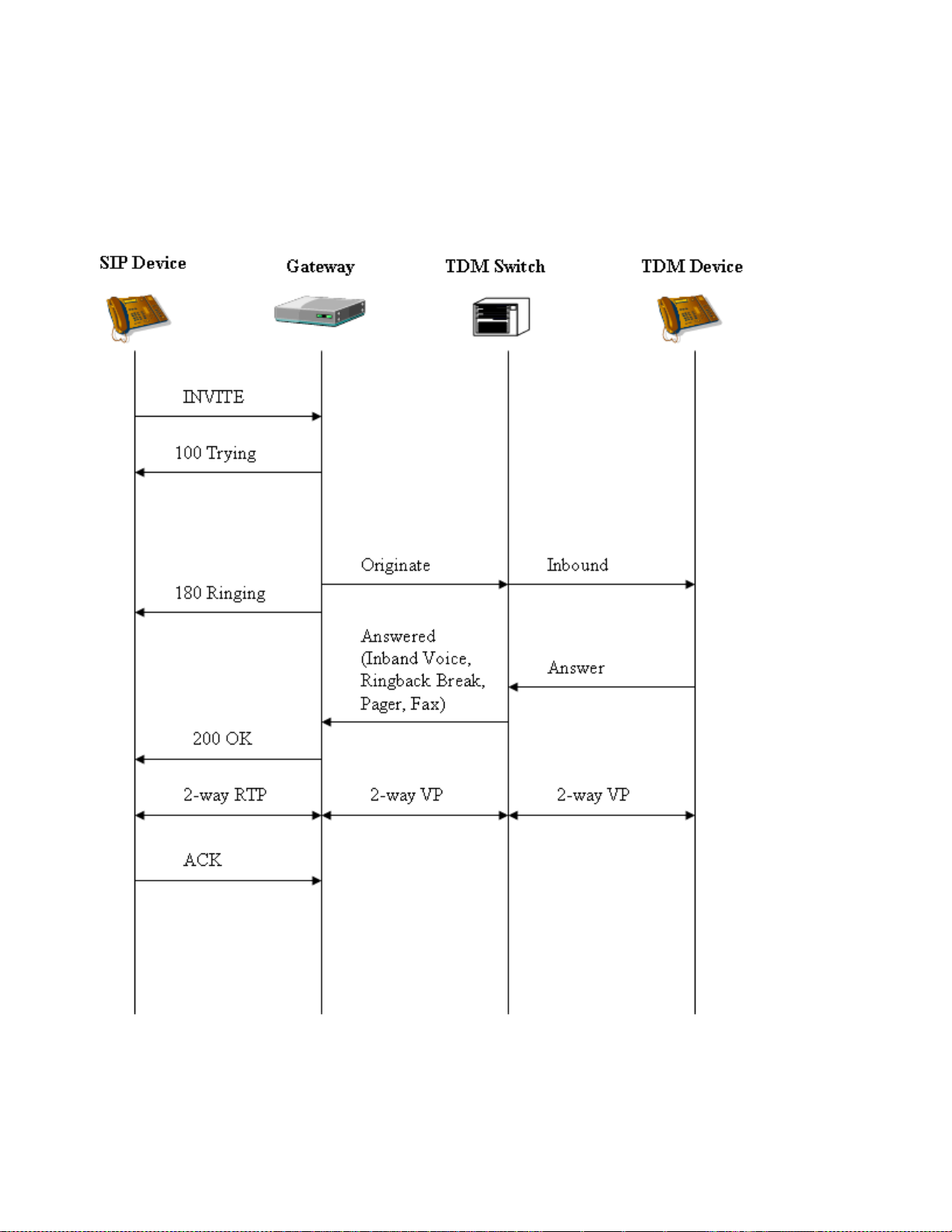
Dialogic® 1000 and 2000 Media Gateway Series SIP ComplianceDocSubtitle
VOIP to TDM Success
The gateway generates 200 OK after a positive answer is detected. This may occur upon in-band
voice activity detection, ring-back tone interruption, pager tone detection, or fax tone detection.
50
Page 51
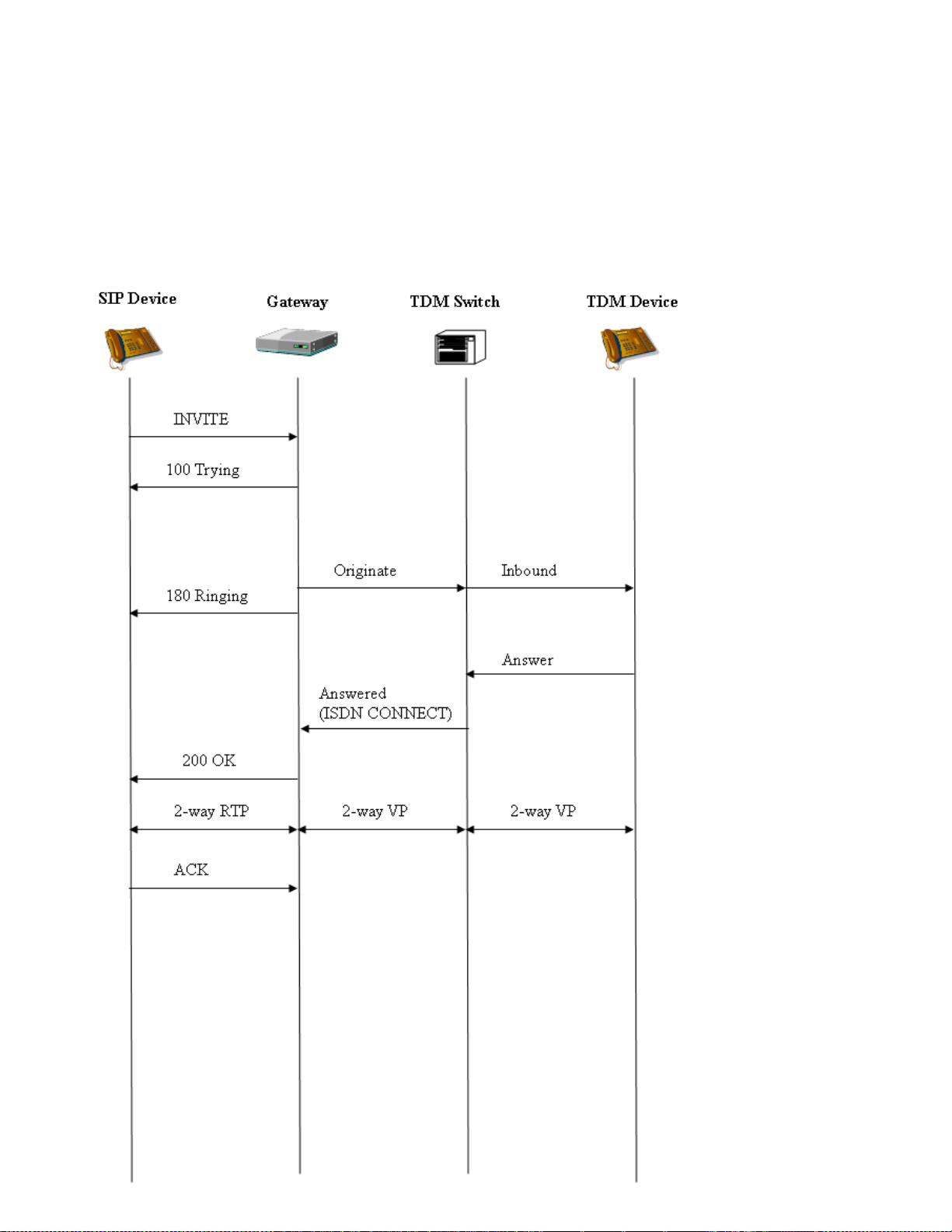
Dialogic® 1000 and 2000 Media Gateway Series SIP ComplianceDocSubtitle
VOIP to TDM Success (ISDN CONNECT)
When the TDM interface uses an ISDN protocol, the gateway relies on the ISDN CONNECT
message from the TDM Switch to determine when the call has been answered (exception to this is
if the TDM switch sends an ISDN Progress Indication:(1 or 8), described in next section). The
gateway generates 200 OK upon receiving the ISDN CONNECT message from the TDM Switch.
51
Page 52
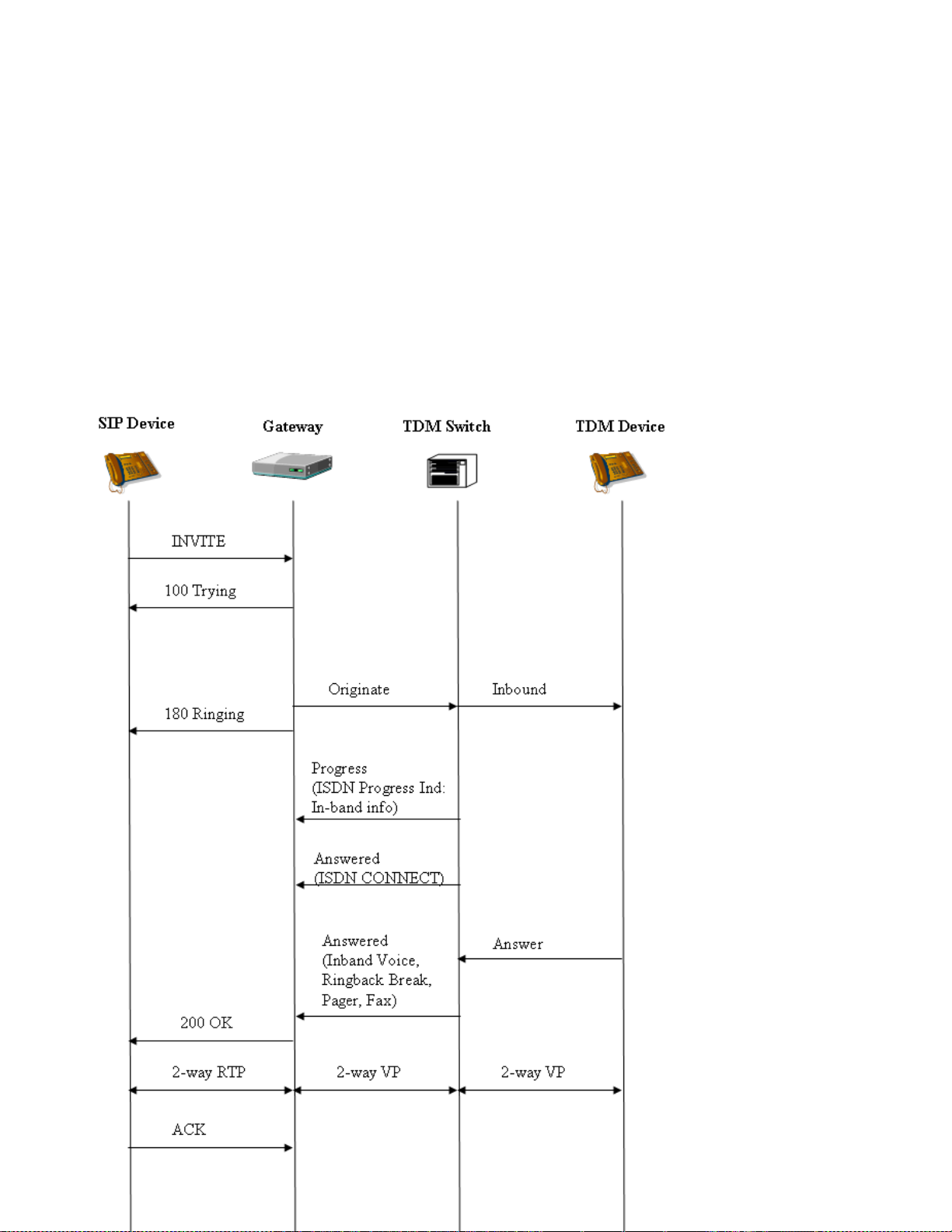
Dialogic® 1000 and 2000 Media Gateway Series SIP ComplianceDocSubtitle
VOIP to TDM Success (ISDN Progress Indication:8 In-Band)
When the TDM interface uses an ISDN protocol, the gateway relies on the ISDN CONNECT
message from the TDM Switch to determine when the call has been answered. However, if the
TDM Switch determines that the call is not ISDN end-to-end, then it will send an ISDN Progress
Indication:(1 or 8) message to the Gateway. An ISDN Progress Indication may be part of a
SETUP, ALERTING, PROGRESS, or CONNECT message. This indication requests the Gateway to
look in-band for call-progress tones since the ISDN CONNECT message cannot be relied upon to
determine when the TDM endpoint has answered the call. In this situation, the Gateway will
ignore the ISDN CONNECT message received from the TDM Switch and will rely on in-band callprogress tone detection to determine when the call has been answered. The Gateway generates
200 OK after a positive answer is detected. This may occur upon in-band voice activity detection,
ring-back tone interruption, pager tone detection, or fax tone detection.
52
Page 53
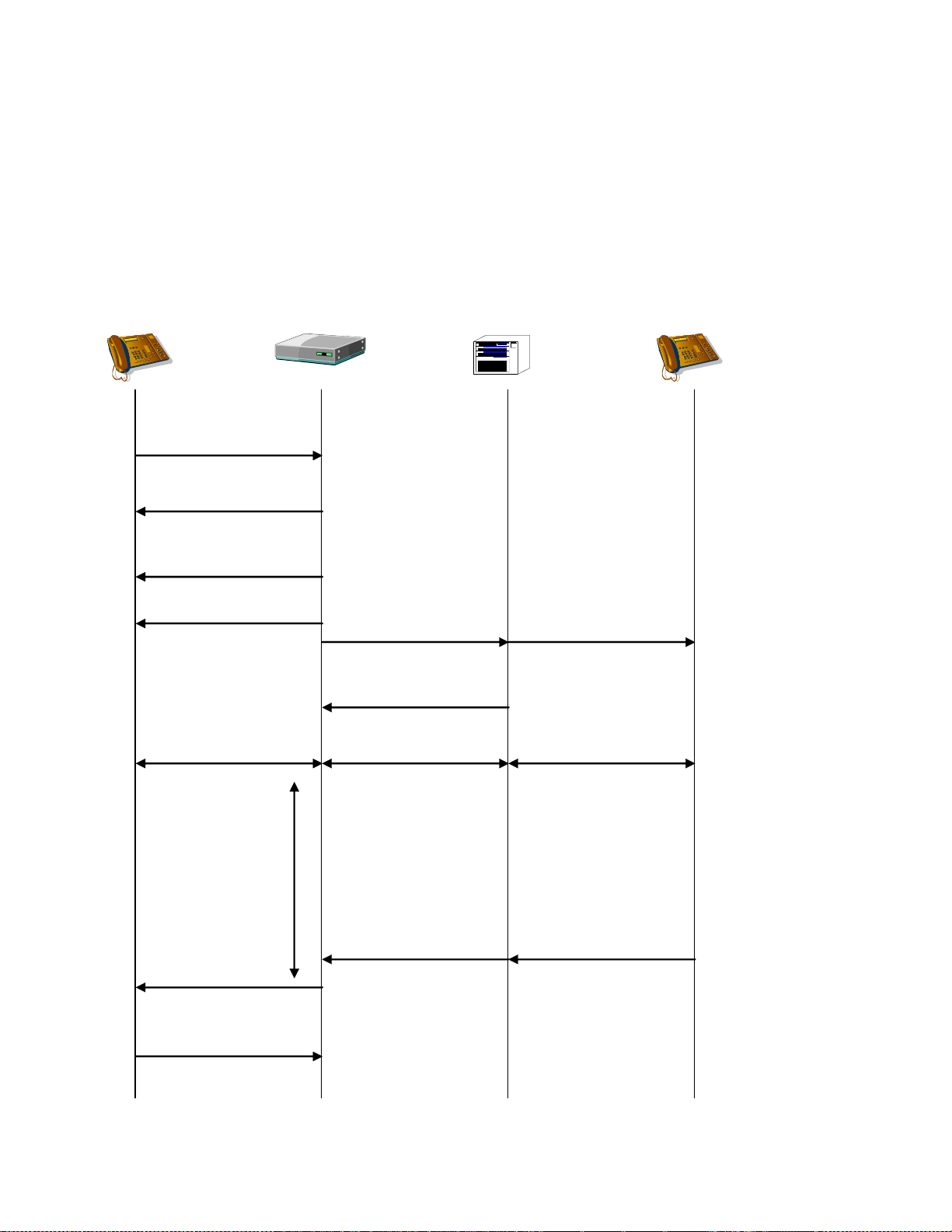
Dialogic® 1000 and 2000 Media Gateway Series SIP ComplianceDocSubtitle
180 Ringing
SIP Device
Gateway TDM Switch TDM Device
INVITE
Supported:early-session
ACK
200 OK
Originate
2-way RTP 2-way VP 2-way VP
100 Trying
Inbound
183 Progress
Dialing Complete
Answer
Early
Session
Interval
VOIP to TDM Success with Early Media
In this scenario, the SIP device requests for early media support using the „Supported‟ header
field with the „early-session‟ option tag. The gateway responds with an additional 183 Session
Progress message that indicates support for early media via the „Content-Disposition‟ header and
the „early-session‟ option tag.
53
Page 54
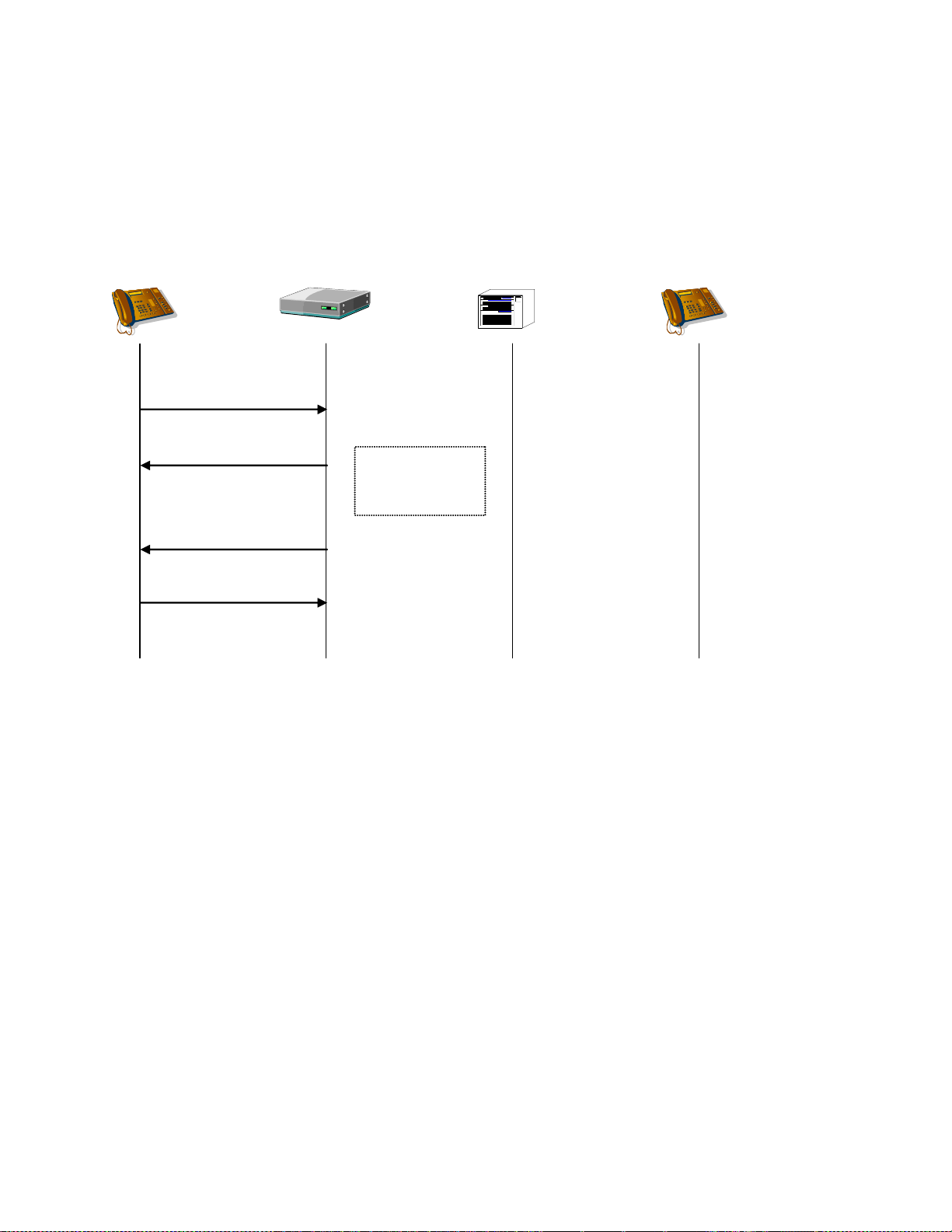
Dialogic® 1000 and 2000 Media Gateway Series SIP ComplianceDocSubtitle
403 Forbidden
SIP Device
Gateway TDM Switch TDM Device
INVITE
100 Trying
Gateway cannot
route INVITE to
TDM network
ACK
VOIP to TDM Failure – Call Un-Routable
If the INVITE request does not contain any valid destination number and no routing table rule
may be positively matched, then the following scenario occurs.
54
Page 55
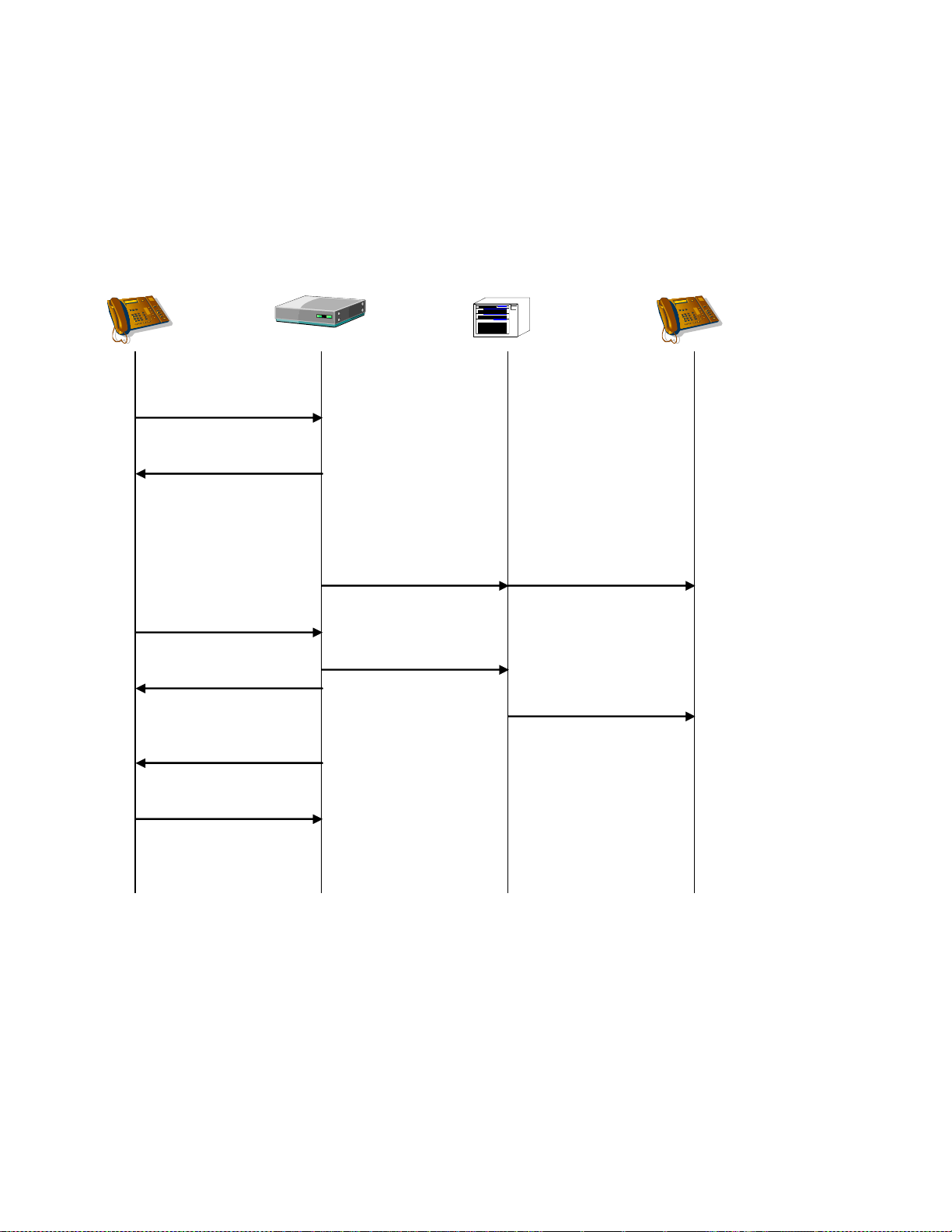
Dialogic® 1000 and 2000 Media Gateway Series SIP ComplianceDocSubtitle
SIP Device
Gateway TDM Switch TDM Device
INVITE
CANCEL
Originate
100 Trying
Inbound
Disconnect
487 Request
Terminated
200 OK
ACK
Canceled
VOIP to TDM Failure – Call Canceled
If the INVITE request source cancels the request before the gateway completes the request, then
the gateway will terminate the TDM network call.
55
Page 56
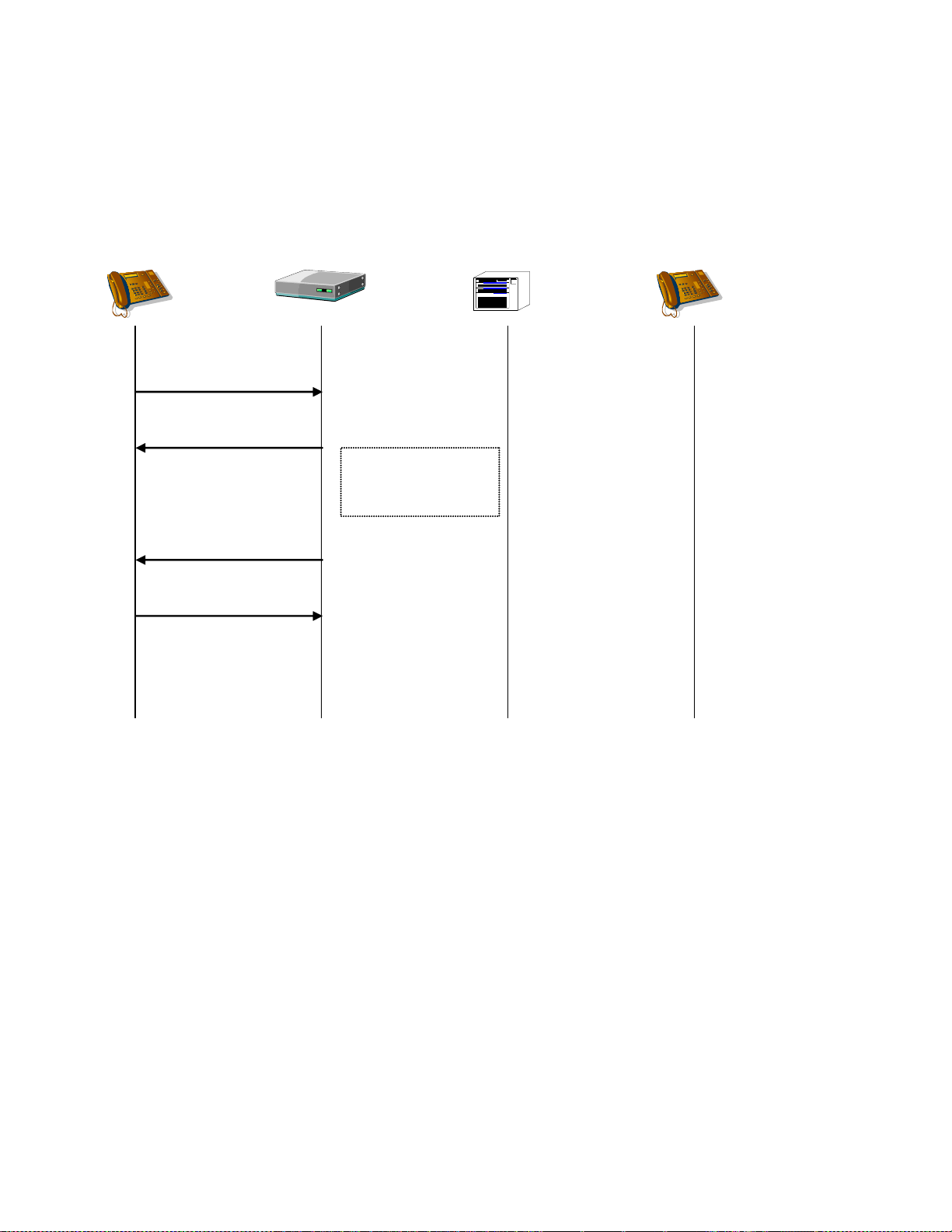
Dialogic® 1000 and 2000 Media Gateway Series SIP ComplianceDocSubtitle
SIP Device
Gateway TDM Switch TDM Device
INVITE
100 Trying
No TDM channel is
available on which to
originate call.
480 Temporarily
Unavailable
ACK
VOIP to TDM Failure – TDM Channel Unavailable
If there are no available gateway TDM channels, then the gateway responds with a 480.
56
Page 57
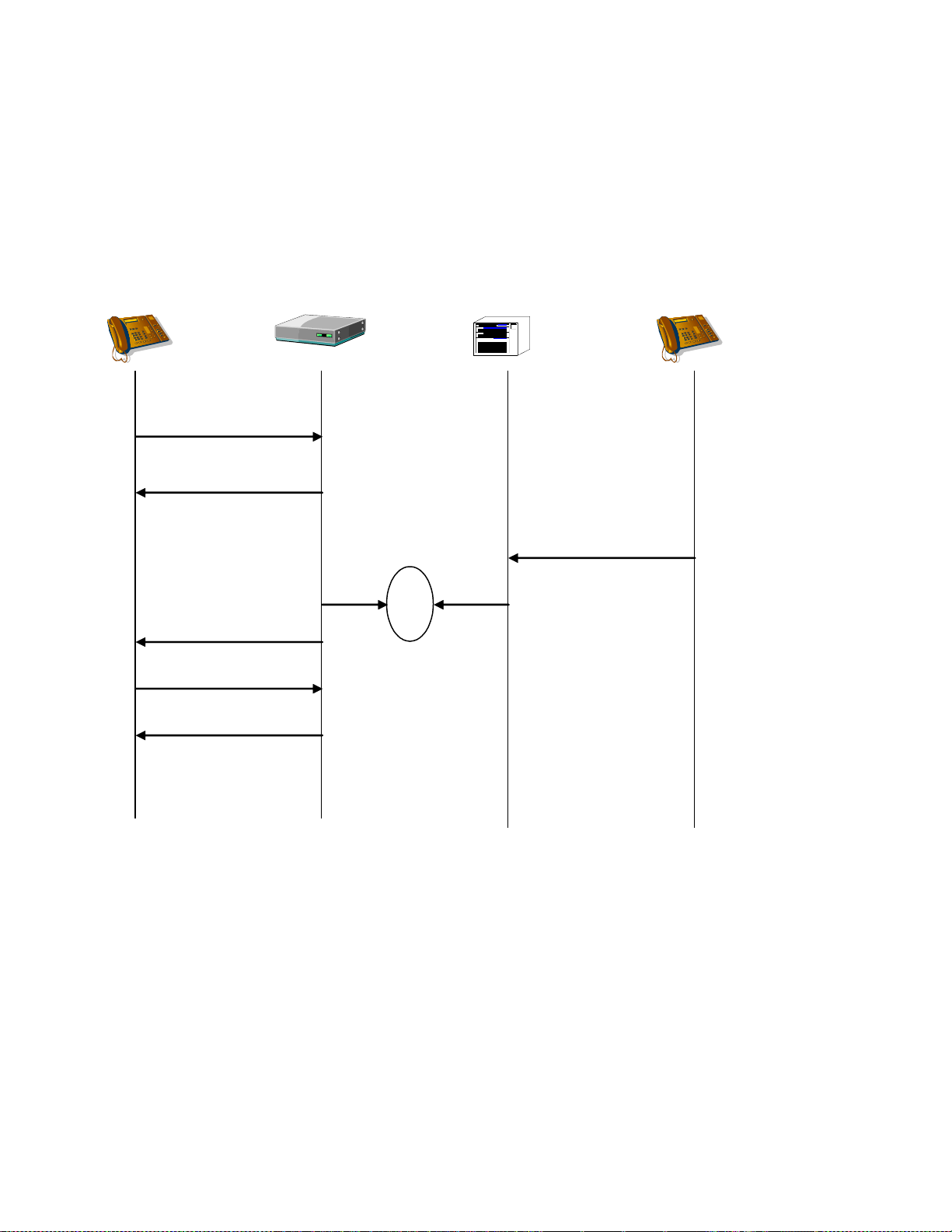
Dialogic® 1000 and 2000 Media Gateway Series SIP ComplianceDocSubtitle
SIP Device
Gateway TDM Switch TDM Device
INVITE
Originate
100 Trying
Originate
480 Temporarily
Unavailable
INVITE
Inbound
glare
ACK
VOIP to TDM Failure – Glare
If a TDM network call is inbound on a TDM channel that is about to be used for a TDM call
origination, then a glare condition occurs. The gateway fails the INVITE request, and presents a
TDM-To-VOIP INVITE request for the inbound TDM call.
57
Page 58
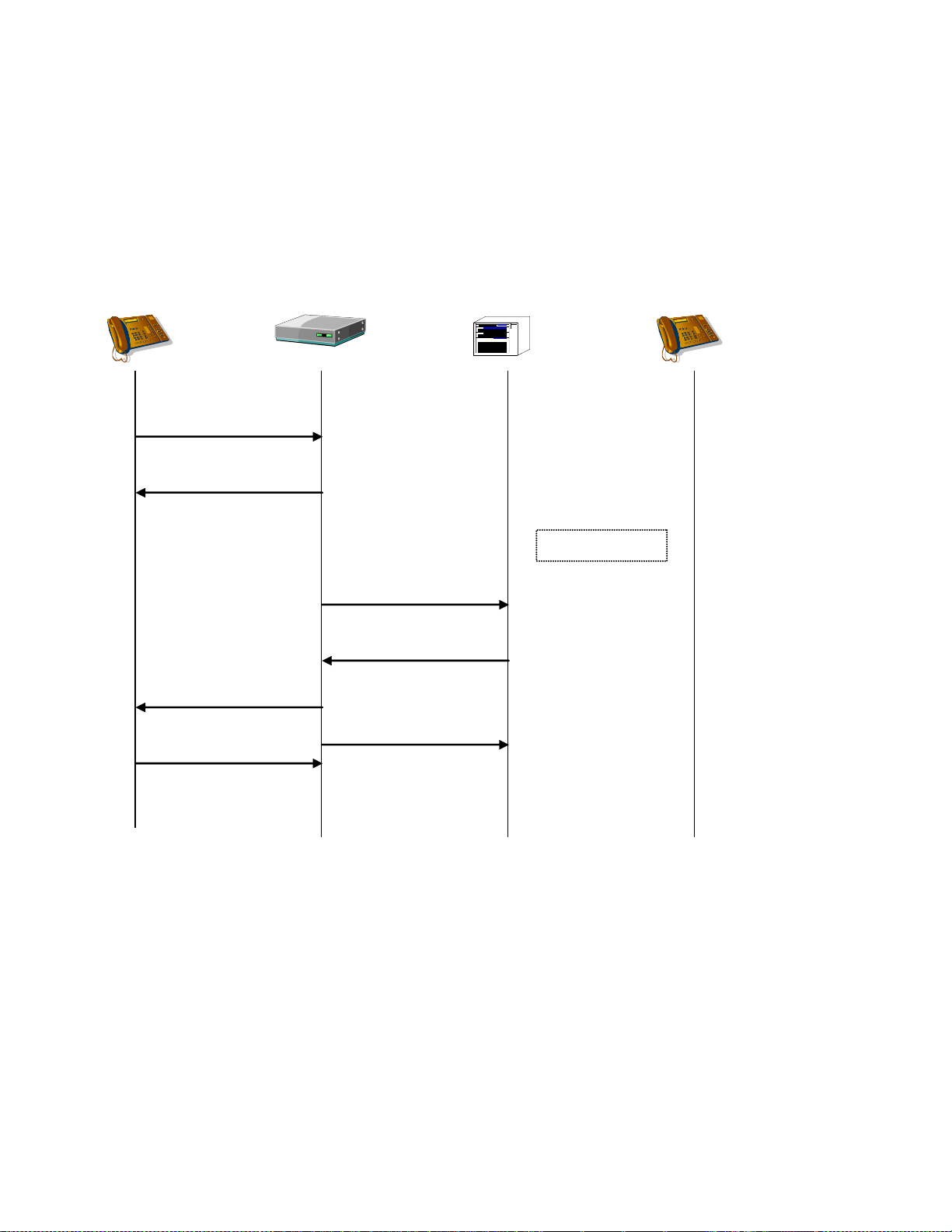
Dialogic® 1000 and 2000 Media Gateway Series SIP ComplianceDocSubtitle
486 Busy Here
SIP Device
Gateway TDM Switch TDM Device
INVITE
Originate
100 Trying
Busy Response
Station is busy
Disconnect
ACK
VOIP to TDM Failure – Busy Response
A busy response detected during TDM call origination results in a failure response to the INVITE
request and the TDM call is terminated. The busy response could be a busy-tone or an ISDN busydisconnect.
58
Page 59
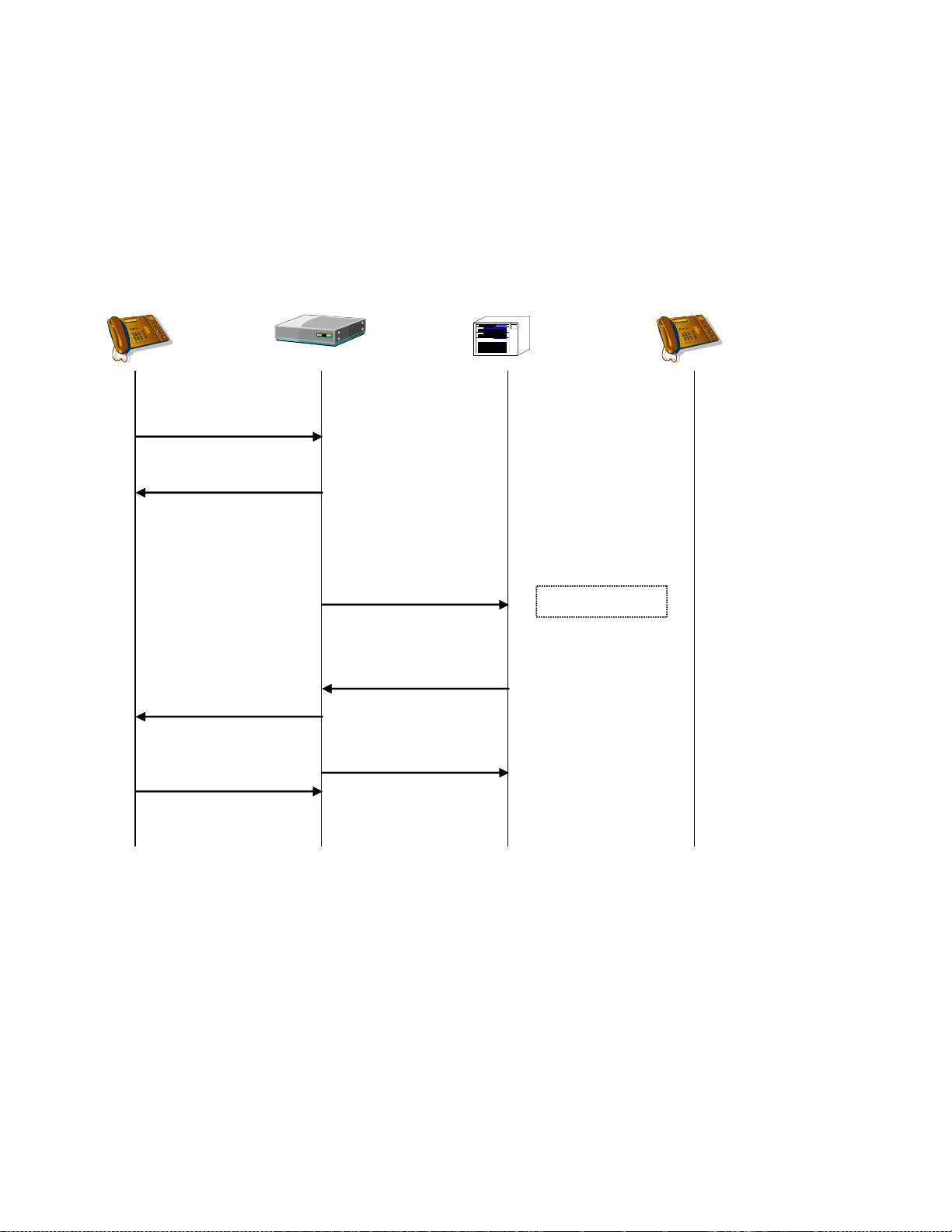
Dialogic® 1000 and 2000 Media Gateway Series SIP ComplianceDocSubtitle
SIP Device
Gateway TDM Switch TDM Device
INVITE
Originate
100 Trying
Error Response
404 Not Found
Disconnect
Station is invalid
ACK
VOIP to TDM Failure – Error Response
An error response detected during TDM call origination results in a failure response to the INVITE
request and the TDM call is terminated. The error response could be an error tone or an ISDN
error-disconnect.
59
Page 60
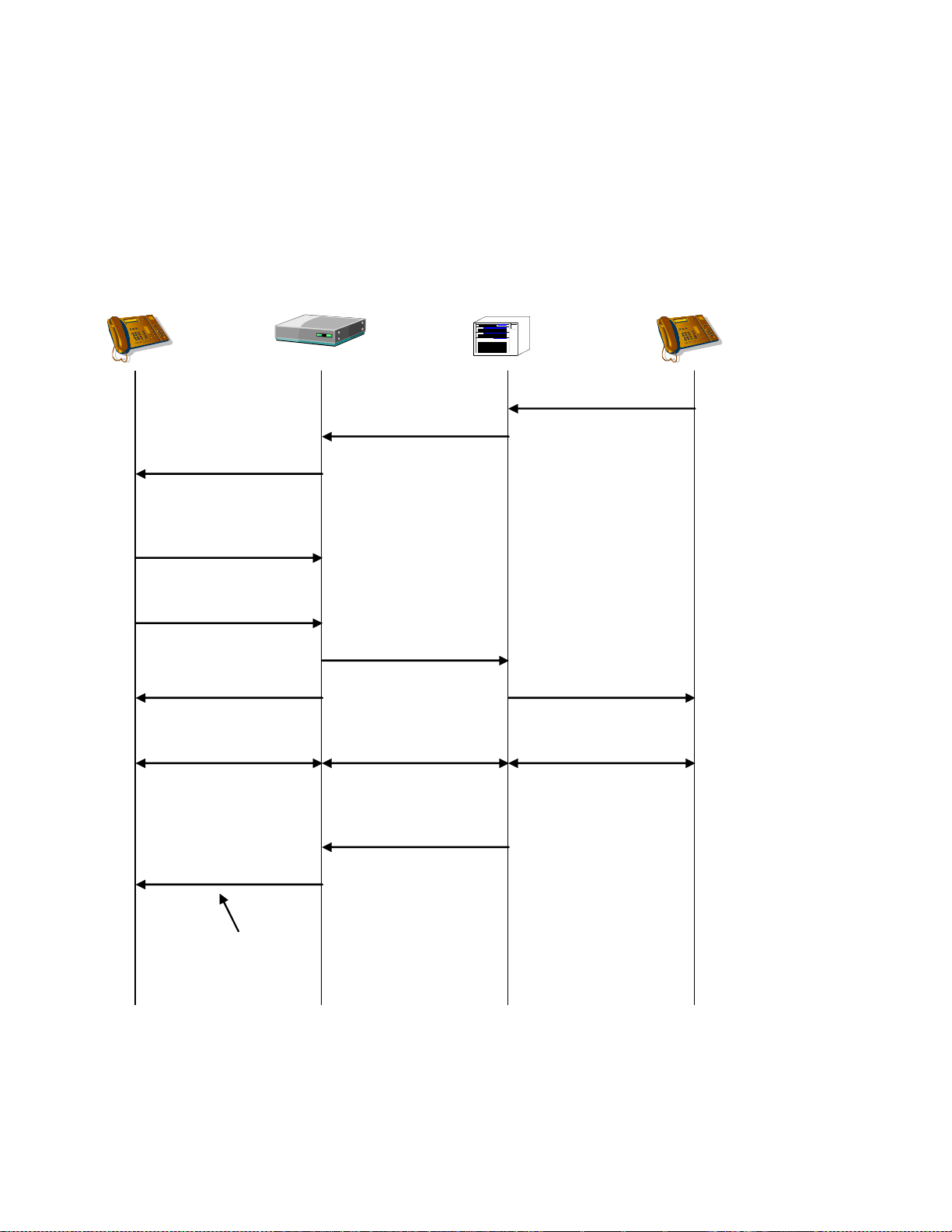
Dialogic® 1000 and 2000 Media Gateway Series SIP ComplianceDocSubtitle
180 Ringing
SIP Device
Gateway TDM Switch TDM Device
Originate
Inbound
INVITE
CPID
INFO
ACK
200 OK
Answered
Answered
2-way RTP 2-way VP 2-way VP
Includes New CPID
TDM to VOIP Success (Post-INVITE CPID)
The INFO method is generated only if the TDM call party information was not available at the time
of the INVITE request generation, but has now become available. This can occur as a result of
Type II CPID, in which the CPID is available only after the TDM call is answered.
60
Page 61
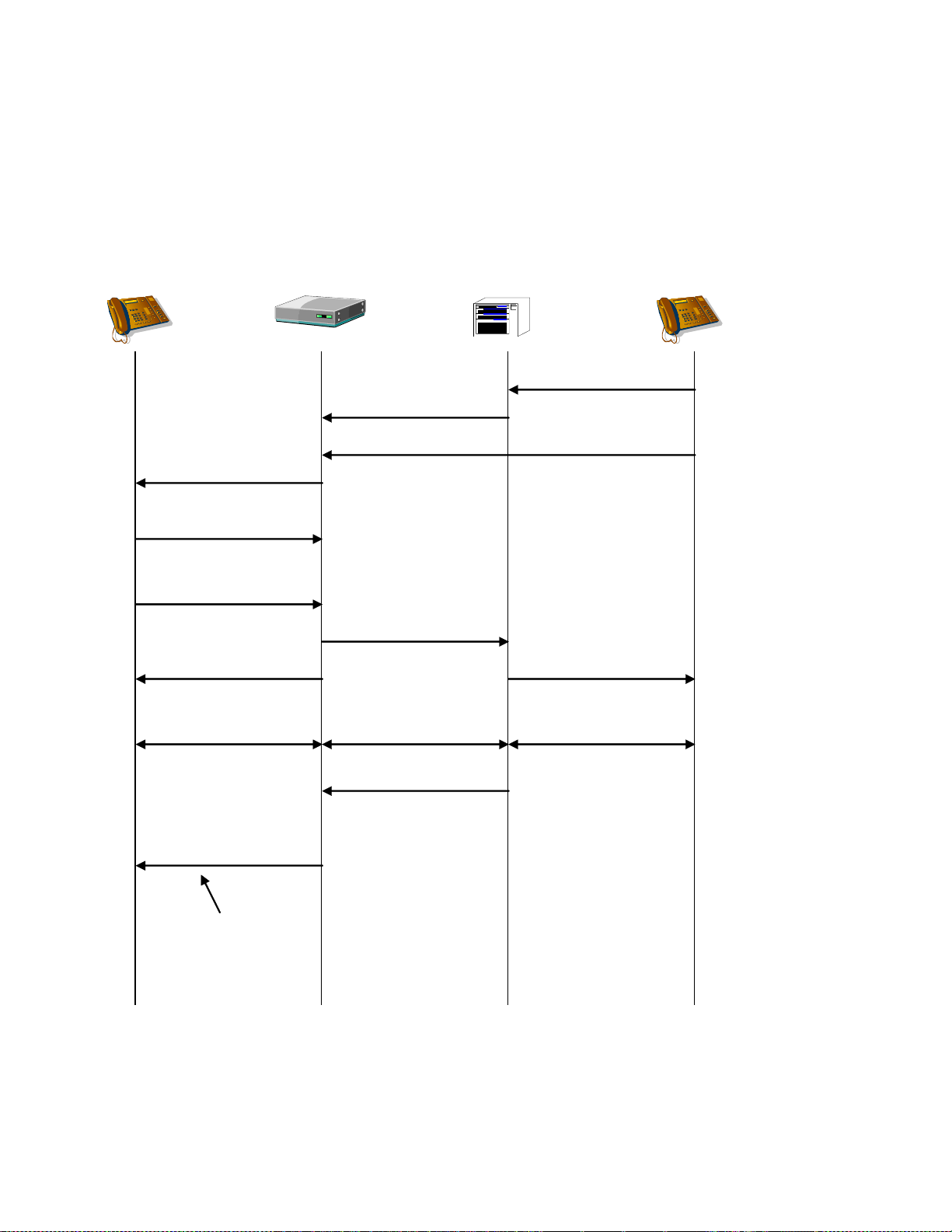
Dialogic® 1000 and 2000 Media Gateway Series SIP ComplianceDocSubtitle
180 Ringing
SIP Device
Gateway TDM Switch TDM Device
Originate
Inbound
INVITE
Calling Number
Changed (could be due
to a supervised transfer
being completed)
INFO
ACK
200 OK
Answered
Answered
2-way RTP 2-way VP 2-way VP
Includes New
Calling Number.
CPID
TDM to VOIP Success (Calling Number Updated)
If the calling number is updated either before or after the call is answered (either ringing or
connected state), the Media Gateway can send an INFO message update to the VOIP endpoint.
61
Page 62
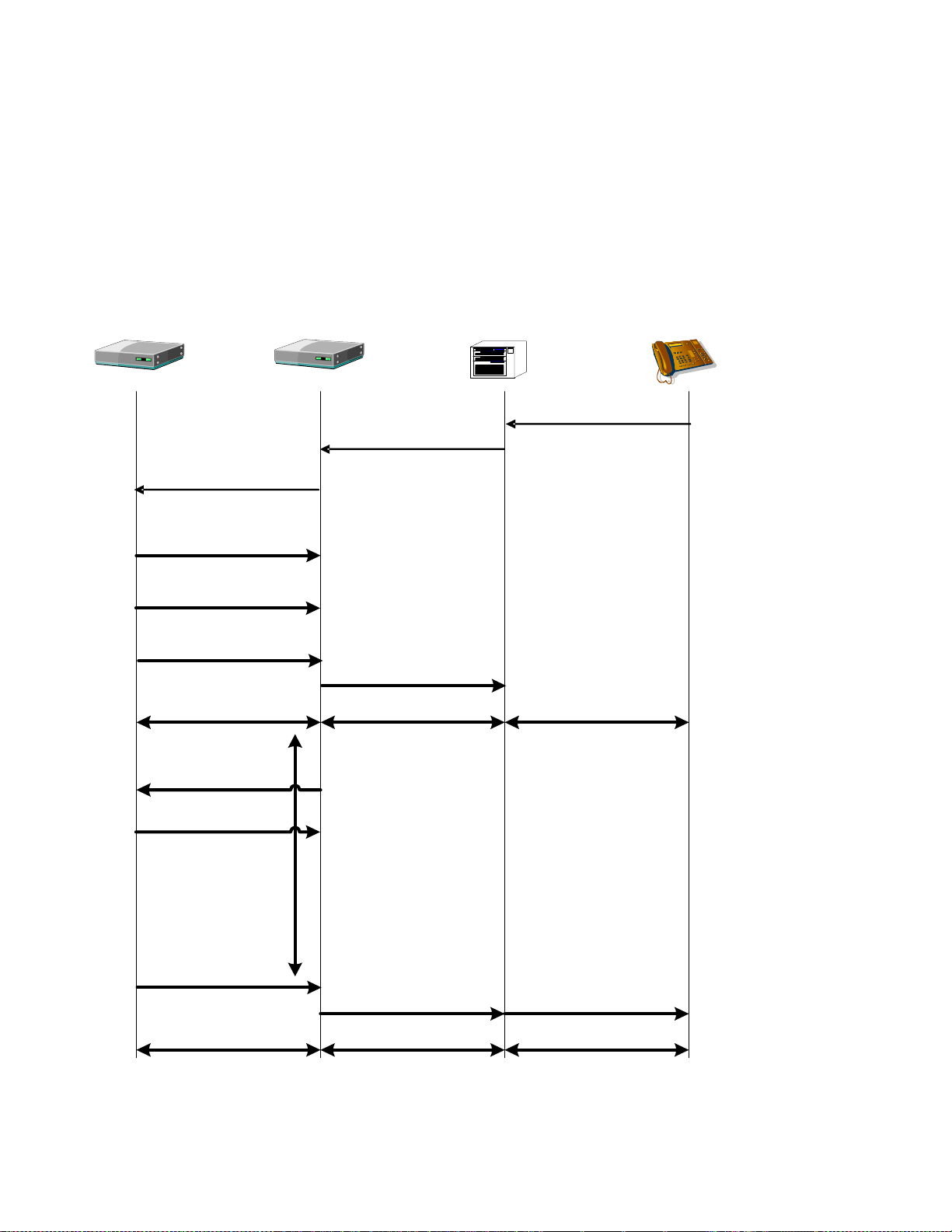
SIP Device
Gateway TDM Switch TDM Device
Incoming Call
Incoming Call
INVITE
(with SDP Offer)
100 Trying
180 Ringing
183 Progress
( SDP Answer)
PRACK (if 183
sent w/100rel)
200 OK
200 OK
Early Session
Interval
Answer Answer
2-way RTP
2-way voice
2-way voice
Enable Voice
(if supported)
2-way RTP
2-way voice
2-way voice
Dialogic® 1000 and 2000 Media Gateway Series SIP ComplianceDocSubtitle
TDM to VOIP Success with Early Media (Gateway Model)
In this scenario, the SIP device requests for early media support by responding to the initial
INVITE sent by the gateway – which included a SDP Offer – with a SDP Answer in a 183 Session
Progress message. Note that the “Gateway” model is enabled by setting the gateway‟s
sipEarlyMediaSupport parameter to „Always‟.
62
Page 63
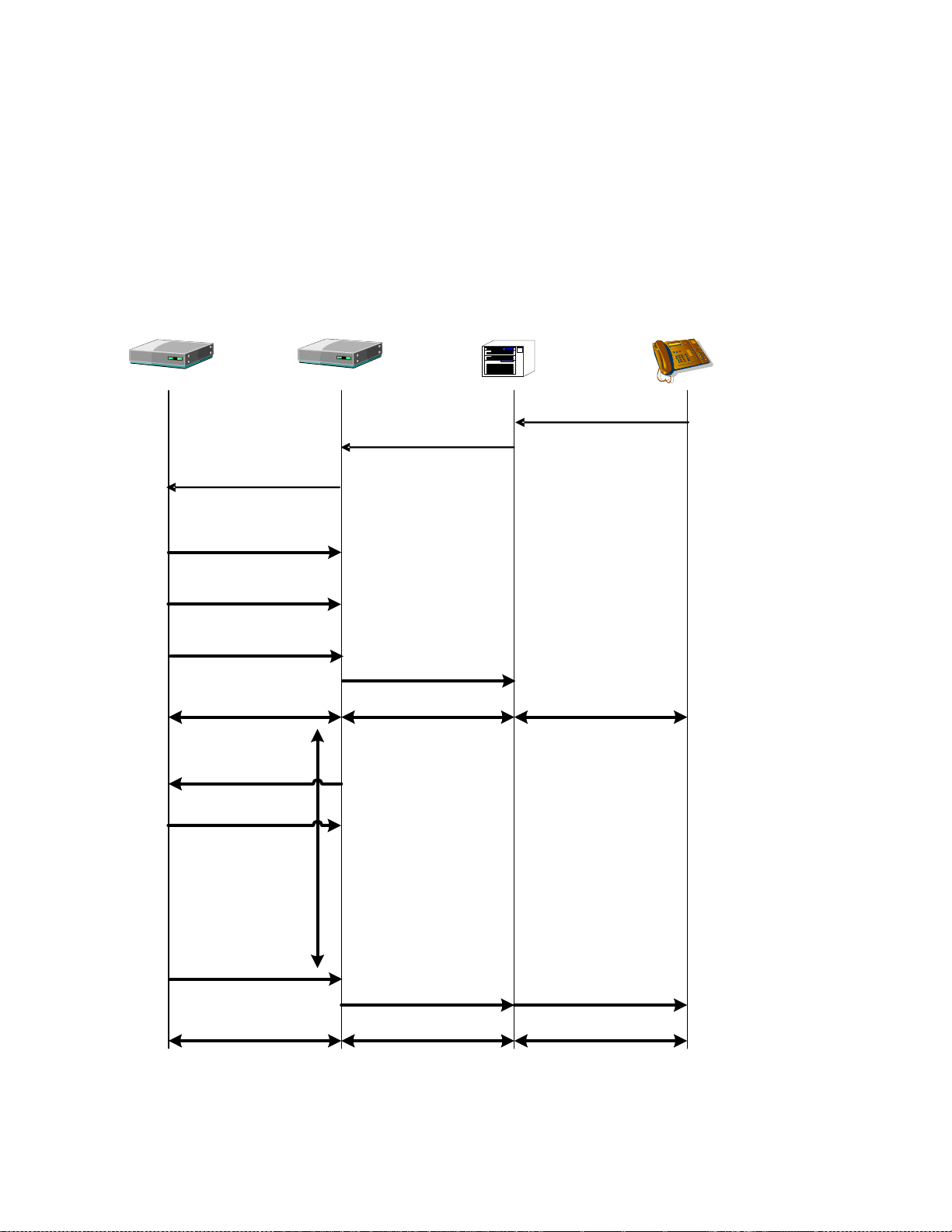
Dialogic® 1000 and 2000 Media Gateway Series SIP ComplianceDocSubtitle
SIP Device
Gateway TDM Switch TDM Device
Incoming Call
Incoming Call
INVITE
(with SDP Offer
Supported:early-session)
100 Trying
180 Ringing
183 Progress
( SDP Answer)
PRACK (if 183
sent w/100rel)
200 OK
200 OK
Early Session
Interval
Answer Answer
2-way RTP
2-way voice
2-way voice
Enable Voice
(if supported)
2-way RTP
2-way voice
2-way voice
TDM to VOIP Success with Early Media (Application Model)
In this scenario, the SIP device requests for early media support by responding to the initial
INVITE sent by the gateway – which included a Session header set to „early-session and a SDP
Offer – with a SDP Answer in a 183 Session Progress message. Note that the “Application” model
is enabled by setting the gateway‟s sipEarlyMediaSupport parameter to „On-Demand‟.
63
Page 64
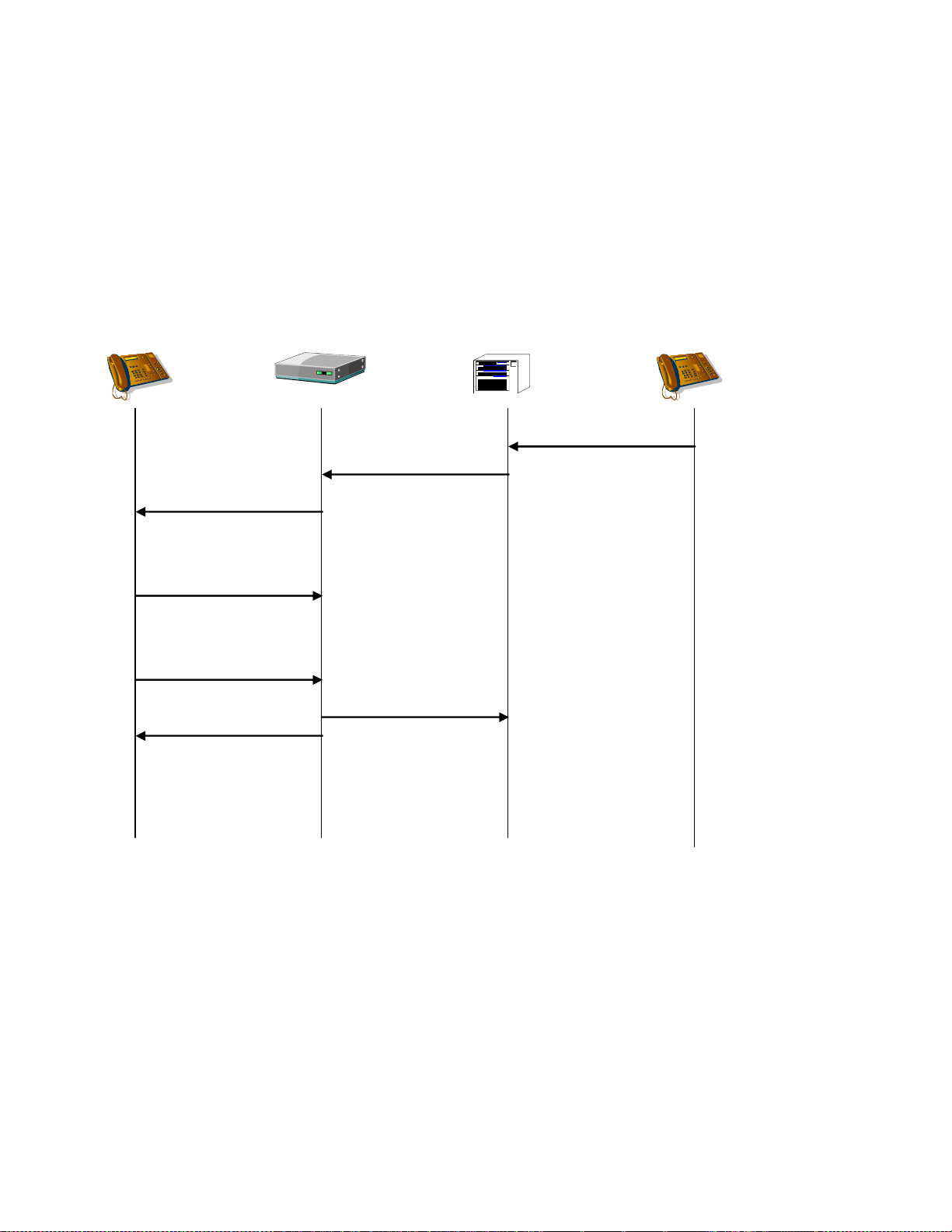
Dialogic® 1000 and 2000 Media Gateway Series SIP ComplianceDocSubtitle
180 Ringing
SIP Device
Gateway TDM Switch TDM Device
Originate
Inbound
INVITE
4xx, 5xx, 6xx Failure
Transfer to default
extension or ignore.
At this point, the call
is transferred or
ignored. If ignored,
eventually, the caller
will hang up and the
call be disconnected.
ACK
TDM to VOIP Failure - Rejected
If the VOIP destination rejects the call with any error response, or the INVITE request times out,
then the TDM call is transferred to the default TDM network destination, or the call is ignored. If a
default TDM network destination is configured, then the TDM call is answered and immediately transferred (unsupervised) to the default destination. If no default TDM network destination is
configured, then the TDM call is ignored.
64
Page 65

Dialogic® 1000 and 2000 Media Gateway Series SIP ComplianceDocSubtitle
180 Ringing
SIP Device
Gateway TDM Switch TDM Device
Originate
Inbound
INVITE
Disconnect
Disconnect
CANCEL
487 Request
Terminated
200 OK
ACK
TDM to VOIP Failure - TDM Cancel
If the TDM network call terminates before the INVITE request is answered, then the gateway will
cancel the INVITE request.
65
Page 66
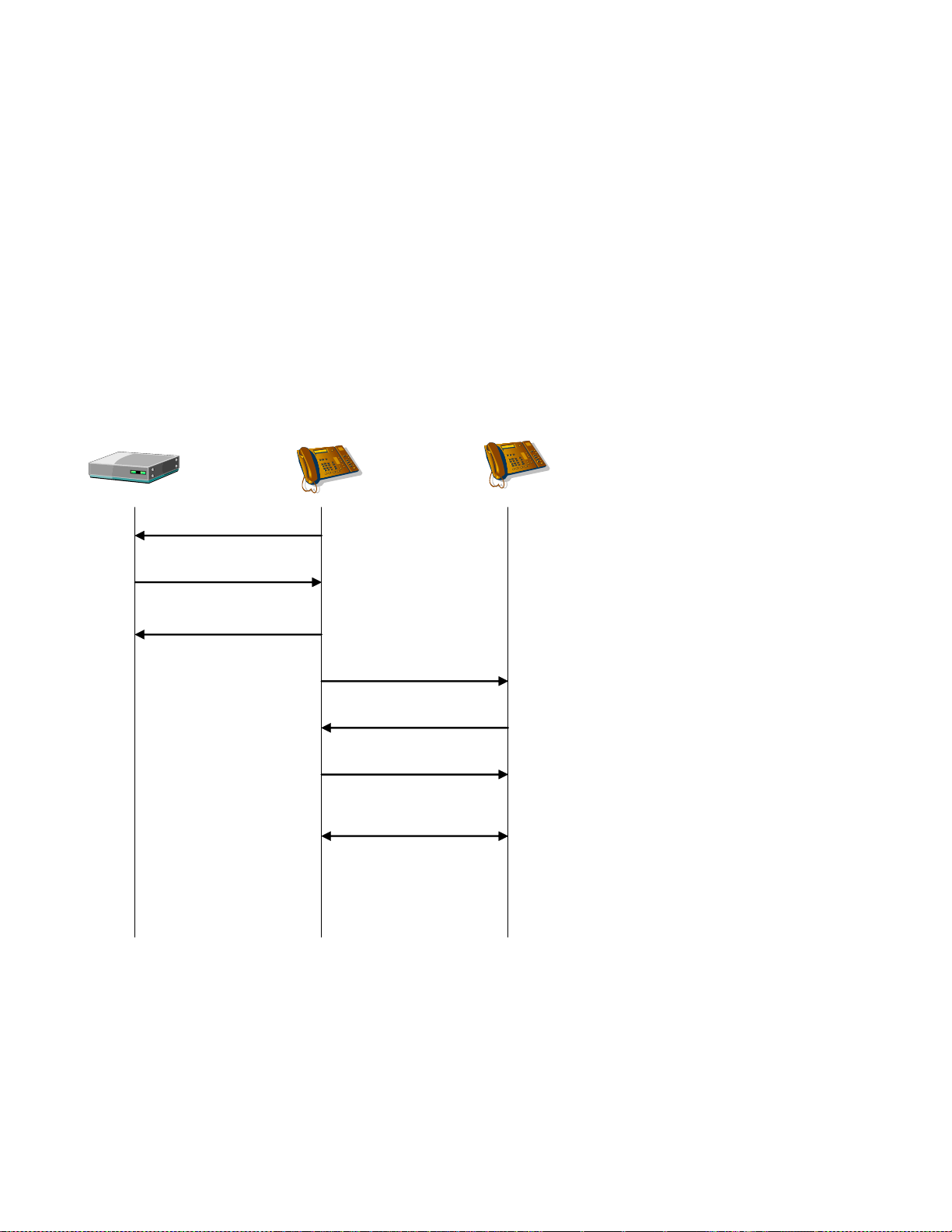
Dialogic® 1000 and 2000 Media Gateway Series SIP ComplianceDocSubtitle
SIP Device AGateway
SIP Device B
INVITE
ACK
200 OK
ACK
2-way RTP
302 Moved Temporarily
Contact: ‘SIP Device B’
INVITE
VOIP to VOIP Success – Redirect Routing
The gateway supports the ability to perform VOIP to VOIP Redirect Routing. In this case, the
gateway simply responds to an incoming INVITE from a SIP peer with a 302 response. This call
flow does not show any 1xx messages for the purpose of simplification.
The case shown here is one in which SIP Device A sends an INVITE to the gateway. Due to a
routing table configuration which indicates Redirect as opposed to Bridged routing, the gateway
responds to SIP Device A with a 302 response. Inside the 302 response is a „Contact‟ header
which contains the URI of SIP Device B. At this time, SIP Device A may redirect its INVITE to SIP
Device B if it chooses to do so. In this scenario, no media is exchanged with the gateway and a
call is connected between the external SIP devices with no further gateway interaction.
66
Page 67
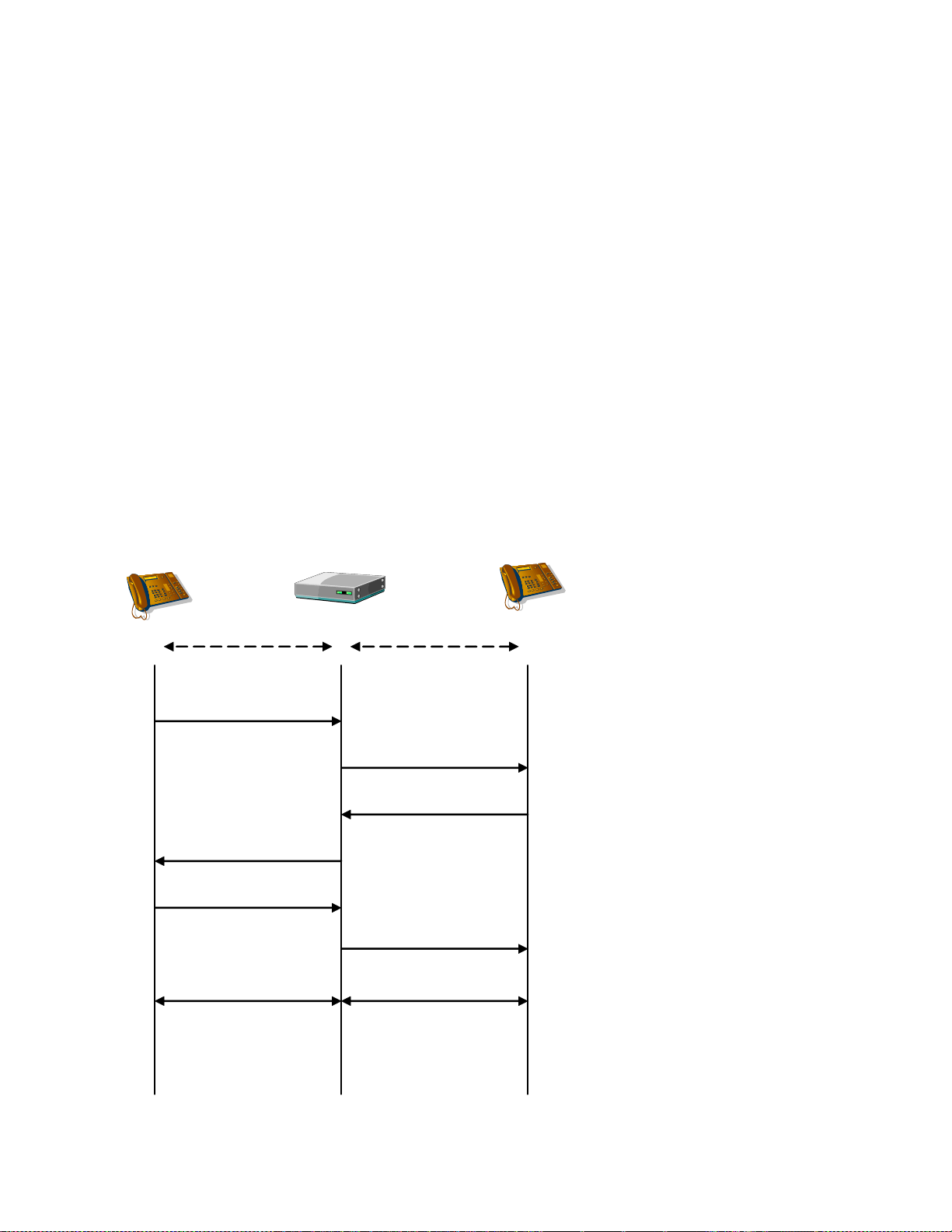
Dialogic® 1000 and 2000 Media Gateway Series SIP ComplianceDocSubtitle
SIP Device A
Gateway SIP Device B
INVITE
ACK
INVITE
200 OK
200 OK
ACK
2-way RTP2-way RTP
TCP UDP
VOIP to VOIP Success – Bridged Routing with Pass Through
The gateway supports the ability to perform VOIP to VOIP Bridged Routing. In this case, the
gateway bridges two disparate signaling networks or devices. This call flow does not show any
1xx messages for the purpose of simplification.
The case shown here is one in which SIP Device A is configured to communicate to the gateway
via TCP. SIP Device B may be a SIP endpoint which is only capable of SIP signaling using UDP and
is not capable of TCP communication. The gateway solves this problem by bridging the signaling
at the transport layer. All signaling communication between SIP Device A and the gateway takes
place via TCP. Due to the routing table configuration, the gateway decides to route the incoming
call to SIP Device B which is configured for UDP. The gateway provides the transport layer
translation and the SIP signaling is sent to SIP Device B via UDP.
Once the call is established, the media passes through the gateway. SIP Device A sends its media
to the gateway. The gateway in turn receives the media from SIP Device A and passes it through
to SIP Device B. Media also flows in the opposite direction from SIP Device B through the gateway
and on to SIP Device A. In this scenario, there is no transcoding or other modification to the
media. All signaling and media originating from SIP Device A and SIP Device B pass through the
gateway with only modification to the SIP signaling.
67
Page 68

Dialogic® 1000 and 2000 Media Gateway Series SIP ComplianceDocSubtitle
The VOIP to VOIP routing aspect of the gateway supports many of the same bridged routing call
flows which are seen with VOIP to TDM and TDM to VOIP routing. This includes but is not limited
to Re-INVITE, messages such as MWI and CPID, transfers involving the REFER method and FAX
support . These call flows and message flows are illustrated for VOIP to TDM in other parts of this
document.
68
Page 69

Dialogic® 1000 and 2000 Media Gateway Series SIP ComplianceDocSubtitle
SIP Device A Gateway SIP Device B
INVITE
SDP:
codec = G.723.1
ACK
INVITE
SDP:
codec = G.711u -ORcodec = G.711a -ORcodec = G.723.1
200 OK
SDP:
codec = G.711u
200 OK
SDP:
Codec = G.723.1
ACK
2-way RTP
G.711u Format
2-way RTP
G.723.1 Format
VOIP to VOIP Success – Bridged Routing with Transcoding
Transcoding is the ability of the gateway to transform RTP packets from one codec format to a
different codec format. Transcoding is employed in VOIP to VOIP bridged routing when SIP Device
A and SIP Device B would prefer to communicate with the gateway via differing codec formats.
For example, it is possible that SIP Device A sends the INVITE to the Gateway with an SDP that
allows only G.723.1 format. When the gateway builds the corresponding INVITE to be sent to SIP
Device B, the gateway will build and send SDP format that offers all supported codecs as specified
by the chosen Network Group. In this case an INVITE was sent with an SDP codec offer allowing
G.711u, G.711a and G.723.1 (this is completely determined by the Network Group selection and
is independent of the SDP in the INVITE from SIP Device A).
Suppose that SIP Device B selects the G.711u codec. SIP Device B will place this selection in the
SDP of the 200 OK response sent back to the gateway. The gateway will then take care of
transcoding the received RTP packets. The G.711u packets from SIP Device B will be transcoded
to G.723.1 format before re-sending the packet to SIP Device A. Likewise, the G.723.1 RTP
packets received from SIP device A will be transcoded to G.711u before re-sending the packet to
SIP Device B.
69
Page 70
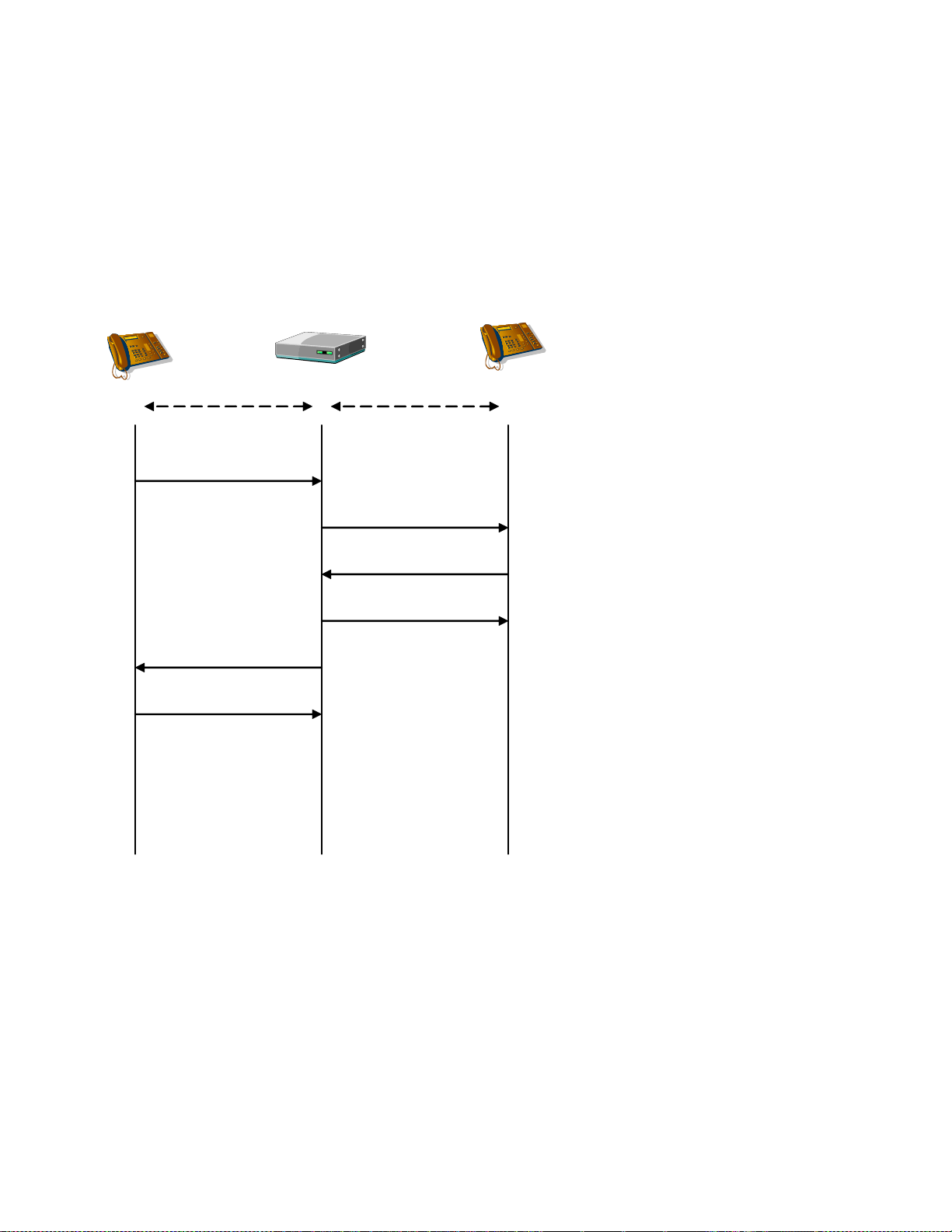
Dialogic® 1000 and 2000 Media Gateway Series SIP ComplianceDocSubtitle
Gateway SIP Device B
INVITE
ACK
INVITE
486 Busy Here
486 Busy Here
ACK
TCP UDP
SIP Device A
VOIP to VOIP Failure – Bridged Routing with Pass Through
This scenario illustrates a failure in a VOIP to VOIP routing due to SIP Device B rejecting the
INVITE. This case is a rejection due to a Busy SIP peer although the reason for the failure may be
any one of the valid SIP error codes.
70
Page 71
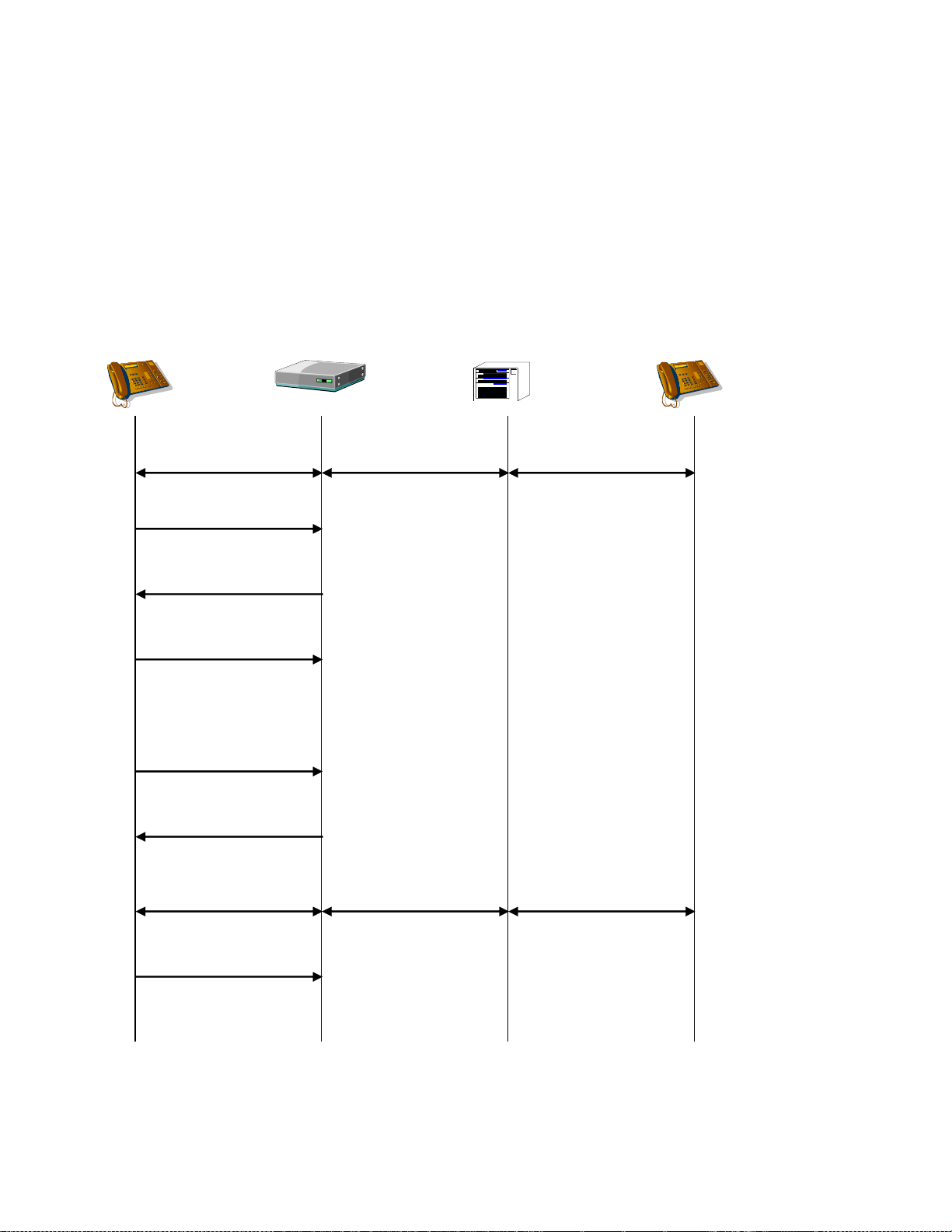
Dialogic® 1000 and 2000 Media Gateway Series SIP ComplianceDocSubtitle
SIP Device
Gateway TDM Switch TDM Device
INVITE (hold)
ACK
200 OK
2-way RTP 2-way VP 2-way VP
No rtp packets
INVITE (unhold)
200 OK
2-way RTP 2-way VP 2-way VP
ACK
Hold, Unhold
Section 0 describes how a VoIP call is placed on-hold and subsequently released from hold.
When a VoIP call on the Gateway is placed on-hold, the state of the TDM network call is unchanged. Note: the TDM network call is NOT put on-hold since a transfer request may be made to
the „on-hold‟ call, at which point the TDM call must not be in a held state. See the transfer call
flows.
71
Page 72
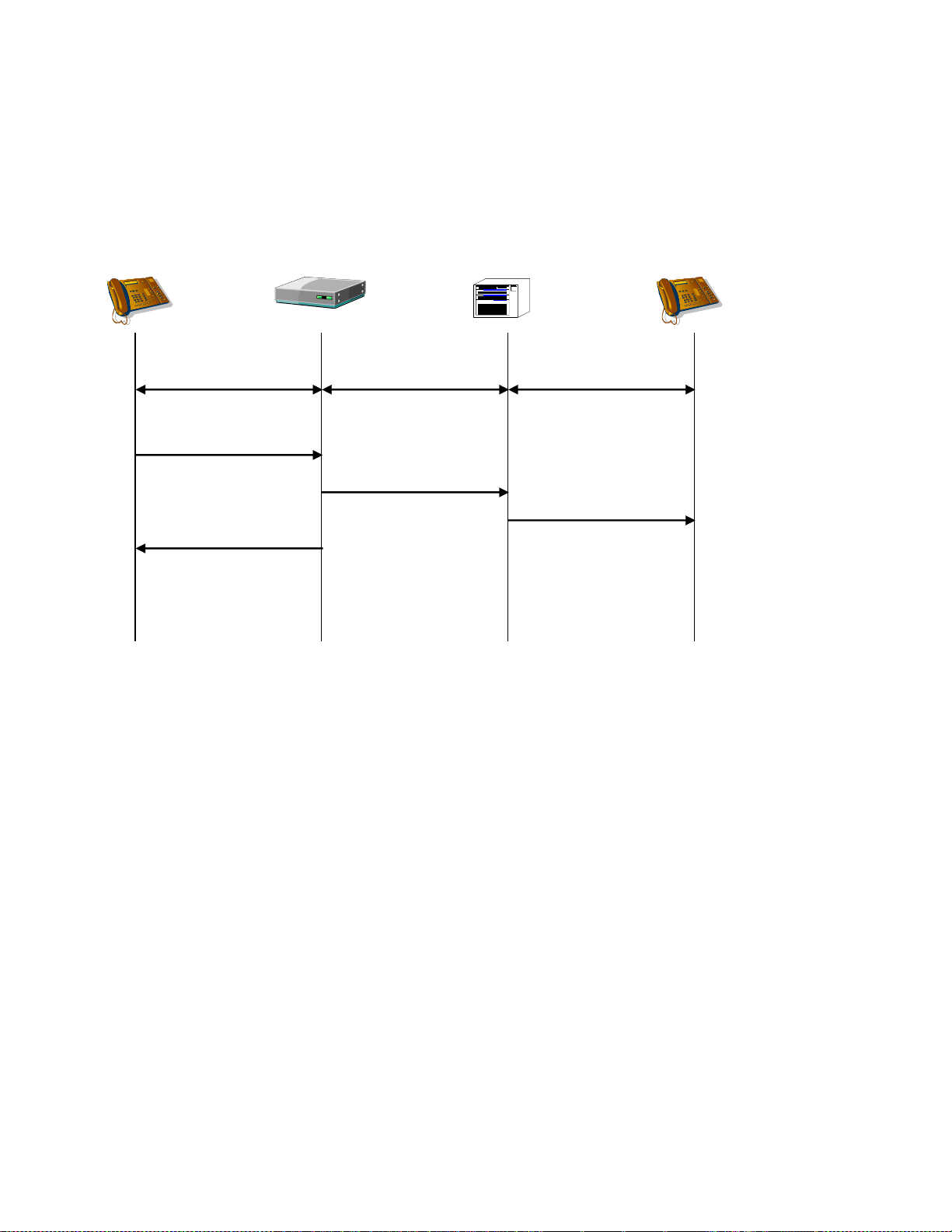
Dialogic® 1000 and 2000 Media Gateway Series SIP ComplianceDocSubtitle
SIP Device
Gateway TDM Switch TDM Device
BYE
200 OK
2-way RTP 2-way VP 2-way VP
Disconnect
Disconnect
VOIP Call Drop
As soon as a BYE request is received from the VOIP device, the TDM call is terminated.
72
Page 73
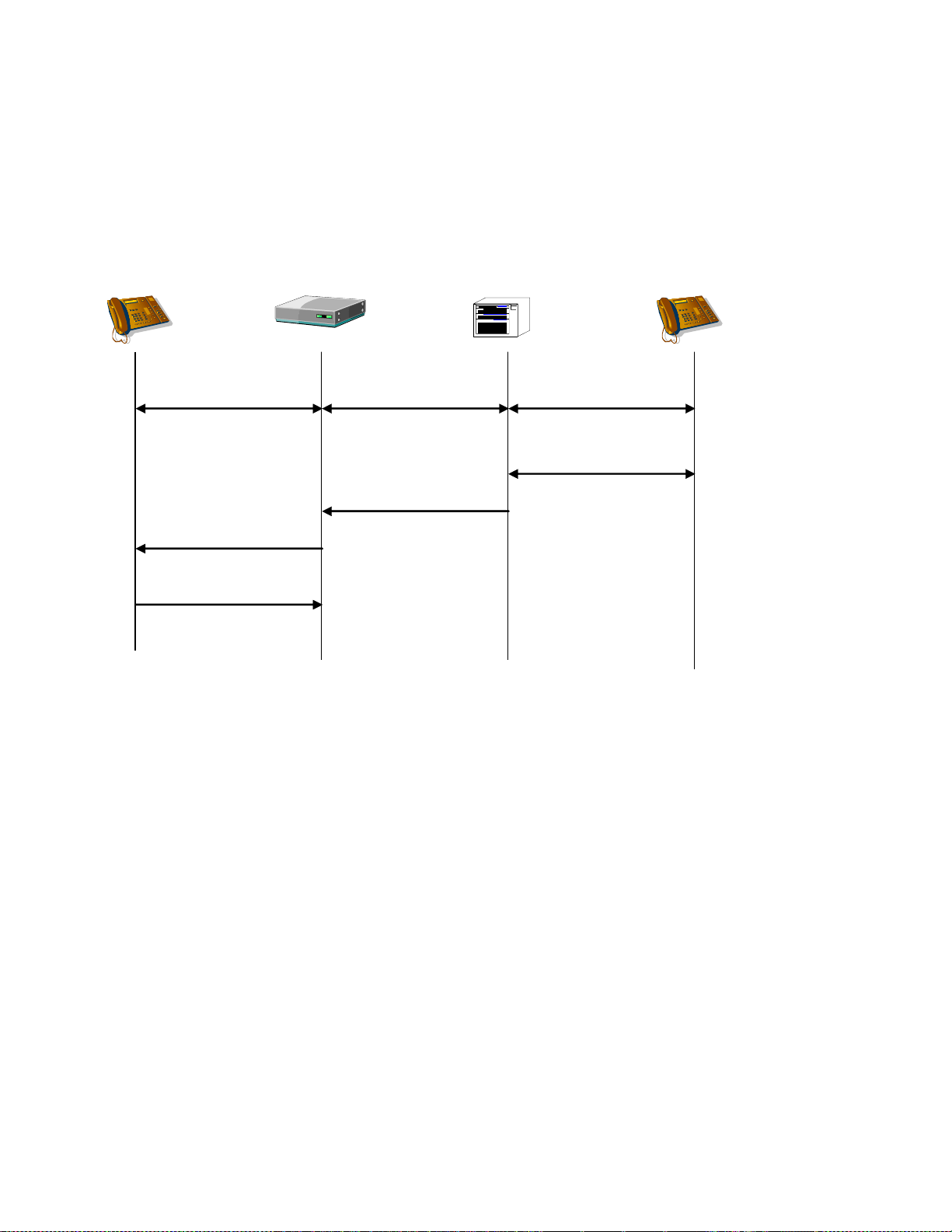
Dialogic® 1000 and 2000 Media Gateway Series SIP ComplianceDocSubtitle
SIP Device
Gateway TDM Switch TDM Device
BYE
200 OK
2-way RTP 2-way VP 2-way VP
Disconnect
Disconnect
TDM Call Drop
If a „disconnect‟ state is detected on the TDM network call (call terminates, dial-tone detected,
disconnect-event), then the TDM call is terminated and a BYE request is sent.
73
Page 74
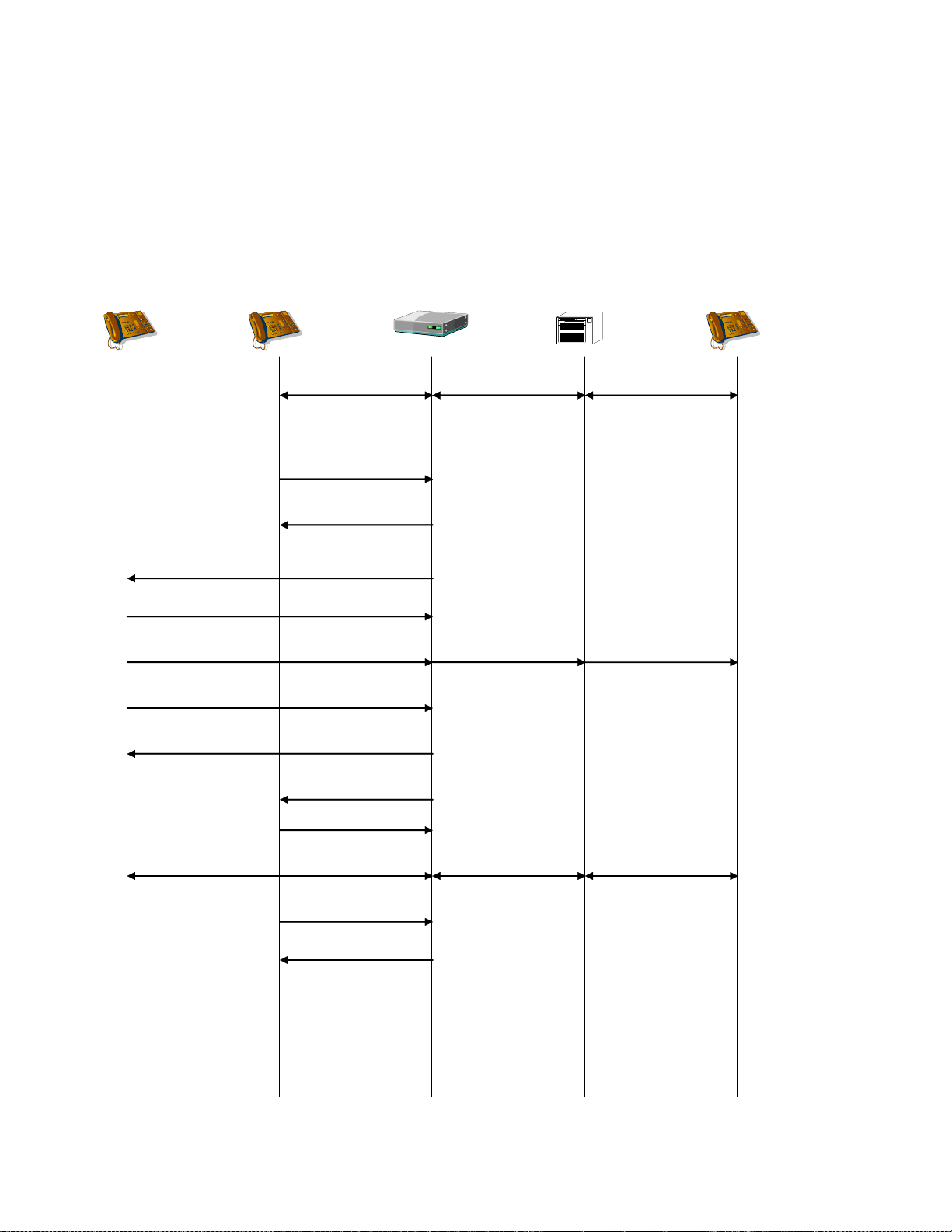
Dialogic® 1000 and 2000 Media Gateway Series SIP ComplianceDocSubtitle
BYE
SIP Device B
Gateway TDM Switch
TDM
Device
SIP Device A
2-way RTP 2-way VP 2-way VP
REFER
(Refer-To: B,
Referred-By: A)
202 Accepted
200 OK
INVITE (Referred-By: A)
100 Trying
180 Ringing
200 OK
ACK
NOTIFY (Event: Refer)
200 OK
200 OK
2-way RTP 2-way VP 2-way VP
Ring-back Tone Ring-back Tone
Unsupervised Transfer Success - VOIP Target - REFER
A VOIP device uses the REFER method to request that the gateway terminate the initial VOIP call
and replace it with a new VOIP call. Note: SIP Device A may send the BYE immediately after it
receives the 202 Accepted for the REFER request.
74
Page 75
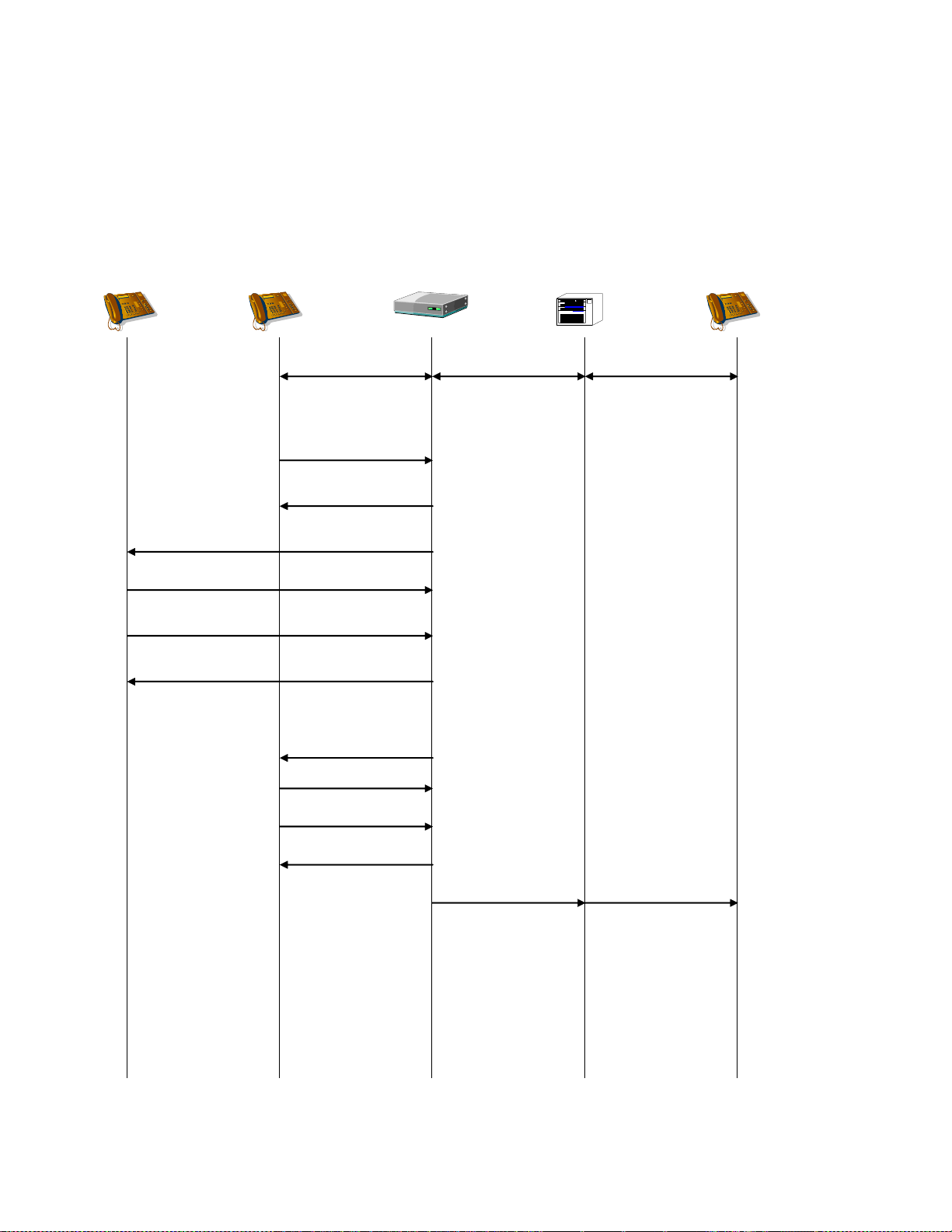
Dialogic® 1000 and 2000 Media Gateway Series SIP ComplianceDocSubtitle
BYE
SIP Device B
Gateway TDM Switch
TDM
Device
SIP Device A
2-way RTP 2-way VP 2-way VP
REFER
(Refer-To: B,
Referred-By: A)
202 Accepted
200 OK
INVITE (Referred-By: A)
100 Trying
NOTIFY
(Event: Refer)
Failure
200 OK
4xx, 5xx, 6xx Failure
ACK
Disconnect Disconnect
Unsupervised Transfer Failure - VOIP Target - REFER
If the VOIP destination responds with an error, then the TDM call is dropped. Note: SIP Device A
may send the BYE immediately after it receives the 202 Accepted for the REFER request.
75
Page 76

Dialogic® 1000 and 2000 Media Gateway Series SIP ComplianceDocSubtitle
SIP Device A
Gateway TDM Switch
TDM
Device B
2-way RTP 2-way VP 2-way VP
REFER
(Refer-To: C,
Referred-By: A)
TDM
Device C
BYE
202 Accepted
200 OK
NOTIFY (Event: Refer)
200 OK
200 OK
Blind Xfer to C
Disconnect A&B
2-way VP 2-way VP
Unsupervised Transfer – TDM Target
This section contains the call scenarios in which a VoIP device is requesting a supervised transfer
of one device on the TDM network to another device on the TDM network. In other words, the
target of the transfer request from the VoIP network is on the TDM network.
Unsupervised Transfer Success - TDM Target - REFER
If the transfer target (in this case, C) is a destination on the gateway (destination host is the
gateway), then the transfer takes place on the TDM network, not on the VOIP network. In this
case, the original TDM network party B is transferred to the specified TDM network party C. Note:
SIP Device A may send the BYE immediately after it receives the 202 Accepted for the REFER
request.
76
Page 77

Dialogic® 1000 and 2000 Media Gateway Series SIP ComplianceDocSubtitle
SIP Device A
Gateway TDM Switch
TDM
Device B
2-way RTP 2-way VP 2-way VP
REFER
(Refer-To: C,
Referred-By: A)
TDM
Device C
BYE
202 Accepted
200 OK
NOTIFY (Event: Refer)
200 OK
200 OK
Initiate Transfer to C
Complete Transfer
2-way VP 2-way VP
Progress Indication
Disconnect B&C
Unsupervised Transfer Success - TDM Target - REFER
The gateway waits for a successful progress indication from TDM device C before completing the
transfer. A successful progress indication is a timeout (no tones detected), voice activity, ringback tone or an ISDN progress indication. If a successful progress indication is received, the
transfer is completed. (TDM switches will not transfer calls to busy extensions). Note: SIP Device
A may send the BYE immediately after it receives the 202 Accepted for the REFER request.
77
Page 78
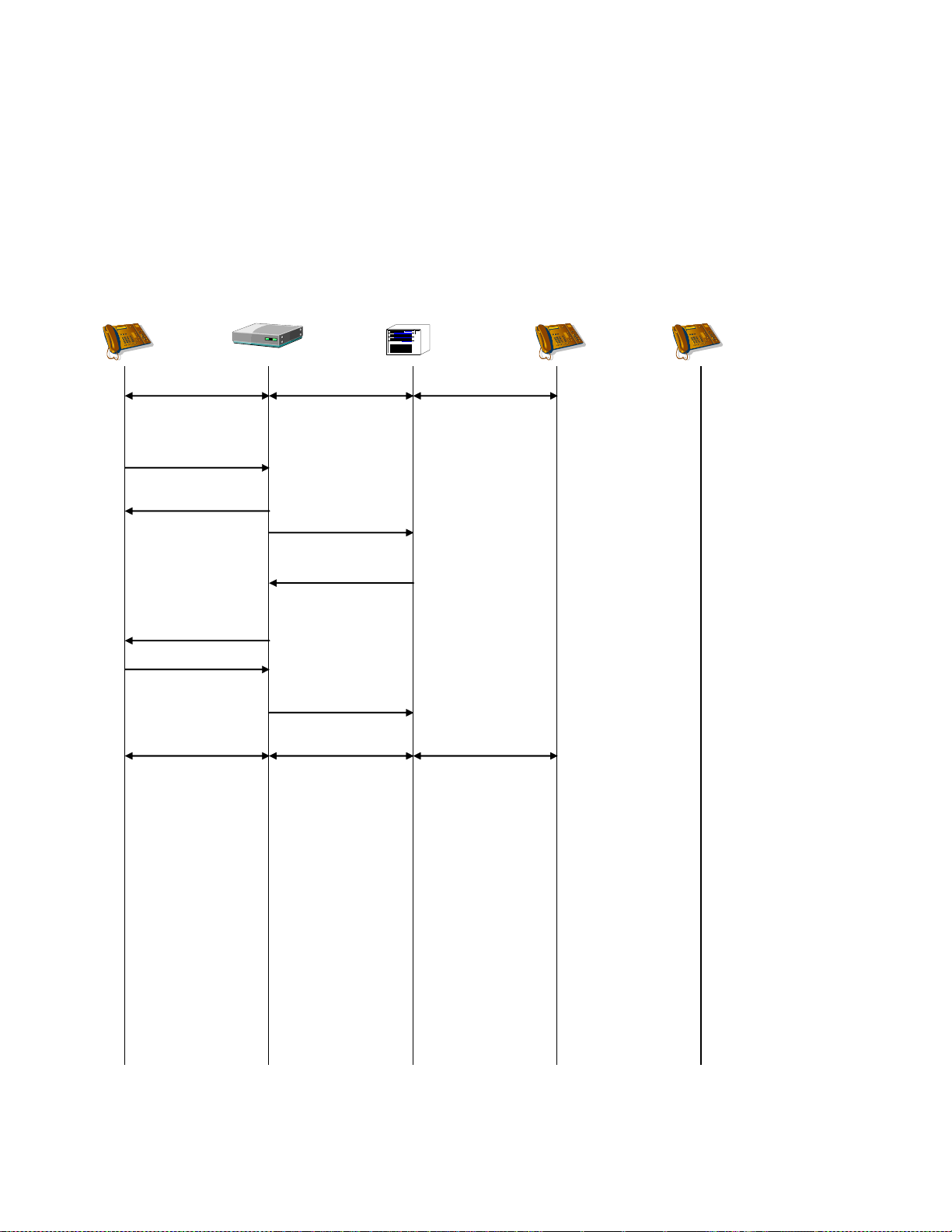
Dialogic® 1000 and 2000 Media Gateway Series SIP ComplianceDocSubtitle
SIP Device A
Gateway TDM Switch
TDM
Device B
2-way RTP 2-way VP 2-way VP
REFER
(Refer-To: C,
Referred-By: A)
TDM
Device C
202 Accepted
NOTIFY (Event: Refer)
404 Not Found
200 OK
Initiate Transfer to C
Retrieve B
Error Response
2-way RTP 2-way VP 2-way VP
Unsupervised Transfer Failure - TDM Target – REFER Error Response
The gateway waits for a successful progress indication. If an error-response is received from the
TDM network, then the original TDM call is retrieved and the transfer fails. Note: SIP Device A
may send the BYE immediately after it receives the 202 Accepted for the REFER request. If this
occurs, then the gateway will retrieve TDM Device B and then terminate the call.
78
Page 79

Dialogic® 1000 and 2000 Media Gateway Series SIP ComplianceDocSubtitle
SIP Device A
Gateway TDM Switch
TDM
Device B
2-way RTP 2-way VP 2-way VP
REFER
(Refer-To: C,
Referred-By: A)
TDM
Device C
202 Accepted
NOTIFY (Event: Refer)
486 Busy Here
200 OK
Initiate Xfer to C
Retrieve B
Busy Response
2-way RTP 2-way VP 2-way VP
Unsupervised Transfer Failure - TDM Target – REFER Busy Response
The gateway waits for a successful progress indication. If a busy-response is received, then the
original TDM call is retrieved and the transfer fails. A busy-response may be busy-tone, an ISDN
busy-disconnect, or an ISDN busy-reroute request. Note: SIP Device A may send the BYE
immediately after it receives the 202 Accepted for the REFER request. If this occurs, then the
gateway will retrieve TDM Device B and then terminate the call.
79
Page 80
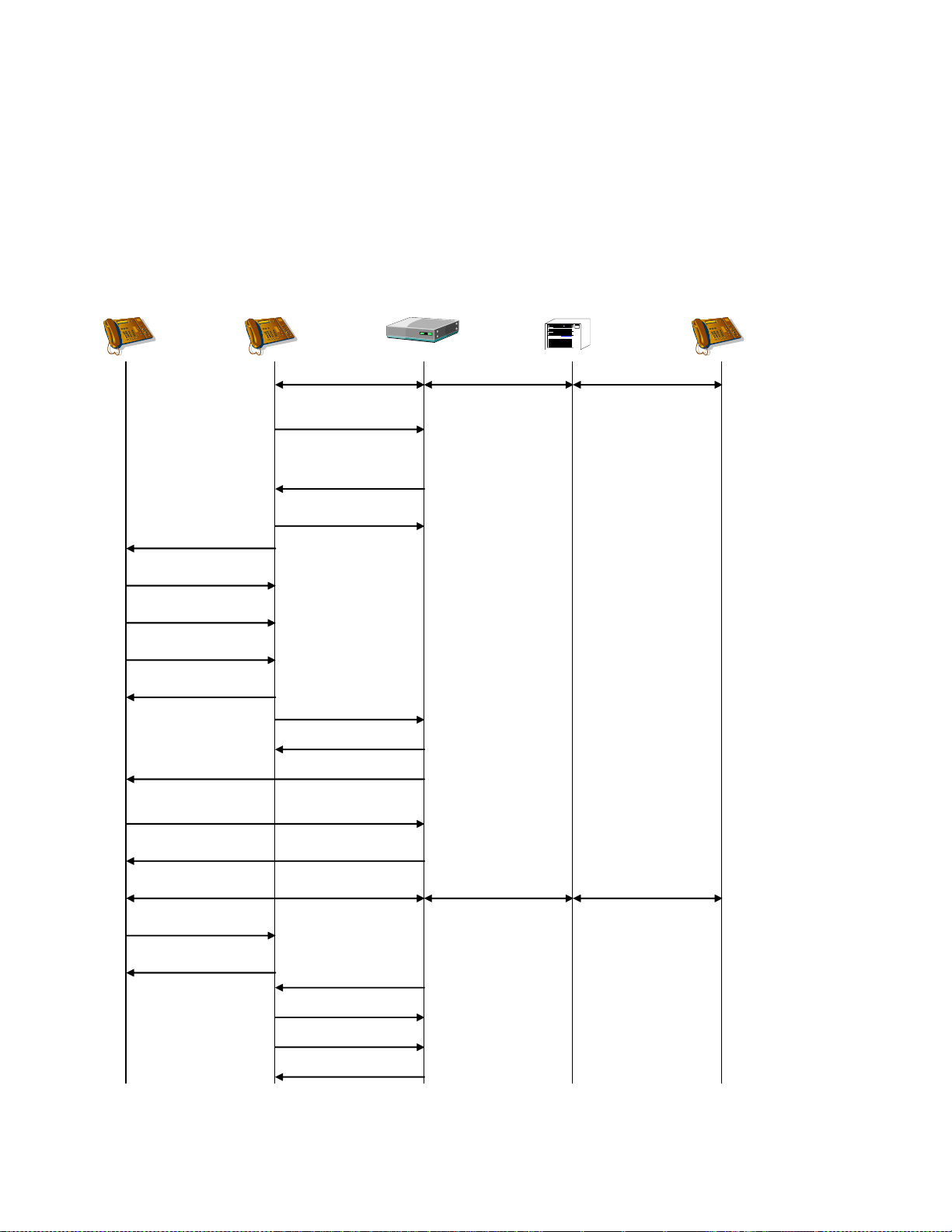
Dialogic® 1000 and 2000 Media Gateway Series SIP ComplianceDocSubtitle
ACK
SIP Device B
Gateway TDM Switch
TDM
Device C
SIP Device A
2-way RTP 2-way VP 2-way VP
REFER C
(Refer-To: B,
Replaces: Dlg[A,B]
Referred-By: A)
200 OK
INVITE
100 Trying
180 Ringing
200 OK
ACK
NOTIFY (Event: Refer)
200 OK
2-way RTP 2-way VP 2-way VP
INVITE (hold)
No rtp packets
202 Accepted
INVITE
(Replaces: Dlg[A,B],
Referred-By: A,)
200 OK
ACK
BYE
200 OK
BYE
ACK
Supervised Transfer Success - VOIP Target, Gateway is Transferee
A consultation transfer to a VOIP target replaces on VOIP endpoint with another on the TDM call.
The gateway serves as the Transferee.
80
Page 81
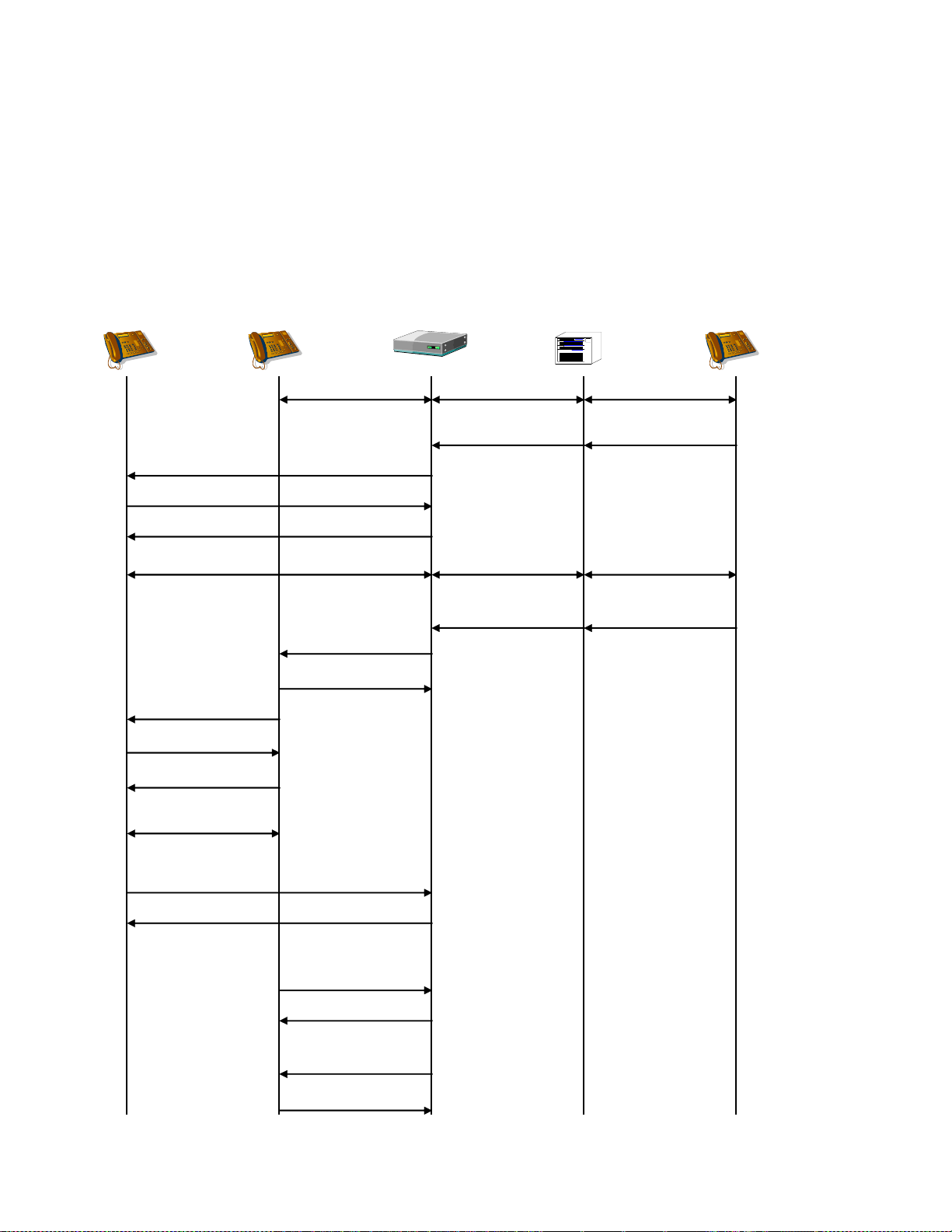
Dialogic® 1000 and 2000 Media Gateway Series SIP ComplianceDocSubtitle
SIP Device B
Gateway TDM Switch
TDM
Device C
SIP Device A
2-way RTP 2-way VP 2-way VP
REFER
(Refer-To: B,
Replaces: Dlg[B,C]
Referred-By: C)
200 OK
ACK
NOTIFY
(Event: Refer)
INVITE
INVITE
(Replaces: Dlg[B,C],
Referred-By: C)
200 OK
BYE
XFR + Dial
XFR
200 OK
ACK
200 OK
200 OK
BYE
2-way RTP
202 OK
2-way RTP
2-way VP 2-way VP
Supervised Transfer Success - VOIP Target, Gateway is Transferor
The TDM device makes a consultation call to a new VOIP endpoint. The gateway serves as the
Transferor.
81
Page 82
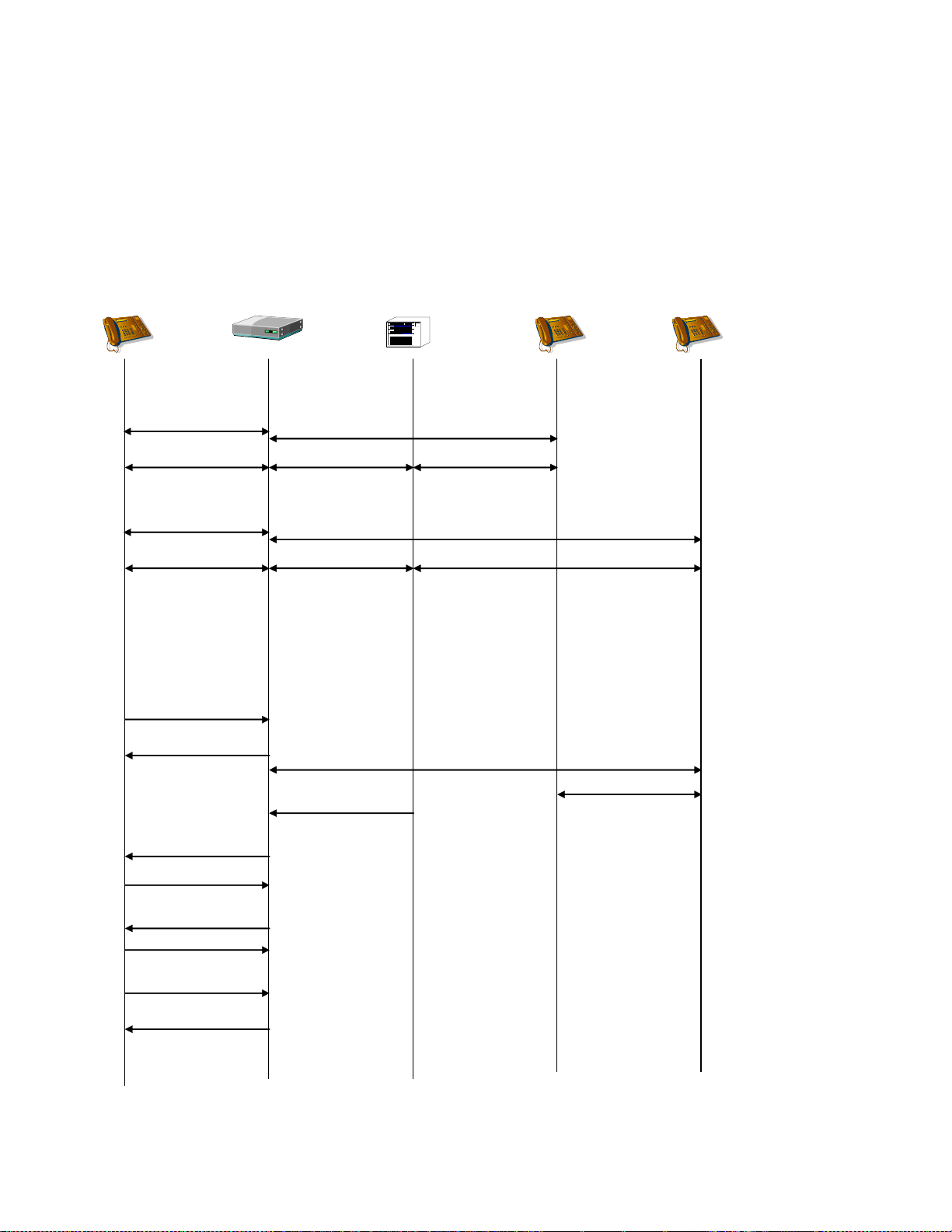
Dialogic® 1000 and 2000 Media Gateway Series SIP ComplianceDocSubtitle
SIP Device A
Gateway TDM Switch
TDM
Device B
2-way RTP 2-way VP 2-way VP
TDM
Device C
INVITE/OK/ACK B
Call Established
REFER B
(Refer-To: C,
Replaces: Dlg[A,C],
Referred-By: A)
202 OK B
2-way VP
NOTIFY B
(Event: Refer)
200 OK B
2-way RTP 2-way VP 2-way VP
INVITE/OK/ACK C
Call Established
BYE C
200 OK C
BYE B
200 OK B
TDM Transfer
TDM Transfer Success
Supervised Transfer Success - TDM Target, Gateway is Transferee and Transferor
SIP Device A makes a consultation call to TDM Device C for the purpose of transferring TDM
device B to TDM device C. The Gateway severs as both the Transferee and the Transfer target.
82
Page 83
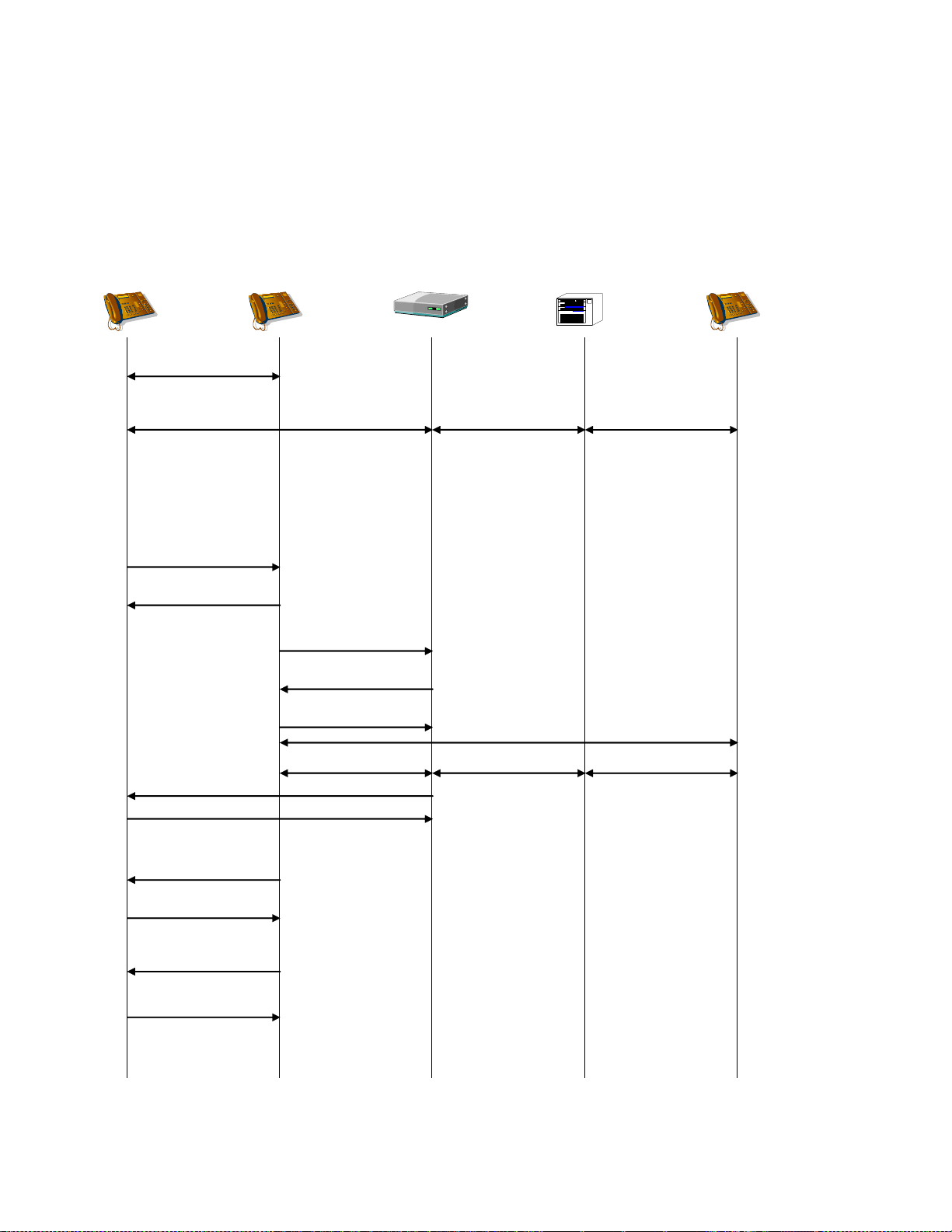
SIP Device B
Gateway TDM Switch
TDM
Device C
SIP Device A
2-way RTP 2-way VP 2-way VP
REFER
(Refer-To: C,
Replaces: Dlg[B,C]
Referred-By: B)
NOTIFY
(Event: Refer)
INVITE
(Replaces: Dlg[B,C],
Referred-By: B)
2-way RTP
202 OK
200 OK
ACK
Call Established
BYE
200 OK
200 OK
BYE
200 OK
2-way VP2-way VP2-way RTP
Dialogic® 1000 and 2000 Media Gateway Series SIP ComplianceDocSubtitle
Supervised Transfer Success - TDM Target, Gateway is Target
SIP Device B make a consultation call to TDM device C for the purpose of transferring SIP device A
to TDM Device C. The Gateway serves as the Transfer Target.
83
Page 84

Dialogic® 1000 and 2000 Media Gateway Series SIP ComplianceDocSubtitle
Supervised Transfer – TDM Target, Gateway is Transferee and Target
Supervised transfers of a call to a TDM device must be supported in a different manner than
unsupervised transfers. Unsupervised transfers are handled completely by the Media Gateway.
The party requesting the unsupervised transfer does not have access to the audio stream of the
transfer target, and therefore cannot interact with the transfer target. The Media Gateway
initiates and completes the unsupervised transfer when a REFER request is received.
Supervised transfers require that the party requesting the transfer have access to the audio
stream of the transfer target, so that the requesting party can interact with the transfer target
before completion of the transfer. This requires a two-step transfer process, of which SIP
currently does not support. SIP does support the use of a Re-INVITE to place a call on hold so
that the transfer target of a supervised transfer can be called, but this does not provide the Media
Gateway with enough information to know that the hold request and the subsequent INVITE of
the transfer target is indeed a request to initiate a transfer, and not just a request to place the
first call on hold and originate another call to the transfer target.
Because of this, a proprietary header is introduced. The header is called „Transfer-From‟ and uses
the following format:
Transfer-From = "Transfer-From" HCOLON callid *(SEMI xfr-from-param)
xfr-from-param = to-tag / from-tag / generic-param
to-tag = "to-tag" EQUAL token
from-tag = "from-tag" EQUAL token
The „Transfer-From‟ header follows the same format and processing as a „Replaces‟ header,
meaning that the header is processed by the receiver as if the tags had been received in a
received request. Therefore, the to-tag must contain the local (receivers) tag and the from-tag
must contain the remote (senders) tag.
The „Transfer-From‟ header will be valid only in a new dialog INVITE to the Media Gateway. This
header will specify the dialog that is to be used as the transferee in the supervised transfer. If the
Media Gateway can match the dialog specified by the „Transfer-From‟ header, then the
corresponding TDM call will be used as the transferee party of the supervised transfer. The Media
Gateway will initiate the transfer on the transferee call and originate a call to the transfer target
specified by the INVITE.
The requesting party can then abort the transfer, by sending a BYE to the transfer target dialog,
or it can complete the transfer, by sending a REFER request to the transferee dialog (requesting a
transfer to the transfer target).
84
Page 85
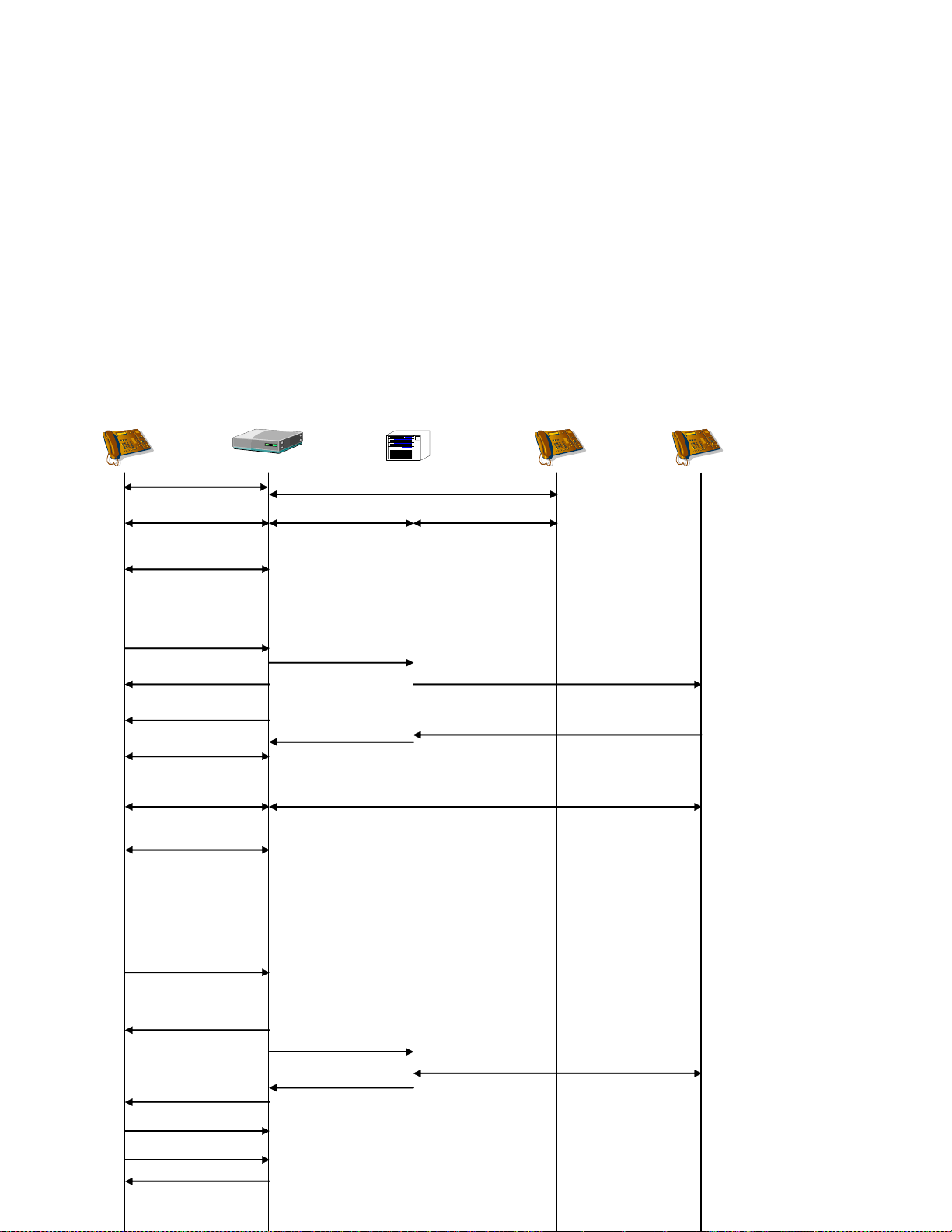
Dialogic® 1000 and 2000 Media Gateway Series SIP ComplianceDocSubtitle
SIP Device A
Gateway TDM Switch
TDM
Device B
2-way RTP 2-way VP Dlg[A,B] 2-way VP
TDM
Device C
REFER B
(Refer-To: C,
Replaces: Dlg[A,C]
Referred-By: A)
Inbound100 Trying
180 Ringing
Initiate Transfer to C
Disconnect
NOTIFY (Event: Refer)
200 OK
2-way RTP
2-way VP
INVITE/OK/ACK Dlg[A,B] (hold)
No rtp packets
202 Accepted
Complete Transfer to C
BYE B & C
200 OK
200 OK/ACK
INVITE C
Transfer-From: Dlg[A,B]
2-way VP
Answer
Answer Event
INVITE/OK/ACK Dlg[A,C] (hold)
No rtp packets
INVITE/OK/ACK B Dlg[A,B]
Call Established
Supervised Transfer Success - TDM Target, Gateway is Transferee and Target
In the following diagram, SIP Device A is the transferor (transfer requestor), TDM Device B is the
transferee, and TDM Device C is the transfer target. SIP Device A first establishes a call to TDM
Device B (Dlg[A,B]). SIP Device A then places Dlg[A,B] media on-hold using a Re-INVITE. SIP
Device A then initiates the transfer by sending an INVITE to TDM Device C, the transfer target,
specifying Dlg[A,B] as the „Transfer-From‟ dialog. Media Gateway matches the „Transfer-From‟
dialog to the call with TDM Device B, and therefore initiates a transfer to TDM Device C from the
call with TDM Device B. SIP Device A can then interact with the transfer target (TDM Device C)
before completing the transfer with a REFER request to Dlg[A,B] to TDM Device C.
85
Page 86
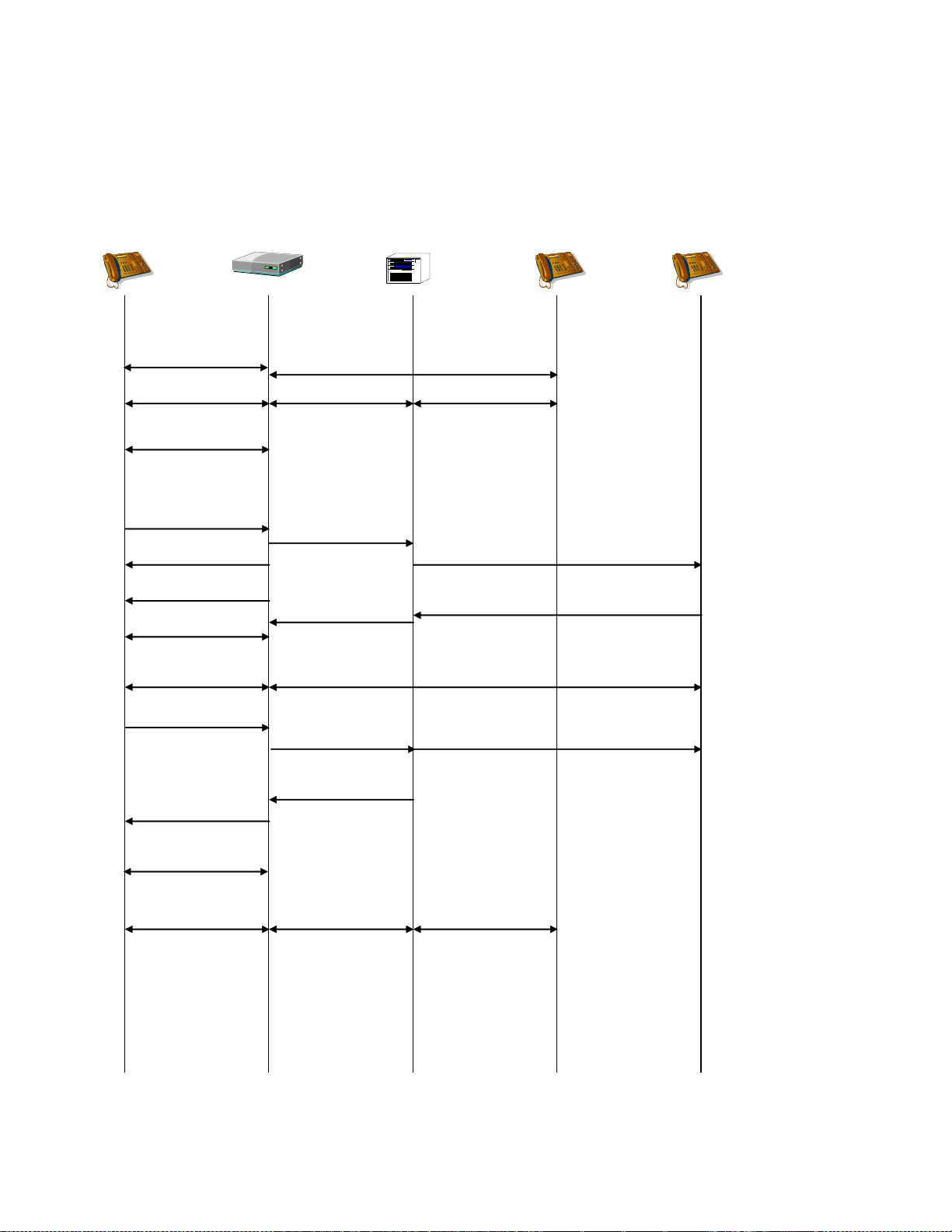
Dialogic® 1000 and 2000 Media Gateway Series SIP ComplianceDocSubtitle
SIP Device A
Gateway TDM Switch
TDM
Device B
2-way RTP 2-way VP Dlg[A,B] 2-way VP
TDM
Device C
Inbound100 Trying
180 Ringing
Initiate Transfer to C
2-way RTP
2-way VP
INVITE/OK/ACK Dlg[A,B] (hold)
No rtp packets
200 OK/ACK
INVITE C
Transfer-From: Dlg[A,B]
Answer
Answer Event
BYE C
INVITE/OK/ACK B Dlg[A,B]
Call Established
Drop C, Retrieve B Disconnect
INVITE/OK/ACK Dlg[A,B] (unhold)
2-way RTP 2-way VP Dlg[A,B] 2-way VP
Drop/Retrieve Done
200 OK C
Supervised Transfer Failure - TDM Target – Canceled
The following diagram shows SIP Device A aborting the supervised transfer to TDM Device C. The
original call between SIP Device A and TDM Device B is re-established.
86
Page 87
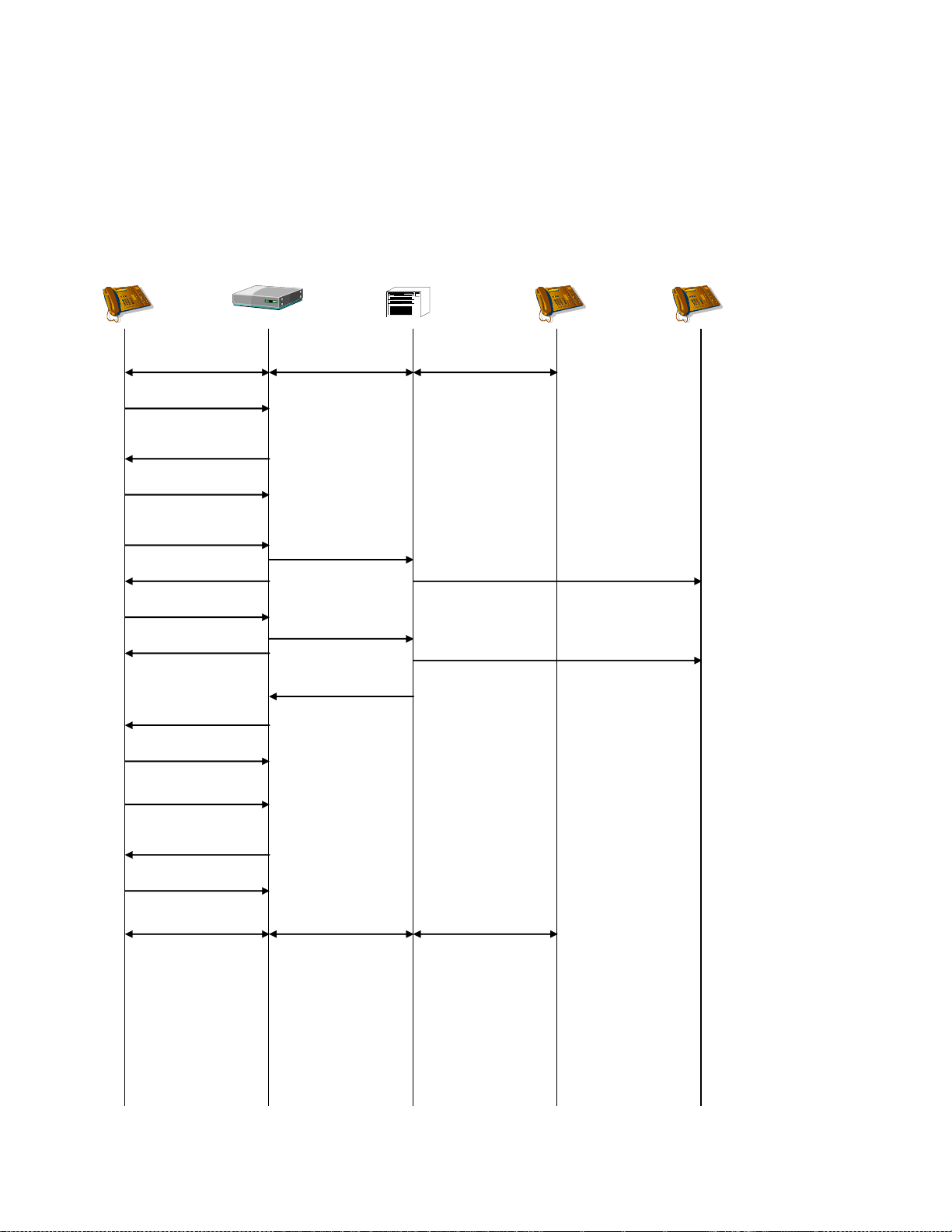
Dialogic® 1000 and 2000 Media Gateway Series SIP ComplianceDocSubtitle
SIP Device A
Gateway TDM Switch
TDM
Device B
2-way RTP 2-way VP 2-way VP
TDM
Device C
ACK
200 OK
Inbound100 Trying
Initiate Transfer to C
INVITE B (hold)
No rtp packets
INVITE C
Transfer-From: Dlg[A,B]
487 Request
Terminated
200 OK
CANCEL
Retrieve B
Canceled
ACK
200 OK
INVITE B (unhold)
2-way RTP 2-way VP 2-way VP
ACK
Retrieve B Done
Supervised Transfer Failure - TDM Target – Canceled
If the VOIP device cancels the transfer, which could be a result of a ring-no-answer timeout, then
the gateway retrieves the original call.
87
Page 88
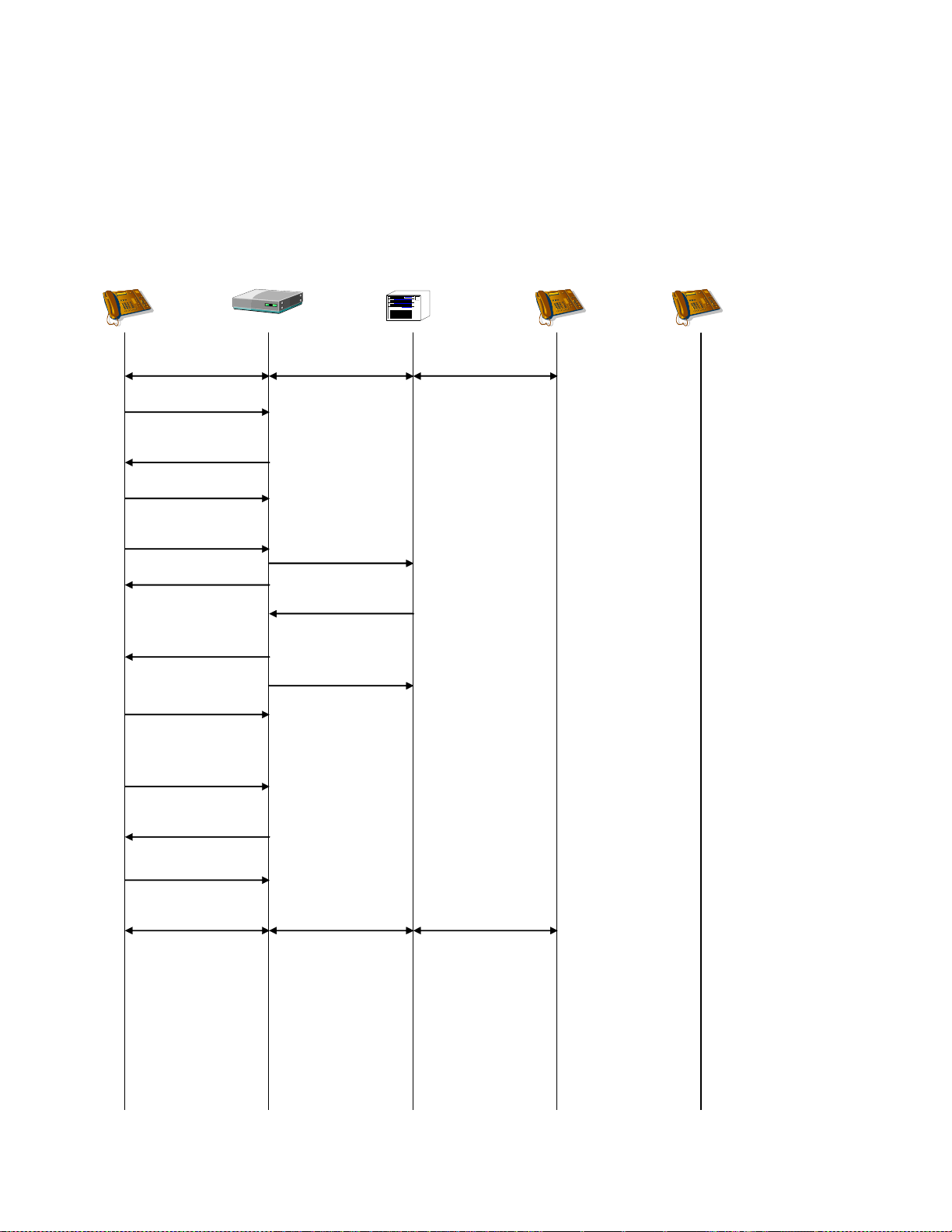
Dialogic® 1000 and 2000 Media Gateway Series SIP ComplianceDocSubtitle
SIP Device A
Gateway TDM Switch
TDM
Device B
2-way RTP 2-way VP 2-way VP
TDM
Device C
ACK
200 OK
Station is busy100 Trying
Initiate Xfer to C
INVITE B (hold)
No rtp packets
INVITE C
Transfer-From: Dlg[A,B]
486 Busy Here
Busy Response
Retrieve B
200 OK
INVITE B (unhold)
2-way RTP 2-way VP 2-way VP
ACK
ACK
Supervised Transfer Failure - TDM Target – Busy Response
If a busy-response is received from the transfer-target, then the transfer fails and the original call
is retrieved.
88
Page 89
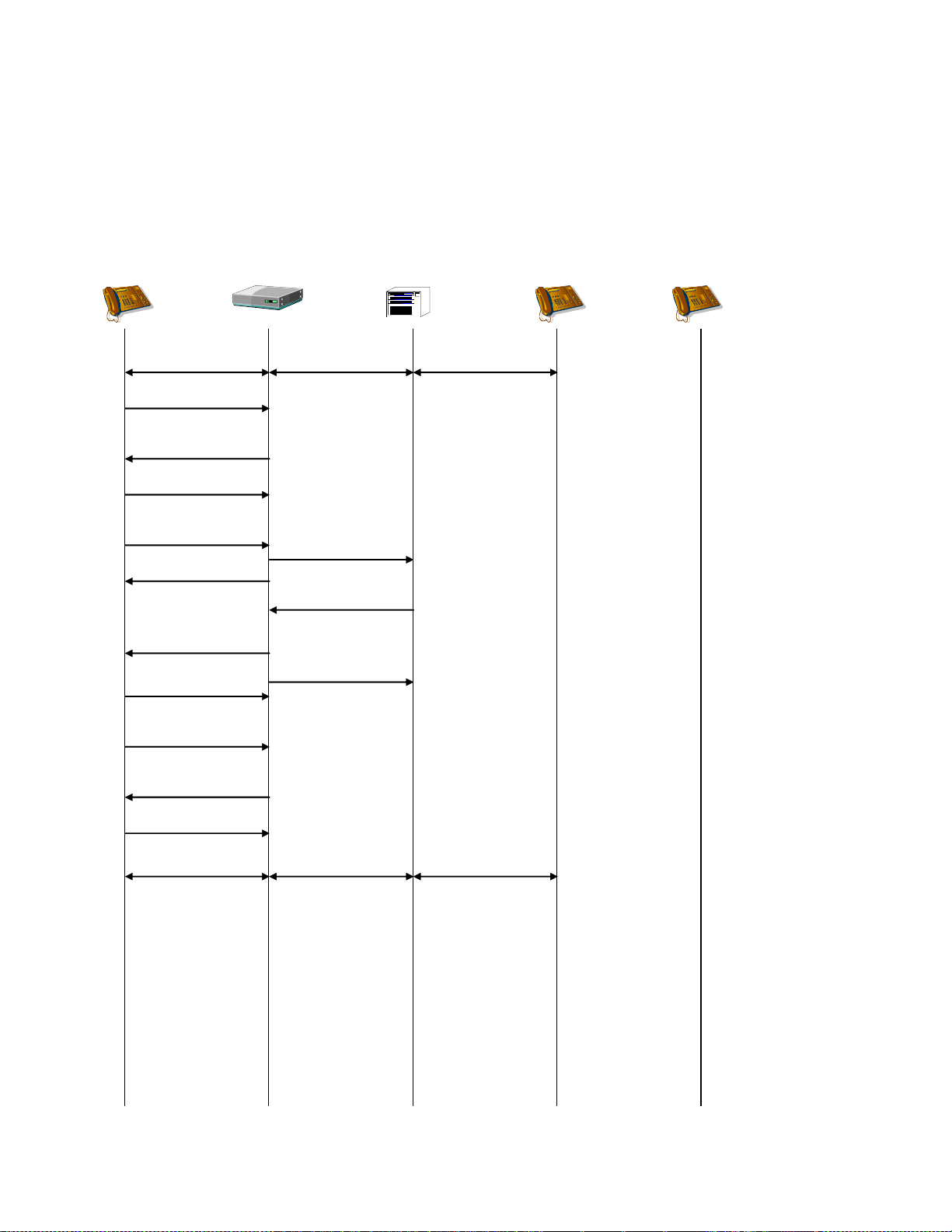
Dialogic® 1000 and 2000 Media Gateway Series SIP ComplianceDocSubtitle
SIP Device A
Gateway TDM Switch
TDM
Device B
2-way RTP 2-way VP 2-way VP
TDM
Device C
ACK
200 OK
Station is invalid100 Trying
Initiate Transfer to C
INVITE B (hold)
No rtp packets
INVITE C
Transfer-From: Dlg[A,B]
404 Not Found
Error Response
Retrieve B
ACK
200 OK
INVITE B (unhold)
2-way RTP 2-way VP 2-way VP
ACK
Supervised Transfer Failure - TDM Target – Error Response
If an error response is detected on the transfer, then the transfer fails and the original call is
retrieved.
89
Page 90
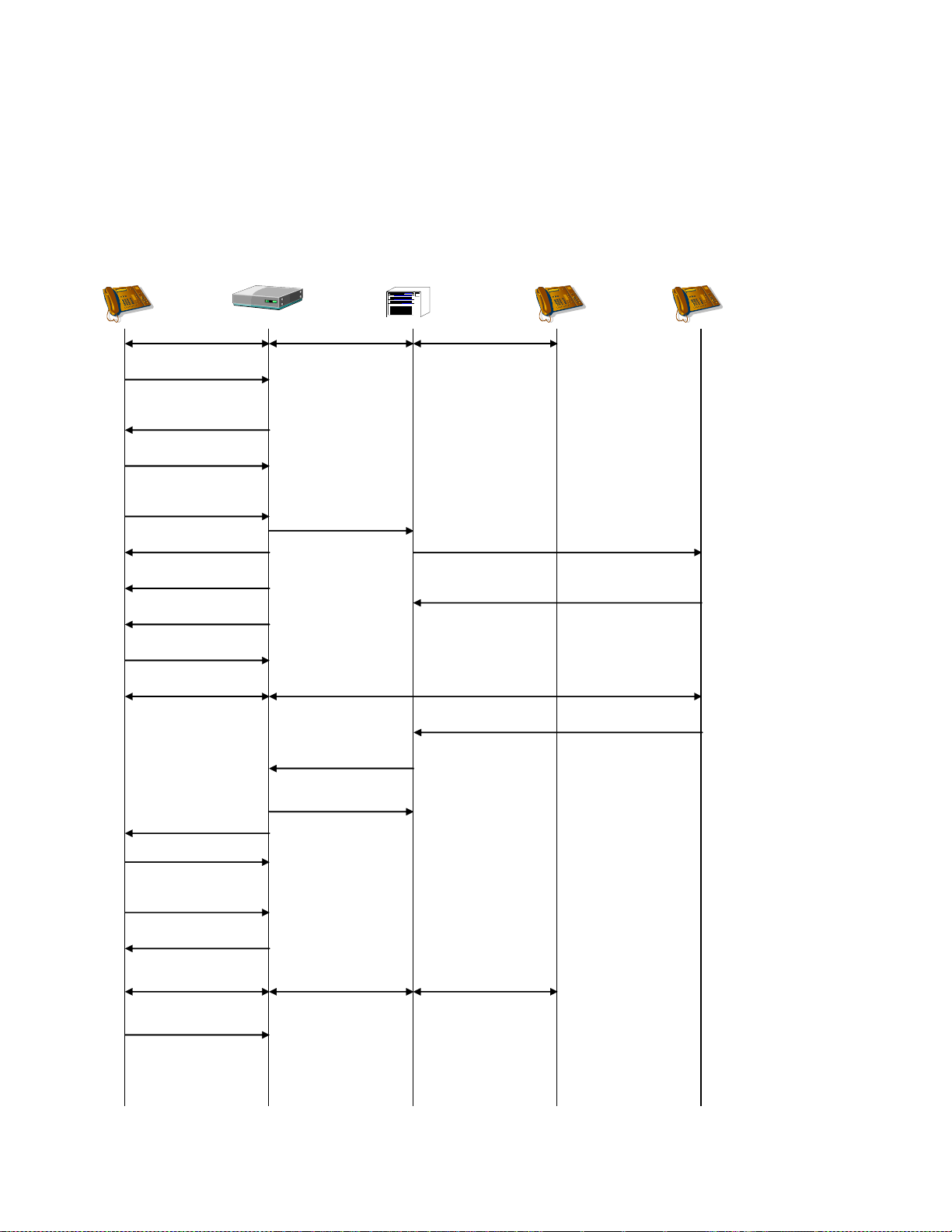
Dialogic® 1000 and 2000 Media Gateway Series SIP ComplianceDocSubtitle
SIP Device A
Gateway TDM Switch
TDM
Device B
2-way RTP 2-way VP 2-way VP
TDM
Device C
ACK
200 OK
Inbound100 Trying
180 Ringing
Initiate Xfer to C
2-way RTP
2-way VP
INVITE B (hold)
No rtp packets
BYE C
200 OK
ACK
200 OK
INVITE C
Transfer-From: Dlg[A,B]
200 OK
INVITE B (un-hold)
ACK
Answer
Disconnect
Retrieve B
2-way RTP 2-way VP 2-way VP
Disconnect
Supervised Transfer Failure - TDM Target Drops
If the target of the supervised transfer drops, then the gateway automatically re-establishes the
call with the original TDM network party.
90
Page 91
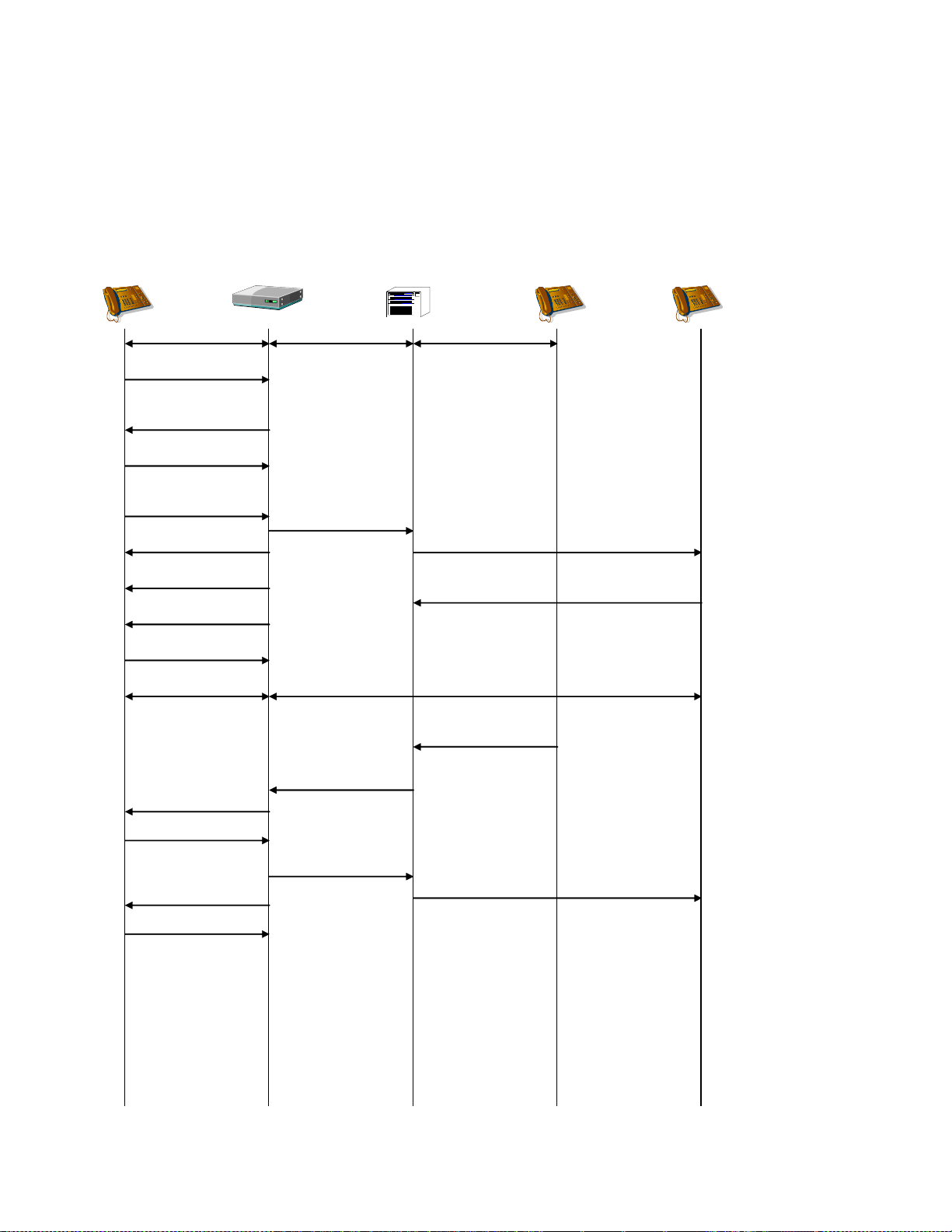
Dialogic® 1000 and 2000 Media Gateway Series SIP ComplianceDocSubtitle
SIP Device A
Gateway TDM Switch
TDM
Device B
2-way RTP 2-way VP 2-way VP
TDM
Device C
ACK
200 OK
Inbound100 Trying
180 Ringing
Initiate Transfer to C
2-way RTP
2-way VP
INVITE B (hold)
No rtp packets
BYE B
200 OK
ACK
200 OK
INVITE C
Transfer-From: Dlg[A,B]
Answer
Disconnect
Disconnect
BYE C
200 OK
Disconnect
Disconnect
Supervised Transfer Failure - TDM Transferee Drops
If the transferee of the supervised transfer drops, then the gateway drops both the transferee and
the transfer-target calls.
91
Page 92
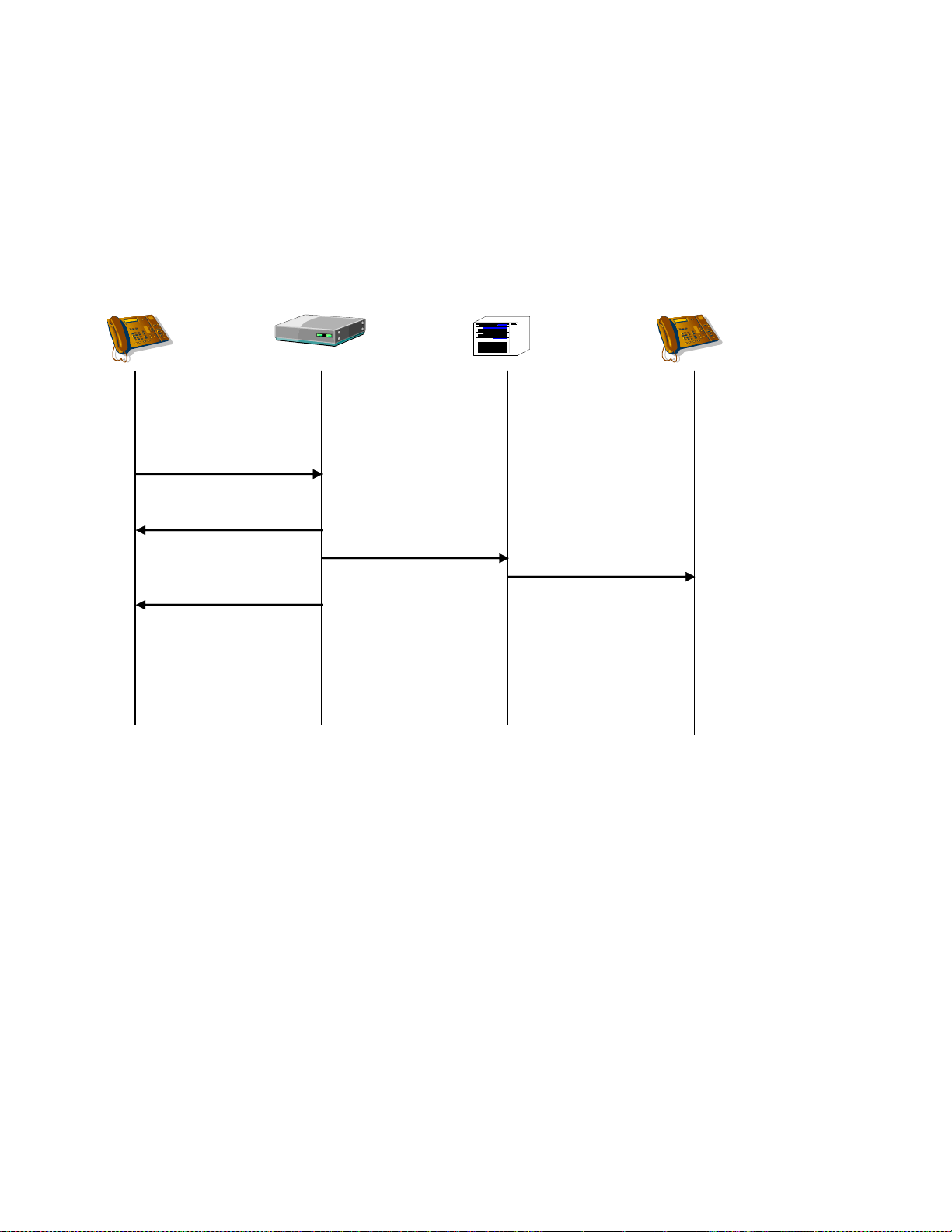
Dialogic® 1000 and 2000 Media Gateway Series SIP ComplianceDocSubtitle
100 Trying
SIP Device
Gateway TDM Switch TDM Device
NOTIFY
(Message-Summary)
Set/Clear MWI
MWI Update
200 OK
MWI - VOIP to TDM Success
A VOIP NOTIFY request may be made for Message-Waiting to request an MWI set/clear of a TDM
network device. The NOTIFY request must specify the destination TDM network device in the To
header (see section 0).
92
Page 93
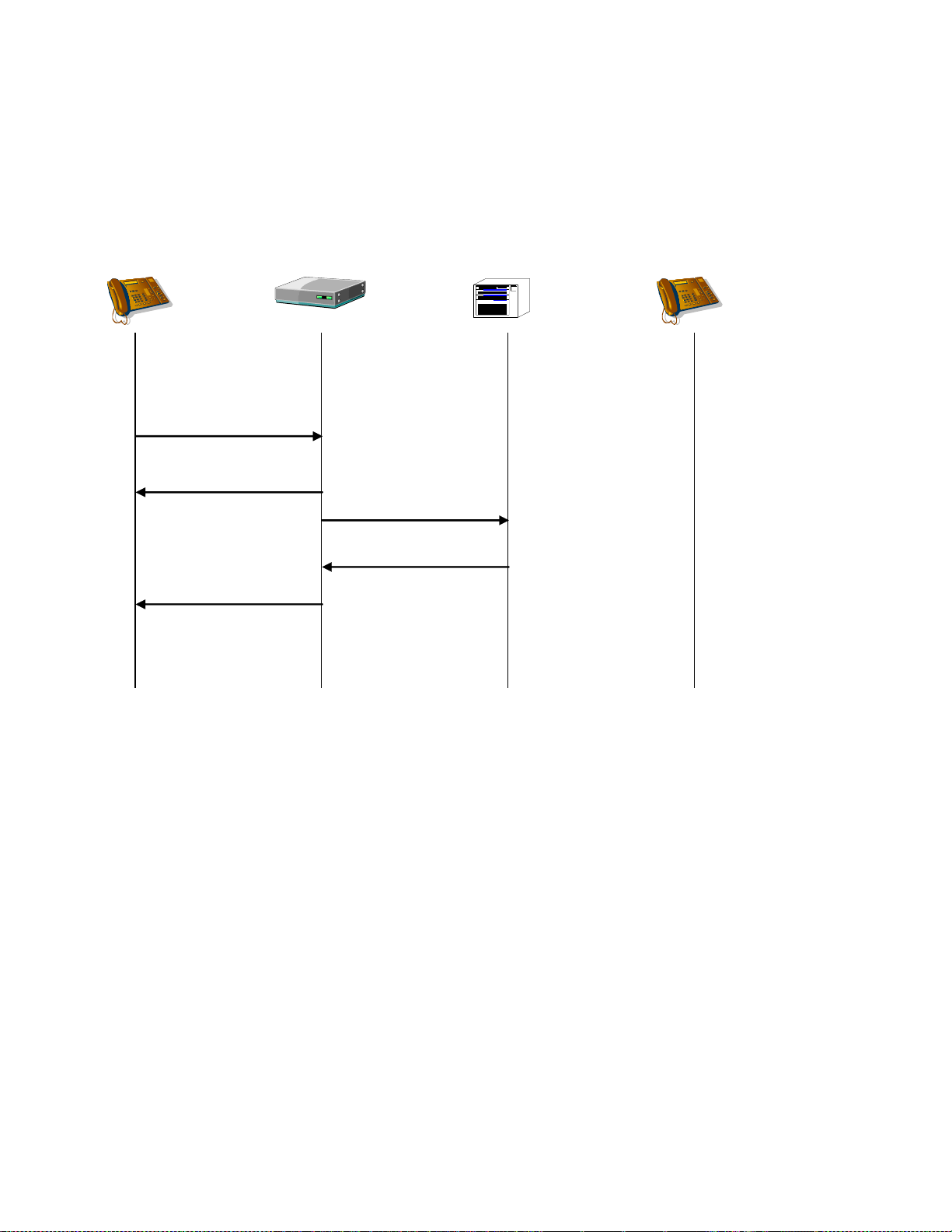
Dialogic® 1000 and 2000 Media Gateway Series SIP ComplianceDocSubtitle
100 Trying
SIP Device
Gateway TDM Switch TDM Device
NOTIFY
(Message-Summary)
Set/Clear MWI
404 Not Found
Error Response
MWI - VOIP to TDM Failure
If the MWI set/clear fails, an error response is sent for the NOTIFY request.
93
Page 94
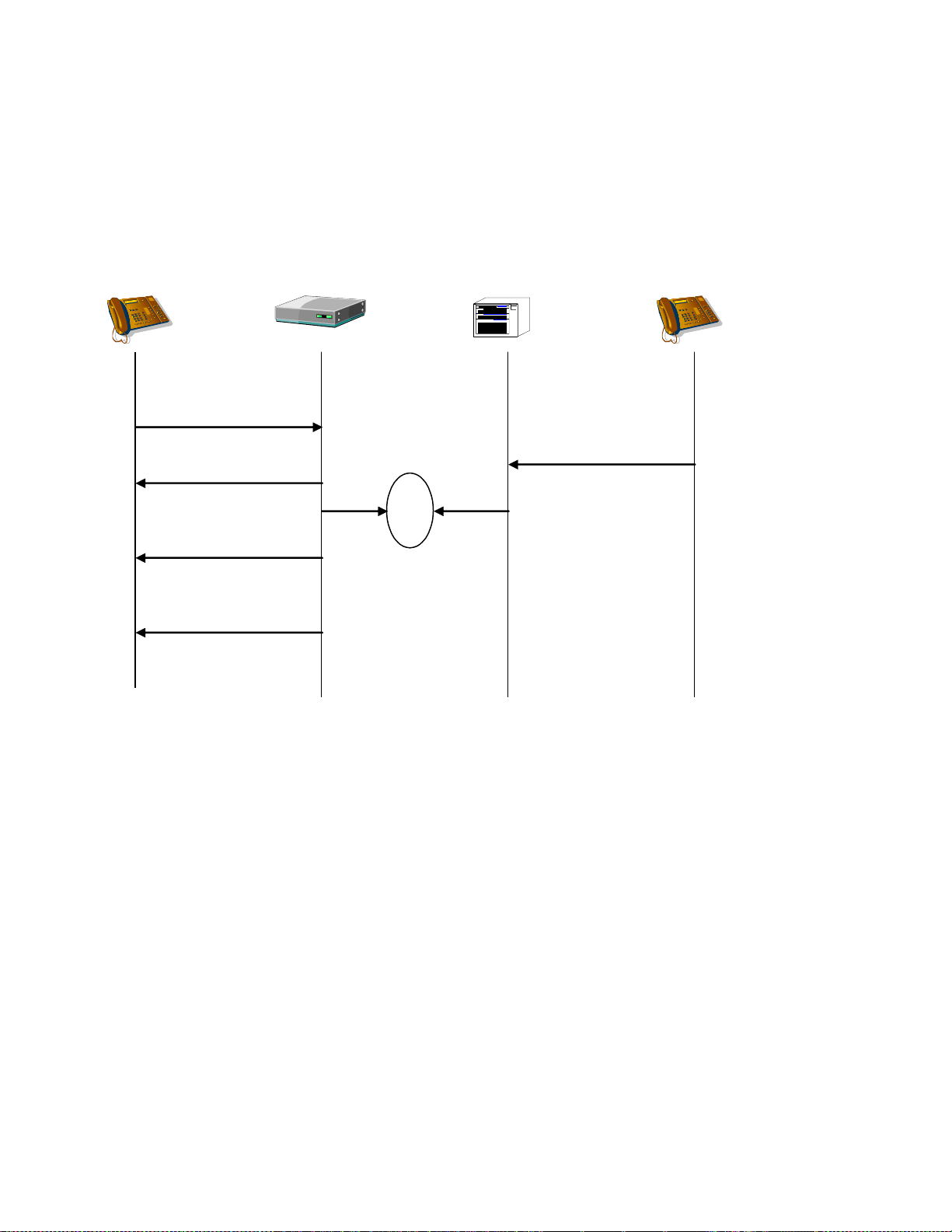
Dialogic® 1000 and 2000 Media Gateway Series SIP ComplianceDocSubtitle
SIP Device
Gateway TDM Switch TDM Device
Set/Clear
Originate
480 Temporarily
Unavailable
INVITE
Inbound
glare
100 Trying
NOTIFY
(Message-Summary)
MWI - VOIP to TDM Failure - Glare
If the MWI set/clear fails because of a glare condition, an error response is sent for the NOTIFY
request, and a new INVITE request is generated for the new call.
94
Page 95
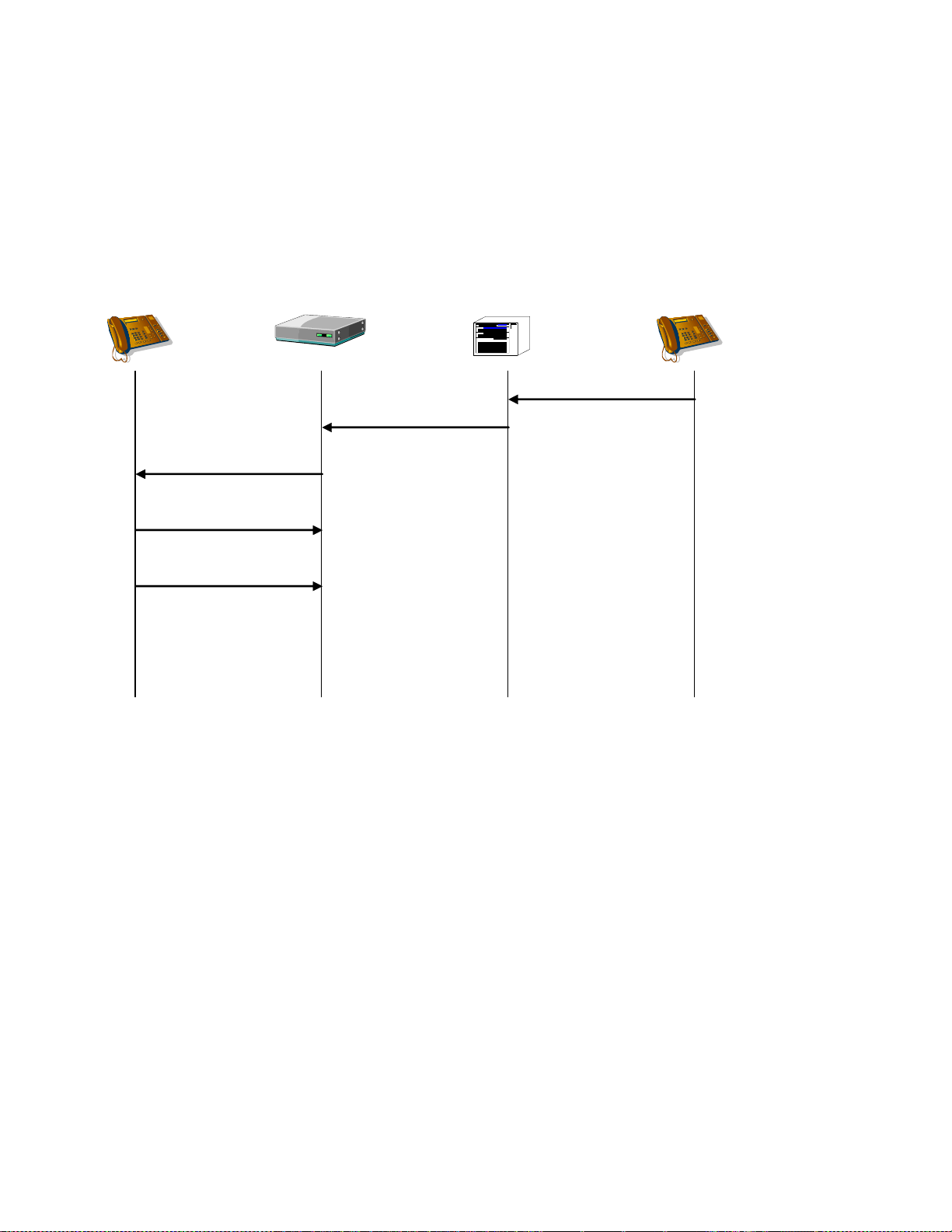
Dialogic® 1000 and 2000 Media Gateway Series SIP ComplianceDocSubtitle
SIP Device
Gateway TDM Switch TDM Device
Set/Clear MWI
100 Trying
NOTIFY
(Message-Summary)
200 OK
Set/Clear MWI
MWI – TDM to VOIP Success
A VOIP NOTIFY request may be made for Message-Waiting to request an MWI set/clear of a VOIP
network device. The NOTIFY request must specify the destination VOIP network device in the To
header (see section 0).
95
Page 96

Dialogic® 1000 and 2000 Media Gateway Series SIP ComplianceDocSubtitle
T.38 Fax - TDM to VOIP
A TDM to VOIP T.38 Fax call is initiated by a fax machine calling a telephony port on the gateway.
The SDP information placed in the INVITE request to the VoIP network includes the fax media
type and control information. The following are set in the SDP for every call to enable T.38 Fax
operation later in the call if a fax machine is detected:
m=image 0 udptl t38
a=T38FaxRateManagement:transferredTCF
a=T38FaxUdpEC:t38UDPFEC
The call flow proceeds in the same manner as a voice call and the RTP stream for voice is started.
When the gateway detects CNG tone from the fax machine, it passes the tone through the voice
stream and also generates RFC2833 messages for the tone if digit relay is enabled. The CNG tone
can be used by the VOIP destination to distinguish between voice and fax calls and to re-route fax
calls in whatever manner is appropriate for the application. The switchover to T.38 relay is
initiated by the VOIP destination by issuing an INVITE request to the gateway which contains SDP
information that contains a non-zero port number for the T.38 Fax media type and a zero port
number for all other media types. The gateway will send a 200 OK message with SDP information
that contains the port number that it will use to transmit T.38 UDPTL. The gateway will then close
the RTP voice stream and open the specified RTP/RTCP ports for T.38 UDPTL. The call will proceed
in T.38 mode until either endpoint terminates the call with a BYE request.
Example SDP information contained in the INVITE request sent by the VOIP destination:
m=audio 0 RTP/AVP 0 101 13
m=image 49534 udptl t38
a=T38FaxRateManagement:transferredTCF
a=T38FaxUdpEC:t38UDPFEC
Example SDP information contained in the 200 OK message sent by the by the gateway:
m=audio 0 RTP/AVP 0 101 13
m=image 49020 udptl t38
a=T38FaxRateManagement:transferredTCF
a=T38FaxUdpEC:t38UDPFEC
The gateway does not require that the VOIP destination support T.38 Fax. If T.38 relay is not
supported, the VOIP destination will not recognize the CNG tone and not issue the INVITE for fax
and the call will proceed in voice mode.
96
Page 97

Dialogic® 1000 and 2000 Media Gateway Series SIP ComplianceDocSubtitle
180 Ringing
SIP Device
Gateway
TDM Switch
TDM Device
Originate
Inbound
INVITE
ACK
200 OK
Answered
Answered
2-way RTP
2-way VP
2-way VP
Re-INVITE (image)
200 OK
ACK
UDPTL T.38 Fax
T.30 Fax
T.30 Fax
200 OK
BYE
Disconnect
Disconnect
CNG Tone
CNG Tone
RFC2833 CNG
CNG tone can be
used to determine
routing of the call
The T.38 Fax Session
replaces the RTP
voice session
97
Page 98

Dialogic® 1000 and 2000 Media Gateway Series SIP ComplianceDocSubtitle
T.38 Fax – VOIP to TDM
A VOIP device that supports T.38 Fax communication may specify the fax media type with a port
number of zero in the SDP information contained in the original INVITE request. When this VOIP
device places a TDM network call that reaches a fax machine, the call proceeds in the same
manner as a voice call and the RTP stream for voice is started. When the fax machine answers the
TDM network call, it plays CED tone followed by V.21 flags. The gateway will detect the V.21 flags
and send a Re-INVITE request to the VOIP device with SDP information that contains a non-zero
port number for the T.38 fax media type and a zero port number for all other media types. Upon
reception of the 200 OK response, the gateway will close the RTP voice stream and open the
named ports for T.38 UDPTL. The call will proceed in T.38 mode until either endpoint terminates
the call with a BYE request.
The VOIP device may also choose to not initially specify its support of a T.38 stream. In this case,
the gateway will add the T.38 stream to the SDP that it sends in the INVITE request to switch to
T.38.
Example SDP information contained in the initial INVITE request sent by the by the VOIP device,
in which VOIP device specifies T.38 stream that is initially disabled:
m=audio 23000 RTP/AVP 0 101 13
m=image 0 udptl t38
a=T38FaxRateManagement:transferredTCF
a=T38FaxUdpEC:t38UDPFEC
Example SDP information contained in the INVITE request sent by the by the gateway to initiate a
T.38 Fax session:
m=audio 0 RTP/AVP 0 101 13
m=image 49020 udptl t38
a=T38FaxRateManagement:transferredTCF
a=T38FaxUdpEC:t38UDPFEC
Example SDP information contained in the initial INVITE request sent by the by the VOIP device,
in which VOIP device does not initially specify a T.38 stream:
m=audio 23000 RTP/AVP 0 101 13
Example SDP information contained in the INVITE request sent by the by the gateway to switch to
a T.38 Fax session:
m=audio 0 RTP/AVP 0 101 13
m=image 49020 udptl t38
a=T38FaxRateManagement:transferredTCF
a=T38FaxUdpEC:t38UDPFEC
Example SDP information contained in the initial 200 OK message sent by the by the VOIP device:
m=audio 0 RTP/AVP 0 101 13
m=image 49533 udptl t38
a=T38FaxRateManagement:transferredTCF
a=T38FaxUdpEC:t38UDPFEC
The VOIP device may also request to switch to T.38 by changing its SDP stream from audio to
image. For instance, this SDP information could be sent in the original INVITE to the gateway:
m=audio 23000 RTP/AVP 0 101 13
98
Page 99

Dialogic® 1000 and 2000 Media Gateway Series SIP ComplianceDocSubtitle
When the VOIP device wishes to switch to T.38, it can change the audio stream to a T.38 stream:
m=image 49533 udptl t38
a=T38FaxRateManagement:transferredTCF
a=T38FaxUdpEC:t38UDPFEC
99
Page 100

Dialogic® 1000 and 2000 Media Gateway Series SIP ComplianceDocSubtitle
100 Trying
SIP Device
Gateway
TDM Switch
TDM Device
Originate
INVITE
200 OK
2-way RTP
2-way VP
2-way VP
Re-INVITE (image)
200 OK
ACK
UDPTL T.38 Fax
T.30 Fax
T.30 Fax
200 OK
BYE
Disconnect
Disconnect
V.21 Flags
The T.38 Fax Session
replaces the RTP
voice session
180 Ringing
Outbound
V.21 Flags
100
 Loading...