

Page 1
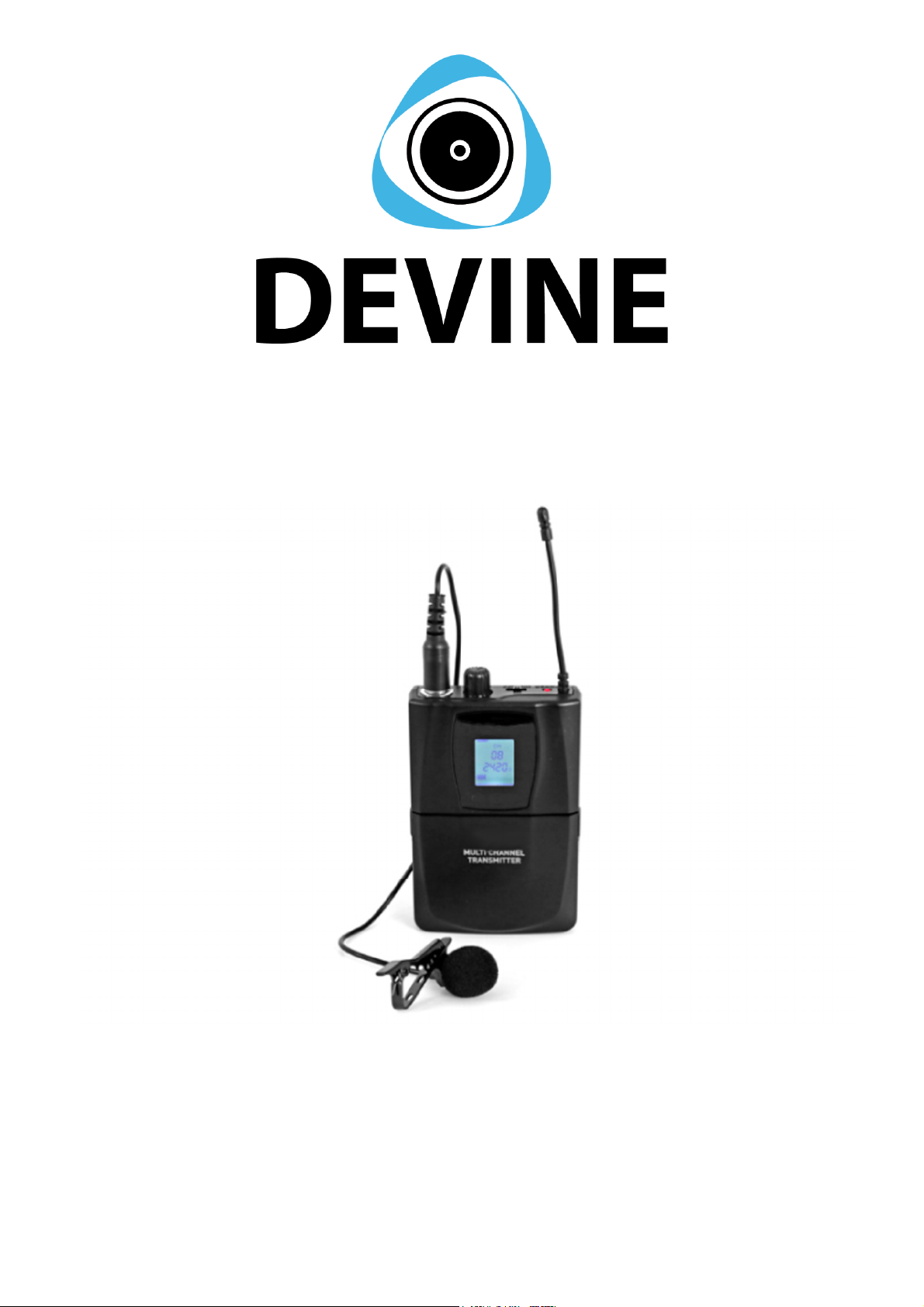
WMD-50 Bodypack
Wireless UHF Bodypack with Microphones
User Manual
The information included in this user manual is subject to change at any time and without notification:
Version:
1.0
Date and author initials: 04-08-2020 RV Revision date and author initials: -
Page 2

Introduction
Thank you for purchasing the Devine WMD-50 bodypack system. Before unpacking the box and included
components, we recommend reading this user manual thoroughly to ensure that you are completely familiar
with all of the functions this product has to offer. When unpacking the box, please make sure that all of the
components and accessories listed below have been included. In the event that the product does not
function as it should, switch off the power and remove the power cable from the mains power socket before
contacting your local retailer for further advice.
Box contents:
– Devine WMD-50 bodypack
– plug-in lavalier microphone with cable
– plug-in headset microphone with cable
– 2x AA batteries (for testing)
Inspection of the device and included accessories
In the event that the device or any of the included accessories have been damaged or rendered defective in
transit, please contact your local retailer for advice.
Please note: The products seen in the images included in this manual may differ slightly from the product
received.
Contact:
Devine Pro Audio Products
Verrijn Stuartweg 18
4462 GE Goes
The Netherlands
Please do not send any physical products to this correspondence address.
Should you wish to send a product for repairs or for a refund, please contact your retailer for an RMA
request (Return Merchandise Authorisation)
The information included in this user manual is subject to change at any time and without notification:
Version:
1.0
Date and author initials: 04-08-2020 RV Revision date and author initials: -
Page 3

WARNING!
Keep this device away from moisture, water and rain
to prevent any danger of electric shocks!
Safety Instructions
Every person involved with the installation, operation and maintenance of this device must:
- Be qualified.
- Be skilled.
- Have read the instructions included in this user manual.
- Be sure that neither the device nor the included accessories are damaged. Should the device or the
included accessories be damaged, please contact your retailer for further advice.
- Ensure that the device is in good working condition and is safe to operate. Please follow the advice and
instructions as they are described in this user manual.
Damage caused by misuse and/or modifications made to the device are not covered by the warranty.
This device does not contain any parts that can be repaired or replaced by the user. Should maintenance or
repairs be necessary, they must be carried out by a qualified technician.
Important information regarding health and safety:
- Do not remove any labels or stickers from this device.
- Do not leave any cables lying around where they are in danger of causing a tripping hazard.
- The housing of this device must not be opened and any hardware or software that may be present must not
be modified.
- For optimal performance, any inputs of the device should not be fed with a signal higher than necessary.
- The device must only be used indoors; contact with water, rain and moisture must always be avoided. Do
not place any objects containing liquid on top of the device.
- Remove the device from any nearby flames or heat sources; do not place it near flammable fluids, gasses
or objects.
- Disconnect this device from a power source if it is not being used for a long period of time, if maintenance is
necessary, or if it needs to be cleaned.
– Do not pull or tug on the cable to remove a plug as this may cause damage.
- Do not use any cables other than those specified in this manual. Do not use defective cables. Please
contact your retailer if the included or necessary cables do not function properly with this device.
- In the event that the device is exposed to extreme temperature changes (e.g. transported from a cold
outdoor environment into a warm indoor environment), it should not be turned on until it has reached room
temperature. This is necessary to prevent moisture (condensation) from forming inside the device, which
may cause electric shocks.
Use & Operation Guidelines:
- This device is intended for indoor use and must only be operated by adults.
- This device is not suitable for use by children and must always be operated by an adult.
- This device can only be used in appropriate environments where no damage to the device can occur. Do
not use the device in moist or dusty environments such as:
- indoor swimming pools where chlorine is used
- beaches or any location where sand and/or salt is present
- outdoors
- in indoor spaces where intense heat sources are present, or where it can reach temperature levels
that would be considered uncomfortable for a person.
- Avoid impact and collisions during use and transport. Do not move or transport the device while it is in use.
Avoid using excessive force when installing and operating the device.
- Any user must become familiar with the functions of this device before using it.
- Should the device not be used in the manner described in this user manual, damages or even injuries could
occur. Devine cannot be held responsible for any injuries or damages that occur as a result of improper use
of this product.
Storage & Transport:
The information included in this user manual is subject to change at any time and without notification:
Version:
1.0
Date and author initials: 04-08-2020 RV Revision date and author initials: -
Page 4
- This product has been designed for mobile use and can be transported in its original packaging as long as
it is well protected against shocks and impact. It is also possible to transport the device in an appropriate
case or flight case with a lined, protective interior that provides a secure fit for all components so that they
are unable to shift in transit.
– This device has not been designed for continuous (24/7) use. The expected lifespan of the device is
increased when the device is turned off regularly.
– When the device is not in use for long periods of time, always disconnect the device from the mains power
and store it in a dust free environment.
– Do not expose the device to extreme temperature shifts.
Housing:
- Frequently inspect the housing of the device and always just before use. Avoid operating the device if any
large dents or cracks are found in the housing, or if screws are missing. Do not use the device if the housing
is not in good condition. Contact your local retailer or a qualified technician if you are unsure about the state
of the device.
- Check the device and screws for any corrosion. If any corrosion is found, do not use the device. Contact
your dealer or a qualified technician if the screws or housing show any signs of corrosion.
- Ensure that every power and signal socket is securely fitted. Do not use the device if any of the sockets are
not secure.
- Avoid the build up of any dust and dirt. Clean the device once a month by disconnecting it from the power
supply and wiping it down with a dry or slightly moist cloth. If the device is used frequently, the device should
also be cleaned more frequently.
Symbol Explanation:
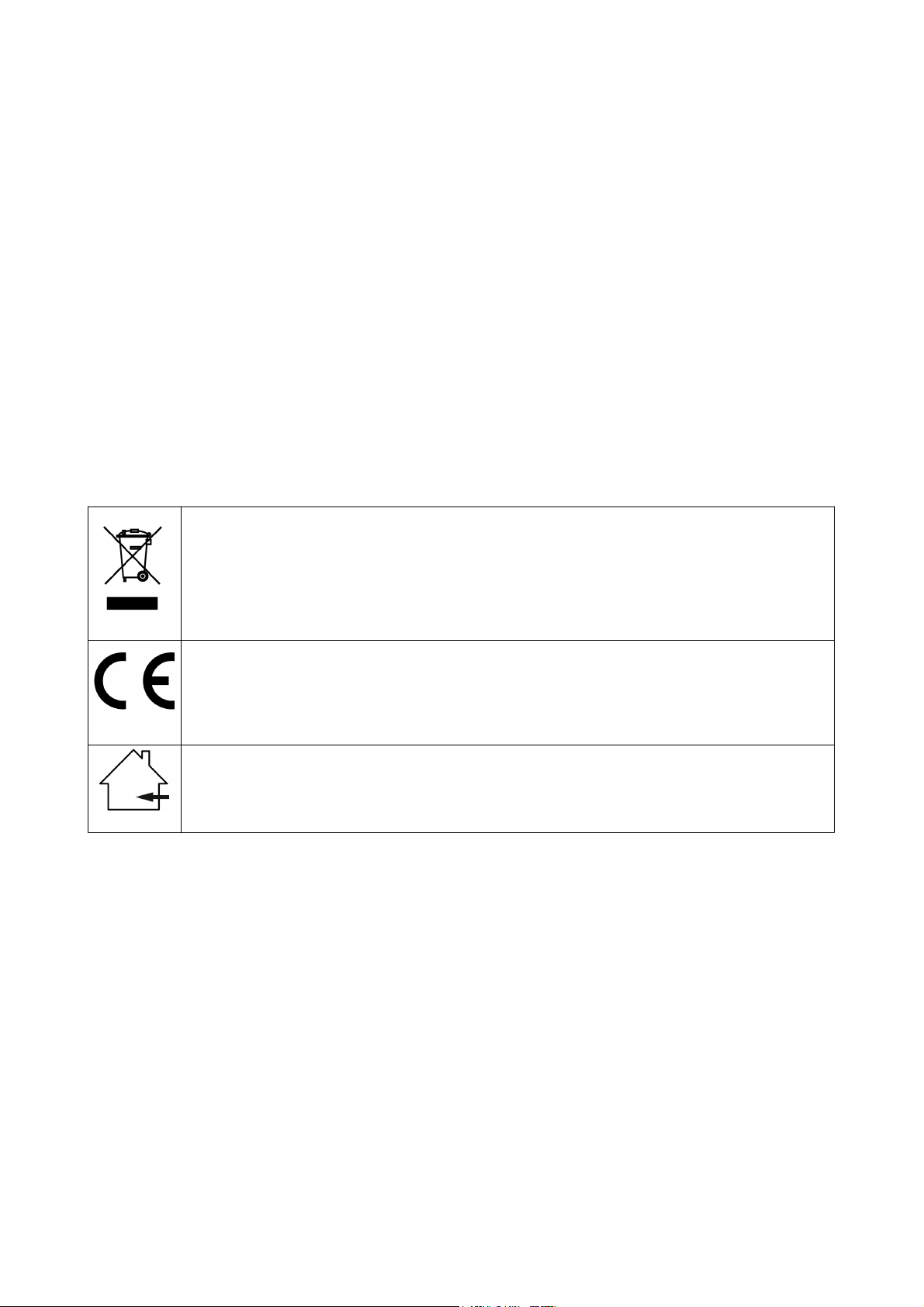
Ensure that this device is disposed of properly. This product falls under the WEEE (Waste
Electrical and Electronic Equipment) directive. The requirements of this directive apply to all
manufacturers and producers of electronic devices in the EU. Do not throw this product away
with normal refuse. Please contact your local authority for more information about how to
recycle and dispose of these products in your region. By recycling this product in the proper
manner, we can work together to ensure that we can continue to enjoy these kinds of
products and still protect the environment as much as possible.
CE: The CE logo indicates that this product meets the European norms and requirements to
which it must legally conform.
Suitable for indoor use only: This product was designed for indoor use only. The maximum
environmental temperature must not exceed 40 degrees Celsius (104 degrees Fahrenheit).
The information included in this user manual is subject to change at any time and without notification:
Version:
1.0
Date and author initials: 04-08-2020 RV Revision date and author initials: -
Page 5

Battery safety:
WARNING!
- If the battery is replaced incorrectly, this may cause the battery to explode.
- Only replace a battery with the same battery type.
- Never expose batteries to intense heat, including sunlight, open flames, etc.
- Never store batteries in a hot, high temperature environment. This may cause the battery to explode as well
as the leakage of flammable liquids or gasses.
- Never expose batteries to an open flame or place them in or near a hot oven.
- Never purposefully damage batteries or try to cut into them as this may cause the battery to explode.
- Do not expose batteries to extremely low air pressures (at high altitudes) since this may cause the battery
to explode as well as the leakage of flammable liquids or gasses.
- If the device is not in use for a long period of time (a few months, for example), ensure that any batteries
are removed from the device before it is stored.
- Always immediately remove empty batteries from the device.
- Avoid carrying batteries in a pocket, wallet, or bag. Contact with metal objects like coins, keys and similar
can cause damage, leakages, or short-circuits.
- Always ensure that batteries are kept out of reach of children.
Recycling:
Never dispose of batteries via household waste. Batteries can contain substances that are damaging
to the environment. If a battery is recycled using the correct methods, it can be a valuable source of
reusable materials. Contact your local council for more information about how best to dispose of
batteries.
The Legal Use of Wireless Microphone Systems
Please note: The legislation regarding the authorised use of wireless microphone systems is different in
different countries. Always check with your local council, governing body or a specialist to be certain that a
licence is not required before you can use a microphone system.
Operating a wireless microphone system using the incorrect frequencies can lead to malfunctions and affect
the system performance as well as violate local laws and regulations regarding the use of wireless
transmission equipment.
---
The Devine WMD-50 Solo/Duo system operates using the SRD frequency band (863 – 865 MHz) and can
therefore be used freely in the EU.
Please note that while the SRD frequency band can be legally used in the EU, this does not guarantee
interference free signal performance. It is always the case that any nearby equipment that uses the same or
similar frequency can cause signal interference.
The information included in this user manual is subject to change at any time and without notification:
Version:
1.0
Date and author initials: 04-08-2020 RV Revision date and author initials: -
Page 6

Using the Bodypack & Microphones
This wireless microphone system provides a large number of options and features. It is therefore
recommended that the tips and advice included below is read in detail to ensure that you get the best out of
this system while using it safely.
Please note that the WMD-50 Bodypack kit is not a stand-alone system and will only function when used in
combination with the WMD-50 Solo or Duo. Channel linking with either receiver is performed using the same
process as with handheld microphones, so please see the applicable receiver manual for channel link
instructions.
Ensure Optimal Transmitter and Receiver Signal Strength
In areas where there is a large amount of wireless traffic (for example, in a street of pubs, restaurants, or
venues, all of which may use wireless background music or live performance equipment), it is always
possible that other wireless traffic may affect the wireless performance of your system.
In the worst case, this can cause serious problems with the performance of the WMD-50 Solo/Duo
microphone system.
To prevent or overcome these possible problems, the following measures can be taken:
– Make sure that any other transmitting or receiving device or equipment that operates using the same or
similar frequency band is moved at least 1 metre away from the system.
– As much as possible, try to maintain a clear ‘line of sight’ between the transmitter and receiver and ensure
that nothing is blocking the signal transmission. Obstructions can include walls, furniture, or audience
members. The less the signal is blocked, the more stable the signal becomes.
– A good tip is to place the receiver in a relatively high position. This will increase the ‘line of sight’ of the
receiver so that it can better detect the signal from the transmitter (bodypack).
Switching the Receiver On
Before switching the receiver on, ensure that it is placed in an optimum position (as described above) and on
a stable surface. Connect the DC power supply to the power input of the receiver and plug the power supply
into a compatible mains power socket. Use the Power button of the receiver to switch it on and off.
Microphone Technique & Choosing the Correct Microphone
A microphone is not a complicated device. Anyone can speak into a microphone and the device will ensure
that the sound is sent to any connected external audio equipment. But, to ensure optimum sound quality and
prevent causing damage to any external audio equipment, using the correct microphone technique is
essential.
The largest advantage of using a bodypack system is that the speaker is able to perform hands-free and
without fear of dropping the microphone.
The WMD-50 Bodypack set includes the choice of two different kinds of microphone: a lavalier microphone
and a headset microphone. Both microphones can be linked to a receiver, but not at the same time.
Performing with either a lavalier or headset microphone has both benefits and drawbacks. Below, a brief
overview of the pros and cons of using either a lavalier or headset microphone has been included:
Lavalier microphone:
+ since it’s a clip-on microphone, it’s easily fastened to clothing
+ discreet and almost invisible
– in loud environments, it can be more difficult to register the clear speech of the performer, since a lot of
ambient noise may also be registered by the microphone
– very directional and position sensitive
– can be less secure since it is not designed for intensive movement
– registers less sound if the speaker is moving their head from side to side while speaking
Headset microphone:
+ rests easily and securely on the head
+ microphone is easily positioned near the mouth of the speaker
+ performs better in louder environments
– is much more visible
The information included in this user manual is subject to change at any time and without notification:
Version:
1.0
Date and author initials: 04-08-2020 RV Revision date and author initials: -
Page 7

– can easily move or be repositioned by the speaker, so that the sound is not registered as efficiently
– may register and amplify harsh plosives which can affect the sound quality (plosives are harder speech
sounds like P, S, T, K etc where a short burst of air is released)
In practice, choosing the right microphone that works for a specific situation is a question of experimentation.
Both microphones can be directly connected to the bodypack transmitter.
Prevent any performer that is wearing either the lavalier or headset microphone from moving too close to the
speakers of the connected audio system. This is because the microphone may re-register the sound
amplified by the speakers, causing a signal repeat that leads to an endless feedback loop.
This can result in a piercing sound that in the worst case can damage the audio system irreparably!
Devine cannot be held responsible for any damage caused to any audio system due to the use of incorrect
microphone technique.
Connecting the Microphone System to an Audio System
Start by setting the volume faders or controls of your mixer to zero. This includes any ‘gain’ or ‘trim’ controls.
After connecting the receiver to your mixer, speak into the linked microphone using the correct microphone
technique, and then gradually begin to raise the volume on your mixer to a standard level (maximum 0dB, or,
if your system does not have a level indicator, bring it gradually to the halfway or three-quarter way point). By
slowly increasing the volume, you will notice as soon as it is brought to an appropriate level, then begin finetuning the whole system.
If the signal strength is not sufficient, use the ‘trim or ‘gain’ controls to raise the signal strength to an
appropriate level. If this does not solve the problem or your system does not include these controls, raise the
volume of the corresponding channel on the receiver.
If this is still unable to solve the problem, then another component of the signal chain needs to be adjusted,
like the master volume of the mixer.
The Correct Frequency
The WMD-50 bodypack systems are available in various frequencies, all optimised for use with the WMD-50
Solo or Duo base system.
Model Frequency Compatible with
Devine WMD-50-1 863.00 MHz Devine WMD-50 Duo
Devine WMD-50-2 863.50 MHz Devine WMD-50 Solo
Devine WMD-50-3 864.00 MHz Devine WMD-50 Duo
Therefore, please note that the WMD-50 systems have a fixed frequency. So always carefully check which
bodypack will be compatible with which system and/or which receiver channel can be used for the bodypack
in place of the included handheld microphone.
The information included in this user manual is subject to change at any time and without notification:
Version:
1.0
Date and author initials: 04-08-2020 RV Revision date and author initials: -
Page 8

Wireless Microphone Trouble Shooting
If you happen to encounter any problems while using your wireless microphone system, it’s recommended
that this trouble shooting section is checked to see if a solution can be found. If none of the suggestions
included below solve your problem, please contact your local retailer for further advice.
This trouble shooting section includes all of the most common possible problems and is not a complete list of
every possible fault, defect, and their subsequent solution. This section is generally focussed on solving
problems regarding the use of wireless microphones. As such, it may be that some of the included problems,
causes, and solutions do not apply to your situation since product specifications can differ.
Problem Common Cause Solution
Receiver is not switching on Mains power socket not active Check that the mains power socket is
active, especially if it is (for example) a
power block with a switch or a power
switching system fitted with power sockets.
Power supply not securely
connected
Power button has not been
pushed
Microphone is not switching onNo batteries Check that batteries have been installed in
Batteries incorrectly installed It might be that the batteries have been
Batteries are empty Replace the batteries with new, high-quality
No sound Volume is too low Turn the receiver volume control up a little
Mixer channel on mute or not
properly set
Check that the power supply is securely
connected to the receiver and that the plug
is securely connected to an active mains
power supply socket.
Make sure that the power button of the
receiver has been pressed.
the battery compartment.
installed the wrong way around. Always
ensure that the batteries are installed so
that the polarity (+/-) matches the polarity
indicated in the compartment.
batteries.
and check that the SIG indication LED lights
up when the microphone is spoken into. If
this is the case, then the device is receiving
the signal as it should. If this does not solve
the problem, then check the rest of the
audio signal chain.
Check the basic PA mixer controls like the
mute switch, master volume level, trim or
gain level, master volume, EQ control
settings etc.
Microphone is not coupled with
receiver
Signal interference or signal
drop
The information included in this user manual is subject to change at any time and without notification:
Version:
1.0
Date and author initials: 04-08-2020 RV Revision date and author initials: -
Receiver positioning is not
optimum
Microphone is too far away
from receiver
Make sure that the microphone is actively
coupled with the receiver by following the
instructions included in this manual.
Where possible, always ensure that the
receiver is positioned so it can achieve the
best possible ‘line of sight’ of the
microphone transmitters.
If the microphone is held more than 10
metres away from the receiver, this can
cause a break in the signal since the signal
from the microphone transmitter can no
longer reach the receiver.
Page 9

Problem Common Cause Solution
Interference on the same
frequency
It is always possible that someone else in
the vicinity is working on the same
microphone frequency with a similar
system. This can work to your disadvantage
in the form of signal loss or interference.
Try switching to a different microphone
signal or try to improve the ‘line of sight’ and
reduce the distance between the receiver
and microphone transmitter.
Distorted sound Sound settings are not optimal Check the volume level and other audio
system components that may be affecting
the sound quality by overdriving the signal.
Incorrect microphone technique
is being used
Check that the microphone technique of the
performer is correct. If the sound is distorted
or dull, then it is likely that the microphone
grille is being covered by a hand.
The information included in this user manual is subject to change at any time and without notification:
Version:
1.0
Date and author initials: 04-08-2020 RV Revision date and author initials: -
Page 10

Specifications
– UHF compact bodypack system to expand the Devine WMD-24 base systems
– including a lavalier and headset microphone with cable and plug
– compact transmitter unit with LCD display
– operates using the SRD frequency band, (863 – 865 MHz freely used in the EU)
– operation range: 20 – 30 metres, provided a clear and unobstructed line of sight is maintained between the
transmitter and receiver, and no devices using the same or similar frequency band are close by.
Technical features:
Dynamic range 96 dB
Distortion < 0.3 %
Frequency range 30 Hz – 20 kHz (+/- 2dB)
Signal-to-noise ratio 96 dB
Reception sensitivity – 95 dB
Transmission delay < 3 ms
Harmonic distortion < - 50 dBc
Signal strength 10 mW
Average battery lifespan 5 hours
The information included in this user manual is subject to change at any time and without notification:
Version:
1.0
Date and author initials: 04-08-2020 RV Revision date and author initials: -
Page 11

EC Declaration of Conformity
Devine pro audio and studio products
Verrijn Stuartweg 18
4462 GE Goes
The Netherlands
We declare under our sole responsibility that the following products
Article: Product name:
Devine WMD-50 Duo Wireless microphone system (863 + 864 MHz) with 2 x handheld microphones.
Devine WMD-50 Solo Wireless microphone system (863.5 MHz) with 1 x handheld microphone.
Devine WMD-50-1 Separate bodypack (863 MHz) with headset microphone and lavalier.
Devine WMD-50-2 Separate bodypack (863.5 MHz) with headset microphone and lavalier.
Devine WMD-50-3 Separate bodypack (864 MHz) with headset microphone and lavalier.
are fully in conformity with:
System:
Directive 2014/53/EU of the European Parliament and of the Council on the harmonization of the laws of the Member States relating
to the making available on the market of radio equipment (RED).
Used standard: EN 62368-1:2014+A11:2017, EN 62479:2010, ETSI EN 301 489-1 V2.2.3 (2019-11), ETSI EN 301 489-9 V2.1.1
(2019-04), ETSI EN 301 357 V2.1.1 (2017-06).
Directive 2011/65/EU of the European Parliament and of the Council on the restriction of use of certain hazardous substances
(RoHS) in electrical and electronic equipment.
Used standards: IEC 62321-3-1:2013, IEC 62321-4:2013, IEC 62321-5:2013, IEC 62321-6:2015, IEC 62321-7-1:2015, IEC 623217-2:2017, IEC 62321-8:2017.
AC/DC adapter:
Directive 2014/35/EU of the European Parliament and of the Council on the harmonisation of the laws of the Member States relating
to the making available on the market of electrical equipment designed for use within certain voltage limits (LVD).
Used standard: EN 62368-1:2014+A11.
Directive 2014/30/EU of the European Parliament and of the Council on the harmonisation of the laws of the Member States relating
to electromagnetic compatibility (EMC).
Used standards: EN 55032:2015, EN IEC 61000-3-2:2019, EN 61000-3-3:2013+A1:2019, EN 55035:2017.
Directive 2009/125/EC of the European Parliament and of the Council establishing a framework for the setting of ecodesign requirements for energy-related products (ErP) and Commission Regulation (EU) 2019/1782 laying down ecodesign requirements for external power supplies pursuant to Directive 2009/125/EC of the European Parliament and of the Council and repealing Commission
Regulation (EC) No 278/2009.
Used standards: EN 50563:2011+A1, IEC 62301:2011, EN 50564:2011.
Directive 2011/65/EU of the European Parliament and of the Council on the restriction of use of certain hazardous substances
(RoHS) in electrical and electronic equipment.
Used standards: EN 62321:2009, IEC 62361-1:2013, IEC 62321-2:2013, IEC 62361-3-1:2013, IEC 62361-4:2013, IEC 62361-
5:2013, IEC 62361-6:2015. IEC 62361-7-1:2015.
Signed for and on behalf of:
Devine pro audio and studio products Goes, 04-12-2020
Jochanan Bax, Director
The information included in this user manual is subject to change at any time and without notification:
Version:
1.0
Date and author initials: 04-08-2020 RV Revision date and author initials: -
 Loading...