

Page 1

Demonstrating the
Jailhouse Hypervisor Virtualization
on the Sitara AM572x Reference Design
TI Design: http://www.ti.com/tool/tidep-0095
Page 2
2
Page 3
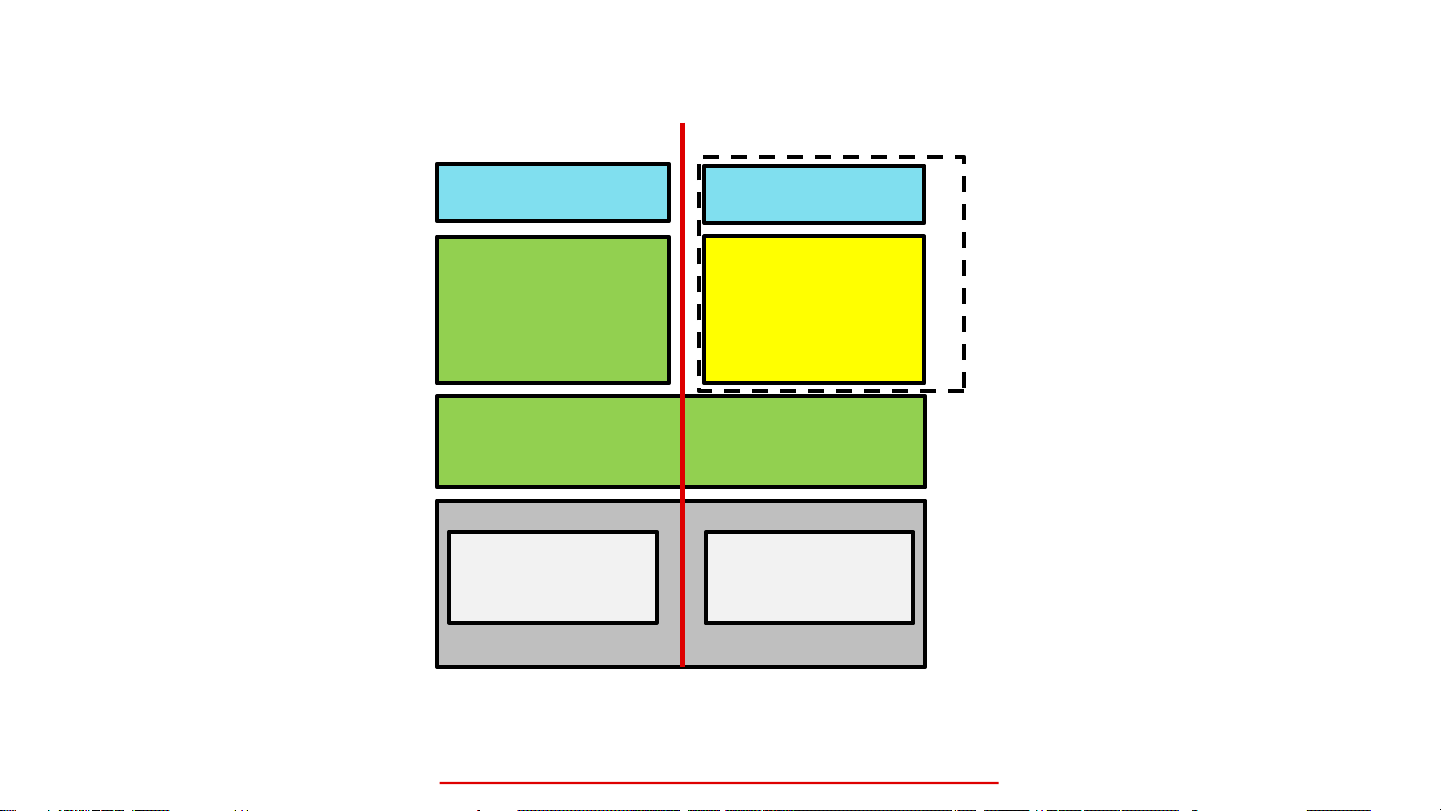
Jailhouse Overview
Root Cell (Non-root) Cell
Application
Linux
Jailhouse Hypervisor
CPU 0
Hardware
The Jailhouse Linux-based partitioning hypervisor is an open-source project:
https://github.com/siemens/jailhouse
Application
Bare Metal
or
RTOS
CPU 1
Inmate
Page 4
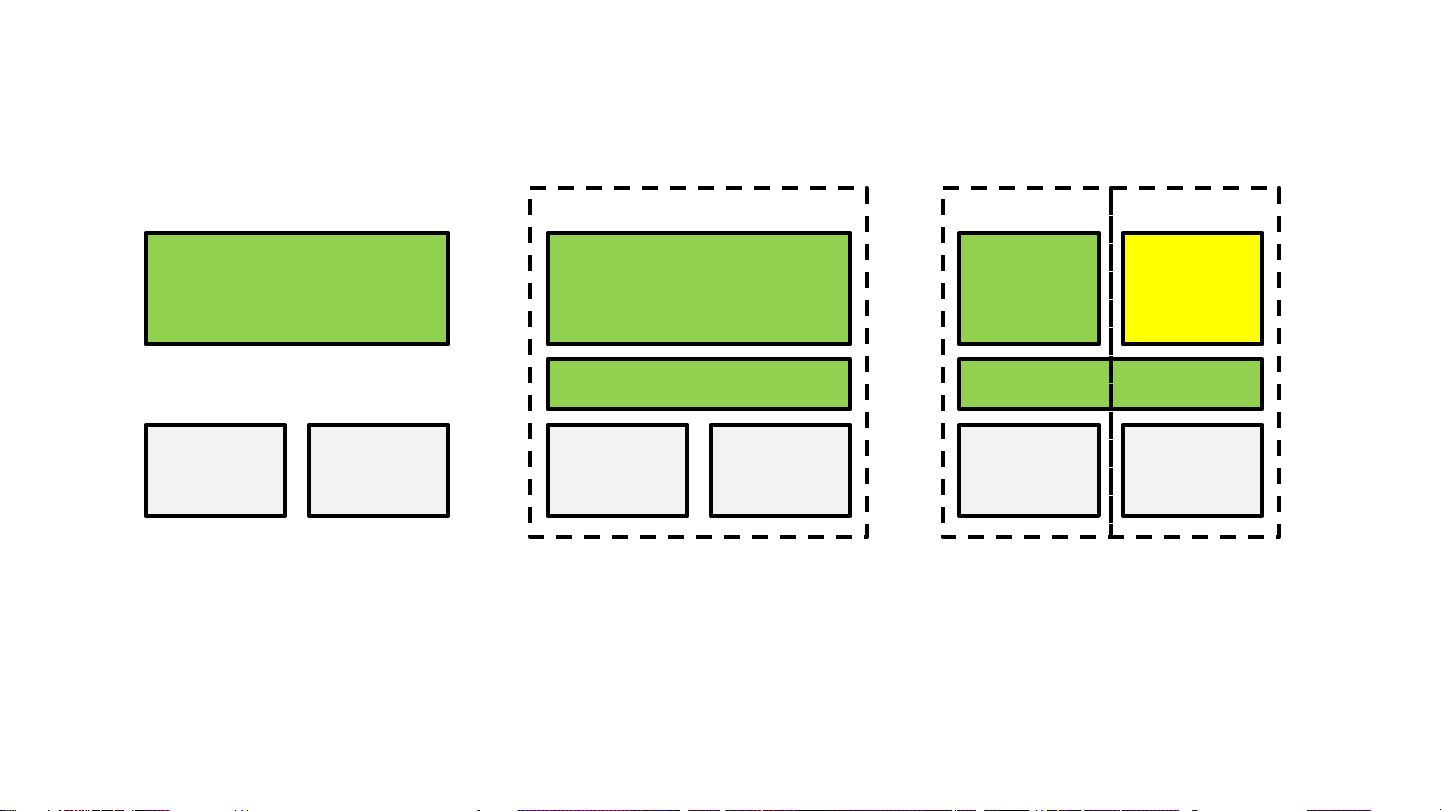
Jailhouse Initialization on AM572x
Linux
ARM A15
Core 0
ARM A15
Core 1
Root Cell
Linux
Jailhouse Hypervisor
ARM A15
Core 0
ARM A15
Core 1
Root Cell
Linux
Jailhouse Hypervisor
ARM A15
Core 0
Cell
Inmate
ARM A15
Core 1
Page 5
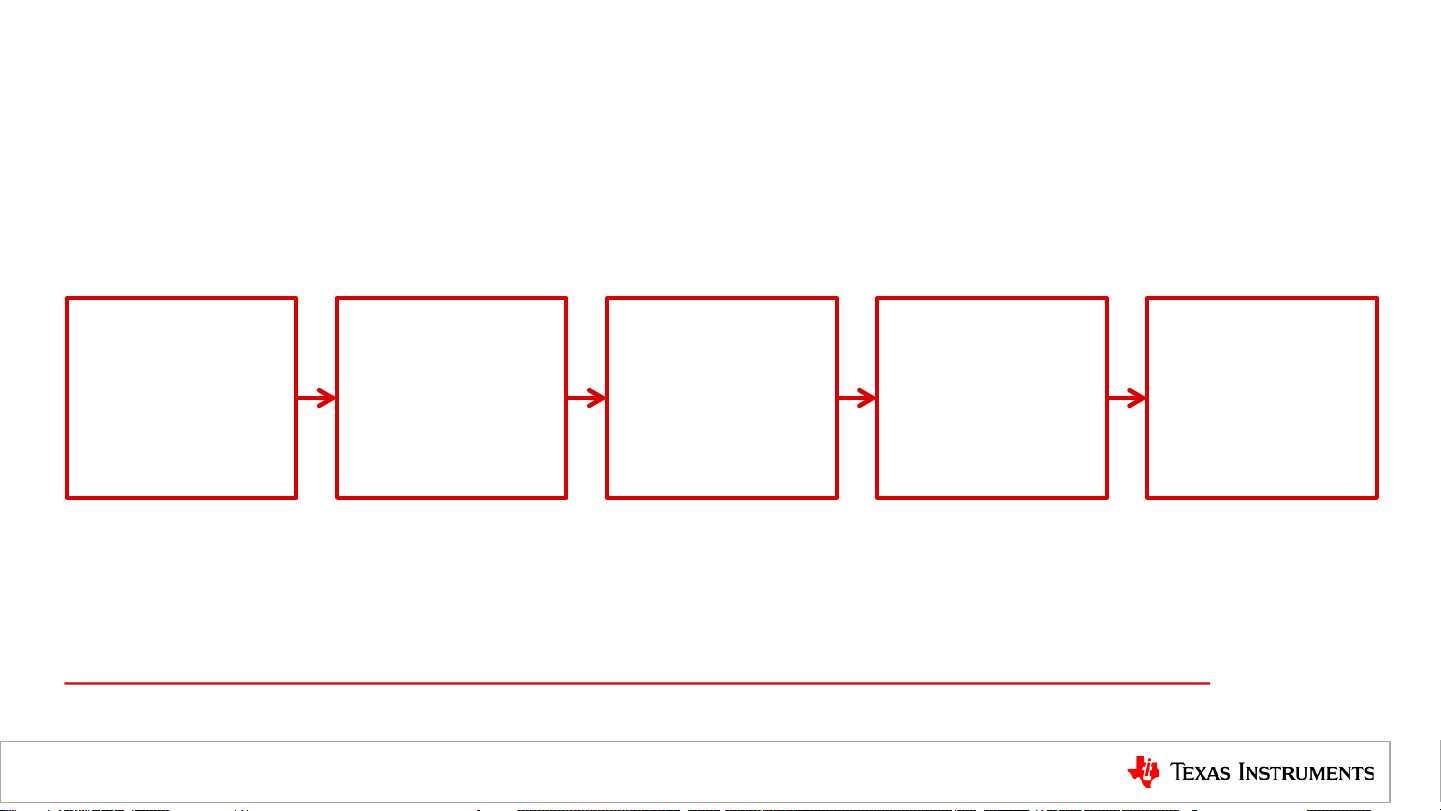
Jailhouse Hypervisor Demonstration Overview
Set Up Hardware Install Software
Boot Board
With Prebuilt
SD Card
Enable Jailhouse
Root Cell and
Inmate Functions
Processor SDK Jailhouse Hypervisor Wiki:
http://processors.wiki.ti.com/index.php/Processor_SDK_Jailhouse_Hypervisor
Validate
Page 6
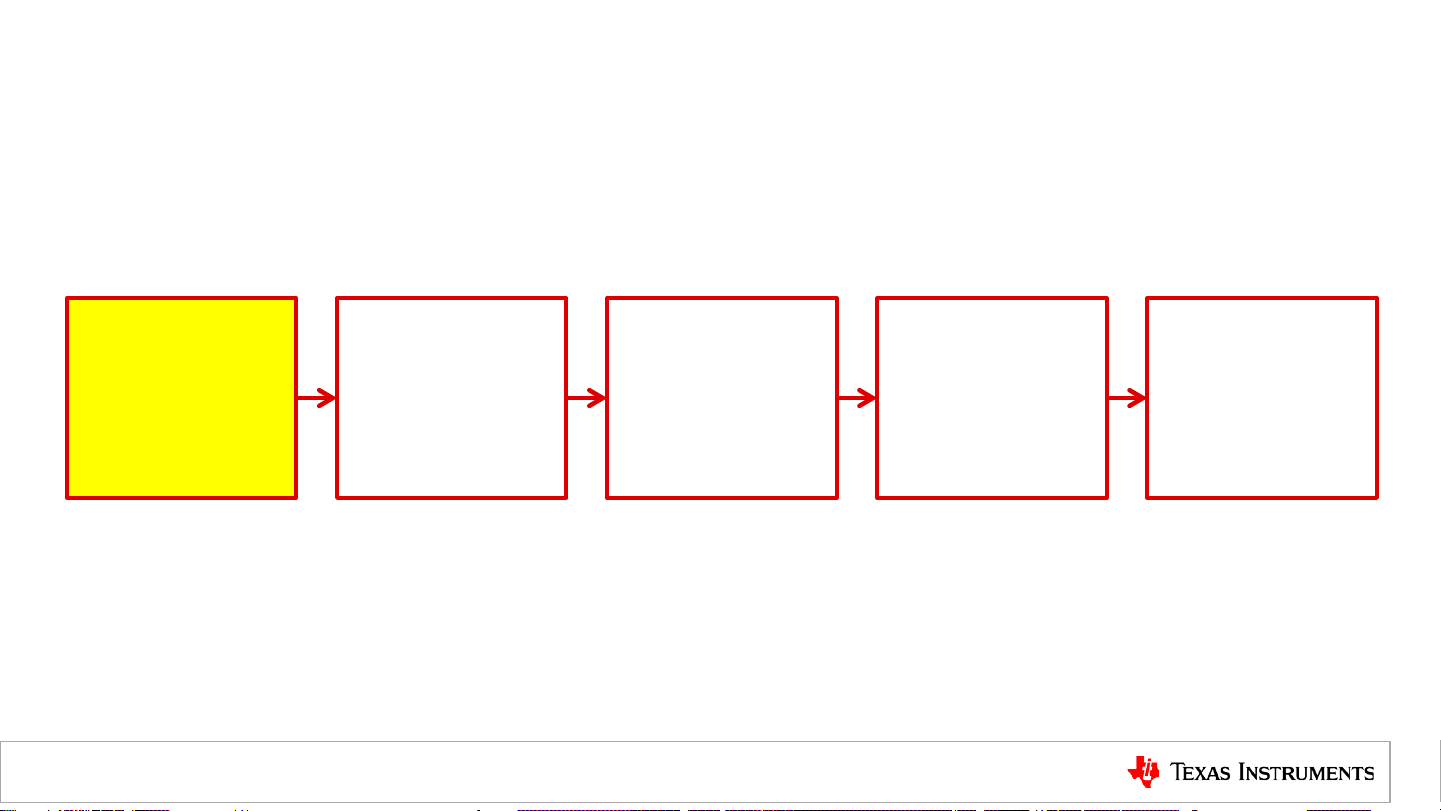
Set Up Hardware
Set Up Hardware Install Software
Boot Board
With Prebuilt
SD Card
Enable Jailhouse
Validate
Root Cell and
Inmate Functions
Page 7

Supported Hardware
AM5728 EVM AM5728 IDK
http://www.ti.com/tool/TMDSEVM572X
http://www.ti.com/tool/TMDXIDK5728
Page 8

Set Up Hardware
Host
ETH
ETH
Serial
USB
Page 9

Install Software
Set Up Hardware Install Software
Boot Board
With Prebuilt
SD Card
Enable Jailhouse
Validate
Root Cell and
Inmate Functions
Page 10

Jailhouse Software
• jailhouse.ko kernel module is located in the directory:
/lib/modules/4.9.28-<gitid>/extra/driver
• jailhouse.bin hypervisor is located in the directory:
/lib/firmware
• Jailhouse management tools are located in the following directories:
/usr/local/libexec/jailhouse
/usr/sbin
Page 11

Software Setup
The boot arguments need to be modified to use Jailhouse:
• Modify the boot arguments.
printenv args_mmc
• Modify the boot arguments to allocate more virtual memory.
setenv args_mmc ${args_mmc} vmalloc=512M
• Modify the boot arguments to identify the correct device tree.
setenv findfdt ‘setenv fdtfile <device-tree>’
where <device-tree> is one of the following:
– am572x-evm-jailhouse.dtb for the AM572x EVM
– am572x-idk-jailhouse.dtb for the AM572x IDK
Page 12

Boot Board With Prebuilt SD Card
Set Up Hardware Install Software
Boot Board
With Prebuilt
SD Card
• Save the boot arguments and boot the board.
saveenv args_mmc
boot
Enable Jailhouse
Validate
Root Cell and
Inmate Functions
Page 13

Enable Jailhouse
Boot Board
Set Up Hardware Install Software
• Insert the kernel module:
modprobe jailhouse
• Enable the hypervisor:
jailhouse enable /usr/share/jailhouse/examples/am57xx-evm.cell
• Create a cell for the inmate:
jailhouse cell create /usr/share/jailhouse/examples/am57xx-evm-ti-app.cell
• Load the bare metal binary:
jailhouse cell load 1 /usr/share/jailhouse/examples/ti-app.bin
With Prebuilt
SD Card
Enable Jailhouse
Validate
Root Cell and
Inmate Functions
• Start the binary:
jailhouse cell start 1
Page 14

Validate Root Cell and Inmate Functions
Set Up Hardware Install Software
Boot Board
With Prebuilt
SD Card
Enable Jailhouse
Validate
Root Cell and
Inmate Functions
Page 15

Validate Root Cell Function
Root Cell (Non-root) Cell
Application
Linux
Jailhouse Hypervisor
CPU 0
Hardware
Application
Bare Metal
or
RTOS
CPU 1
Inmate
Page 16

For More Information
• Virtualization: Jailhouse Hypervisor on AM572x Reference Design:
http://www.ti.com/tool/tidep-0095
• Sitara Processors Product Overview: http://www.ti.com/sitara
• AM572x Evaluation Module: http://www.ti.com/tool/tmdsevm572x
• AM572x Industrial Development Kit IDK): http://www.ti.com/tool/TMDXIDK5728
• Processor SDK for AM57x Sitara Processors:
http://www.ti.com/tool/processor-sdk-am57x
• Processor SDK Jailhouse Hypervisor Wiki:
http://processors.wiki.ti.com/index.php/Processor_SDK_Jailhouse_Hypervisor
• For questions about this training, refer to the E2E Community Forums for Sitara Processors
at http://e2e.ti.com/support/arm/sitara_arm/f/791/t/277411
Page 17

TI Information – Selective
Disclosure
 Loading...