

Page 1

INTEGRATED CIRCUITS
DATA SH EET
HTEV400
HITAG proximity evaluation kit
Product specification
Supersedes data of 1999 Jan 01
File under Integrated Circuits, IC11
2001 Sep 24
Page 2

Philips Semiconductors Product specification
HITAG proximity evaluation kit HTEV400
FEATURES
The evaluation kit comprises the following components:
• Proximity read and write device with integrated antenna
• DC power supply cable
• RS232 interface cable
• HITAG transponders
• CD-ROM with:
– Demonstration software
– User manual.
APPLICATIONS
• Easy integration and application of HITAG proximity
readers.
GENERAL DESCRIPTION
(1)
HITAG
product lines of our 125 kHz family. The HITAG product
family is used both in the proximity area (operating range
up to approximately 200 mm) and in the long range area
(operating range up to approximately 1000 mm).
is the nameof one of the universal and powerful
Developing our HITAG products, utmost consideration
was given to security and reliability. The use of
cryptography guarantees highest data security.
The central part of every HITAG read and write device is
the HITAG core module, which ensures full compatibility
for every HITAG read and write device.
To give you the possibility for an easy and quick start with
ourHITAGproductsweofferaHITAGproximityevaluation
kit. Easy application certainly is an important factor in
making the proximity evaluation kit suitable for evaluation
purposes. You will be able to present your ideas and
demonstrate the performance of your system with thehelp
of the HITAG evaluation kit.
The HTEV400 supports both HITAG 1 and HITAG 2
products. However, the HTEV400 does NOT support the
anticollision feature of HITAG 1.
(1) HITAG - is a trademark of Philips Semiconductors
Gratkorn GmbH.
ORDERING INFORMATION
PART NUMBER NAME ORDER CODE (12NC)
HTEV400 HITAG proximity evaluation kit 9352 341 40122
2001 Sep 24 2
Page 3
Philips Semiconductors Product specification
HITAG proximity evaluation kit HTEV400
BLOCK DIAGRAM
handbook, full pagewidth
RS232
interface
CD-ROM
PC
cable
READ AND WRITE
Fig.1 Block diagram.
FUNCTIONAL DESCRIPTION
Hardware start-up
Metallic environment and electromagnetic interferences
(e.g. monitors and keyboards) have a negative effect on
the range.
DEVICE
DC power
supply
cable
EXTERNAL
POWER
SUPPLY
handbook, halfpage
OPTIONAL
EXTERNAL
ANTENNA
INTERNAL
ANTENNA
HITAG 1
transponders
HITAG 2
transponders
MGW421
external
antenna
TAG detected
CONNECTING READ AND WRITE DEVICE TO PC AND POWER
SUPPLY UNIT
The following connections have to be made on the read
and write device:
• Connect the supplied interface cable to the serial
interface (port COM 1 or port COM 2) on your PC
• Connect the external power supply unit.
CONNECTING EXTERNAL ANTENNA
An own built antenna may be connected to the external
antenna connector. For the design of a proximity antenna,
please refer to the documents:
•
“HTCM400 HITAG core module”
•
“HTRM440 HITAG proximity reader module”
.
2001 Sep 24 3
Power
Antenna
Proximity
Evaluation Kit
RS232
interface
power
supply
MGW422
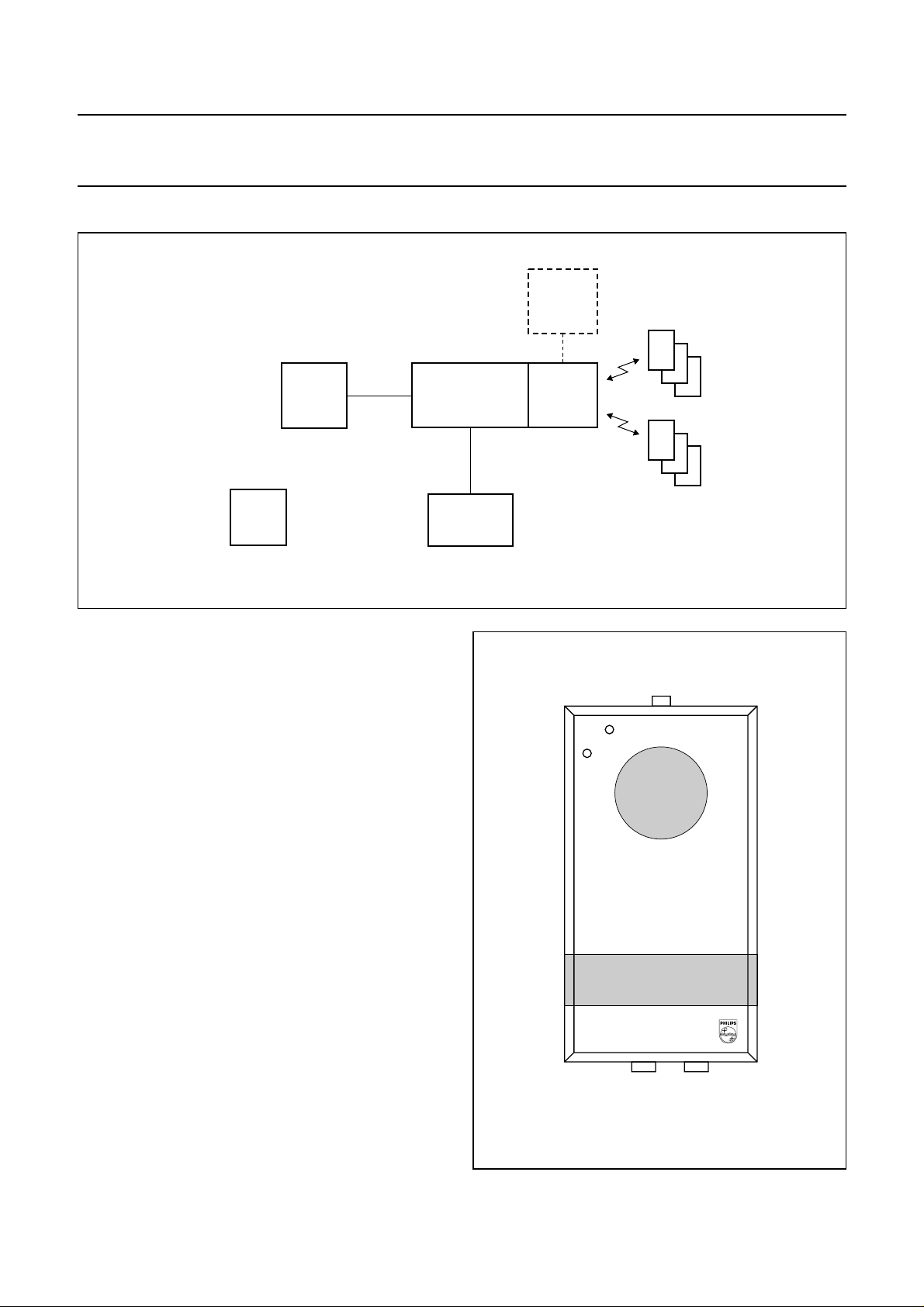
Fig.2 Proximity evaluation kit.
Page 4

Philips Semiconductors Product specification
HITAG proximity evaluation kit HTEV400
Software start-up
SYSTEM REQUIREMENTS
In order to use the RFIDDEMO software the following
system requirements must be satisfied:
• IBM-PC or compatible (minimum 286 processor)
• 640 kbyte RAM
• Serial interface.
INSTALLATION
1. Create a new directory on your PC for the demo-files
e.g. C:\RFIDDEMO
2. Copy all the files from the CD-ROM into the new
directory.
STARTING THE DEMO-PROGRAM
We strongly recommend to carefully read the user manual
“RFIDDEMO HITAG evaluation software”
the demo system. Inconsiderate use of individual menu
options may result in unwanted irreversible changes in
access rights.
Start your demo-program by typing the command
RFIDDEMO.EXE.
before starting
CHARACTERISTICS
DEVICE PARAMETER
External power supply
unit
Read and write device interface: RS232
Operating temperature 0 to 70 °C
REFERENCE DOCUMENTS
CATEGORY TITLE
User manual
DC voltage: 9 to 16 V
DC current: 150 mA
(maximum)
operating frequency: 125 kHz
“RFIDDEMO HITAG evaluation
software”
Data sheet
“HTCM400 HITAG core
module”
Data sheet
“HTRM440 HITAG proximity
reader module”
2001 Sep 24 4
Page 5

Philips Semiconductors Product specification
HITAG proximity evaluation kit HTEV400
DATA SHEET STATUS
PRODUCT
DATA SHEET STATUS
Objective data development This data sheet contains data from the objective specification for product
Preliminary data qualification This data sheet contains data from the preliminary specification.
Product data production This data sheet contains data from the product specification. Philips
(1)
STATUS
(2)
DEFINITIONS
development. Philips Semiconductors reserves the right to change the
specification in any manner without notice.
Supplementary data will be published at a later date. Philips
Semiconductors reserves the right to change the specification without
notice, in order to improve the design and supply the best possible
product.
Semiconductors reserves the right to make changes at any time in order
to improve the design, manufacturing and supply. Changes will be
communicated according to the customer product/process change
notification (CPCN) procedure SNW-SQ-650A.
Notes
1. Please consult the most recently issued data sheet before initiating or completing a design.
2. The product status of the device(s) described in this data sheet may have changed since this data sheet was
published. The latest information is available on the Internet at URL http://www.semiconductors.philips.com.
DEFINITIONS
Short-form specification The data in a short-form
specification is extracted from a full data sheet with the
same type number and title. For detailed information see
the relevant data sheet or data handbook.
Limiting values definition Limiting values given are in
accordance with the Absolute Maximum Rating System
(IEC 60134). Stress above one or more of the limiting
values may cause permanent damage to the device.
These are stress ratings only and operation of the device
attheseorat any other conditions above those given in the
Characteristics sections of the specification is not implied.
Exposure to limiting values for extended periods may
affect device reliability.
Application information Applications that are
described herein for any of these products are for
illustrative purposes only. Philips Semiconductors make
norepresentationorwarrantythatsuchapplicationswillbe
suitable for the specified use without further testing or
modification.
DISCLAIMERS
Life support applications These products are not
designed for use in life support appliances, devices, or
systems where malfunction of these products can
reasonably be expected to result in personal injury.Philips
Semiconductorscustomersusingorsellingtheseproducts
for use in such applications do so at their own risk and
agree to fully indemnify Philips Semiconductors for any
damages resulting from such application.
Right to make changes Philips Semiconductors
reserves the right to make changes, without notice, in the
products, including circuits, standard cells, and/or
software, described or contained herein in order to
improve design and/or performance. Philips
Semiconductors assumes no responsibility or liability for
theuseofanyoftheseproducts,conveysnolicenceortitle
under any patent, copyright, or mask work right to these
products,andmakes no representations or warranties that
these products are free from patent, copyright, or mask
work right infringement, unless otherwise specified.
2001 Sep 24 5
Page 6

Philips Semiconductors Product specification
HITAG proximity evaluation kit HTEV400
NOTES
2001 Sep 24 6
Page 7

Philips Semiconductors Product specification
HITAG proximity evaluation kit HTEV400
NOTES
2001 Sep 24 7
Page 8

Philips Semiconductors – a w orldwide compan y
Contact information
For additional information please visit http://www.semiconductors.philips.com. Fax: +31 40 27 24825
For sales offices addresses send e-mail to: sales.addresses@www.semiconductors.philips.com.
© Koninklijke Philips Electronics N.V. 2001
All rights are reserved. Reproduction in whole or in part is prohibited without the prior written consent of the copyright owner.
The information presented in this document does not form part of any quotation or contract, is believed to be accurate and reliable and may be changed
without notice. No liability will be accepted by the publisher for any consequence of its use. Publication thereof does not convey nor imply any license
under patent- or other industrial or intellectual property rights.
Printed in The Netherlands 613502/02/pp8 Date of release: 2001 Sep 24 Document order number: 9397 750 08334
SCA73
 Loading...