

Page 1
WARNING/CAUTION
The lightning flash with ar
rowhead symbol, within
an equilateral triangle, is
intended to alert the user to the pres-
ence of uninsulated “dangerous voltage” within the product’s enclosure
that may be of sufficient magnitude to
constitute a risk to persons.
USER’S MANUAL
FCC
This device complies with Part15 of
the FCC Rules. Operation is subject
to the following two condition: (1)this
device may not cause harmful
interference,and (2) this device must
accept any interference received,in-
cluding interference that may cause
undesired operation.
NOTICE
The exclamation point,
within an equilateral
triangle, is intended to
alert the user to the presence of im-
portant operating and maintenance
(servicing) instructions in the literature
accompanying the appliance.
Please be aware that new software may
change the functionality of the STB.
The photo and the function explanation
involved in this specification is for
reference only. If there is any mistake,
please refer to the entity.
Any changes or modifications not
expressly approved by the party
responsible for compliance could void
the user’s authority to operate the
equipment.
DTV Converter Box
1
Page 2
USER’S MANUAL
SAFETY INSTRUCTIONS
Please read these safety instructions through carefully, before operating the receiver.
Please observe all warnings and instructions on the equipment and contained in
these operating instructions.
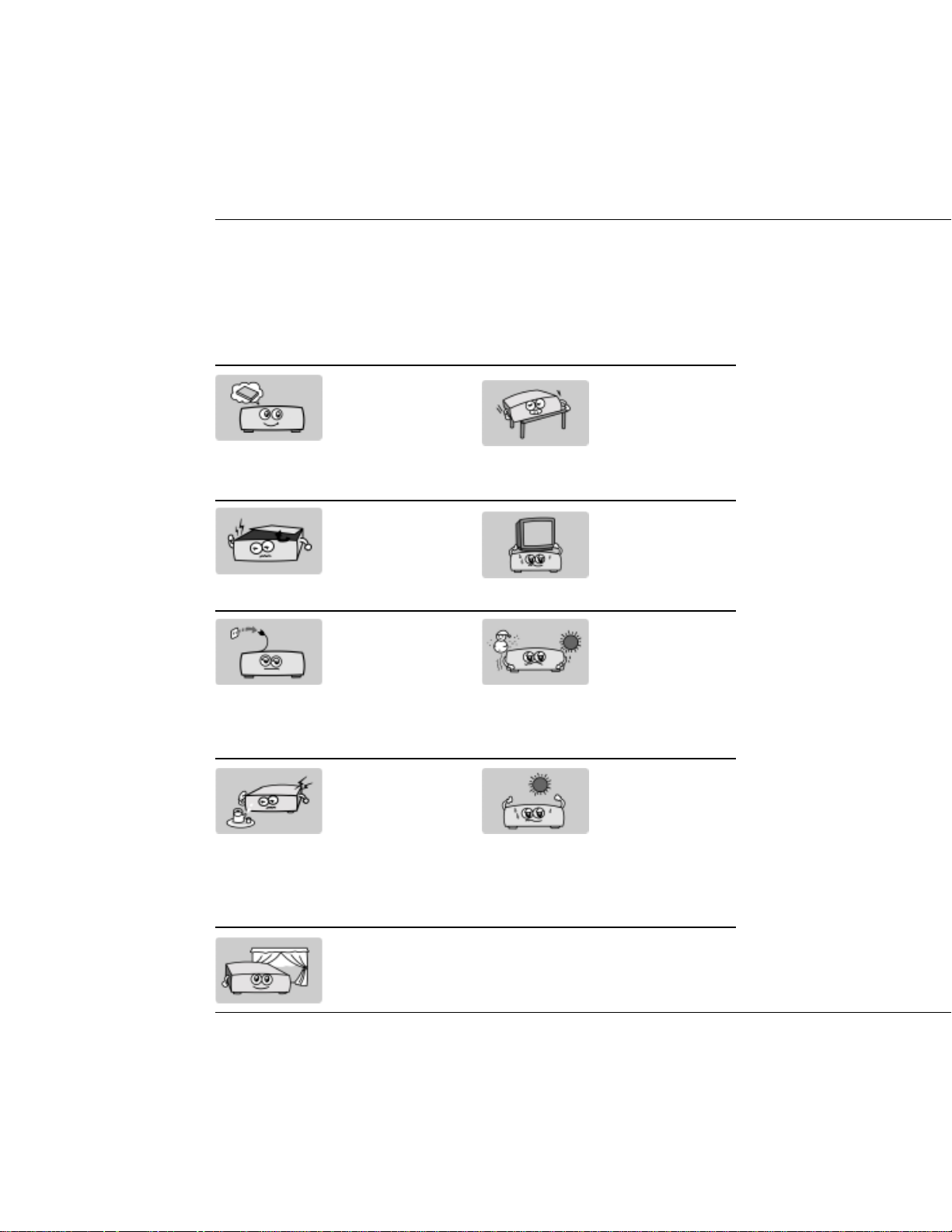
Be sure to read this
user’s manual before
starting your operation.
Never open the cover.
It is very dangerous to
touch the inside of the
unit due to possible
electric shock.
When you don’t use
this unit for a long time,
please pull the power
cord from the outlet.
Also do not use a damaged power cord.
Do not touch the power
withwet hand. If there
is liquid flowing into
the unit, pull out the
power cord immediately because it may
cause fire or electric
shock.
Install the unit
horizontally. Unbalanced installation may
cause the unit to be
damaged by itself.
Do not put heavy objects on the unit.
When the unit is suddenly moved to a hot
area from a cold area,
it may cause prob
lems. In that case, turn
off the power, and turn
on after 1-2 hours.
Install the unit in a
place with:
good ventilation
suitable temperature
no direct sunrays
low humidity
low vibration influence
2
DTV Converter Box
Place the unit in a well
ventilated and no heat
environment.
Page 3

Table of Contents
USER’S MANUAL
SAFETY INSTRUCTIONS 2
GENERAL INFORMA TION 4
1. Main Features 4
2. Unpacking 4
OVERVIEW OF THE EQUIPMENT 5
1. Front Panel 5
2. Rear Panel 6
3. Remote Control Unit 7
4. Installation of STB 8
4.1 Connecting to TV using RCA Sup-
port 8
4.2 Connecting to TV using RF Sup-
port 8
FIRST STEPS 9
MENU INFORMA TION 9
2. OPTION 14
2.1 Clock 14
2.2 Aspect Ratio 14
2.3 Language 15
2.4 Audio Language 15
2.5 Caption Select 15
2.6 DCC Setup 16
2.7 Sleep Mode 16
2.8 Output Channel 16
3. LOCK 17
3.1 Lock System 17
3.2 Set Password 17
3.3 Block Channel 18
3.4 TV Rating-Children 18
3.5 TV Rating-General 19
3.6 Movie Rating 20
3.7 Downloadable RRT 20
TECHNICAL SPECIFICA TION 21
TROUBLE SHOOTING 21
ON SCREEN MENUS SELECTION 10
1. Main Menu 10
2. Channel 11
1.1 Channel Scan 11
1.2 Channel Add 12
1.3 Channel Edit 12
1.4 Manual Scan 13
1.5 Smart Antenna 13
DTV Converter Box
3
Page 4

USER’S MANUAL
GENERAL INFORMA TION
Incorporating the highly integrated
single chip, the receiver is a cost-
effective and high performance digi-
tal ATSC converter box. The receiver
provides FTA (Free-To-Air) channels
with user-friendly OSD (On Screen
Display)
1. Main Features
Fully ATSC / MPEG -2 HD
compliant
Receives HD ATSC Terres-
trial broadcast Channels 2-69
Decodes all 18 ATSC DTV
standard formats
256 colors on screen display
(OSD) supported
7 days Electronic Program
Guide (EPG)
Multi-language OSD (English,
French, Spanish)
Multi-language audio supported
Multi-language Subtitle output
supported
EIA 608 Closed Caption
Parent control (V-chip)
2. Unpacking
Unpack the receiver and check to
make sure that all of the following
items are included in the packaging.
1 x Remote Control Unit
1 x User’s Manual
1 x Digital Terrestrial Re-
ceiver
Teletext output through VBI
and OSD
4
DTV Converter Box
Page 5
OVERVIEW OF THE EQUIPMENT
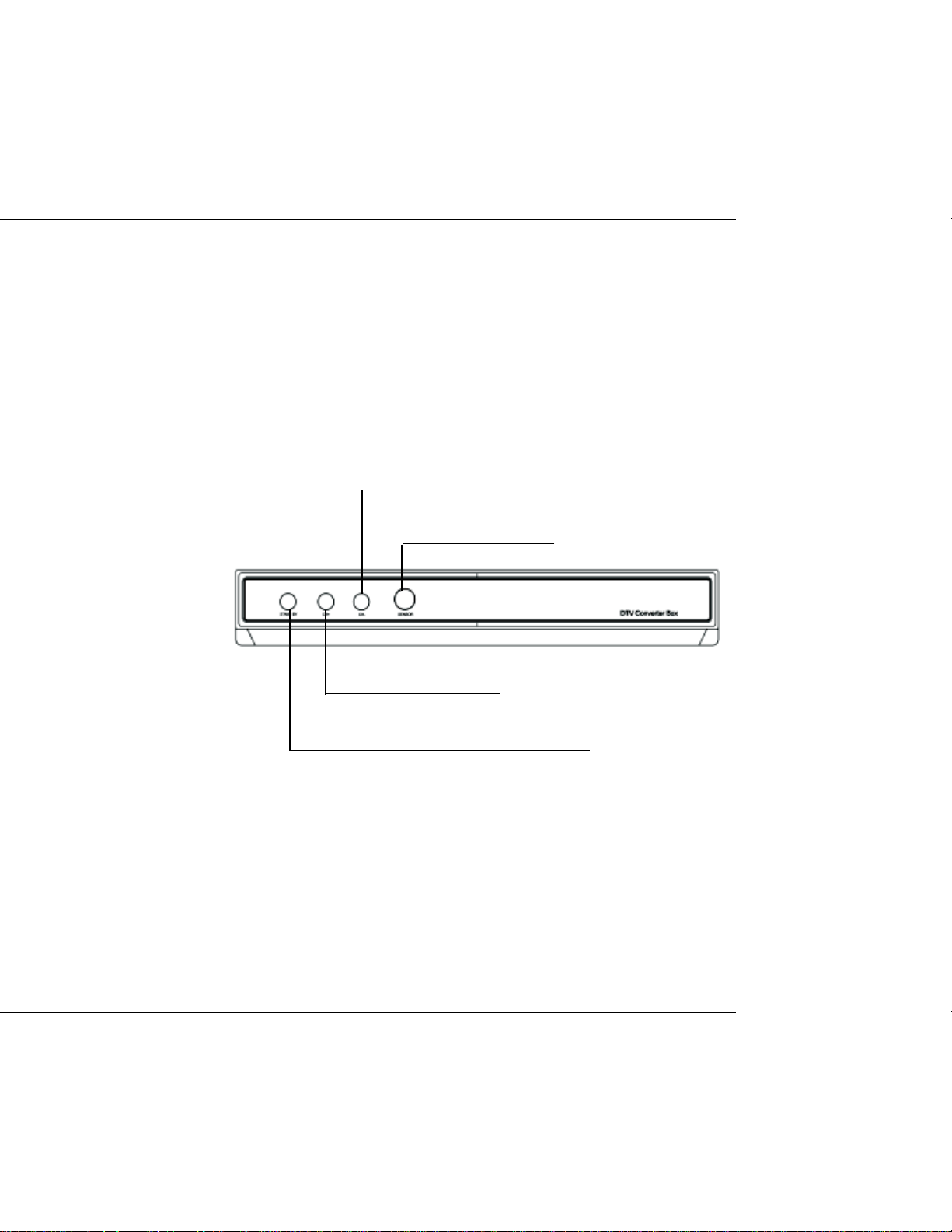
1. Front Panel
change to the previous channel
Remote Control Sensor
USER’S MANUAL
change to the next channel
switch between operation and standby modes
DTV Converter Box
5
Page 6
USER’S MANUAL
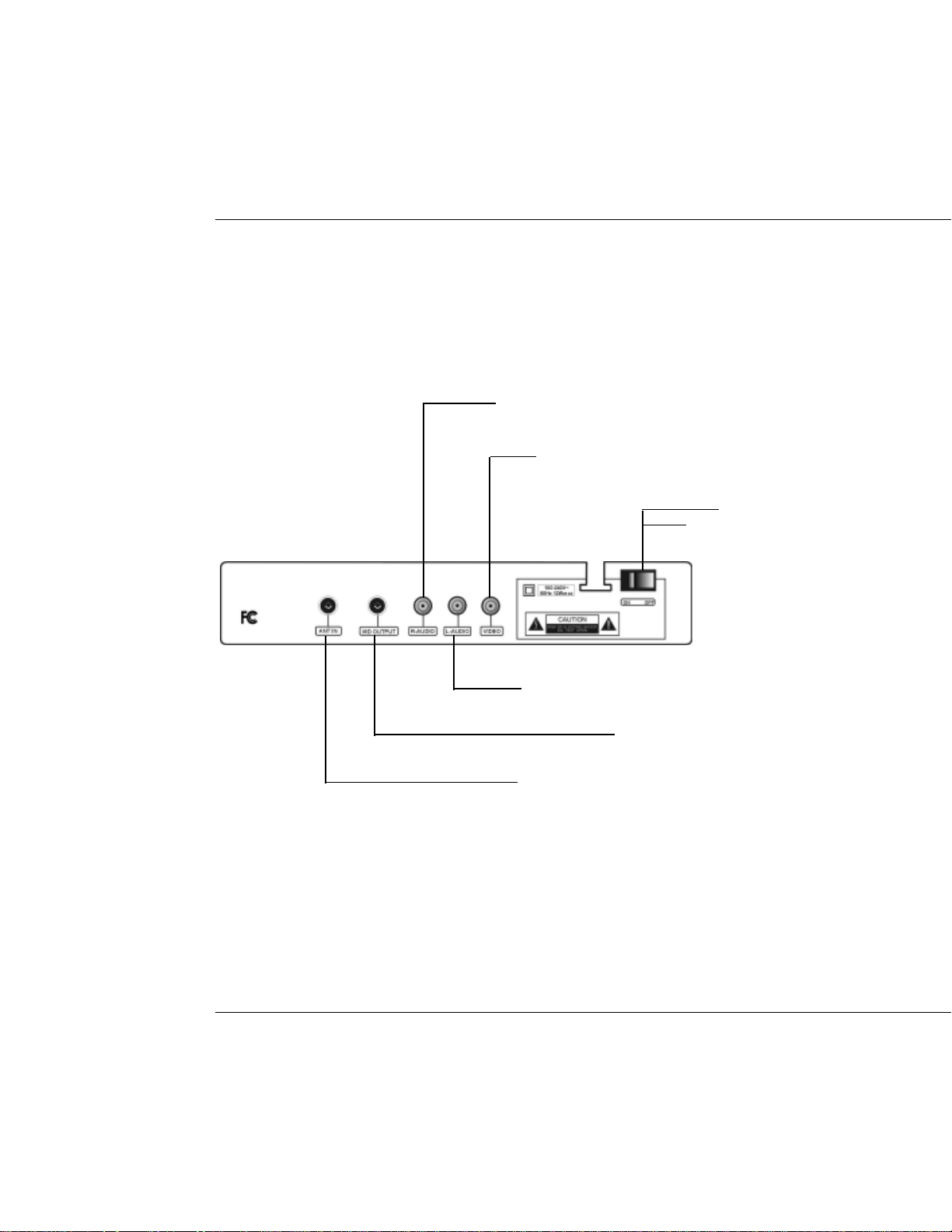
2. Rear Panel
Right audio
VIDEO
Main power
switch
6
DTV Converter Box
Left audio
UHF RF output to TV set’s antenna in
Connect to terrestrial antenna
Page 7
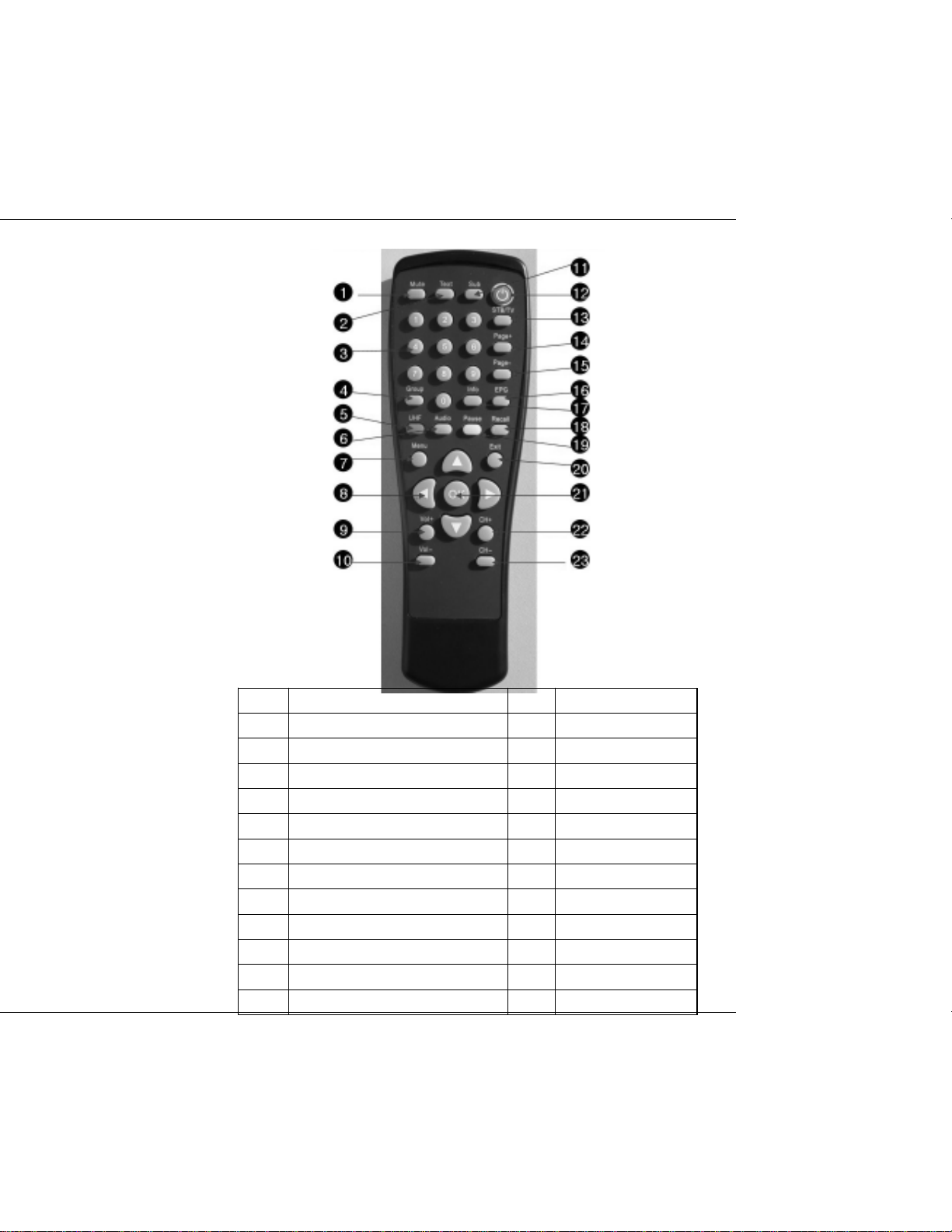
3. Remote Control Unit
USER’S MANUAL
Function Function
1 MUTE 13 Signal Strength
2 CC 14 Page+
3 Numeric Key 15 Page-
4 Reserved for future use 16 GUIDE
5 Sleep Mode 17 INFO
6 AUDIO 18 Flash Back
7 MENU 19 RATIO
8 ARROW 20 EXIT
9 VOL+ 21 OK
10 VOL- 22 CH+/Page+
11 DASH(-) 23 CH-/Page-
12 STANDBY
DTV Converter Box
7
Page 8
USER’S MANUAL
4. Installation of STB
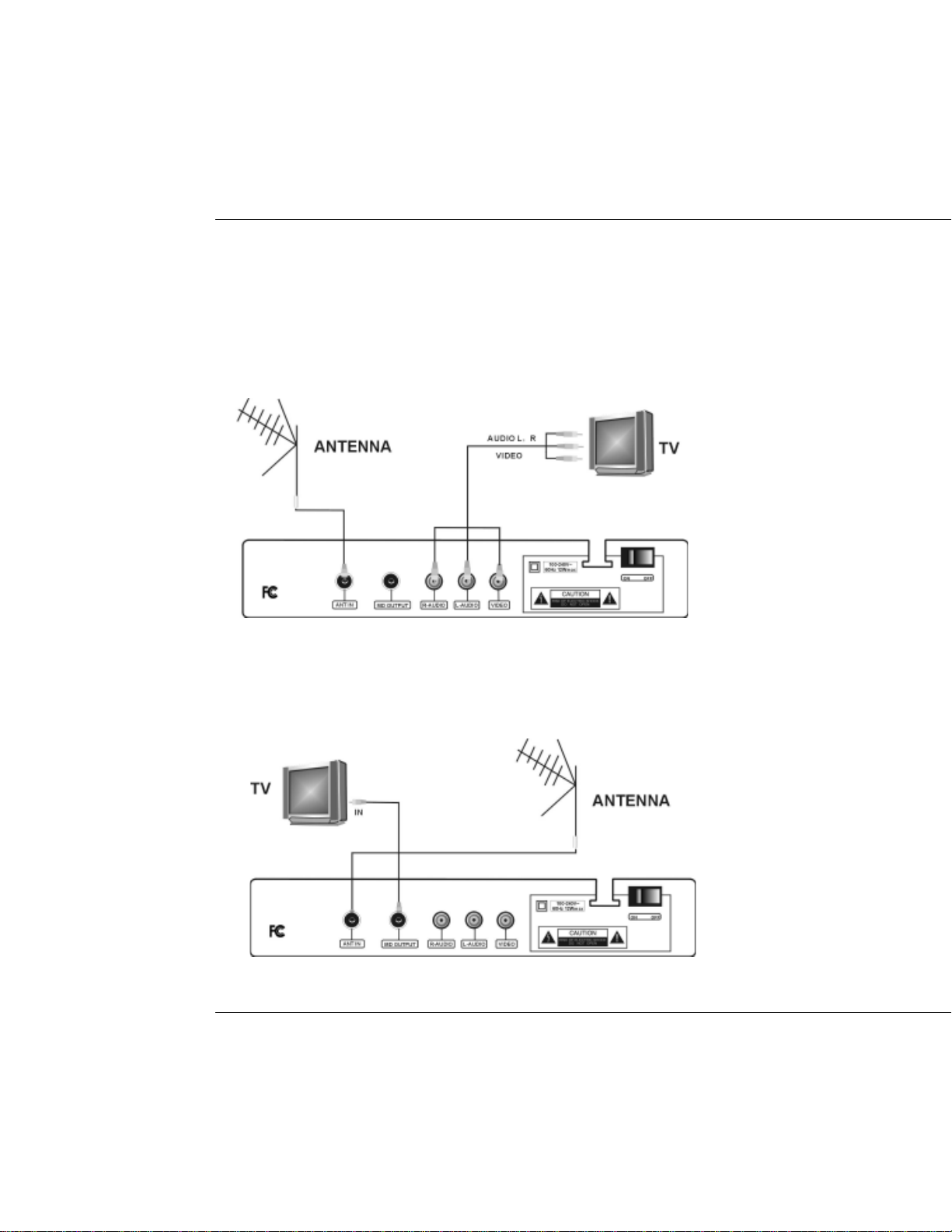
This section explains the installation of the STB. If you need any assistance for
specific equipment connection, please contact your local dealer.
4.1 Connecting to TV using RCA Support
4.2 Connecting to TV using RF Support
8
DTV Converter Box
Page 9
USER’S MANUAL
FIRST STEPS
Insert the receiver’s plug in the power socket.
the receiver starts up in Standby mode. On the display the current time is shown.
Insert the plugs of the auxiliary equipments in the power socket and switch them on.
Select the AV channel on the TV set.
The receiver is delivered with pre-programmed TV channels and can be used
immediately. To see if there are any new channels, then activate the channel search.
Caution!
Check the connections of all equipment and the antenna are in working order before
connecting the receiver to the power source.
MENU INFORMATION
The user interface has various ways to navigate through the menus and functions.
Some of the keys on the remote control unit give direct access to functions. The most
important keys are identified as EPG, colored keys, MENU and OK. Other keys are
multi-functional which means that their function changes dependent of the mode
that you are in.
Unless otherwise specified; this note explains the way you can navigate through the
pages of the user menu.
1. Use the
2. Use the
3. Use the OK key to enter the sub-menu.
4. Use the EXIT key to leave the menu and return to the view mode.
5. In a sub-menu:
-use the OK key to confirm the selection;
-the green or white bar indicates the active selection
keys to move the cursor left or right from one line to another line.
keys to move the cursor up or down in the sub-menu.
DTV Converter Box
9
Page 10
USER’S MANUAL
ON SCREEN MENUS SELECTION
1. Main Menu
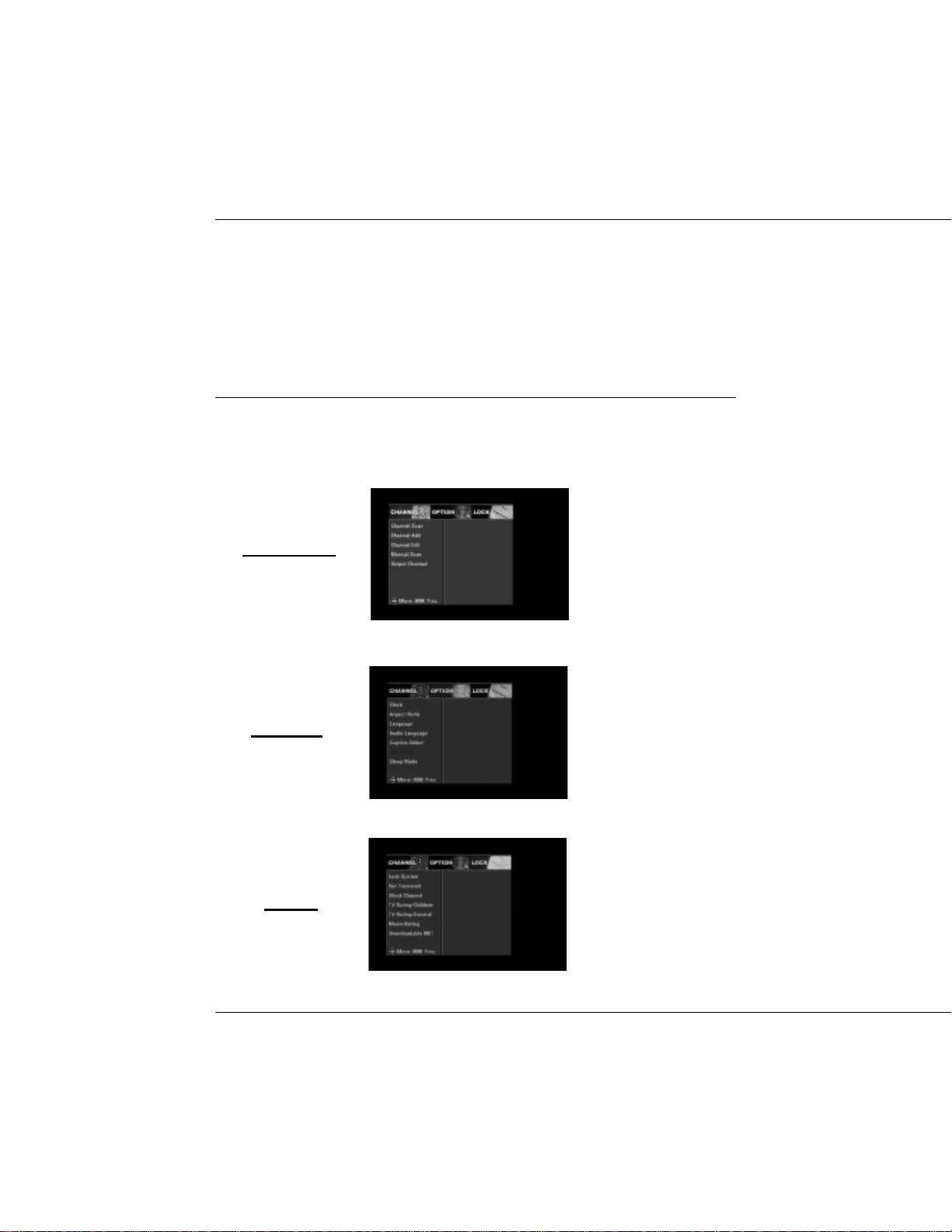
Pressing the MENU key will display the Main Menu. This menu provides three options.
CHANNEL
OPTION
LOCK
10
DTV Converter Box
Page 11
USER’S MANUAL
2. Channel
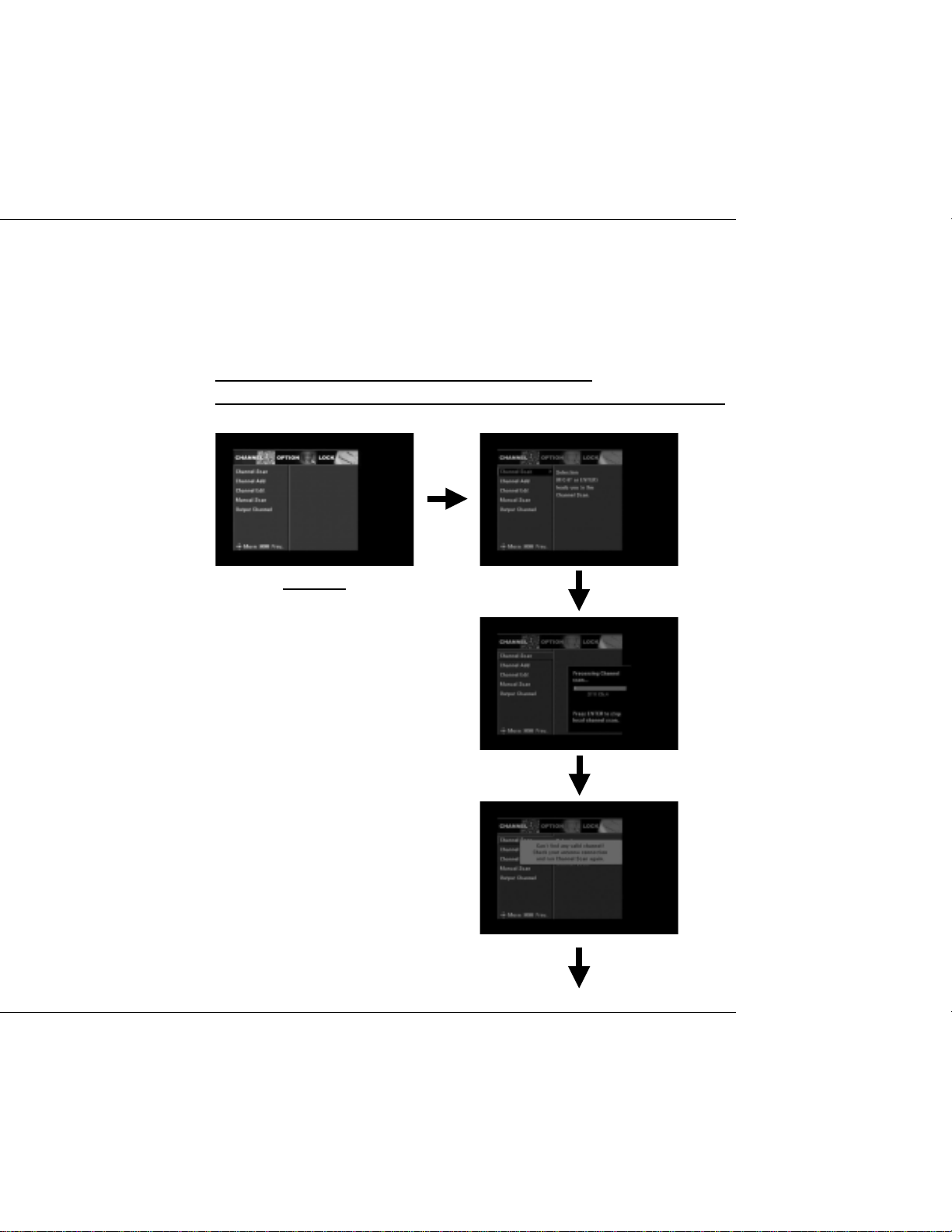
1.1 Channel Scan
From here, select key or OK key to scan the channels.
During the searching process, OK key is used to cancel the whole process.
CHANNEL
Channel Scan 1
Channel Scan 2
Channel Scan 3
DTV Converter Box
11
Page 12
USER’S MANUAL
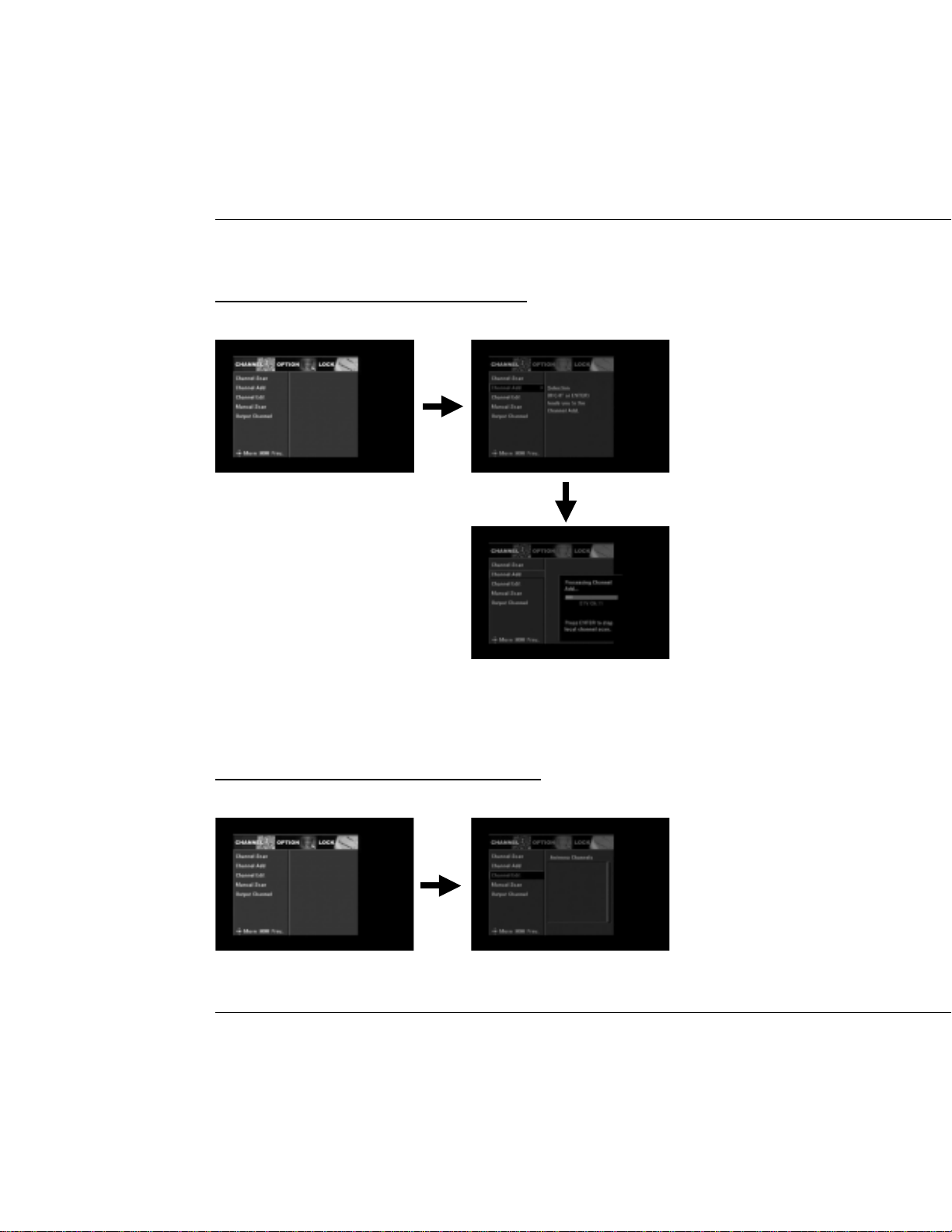
1.2 Channel Add
key or OK key to lead you to the channel add.
1.3 Channel Edit
Press OK to delete or add the selected channel.
12
DTV Converter Box
Page 13
USER’S MANUAL
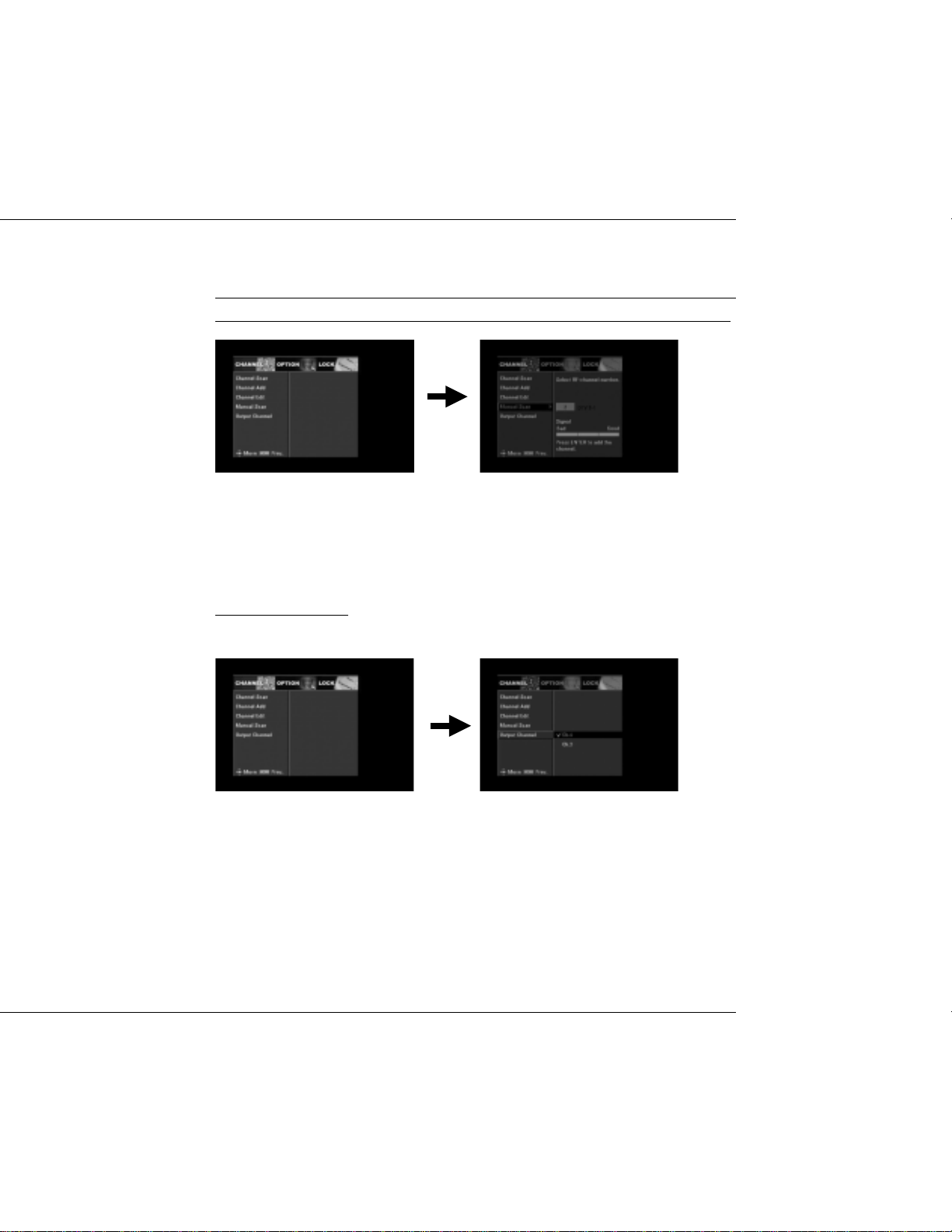
1.4 Manual Scan
In this mode, only one RF channel can be searched. You can use the function
to scan the desired channels. Press keys to select the RF-channel number.
1.5 Smart Antenna
Select CH2 or CH3.
DTV Converter Box
13
Page 14
USER’S MANUAL
2. OPTION
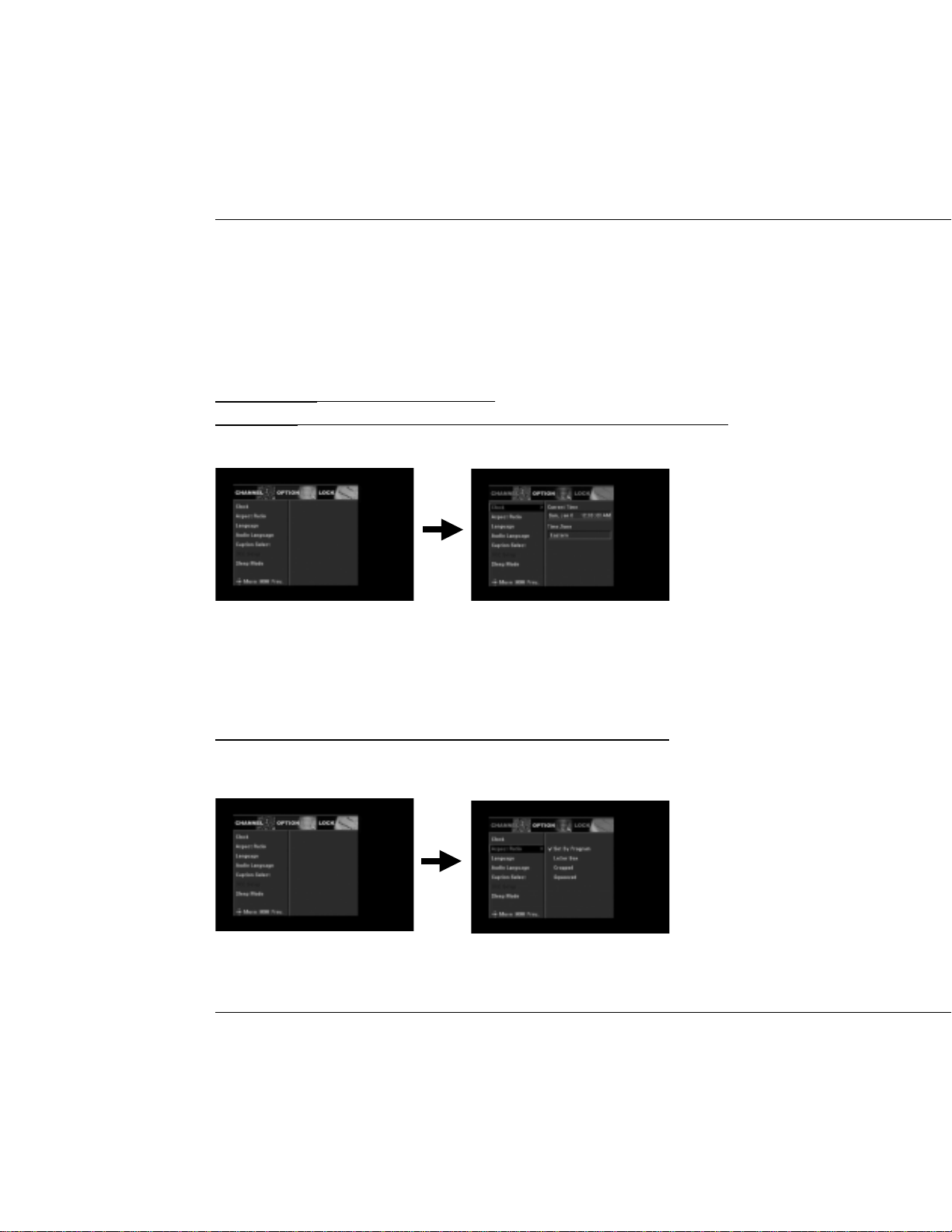
2.1 Clock
Current Time: Displays the current time.
Time Zone: Select proper option according to the time zone you have been.
2.2 Aspect Ratio
This option allows you to select the aspect ratio of the video output.
14
DTV Converter Box
Page 15
USER’S MANUAL
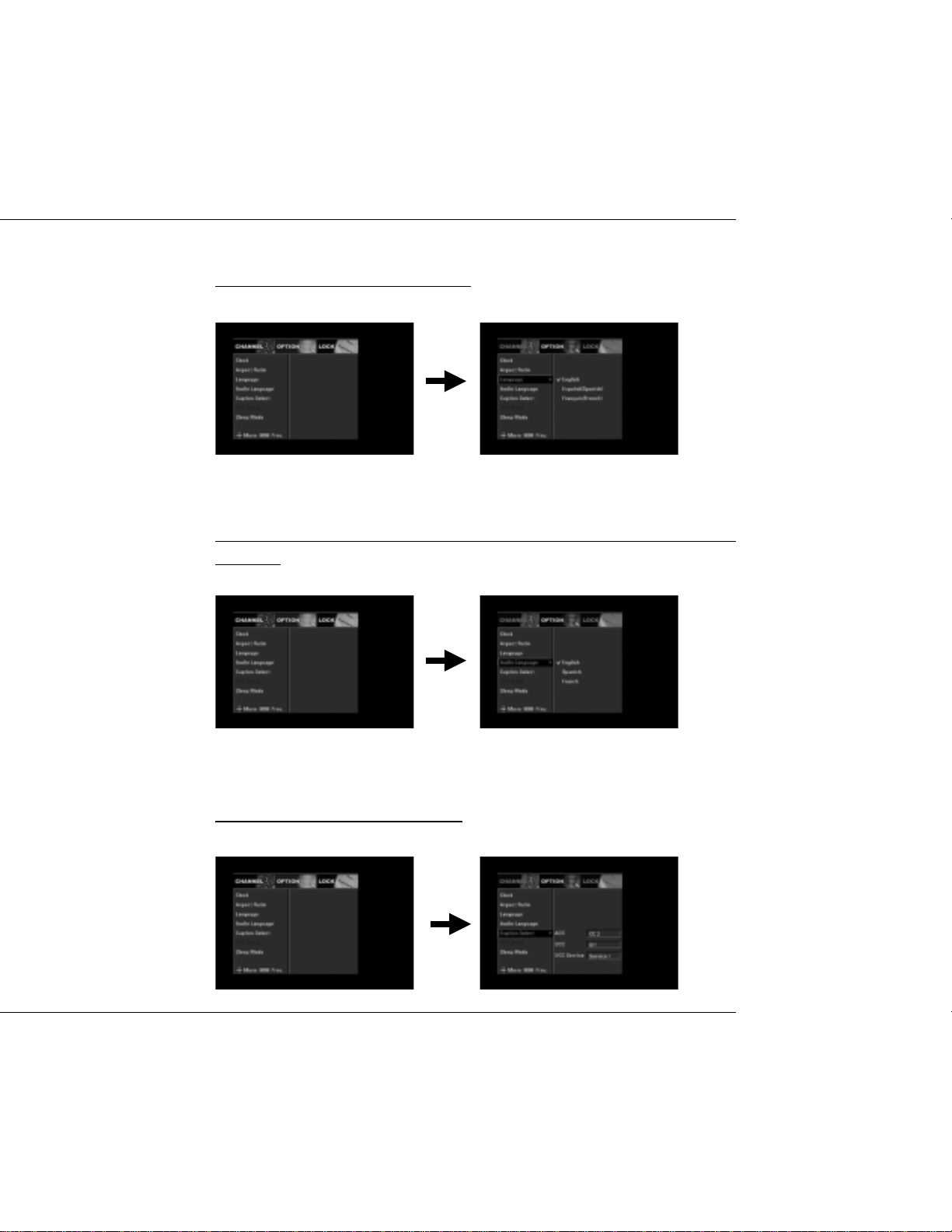
2.3 Language
Select the desired language for menu.
2.4 Audio Language
This option allows you to select your first and second choice for the audio
language.
2.5 Caption Select
Select the desired option for caption.
DTV Converter Box
15
Page 16
USER’S MANUAL
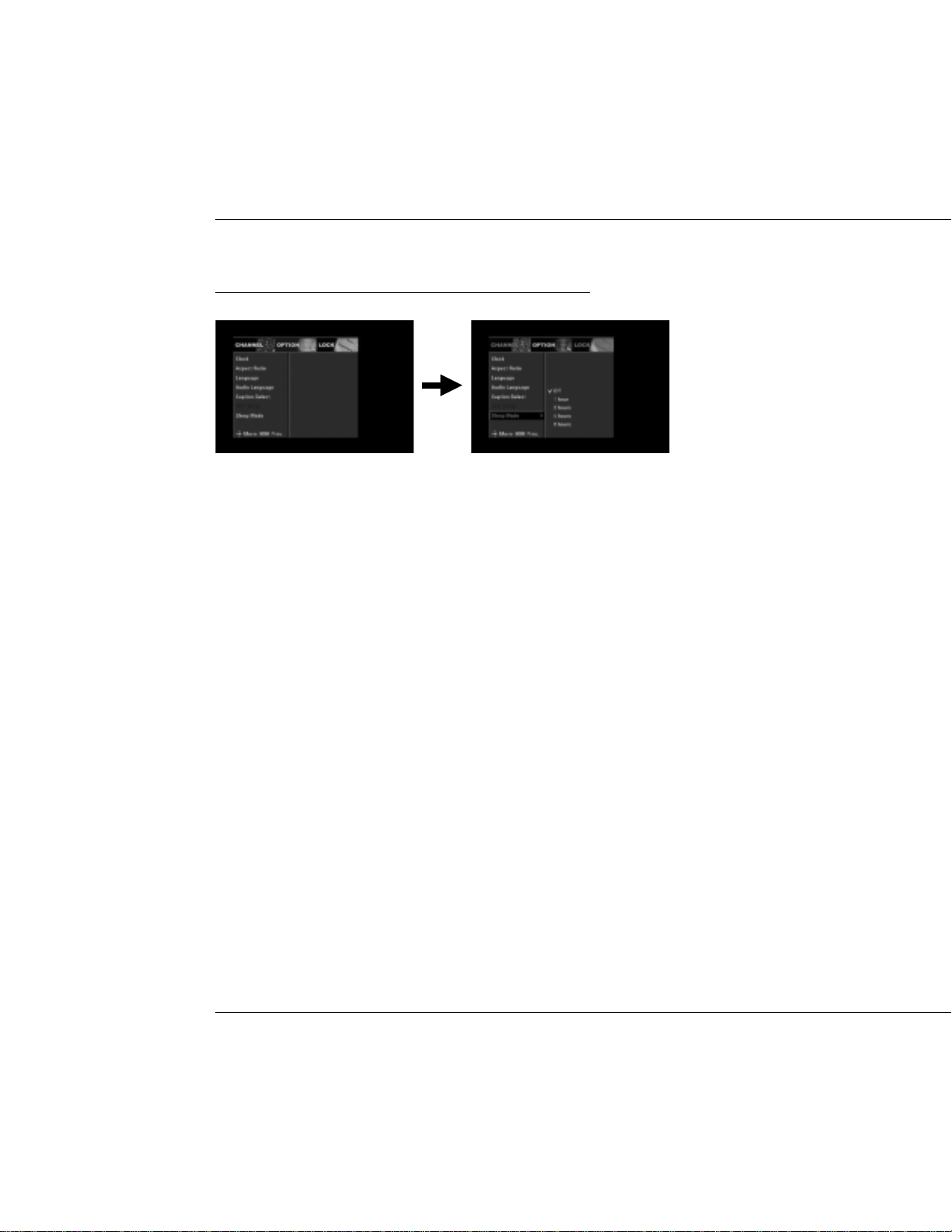
2.6 Sleep Mode
Sets the time after which the receiver switches itself off.
16
DTV Converter Box
Page 17
USER’S MANUAL
3. LOCK
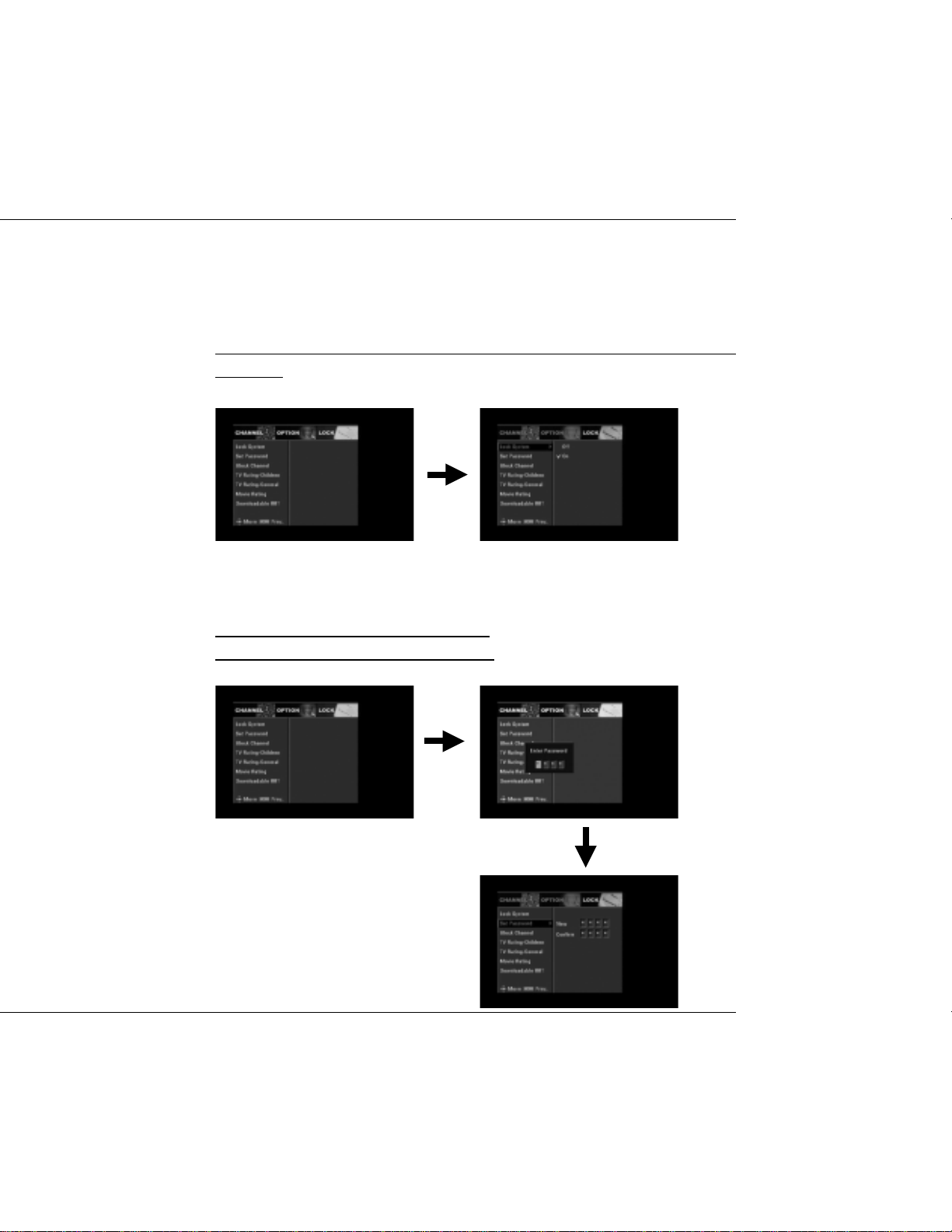
3.1 Lock System
Select On or Off. If On is selected, a password is needed before you entering
the menu.
3.2 Set Password
Enter a new password at the “New” item.
Enter the new password again to confirm.
DTV Converter Box
17
Page 18
USER’S MANUAL
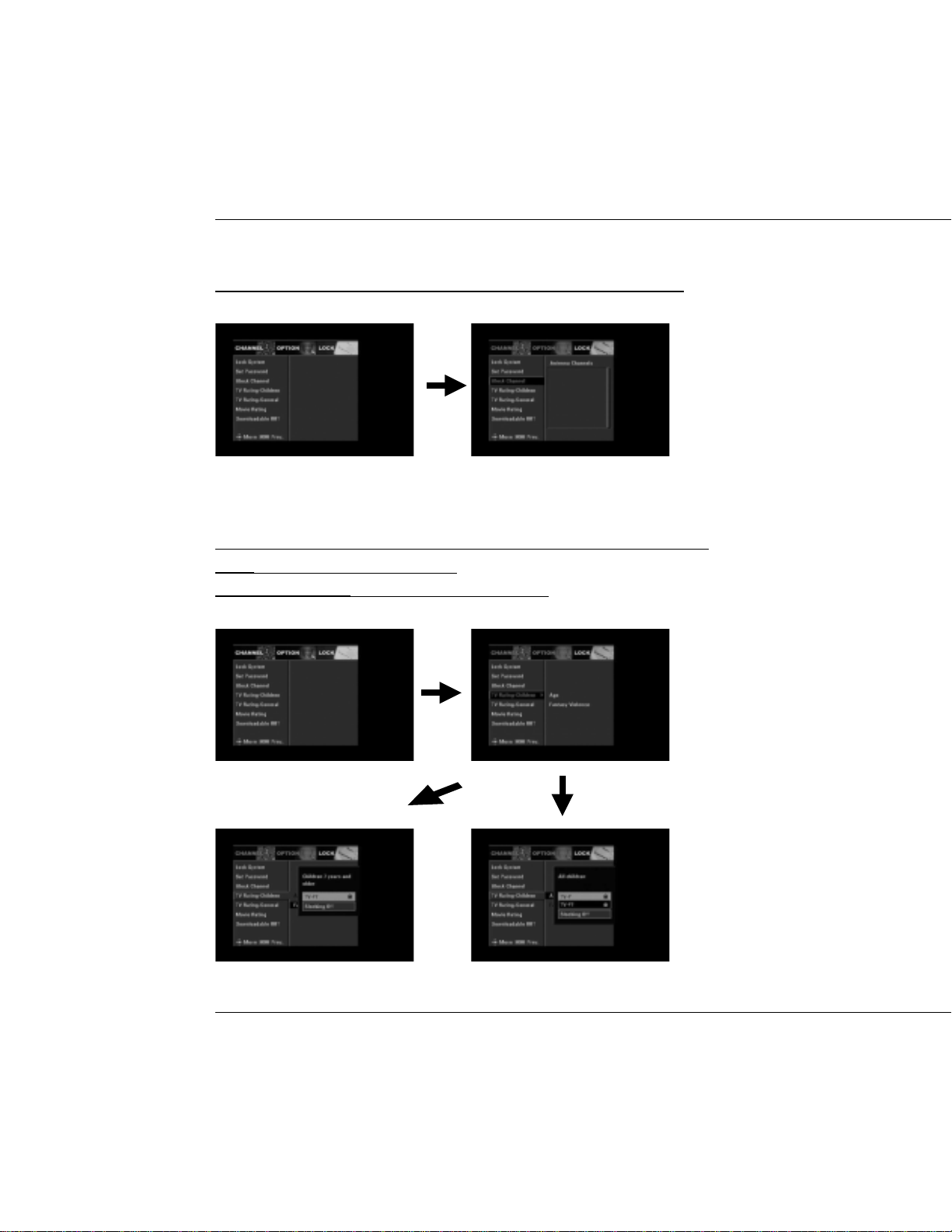
3.3 Block Channel
Select the desired channel you want to lock and press OK to confirm.
3.4 TV Rating-Children
This feature allows you to prevent children from watching channels.
Age: TV-Y, TV-Y7 and Blocking Off.
Fantasy Violence: Select TV-Y7 or Blocking Off.
18
DTV Converter Box
Page 19
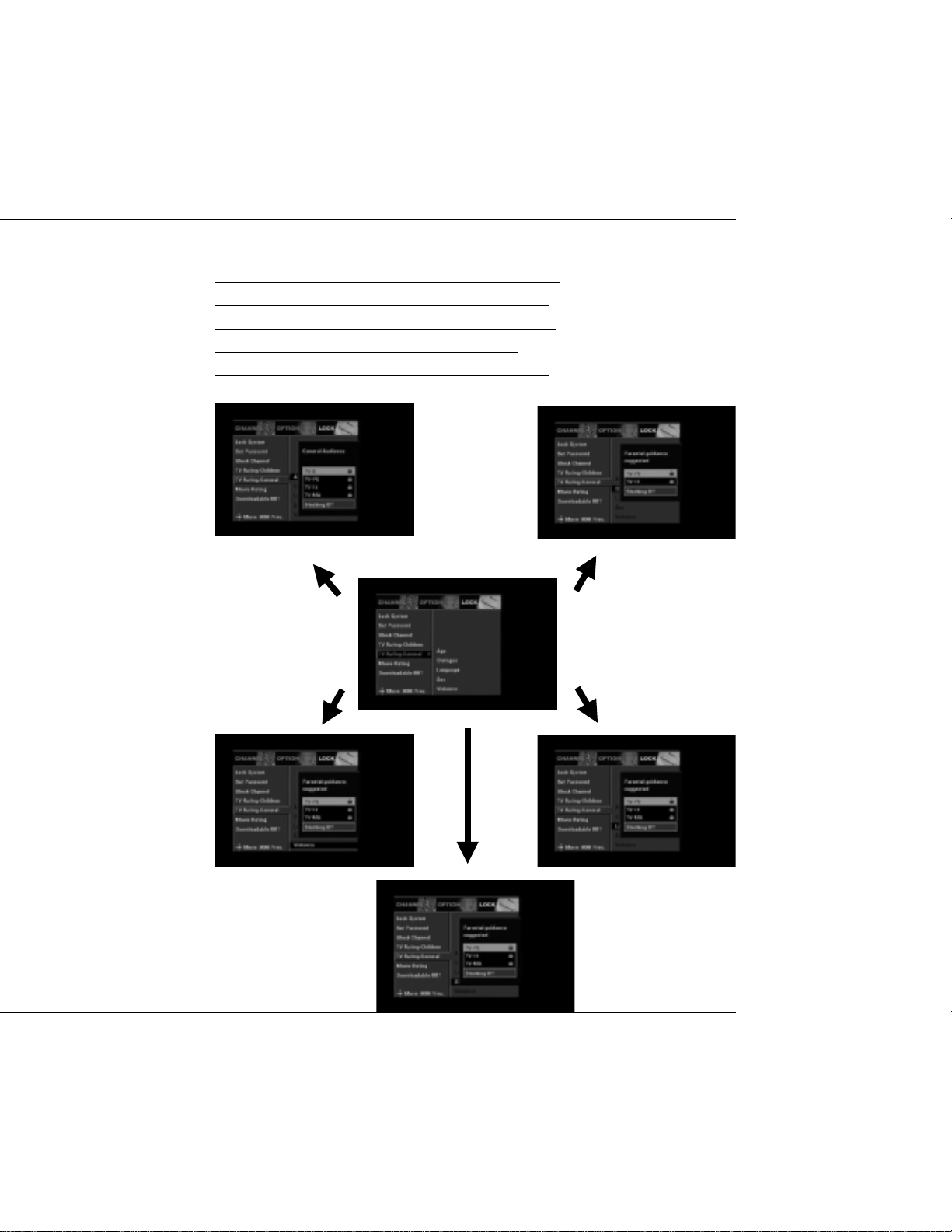
3.5 TV Rating-General
Age: TV-G, TV-PG, TV-14, TV-MA and Blocking Off.
Dialogue: TV-PG, TV-14, TV-MA and Blocking Off.
Language: TV-PG, TV-14, TV-MA and Blocking Off.
Sex: TV-PG, TV-14, TV-MA and Blocking Off.
Violence: TV-PG, TV-14, TV-MA and Blocking Off.
USER’S MANUAL
DTV Converter Box
19
Page 20
USER’S MANUAL
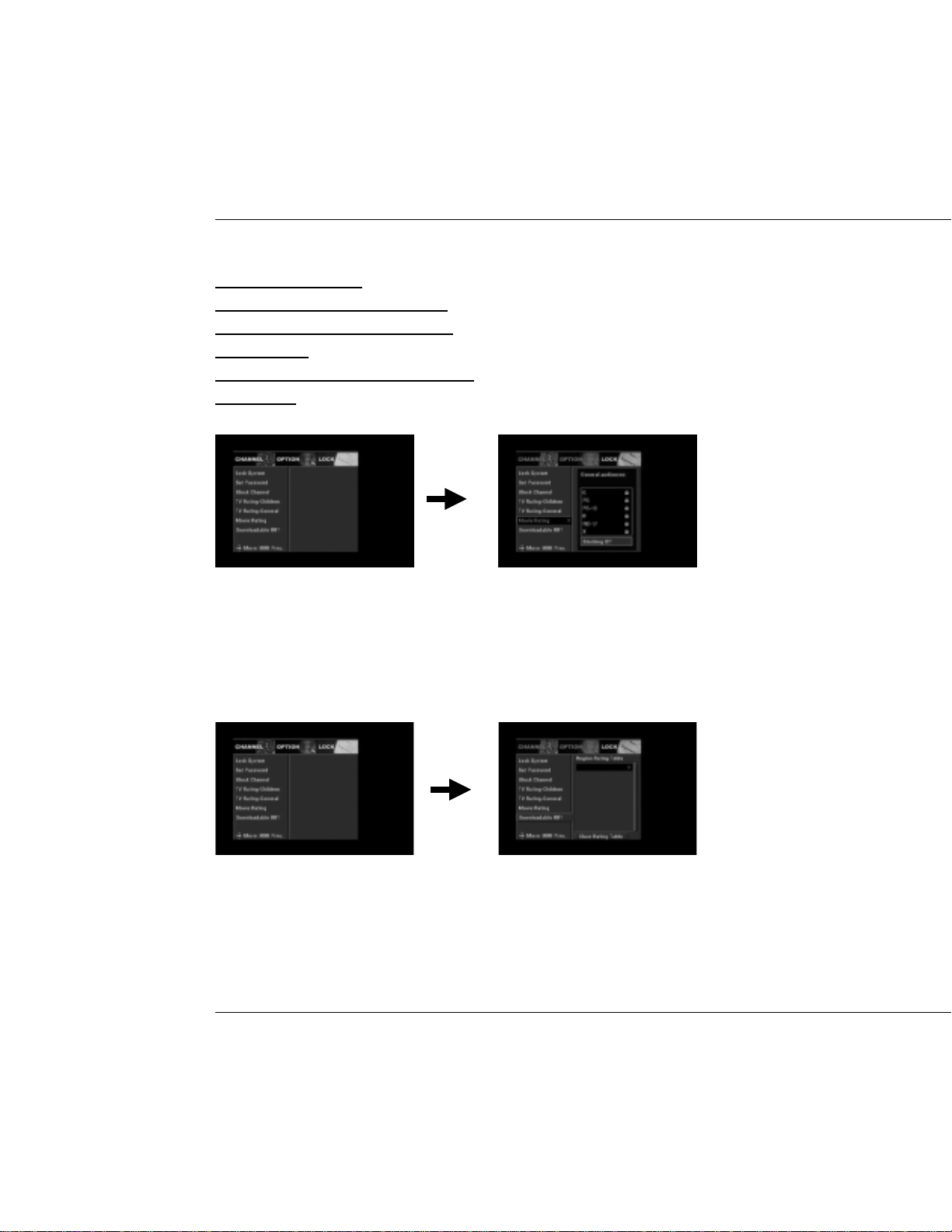
3.6 Movie Rating
G:General audiences.
PG: Parental guidance suggested.
PG-13: Parents strongly cautioned.
R: Restricted.
NC-17: No one 17 and under admitted.
x:Adult only
3.7 Downloadable RRT(Region Rating Table)
20
DTV Converter Box
Page 21
USER’S MANUAL
TECHNICAL SPECIFICA TION
T
U
N
E
R
T
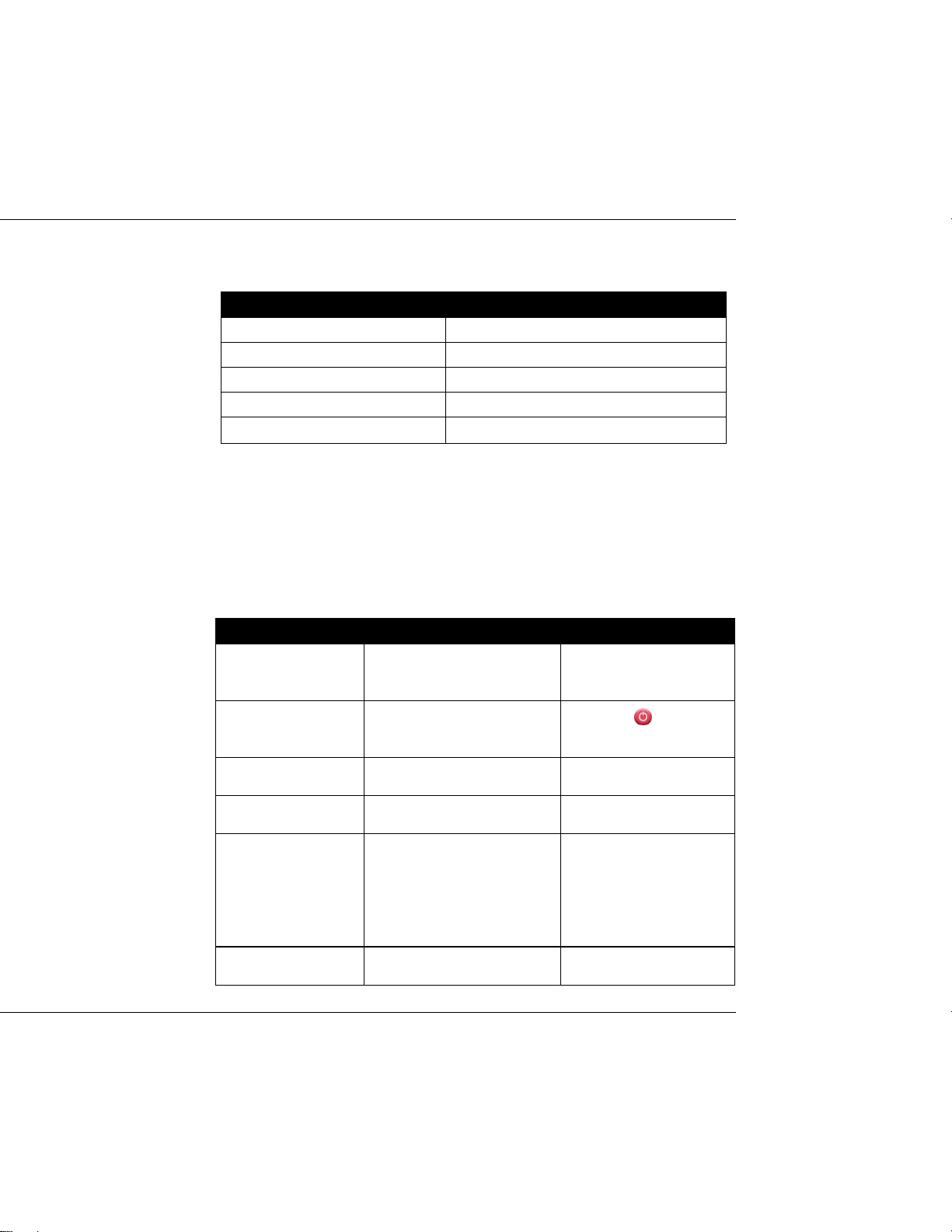
Input frequency 54 ~ 864MHz
Bandwidth 6M
Input level -84 ~ 0dBm
Input impedance 75Ω
Signal Input: IEC Female(RF IN),IEC Male(RF OUT)
U
N
E
R
T
U
N
E
R
A
T
S
C
A
T
S
C
A
T
S
C
TROUBLE SHOOTING
Note : If you cannot solve the problem by referring to the above trouble shooting,
please contact your re-seller.
P
r
o
b
l
e
m
P
P
The display on the
front panel does not
light up.
No sound and picture,
but the front panel
shows time.
No sound or picture.
Bad picture/ Blocking
error.
There is interference
on your digital
terrestrial channel.
The RCU is not
working.
r
o
b
l
e
m
r
o
b
l
e
m
P
o
s
s
i
b
l
e
C
a
u
s
e
s
P
o
s
s
i
b
l
e
P
o
Main cable is not connected.
The unit is in standby mode.
Poor signal quality or bad
interconnections
Signal is too strong.
The system is connected using
RF leads and the output
channel of the receiver
interferes with an existing
terrestrial channel or Video
signal.
Battery exhausted. Change the battery.
C
s
s
i
b
l
e
C
a
u
s
e
s
a
u
s
e
s
W
h
a
t
T
o
D
W
h
W
h
Check that the main cable
is plugged into power
socket.
Press the
RCU.
Check the antenna system
Check cable connections.
Try a signal attenuator to
the RF IN port.
Change the receiver output
channel to a more suitable
channel.
o
a
t
T
o
D
o
a
t
T
o
D
key on the
o
DTV Converter Box
21
 Loading...