

Page 1
OPERATING INSTRUCTIONS
GC09/12
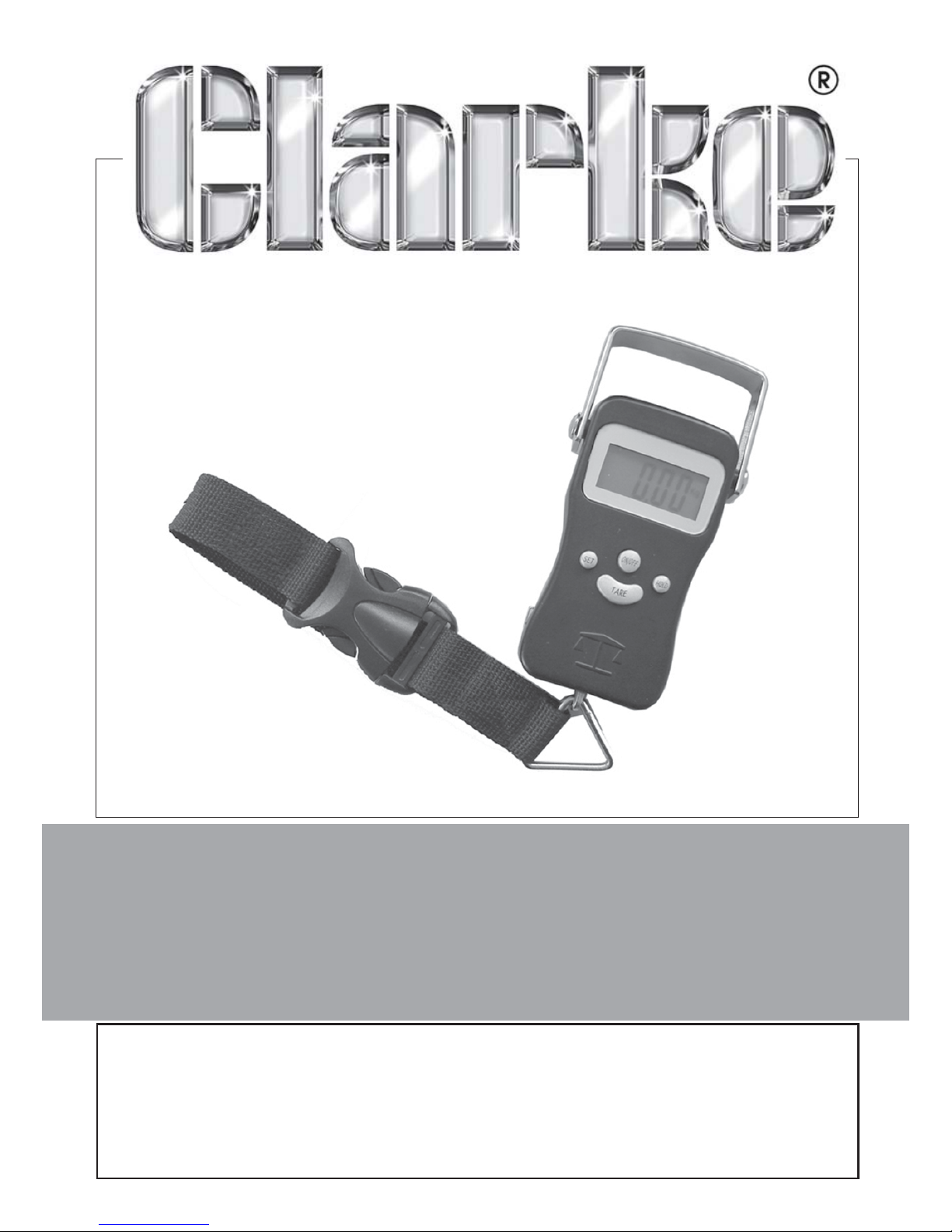
DIGITAL LUGGAGE SCALE
Model No: CHT735
Part No: 1801735
Page 2
2
Parts & Service: 020 8988 7400/E-mail:[email protected] or [email protected]
INTRODUCTION
Thank you for purchasing this CLARKE product.
Please read and follow the instructions carefully. In doing so you will ensure
the safety of yourself and others around you, and you can look forward to
the product giving you long and satisfactory service.
Please keep these instructions in a safe place for future reference
GUARANTEE
This product is guaranteed against faulty manufacture for a period of 12
months from the date of purchase. Please keep your receipt which will be
required as proof of purchase.
This guarantee is invalid if the product is found to have been abused or
tampered with in any way, or not used for its intended purpose. Faulty goods
should be returned to their place of purchase. No product can be returned
to us without prior permission. This guarantee does not effect your statutory
rights.
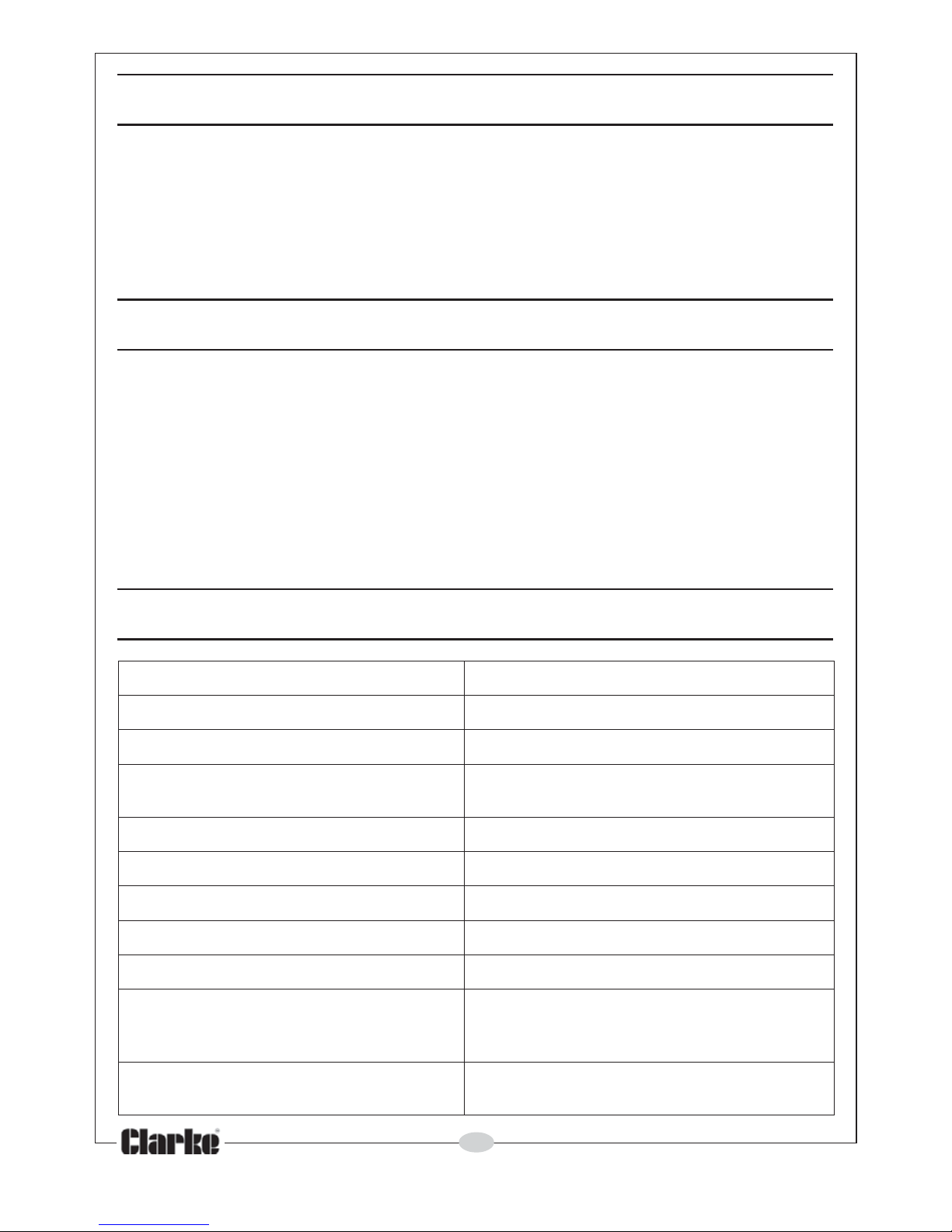
SPECIFICATIONS
yticapaCniMg04
yticapaCxaMgk05
noitaudarGg01
rorrE
gk03-01foegnarnig02-/+
gk05tag04-/=
thgieWteNg032
erutarepmeT
gnitarepOC°04-C°0
tnemeriuqeRrewoPseirettab2302RCx2
htgnelerusaemepatlargetnIm1
yalpsiDerutarepmeTerutarepme
tmoorsyalpsiD
mralAdaolrevO
mumixamehtsdeecxedaolehtfI
elbiduanaeviglliwtinuehtyticapac
.mrala
ffO-rewoPot
uA
,etunimenoretfaffosrewopelacsehT
.rewopyrettabevresnocot
Page 3
3
Parts & Service: 020 8988 7400/E-mail:[email protected] or [email protected]
OPERATION
I. Hang the scale in a vertical position without carrying any weight.
2. Press the ON/OFF button. The display will show a test message for approx 2
seconds before returing to 0.00. The scale is then ready for weighing.
The scale will power off in 60 seconds automatically after weighing to
prolong battery life if not turned off manually.
3. When weighing, the display will show the weight of the load. For easy
reading, press the HOLD button and the reading will be held after
removing the load. By pressing the button once more, the hold mode will
be cancelled.
4. Press the SET button to change the unit of measurement between lbs and
kgs.
5. The TARE function is used for for weighing loose loads that need to be
weighed in a container. Suspend the empty container from the scale and
press the TARE button. The display will return to zero. Now you can put the
load into the empty container and display its net weight. Press TARE again
before using without the container.
6. Always keep the scale in the vertical position.
7. If the load exceeds the maximum capacity, the scale will give an audible
alarm. Remove the load as soon as possible or the scale will be damaged.
8. Hold the SET and TARE buttons together and the temperature will be
displayed.
9. The integral tape measure is located in the side of the unit.
10. When “LOBAt” appears on the display, the batteries need replacement.
Never use new and old batteries together at the same time.
Page 4
 Loading...