

Page 1
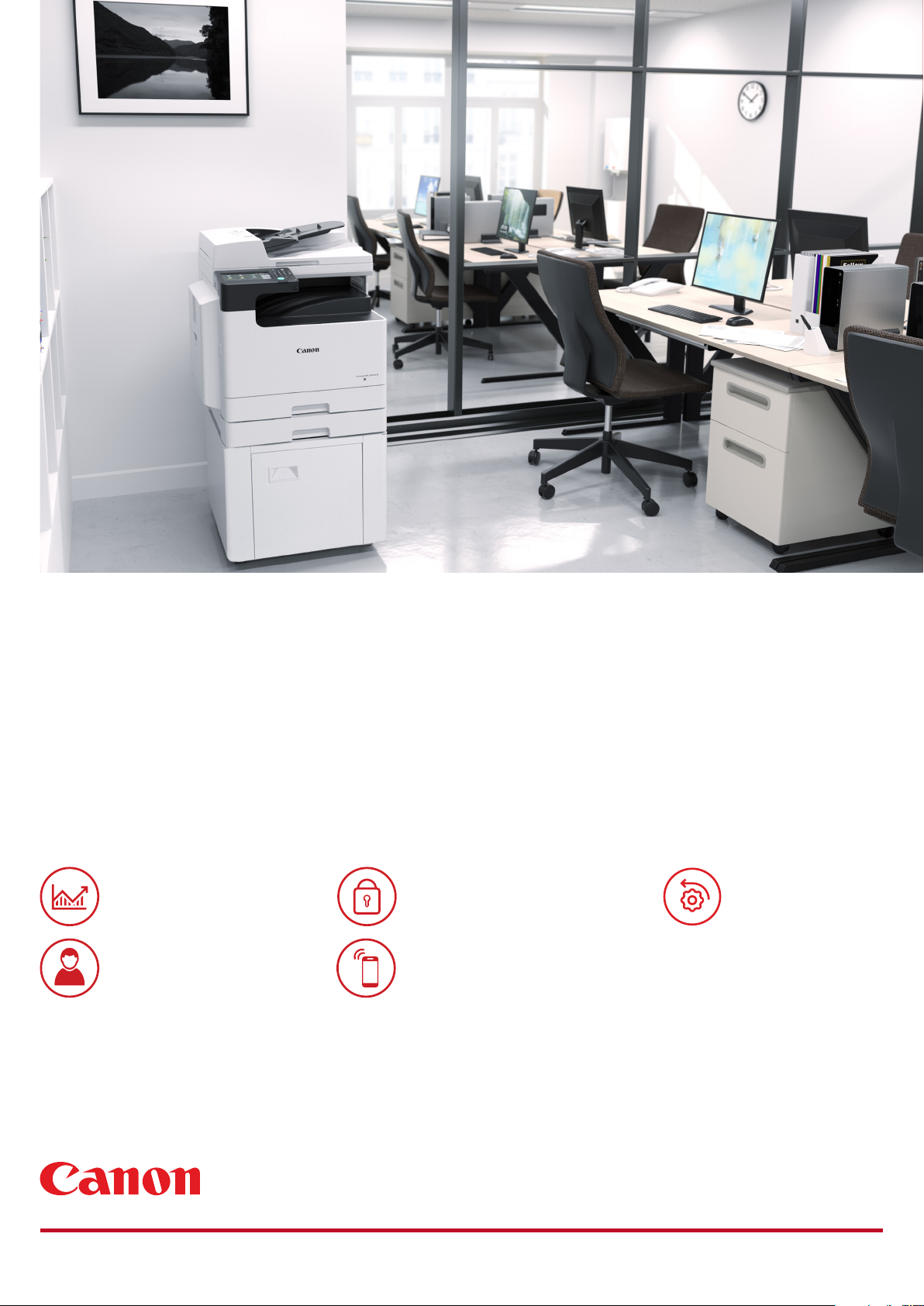
Canon imageRUNNER 2425 Series
SMART AND POWERFUL, DESIGNED
TO STREAMLINE WORKFLOWS
A3 black and white multifunction devices, ideal for busy oce workgroups.
PRODUCTIVITY
USER EXPERIENCE
SECURITY
CONNECTIVITY
CONTROL AND
MAINTENANCE
Page 2
Canon imageRUNNER 2425 Series
PRODUCTIVITY
• Fast output speed of up to 25ppm
• Double-sided printing
• Send documents in colour to cloud, network
folders or email
• Increase speed of document flow with
personalised work processes
• Conver t scanned documents to searchable
PDF, Microsoft Word or Power Point files
• Adjust your final document output before
printing thanks to Print Hold
USER EXPERIENCE
• Smart colour touchscreen display with clear,
easy-to-use functions
• Customisable functions and individual
personalisation
• Quick access to day-to-day functions
• Easy replacement of toner cartridge
QUICK FACTS
imageRUNNER 2425
• Print, Copy, Scan, Send and optional Fax
• 7-inch/17.8cm WVGA colour touchscreen
• Print Speed: 25ppm (A4)
• Automatic double-sided printing
• Platen standard
• Network, Wi-Fi, USB and QR code connectivity
• Max paper input capacity: 580 sheets
• Compact design for a convenient oce
arrangement
SECURITY
• Device and cloud-based authentication options
• Centrally managed security settings
• Encrypted PDF plus Device Signature PDF
protect your data
• Secure PIN and Forced Hold Print ensure
document confidentiality
• Verify System at start-up protec ts device from
unauthorised modifications
CONNECTIVITY
• USB , Network LAN, Wireless LAN and Q R
code connectivity
• Remote UI allows users to change the settings
of print jobs on the go
• Support for Mopria, Apple Air Print and
Google Cloud Print
• Canon PRINT Business app for advanced print
imageRUNNER 2425i
• Print, Copy, Scan, Send and optional Fax
• 7-inch/17.8cm WVGA colour touchscreen
• Print Speed: 25ppm (A4)
• Automatic double-sided printing
• DADF standard
• Network, Wi-Fi, USB and QR code connectivity
• Max paper input capacity: 580 sheets
and scan functions
CONTROL AND MAINTENANCE
• Cloud-based remote management options
• Remote Operators Software Kit (RSOK) for
an additional access to the device
• Canon’s uniFLOW software solutions for
tracking and reporting of print jobs
• e-Maintenance for remote diagnostics,
automated meter readings and consumables
monitoring
SERVICES
CORE
Perform routine oce operations safely
and with ease, utilising uniFLOW Online
Express and other available services
oering complete device maintenance
and support
SOFTWARE
HARDWARE
SERVICES
ENHANCED
Expand cloud capabilities with uniFLOW
Online, Canon’s all-in-one print
management system
BESPOKE
Choose a tailored service to suit your
business. Consult with Canon exper ts
about your specific requirements to find
a fitting Print Managed Ser vices option.
Canon Inc.
canon.com
Canon Europe
canon-europe.com
English edition
© Canon Europa N.V.,2020
 Loading...